


Anytag 9minecraft Mod (26.2) – Organize Your Entire Base Without Signs
 12
12
 0
0

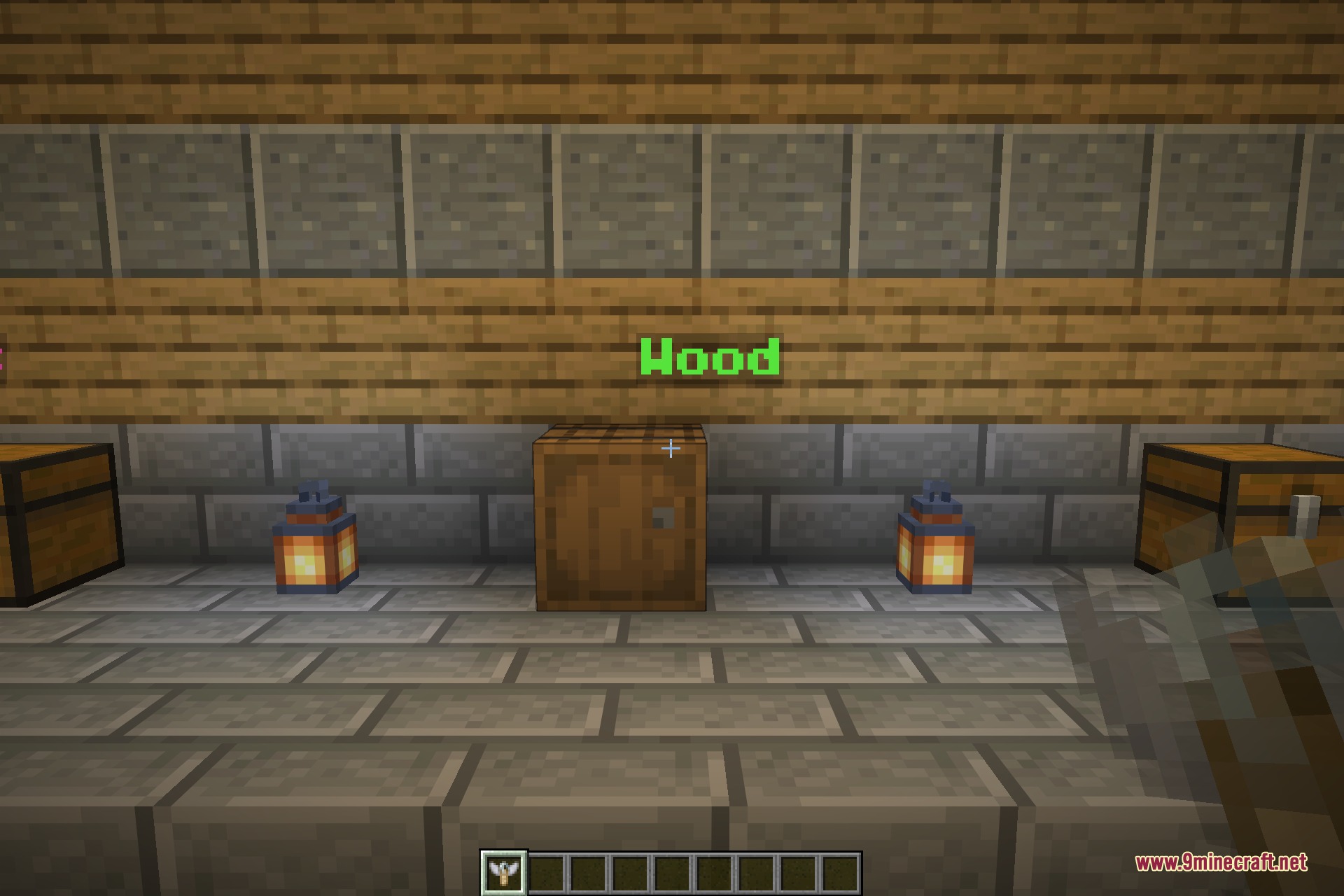
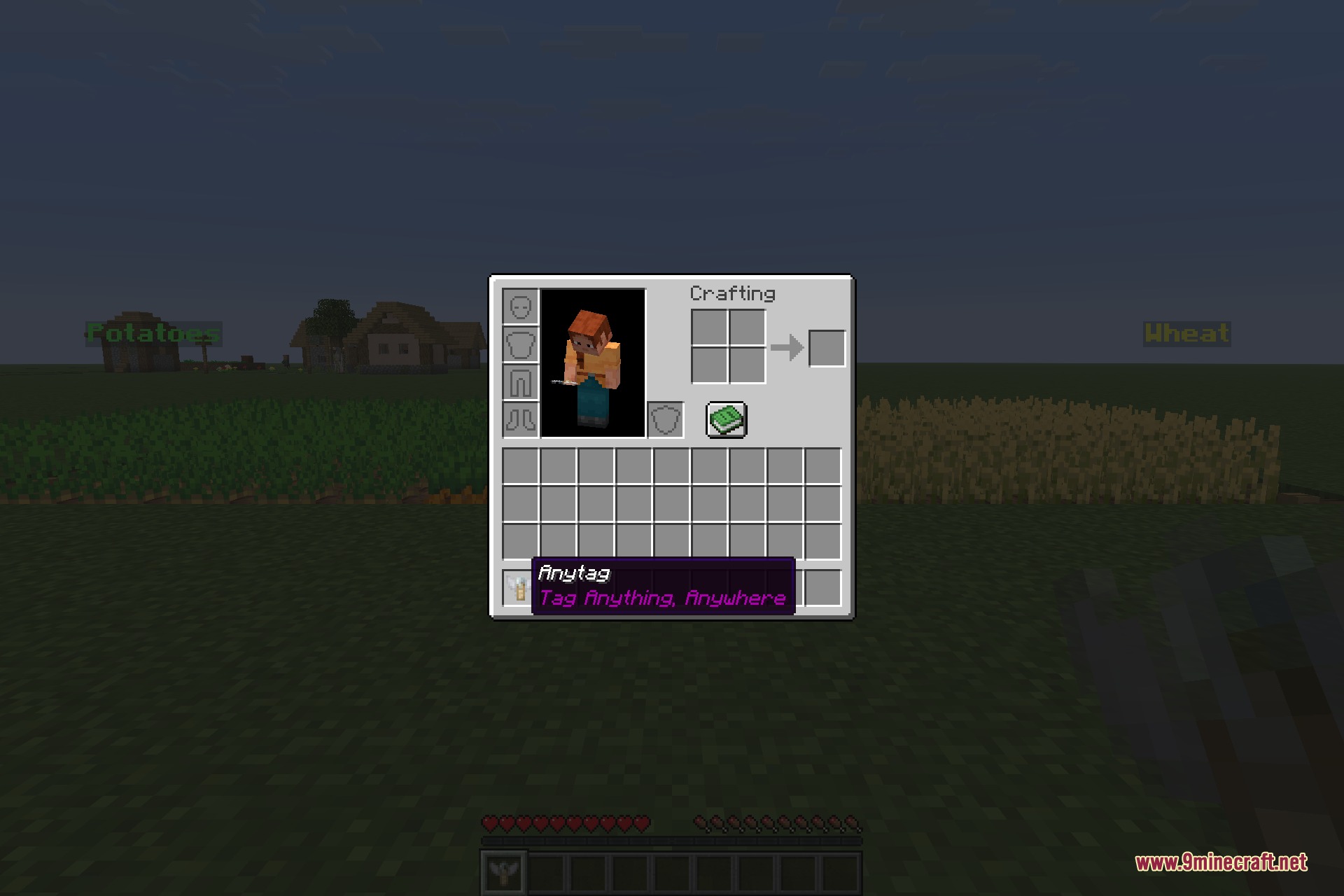
Anytag 9minecraft Mod answers a small problem that every long-running world eventually runs into: you know exactly what is in the third chest from the left, and nobody else does. Anytag gives you a single craftable item that writes a line of text and hangs it in the air beside anything at all – a chest, a barrel, a furnace, a door, a crop bed, a fork in the road – so the label floats there permanently for anyone to read.
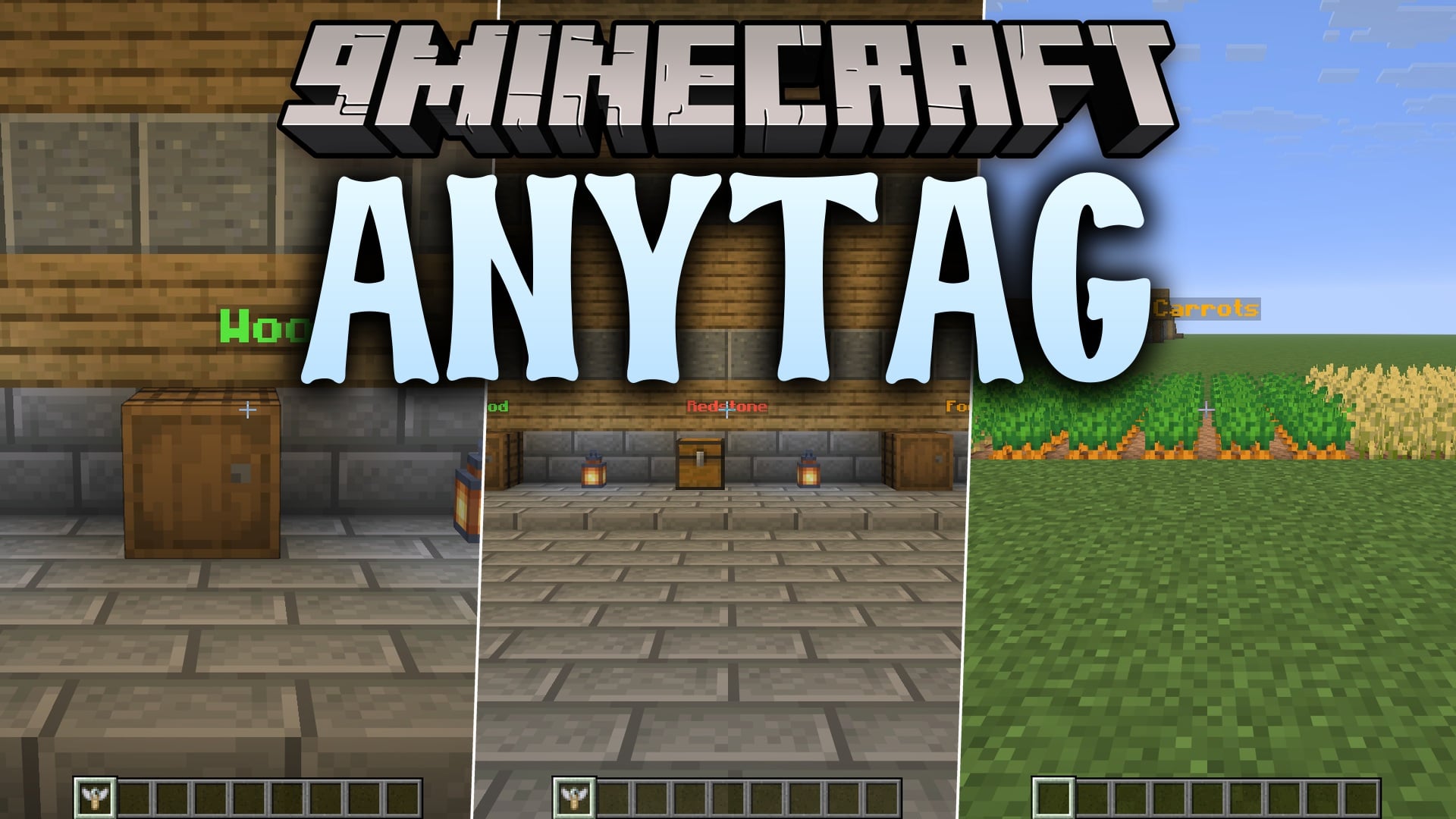
The item is made from a name tag and a sign of any wood, so it is cheap enough to use freely from early on in a survival world. Rename it on an anvil to whatever the label should say, then right-click the block you want to mark. The item is used up and the text stays put, floating just in front of the block, legible from across a room and after dark.
Because the label is an entity rather than a block, it costs no block space, needs no flat surface behind it, and does not break when you mine or rebuild whatever it is describing. Taking one down is just as quick: hit a label and it drops a name tag back, or right-click it and you get the Anytag item itself back, ready to be renamed and hung somewhere else.
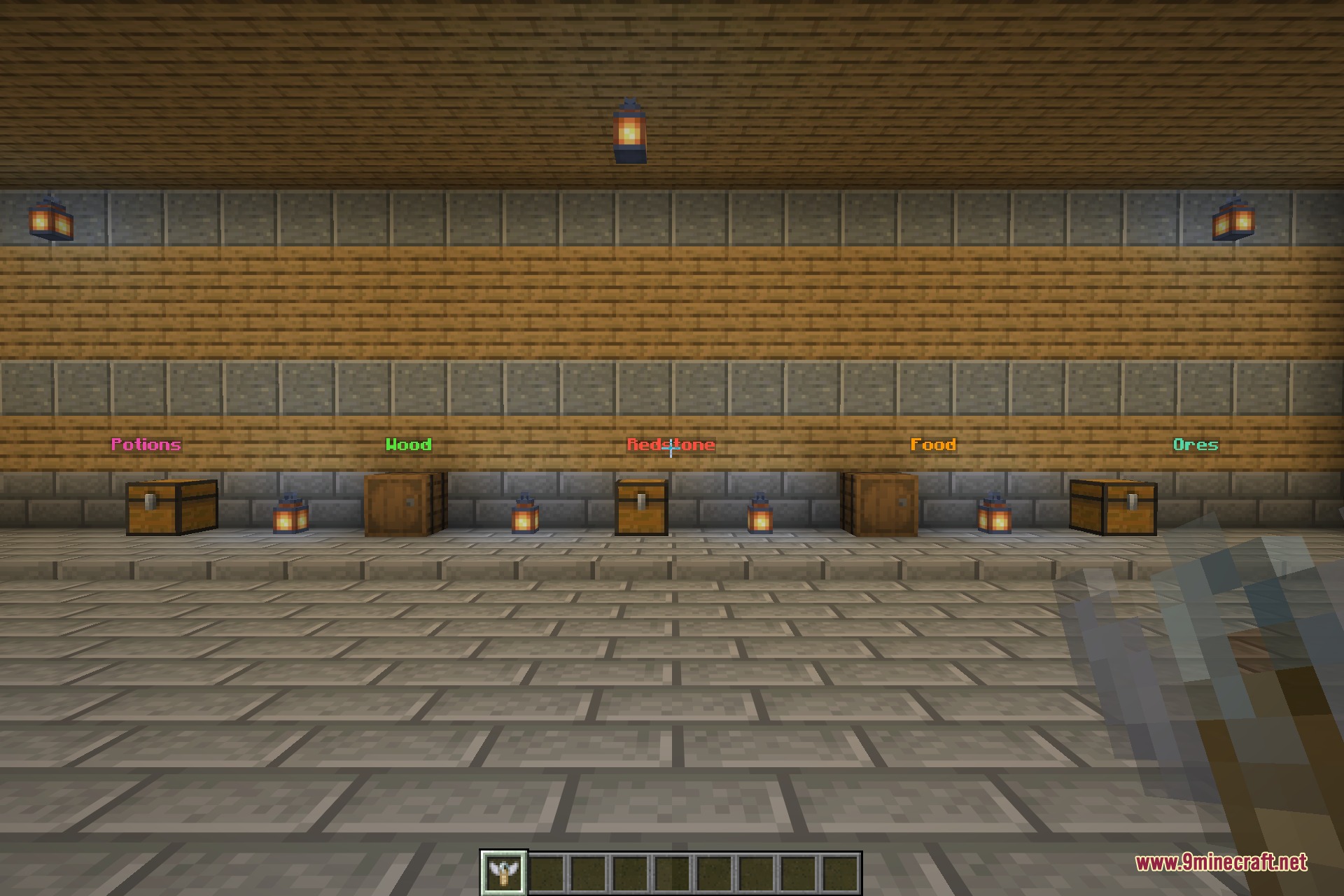
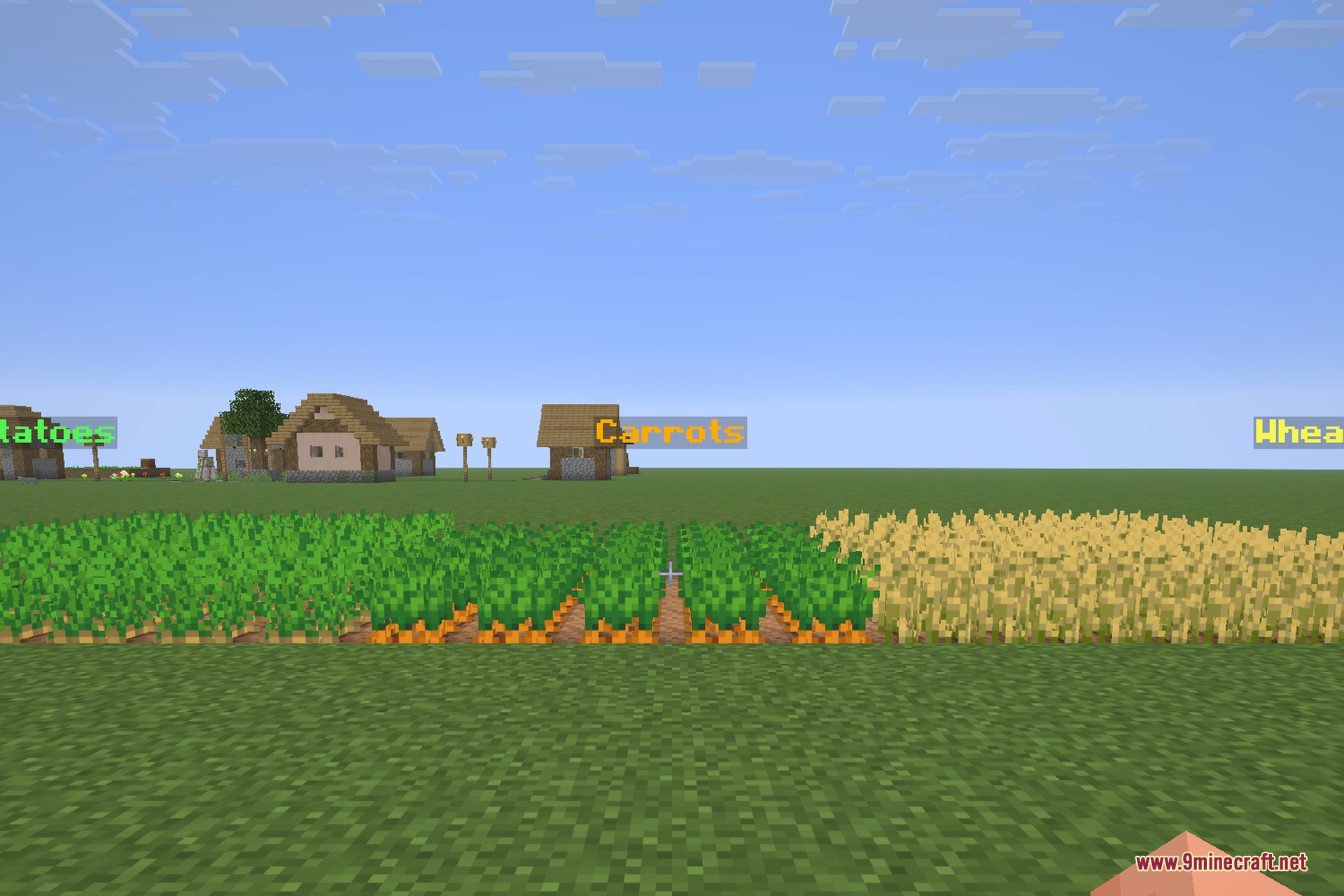
Colour and formatting carry across from the name you gave the item, so labels can be colour-coded – gold for storage, aqua for workshops, green for farms – and a whole storage wall can be read at a glance instead of opened chest by chest.
Features:
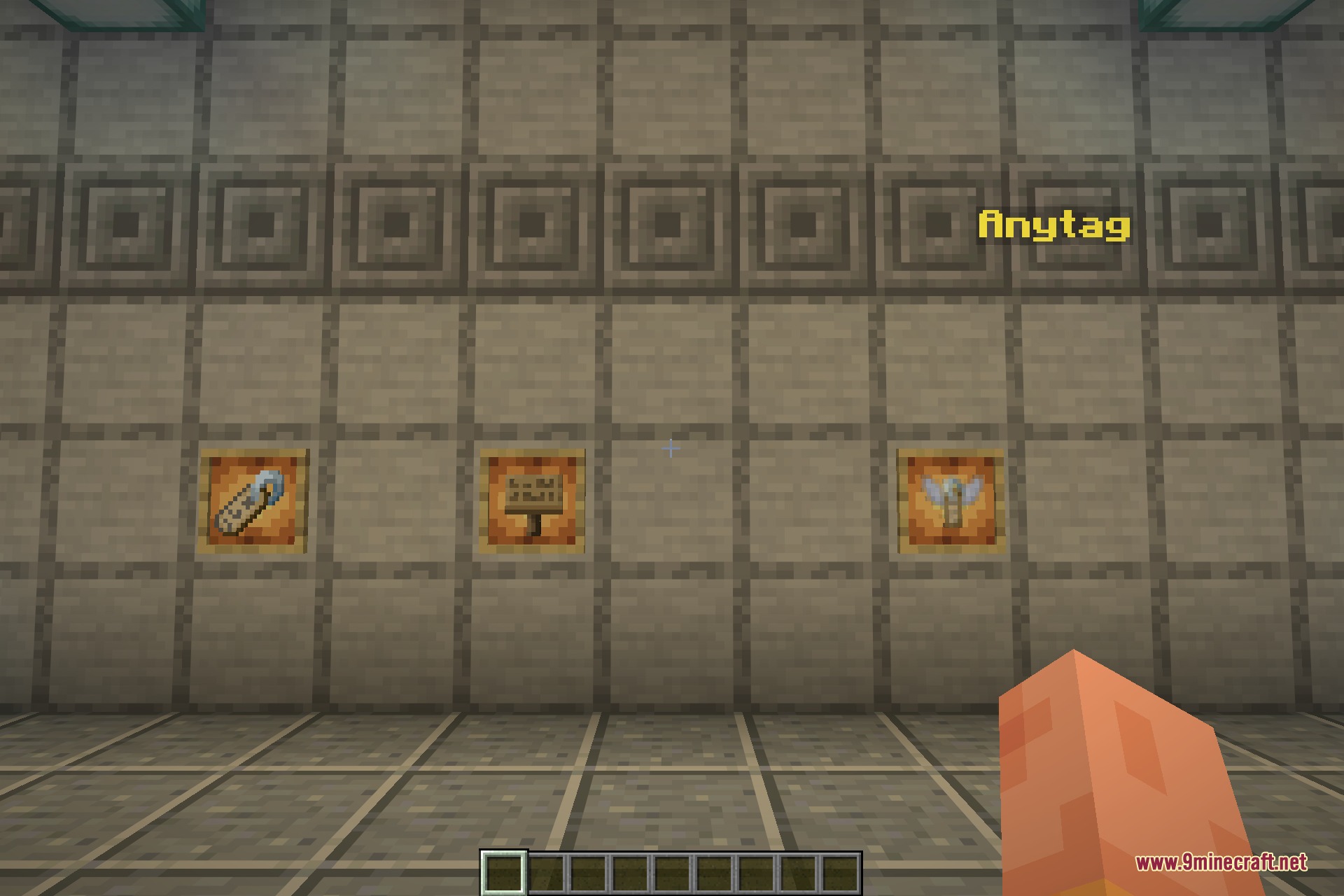
- One craftable item made from a name tag and a sign of any wood type.
- Rename it on an anvil, then right-click any block to hang that text in the air.
- Labels float in front of the block and stay readable at a distance and at night.
- Colours and text formatting from the item name carry through to the floating label.
- Hit a label to take it down and get a name tag back.
- Right-click a label to take it down and get the Anytag item back instead.
- Labels take up no block space and survive changes to whatever they mark.
- Nothing else in the game is altered – no new blocks, no changed recipes, no world generation.
Screenshots:
How to Install:
New to Minecraft? Follow our step-by-step guide to install Mods on your PC.View Guide



Anytag 9minecraft Mod Download Links
For Minecraft 26.2
You May Also Like

This post has no comments yet. Be the first — your comment will appear here.