
Battery 3d Schematic (1.21.x) – Giant 3D Battery Build for Modern Worlds
 9
 0


Battery 3d Schematic adds a massive power cell structure to your Minecraft world. This build reaches 80 blocks high and works great as a server spawn or a landmark. You can place it in modern cities or use it as a decoration for a fantasy base. The design uses over 12,000 blocks to create a detailed 3D shape. It works with version 1.21 and comes in formats that are easy to load with building tools.

3D Preview & Editor:
Materials
3 types · 12,434 blocks
| Gray Concrete | 5,355 | Yellow Concrete | 3,955 | Light Gray Concrete | 3,124 |
How to place this schematic
.litematic This is a Litematica schematic. You place it with the Litematica mod, which shows the build as a ghost overlay you fill in.
| 1 | Install Litematica (plus MaLiLib) for your Minecraft version. |
| 2 | Put the .litematic file in .minecraft/schematics. |
| 3 | In game press M → Load Schematics, pick the file, then Load. |
| 4 | Position the ghost preview, then build it by hand — or turn on Easy Place to place blocks straight from your hotbar. |
| 1 | Download the schematic file in the format you prefer. |
| 2 | Place the file into your schematics folder for WorldEdit or Litematica. |
| 3 | Load the file in-game using the menu or commands of your building tool. |
| 4 | Position the preview where you want the battery to appear. |
| 5 | Paste the build into your world or use the guide to build it yourself. |
Features:
- Giant Size: The battery stands 80 blocks tall, making it a visible landmark from a long distance.
- Multiple Formats: Includes both .schem and .litematic files to work with your favorite building tools.
- Uses 12,434 blocks to create a smooth 3D appearance.
- Fits well in RPG maps, mythology-themed worlds, or dark fantasy servers.
- Works as a unique decoration for an epic base or a central spawn point.
- Requires no extra mods to see the build once it is placed in your world.
- Occupies a 64x80x64 space, making it a compact but tall structure.
Schematic Specs:
 Minecraft1.21.x
 Dimensions64×80×64
 Total Blocks12,434
 Top Blocks Used
Screenshots:


Battery 3d Schematic Download Links
For Minecraft 1.21.x
When following a building tutorial from YouTube, what method do you prefer?
2 responses · See the full results →
You May Also Like
Picked for this page
 Fastest Kelp Farm Donut Smp Schematic (1.21.x) – Compact Redstone Kelp Farm Design
 Cactus Farm Schematic (1.21.x) – Compact Vertical Automatic Cactus Farm
 A Single Module of Cobble Farm Schematic (1.21.x) – Compact Vanilla Cobblestone Generator
 Medieval Castle Undecorated Interior Schematic (1.21.x) – Medium Sized Medieval Castle With Empty Ro
 Bone Farm Schematic (1.21.x) – Quick And Easy Redstone Bone Farm
 Large Tower on a Floating Island Schematic (1.21.x) – Giant Medieval Base With Five Useful Floors
 Cobblestone Generator Farm Schematic (1.21.x) – Small Vanilla Redstone Farm Build
 F 117 Nighthawk Schematic (1.21.x) – Redstone Flying Machine With TNT Cannons
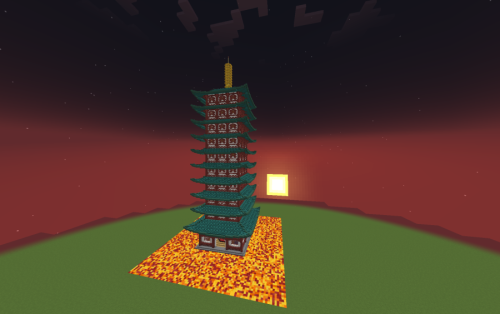 Bell Tower Johto Schematic (1.21.x) – Giant Ecruteak City Pagoda Build
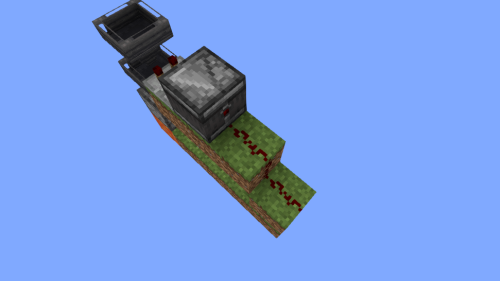 Trash Can Schematic (1.21.x) – Compact Redstone Build For Junk Items
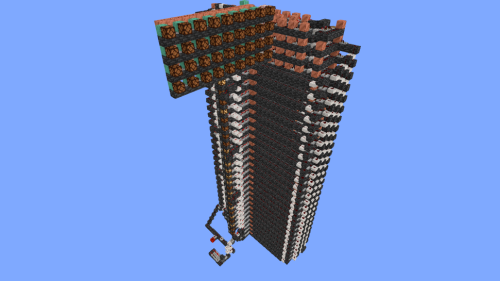 Sequential Double Dabble Schematic (1.21.x) – Binary To BCD Redstone Converter
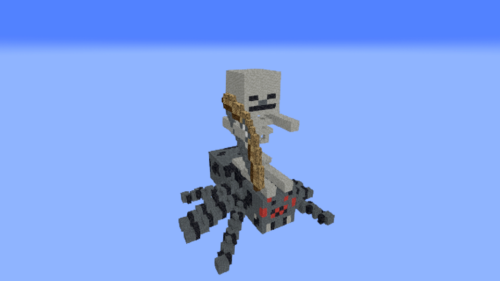 Spider Jockey Schematic (1.20.x) – Giant Spider Jockey Statue For Your World
Most viewed in Schematics over the last 7 days
 Fastest Bonemeal Farm Donut Smp Schematic (1.21.x) – Fast Redstone Bonemeal Farm Build
 KelpFarmV9.9 Schematic (1.21.x) – Compact And Simple Seaweed Farm Build
 64 Module Cobblestone Farm Schematic (1.21.x) – Massive Automated Stone Gathering Build
 Gold Farm Schematic (1.21.x) – Automatic Nether Roof Gold Farm
 Villager Trading Hall Schematic (1.21.x) – Modern Shop Build For 48 Villagers
 Bamboo Farm Schematic (1.21.x) – Small Automated Redstone Bamboo Farm
 Minutes End Base Before Spoke Null End Video Schematic (1.21.x) – Giant Unstable SMP End Base Schema
 Best Railgun Tp Trap on Donutsmp Schematic (1.21.x) – Unescapable Multiplayer Redstone Trap Build
 36 Module Cobble Farm 18m per Hour Donut SMP Schematic (1.21.x) – Massive Automated Stone Generator
 Bamboss V2 800k Bamboo per Hour Schematic (1.21.x) – High Speed Automated Bamboo Farm Schematic
 Donut Smp Stash and Regear Schematic (1.21.x) – Large Storage And Regear Room Build
- Fastest Kelp Farm Donut Smp Schematic (1.21.x) – Compact Redstone Kelp Farm Design
More from Schematics
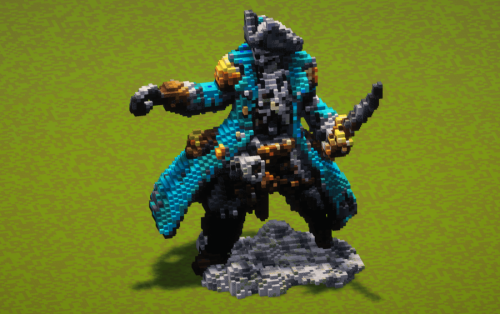 Skeleton Pirate Schematic (1.21.x) – Detailed Skeleton Pirate Statue Schematic
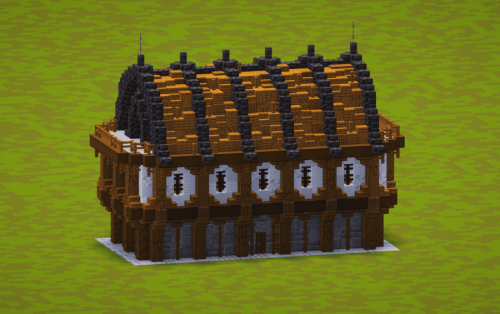 Medieval Workshop Schematic (1.21.x) – Detailed Medieval Building with Curved Roof
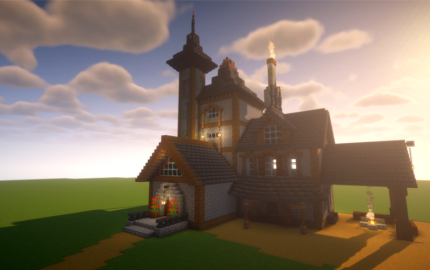 Medieval Snow Survival Schematic (1.20.x) – Cozy Medieval House For Snowy Biomes
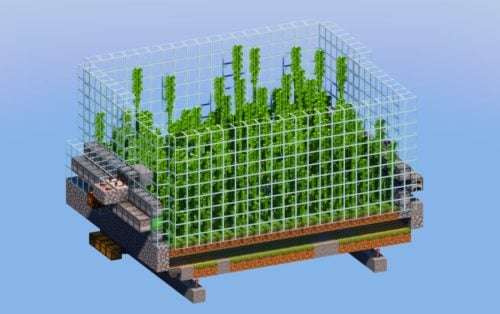 5000 Bamboo per Hour Automatic Farm Uses Slimeblocks and Flying Machine Schematic (1.21.x) – Efficie
 1500 Sugarcane per Hour Automatic Farm Uses Slimeblocks and Flying Machine Schematic (1.21.x) – High
 Infinite Moss and Bonemeal Automatic Farm 1500 Bonemeal per Hour or 5000 Moss Azalea Seeds per Hour
 Cozy Medieval Village Schematic (1.20.x) – Build a Beautiful Medieval Town Easily
 Oak Bonsai Tree Schematic (1.21.x) – Beautiful Large Oak Tree For Garden Projects
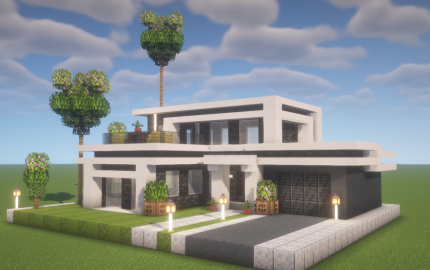 Modern Luxury Villa Schematic (1.20.x) – Elegant Contemporary Home for Your World
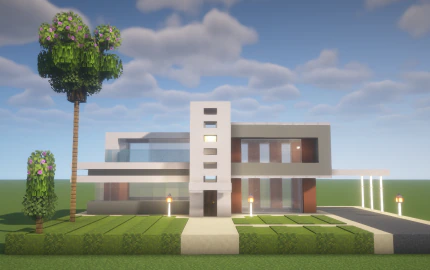 Contemporary Executive Villa Schematic (1.20.x) – Modern Minimalist Home for Luxury Cities
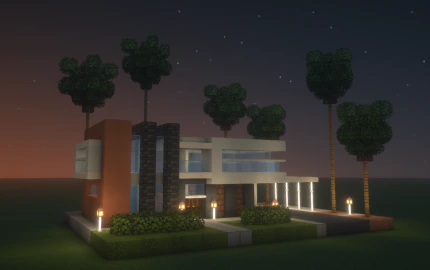 Modern Designer Villa Schematic (1.20.x) – Luxury Contemporary House for Modern Cities
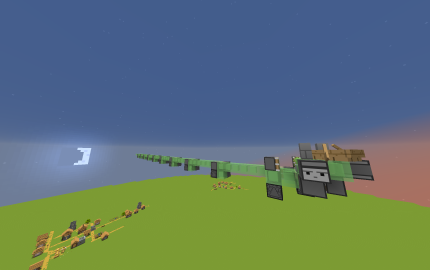 DonutSMP Drainer Machine Big Works Sideways for Max Drain Schematic (1.21.x) – Large Sideways Flying

This post has no comments yet. Be the first — your comment will appear here.