
Cactus Farm Schematic (1.21.x) – Compact Vertical Automatic Cactus Farm

 0


Cactus Farm Schematic gives you a compact and automatic way to grow cactus in your world. It uses a vertical tower design to save space while dropping a lot of items. The build works well in normal survival worlds and keeps block updates low to prevent lag. It only takes up a 16 by 16 block area on the ground, so you can fit it almost anywhere.

3D Preview & Editor:
Materials
16 types · 7,182 blocks
| Water | 1,187 | Smooth Stone Slab | 1,166 | Lime Terracotta | 701 | |||
| Lime Concrete | 673 | Lime Stained Glass | 673 | Dirt | 506 | |||
| Green Concrete | 485 | Oak Fence Gate | 340 | Oak Fence | 325 | |||
| Cactus | 317 | Sand | 312 | Smooth Sandstone | 177 | |||
| Green Wool | 160 | Grass Block | 142 | Hopper | 16 | |||
| Cactus Flower | 2 | |||||||
How to place this schematic
.litematic This is a Litematica schematic. You place it with the Litematica mod, which shows the build as a ghost overlay you fill in.
| 1 | Install Litematica (plus MaLiLib) for your Minecraft version. |
| 2 | Put the .litematic file in .minecraft/schematics. |
| 3 | In game press M → Load Schematics, pick the file, then Load. |
| 4 | Position the ghost preview, then build it by hand — or turn on Easy Place to place blocks straight from your hotbar. |
Features:
- Fully Automatic: The farm breaks the cactus blocks by itself as they grow and collects them for you.
- Vertical Layout: Stacks the growing areas tall into the sky to keep the base size small.
- Takes up exactly 16 by 53 by 16 blocks, making it easy to place inside your base.
- Contains 7,182 total blocks and uses basic vanilla materials.
- Keeps your game running smoothly with a low lag setup.
- Allows you to build the farm taller if you need even more drops.
- Looks clean and modern from the outside.
- Comes as a ready-to-use Litematic file for easy building.
Schematic Specs:
 Minecraft1.21.x
 Dimensions16×53×16
 Total Blocks7,182
 Top Blocks Used
Water 1,187Smooth Stone Slab 1,166Lime Terracotta 701Lime Concrete 673Lime Stained Glass 673
Cactus Farm Schematic Download Links
For Minecraft 1.21.x
Click to rate this post!
[Total: 1 Average: 5]
You May Also Like
Picked for this page
 Mega Mob XP Farm Schematic (1.21.x) – Massive Monster Farm Build With Zero Redstone
 Iron Farm Expandable Version Schematic (1.21.x) – Automatic Three Story Iron Farm Build
 Japanese House Schematic (1.21.x) – Medium Traditional Asian Home Build
 Autosmelter Carpet Dupe Schematic (1.21.x) – Automatic Furnace System With Infinite Fuel
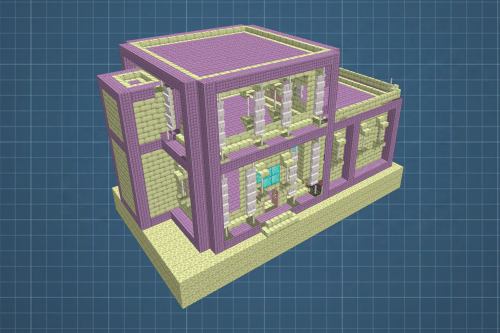 End House Schematic (1.21.x) – Unfurnished End Base With Piston Door
 Kanye West Graduation Bear Schematic (1.21.x) – Classic Album Mascot Pixel Art Build
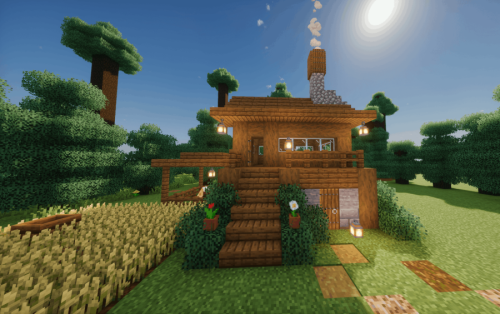 Cozy Spruce Log House Schematic (1.21.x) – Medium Survival Starter Build For Java
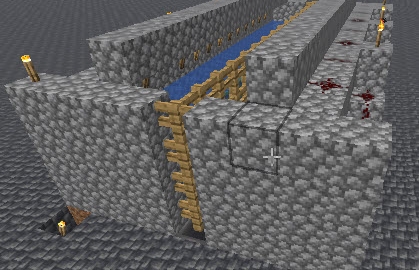 Netherless Kelp Farm Schematic (1.21.x) – Compact Vanilla Kelp Farm Build
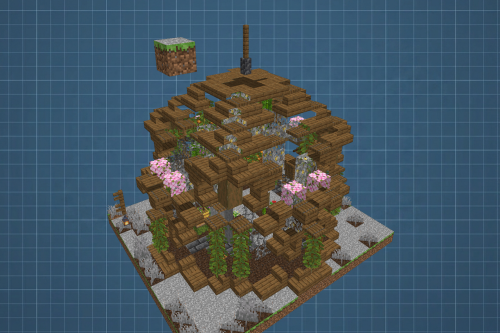 Bee Green House Garden Apiary Schematic (1.21.x) – Ready To Build Vanilla Bee Farm
 OREo Schematic (1.21.x) – Giant 3D Cookie Build For Your World
 Santos FC Schematic (1.21.x) – Santos Futebol Clube Pixel Art Build
 Small Heavy Core Shrine Litematica Schematic (1.21.x) – Compact Temple Build For Vanilla Worlds
Most viewed in Schematics over the last 7 days
 Fastest Bonemeal Farm Donut Smp Schematic (1.21.x) – Fast Redstone Bonemeal Farm Build
 64 Module Cobblestone Farm Schematic (1.21.x) – Massive Automated Stone Gathering Build
 KelpFarmV9.9 Schematic (1.21.x) – Compact And Simple Seaweed Farm Build
 Villager Trading Hall Schematic (1.21.x) – Modern Shop Build For 48 Villagers
 Gold Farm Schematic (1.21.x) – Automatic Nether Roof Gold Farm
 Bamboss V2 800k Bamboo per Hour Schematic (1.21.x) – High Speed Automated Bamboo Farm Schematic
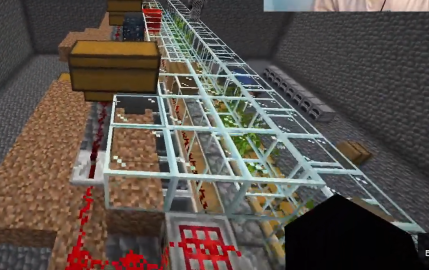 Bamboo Farm Schematic (1.21.x) – Small Automated Redstone Bamboo Farm
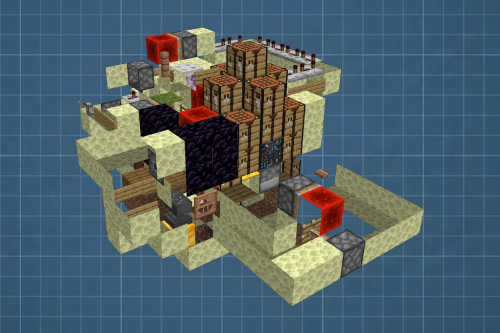 Best Railgun Tp Trap on Donutsmp Schematic (1.21.x) – Unescapable Multiplayer Redstone Trap Build
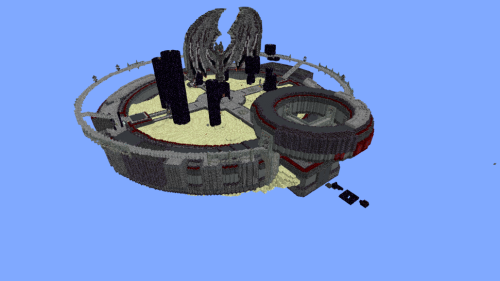 Minutes End Base Before Spoke Null End Video Schematic (1.21.x) – Giant Unstable SMP End Base Schema
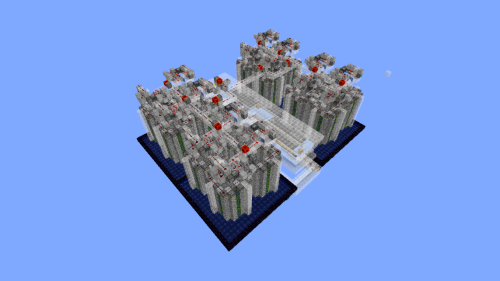 Cobble Farm 50m per Hour Donut SMP Schematic – High Yield Cobblestone Generator Build
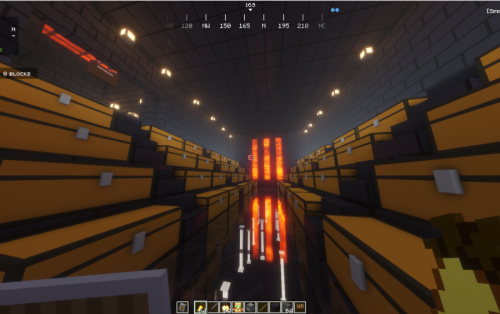 Donut Smp Stash and Regear Schematic (1.21.x) – Large Storage And Regear Room Build
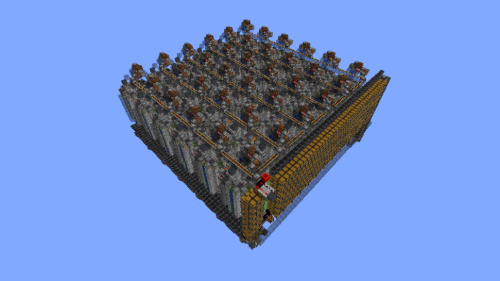 36 Module Cobble Farm 18m per Hour Donut SMP Schematic (1.21.x) – Massive Automated Stone Generator
More from Schematics
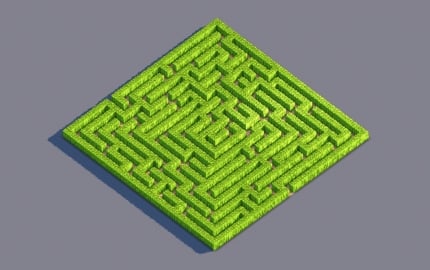 Hedge Maze Garden Decoration Schematic (1.21.x) – Classic Hedge Maze for Castle Gardens
 Mapart Sad Minion Schematic (1.21.x) – Build A Detailed Map Art Minion
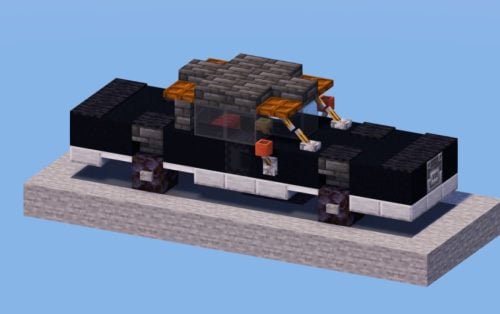 Black Car Schematic (1.21.x) – Sleek Modern Vehicle for City Streets
 Orange Pick up Schematic (1.21.x) – Build a Stylish Modern Orange Truck
 White and Red Truck Schematic (1.21.x) – Compact Modern Semi Truck Build
 2×2 Ground Door Schematic (1.21.x) – Simple Hidden Floor Entrance for Minecraft
 Bamboo Farm 2.0 Donut SMP Schematic (1.21.x) – Automatic High Yield Bamboo Farming System
 Medieval Village House Schematic (1.21.x) – A Cozy Medieval Home With Prismarine Roof
 Given 3d Download Schematic (1.19.x) – Detailed 3D Fantasy Statue Schematic for Minecraft
 Crimson Witch Hut Schematic (1.21.x) – Magical Small Medieval Witch House Build
 Grand Medieval Castle Schematic (1.21.x) – Massive Red Roofed Medieval Fortress Build
 Medieval Riverside Cottage Schematic (1.21.x) – Cozy Medieval House With Market Stall

This post has no comments yet. Be the first — your comment will appear here.