
Dark Mode UI (26+) – Sleek Dark Menus and Clean UI
 47
 0

Dark Mode UI Texture Pack brings a dark theme across the whole user interface to give the game a fresh look. Buttons and panels get a modern style with rounded edges, text and background colors are tuned for better readability, and the icons use a clean minimal design. Windows and overlays also feature a slight transparency for a smooth visual experience.
Requirements:
- MCPE/Bedrock 26.20 – 26.30
all 2 versions
26.30, 26.20

Features:
- Applies a dark theme across the entire interface for a consistent look.
- Redesigns buttons and panels with a modern style and rounded edges.
- Optimizes text and background colors to improve readability and contrast.
- Updates icons with a sleek and minimalist design.
- Adds a subtle transparency effect on windows and overlays.
- Improves padding and margins for a balanced interface.
- Implements an advanced chat system for an improved user experience.
How to Install:
Screenshots:


For MCPE/Bedrock 26+
Click to rate this post!
[Total: 0 Average: 0]
You May Also Like
Picked for this page
 Clean 32x Pack (26.x, 1.19) – MCPE/Bedrock PvP Texture Pack
 IRISH Shader (1.26+) – Supports RenderDragon Engine
 Brewing Potions Guide Texture Pack (26.x, 1.21) – MCPE/Bedrock
 Redstoner’s Essentials Texture Pack (26.x, 1.21) – MCPE/Bedrock
 ToonCraft BE Texture Pack (1.21, 1.20) – MCPE/Bedrock
 Newb X Apocalipsis Shader (1.26+) – MCPE/Bedrock
 Advance Enchanting Addon (26.x, 1.21) – MCPE/Bedrock
 Iron Golem to Heavy Weapons Guy Texture Pack (1.21, 1.20) – MCPE/Bedrock
 Star’s FPS Counter Texture Pack (26.x, 1.21) – Real-time Performance Tracking
 PvP Crosshair Crosshairs (26+, 1.21) – MCPE/Bedrock Texture Pack
 Small Items (26+) – MCPE/Bedrock Texture Pack
 Faithful Nature Texture Pack (26.x, 1.21) – Vibrant Foliage and Refined Nature
Most viewed in Texture Packs over the last 7 days
 Mizuno’s 16 Craft Texture Pack (26.30, 1.21) for MCPE/Bedrock Edition
 Distant Horizons Texture Pack (26.x, 1.21) – MCPE/Bedrock
 Xnova Model Texture Pack (26.x, 1.21) – Smaller First-person Hands and Custom
 Anime Girl UI Pack (26.x, 1.21) – MCPE/Bedrock
 Patrix Texture Pack (1.26+) – No Lag, Ultra Realistic for MCPE
 ESP Texture Pack (26.x, 1.21) – MCPE/Bedrock
 View Model A&S by Justpals Texture Pack (26.x, 1.21) – X
 Hover Text Fix Pack (1.21, 1.20) – MCPE/Bedrock
 X-Ray Texture Pack (26.x, 1.21) for MCPE/Bedrock with Glow
 Better X-Ray Texture Pack (26.x, 1.21) – MCPE/Bedrock
 Soartex Fanver Texture Pack (26.x, 1.21) – MCPE/Bedrock
 Night Vision Texture Pack (26.x, 1.21) – MCPE/Bedrock Edition
More from Texture Packs
 Better Villagers (26+) – MCPE/Bedrock Texture Pack
 Sonic’s Chaos Emeralds (26+, 1.21) – MCPE/Bedrock Texture Pack
 BETTER RAIN (26+) – MCPE/Bedrock Texture Pack
 SnowGirls (26+, 1.20) – MCPE/Bedrock Texture Pack
 OLD MCRAFT (26+, 1.21) – MCPE/Bedrock Texture Pack
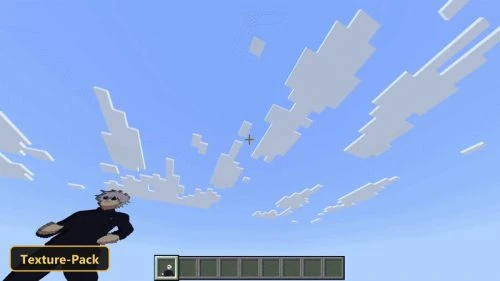 Animated Gojo Totem (26+) – MCPE/Bedrock Texture Pack
 Glowing Mobs (26+, 1.21) – MCPE/Bedrock Texture Pack
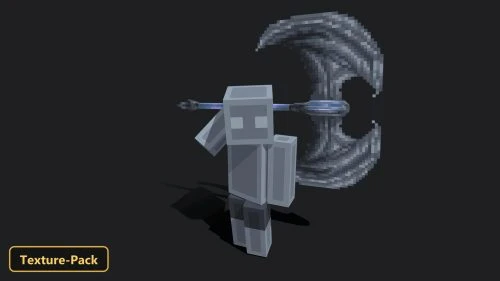 Mace to Greataxe (26+, 1.21) – MCPE/Bedrock Texture Pack
 Neon FPS Booster (26+) – MCPE/Bedrock Texture Pack
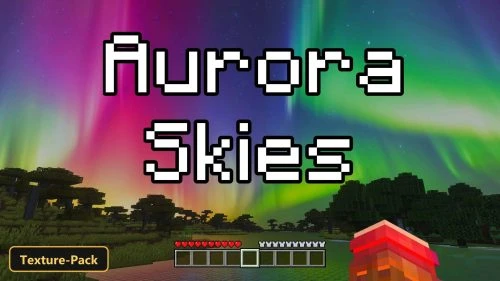 Aurora Skies – Custom Sky (26+, 1.21) – MCPE/Bedrock Texture Pack
 Glowing Armors (26+) – MCPE/Bedrock Texture Pack
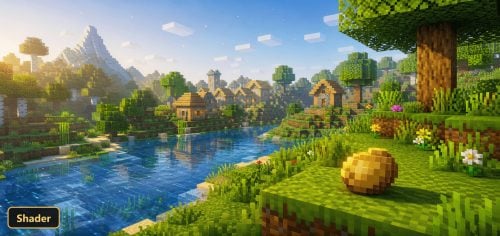 Potato Shader (26+) – MCPE/Bedrock Shader

This post has no comments yet. Be the first — your comment will appear here.