
BS Shader (26+) – Custom ACES Color Grading
 76
 0

BS Shader transforms lighting and atmosphere to give Minecraft Bedrock worlds an RPG feel with an ocean-blue sky and deep dark blue water. This shader works through Bedrock’s Vibrant Visuals mode, so its effects appear once you turn that mode on in video settings. It brings soft shadows along with animated water waves and caustics across rivers and oceans. ACES tone mapping gives the game warm, lively colors, while two fog profiles balance fog and color across 84 different biomes.
Requirements:
- MCPE/Bedrock 26.30
- Built for Minecraft Bedrock's Vibrant Visuals mode — its effects only show with Vibrant Visuals enabled in the video settings

Features:
- Adds custom atmosphere, lighting, fog, water, shadows, and color grading through Bedrock’s Vibrant Visuals mode.
- Creates an ocean-blue sky and warm RPG style that makes the world feel more alive.
- Shows deep dark blue water with animated waves and caustics.
- Casts soft shadows across the land for a smooth, realistic look.
- Uses ACES tone mapping with one color-grading profile to give the game warm, lively colors.
- Includes two fog profiles that cover both biomes and dimensions.
- Tunes fog thickness and colors separately across 84 biomes.
How to Use:
- Open the Video Settings menu in Minecraft Bedrock.
- Turn on Vibrant Visuals mode to activate BS Shader so its lighting, shadows, fog, and water effects appear in your world.
Screenshots:


For MCPE/Bedrock 26+
Click to rate this post!
[Total: 1 Average: 5]
QUICK MINECRAFT SURVEY · ONE TAP
Shaders & Resource Packs
Which resource pack style do you use the most in your gameplay?
0 responses · See the full results →
You May Also Like
Picked for this page
 No RTX Shader (1.26+) – No Lag Shader for Bedrock Edition
 Newb X Twilight Shader (1.21.20+) – MCPE/Bedrock
 Vibrant Contrast Shader (1.21+) – MCPE/Bedrock
 Lynx’s Post Processing (26+) – MCPE/Bedrock Shader
 R135 Vaimagined (26+, 1.21) – MCPE/Bedrock Shader
 Auralis Visuals (26+, 1.21) – MCPE/Bedrock Shader
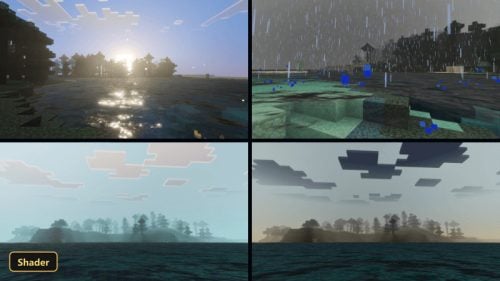 Sans Visual Shade (26+) – MCPE/Bedrock Shader
 Lunar Shader (26+) – MCPE/Bedrock Shader
 Infinity Visuals (26+, 1.21) – MCPE/Bedrock Shader
 Ultra Vibrant Visuals for Vibrant Visuals (26+, 1.21) – MCPE/Bedrock Shader
 Cat RTX (26+, 1.21) – MCPE/Bedrock Shader
 BL SHADER (26+) – MCPE/Bedrock Shader
Most viewed in Shaders over the last 7 days
 Mirai Shader (1.26+) – Sharp Water Reflections and Volumetric Clouds
 Best Minecraft PE Shader for 1.26+ – Realistic and Lightweight For Low-End Devices
 Newb X Iterationt Shader (1.26+) – Black Hole Skybox And Stylized Clouds
 Better Render Dragon (1.26+) – Add Shaders Back To Minecraft
 MLYX Shader (1.21.50+) – MCPE/Bedrock
 Newb X RTX Shader (1.26+) – Support RenderDragon
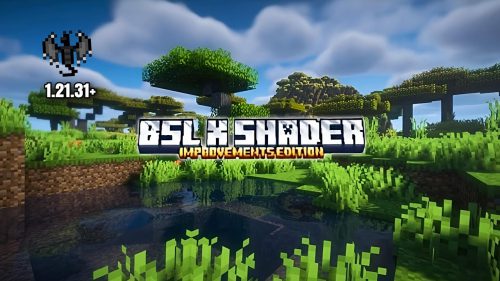 BSL X Improvement Shader (1.21.31+) – MCPE/Bedrock
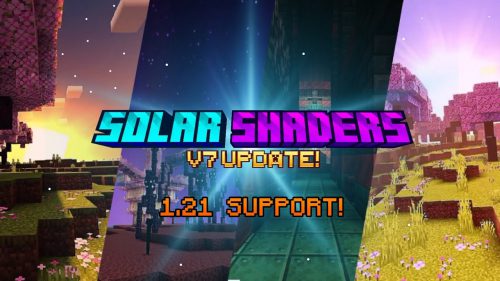 Solar Shader (1.26+) – Support BetterRenderDragon
 Dark Fantasy Visuals (26+, 1.21) – MCPE/Bedrock Shader
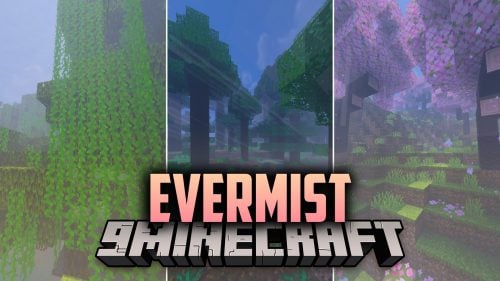 Evermist Shader (26.x, 1.21) – Realistic Clouds and Crystal Clear Water
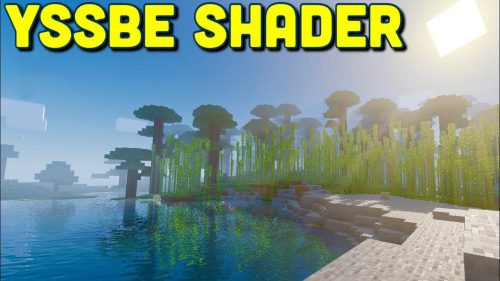 YSSBE Shader (1.21, 1.20) – Shader Cinematic for RenderDragon
 Newb Floren (26+) – MCPE/Bedrock Shader
More from Shaders
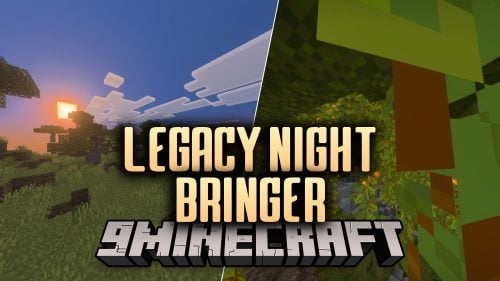 LEGACY NIGHT BRINGER Shader (26.x, 1.21) – Luminous Lighting with Custom
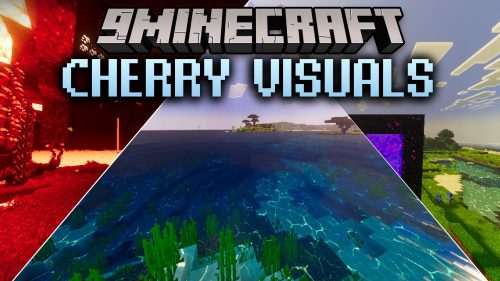 Cherry Visuals Shader (26.x) – Vivid Pink Color Grading and Night Auroras
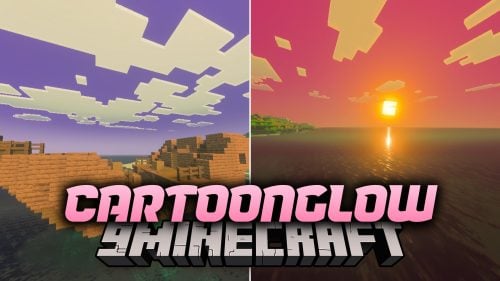 CartoonGlow Shaders (26.x, 1.21) – Pastel Fantasy Skies and Glowing Water
 Black N White Sky Shader (26.x, 1.21) – Custom Minimalist Clouds
 Tragic Fantasy Visuals (26+, 1.21) – MCPE/Bedrock Shader
 Negative Vision Shader (26.x, 1.21) – Inverted Color Effects with Quick In-Game
 Force Pixelated Shadows Shader (26.x) – Blocky Hard Shadows for Stylized Worlds
 Novyx Visuals Shader (26.x) – Realistic Shadows and Clean Water for Bedrock
 Clear Nether Portals Shader (26.x, 1.21) – Transparent Portal Textures
 GURJAR X Standard Shader (26.x, 1.21) – Natural Lighting and Soft Shadows
 BRG Soft Bloom Shader (26.x, 1.21) – Soft Bloom Lighting and Natural Water
 Variated Blocks Shader (26.x, 1.21) – Randomized Block Textures

This post has no comments yet. Be the first — your comment will appear here.