
Auralis Visuals (26+, 1.21) – Cinematic Lighting on Any Mobile
 63
 0

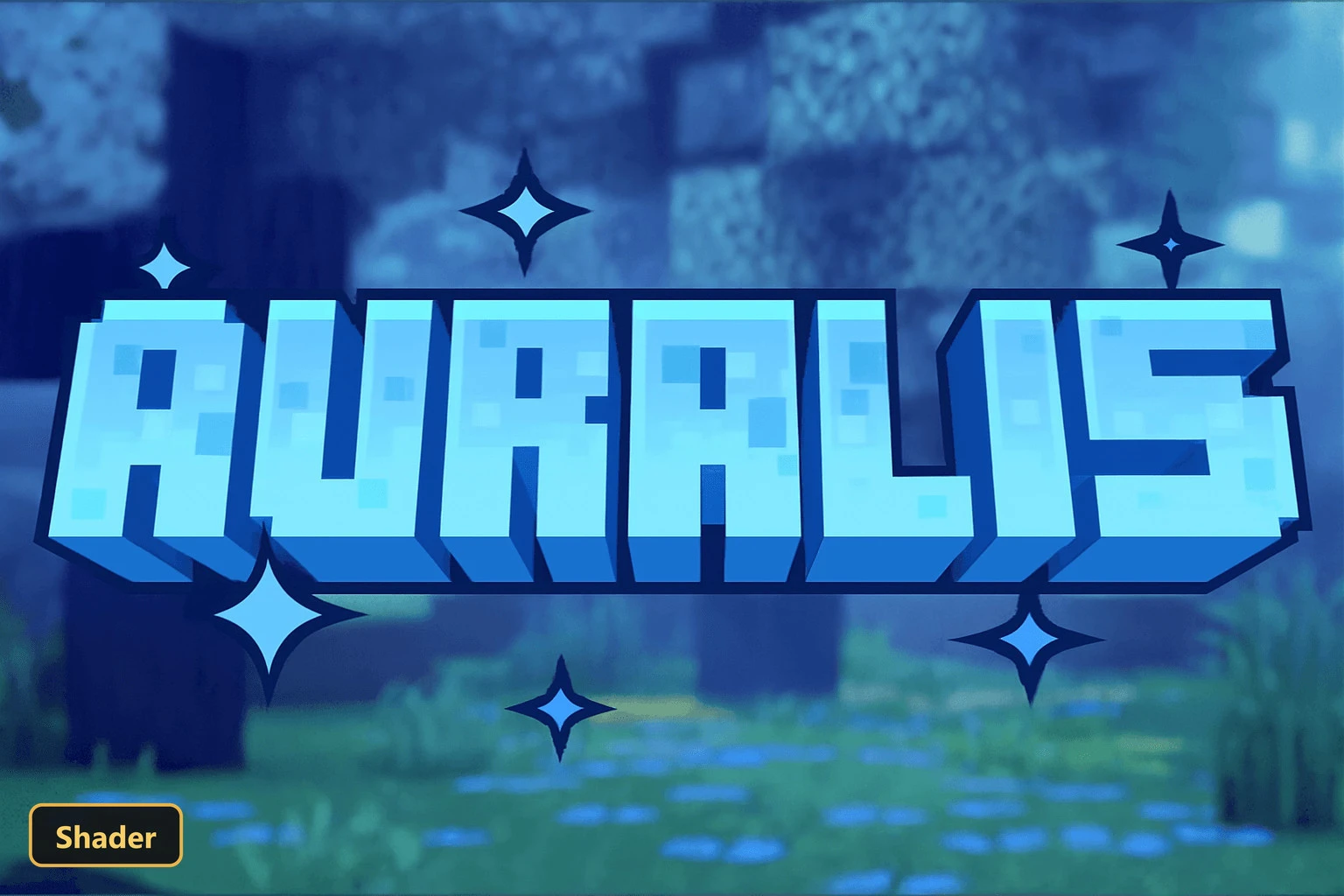
Auralis Visuals transforms the sky, water, fog, and lighting for Minecraft Bedrock’s Vibrant Visuals mode. It brings glowing sunsets, mystical moonlit nights, and custom lighting curves to the game world. The shader pack balances beauty and performance to keep gameplay smooth on any device.
Requirements:
- MCPE/Bedrock 1.21 – 26.40
all 44 versions
26.40, 26.30, 26.20, 26.13, 26.12, 26.11, 26.10, 26.3, 26.0.02, 26.0, 1.21.132, 1.21.131, 1.21.130, 1.21.124, 1.21.123, 1.21.122, 1.21.121, 1.21.120, 1.21.114, 1.21.111, 1.21.101, 1.21.100, 1.21.94, 1.21.93, 1.21.92, 1.21.90, 1.21.82, 1.21.81, 1.21.80, 1.21.73, 1.21.72, 1.21.71, 1.21.70, 1.21.61, 1.21.60, 1.21.51, 1.21.50, 1.21.44, 1.21.43, 1.21.41, 1.21.40, 1.21.30, 1.21.21, 1.21
- Built for Minecraft Bedrock's Vibrant Visuals mode — its effects only show with Vibrant Visuals enabled in the video settings
Features:
- Brings a Vibrant Visuals shader with custom atmosphere, fog, water, shadows, color-grading, point-light, and lighting effects.
- Includes 3 quality presets to pick in-game: Lite, Balanced, and Cinematic.
- Adds custom sun and moon lighting throughout the day and night cycle.
- Features blocky shadows that suit the game style.
- Gives 71 light-emitting blocks their own point-light colors.
- Adds water with animated caustics and waves.
- Includes 17 atmosphere profiles and 12 fog profiles covering biomes and dimensions.
- Uses ACES tone mapping with 15 color-grading profiles.
- Provides per-biome color and fog tuning for 88 biomes.
How to Install:
New to Minecraft PE? Follow our step-by-step guide to install Shaders on your Mobile.View Guide
Screenshots:

For MCPE/Bedrock 26+
You May Also Like
Picked for this page
 Newb Glow Shader (1.21.20+) – MCPE/Bedrock
 Hyper Visuals Shader (1.26+) – MCPE/Bedrock
 Relta Visuals Shader (1.21+) – MCPE/Bedrock
 Mystica Shader (1.21.20+) – MCPE/Bedrock Dream Fog Shader
 Bright Fantasy Visuals Shader (1.21+) – MCPE/Bedrock
 Hyperest Graphic Shader (1.26+) – MCPE/Bedrock
 Dreamy Vibrant Visuals Shader (1.26+) – MCPE/Bedrock
 Dawn Shader (1.21+) – MCPE/Bedrock
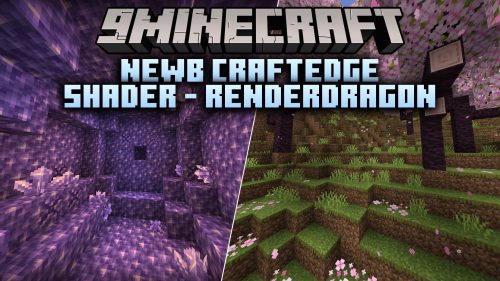 Newb CraftEdge Shader – RenderDragon Shader (26.x) – Volumetric Godrays
 Infinity Visuals (26+, 1.21) – MCPE/Bedrock Shader
 Ultra Vibrant Visuals for Vibrant Visuals (26+, 1.21) – MCPE/Bedrock Shader
 Nebula PvP Realism 64x (26+) – MCPE/Bedrock Texture Pack
Most viewed in Shaders over the last 7 days
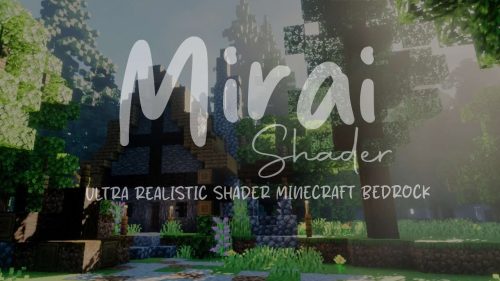 Mirai Shader (1.26+) – Sharp Water Reflections and Volumetric Clouds
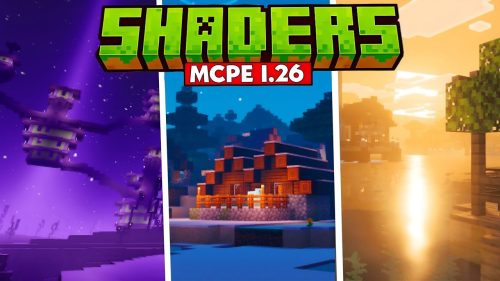 Best Minecraft PE Shader for 1.26+ – Realistic and Lightweight For Low-End Devices
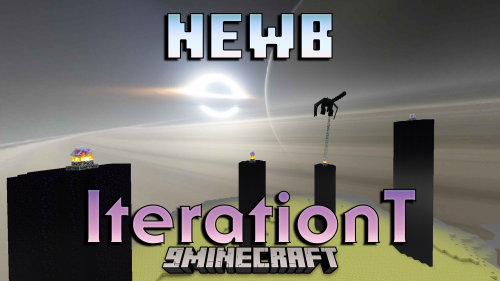 Newb X Iterationt Shader (1.26+) – Black Hole Skybox And Stylized Clouds
 Better Render Dragon (1.26+) – Add Shaders Back To Minecraft
 MLYX Shader (1.21.50+) – MCPE/Bedrock
 Newb X RTX Shader (1.26+) – Support RenderDragon
 BSL X Improvement Shader (1.21.31+) – MCPE/Bedrock
 Solar Shader (1.26+) – Support BetterRenderDragon
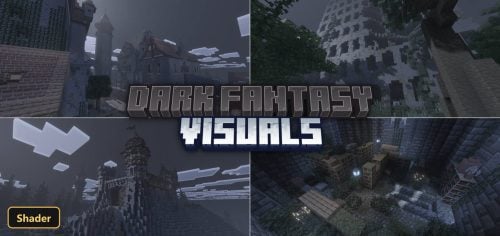 Dark Fantasy Visuals (26+, 1.21) – MCPE/Bedrock Shader
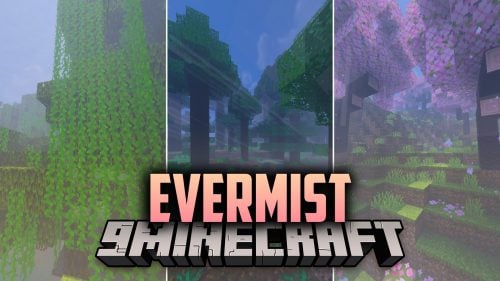 Evermist Shader (26.x, 1.21) – Realistic Clouds and Crystal Clear Water
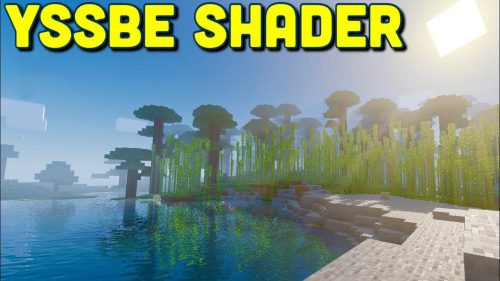 YSSBE Shader (1.21, 1.20) – Shader Cinematic for RenderDragon
 Newb Floren (26+) – MCPE/Bedrock Shader
More from Shaders
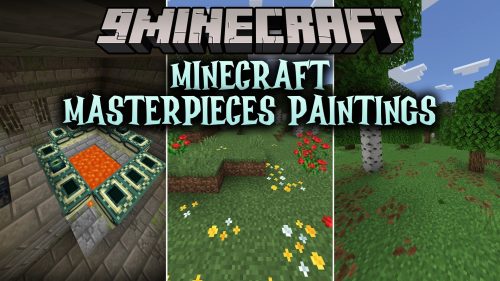 Minecraft Masterpieces Paintings Shader (26.x) – Famous Fine Art on Bedrock
 Crimson Vibrant Visual Shader (26.x) – Rich Crimson Color Grading on Bedrock
 Clear Water NoFog by PMC Shader (26.x, 1.21) – Clear Underwater Vision
 Vanilla Atmosphere Shader (26.x) – Soft Shadows and Water Caustics for Bedrock
 Lumora (26+, 1.21) – MCPE/Bedrock Shader
 ZenXveda Vanilla+ Shaders (26.x, 1.21) – Glowing Ores and Sunbeams on Any Device
 Maruti Visuals Shader (26.x, 1.21) – Volumetric Lighting with Custom Water
 Arce Visuals Shader (26.x) – Water Caustics and Volumetric Fog on Bedrock
 Pixels Pulsing Glowing Ores Shader (26.x) – Pulsing Emissive Glow on Mining Ores
 PrimeStuff Shader (26.x) – 8×8 Simplified Textures with PBR Lighting
 Glowing Armour Trim Shader (26.x) – Emissive Armor Trims That Glow in Dark Caves
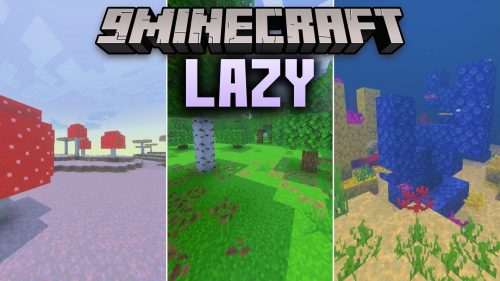 Lazy Shader (26.x, 1.21) – Crisp Water and Vibrant Sky on Any Mobile Device

This post has no comments yet. Be the first — your comment will appear here.