
XingLuo AE2 GUIExpansion Model – Transforms AE2 with Futuristic Models

 0


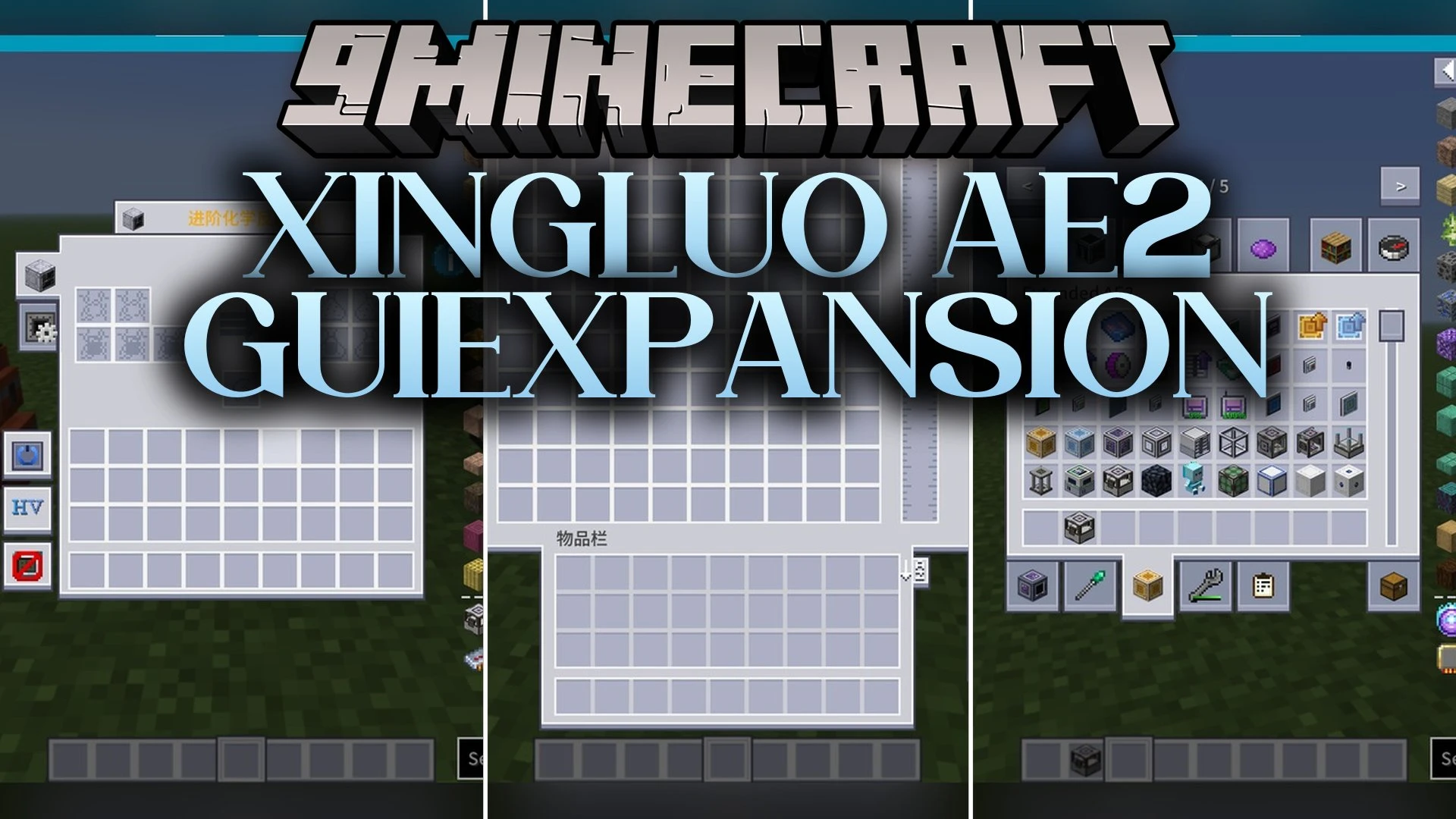
XingLuo AE2 GUIExpansion Model restyles user interfaces and machine models with clean futuristic graphics. This pack upgrades terminal screens with glowing visuals and smooth energy flow animations. It also brings custom three-dimensional shapes to network parts, cables, and storage blocks. Players get a fresh look for their tech setups while keeping everything easy to read.
Features:
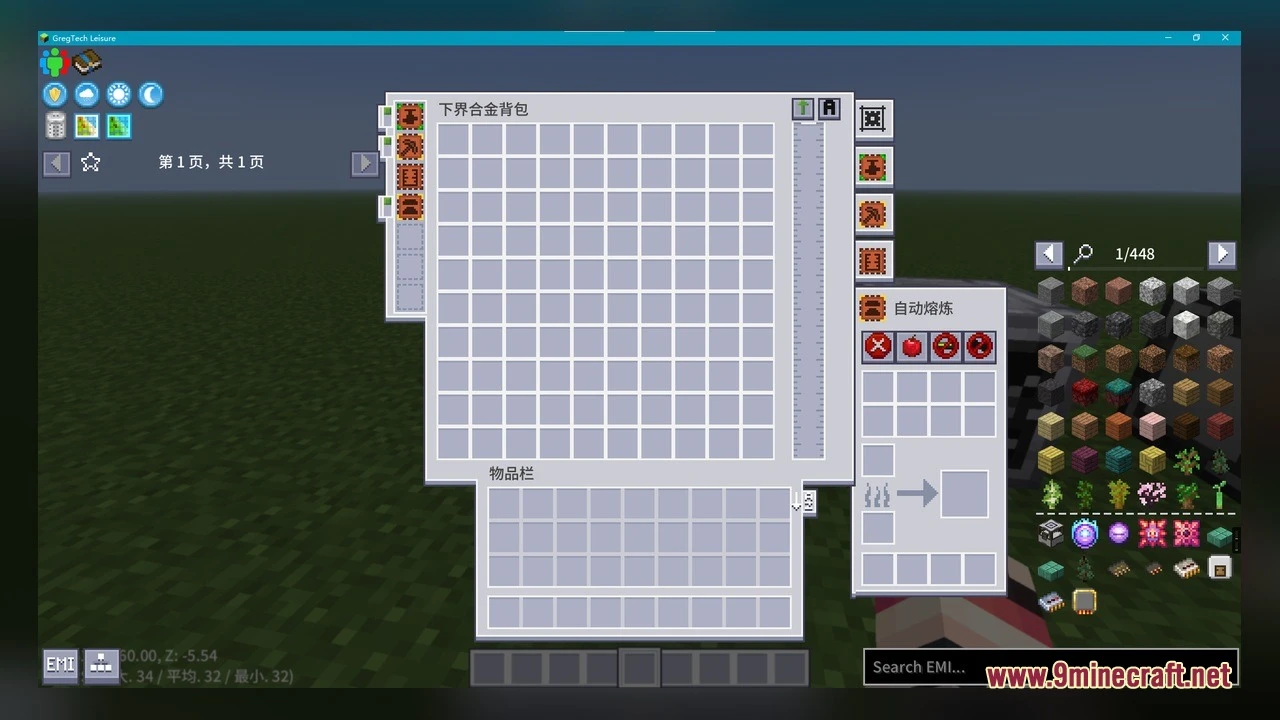
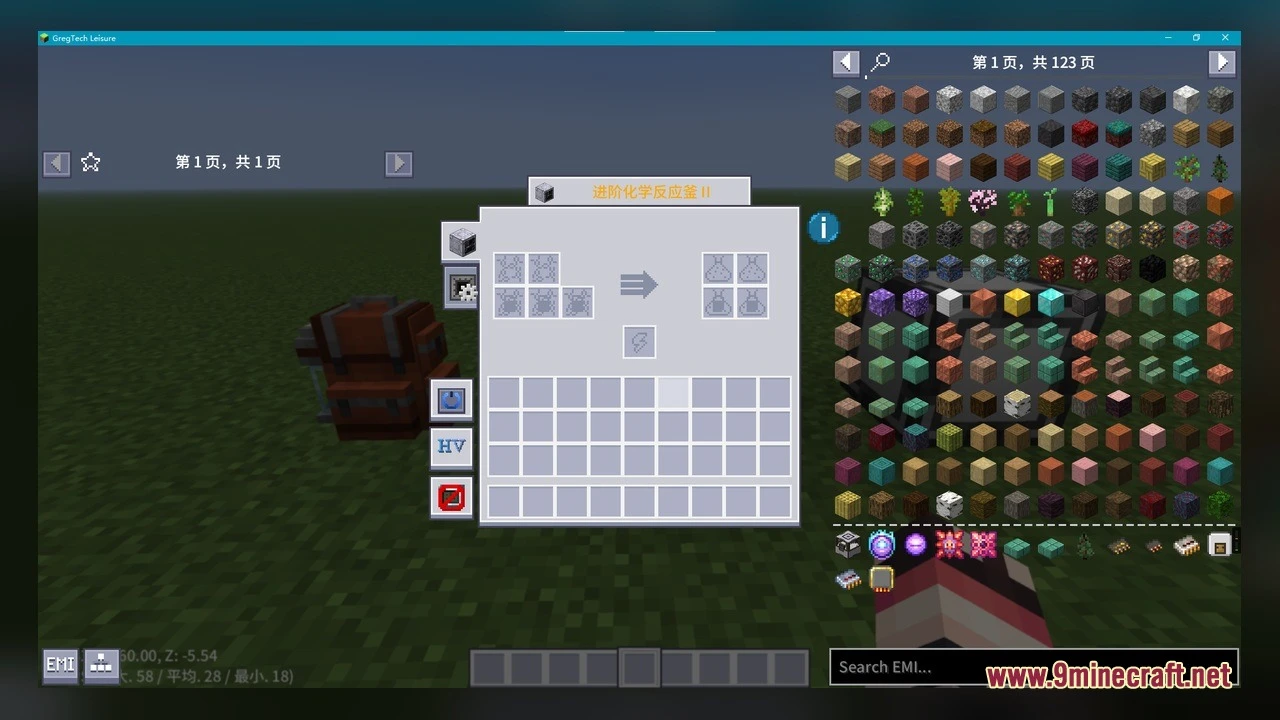
- Replaces standard menus with crisp holographic terminal layouts.
- Adds fluid power animations across tech interfaces and display panels.
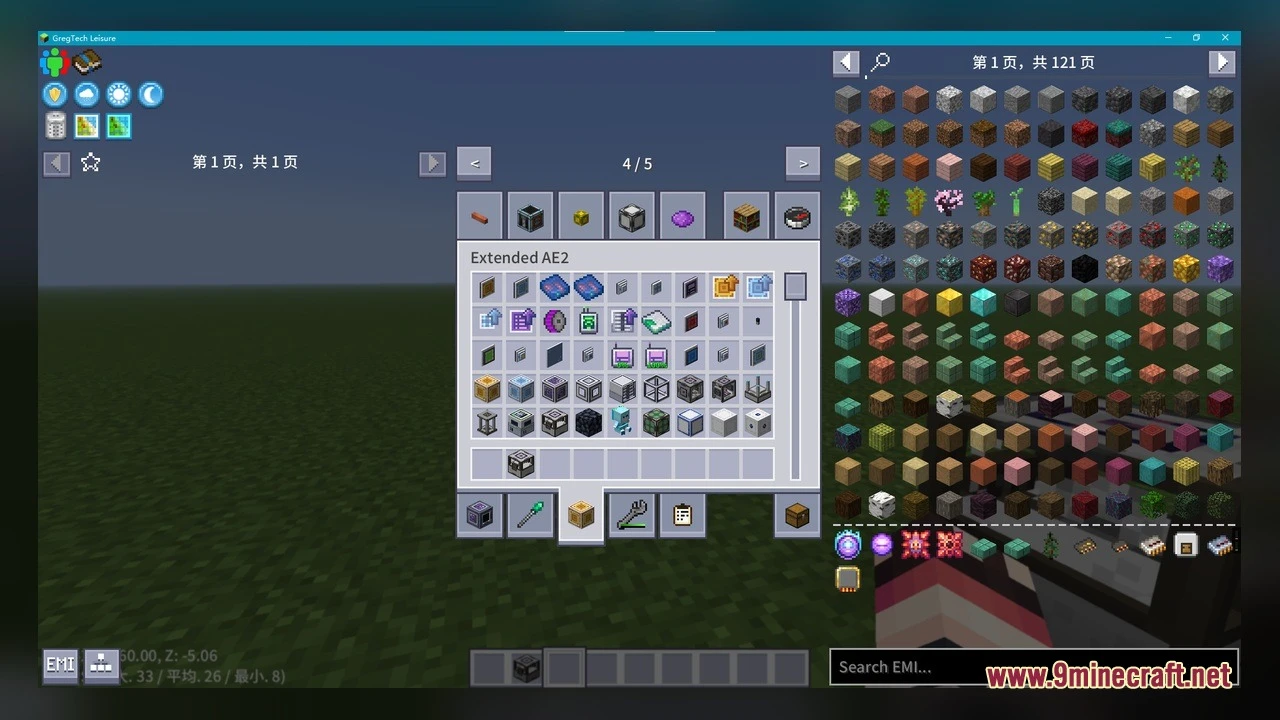
- Provides twelve custom 3D models for energy connectors, laser nodes, and pipe segments.
- Overhauls storage units with detailed models for chests and pedestals.
- Contains over 1400 texture files to refresh items, blocks, and sub-components.
- Maintains clear item slots and clean text contrast during crafting.
How to Use:
- Place the downloaded pack file directly inside your Minecraft resourcepacks folder.
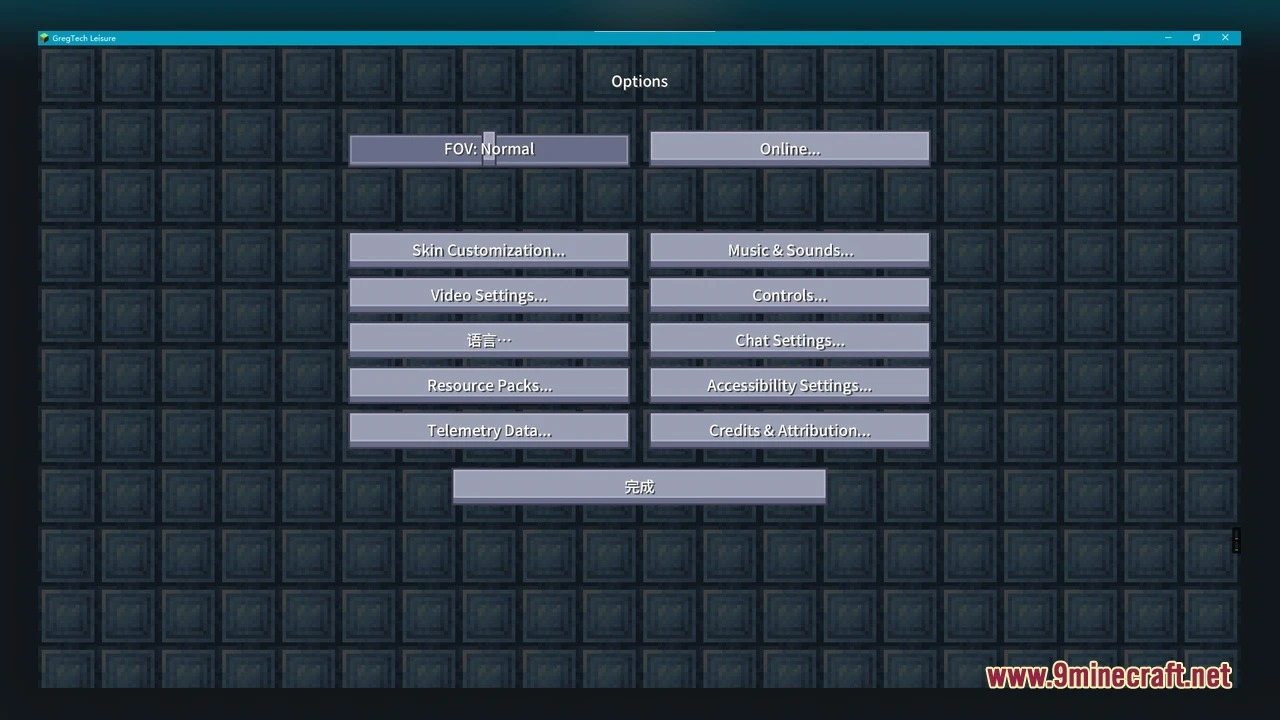
- Open the in-game Resource Packs options menu and move the pack to the active column on the right.
- Place down a laser connector or laser node to see the new angular 3D design and glowing points.
- Connect pipe parts and a pipe core between machines to inspect the redesigned conduits.
- Open an ME terminal or transmutation table interface to view the glowing screen layouts and pulsing animations.
- Place a base chest or pedestal to inspect the updated model textures from every angle.
Requirements:
- A Minecraft version that supports animated textures
Screenshots:
XingLuo AE2 GUIExpansion Model Download Links
Click to rate this post!
[Total: 0 Average: 0]
You May Also Like
Picked for this page
 Arty Reindeer Jenny Mod Model
 The Forgotten Terrors V1 Model
 Lillith The Demon Model
 Season Icons Model
 Animated Steampunk Tools And Weapon Set Model
 Capra The Goat Demon Model
 Old Horse Model – Restores Classic Retro Horse Models and Animations
 Create Energistics Model – Transforms Digital Storage Into Clockwork Machinery
 WU_SHUANGCB’s Zombie Skin Model – Transforms Zombies with Heavy Viral Weapons
 Create New Age – Transforms Energy Machines with Custom Animated 3D Models
 Vanilla PVP Essentials Model – Brings Clean 3D Overlays for Combat
 Simplistic 3D Doors Model – Adds Clean Depth to Vanilla Entryways
Most viewed in Models over the last 7 days
 Jenny Mod Skin Pack Mega Collection – 310+ Characters
 The Most Complete Collection of Jenny Mod Resources – Models, Animations, Structures,…
 Albedo Rework Jenny Mod Model
 Power Model – Custom Girl for PleasureCraft Mod
 Ram Model – Custom Girl for PleasureCraft Mod
 100+ Custom Animations For Jenny Mod
 Galath Rework Model – Custom Girl for PleasureCraft Mod
 Femboy Ellie Rework Jenny Mod Model
 Fern Jenny Mod Model
 750 Models Addon for Yes Steve Model Mod
 Steve (Jenny & Zoey) Pack Jenny Mod Model
 Alex Model – Custom Girl for PleasureCraft Mod
More from Models
 No Break Particles Model – Clears Screen Clutter During Fast Mining
 ComputerCraft Greg Flavored Model – Adds Industrial 3D Computer Models
 Default-Style Winter Model – Brings Snowy Foliage and Frosty Blocks
 Smooth SMP Model – Adds Clean 3D Shapes and Animated Survival Blocks
 UltimaCraft Modded Model – Transforms Modded Blocks with 3D Depth
 White And Black CPVP Model – Brings Sharp Monochrome Models to Combat Arenas
 Redstone Tweaks Overlaid Model – Adds Clear 3D Redstone Indicators
 MiniWorld Model – Transforms Functional Blocks with Retro 3D Animations
 3D Dripstone Model – Transforms Pointed Dripstone Into Clean Blocky Shapes
 MacePvP Essentials Model – Adds Clean 3D Blocks for Competitive Battles
 Ultimate Redstone Model – Brings Animated 3D Parts to Redstone Machines
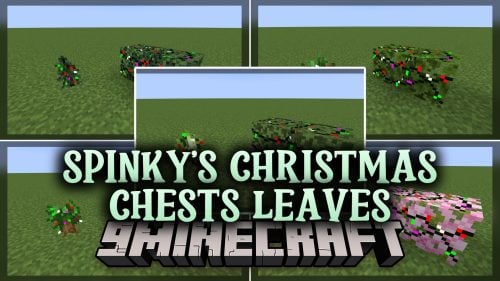 Spinky’s Christmas Chests Leaves Model – Brings Layered Leaves and Presents

This post has no comments yet. Be the first — your comment will appear here.