
Redstone Tweaks Overlaid Model – Adds Clear 3D Redstone Indicators

 0


Redstone Tweaks Overlaid Model brings clear 3D indicator models to redstone parts and functional blocks. It places helpful visual cues directly onto blocks like comparators, dispensers, and beehives. This pack works on top of other resource packs so you can keep your favorite textures while seeing redstone states clearly.

Features:
- Places clear 3D overlays on over one hundred block models without replacing your base textures.
- Shows active signal states on redstone comparators in normal and subtract modes.
- Displays honey levels directly on beehives and wild bee nests from stages one through five.
- Adds directional cues and active power states for dispensers, vertical dispensers, and droppers.
- Provides visual step indicators on daylight detectors to track daylight signal power at a glance.
- Highlights pressed buttons and ancient debris with custom 3D model tweaks.
How to Use:
- Place the pack file into your resource packs folder and move it to the top of your active list in the game menu.
- Place a Redstone Comparator on the ground and right-click it to watch the front torch model change between normal comparison and subtract mode.
- Find or craft a Beehive or Bee Nest and watch the visual markers fill up from stage 01 to stage 05 as bees deposit honey.
- Place a Dispenser facing sideways or upwards to inspect the custom vertical model, then power it with redstone to see the powered face model activate.
- Set down a Daylight Detector in the open sunlight and check the step indicators numbered 01 through 08 as the sun moves across the sky.
Screenshots:


Redstone Tweaks Overlaid Model Download Links
Click to rate this post!
[Total: 0 Average: 0]
You May Also Like
Picked for this page
 Arty Reindeer Jenny Mod Model
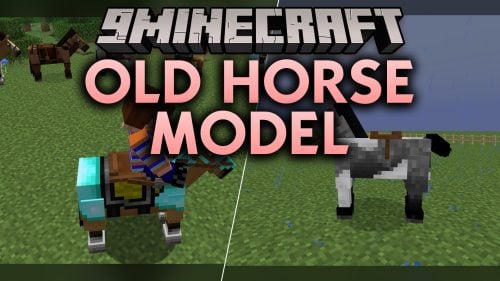 Old Horse Model – Restores Classic Retro Horse Models and Animations
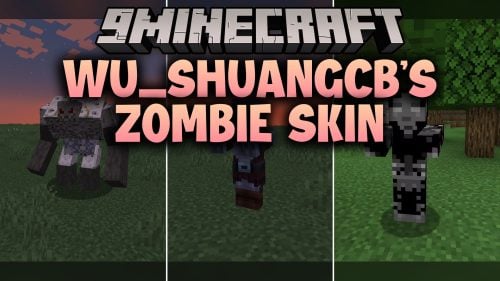 WU_SHUANGCB’s Zombie Skin Model – Transforms Zombies with Heavy Viral Weapons
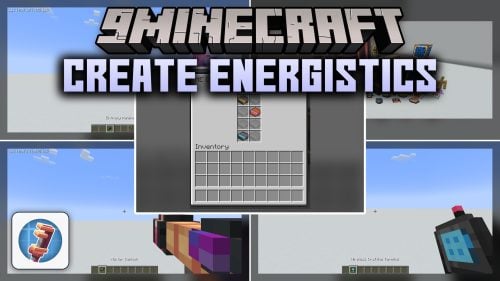 Create Energistics Model – Transforms Digital Storage Into Clockwork Machinery
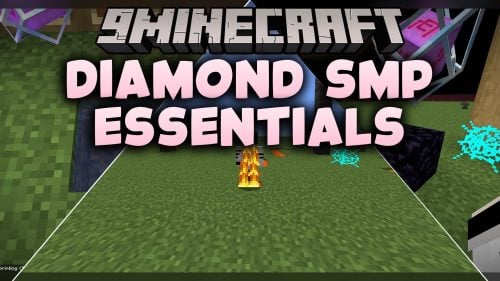 Diamond SMP Essentials Model – Transforms Utility Blocks with 3D Shapes
 3D Dripstone Model – Transforms Pointed Dripstone Into Clean Blocky Shapes
 Redstone Torch Backport Supporter Model – Adds Modern Redstone Circuit Models
 Vanilla Glowing Ore Borders Model – Illuminates Hidden Ores in Caves
 Grass Model – Transforms Plain Ground with 3D Flowers, Pebbles, and Sticks
 Vanilla PVP Essentials Model – Brings Clean 3D Overlays for Combat
 Simplistic 3D Doors Model – Adds Clean Depth to Vanilla Entryways
 Torturable Healthbars X Fresh Animations Model – Adds Animated Mob Wounds
Most viewed in Models over the last 7 days
 Jenny Mod Skin Pack Mega Collection – 310+ Characters
 The Most Complete Collection of Jenny Mod Resources – Models, Animations, Structures,…
 Albedo Rework Jenny Mod Model
 Power Model – Custom Girl for PleasureCraft Mod
 Ram Model – Custom Girl for PleasureCraft Mod
 100+ Custom Animations For Jenny Mod
 Galath Rework Model – Custom Girl for PleasureCraft Mod
 Steve (Jenny & Zoey) Pack Jenny Mod Model
 Albedo Jenny Mod Model
 Fern Jenny Mod Model
 750 Models Addon for Yes Steve Model Mod
 Alex Model – Custom Girl for PleasureCraft Mod
More from Models
 UnShade Model – Brings Clean Shadowless Lighting to Every Block Surface
 The Backrooms Model – Transforms Everyday Blocks Into Eerie Liminal Hallways
 NYCT R40 R40M R42 Model – Adds Authentic New York City Subway Trains
 The Crustarax Model – Unleashes Coastal Mercenary Boss
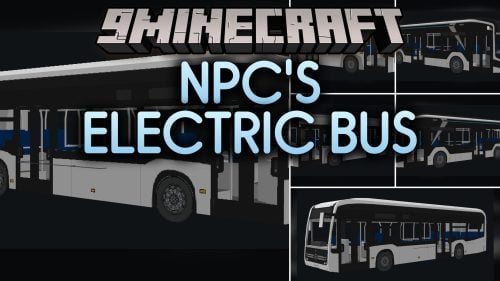 NPC’s Electric Bus Model – Brings Clean Electric Buses to City Routes
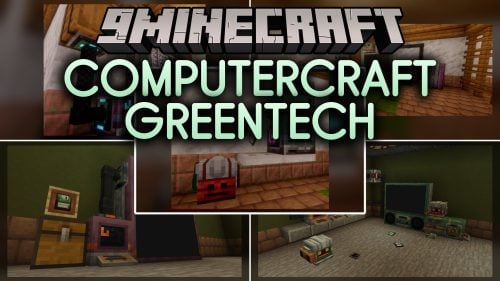 Computercraft Greentech Model – Transforms Computers Into Retro Green Machines
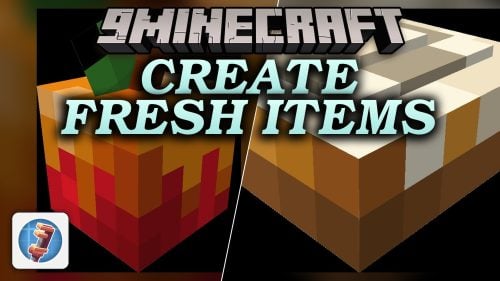 Create Fresh Items Model – Brings Animated 3D Food and Machinery
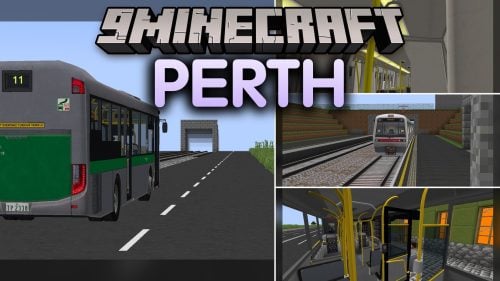 Perth Model – Adds Realistic Australian Rail Cars to Custom Transit Lines
 Programmer Tweaks Model – Transforms Classic Blocks with Animated 3D Details
 Guide Pack Litematica Model – Brings Exact Rotations to Blueprint Holograms
 Default Pvp Model – Adds Crisp 3D Depth to Competitive Battle Arenas
 Blocky 3D Replacements Model – Adds Chunky Volume to Vanilla Blocks

This post has no comments yet. Be the first — your comment will appear here.