
Torus Donut Flying Base Schematic (1.21.x) – Massive Flying Donut Base for Create Mod
 13
 0


Torus Donut Flying Base Schematic provides a large, round home that flies through the sky. This build features a unique donut shape that offers plenty of space for living and crafting. It works perfectly in survival mode and uses mechanical parts to move. You can travel the world while your entire base follows you. The structure contains over 16,000 blocks and measures 65 blocks wide.

3D Preview & Editor:
How to place this schematic
.nbt This is a vanilla structure file. It loads through structure blocks with no mod at all, within the 48×48×48 size limit.
| 1 | Put the .nbt file in <your world>/generated/minecraft/structures. |
| 2 | Give yourself a structure block: /give @s structure_block. |
| 3 | Place it, open it and switch the mode to LOAD. |
| 4 | Type the file name without .nbt, press LOAD, then PLACE. |
About this build
| 1 | Put the schematic file into your Minecraft schematics folder. |
| 2 | Open the Schematic Table in the game to select the donut base. |
| 3 | Find a large open space in the sky or on flat ground. |
| 4 | Use a Schematicannon to build the structure automatically. |
| 5 | Gather all the required blocks and materials in nearby chests for the cannon to use. |
Features:
- Flying Base: Moves through the air using specialized propulsion and bearing systems.
- Survival Ready: Includes enough room for beds, chests, and machines for daily gameplay.
- Uses a giant donut shape that looks impressive from the ground.
- Requires over 16,700 blocks to construct the full structure.
- Works with different mechanical parts to stay powered and moving.
Schematic Specs:


 Top Blocks Used
Framed Glass 5,072Dirt 2,349Smooth Stone Slab 1,972Grass Block 1,583Industrial Iron Block 1,580
Screenshots:


Requirements:
 Create Mod Required
createpropulsion Required
createaddition Required
createcobblestone Required
simulated Required
Create The Air Wars Required
copycats Required
dndecor Required
Torus Donut Flying Base Schematic Download Links
For Minecraft 1.21.x
Click to rate this post!
[Total: 0 Average: 0]
QUICK MINECRAFT SURVEY · ONE TAP
Mods & Modpacks
How do you usually discover new mods to try out?
2 responses · See the full results →
You May Also Like
Picked for this page
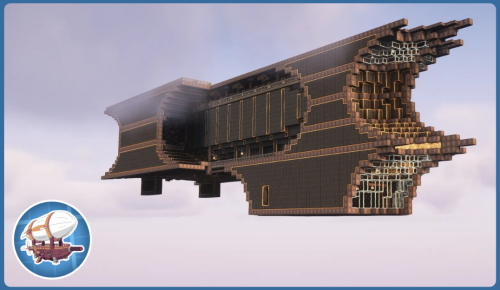 SS Venator Endgame Skybase Carrier Factory Schematic (1.21.x) – Massive Endgame Airship Base
 Simple Iron Farm Schematic (1.21.x) – Automated Iron Production for Create Mod
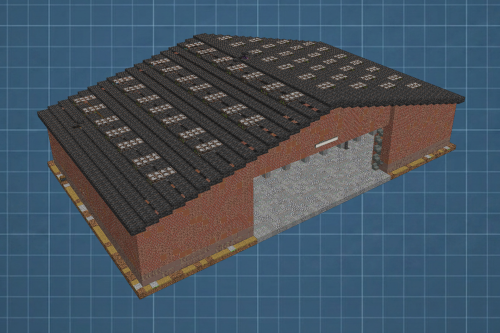 Simple Brick Hangar with Sliding Door Schematic (1.21.x) – Large Brick Hangar with Sliding Doors
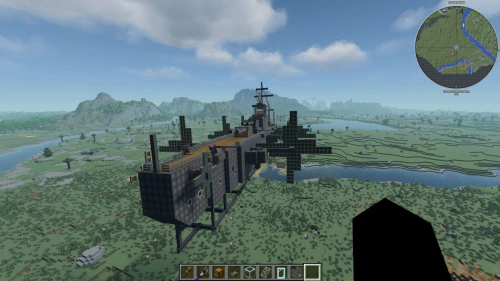 Ironclad Schematic (1.21.x) – Massive Armored Airship for Create Aeronautics
 Dual Flight Mode Helicopter Survival Friendly Runs on Diesel Gasoline or Biodiesel and Comes with a
 A German Styled Trainstation Schematic (1.21.x) – German Styled Create Mod Train Station
 Ver 5 of the Wall Schematic (1.21.x) – Detailed Wall with Mixer
 Realistic Engine Schematic (1.21.x) – Realistic Create Mod Engine for Trucks
 Samolet Schematic (1.21.x) – Simple Starter Airplane for Create Mod
 Mohawk Micro Fighter Schematic (1.21.x) – Compact Vtol Fighter Jet
 Ver 4 of the Wall Schematic (1.21.x) – Functional Wall with Blaze Cake Farm
 Working SpaceX Starship and Mechazilla Tower with Chopsticks Based off the 13th Flight Test
Most viewed in Create Mod Schematics over the last 7 days
 Copper Flying Ship That Can Also Act as a Normal Boat Schematic (1.21.x) – Dual Purpose Copper
 Rail Gun Schematic (1.21.x)
 Agrimotor Schematic (1.21.x) – Build a Functional Create Mod Tractor
 Arasaka Tower Schematic (1.21.x) – Massive Black Industrial Skyscraper Build
 Starter Iron Farm Schematic (1.21.x) – Simple Early Game Iron Production Build
 Large Submarine Schematic (1.21.x) – Build a Large Submarine for Travel
 F16 Falcon Schematic (1.21.x)
 Thrall 40ft 53ft Well Car Nbt Schematic (1.20.x) – Legendary Double Stack Container Train Car
 Diesel Engine Train Schematic (1.21.x) – Heavy Freight Locomotive for Create Mod
 Sd40 2 Blue Nbt Schematic (1.20.x) – Classic Blue American Locomotive
 Compacted Alloy Farm Schematic (1.21.x) – Automatic Andesite Alloy Factory for Create
 Class 86 Schematic (1.21.x) – Classic 1960s Electric Train
More from Create Mod Schematics
 Small Airship Portative Engine Schematic (1.21.x) – Simple Flying Machine for Fast Exploration
 Hog 001 Motorcycle Schematic (1.21.x) – Fast Create Mod Bike with Wheelies
 Advanced Hovercar Schematic (1.21.x) – Customizable High-Tech Flying Vehicle Build
 Compacted Alloy Farm Improved Schematic (1.21.x) – Fast and Compact Create Mod Alloy Farm
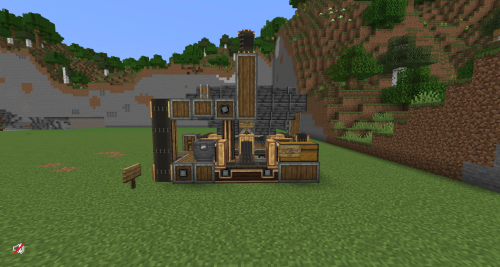 Iron Farm Flint Farm Schematic (1.21.x) – Compact Iron and Flint Farm for Survival
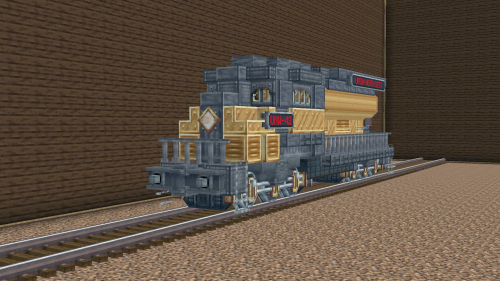 Union Pacific Centennial Dd40x Schematic (1.21.x) – Detailed Locomotive Blueprint for Your Railway
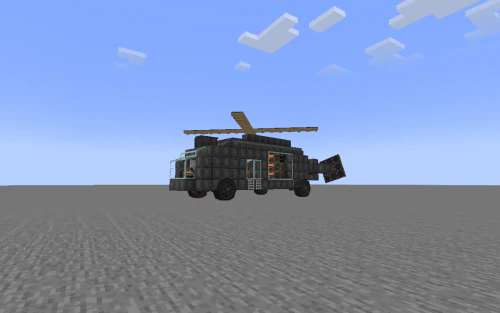 Helicopter Xpl Schematic (1.21.x) – Large Create Mod Flying Machine
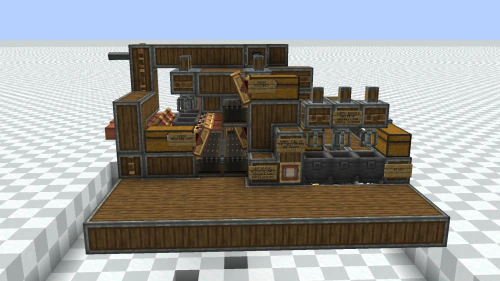 Cobblemon Semi Automatic Pp up and Vitamins Workshop Schematic (1.21.x) – Automatic Vitamin Farming
 Cobblemon Medicinal Leek Farm Schematic (1.21.x) – Automatic Farm for Your Pokémon Supplies
 Cobblemon Vivichoke Farm Schematic (1.21.x) – Automatic Crop Farm for Cobblemon Trainers
 Lp 3 Submarine Schematic (1.21.x) – Build a Functional Small Submarine Blueprint
 Copper Gold and Zinc Farm V5 Schematic (1.21.x) – Automated Resource Farm for Create Mod

This post has no comments yet. Be the first — your comment will appear here.