
Create the Rivets Mod (1.21.1) – Rotate and Tilt Blocks Off the Grid
 1
 0

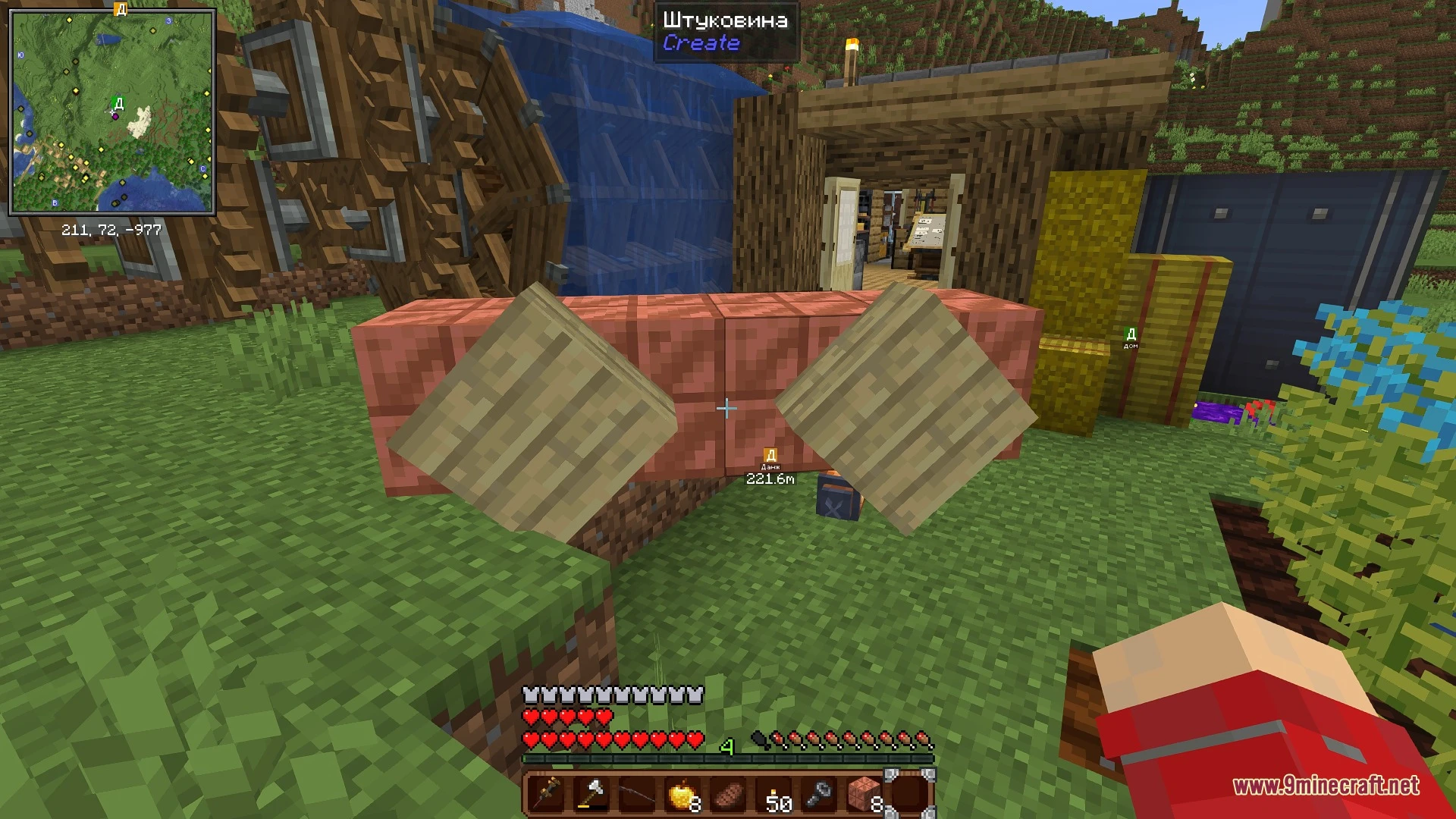
Create the Rivets Mod lets you place blocks at any angle instead of locking them to the usual Minecraft grid. It brings a single item called the Rivet to attach blocks freely anywhere you want. You can shift, tilt, and spin blocks using stepped turns or freeform rotation. The mod serves as a clean, standalone version of Coasters simulated that focuses purely on letting you position blocks without normal grid limits.
Features:
- The Rivet Item: Works as a handy connector that attaches blocks off the standard block grid.
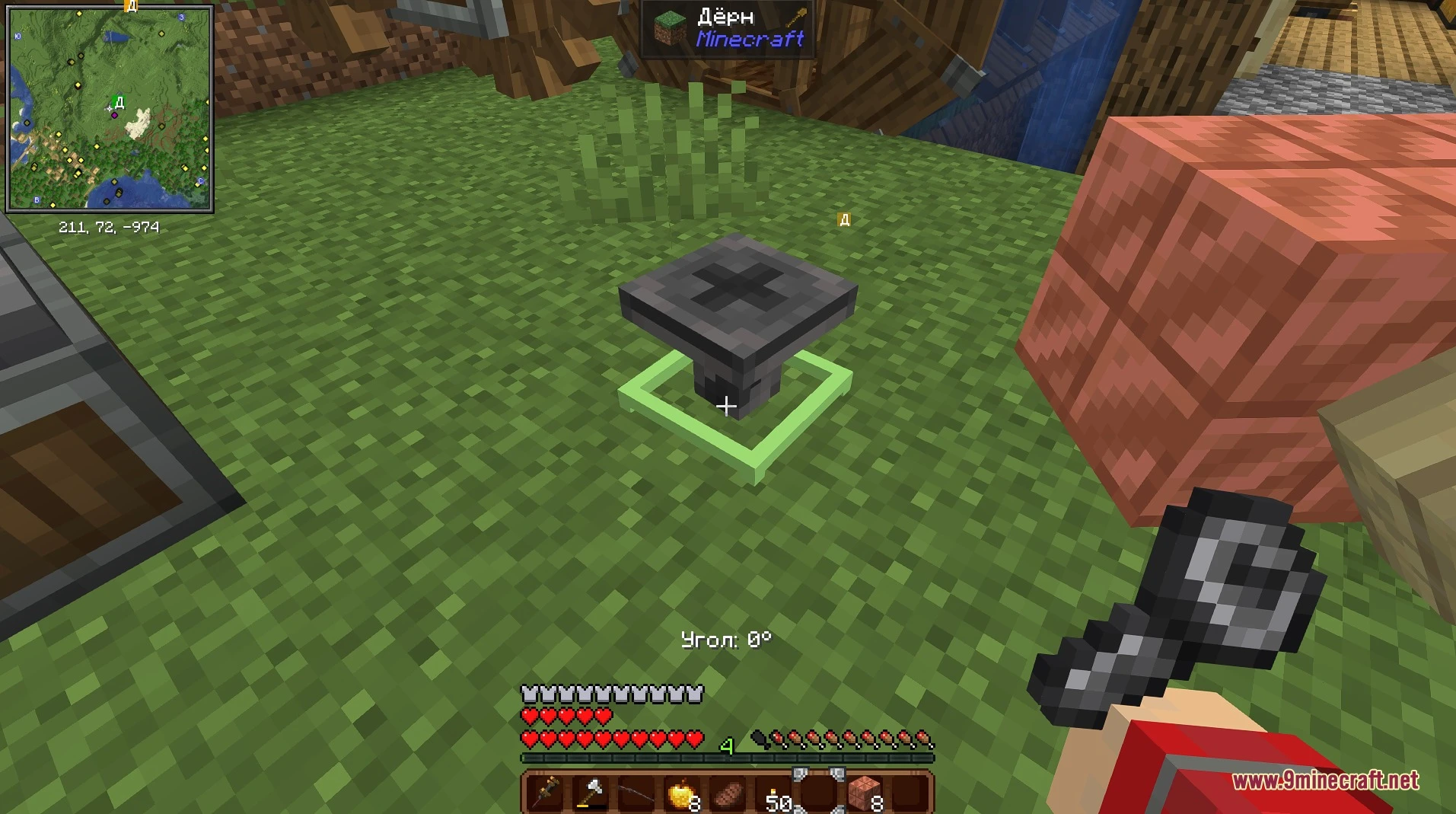
- Stepped Rotation: Turns blocks in fixed 15-degree increments using placement controls.
- Precise 360-Degree Rotation: Lets you turn blocks smoothly to any angle you want before placing them.
- Off-Grid Offset: Positions blocks outside normal cubic boundaries to create detailed designs.
- Includes dedicated custom sounds when handling and placing rivets.
- Provides a survival crafting recipe to make rivets directly in your world.
How to Use:
- Obtain a Rivet in your inventory through crafting or creative menus.
- Hold the Rivet while placing a block against another surface.
- Press the placement key to rotate the block in 15-degree steps.
- Hold the placement key to rotate freely in full 360 degrees.
- Click to place down the block at your chosen angle and offset.
Screenshots:
How to Install:
New to Minecraft? Follow our step-by-step guide to install Mods on your PC.View Guide
Requirements:

Create the Rivets Mod Download Links
For Minecraft 1.21.1, 1.21
Click to rate this post!
[Total: 0 Average: 0]
You May Also Like
Picked for this page
 Eyes in the Darkness Mod (26.2, 1.20.1) – Never Turn Your Back on the Shadows
 Xaero’s Map Server Utils Mod (26.3, 1.20.1) – Enforce Fair Play and Disable
 Simple Cobblestone Generator Mod (26.2, 1.20.1) – Build Working Factories
 Rebind Narrator Mod (26.1.2, 1.20.1) – No More Annoying Narrator
 Dyed Item Frames Mod (1.21.11, 1.20.1) – Colored Item Frames
 Skippy Pearls Mod (26.1, 1.20.1) – Fun Water Interactions
 Charcoal Blocks Mod (26.3, 1.20.1) – Efficient Fuel Without Ever Mining
 Chromatic Synergy Mod (1.21.1, 1.20.1) – Match Custom Colors Across Your Modded
 Popped Mod (26.3, 1.20.1) – Turn Any Player Skin Into Collectible Vinyl Figures
 Holyhell Mod (1.21.1, 1.20.1) – Fight Biblically Accurate Angels in Sacred Ruins
 Social Rating Mod (26.3, 1.20.1) – Know Who to Trust with Player Star Ratings
 V Widgets Mod (26.3, 1.21.1) – Never Miss Critical Timers in Combat
Most viewed in Mods over the last 7 days
 Ala Industrial Mod (26.3) – Run Electric Power Grids and Automated Factories
 PleasureCraft Mod (26.3, 1.21.1) – Jenny Mod Remake for Fabric
 Jennycraft Mod (26.3, 1.20.1) – Virtual Girlfriend in Minecraft
 Fapcraft Mod (26.3, 1.12.2) – Comprehensive and Detailed Content
 Jenny Mod (Fapcraft) Official Complete Guide – How to use, Tutorial
 Meteor Client Mod (26.3, 1.20.1) – Xray, HUD, Fly
 BangCraft Mod (1.20.1) – Jenny, Ellie and Elliot
 OptiFine HD (26.3, 1.20.1) – Run Faster, FPS Boost, Shaders Support
 Fabric Loader (26.3, 1.20.1) – Fabric Installer for All Minecraft Versions
 SeedCrackerX Mod (26.3, 1.20.1) – Find Any World Seed
 CatLean Client Mod (26.2, 1.21.11) – ThunderHack Recode Alternatives
 SchnurriTV Mod (1.12.2) – Characters and Features
More from Mods
 Money Tree Resource Groves Mod (26.3, 1.20.1) – Grow Diamonds on Trees
 Wandering Shrines Mod (26.3, 1.21.1) – Follow Light Beams to Beat Random Shrine
 Ember’s Questing Mod (26.3, 1.20.1) – Turn Flat Modpack Quests Into Interactive
 Project Zarya Mod (1.20.1) – Build Soviet Nuclear Missiles and Armored Vehicles
 Spear Armor Trims Mod (26.3) – Customize Your Spears with Any Vanilla Armor Trim
 Better Effect HUD Mod (26.3) – Track Active Potion Timers Right on Your Screen
 Coins N’ Auctions Mod (26.1.2) – Trade Gear in a Player-Driven Auction House
 Leaderboard Hologram Mod (26.3, 1.20.1) – Display Live Server Stats
 Absolute Realistic Door Light Mod (26.3, 1.20.1) – Closed Doors Block Light
 Dap Your Homies Mod (26.3) – Unleash Shockwaves and Yeet Friends in Multiplayer
 Create Radars Remote Control Mod (1.21.1) – Track Enemies with Radar HUDs
 Blue Skies Spellbooks Iron’s Spells ‘n Spellbooks Addon Mod (1.20.1)

This post has no comments yet. Be the first — your comment will appear here.