
Simply 32x – Brings Compact 3D Combat Gear and Clearer Battlefield Views

 0


Simply 32x refreshes combat and survival visuals with clean 32x textures and custom block models. The pack provides essential adjustments for competitive player-versus-player fights and survival worlds, including trimmed combat items and unobtrusive environmental hazards. It includes 325 custom 3D models alongside 939 distinct texture files and animated surfaces. Players gain clearer battlefield awareness during matches without losing the familiar style of the game.

Features:
- Compact Combat Gear: Displays smaller shield and totem models to keep your screen clear during intense battles.
- Low Fire Visuals: Lowers the on-screen fire height so you can track opponents even while burning.
- Dark Interface: Replaces default bright containers and inventory menus with a sleek, dark GUI.
- Clean Combat Effects: Removes block breaking particles so sudden destructible actions do not block your line of sight.
- High-Visibility Cobwebs: Colors cobwebs bright blue to make trap placements immediately recognizable.
- Detailed 3D Models: Features 325 custom 3D block and item models with 939 detailed texture files.
- Includes animated textures across blocks and interactive elements.
- Features custom geometry for growing bamboo plants across four growth ages with large and small leaf variations.
- Displays customized models for big dripleaf plants, including stem sections, partial tilt states, and full tilt drops.
- Updates brewing stands with distinct visual states showing zero, one, or two potion bottles as well as empty slots.
- Changes the look of bells whether placed on floors, hung from ceilings, or mounted between walls.
- Redesigns interactive buttons with unique visuals for unpressed states, pressed states, and inventory display.
- Reworks cactus blocks and beacon structures with crisp 32x pixel styling.
How to Use:
- Place the pack file inside your Minecraft
resourcepacksfolder and move it to the active list in the Resource Packs options menu. - Hold a totem of undying or a shield in your offhand to observe the reduced, compact model sizes that keep your field of view open.
- Walk into a lush cave or jungle to find big dripleaf, then stand on top of it to watch the leaf model tilt from partial tilt to full tilt before resetting.
- Place a brewing stand on the ground and insert glass bottles into the brewing slots to watch the stand model update visually with each bottle added.
- Travel to a jungle to inspect bamboo stalks at different growth stages, noting the custom 3D leaf models attached to each age stage.
- Ring a town bell placed on a wall or ceiling, or step onto a pressed wooden button to view the custom 3D block positions.
Requirements:
- A Minecraft release that handles animated textures properly.
Screenshots:


Simply 32x – PVP Model Download Links
Click to rate this post!
[Total: 0 Average: 0]
You May Also Like
Picked for this page
 Hidyk’s Realm Model – Brings Animated 3D Depth to Vanilla Blocks
 Doc’s Whimscape Additions Friends & Foes Model – Restyles Modded Mobs and Gear
 ShadowBlade Model – Equips Animated 3D Fantasy Weapons for PvP Combat
 100Follower Bedwars Pack Model – Transforms Arena Blocks for Clearer Fights
 Goose’s Leaves Model – Transforms Flat Leaves Into Bushy 3D Foliage
 Night Model – Brings Custom 3D Blocks and Clean Textures for Competitive PvP
 Ying Yang 16x Model – Transforms Bedwars Blocks with Animated 3D Designs
 Slimefun Model – Brings 3D Shields, Solar Panels, and Animated Server Tech
 Moons Cuter Bedwars Model – Brings Cute 3D Blocks and Clean PvP Visuals
 Vanilla SMP Model – Brings Clear 3D Weapons and Visible Traps to PvP
 Drown’s Tool Tweaks Model – Brings Animated 3D Weapons and Glowing Altars
 Mob Cards Nether Model – Transforms Spawn Eggs Into Animated Collectible Cards
Most viewed in Models over the last 7 days
 Jenny Mod Skin Pack Mega Collection – 310+ Characters
 The Most Complete Collection of Jenny Mod Resources – Models, Animations, Structures,…
 Albedo Rework Jenny Mod Model
 750 Models Addon for Yes Steve Model Mod
 Power Model – Custom Girl for PleasureCraft Mod
 Galath Rework Model – Custom Girl for PleasureCraft Mod
 Pomni Jenny Mod Model
 Ram Model – Custom Girl for PleasureCraft Mod
 Femboy Ellie Rework Jenny Mod Model
 100+ Custom Animations For Jenny Mod
 Ellie Rework Jenny Mod Model
 Ellen Model – Custom Girl for PleasureCraft Mod
More from Models
 Halloween Pack Jenny Mod Model – Transforms Companions with Spooky Costumes
 200 Series Shinkansen Model – Brings Japanese Bullet Trains to Rails
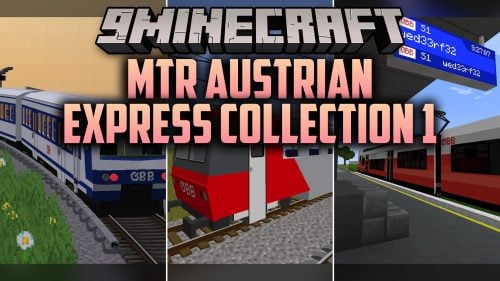 MTR Austrian Express Collection 1 Model – Brings Detailed Austrian Trains
 KTX_EUM Model – Brings Modern Electric Trains to MTR4 Railway Tracks
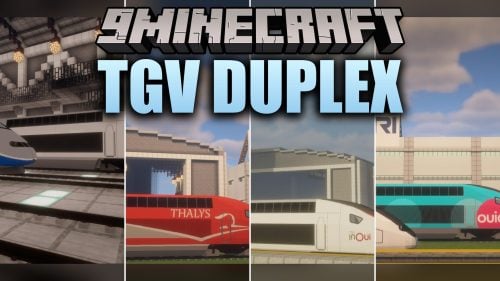 TGV Duplex Model – Adds European High-Speed Passenger Trains to Rail Tracks
 E7 W7 Series Shinkansen Model – Brings Japanese Bullet Trains to Railways
 West Midlands Trains Model – Brings British Commuter Trains to Railways
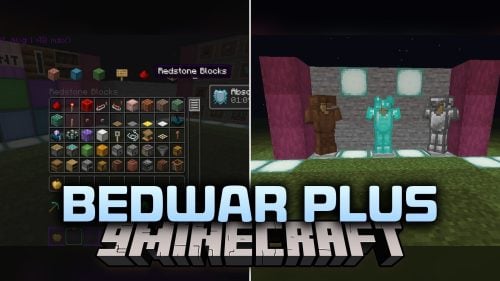 BedWar Plus Model – Brings Interactive 3D Utility Blocks to Match Arenas
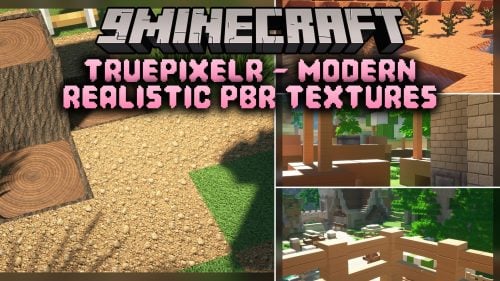 TruePixelR – Adds Physical Depth to Foliage and Articulated Wooden Doors
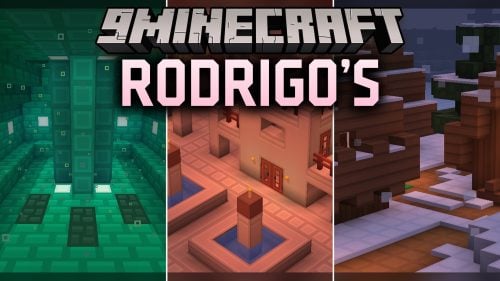 Rodrigo’s Model – Brings Animated 3D Cartoon Shapes to Vanilla Blocks
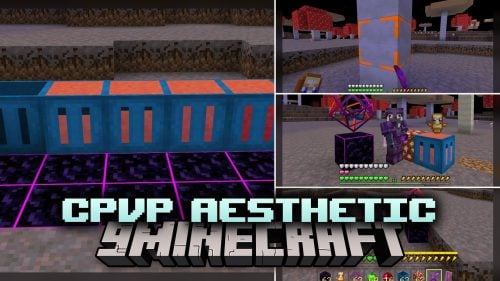 CPVP Aesthetic Model – Transforms Crystal Battles with Clear 3D Visuals
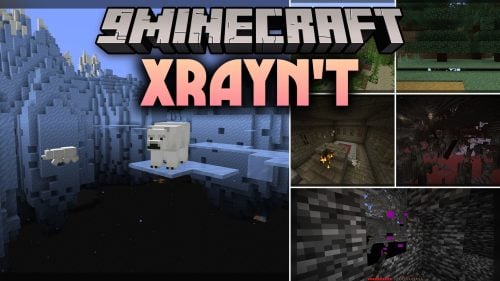 XRAYn’t Model – Transforms Normal Survival Mining Into a Silly Visual Challenge

This post has no comments yet. Be the first — your comment will appear here.