
XK Redstone Display Model – Brings Animated 3D Visuals to Redstone Circuits

 0


XK Redstone Display Model improves how redstone components and blocks look in your world. This pack ships with 173 custom 3D models and 1,149 texture files, including animated textures. It updates the appearance of everyday redstone parts like buttons, comparators, and calibrated sculk sensors alongside mechanical pieces such as linear and radial chassis. Players get clear visual feedback on active states, making it easier to see when a comparator is in subtract mode or when a block is pushing and pulling.

Features:
- 173 Custom 3D Models: Replaces flat redstone and block visuals with detailed three-dimensional shapes.
- 1,149 Texture Files: Includes a large set of custom textures with animated textures for active components.
- Clear Redstone States: Shows distinct models for powered and unpowered states, helping you read circuits at a glance.
- Updates mechanical movement states with dedicated models for extended, retracted, pushing, and pulling blocks.
- Adds directional block variants including horizontal, vertical, and filterless vertical models, plus moving flaps.
Redstone & Mechanical Models:
- Comparators: Includes distinct 3D models for the base comparator, powered comparator, subtract mode, and powered subtract mode.
- Buttons: Features separate models for standard unpressed buttons and pressed buttons.
- Calibrated Sculk Sensor: Upgrades the sensor block with a custom 3D shape.
- Chassis Components: Adds custom models for the template linear chassis, radial chassis base, and radial chassis X, Y, and Z sides.
Utility & Decoration Models:
- Chiseled Bookshelf: Updates the bookshelf block with a custom model.
- Chipped Anvil: Gives the damaged anvil state a refreshed 3D look.
- Cauldron: Replaces the standard cauldron visuals with a custom model.
- Carved Pumpkin: Changes the look of the carved pumpkin block and head model.
How to Use:
- Place the downloaded pack into your resourcepacks folder and activate it in the Minecraft Options menu.
- Craft or grab a Redstone Comparator and a Button from the Creative inventory, then place them on the ground.
- Press the button to send a redstone signal and watch the button switch to its pressed model while the comparator lights up with animated textures.
- Right-click the comparator to toggle its front torch and see the custom subtract and powered subtract models in action.
- Place a Calibrated Sculk Sensor, Chiseled Bookshelf, Cauldron, Chipped Anvil, and Carved Pumpkin nearby to inspect their updated 3D shapes.
- Set up mechanical blocks that push, pull, extend, and retract, or place linear and radial chassis blocks to view their X, Y, and Z side models.
Requirements:
- A Minecraft version that supports animated textures
Screenshots:


XK Redstone Display Model Download Links
Click to rate this post!
[Total: 0 Average: 0]
You May Also Like
Picked for this page
 Bare Bones X Model – Brings Simple 3D Foliage and Modded Block Visuals
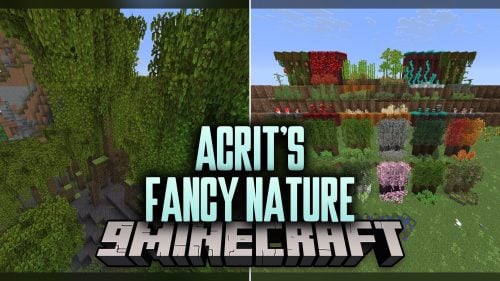 Acrit’s Fancy Nature Model – Transforms Flat Greenery Into Bushy 3D Foliage
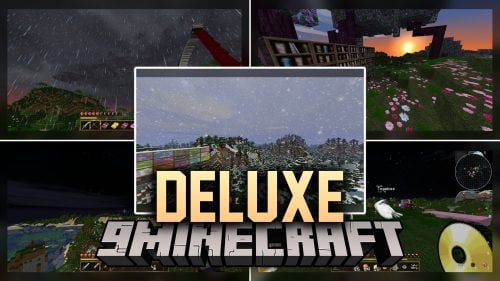 Deluxe Model – Transforms Flat Blocks Into Animated 3D Shapes with Fullbright
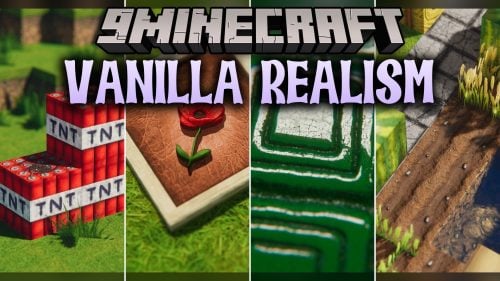 Vanilla Realism Model – Transforms Flat Blocks Into Animated 3D Shapes
 The Original Work Programmer Art Model – Brings Classic Retro Visuals and Models
 Brush & Juice Model – Brings Animated 3D Redstone and Mechanical Blocks
 Slimefun Model – Brings 3D Shields, Solar Panels, and Animated Server Tech
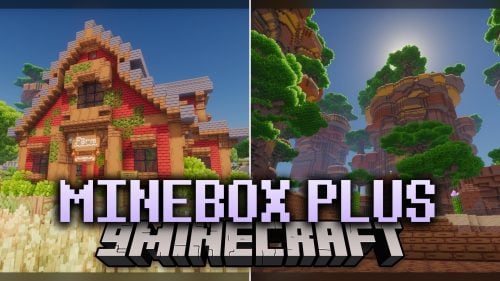 Minebox Plus Model – Transforms Caves, Plants, and Redstone with 3D Models
 PacksHQ Model – Brings Custom 3D Gear and Animated Textures to Hypixel Skyblock
 PixelMine Model – Transforms Everyday Blocks with Animated 3D Shapes
 A New Perception – Adds Detailed 3D Block Shapes and Animated Textures
 BedWar Plus Model – Brings Interactive 3D Utility Blocks to Match Arenas
Most viewed in Models over the last 7 days
 Jenny Mod Skin Pack Mega Collection – 310+ Characters
 The Most Complete Collection of Jenny Mod Resources – Models, Animations, Structures,…
 Albedo Rework Jenny Mod Model
 750 Models Addon for Yes Steve Model Mod
 Galath Rework Model – Custom Girl for PleasureCraft Mod
 Power Model – Custom Girl for PleasureCraft Mod
 Pomni Jenny Mod Model
 Ram Model – Custom Girl for PleasureCraft Mod
 Femboy Ellie Rework Jenny Mod Model
 100+ Custom Animations For Jenny Mod
 Ellie Rework Jenny Mod Model
 Steve (Jenny & Zoey) Pack Jenny Mod Model
More from Models
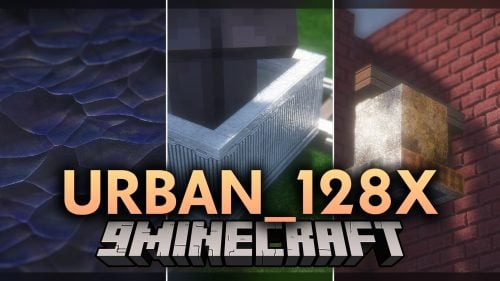 URBAN_128x Model – Transforms Vanilla Blocks with Animated 3D Urban Geometry
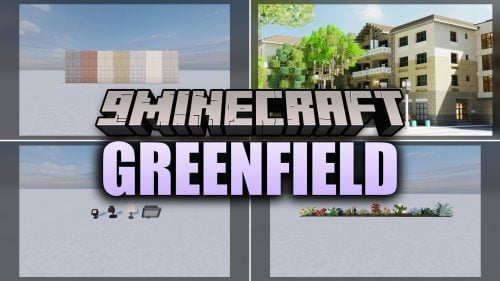 Greenfield Model – Transforms Everyday Blocks Into Detailed 3D Urban Pieces
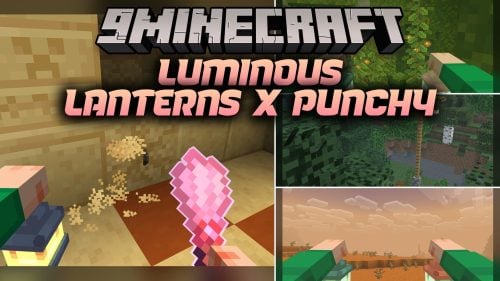 Luminous Lanterns X Punchy Model – Brings Detailed 3D Copper and Soul Lanterns
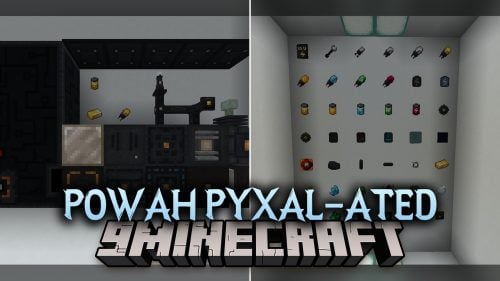 Powah Pyxal-ated Model – Transforms Powah Mod Machines with Animated 3D Shapes
 JR E217 Model – Brings Classic Japanese Commuter Trains to MTR Railways
 Vanilla SMP – Brings Clean 3D Weapons and Visible Traps to Multiplayer PvP
 Bushier Fragrance Model – Brings 3D Modded Flowers and Fluffy Dandelion Shapes
 Cyberpack Model – Unlocks Animated Cyberpunk Weapons, Revolvers, and Tools
 3D Tools And Weapons Model – Transforms Flat Vanilla Gear Into Animated 3D Items
 Wet Backapacks Model – Unlocks Six Themed 3D Backpacks with Custom Straps
 Snowfall’s Crystal Essentials Model – Brings Animated 3D Blocks to Crystal PvP
 Tooniverse Texture Pack 32x Model – Brings Cute 3D Cartoon Blocks to Worlds

This post has no comments yet. Be the first — your comment will appear here.