
PixelMine Model – Transforms Everyday Blocks with Animated 3D Shapes

 0


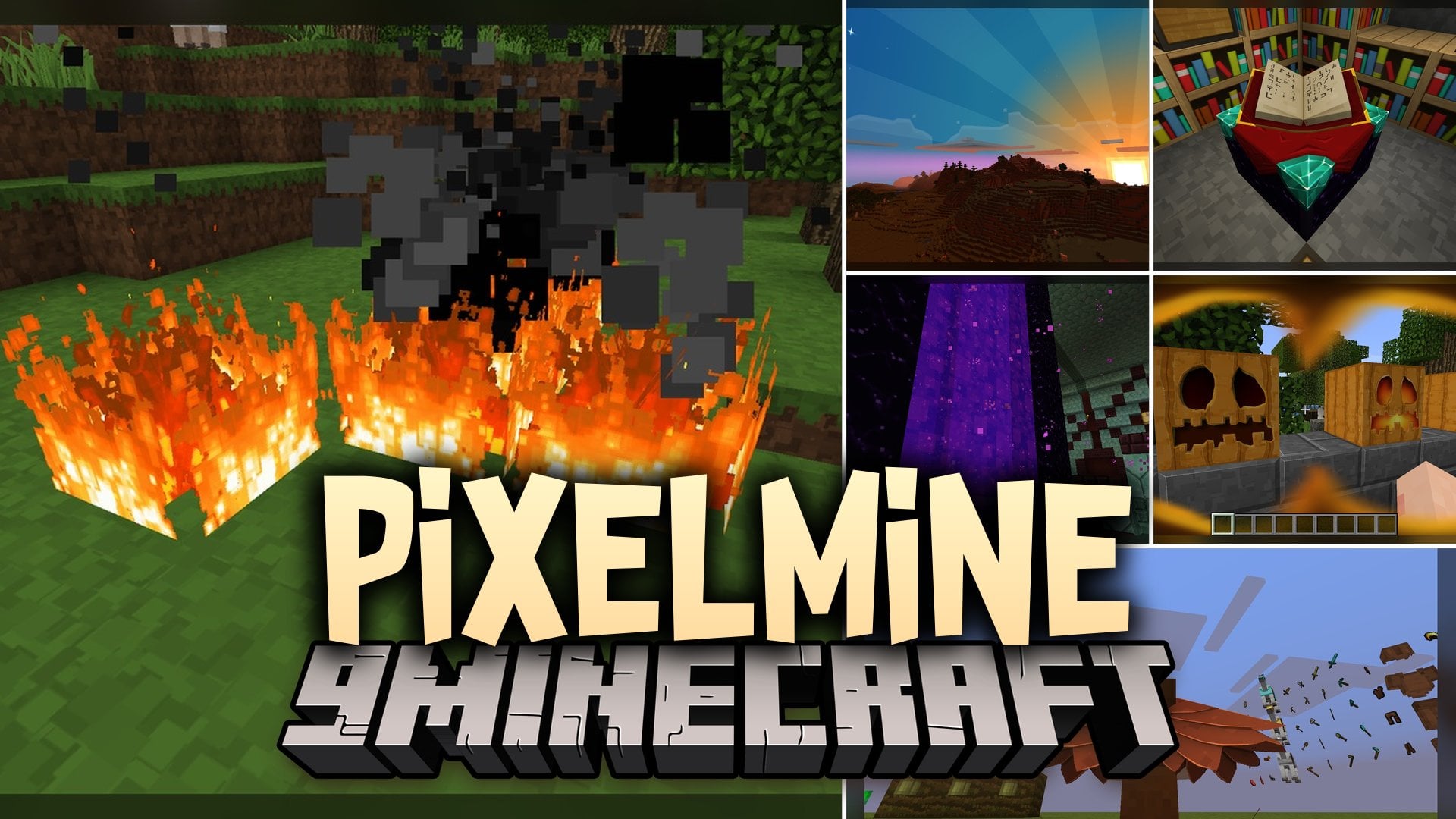
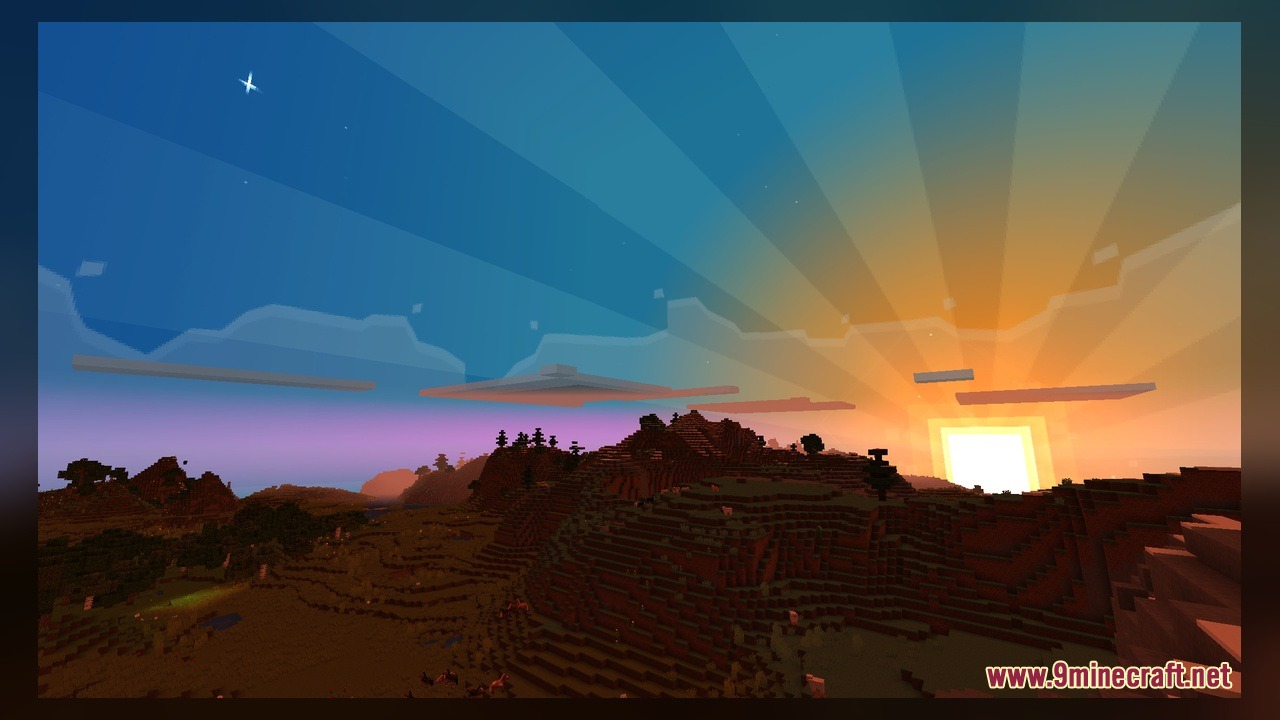
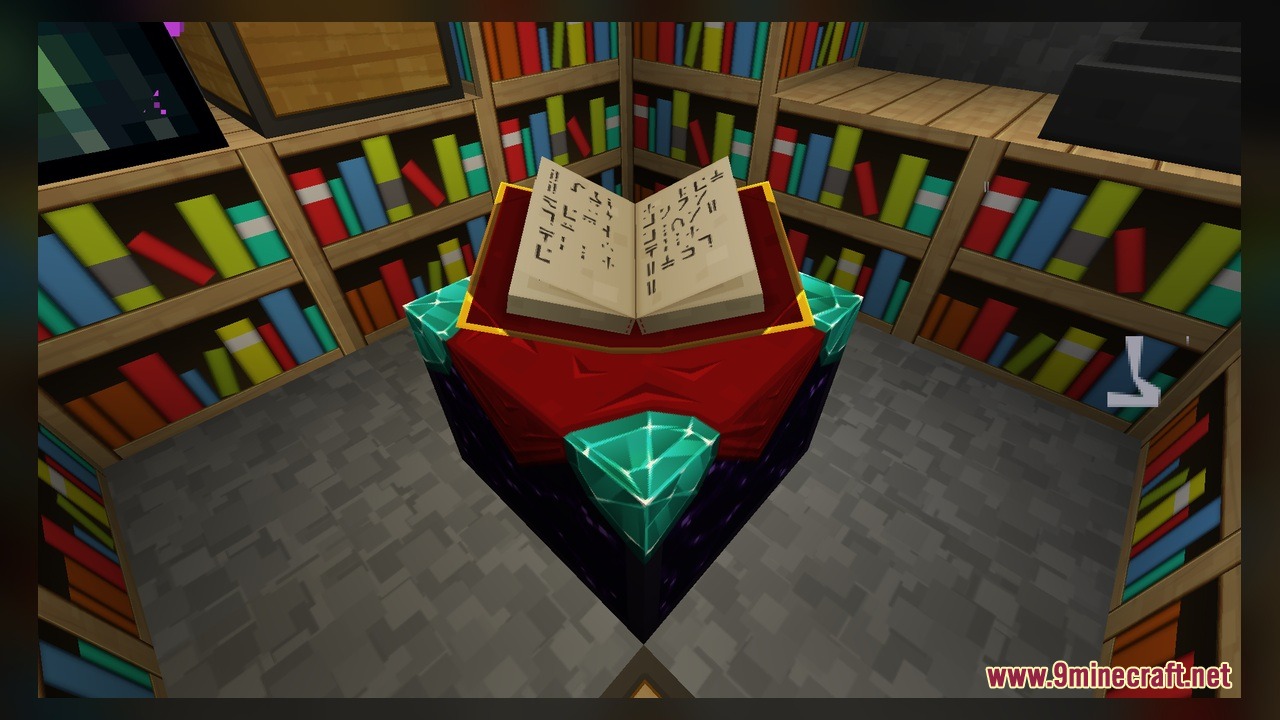
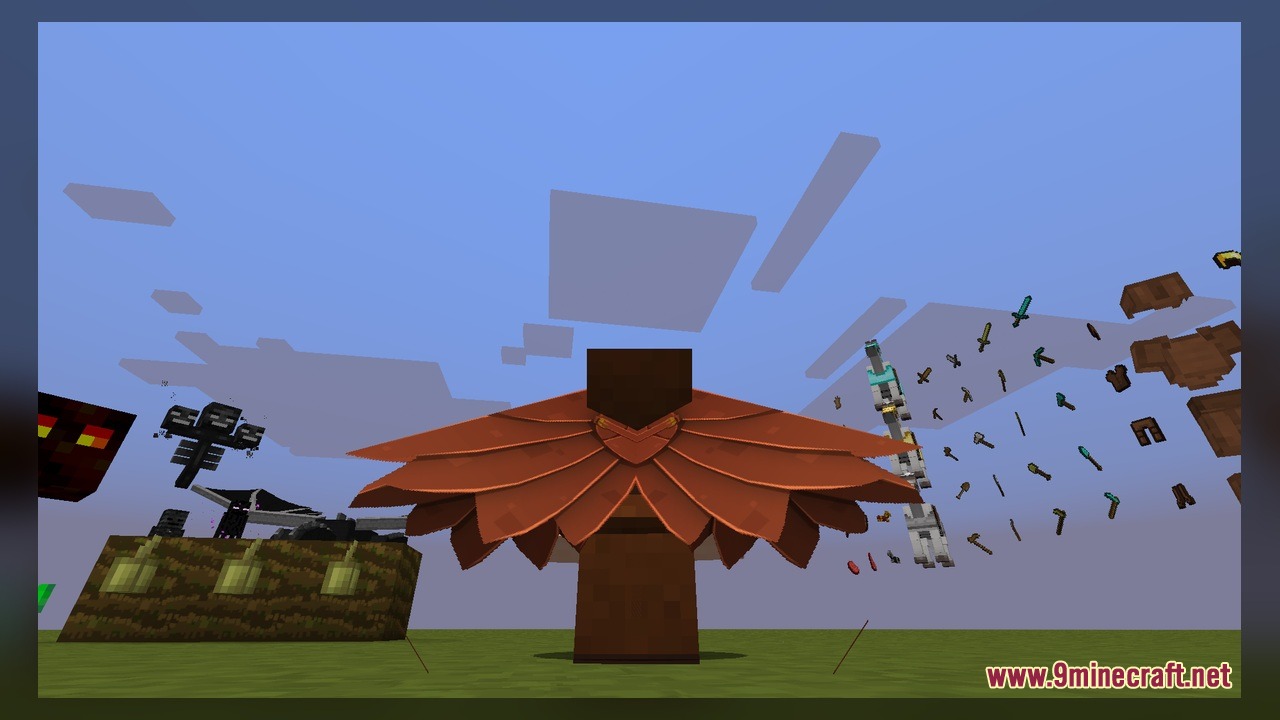
PixelMine Model transforms the look of everyday blocks with 166 custom 3D models and 1,829 texture files. This pack offers multi-resolution graphics ranging from 32×32 up to 256×256, along with animated textures that bring movement to your world. You can see fresh 3D shapes on wooden doors, redstone comparators, and utility blocks like the anvil, beacon, and brewing stand. It works across every Minecraft Java version from 1.12.2 and up.
Features:
- 166 Custom 3D Models: Replaces standard flat block shapes with detailed three-dimensional models.
- Multi-Resolution Textures: Includes 1,829 texture files available in resolutions from 32×32 up to 256×256.
- Animated Textures: Adds moving visual effects directly onto blocks.
- Replaces acacia, birch, and crimson doors with custom 3D models for every hinge side, top and bottom half, and open or closed state.
- Updates the redstone comparator with separate 3D models for its base state, powered on state, subtract mode, and powered subtract mode.
- Gives the anvil, beacon, and brewing stand brand-new 3D shapes and textures.
Custom 3D Block Models:
- Acacia Door: Features 8 distinct 3D model parts covering the top and bottom halves, left and right hinges, and open or closed positions.
- Birch Door: Includes 8 separate 3D models for the top and bottom sections, left and right hinges, and open or closed states.
- Crimson Door: Uses 7 custom 3D models for the top and bottom halves, left and right hinges, and open or closed positions.
- Redstone Comparator: Has 4 unique 3D models that switch between normal, powered on, subtract, and powered subtract states.
- Anvil: Replaces the vanilla iron block utility with a custom 3D anvil shape.
- Beacon: Upgrades the beacon block with a detailed 3D model.
- Brewing Stand: Gives the potion-making block a new 3D design.
How to Use:
- Open your Minecraft Options menu, click Resource Packs, move the pack to the active side, and click Done to load the textures.
- Craft or grab an acacia door, birch door, or crimson door from the Creative inventory and place it on the ground to see the custom 3D top and bottom halves.
- Place two doors side by side to see both the left and right hinge models, then right-click them to watch the 3D models switch between open and closed states.
- Place a redstone comparator on the ground and right-click it to toggle subtract mode, watching how the 3D model changes shape.
- Run a redstone signal into the comparator using a lever or redstone torch to see the powered on and powered subtract 3D models.
- Set down an anvil, a beacon, and a brewing stand side by side to inspect their custom 3D shapes and check out the animated textures up close.
Requirements:
- A Minecraft version that supports animated textures
Screenshots:
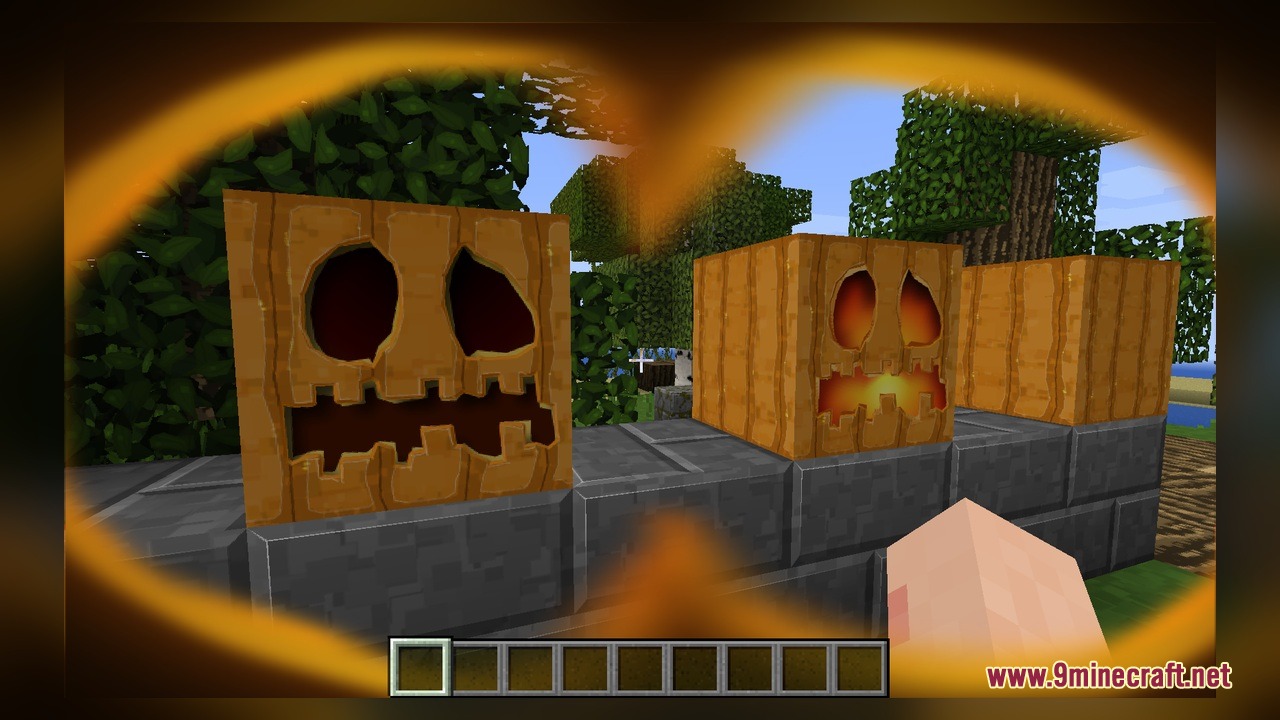
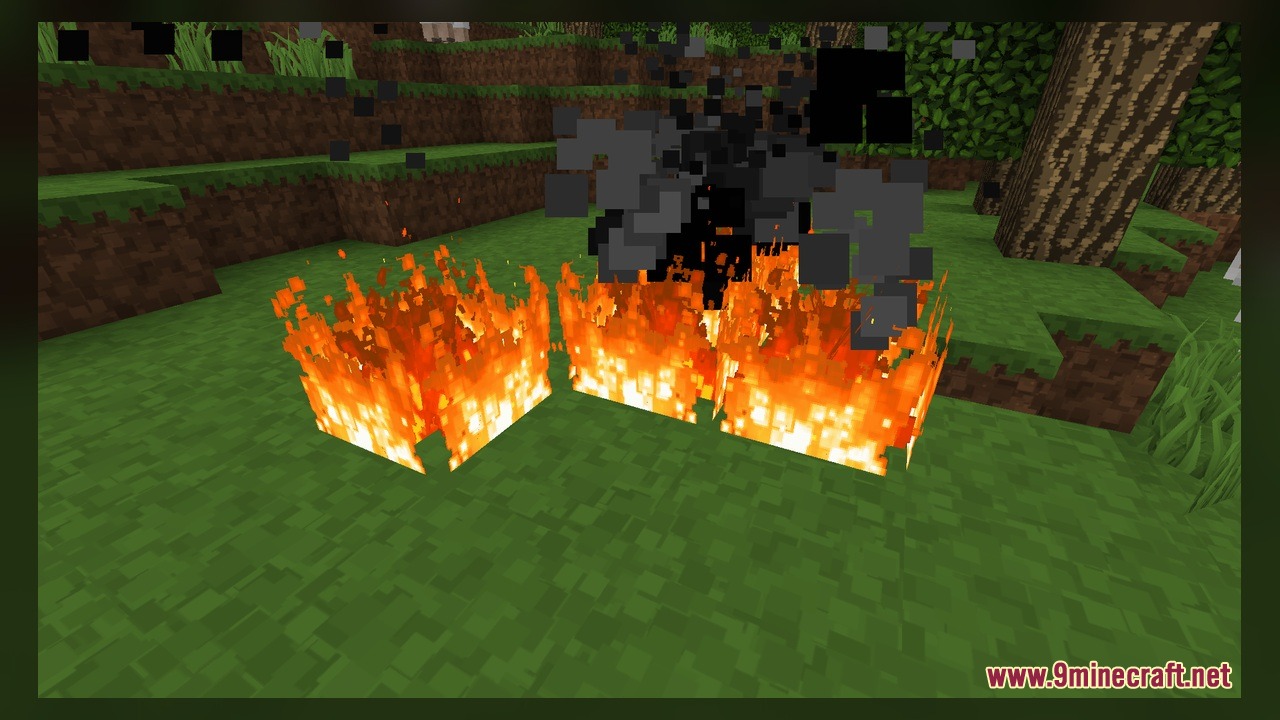
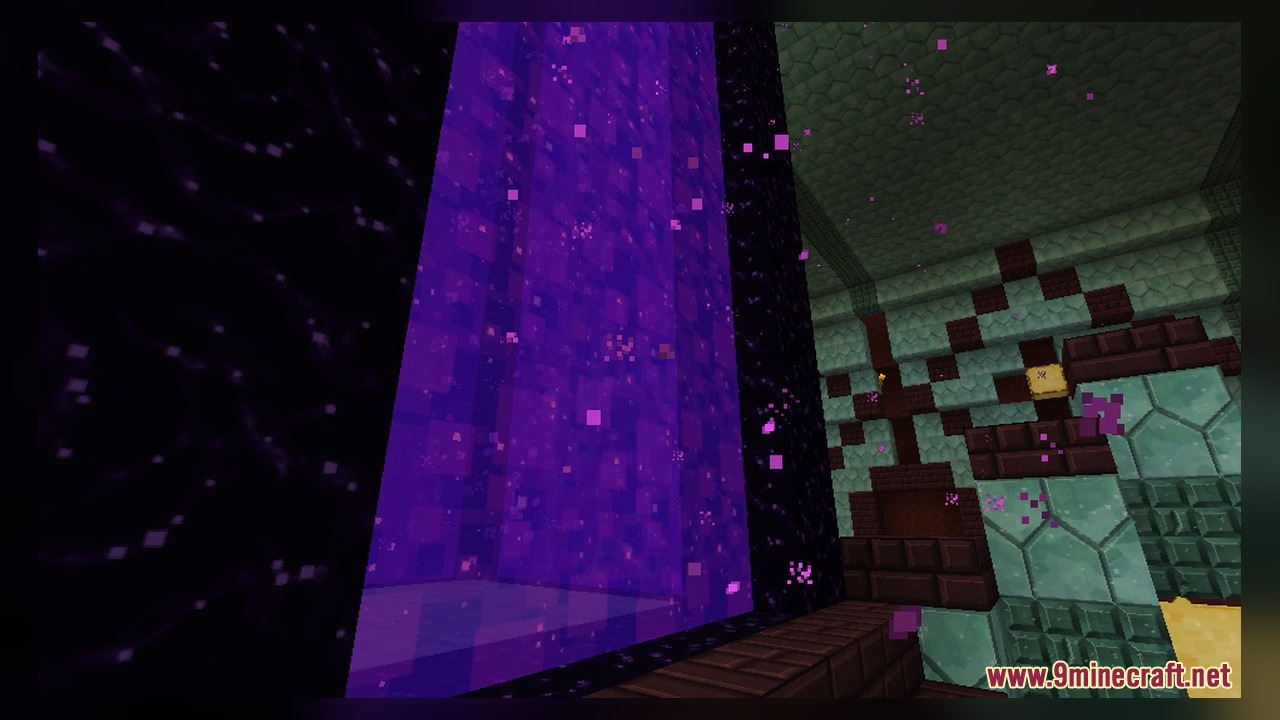
PixelMine Model Download Links
Click to rate this post!
[Total: 0 Average: 0]
You May Also Like
Picked for this page
 Pixel Perfection Fidelity Model – Brings Cozy Medieval 3D Models to Blocks
 Northern Wonderer Model – Adds 660 Custom 3D Models to Doors and Rails
 Bare Bones X Model – Brings Simple 3D Foliage and Modded Block Visuals
 Pixel-Tree Model – Transforms Everyday Vanilla Blocks with Detailed 3D Shapes
 Quadral Model – Brings Vivid Colors and 31 Custom 3D Models to Vanilla
 Deluxe Model – Transforms Flat Blocks Into Animated 3D Shapes with Fullbright
 100Follower Bedwars Pack Model – Transforms Arena Blocks for Clearer Fights
 Simply Alive Model – Brings Animated 3D Blocks and Capybara Totems
 Gui’s Better Vanilla Model – Brings Animated 3D Torches and Plants
 Brush & Juice Model – Brings Animated 3D Redstone and Mechanical Blocks
 Dimensionalized 3D Essentials Model – Adds 248 Vanilla-Style 3D Block Models
 Minebox Plus Model – Transforms Caves, Plants, and Redstone with 3D Models
Most viewed in Models over the last 7 days
 Jenny Mod Skin Pack Mega Collection – 310+ Characters
 The Most Complete Collection of Jenny Mod Resources – Models, Animations, Structures,…
 Albedo Rework Jenny Mod Model
 750 Models Addon for Yes Steve Model Mod
 Pomni Jenny Mod Model
 Power Model – Custom Girl for PleasureCraft Mod
 Galath Rework Model – Custom Girl for PleasureCraft Mod
 Ram Model – Custom Girl for PleasureCraft Mod
 Femboy Ellie Rework Jenny Mod Model
 Ellie Rework Jenny Mod Model
 100+ Custom Animations For Jenny Mod
 Ellen Model – Custom Girl for PleasureCraft Mod
More from Models
 SPM RP Model – Brings Animated 3D Beverages and Weapons to Roleplay Servers
 Backrooms PBR Poolrooms PBR Model – Transforms Walls Into Liminal Corridors
 Grimdark Samurai Model – Transforms Vanilla Gear Into Feudal Japanese Weapons
 AsaThorr’s PvP Model – Brings Sleek Combat Models for Clearer Duels
 Hidyk’s Realm Model – Brings Animated 3D Depth to Vanilla Blocks
 Luna HD Model – Transforms Everyday Survival Blocks with Animated 3D Depth
 MC Paint Model
 Coquet Model – Transforms Vanilla Foliage and Terrain with 3D Shapes
 ClearSight – Adds 3D Tripwires and Clears Visual Clutter in Combat
 ZPansitoA’s PvP Pack Model – Brings Detailed 3D Blocks to Arenas
 Classic Improvements Model – Transforms Flat Sprites Into 3D Gear
 Deeper MC Model – Brings Chunky 3D Depth to Vanilla Plants and Blocks

This post has no comments yet. Be the first — your comment will appear here.