
Minebox Plus Model – Transforms Caves, Plants, and Redstone with 3D Models

 0


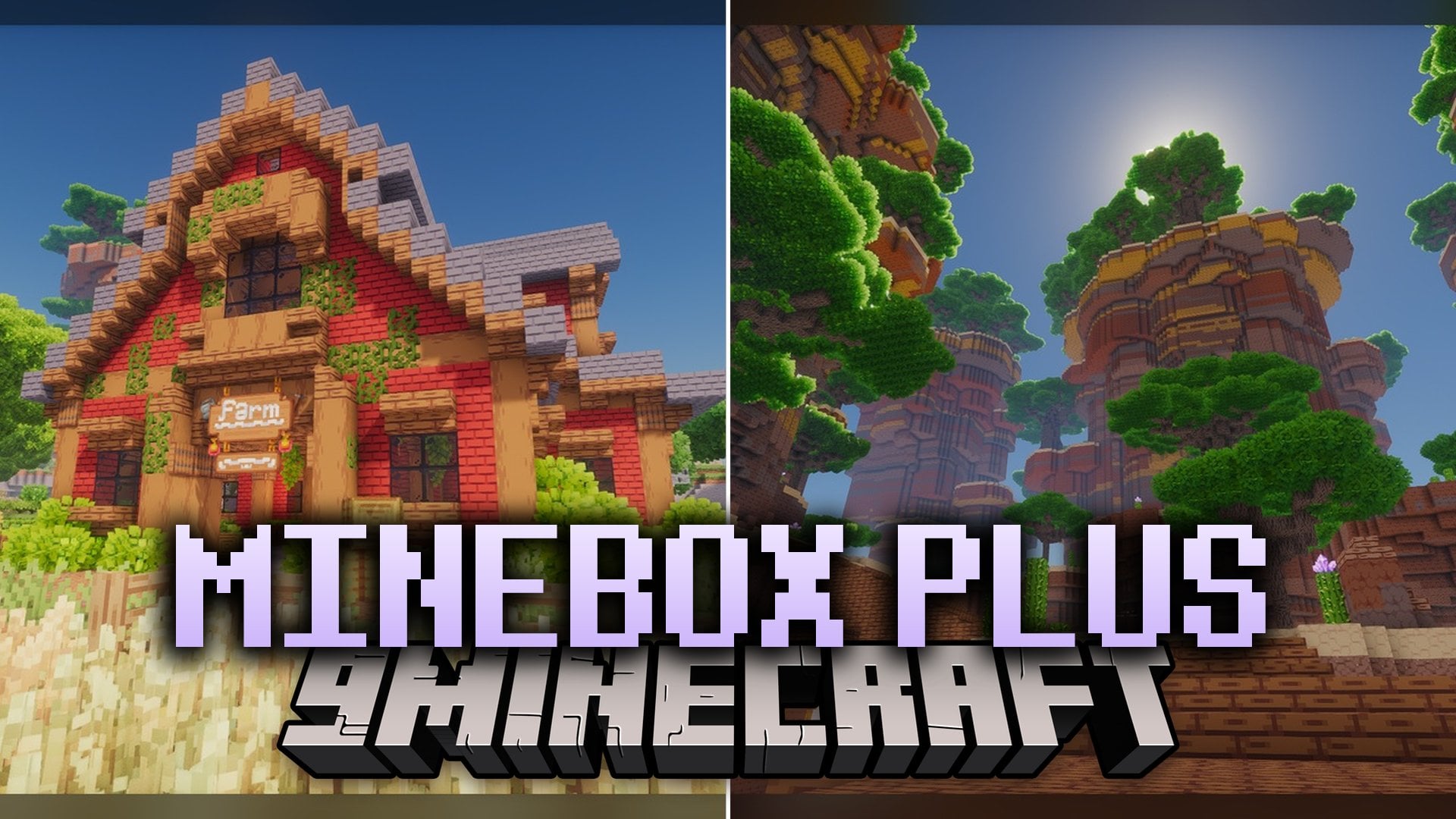
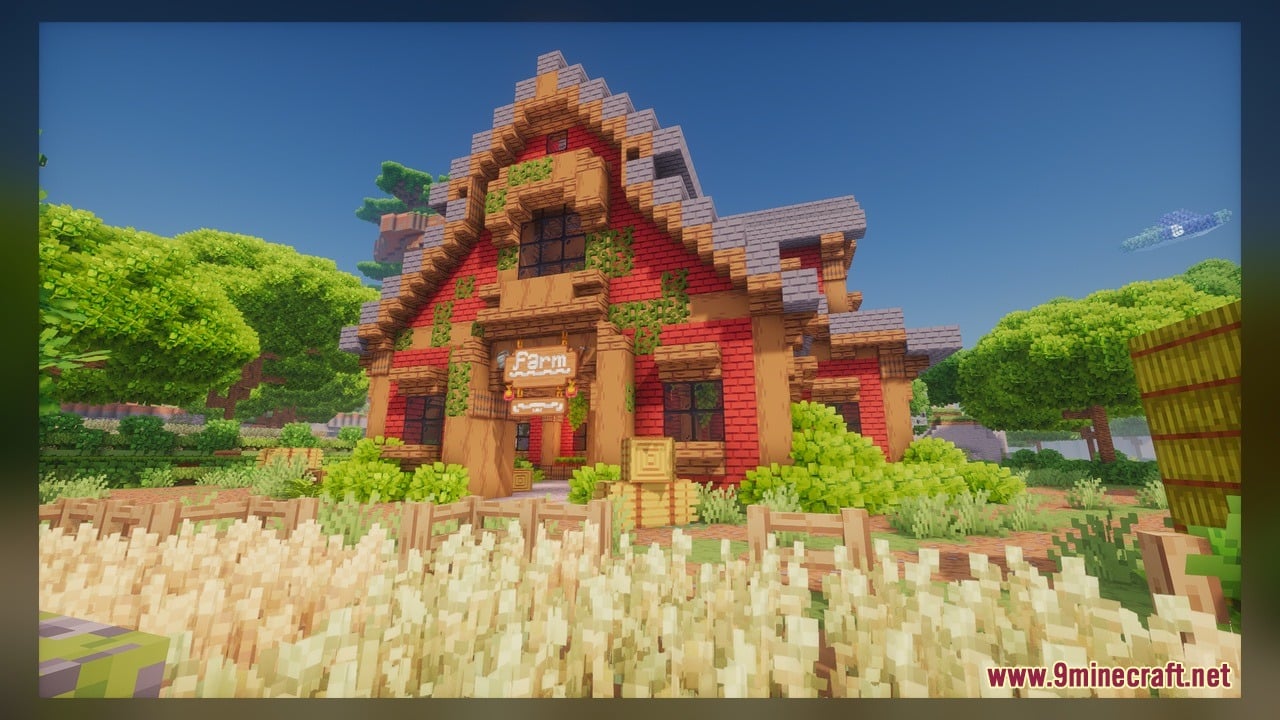
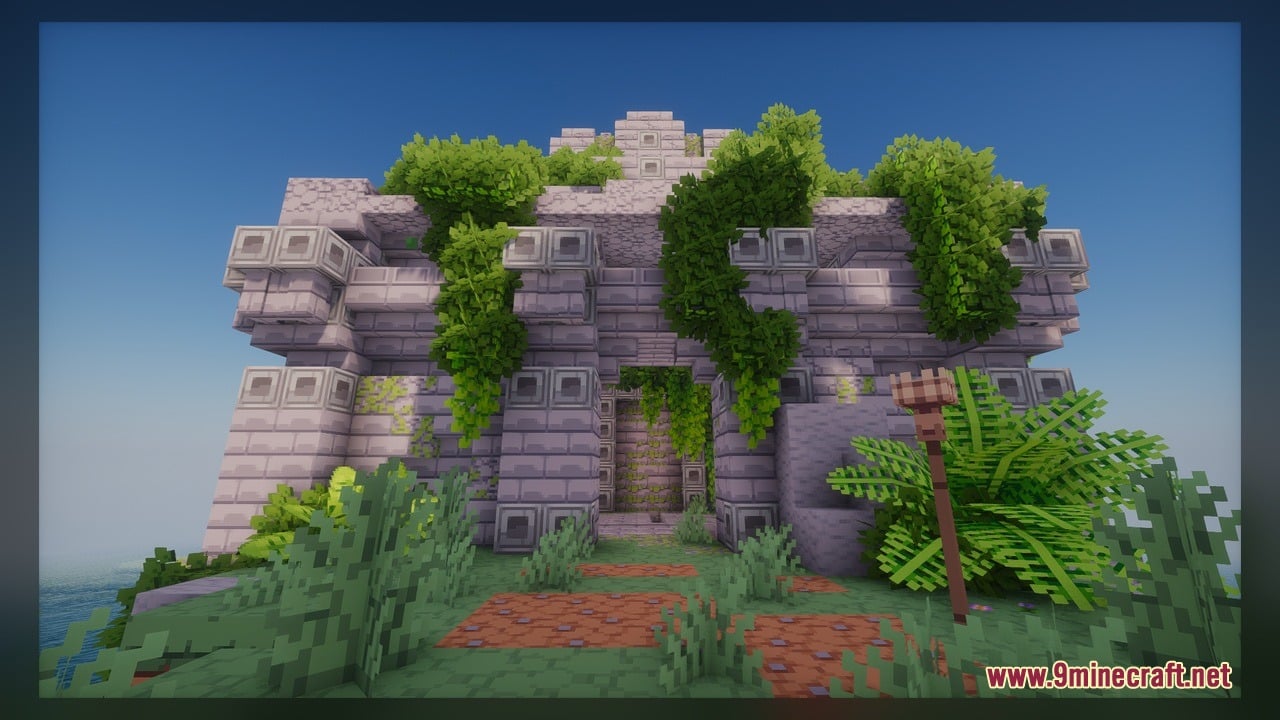
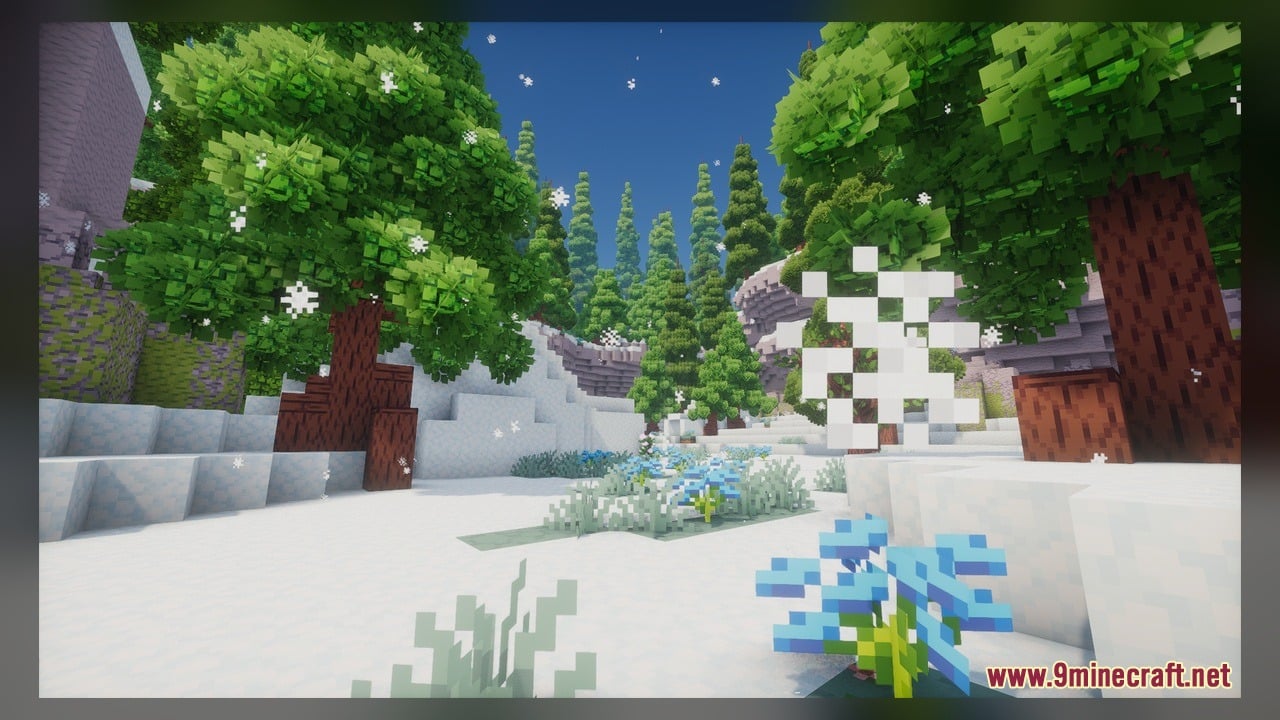
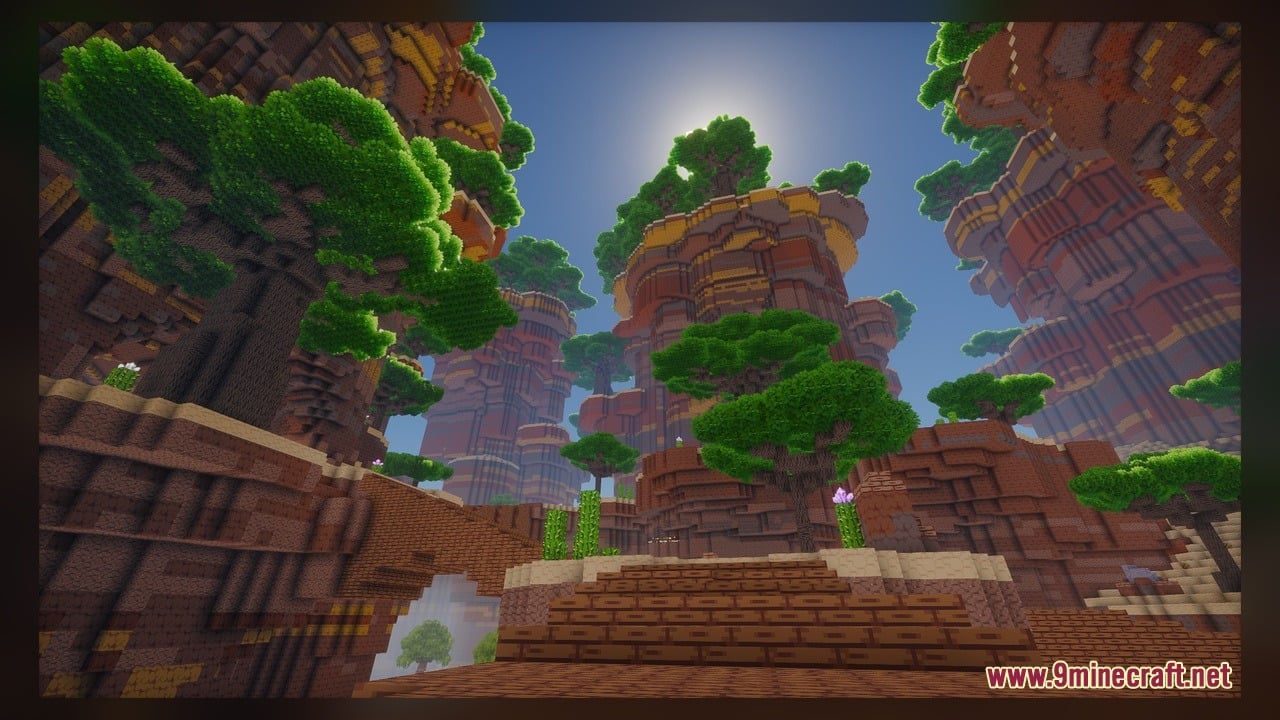
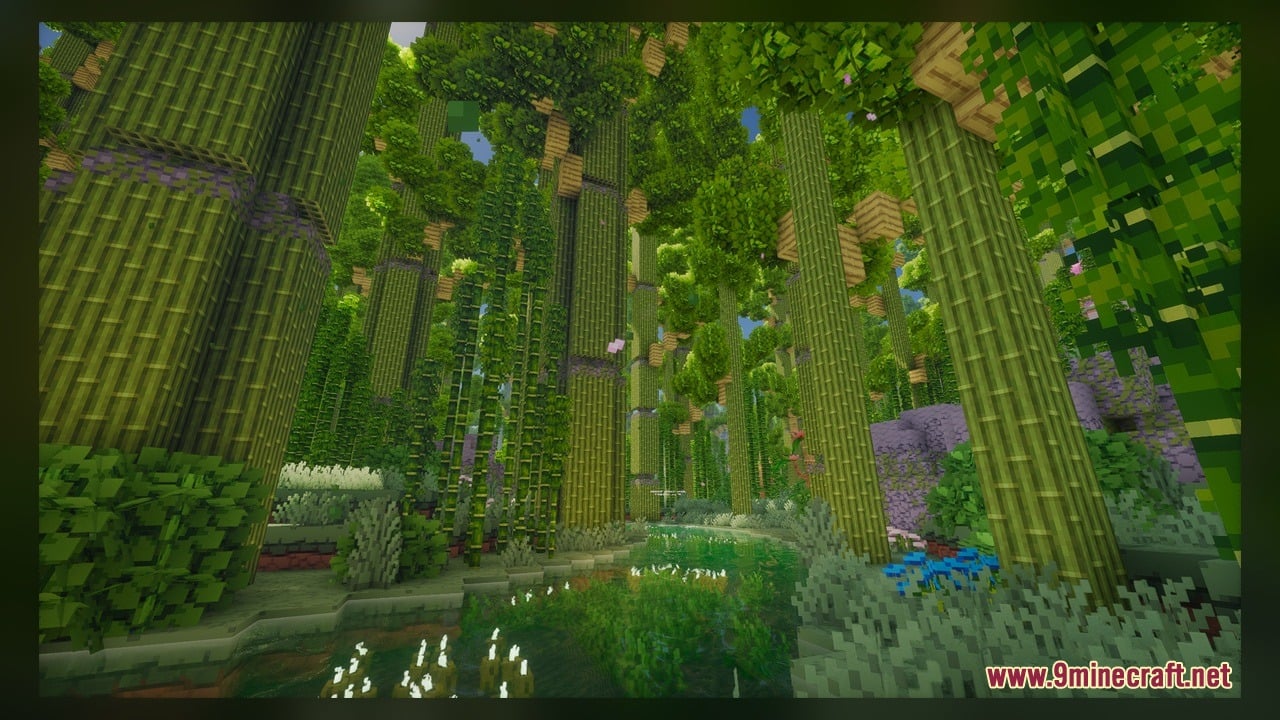
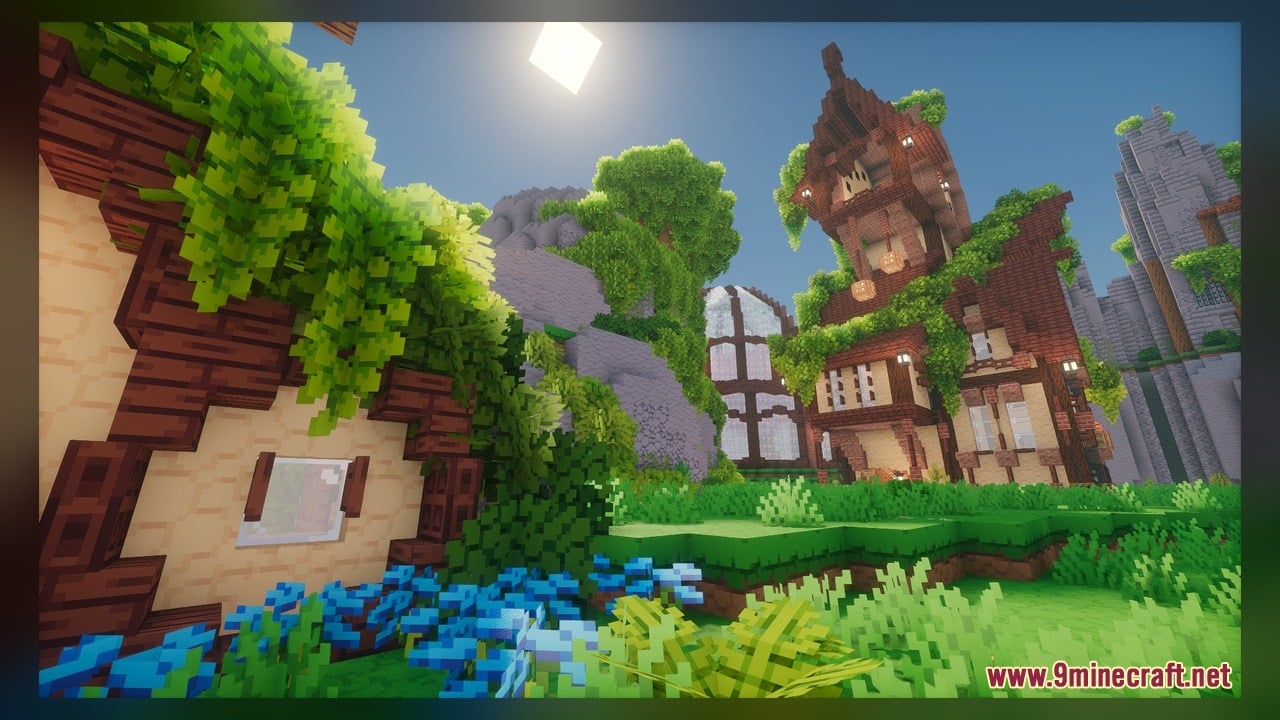
Minebox Plus Model transforms the look of your world with a full visual overhaul inspired by the Minebox world. It gives caves, plants, and redstone a fresh new style with custom 3D models and moving textures. This pack also comes with built-in addon content and works with Respackopts, so you can change pack options in game.
Features:
- Custom 3D Models: Adds 137 custom 3D models that replace flat vanilla shapes with more detailed ones.
- Autumn Bushes: Brings autumn bush styles for acacia, birch, cherry, and azalea, along with new leaf models for these trees.
- Animated Textures: Includes moving textures that make parts of the world feel more alive.
- Redstone Comparator Models: Gives the comparator new models that change when it turns on or switches to subtract mode.
- Changes how crops look as they grow, with new models for each bamboo age and each cocoa stage.
- Adds gray versions of the cocoa stage models.
- Gives pumpkin stems several new models when they attach to a pumpkin.
- Improves the look of caves and plants across the world.
- Packs in 819 texture files for a big visual change.
How to Use:
- Put the pack in your resourcepacks folder, then turn it on in Options > Resource Packs.
- Visit acacia, birch, cherry, and azalea trees to see the new leaf models and the autumn bush styles.
- Plant bamboo and watch it grow. The model changes as the bamboo gets older.
- Place cocoa beans on a jungle log and wait. You can see each of the three growth stages get its own model.
- Plant pumpkin seeds and let a pumpkin grow. Look at the stem when it bends to touch the pumpkin to spot the new attached stem models.
- Place a redstone comparator and power it to see the lit-up model. Then Right-click it to switch to subtract mode and watch the model change again.
Requirements:
- A Minecraft version that can run animated textures.
Screenshots:
Minebox Plus Model Download Links
Click to rate this post!
[Total: 0 Average: 0]
You May Also Like
Picked for this page
 Pixel Perfection Fidelity Model – Brings Cozy Medieval 3D Models to Blocks
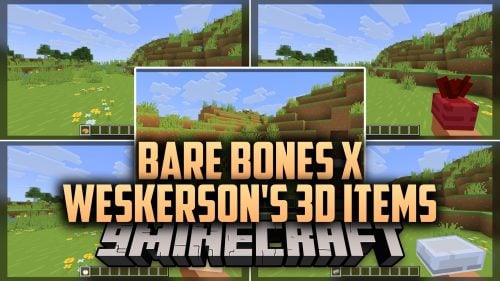 Bare Bones X Weskerson’s 3D Items Model – Brings Clean Animated 3D Redstone
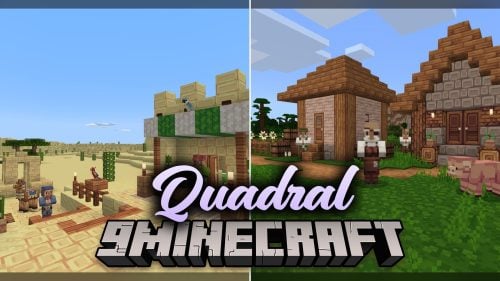 Quadral Model – Brings Vivid Colors and 31 Custom 3D Models to Vanilla
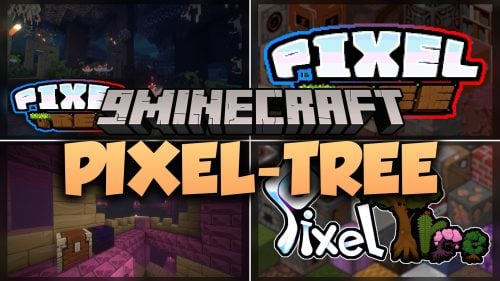 Pixel-Tree Model – Transforms Everyday Vanilla Blocks with Detailed 3D Shapes
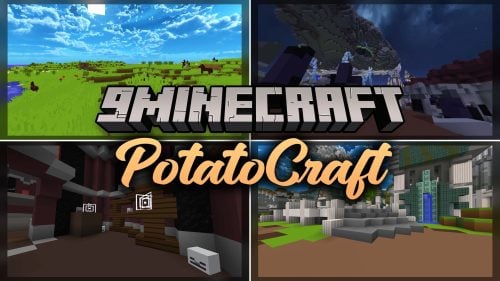 PotatoCraft Model – Brings Clean 3D Blocks and Transparent PvP Menus
 Bare Bones X Model – Brings Simple 3D Foliage and Modded Block Visuals
 100Follower Bedwars Pack Model – Transforms Arena Blocks for Clearer Fights
 Brush & Juice Model – Brings Animated 3D Redstone and Mechanical Blocks
 Simply Alive Model – Brings Animated 3D Blocks and Capybara Totems
 Gui’s Better Vanilla Model – Brings Animated 3D Torches and Plants
 Northern Wonderer Model – Adds 660 Custom 3D Models to Doors and Rails
 Programmer Art DX Model – Adds 3D Shapes to Repeaters, Lanterns and Chains
Most viewed in Models over the last 7 days
 Jenny Mod Skin Pack Mega Collection – 310+ Characters
 The Most Complete Collection of Jenny Mod Resources – Models, Animations, Structures,…
 Albedo Rework Jenny Mod Model
 Galath Rework Model – Custom Girl for PleasureCraft Mod
 Power Model – Custom Girl for PleasureCraft Mod
 Ram Model – Custom Girl for PleasureCraft Mod
 100+ Custom Animations For Jenny Mod
 750 Models Addon for Yes Steve Model Mod
 Ellie Rework Jenny Mod Model
 Femboy Ellie Rework Jenny Mod Model
 Steve (Jenny & Zoey) Pack Jenny Mod Model
 Alex Model – Custom Girl for PleasureCraft Mod
More from Models
 Stellar 3D Model – Adds Real 3D Shapes to Doors, Trapdoors, Ladders and Rails
 KingdomCome 1280x Model – Adds Detailed 3D Amethyst and Basalt Shapes
 ReProgrammer Model – Brings Programmer Art Style to Newer Blocks and Items
 Just 3D Foods Model – Brings Cooked Meats and Fruit to Life in 3D
 BD&Hill Reforge The Sword Edge Model – Equips Weapons with Glowing 3D Blades
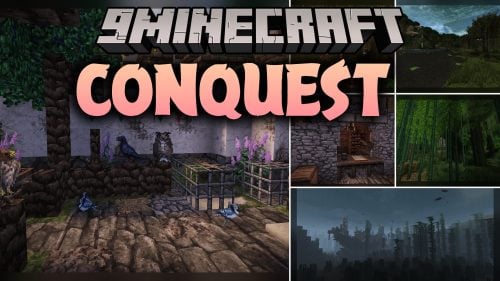 Conquest_ Model – Adds 721 Detailed Props From Paintings to Hunting Trophies
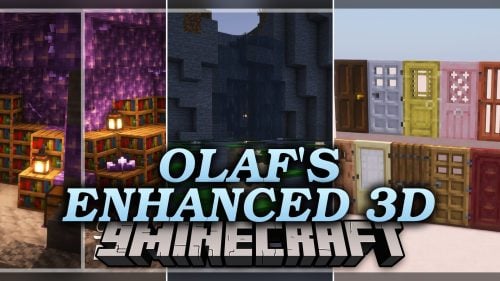 Olaf’s Enhanced 3D Model – Adds Real Depth to Flat Vanilla Blocks
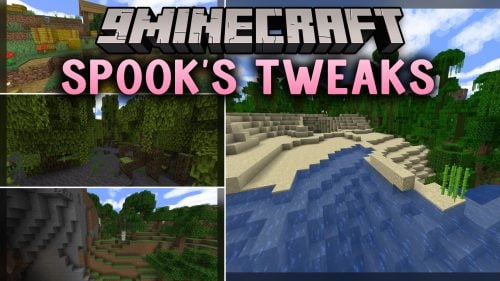 Spook’s Tweaks Model – Adds Fluffy Leaves, Vivid Biomes, and 3D Blocks
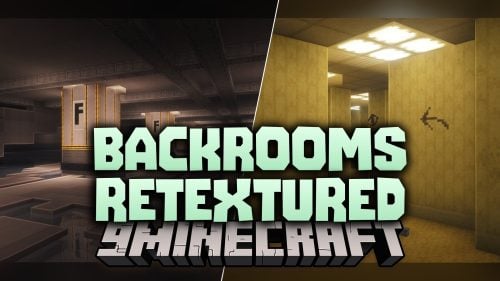 Backrooms Retextured Model – Turns Wool Into Liminal Horror Blocks
 Cheetahs Arsenal Model – Turns Renamed Swords and Axes Into 3D Weapons
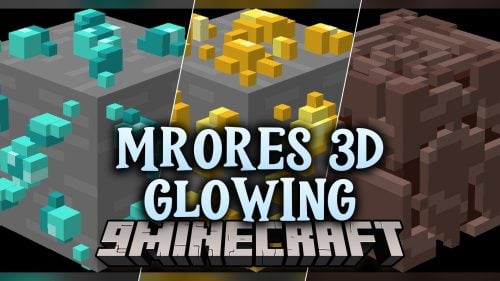 MrOres 3D Glowing Model – Lights Up Caves with 21 Custom Ore Models
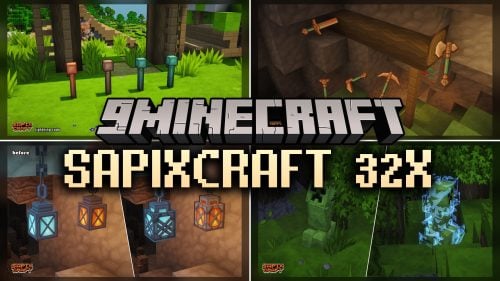 SAPIXCRAFT 32x Model – Adds Chunky 3D Blocks and Bright Cartoony Textures

This post has no comments yet. Be the first — your comment will appear here.