
Bubblellaneous Model – Adds Animated 3D Furniture, Tech Gadgets, and Food Props
 2
 0


Bubblellaneous Model adds a big collection of furniture, technology, food, and miscellaneous blocks and items to Minecraft. This pack brings 1,667 custom 3D models and 191 texture files into your world, complete with animated textures. You can decorate your builds using wood styles ranging from oak and cherry to crimson and warped, along with metal and gem variants like copper, diamond, and netherite. It also includes functional-looking props like an alarm clock and an alarm block, plus models with different states like default and closed.

Features:
- 1,667 Custom 3D Models: Packs in a massive set of 3D objects covering furniture, tech gadgets, food items, and miscellaneous blocks.
- Animated Textures: Includes 191 texture files with built-in animations that make blocks and items look active.
- Full Wood Type Variety: Features matching models across all major wood types so your furniture fits any house style.
- Ore and Metal Variants: Provides model versions made from stone, metals, and gems for tiered or themed builds.
- Includes distinct model states such as default and closed so objects can show open or shut appearances.
Tech & Miscellaneous Models:
- Alarm Block: A custom 3D block model for alert and tech-themed builds.
- Alarm Clock: A tabletop clock model for bedrooms and desks.
Wood Variants:
- Overworld Woods: Includes custom models in acacia, bamboo, birch, cherry, dark oak, jungle, mangrove, oak, and spruce.
- Nether Woods: Includes matching models in crimson and warped wood styles.
Mineral & Metal Variants:
- Stone and Metals: Features models styled with deepslate, copper, iron, and gold.
- Gems and High-Tier Materials: Features models styled with diamond, emerald, and netherite.
How to Use:
- Activate the resource pack in your Minecraft settings menu to load all 1,667 custom 3D models and 191 textures.
- Obtain the custom items or blocks in-game through your server, data pack, or custom model command setup.
- Place down the alarm clock or alarm block inside your base to check out the custom technology models and watch their animated textures in action.
- Try out different wood variants like cherry, bamboo, mangrove, crimson, or warped to match the furniture with the walls and floors of your rooms.
- Swap between material tiers like copper, deepslate, iron, gold, diamond, emerald, and netherite to see how each mineral finish changes the look of the models.
- Interact with items that use the default and closed model states to see how the 3D shapes change between open and shut positions.
Requirements:
- A Minecraft version that supports animated textures
Screenshots:


Bubblellaneous Model Download Links
Click to rate this post!
[Total: 0 Average: 0]
You May Also Like
Picked for this page
 Bare Bones X Model – Brings Simple 3D Foliage and Modded Block Visuals
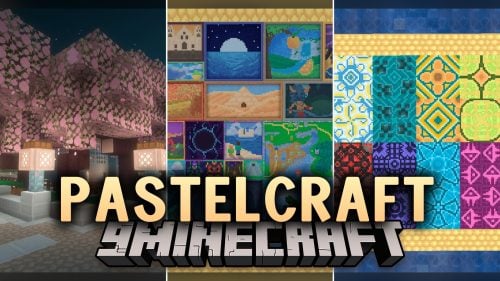 Pastelcraft Model – Brings Soft Pastel Colors and 3D Redstone Blocks
 Quadral Model – Brings Vivid Colors and 31 Custom 3D Models to Vanilla
 Gui’s Better Vanilla Model – Brings Animated 3D Torches and Plants
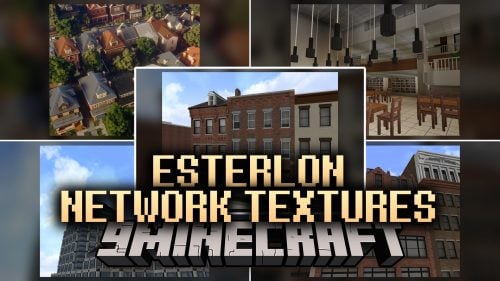 Esterlon Network Textures Model – Brings Realistic Modern City Streets
 The Original Work Programmer Art Model – Brings Classic Retro Visuals and Models
 Brush & Juice Model – Brings Animated 3D Redstone and Mechanical Blocks
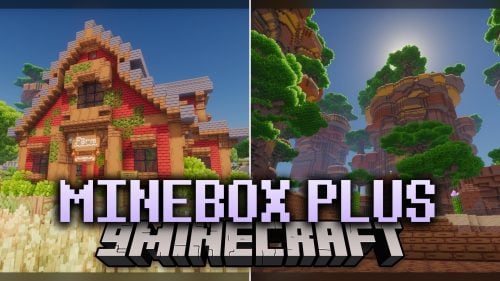 Minebox Plus Model – Transforms Caves, Plants, and Redstone with 3D Models
 Slimefun Model – Brings 3D Shields, Solar Panels, and Animated Server Tech
 Moons Cuter Bedwars Model – Brings Cute 3D Blocks and Clean PvP Visuals
 Justzilla’s Classic Model – Brings Retro Aesthetics to Modern Blocks
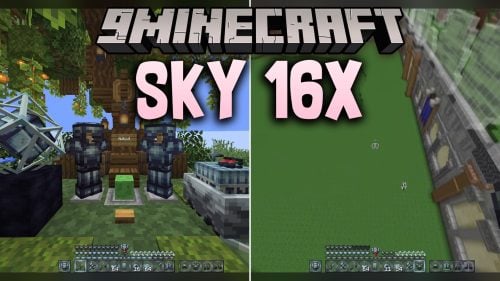 Sky 16x Model – Brings 3D Maces, Rails, and Animated PvP Visuals
Most viewed in Models over the last 7 days
 Jenny Mod Skin Pack Mega Collection – 310+ Characters
 The Most Complete Collection of Jenny Mod Resources – Models, Animations, Structures,…
 Albedo Rework Jenny Mod Model
 750 Models Addon for Yes Steve Model Mod
 Galath Rework Model – Custom Girl for PleasureCraft Mod
 Power Model – Custom Girl for PleasureCraft Mod
 Pomni Jenny Mod Model
 Ram Model – Custom Girl for PleasureCraft Mod
 Femboy Ellie Rework Jenny Mod Model
 100+ Custom Animations For Jenny Mod
 Ellie Rework Jenny Mod Model
 Steve (Jenny & Zoey) Pack Jenny Mod Model
More from Models
 Ying Yang 16x Model – Transforms Bedwars Blocks with Animated 3D Designs
 Saturized Model – Brings Cleaner Pixel Colors and Custom 3D Block Shapes
 Night Model – Brings Custom 3D Blocks and Clean Textures for Competitive PvP
 Gothiclily’s Flower Model – Transforms Wild Foliage with Custom 3D Flora
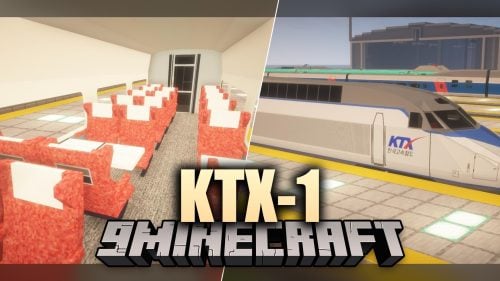 KTX-1 Model – Brings Custom Passenger Trains to Your MTR4 Railway Network
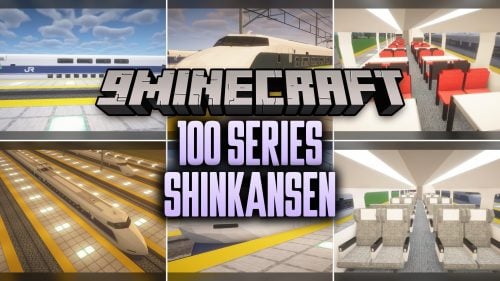 100 Series Shinkansen Model – Brings Japanese Bullet Trains to MTR4 Railways
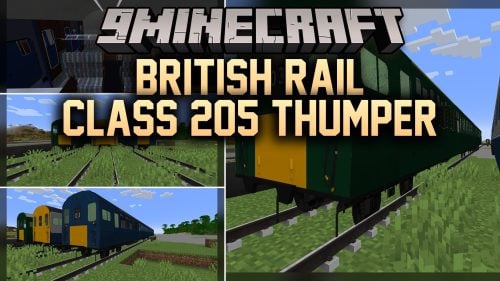 British Rail Class 205 Thumper Model – Brings Classic British Diesel Trains
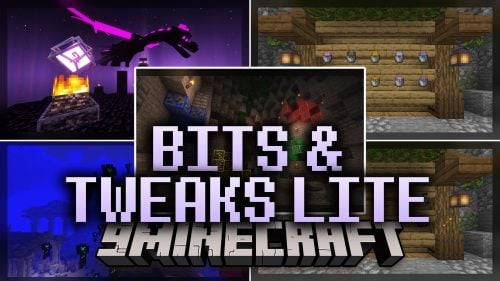 Bits & Tweaks LITE Model – Brings Animated 3D Depth to Vanilla Blocks and Tools
 Vanilla Future Texture TXF Model – Brings Futuristic 3D Sci-Fi Gear and Blocks
 Fancy Fences Model – Transforms Default Barriers with Fresh 3D Depth
 A New Perception – Adds Detailed 3D Block Shapes and Animated Textures
 Caelesti Fenestra Model – Adds Smooth Connected 3D Glass Windows

This post has no comments yet. Be the first — your comment will appear here.