
Nota Mod (1.19.2) – Play Custom Note Block Music Tracks Anywhere in Your World
 1
 0

Nota Mod brings the NoteBlock API from Spigot over to Fabric so you can play custom .nbs music files as note block sounds in your world. This library mod includes three different song player types: RadioSongPlayer, PositionSongPlayer, and EntitySongPlayer. You can play music globally for everyone, at a specific block location, or attach the audio to a moving mob or player within a set hearing distance. It works on the server side only or in singleplayer worlds.
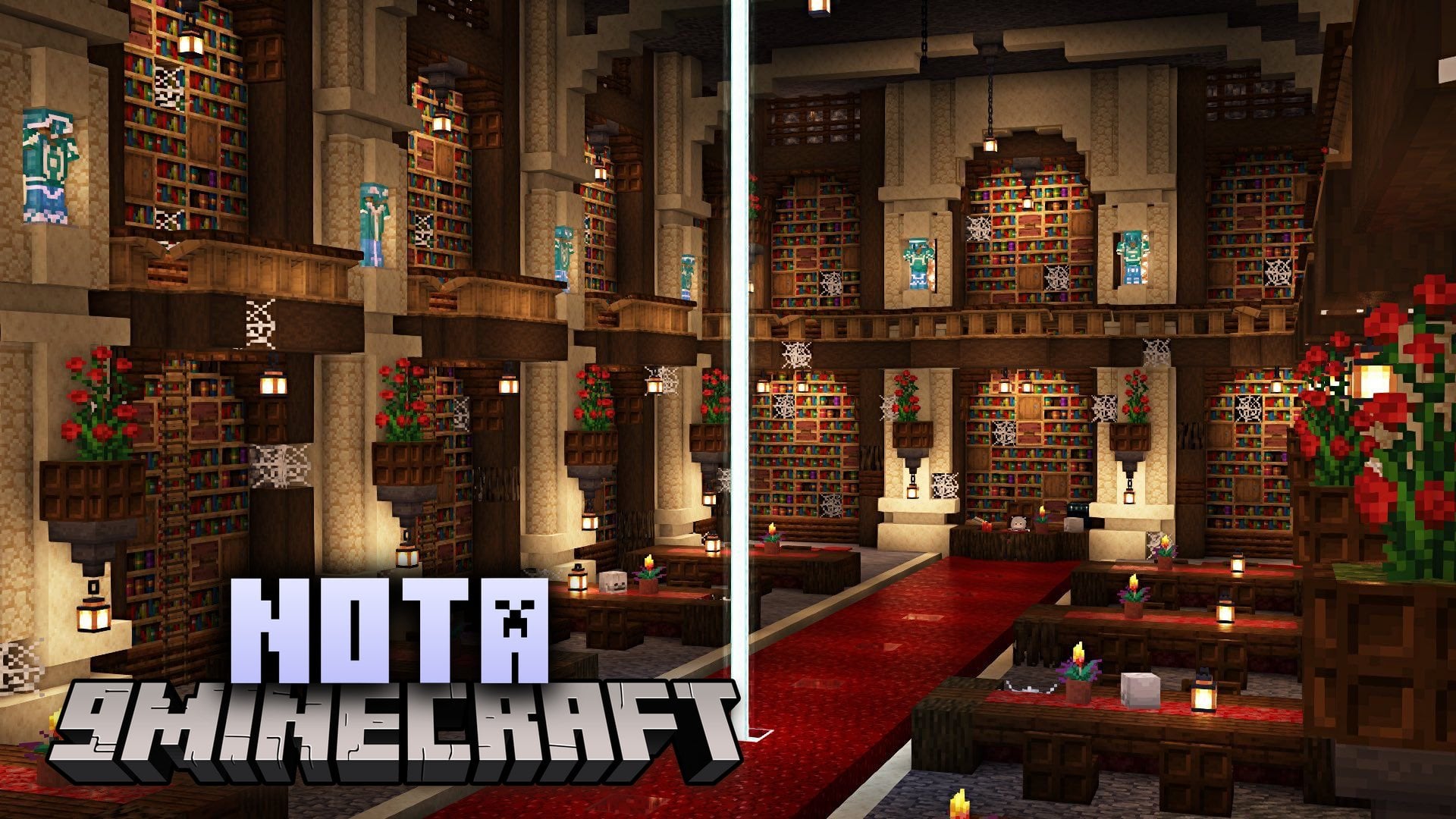
Features:
- NoteBlock API Port: Brings the Spigot NoteBlock API to Fabric, letting mods load and play .nbs files using in-game note block sounds.
- Playlist System: Lets you load multiple .nbs song files with
NBSDecoder.parseand group them together into a singlePlaylist. - Works purely on the server side or inside singleplayer worlds.
- Supports custom .nbs files downloaded online, converted from .midi files, or created from scratch using Note Block Studio.
SongPlayer Types:
- RadioSongPlayer: Plays a loaded song for all added players no matter where they are in the world.
- PositionSongPlayer: Plays a song at a set block coordinate (
BlockPos) for added players within a specific block range (default distance is 16 blocks). - EntitySongPlayer: Attaches the music to a specific mob or player and plays it for added players within a set hearing range (default distance is 16 blocks).
Configuration:
Add the Modrinth repository and dependency to your build.gradle file to use this library in a project (replace VERSION_TAG with the version, such as 0.1.0+1.19):
repositories {
    maven {
        url "https://api.modrinth.com/maven"
        content { includeGroup "maven.modrinth" }
    }
}

dependencies {
    modImplementation include("maven.modrinth:nota:VERSION_TAG")
}
How to Use:
- Get a
.nbsmusic file by downloading existing tracks, converting a.midifile in Note Block Studio, or composing a new song in Note Block Studio and exporting it as.nbs. - Load your song files and build a playlist in Java before playing them:
Song song = NBSDecoder.parse(new File("path/to/song.nbs")); Song song2 = NBSDecoder.parse(new File("path/to/another/song.nbs")); Playlist playlist = new Playlist(song, song2,...); - Use
RadioSongPlayerto play a song for added players anywhere in the world:Song song; // Preloaded song RadioSongPlayer rsp = new RadioSongPlayer(song); rsp.setId(new Identifier("example:radio")); rsp.addPlayer(player); rsp.setPlaying(true); - Use
PositionSongPlayerto play a song from a specific block coordinate within a set distance (default is 16):Song song; // Preloaded song PositionSongPlayer psp = new PositionSongPlayer(song); psp.setId(new Identifier("example:position")); psp.setBlockPos(pos); psp.setDistance(16); psp.addPlayer(player); psp.setPlaying(true); - Use
EntitySongPlayerto play a song following a specific mob or entity within a set distance (default is 16):Song song; // Preloaded song EntitySongPlayer esp = new EntitySongPlayer(song); esp.setId(new Identifier("example:entity")); esp.setEntity(entity); esp.setDistance(16); esp.addPlayer(player); esp.setPlaying(true);
How to Install:
New to Minecraft? Follow our step-by-step guide to install Mods on your PC.View Guide


Nota Mod Download Links
For Minecraft 1.19.2, 1.19.1, 1.19
You May Also Like
Picked for this page
 libIPN Mod (26.3, 1.20.1) – Library for mirinimi’s Mods
 Lunar Keystrokes Mod (26.3, 1.8.9) – Track Every Click and Key Press in Combat
 DarkHeads Mod (26.3, 1.20.1) – Mount Player Skulls Across Your Base
 ServerReplay Mod (26.3, 1.20.1) – Film Multiplayer Worlds
 Millager Village Defenders Mod (26.2, 1.20.1) – Build a Villager Army
 Illager Gloom Raiders Mod (1.20.1) – Defend Villages From Deadly New Raid Bosses
 Thread Tweak Reforged Mod (26.3, 1.20.1) – Play Without Lag on Struggling
 Greg Tech Experimental Mod (1.12.2) – Build Massive Industrial Production Lines
 Dynamic Glass Mod (26.3, 1.20.1) – Build Clean Windows with Borderless
 Ragdollified Amputation Mod (26.2, 1.20.1) – Sever Limbs and Decapitate Foes
 Webmatica Mod (1.21.11) – Track Stored Items and Automate Builds From Your Web Browser
 Quadra Gen Mod (26.3, 1.20.1) – Build Flat and Natural Terrain Side By Side
Most viewed in Mods over the last 7 days
 Ala Industrial Mod (26.3) – Run Electric Power Grids and Automated Factories
 PleasureCraft Mod (26.3, 1.21.1) – Jenny Mod Remake for Fabric
 Jennycraft Mod (26.3, 1.20.1) – Virtual Girlfriend in Minecraft
 Fapcraft Mod (26.3, 1.12.2) – Comprehensive and Detailed Content
 Meteor Client Mod (26.3, 1.20.1) – Xray, HUD, Fly
 Jenny Mod (Fapcraft) Official Complete Guide – How to use, Tutorial
 BangCraft Mod (1.20.1) – Jenny, Ellie and Elliot
 OptiFine HD (26.3, 1.20.1) – Run Faster, FPS Boost, Shaders Support
 Fabric Loader (26.3, 1.20.1) – Fabric Installer for All Minecraft Versions
 Patched Mod (26.3, 1.20.1) – Edit Game Files Without Breaking Packs
 CatLean Client Mod (26.2, 1.21.11) – ThunderHack Recode Alternatives
 Baritone Client Mod (26.3, 1.20.1) – Autominer, Build with AI, Xray
More from Mods
 VOLLEYBALL Mod (26.3) – Host Multiplayer Sports Tournaments Inside Custom Arenas
 MintyIRL Planets Mod (26.1.2) – Explore Mars, Saturn, and Bizarre Lunar Biomes
 Jo Jo’s Steel Ball Spin Mod (26.2) – Throw Spinning Projectiles to Freeze Mobs
 Soft Combat Duels Mod (1.21.11) – Spar Friends Without Losing Health
 Cobblemon Party on Display Mod (1.21.1) – Wear Your Poke Balls on Your Skin
 Pack Relay Mod (26.3, 1.21.11) – Open a Shared Backpack Anytime on Servers
 Multiverse Heroes Rise of Doom Mod (1.21.1, 1.20.1) – Play As Iconic Superheroes
 Shod’s Create and TacZ Bridge Mod (1.21.1) – Build Automated Bullet Factories
 Dr. Stone Kingdom of Science Addon Mod (1.21.1) – Brew Chemicals to Cure Stone
 Create the Rivets Mod (1.21.1) – Rotate and Tilt Blocks Off the Grid
 Create Oxidation Mod (1.21.1, 1.20.1) – Let Your Copper Contraptions Turn Green
 Simple Voice Chat Group Names Mod (1.21.11) – See Names in Voice Group Overlay

This post has no comments yet. Be the first — your comment will appear here.