
Villager Breeder Schematic (1.21.x) – Compact Vanilla Farm With Easy Shutoff

 0


Villager Breeder Schematic gives you a simple, compact farm for growing your trading hall population in vanilla Minecraft. This small build measures 24×8×12 blocks and uses 420 blocks in total with no mods required, packaged as a LITEMATIC file. It runs smoothly with potatoes and minecarts stocked in its dispenser, and pauses anytime when you cover the trapdoor path near the beds.

3D Preview & Editor:
How to place this schematic
.litematic This is a Litematica schematic. You place it with the Litematica mod, which shows the build as a ghost overlay you fill in.
| 1 | Install Litematica (plus MaLiLib) for your Minecraft version. |
| 2 | Put the .litematic file in .minecraft/schematics. |
| 3 | In game press M → Load Schematics, pick the file, then Load. |
| 4 | Position the ghost preview, then build it by hand — or turn on Easy Place to place blocks straight from your hotbar. |
About this build
| 1 | Place the farm into your world and supply potatoes for breeding food. |
| 2 | Put minecarts into the dispenser so the pickup system stays ready to run. |
| 3 | To pause production whenever you have enough villagers, cover the blocks leading to the bed area where the trapdoors sit. |
Features:
- Compact 420-Block Layout: Fits inside a small 24×8×12 block footprint (X × Y × Z) so you can tuck it neatly next to your base.
- Simple Pause Control: Lets you stop breeding anytime by covering the blocks leading to the area near the beds where the trapdoors are placed.
- Built purely from vanilla blocks with no extra mods needed to load or operate properly.
- Includes a dispenser setup ready for minecarts and works with potatoes to fuel breeding.
- Packaged as a LITEMATIC file for straightforward loading into your world.
Schematic Specs:
 Minecraft1.21.x
 Dimensions24×8×12
 Total Blocks420
 Top Blocks Used
Glass 195Farmland 80Potatoes 80Water 23White Bed 10
Screenshots:

Villager Breeder Schematic Download Links
For Minecraft 1.21.x
Click to rate this post!
[Total: 0 Average: 0]
QUICK MINECRAFT SURVEY · ONE TAP
Build Tools & Schematics
Besides WorldEdit, what other mass-editing or terrain tools have you used?
1 responses · See the full results →
You May Also Like
Picked for this page
 100 Modules 52m per Hour and 1.2b D on Donut SMP Schematic (1.21.x) – Massive Farming Setup For Econ
 5 Module Overworld Basalt Farm with Auto Smelter for Donutsmp Schematic (1.21.x) – Automatic Overwor
 Castelo Schematic (1.21.x) – Large Vanilla Castle Build Blueprint
 Kokiri Forest from the Legend of Zelda Noteblocks Schematic (1.21.x) – Zelda Theme Song Played On No
 Bee Green House Garden Apiary Schematic (1.21.x) – Ready To Build Vanilla Bee Farm
 Small Parking Schematic (1.21.x) – Modern Parking Lot With Small Trees
 Tramway Schematic (1.21.x) – Small Modern Tram Build For Your City Rails
 Stone House 1 Schematic (1.20.x) – Simple Stone House Build For Your World
 Santos FC Schematic (1.21.x) – Santos Futebol Clube Pixel Art Build
 Medival Tower Schematic (1.21.x) – An Overgrown Ancient Stone Tower For Your World
 Minecraft Self Reactiving Chunk Loader No Manual Reset After Reloading the World Schematic (1.21.x)
 Cursed Register Schematic (1.21.x) – Weird Subtick Redstone Machine Build
Most viewed in Schematics over the last 7 days
 64 Module Cobblestone Farm Schematic (1.21.x) – Massive Automated Stone Gathering Build
 Gold Farm Schematic (1.21.x) – Automatic Nether Roof Gold Farm
 Fastest Bonemeal Farm Donut Smp Schematic (1.21.x) – Fast Redstone Bonemeal Farm Build
 Kelp Farm 2.0 Schematic (1.21.x) – Efficient Automatic Kelp Farming System For Survival
 Bamboo Farm Schematic (1.21.x) – Small Automated Redstone Bamboo Farm
 Villager Trading Hall Schematic (1.21.x) – Modern Shop Build For 48 Villagers
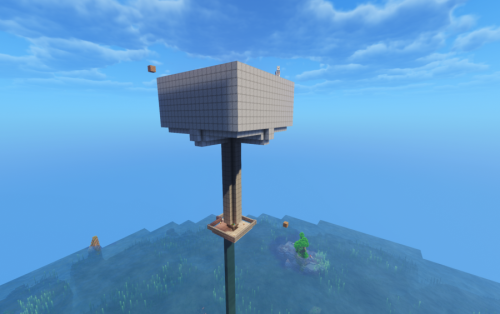 Easy Creeper Farm Schematic (1.21.x) – Simple Survival Gunpowder Farm Build For Minecraft
 Minutes End Base Before Spoke Null End Video Schematic (1.21.x) – Giant Unstable SMP End Base Schema
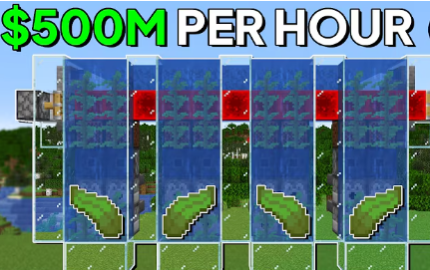 The Fastest Kelp Farm 500m per Hour Schematic (1.21.x) – Fast 4-Tick Vanilla Redstone Kelp Farm
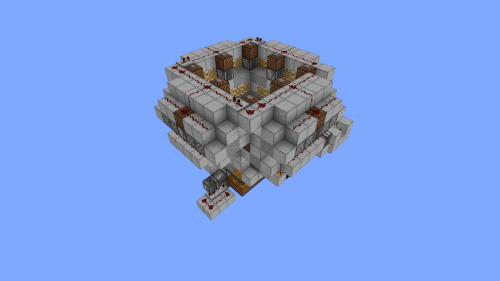 4k Bonemeal Farm Made by Basicredstone Schematic (1.21.x) – Compact Redstone Bonemeal Farm Build
 Unstable SMP S Bomer Schematic (1.21.x) – Large Bomber Machine Build For Worlds
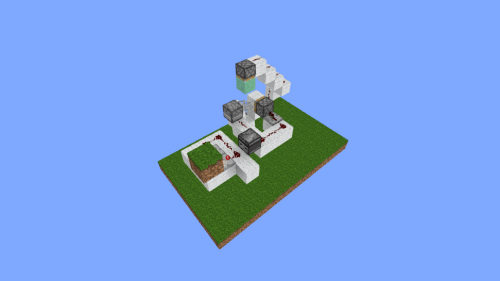 Rail Gun Wind Chagre Schematic (1.21.x) – Compact Rail Gun Wind Charge Build
More from Schematics
 Dinosaur Skull with a 3×3 Door Schematic (1.21.x) – Small Ancient Fossil Build With Secret Redstone
 MossFarm Schematic (1.21.x) – Small Vanilla Redstone Build for Farming Moss and Bone Meal
 Medieval Cozy House 3 with Full Interior Schematic File Schematic (1.21.x) – Small Vanilla Medieval
 Stars Schematic (1.21.x) – Giant Starry Sky Pixel Art Build
 Iron Farm 7 Floors Schematic (1.21.x) – Large Seven-Floor Iron Farm For Survival Worlds
 Blackstone Mega Stash Schematic (1.21.x) – Medium Vanilla Storage Base With Auto Re-Gear
 Manual Regear Station Schematic (1.21.x) – Compact Vanilla Manual Regear Station Build
 Huge Mansion Schematic (1.21.x) – Large Medieval Mansion With Backyard Olympic Pool
 4 Player First Day House Schematic File Schematic (1.21.x) – Small Medieval Starter House for Four P
 Ottoman Empire Schematic (1.21.x) – Historical 1566 Map Border Pixel Art Build
 Amethyst Mega Stash Schematic (1.21.x) – Unfilled Storage Base With Regear And Stasis Room
 Beautiful Mansion with Almost Every Need Schematic (1.21.x) – Spacious Survival Base With Functional

This post has no comments yet. Be the first — your comment will appear here.