
Red Fire Dragon Schematic (1.21.x) – Drop A 97,635-Block Giant Into Your World
 1
 0


Red Fire Dragon Schematic brings a massive vanilla-block dragon build straight into your Minecraft world. This large structure measures 229 by 167 by 152 blocks across the X, Y, and Z axes and contains 97,635 blocks in total. It uses only standard vanilla blocks with no mods required and comes as a LITEMATIC schematic file.

3D Preview & Editor:
How to place this schematic
.litematic This is a Litematica schematic. You place it with the Litematica mod, which shows the build as a ghost overlay you fill in.
| 1 | Install Litematica (plus MaLiLib) for your Minecraft version. |
| 2 | Put the .litematic file in .minecraft/schematics. |
| 3 | In game press M → Load Schematics, pick the file, then Load. |
| 4 | Position the ghost preview, then build it by hand — or turn on Easy Place to place blocks straight from your hotbar. |
Features:
- Large-Scale Dragon Structure: Spans a huge 229 × 167 × 152 block footprint (X × Y × Z), making it a Large-sized build.
- 100% Vanilla Block Palette: Contains 97,635 standard Minecraft blocks so you need zero extra content mods to load or place the build.
- Arrives as a LITEMATIC schematic file ready to import into your worlds.
- Depicts a fiery red dragon sculpture listed under the Miscellaneous category.
- Gives builders exact X, Y, and Z dimensions up front so you can clear enough open space before placing it.
Schematic Specs:
 Minecraft1.21.x
 Dimensions229×167×152
 Total Blocks97,635
 Top Blocks Used
Nether Wart Block 43,303Yellow Terracotta 9,530Yellow Concrete 7,608Red Nether Bricks 7,562Orange Stained Glass 6,996
Screenshots:

Red Fire Dragon Schematic Download Links
For Minecraft 1.21.x
Click to rate this post!
[Total: 0 Average: 0]
QUICK MINECRAFT SURVEY · ONE TAP
Build Tools & Schematics
How do you use Litematica's Material List feature in Survival?
1 responses · See the full results →
You May Also Like
Picked for this page
 Fastest Kelp Farm Donut Smp Schematic (1.21.x) – Compact Redstone Kelp Farm Design
 Cactus Farm Schematic (1.21.x) – Compact Vertical Automatic Cactus Farm
 Cobblestone Generator Farm Schematic (1.21.x) – Small Vanilla Redstone Farm Build
 Pale Oak Stash Schematic (1.21.x) – Large Storage Vault With Auto Sorting
 Bone Farm Schematic (1.21.x) – Quick And Easy Redstone Bone Farm
 Watchtower Schematic (1.21.x) – Small Vanilla Tower Build For Your World
 Zombie Statue Schematic (1.20.x) – Giant Vanilla Zombie Build Blueprint
 Bell Tower Johto Schematic (1.21.x) – Giant Ecruteak City Pagoda Build
 Tamed Wolf Schematic (1.20.x) – Cute Tamed Wolf Statue Build
 Kirby 3d Schematic (1.21.x) – Giant Pink Character Statue for Minecraft Worlds
 Gold Farm Sorting Trash Bin for Rotten Flesh Gold Blocks Crafter Schematic (1.21.x) – Automated Reds
 House with a Terrace Jacuzzi Schematic (1.21.x) – Small Japanese Onsen Style Home Build
Most viewed in Schematics over the last 7 days
 64 Module Cobblestone Farm Schematic (1.21.x) – Massive Automated Stone Gathering Build
 Fastest Bonemeal Farm Donut Smp Schematic (1.21.x) – Fast Redstone Bonemeal Farm Build
 Gold Farm Schematic (1.21.x) – Automatic Nether Roof Gold Farm
 Kelp Farm 2.0 Schematic (1.21.x) – Efficient Automatic Kelp Farming System For Survival
 Villager Trading Hall Schematic (1.21.x) – Modern Shop Build For 48 Villagers
 Easy Creeper Farm Schematic (1.21.x) – Simple Survival Gunpowder Farm Build For Minecraft
 Bamboo Farm Schematic (1.21.x) – Small Automated Redstone Bamboo Farm
 Minutes End Base Before Spoke Null End Video Schematic (1.21.x) – Giant Unstable SMP End Base Schema
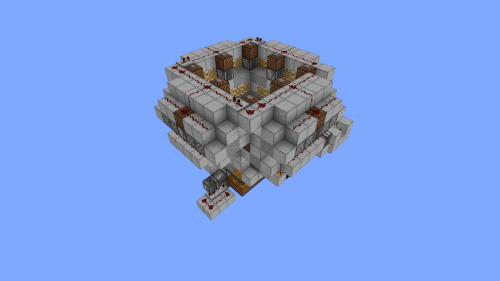 4k Bonemeal Farm Made by Basicredstone Schematic (1.21.x) – Compact Redstone Bonemeal Farm Build
 Unstable SMP S Bomer Schematic (1.21.x) – Large Bomber Machine Build For Worlds
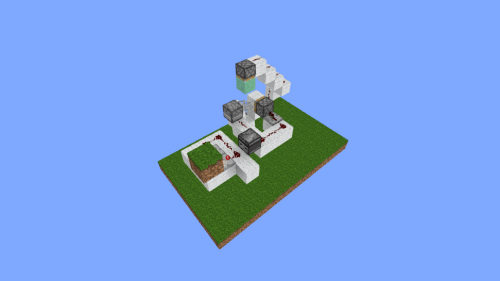 Rail Gun Wind Chagre Schematic (1.21.x) – Compact Rail Gun Wind Charge Build
 The Fastest Kelp Farm 500m per Hour Schematic (1.21.x) – Fast 4-Tick Vanilla Redstone Kelp Farm
More from Schematics
 Steve’s Lava Chicken Schematic (1.21.x) – Redstone Cooked Chicken Shop With Music and Sorter
 Aesthetic Blaze Spawner Farm Schematic (1.21.x) – Giant Blaze Statue With Built-In Mob Farm
 Etho’s Lab Flower Farm Schematic (1.21.x) – Redstone Flower Farm With Shulker Loader
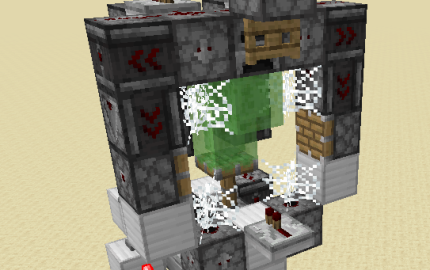 Windstrike Mk2 by DotSlashAero Schematic (1.21.x) – Compact Vanilla Redstone Build Blueprint
 5×1 Trap Funnel and Kill Chamber Schematic (1.21.x) – Small Vanilla Redstone Trap and Kill Chamber B
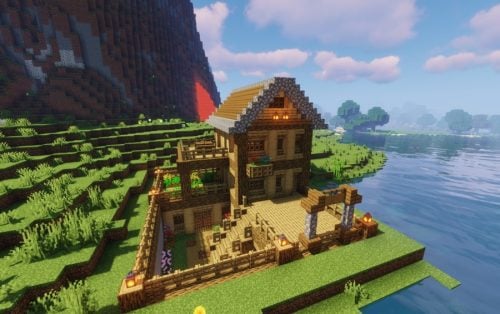 Simple First Day House 2 Schematic File Schematic (1.21.x) – Cozy Medieval Starter Home for Minecraf
 Japanese Nether Portal Schematic (1.21.x) – Compact Asian Style Nether Portal Build
 Sugarcane Schematic (1.21.x) – Build Automated Paper Farms Instantly
 Horse Stables Barn Schematic (1.21.x) – Small Medieval Horse Stables Barn For Vanilla Worlds
 Christ the Redeeme Schematic (1.21.x) – Giant White Wool Landmark Statue Build
 Great Starter Kelp Farm Full Base Schematic (1.21.x) – Starter Base With Automated Kelp Farming
 Dinosaur Skull with a 3×3 Door Schematic (1.21.x) – Small Ancient Fossil Build With Secret Redstone

This post has no comments yet. Be the first — your comment will appear here.