
Pale Oak Stash Schematic (1.21.x) – Large Storage Vault With Auto Sorting

 0


Pale Oak Stash Schematic gives you a large and organized storage vault to hold all your items. This build keeps everything in one clean place so you never lose your blocks again. It packs a lot of storage space into a small area. The vault uses a clean design made of quartz blocks and sea lanterns. It is a great fit for long-term survival worlds or big multiplayer bases.
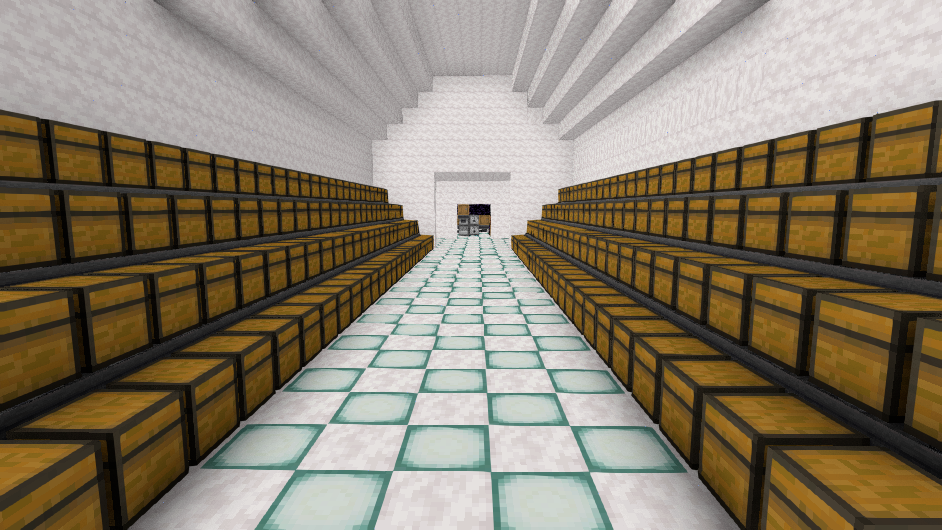
3D Preview & Editor:
Materials
20 types · 2,559 blocks
| Stripped Pale Oak Wood | 1,766 | Chest | 288 | Hopper | 221 | |||
| Sea Lantern | 167 | Bubble Column | 36 | Barrel | 17 | |||
| Obsidian | 16 | Spruce Trapdoor | 9 | Observer | 8 | |||
| Dispenser | 6 | Note Block | 6 | Soul Sand | 4 | |||
| Pale Oak Trapdoor | 4 | Oak Wall Sign | 4 | Repeater | 2 | |||
| Ender Chest | 1 | Sculk Vein | 1 | Lava | 1 | |||
| Slime Block | 1 | Sticky Piston | 1 | |||||
How to place this schematic
.litematic This is a Litematica schematic. You place it with the Litematica mod, which shows the build as a ghost overlay you fill in.
| 1 | Install Litematica (plus MaLiLib) for your Minecraft version. |
| 2 | Put the .litematic file in .minecraft/schematics. |
| 3 | In game press M → Load Schematics, pick the file, then Load. |
| 4 | Position the ghost preview, then build it by hand — or turn on Easy Place to place blocks straight from your hotbar. |
Features:
- Holds massive amounts of items using multiple rows of double chests.
- Sorts your items automatically with a built-in redstone system.
- Includes a rear maintenance area so you can easily reach the redstone parts.
- Takes up a small space in your world but still gives you huge storage capacity.
- Makes it easy to add more chests and grow the storage room later.
- Adds a special regear station to quickly grab your armor and tools.
- Holds an ender pearl stasis chamber for fast travel.
- Uses exactly 2,559 vanilla blocks in a 19 by 23 by 65 area.
Schematic Specs:
 Minecraft1.21.x
 Dimensions19×23×65
 Total Blocks2,559
 Top Blocks Used
Stripped Pale Oak Wood 1,766Chest 288Hopper 221Sea Lantern 167Bubble Column 36
Pale Oak Stash Schematic Download Links
For Minecraft 1.21.x
Click to rate this post!
[Total: 0 Average: 0]
QUICK MINECRAFT SURVEY · ONE TAP
Build Tools & Schematics
Have you ever used vanilla Structure Blocks to save or copy a build?
0 responses · See the full results →
You May Also Like
Picked for this page
 Budapest Parliament Building 1 1 Schematic (1.21.x) – Large Neo Gothic Parliament Build
 1.07M Kelp Farm Donut Smp Basicredstone V2 Schematic (1.21.x) – Massive Automated Kelp Farm Build
 18 Module Mcdonalds Farm Schematic (1.21.x) – Fully Automatic Sea Pickle Farm Build
 Lox V10.2 Kelp Farm Schematic (1.21.x) – Huge Vanilla Kelp Farm Blueprint
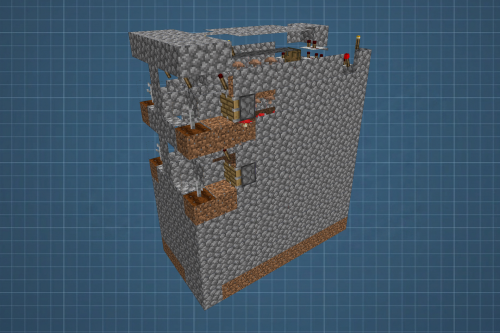 Netherless Mushroom Farm Schematic (1.21.x) – Compact Automatic Mushroom Farm Build
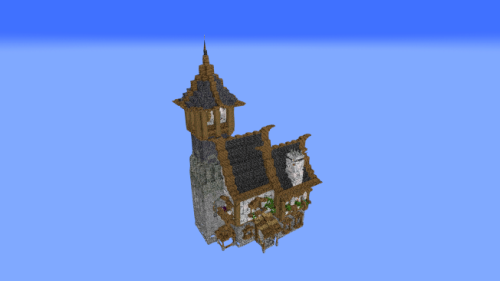 The Tavern from Abfielder Schematic (1.21.x) – A Detailed Vanilla Tavern Building
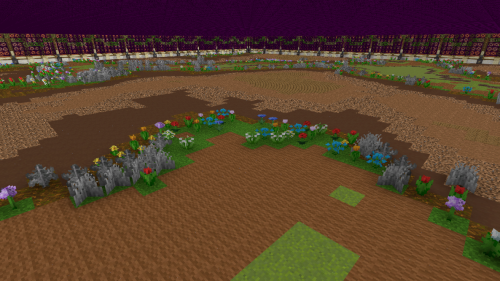 Arena1 Schematic (1.20.x) – Large Vanilla Arena Build For Your World
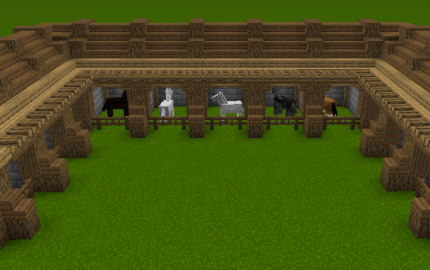 Cozy Stable Schematic (1.21.x) – Modern Rustic Wooden Horse Stable Build
 Bench Schematic (1.21.x) – A Small Garden Bench For Your World
 Max Gear Schematic (1.21.x) – Fully Enchanted Netherite Armor And Weapons Chest
 Fireball Launcher Defence Schematic (1.21.x) – Ghast Fireball Stopper And Base Defender
 Skeleton Statue Schematic (1.20.x) – Small Skeleton Statue For Marking Spawners
Most viewed in Schematics over the last 7 days
 Fastest Bonemeal Farm Donut Smp Schematic (1.21.x) – Fast Redstone Bonemeal Farm Build
 64 Module Cobblestone Farm Schematic (1.21.x) – Massive Automated Stone Gathering Build
 KelpFarmV9.9 Schematic (1.21.x) – Compact And Simple Seaweed Farm Build
 Villager Trading Hall Schematic (1.21.x) – Modern Shop Build For 48 Villagers
 Gold Farm Schematic (1.21.x) – Automatic Nether Roof Gold Farm
 Bamboss V2 800k Bamboo per Hour Schematic (1.21.x) – High Speed Automated Bamboo Farm Schematic
 Bamboo Farm Schematic (1.21.x) – Small Automated Redstone Bamboo Farm
 Best Railgun Tp Trap on Donutsmp Schematic (1.21.x) – Unescapable Multiplayer Redstone Trap Build
 Minutes End Base Before Spoke Null End Video Schematic (1.21.x) – Giant Unstable SMP End Base Schema
 Cobble Farm 50m per Hour Donut SMP Schematic – High Yield Cobblestone Generator Build
 Donut Smp Stash and Regear Schematic (1.21.x) – Large Storage And Regear Room Build
 36 Module Cobble Farm 18m per Hour Donut SMP Schematic (1.21.x) – Massive Automated Stone Generator
More from Schematics
 Small Tree Schematic (1.21.x) – Clean and Detailed Mini Tree Build
 Minecraft Dark Unicorn Nether Portal Statue V03 Free Schem Schematic (1.19.x) – Giant Dark Unicorn N
 Ultra Compact Full Adder 2 Blocks Deep Using Only Redstone Torches and Dust 6x8x2 Schematic (1.21.x)
 Cargo Ship Free Schematic (1.21.x) – Detailed Cargo Ships for Harbor Builds
 Firstqualified’s Pot Farm Schematic (1.21.x) – Compact Redstone Potion Brewing System
 Survival Home Schematic (1.21.x) – Spacious Empty House For Survival Players
 SpicyT 1 Year Cake Schematic (1.21.x) – A Giant Spicy Birthday Cake Statue
 Free Neomarinus TheVividSeaDragon Schematic (1.19.x) – Massive Blue and Pink Sea Dragon Build
 Free Noctiseraph the Fallen Twin Winged Dragon Schematic (1.19.x) – Massive Dark Fantasy Dragon Stat
 Medieval House Free Schematic (1.21.x) – Classic Medieval Survival Home Building Plan
 Ultra Compact Full Adder V1.2 Schematic (1.21.x) – Tiny Redstone Logic Gate Schematic
 Minecraft Shenron Dragon Statue Free Schem Schematic (1.19.x) – Massive Dragon Ball Statue Build Sch

This post has no comments yet. Be the first — your comment will appear here.