
Windstrike Mk2 by DotSlashAero Schematic (1.21.x) – Compact Vanilla Redstone Build Blueprint

 0


Windstrike Mk2 by DotSlashAero Schematic provides a small redstone blueprint for your vanilla Minecraft world. It fits inside a compact 8 by 8 by 5 block space and uses only 82 blocks in total. Because it is a pure vanilla build, you can place it into your game without needing any extra mods.
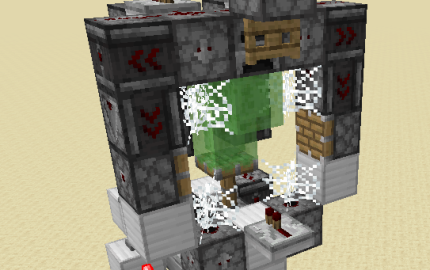
3D Preview & Editor:
How to place this schematic
.litematic This is a Litematica schematic. You place it with the Litematica mod, which shows the build as a ghost overlay you fill in.
| 1 | Install Litematica (plus MaLiLib) for your Minecraft version. |
| 2 | Put the .litematic file in .minecraft/schematics. |
| 3 | In game press M → Load Schematics, pick the file, then Load. |
| 4 | Position the ghost preview, then build it by hand — or turn on Easy Place to place blocks straight from your hotbar. |
Features:
- Compact Size: Measures just 8x8x5 blocks, so it fits into tight spaces.
- Low Block Count: Uses a total of 82 blocks, making it fast to gather materials and build.
- Vanilla Redstone: Works in standard Minecraft 1.21.x without requiring any mods.
- Comes as a LITEMATIC file for easy placement in your world.
Schematic Specs:
 Minecraft1.21.x
 Dimensions8×8×5
 Total Blocks82
 Top Blocks Used
Iron Block 19Redstone Wire 17Observer 12Repeater 6Dispenser 5
Windstrike Mk2 by DotSlashAero Schematic Download Links
For Minecraft 1.21.x
Click to rate this post!
[Total: 0 Average: 0]
You May Also Like
Picked for this page
 Simple Villager Breeder Schematic (1.21.x) – Compact Vanilla Villager Farm Build
 Medieval Castle Undecorated Interior Schematic (1.21.x) – Medium Sized Medieval Castle With Empty Ro
 Autosmelter Carpet Dupe Schematic (1.21.x) – Automatic Furnace System With Infinite Fuel
 Lichen Farm Schematic (1.21.x) – Compact Vanilla Glow Lichen Farm
 Bee Green House Garden Apiary Schematic (1.21.x) – Ready To Build Vanilla Bee Farm
 Tramway Schematic (1.21.x) – Small Modern Tram Build For Your City Rails
 Fireball Launcher Defence Schematic (1.21.x) – Ghast Fireball Stopper And Base Defender
 Blacksmith Tower Schematic (1.20.x) – Tall Vanilla Building Blueprint For Villages
 Ytfortgamer9634 Schematic (1.21.x) – Compact Vanilla Build For Donut SMP
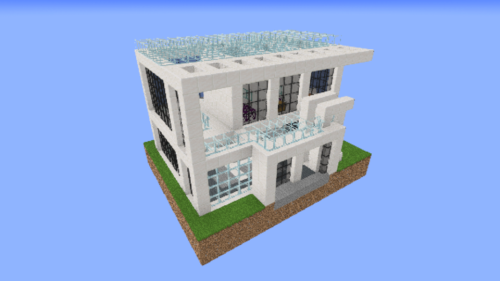 Small House 10 Schematic (1.20.x) – A Compact Vanilla Home Blueprint For Players
 Hex for Loop Schematic (1.21.x) – Redstone Signal Pulse Counter Build
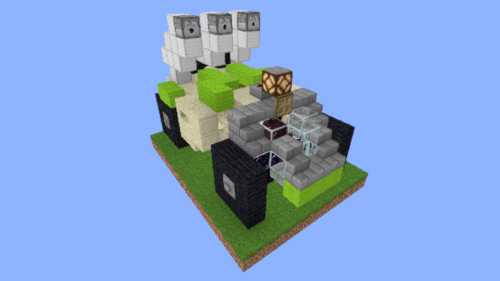 Rocket Buggy Schematic (1.20.x) – Compact Rocket Buggy Build For Your World
Most viewed in Schematics over the last 7 days
 Gold Farm Schematic (1.21.x) – Automatic Nether Roof Gold Farm
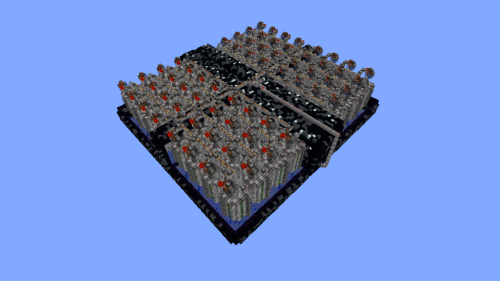 64 Module Cobblestone Farm Schematic (1.21.x) – Massive Automated Stone Gathering Build
 The Fastest Kelp Farm 500m per Hour Schematic (1.21.x) – Fast 4-Tick Vanilla Redstone Kelp Farm
 Fastest Bonemeal Farm Donut Smp Schematic (1.21.x) – Fast Redstone Bonemeal Farm Build
 Kelp Farm 2.0 Schematic (1.21.x) – Efficient Automatic Kelp Farming System For Survival
 Bamboo Farm Schematic (1.21.x) – Small Automated Redstone Bamboo Farm
 Villager Trading Hall Schematic (1.21.x) – Modern Shop Build For 48 Villagers
 Minutes End Base Before Spoke Null End Video Schematic (1.21.x) – Giant Unstable SMP End Base Schema
 Unstable SMP S Bomer Schematic (1.21.x) – Large Bomber Machine Build For Worlds
 Easy Bamboo Farm No Lever Schematic (1.21.x) – Self-Running Bamboo Farm With Observers
 Beach House Schematic (1.21.x) – Modern Beach House With Finished Interior
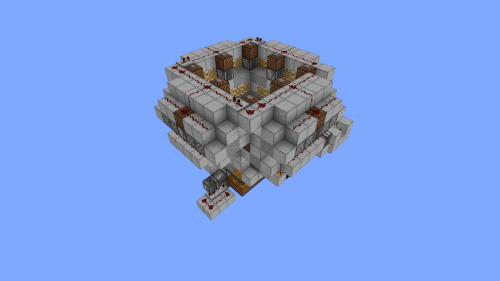 4k Bonemeal Farm Made by Basicredstone Schematic (1.21.x) – Compact Redstone Bonemeal Farm Build
More from Schematics
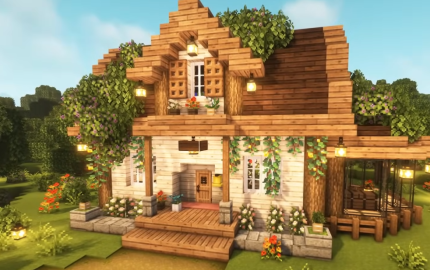 Cozy Home Schematic (1.21.x) – A Warm and Inviting Vanilla House Build
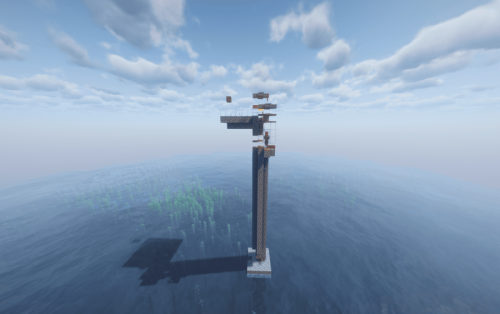 Easy and Compact Raid Farm and 26 Java Schematic (1.21.x) – Build a Small and Efficient Raid Farm
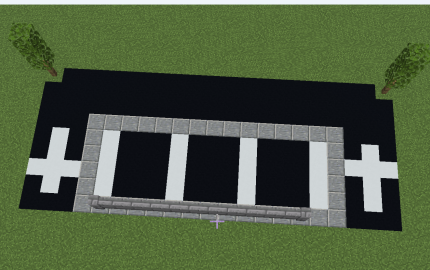 Small Parking Schematic (1.21.x) – Modern Parking Lot With Small Trees
 Asian Cherry Blossom Sword Nether Portal Schematic (1.21.x) – Beautiful Asian Style Sword Portal Bui
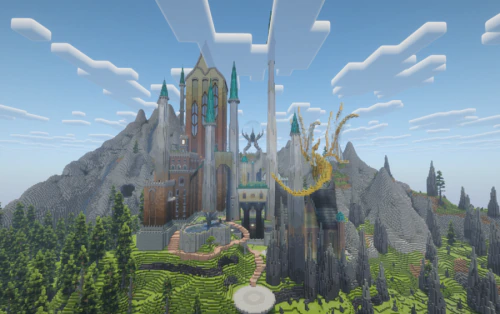 Castle by PinkMullet Schematic (1.21.x) – Build a Massive Vanilla Castle
 1000 Patreon Members Cake Download Free Schematic (1.21.x) – A Massive Celebration Cake For Minecraf
 Dark Greek Temple Schematic (1.21.x) – Small Deepslate Temple For Greek Districts
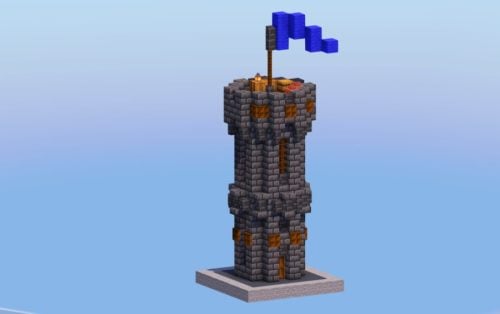 Small Dark Medieval Tower Schematic (1.21.x) – Simple Gothic Tower For Medieval Towns
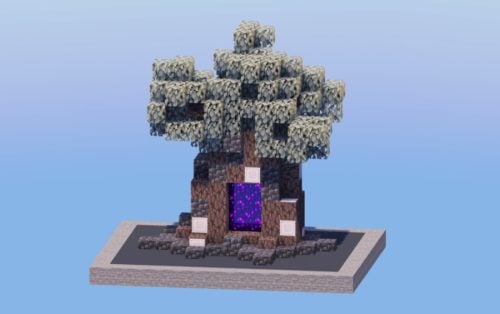 Pale Oak Tree Nether Portal Schematic (1.21.x) – Spooky Nether Portal Inside a Pale Oak Tree
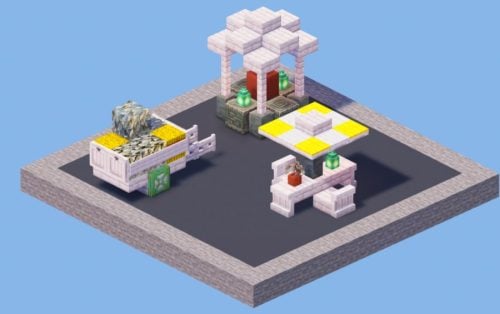 Outdoor Decorations Pack Schematic (1.21.x) – Medieval and Spooky Outdoor Decor Builds
 Street Lamps Pack Schematic (1.21.x) – Six Unique Designs for Medieval Districts
 Pirate House 5 Schematic (1.21.x) – Cozy Tropical Beach House Schematic Build

This post has no comments yet. Be the first — your comment will appear here.