


Clear Despawn Mod (1.20.2, 1.20.1) – Item Flash When It About to Despawn
 23,644
 0
0


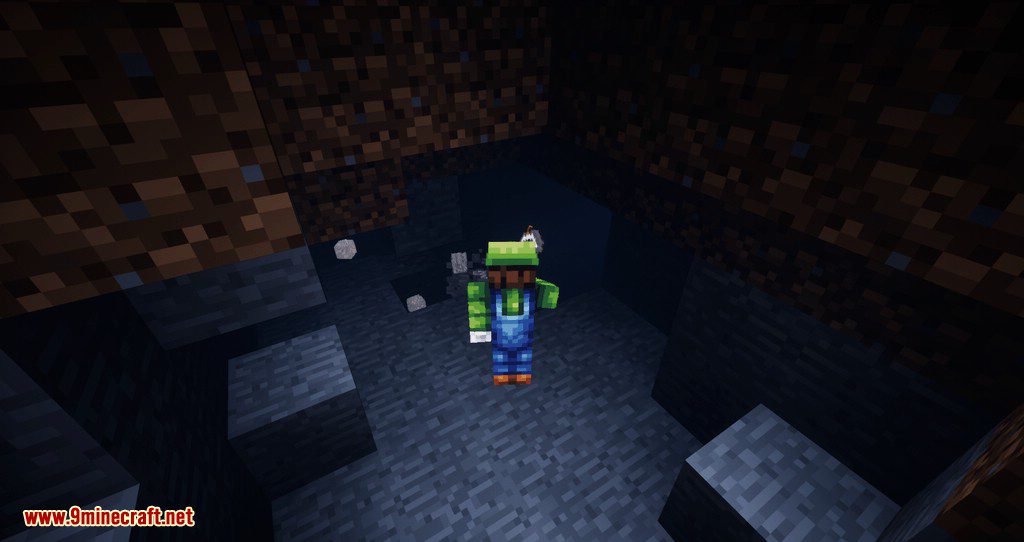
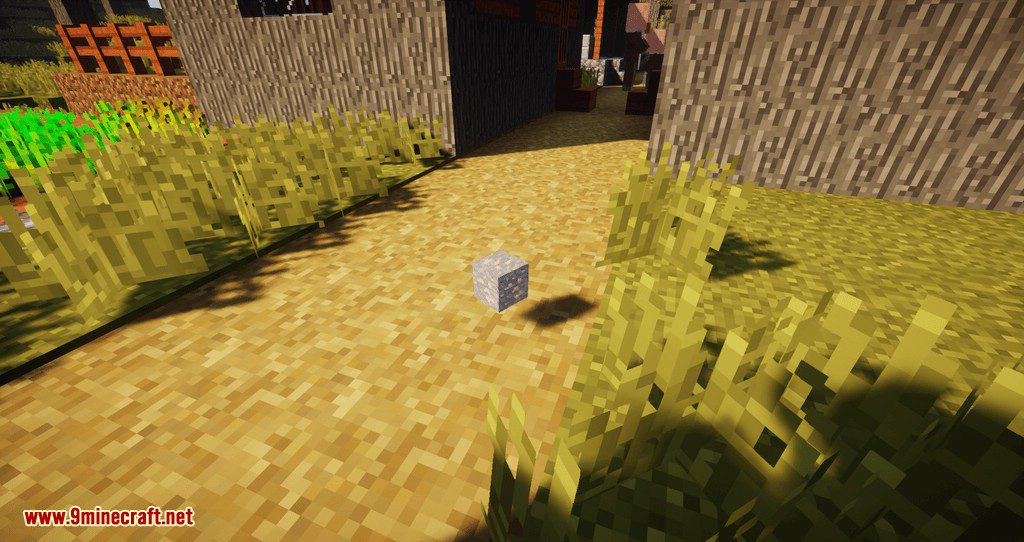
Clear Despawn Mod makes a dropped item blink once it is close to vanishing, so you get a warning instead of watching your loot quietly disappear. By default the flashing starts with roughly twenty seconds left on the five minute despawn timer, and it speeds up as the deadline gets nearer. It is a small client side change that pays off most while clearing a mob farm or picking through a big pile of drops after a fight.
Features:
- Dropped items begin flashing when their despawn timer is nearly up, instead of vanishing with no warning.
- The blink starts at about twenty seconds remaining, which leaves time to run over and grab the stack.
- The flashing gets faster as the timer runs down, so a glance tells you how urgent it is.
- Both the warning time and the speeding up can be changed in the config file.
- Nothing about the despawn rules themselves changes, so farms and item sorters behave exactly as before.
- Builds are available for Fabric, Forge and NeoForge across Minecraft 1.16.4 up to 1.20.2.
Configuration:
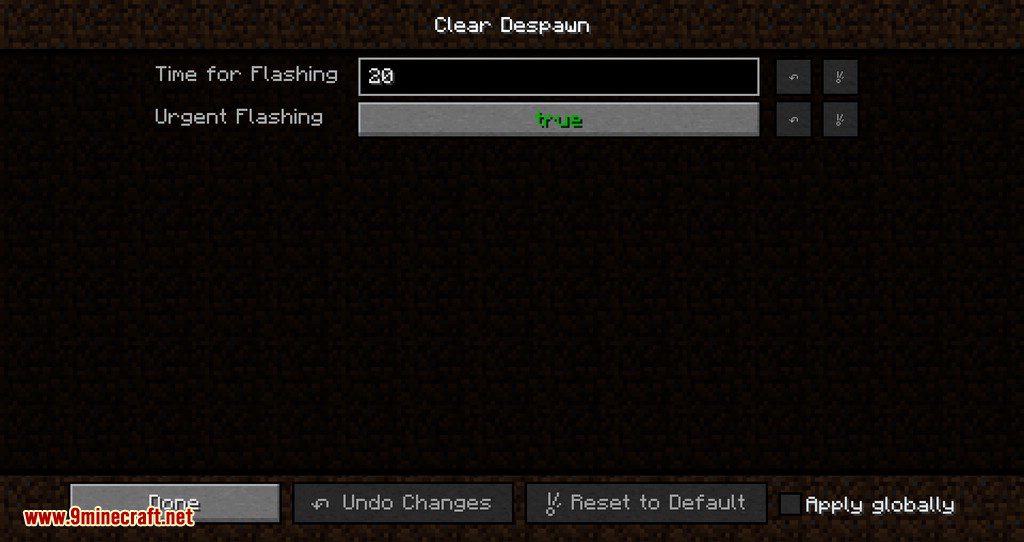
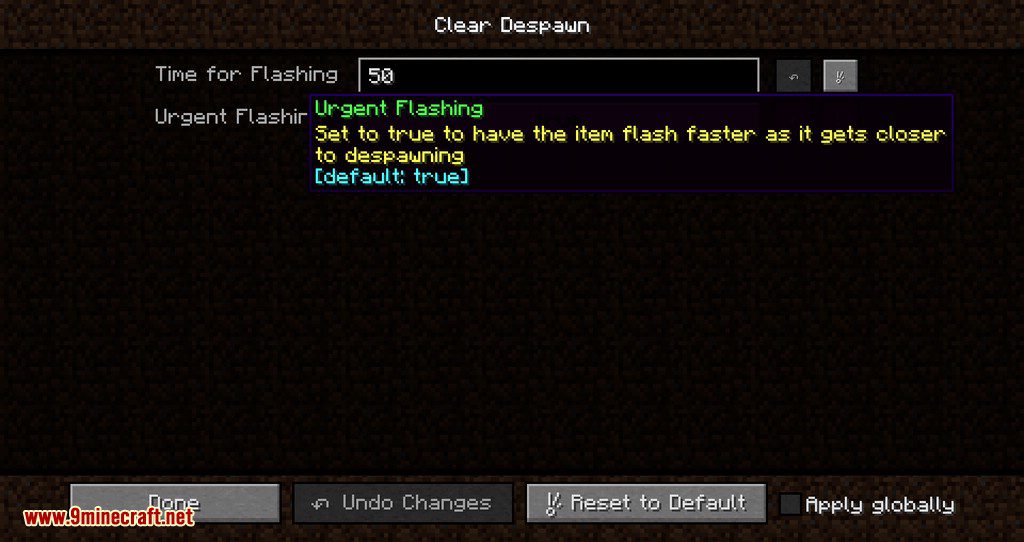
Time for Flashingsets how many seconds before despawn the blinking begins. The default is 20.Urgent Flashingmakes the blink speed up as the item gets closer to going. The default is true.
How to Use:
- Install Fabric, Forge or NeoForge to match the version you play.
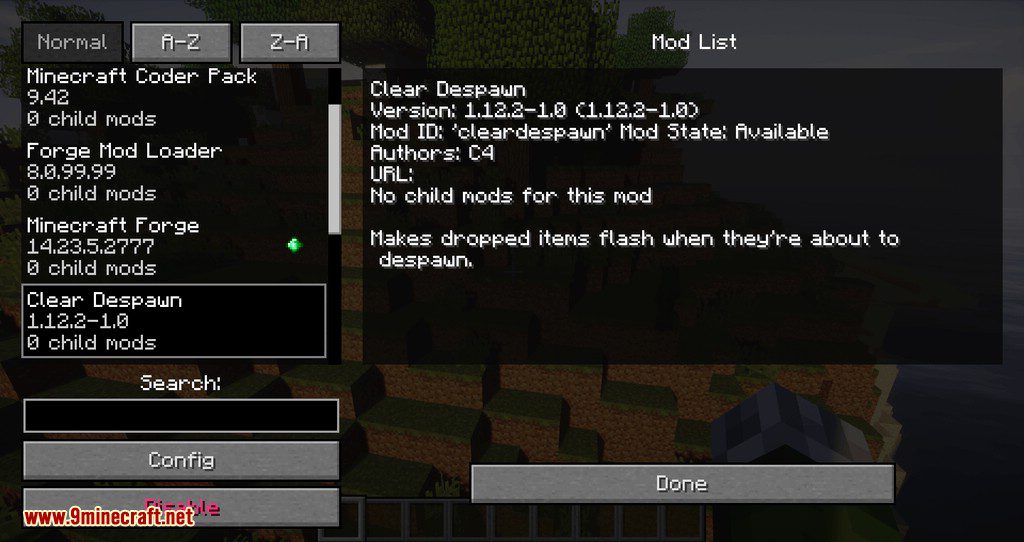
- Drop the jar into
.minecraft/modsand launch the game once to write the config file. - Throw an item on the ground and wait. After about four and a half minutes it starts to blink.
- Open the config file if you would rather be warned earlier, and raise the flashing time.
- Set urgent flashing to false if you prefer a steady blink instead of one that speeds up.
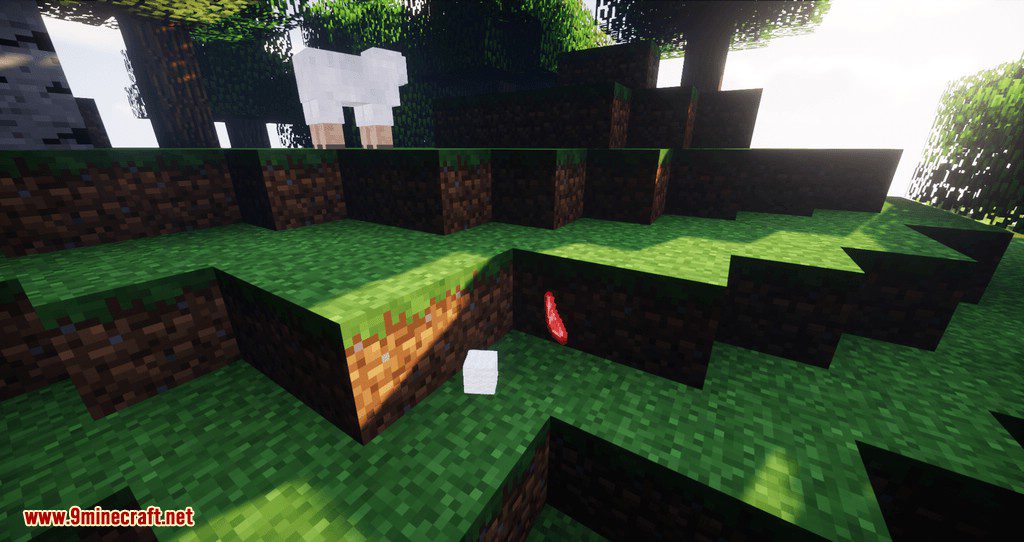
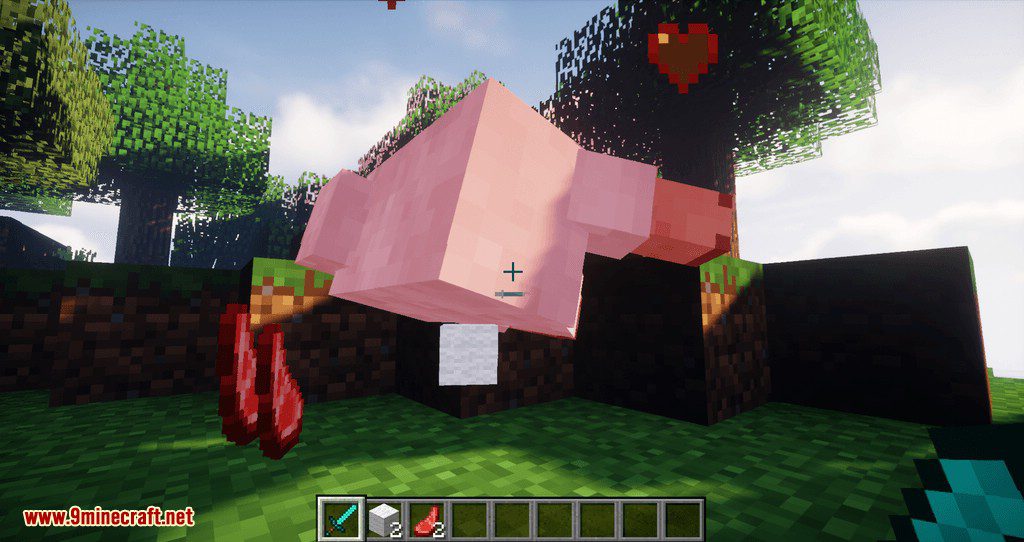
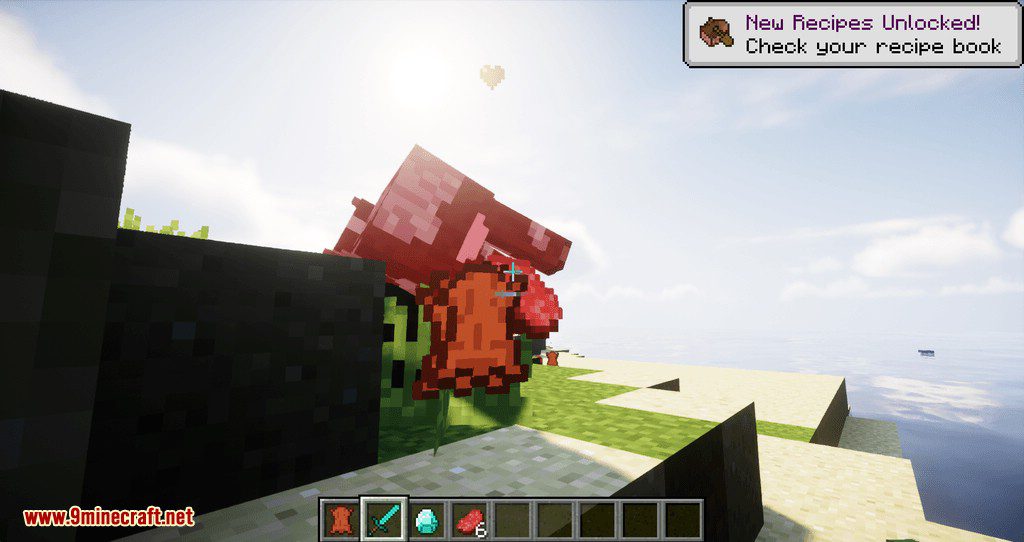
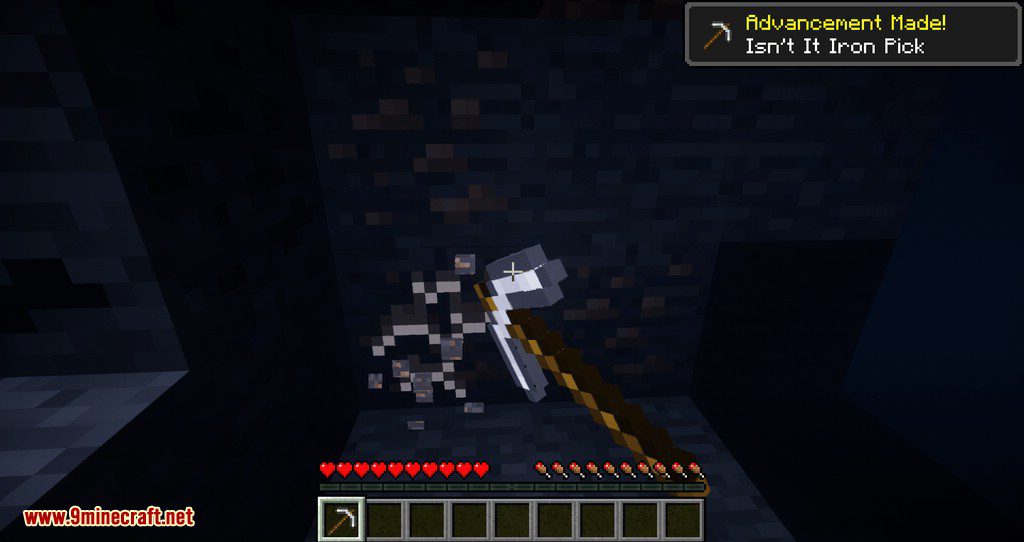
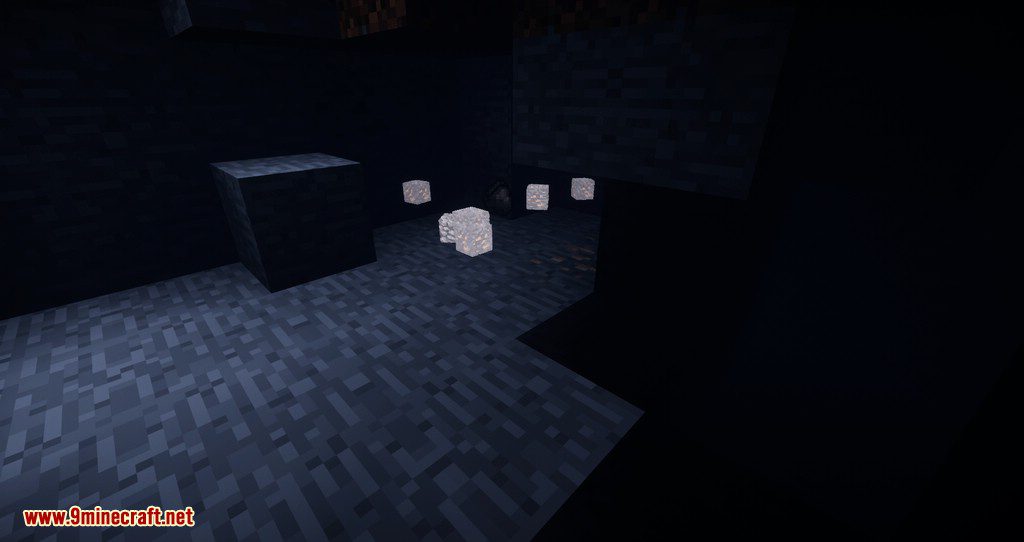
Screenshots:
How to Install:
New to Minecraft? Follow our step-by-step guide to install Mods on your PC.View Guide
Clear Despawn Mod Download Links
For Minecraft 1.20.2
Forge version: Download from Server 1 – Download from Server 2
Fabric version: Download from Server 1 – Download from Server 2
For Minecraft 1.20.1
Forge version: Download from Server 1 – Download from Server 2
Fabric version: Download from Server 1 – Download from Server 2
For Minecraft 1.19.4
Forge version: Download from Server 1 – Download from Server 2
Fabric version: Download from Server 1 – Download from Server 2
For Minecraft 1.19.3
Forge version: Download from Server 1 – Download from Server 2
Fabric version: Download from Server 1 – Download from Server 2
For Minecraft 1.19.2
Forge version: Download from Server 1
Fabric version: Download from Server 1
For Minecraft 1.18.2
Forge version: Download from Server 1
Fabric version: Download from Server 1
For Minecraft 1.17.1
Fabric version: Download from Server 1
For Minecraft 1.16.5
Fabric version: Download from Server 1
For Minecraft 1.15.2
Fabric version: Download from Server 1
For Minecraft 1.14.4
Fabric version: Download from Server 1
For Minecraft 1.12.2
Forge version: Download from Server 1
You May Also Like




This post has no comments yet. Be the first — your comment will appear here.