
Redstone Bits Mod (1.20.4, 1.20.1) – Build Hands-Free Farms and Redstone Rigs

 0


Redstone Bits Mod adds 13 new redstone utility blocks to Minecraft. This mod brings automated blocks like the Placer, Breaker, Checker, and Rotator to place, mine, check, and turn blocks with a redstone signal. It also includes signal tools such as the Counter, Adder, Resistor, and Inverter, along with Copper Buttons, Medium Weighted Pressure Plates, Analog Redstone Lamps, Redstone Displays, and Redstone Glass. You can combine these blocks with vanilla Observers and Pistons to automate tasks and build custom machines. The mod runs on the Fabric Mod Loader and needs the Fabric API.

Features:
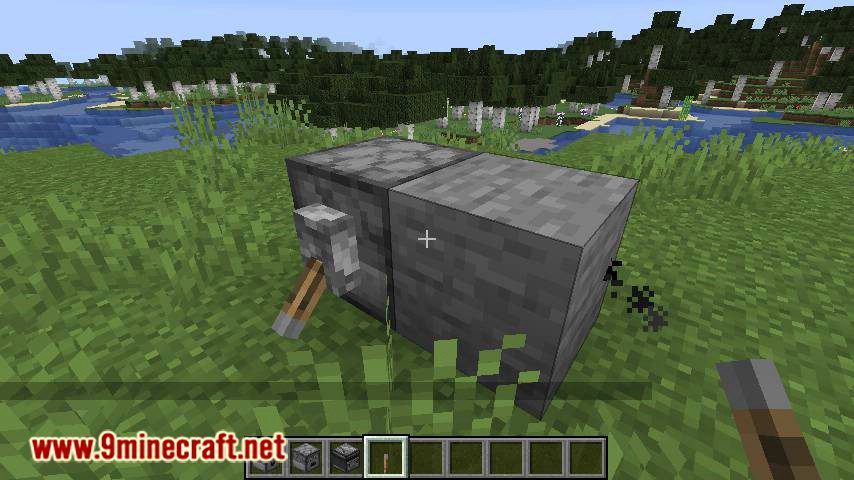
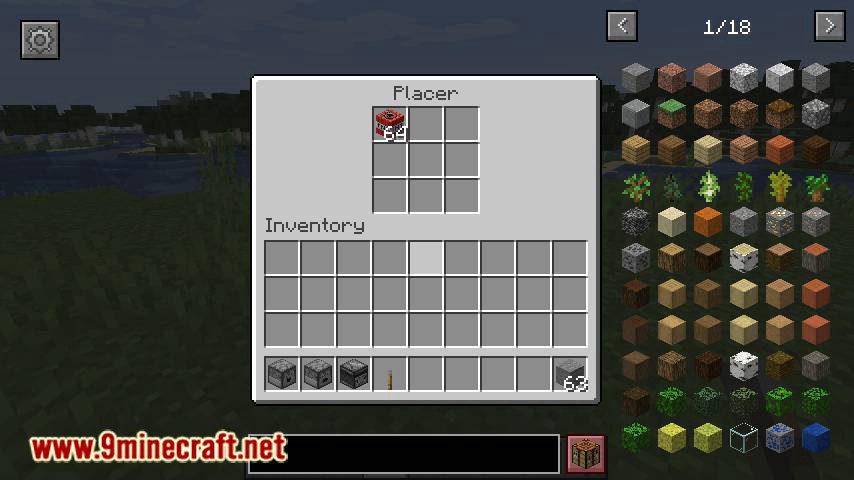
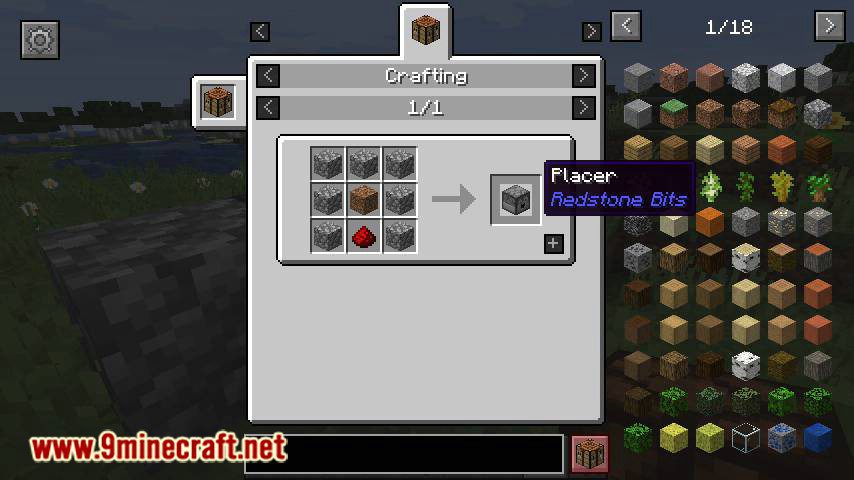
- The Placer: Works like a Dispenser, but places a random block from its inventory right in front of itself when powered by a redstone signal.
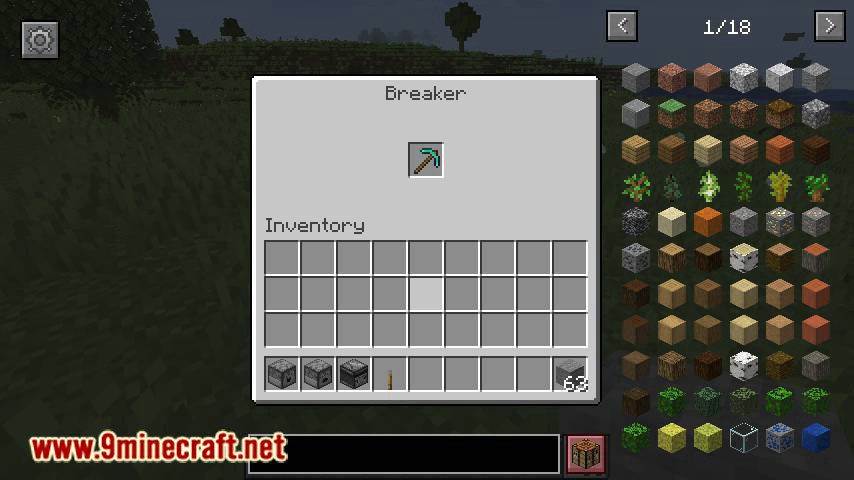
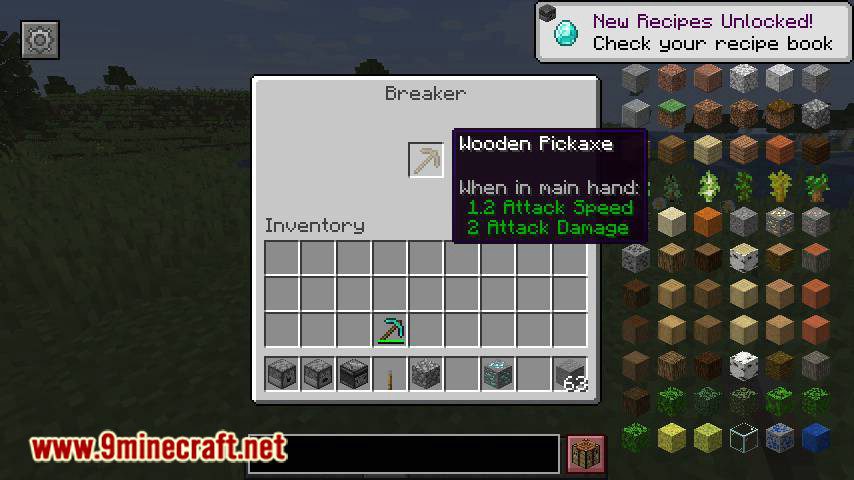
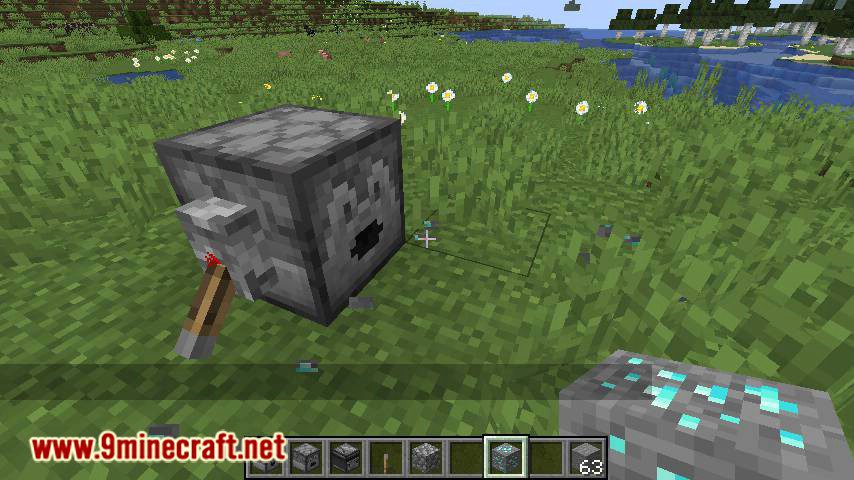
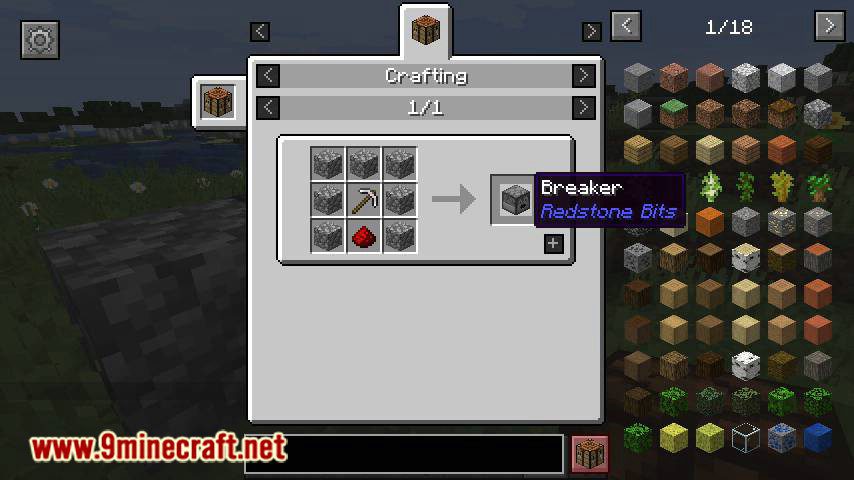
- The Breaker: Breaks the block in front of it when powered by redstone. You can put a tool or any other item inside to mine at that item’s normal speed, check progress in its menu or with a Comparator, and send another redstone signal to cancel mining.
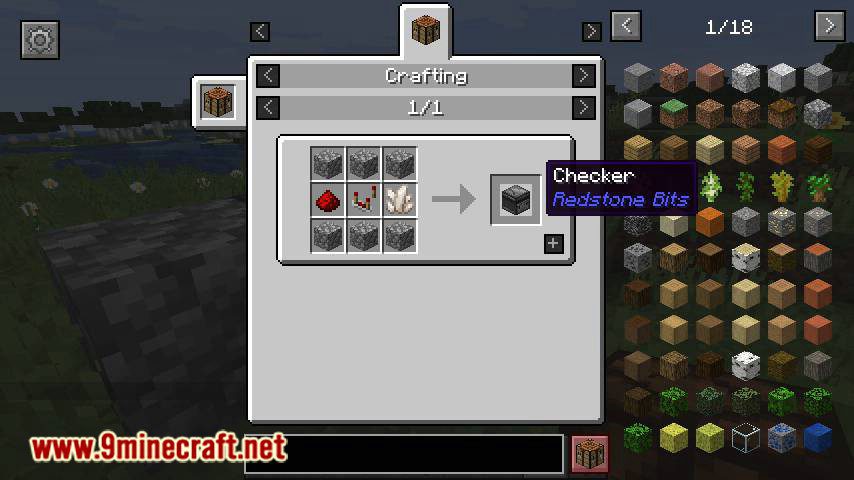
- The Checker: Acts a bit like an Observer and checks if the block in front of it matches any block inside its inventory. When a block matches, it sends out a redstone signal with a strength based on that item’s inventory slot.
- The Rotator: Turns the block in front of it when given a redstone signal. You can right-click it to switch between clockwise and counterclockwise, and use a Comparator to read the target block’s rotation if supported.
- Adds the Counter, which raises its output signal strength by 1 each time it gets powered (from 1 up to 15, then looping back to 0). Right-clicking makes it count in reverse.
- Includes the Adder, which adds the incoming signal strength to its current output (for example, powering it with 3 outputs 3, then powering it with 5 raises it to 8) and loops back around 0 when it goes past 15. Right-clicking switches it to subtract mode.
- Brings the Resistor, which lowers the strength of a redstone signal. It cuts signals in half by default, and right-clicking cycles through third mode (divides by 3), one point five mode (divides by 1.5), and back to halve mode.
- Gives you the Inverter, which flips any incoming signal strength (15 outputs 0, 3 outputs 12, and no signal outputs 15). Right-clicking puts it into “inverter no inverting!” mode, turning it into a simple one-way gate that keeps the original signal strength.
- Adds Copper Buttons that stay pressed for different amounts of time based on how oxidized they are, and can be waxed to lock their oxidation state forever.
- Includes Medium Weighted Pressure Plates that sit between Light and Heavy Weighted Pressure Plates, with each oxidation level changing their weighting and waxing locking their state.
- Provides Analog Redstone Lamps that give off a light level matching the strength of the redstone signal they receive.
- Features Redstone Displays that show the incoming redstone signal strength as a number.
- Adds Redstone Glass, which is not see-through by default and turns clear when powered by redstone. It passes the signal to touching Redstone Glass in all directions, and Comparators can read its signal level so it works like all-direction redstone wire.
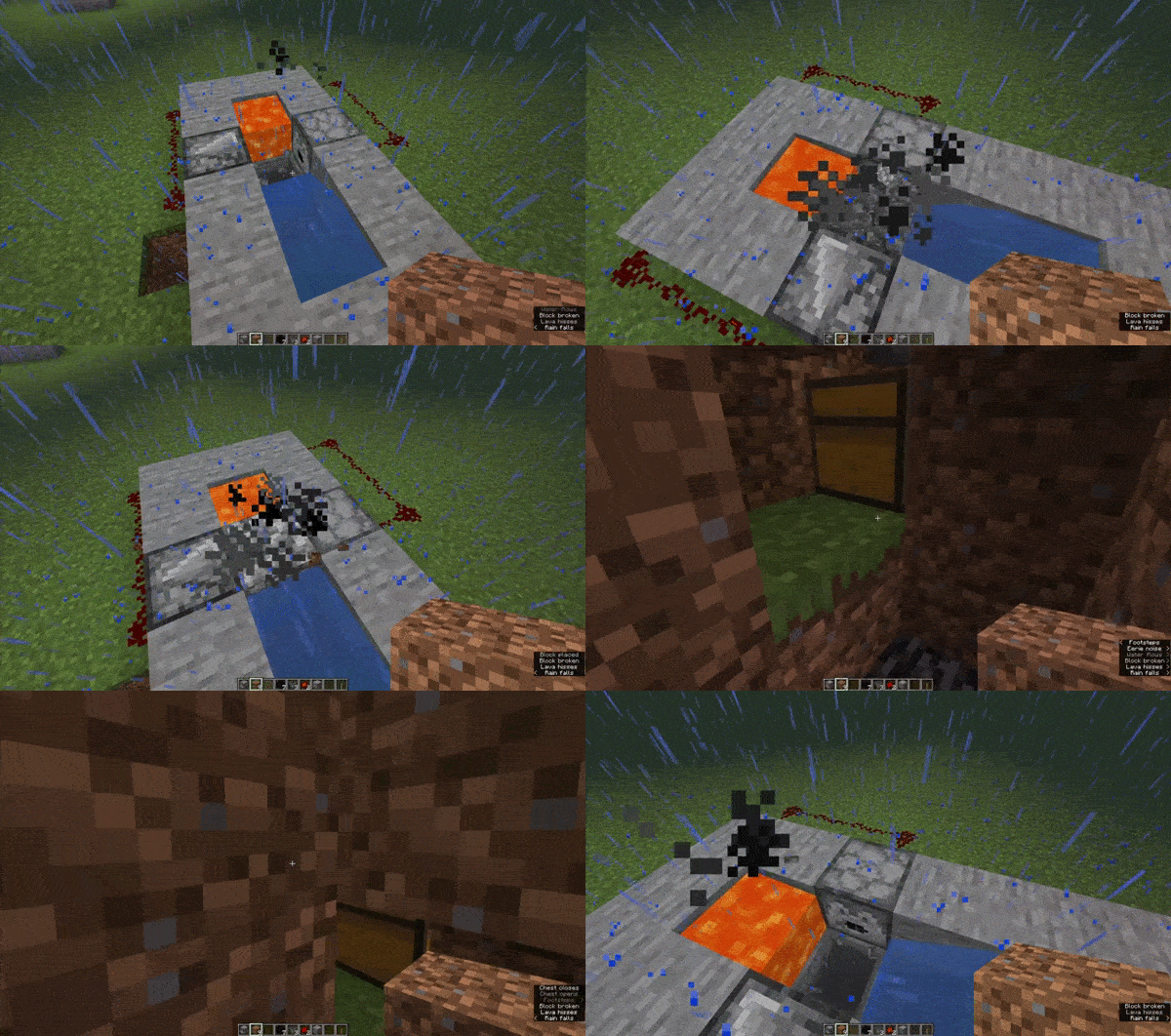
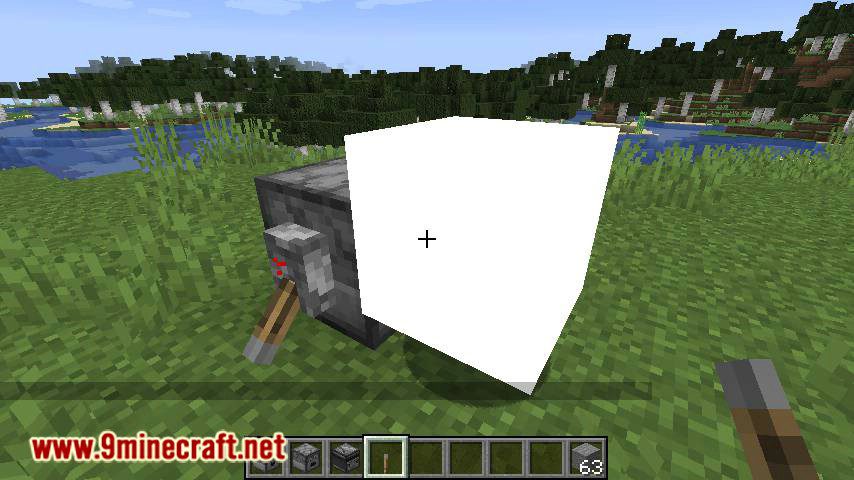
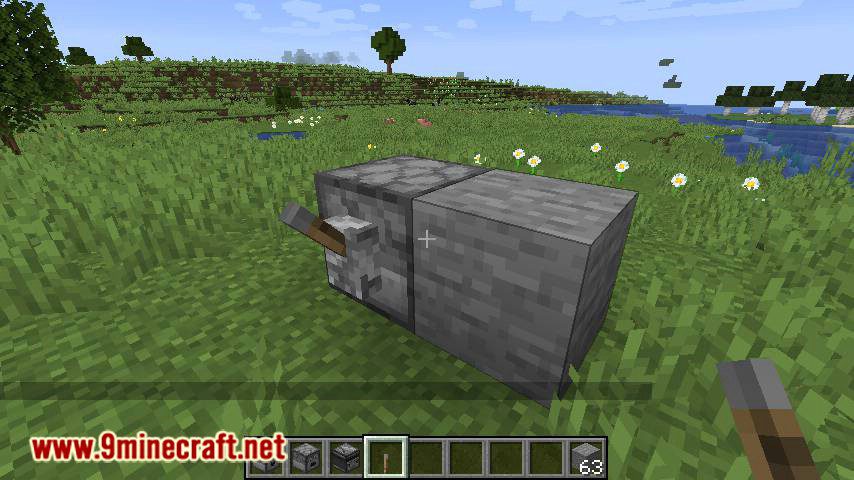
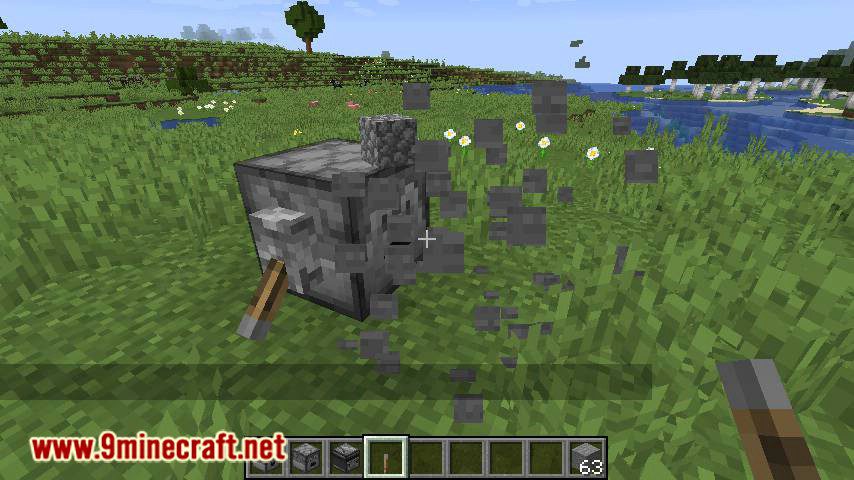
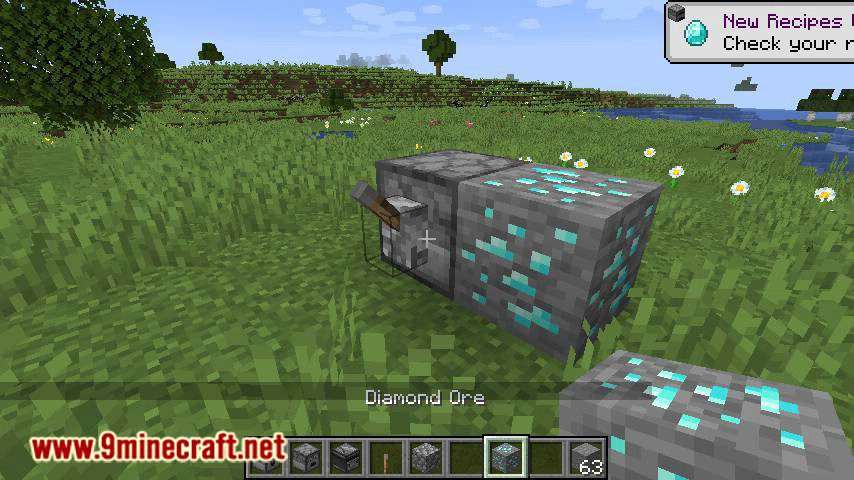
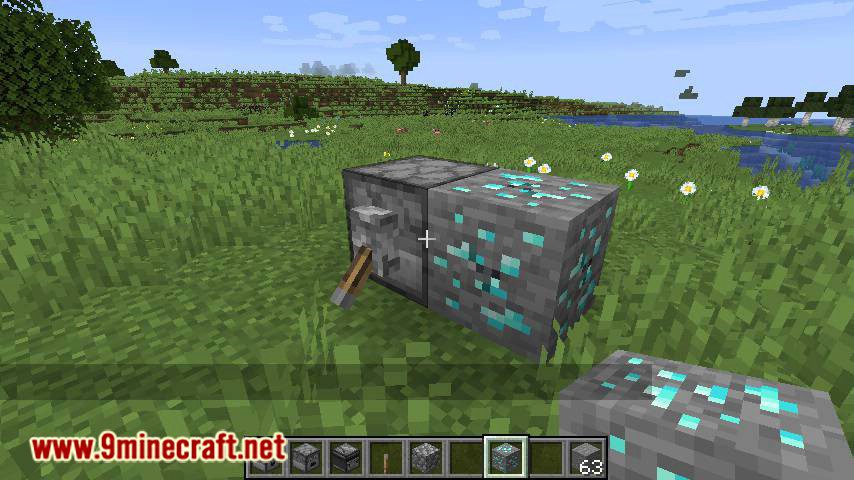
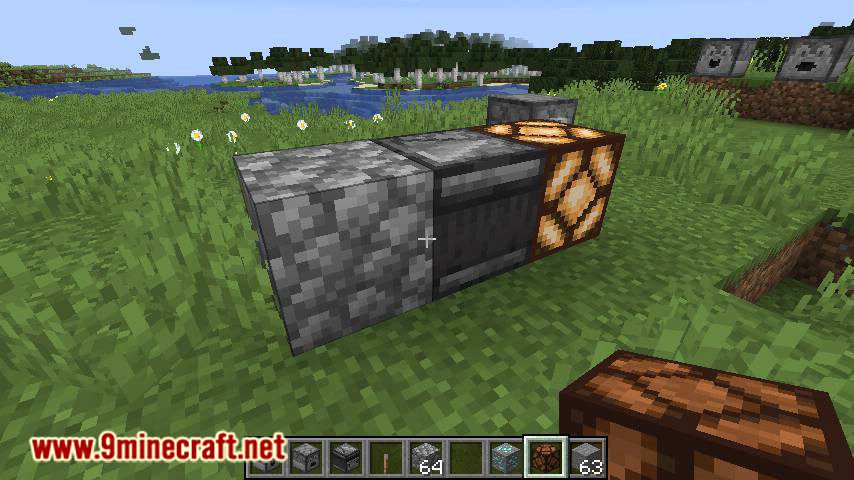
Here is an Observer, Breaker, and Hopper working together to automate a Cobblestone Generator:
Screenshots:
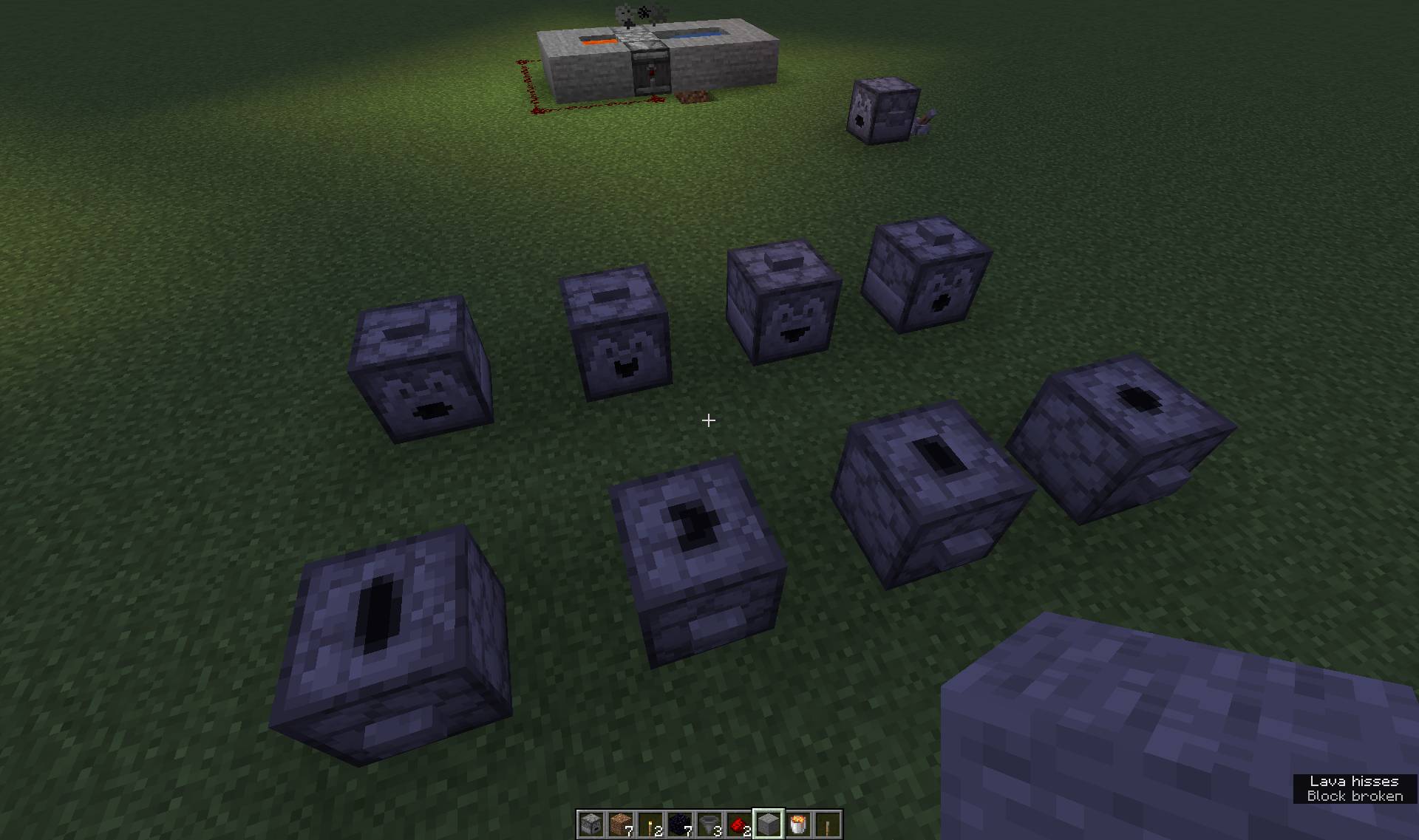
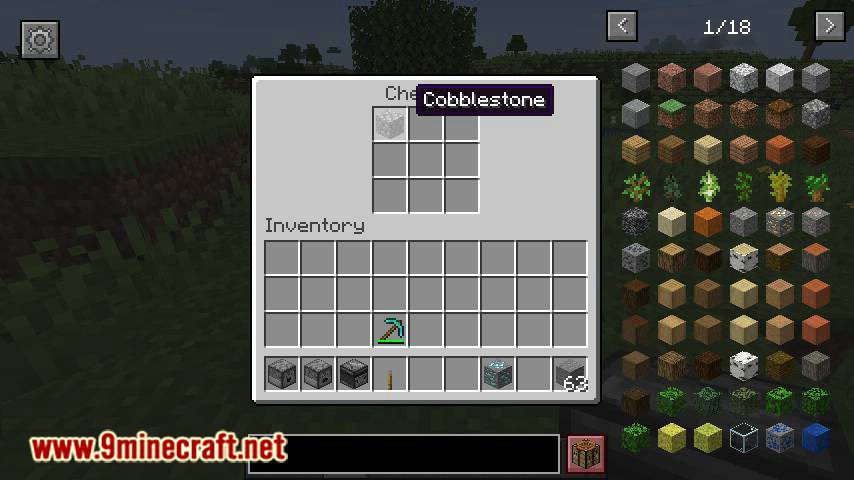
The family: Breakers and Placers, plus Vanilla’s Droppers and Dispensers.

How to Install:
New to Minecraft? Follow our step-by-step guide to install Mods on your PC.View Guide
Redstone Bits Mod Download Links
For Minecraft 1.16.5
Fabric version: Download from Server 1
For Minecraft 1.17.1
Fabric version: Download from Server 1
For Minecraft 1.18.1
Fabric version: Download from Server 1
For Minecraft 1.18.2
Fabric version: Download from Server 1
For Minecraft 1.19.2
Fabric version: Download from Server 1 – Download from Server 2
For Minecraft 1.19.3
Fabric version: Download from Server 1 – Download from Server 2
For Minecraft 1.19.4
Fabric version: Download from Server 1 – Download from Server 2
For Minecraft 1.20
Fabric version: Download from Server 1 – Download from Server 2
For Minecraft 1.20.1
Fabric version: Download from Server 1 – Download from Server 2
For Minecraft 1.20.2
Fabric version: Download from Server 1 – Download from Server 2
For Minecraft 1.20.3
Fabric version: Download from Server 1 – Download from Server 2
For Minecraft 1.20.4
Fabric version: Download from Server 1 – Download from Server 2
Have you ever created your own Minecraft mod or modpack, even a simple one?
41 responses · See the full results →
You May Also Like
Picked for this page
 Miner’s Helmet Mod (26.1.2, 1.16.5) – Helmet with Dynamic Lighting
 Camera Overhaul Mod (26.3, 1.20.1) – Camera Improvements
 Pipez Mod (26.3, 1.20.1) – Transporting Things Is Easier
 Gnomed Mod (26.1.2, 1.20.1) – You’ve been Gnomed
 Conduits Prevent Drowned Mod (26.3, 1.20.1) – Peaceful Underwater Cities
 Areas Mod (26.3, 1.20.1) – Specify Zones in The Game
 Better Mob Drop Mod (1.21.11, 1.20.1) – Improves Mob Drops
 Sapling Tweaks Mod (26.3, 1.20.1) – Enhances Sapling Interactions
 No Baby Zombies Mod (26.2, 1.20.1) – Prevents Baby Zombies From Spawning
 NBT Copy Mod (26.3, 1.20.1) – Adds A Button To Copy NBT Data
 Plague’s Chat Timestamps Mod (26.3, 1.20.1) – Never Miss A Chat Timestamp In Minecraft
 Turtle Charging Station Mod (1.21.11, 1.20.1) – Charge CC turtles using Forge Energy
Most viewed in Mods over the last 7 days
 Ala Industrial Mod (26.3) – Run Electric Power Grids and Automated Factories
 PleasureCraft Mod (26.3, 1.21.1) – Jenny Mod Remake for Fabric
 Jennycraft Mod (26.3, 1.20.1) – Virtual Girlfriend in Minecraft
 Fapcraft Mod (26.3, 1.12.2) – Comprehensive and Detailed Content
 Jenny Mod (Fapcraft) Official Complete Guide – How to use, Tutorial
 BangCraft Mod (1.20.1) – Jenny, Ellie and Elliot
 Fabric Loader (26.3, 1.20.1) – Fabric Installer for All Minecraft Versions
 Meteor Client Mod (26.3, 1.20.1) – Xray, HUD, Fly
 The Shooting Star Demo Mod (26.3, 1.20.1) – Vaporize Terrain From Orbit
 OptiFine HD (26.3, 1.20.1) – Run Faster, FPS Boost, Shaders Support
 Aristois Client Mod (1.21.4, 1.20.1) – World Class Minecraft Utility
 Prestige Client Mod (1.21.11, 1.21.4) – Powerful Ghost Features for Crystal & Sword PvP
More from Mods
 Better Nether 9minecraft Mod (26.3, 26.2) – Survive Forever in the Nether
 BCLib 9minecraft Mod (26.3, 26.2) – Power Custom Nether and End Overhauls
 ForgedLoaderAPI Mod (1.19.2, 1.18.2) – Bring Ported Fabric Creations
 Shield System Mod (1.21.1) – Tank Heavy Monster Hits Without Losing Hearts
 Shin’s Tensura Race Models Mod (1.19.2) – Play As Unique 3D Anime Race
 Offgrid Mod (26.3, 1.20.1) – Furnish Compact Interiors Without Strict Grid
 Tempest Almanac Iron’s Spells ‘n Spellbooks Mod (1.21.1, 1.20.1)
 Chat Guides Mod (26.3, 1.21.11) – Never Memorize Complex Server Commands Again
 TRMT Reimagined the Roads More Travelled Mod (26.3, 1.20.1)
 Morrowless Mod (1.21.1) – Defend Your Shelter From Nightmare Creatures
 THE SLOPSTROSITY Mod (1.21.1) – Battle a Ridiculous Slime Boss
 Decoween Mod (1.21.1, 1.20.1) – Transform Ordinary Survival Bases

This post has no comments yet. Be the first — your comment will appear here.