
Camera Overhaul Mod (26.3, 1.20.1) – Natural Momentum When Sprinting Around

 0


Camera Overhaul Mod adds smooth camera rotations and visual effects that react to your movement. Every step, jump, turn, and nearby explosion gives clearer visual feedback so gameplay feels more satisfying. You can change the strength of each effect or turn off any feature you do not want. This mod runs on the client side, needs Cloth Config API, and feels best at high framerates with optimization mods like Sodium and Lithium.
Features:
- Camera Tilting: Strafing or turning around tilts your camera sideways, while jumping, falling, and moving forward or backward changes the camera pitch.
- Screen Shake: Nearby explosions shake the screen to give blasts stronger visual impact.
- Idle Camera Sway: Stopping for a while makes the camera gently sway around while it waits for your next move.
- Runs on the client side and works on Fabric, Quilt, NeoForge, and legacy Forge.
- Lets you adjust the strength of every feature through in-game config screens or the
.minecraft/config/cameraoverhaul.tomlfile. - Allows turning off any feature by setting its factor to
0.0, or flipping effects with negative numbers. - Feels smoothest at high framerates and pairs well with optimization mods such as Sodium and Lithium.
Configuration:
.minecraft/config/cameraoverhaul.toml: Main config file for manually scaling the intensity of all camera features.0.0: Set any feature factor to this value to turn that effect off; negative numbers can also be used to invert most effects.
How to Use:
- Load your game with this mod and Cloth Config API active; camera tilting, screen shake, and idle sway start working automatically as you move and play.
- Open the in-game configuration screen (use Mod Menu on Fabric or Quilt) to adjust how strong each camera effect feels.
- Edit
.minecraft/config/cameraoverhaul.tomlin a text editor if you prefer to scale every feature outside the game. - Set any factor to
0.0to turn that effect off, or enter a negative number to flip the direction of the effect.
Screenshots:
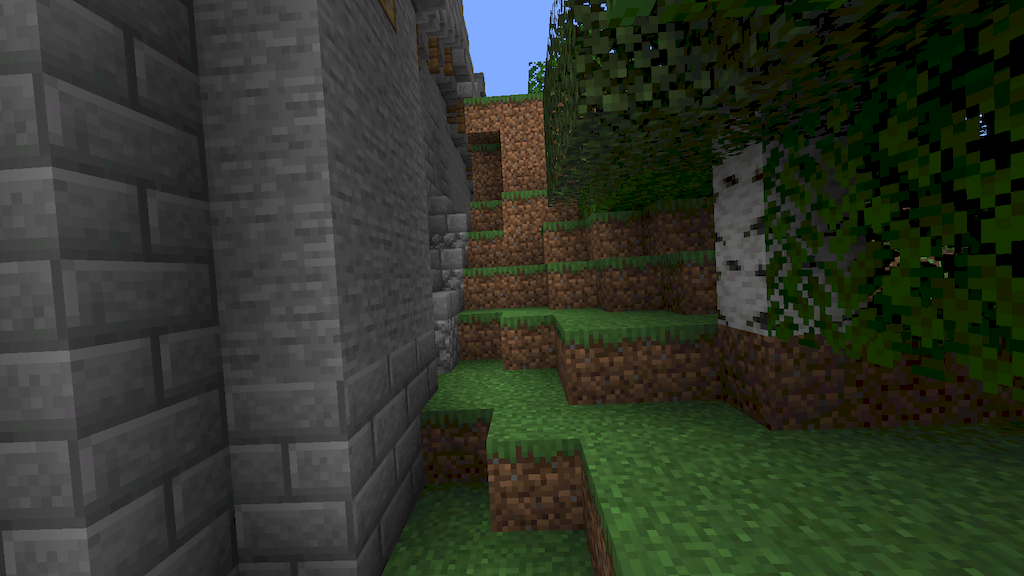
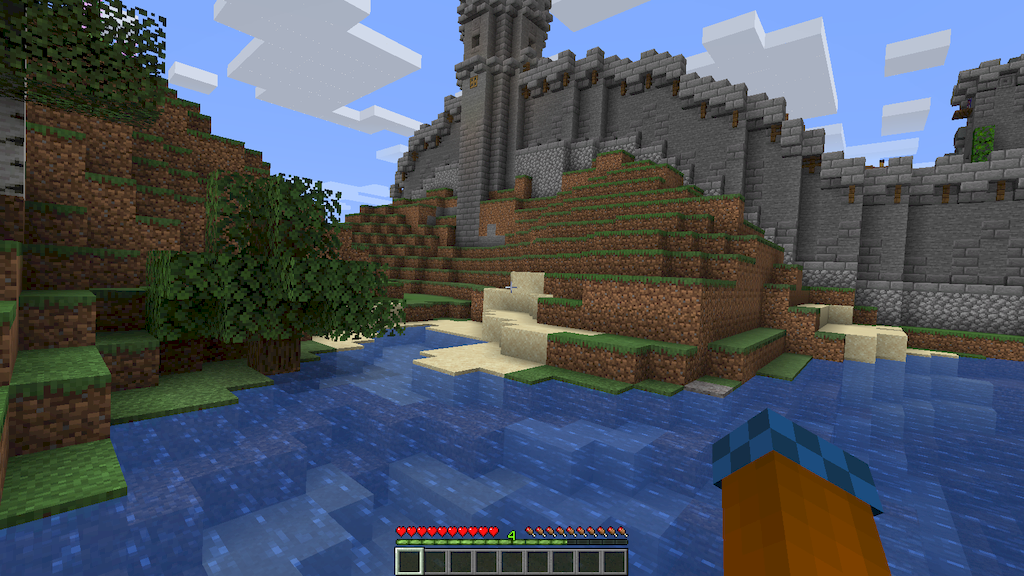

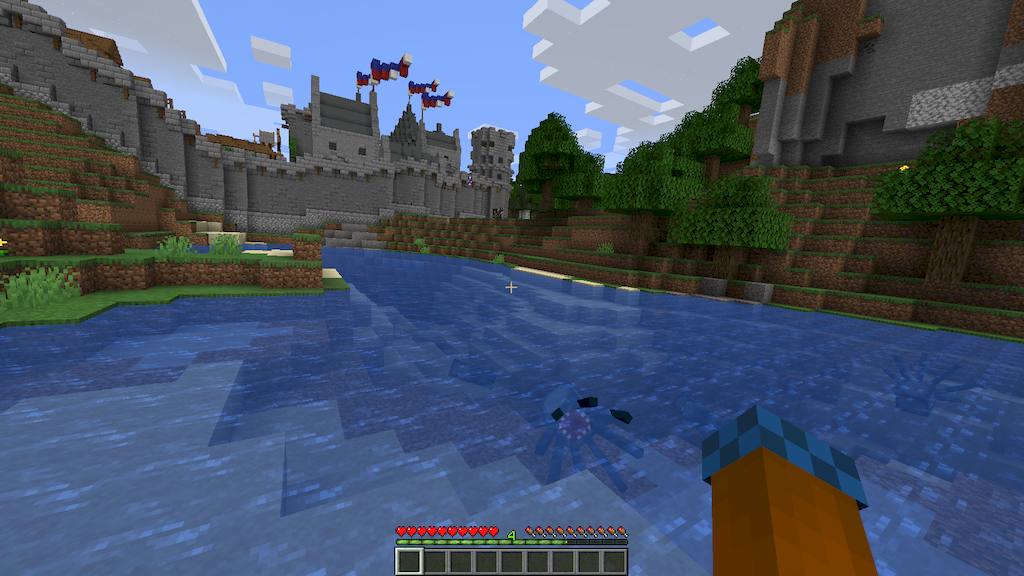
How to Install:
New to Minecraft? Follow our step-by-step guide to install Mods on your PC.View Guide
Requirements:






Camera Overhaul Mod Download Links
For Minecraft 26.3
For Minecraft
26.2,
26.1.2,
26.1.1
All Versions Covered
26.2
26.1.2
26.1.1
26.1
All Versions Covered
26.2
26.1.2
26.1.1
26.1
For Minecraft 26.1.2, 26.1.1, 26.1
For Minecraft 1.21.11
For Minecraft 1.21.10, 1.21.9
For Minecraft 1.21.8, 1.21.7, 1.21.6
For Minecraft 1.21.5
For Minecraft 1.21.4
For Minecraft 1.21.3, 1.21.2
For Minecraft 1.21.1, 1.21
For Minecraft 1.20.6
For Minecraft
1.20.5,
1.20.4,
1.20.3
All Versions Covered
1.20.5
1.20.4
1.20.3
1.20.2
1.20.1
1.20
All Versions Covered
1.20.5
1.20.4
1.20.3
1.20.2
1.20.1
1.20
For Minecraft 1.20.4
For Minecraft 1.20.1
For Minecraft 1.19.3
For Minecraft 1.19.2
For Minecraft 1.18.2
For Minecraft 1.18.1
For Minecraft 1.17
For Minecraft
1.16.5,
1.16.4,
1.16.3
All Versions Covered
1.16.5
1.16.4
1.16.3
1.16.2
1.16.1
1.16
All Versions Covered
1.16.5
1.16.4
1.16.3
1.16.2
1.16.1
1.16
Click to rate this post!
[Total: 5 Average: 1.8]
You May Also Like
Picked for this page
 Tweakeroo Mod (26.3, 1.20.1) – Hand Restock, Hotbar Swap
 AppleSkin Mod (26.3, 1.20.1) – Food-Related HUD
 Additional Lights Mod (26.3, 1.21.1) – New Aesthetic Light Sources
 GlitchCore (26.3, 1.20.1) – Library for Glitchfiend’s Mods
 Item Collectors Mod (26.3, 1.20.1) – Automatic Object Collectors with Defined Range
 Better Beacon Placement Mod (26.3, 1.20.1) – Easier To Use Beacons
 Banner Flags Mod (26.3, 1.20.1) – Customize Your World With Banner Flags
 Advanced Shulkerboxes Mod (26.2, 1.20.1) – Improved Function of Shulker Box
 Growmeal Mod (26.3, 1.20.1) – Speed Up Your Farming
 Cobble Gen Haters Mod (26.2, 1.20.1) – No Cobble/Stone Generation
 No Double Sneak Mod (26.3, 1.20.1) – Fix Sneaking On Laggy Servers
 Crop Critters Mod (26.2, 1.20.1) – Living Crops Farming Automation
Most viewed in Mods over the last 7 days
 Ala Industrial Mod (26.3) – Run Electric Power Grids and Automated Factories
 PleasureCraft Mod (26.3, 1.21.1) – Jenny Mod Remake for Fabric
 Jennycraft Mod (26.3, 1.20.1) – Virtual Girlfriend in Minecraft
 Fapcraft Mod (26.3, 1.12.2) – Comprehensive and Detailed Content
 Jenny Mod (Fapcraft) Official Complete Guide – How to use, Tutorial
 BangCraft Mod (1.20.1) – Jenny, Ellie and Elliot
 Fabric Loader (26.3, 1.20.1) – Fabric Installer for All Minecraft Versions
 The Shooting Star Demo Mod (26.3, 1.20.1) – Vaporize Terrain From Orbit
 Meteor Client Mod (26.3, 1.20.1) – Xray, HUD, Fly
 OptiFine HD (26.3, 1.20.1) – Run Faster, FPS Boost, Shaders Support
 Aristois Client Mod (1.21.4, 1.20.1) – World Class Minecraft Utility
 Prestige Client Mod (1.21.11, 1.21.4) – Powerful Ghost Features for Crystal & Sword PvP
More from Mods
 Artemis’ Thin Logs Mod (26.3, 1.20.1) – Build Custom Trees and Detailed Wood
 Asterion Mod (26.3, 1.20.1) – Survive Ancient Mazes and Slay the Legendary Minotaur
 Passthrough Signs Mod (26.3, 1.20.1) – Right-Click Through Wall Signs
 Packing Tape Mod (26.3, 1.20.1) – Move Chests, Machines
 No XP Anvils Mod (26.3, 1.20.1) – Repair And Enchant Without XP
 Naruto Shippuden Mod (26.3, 1.16.5) – Immerse Yourself in The World of Ninja
 Araxer’s Bestiary Mod (26.3, 1.20.1) – Build an In-Game Encyclopedia of Every Mob
 Villagers Plus Mod (26.3, 1.20.1) – Expanded Villager Types and Villages
 Ore Excavation 9minecraft Mod (26.3) – Mine Ores and Chop Trees in a Single Swing
 Dirigo Mod (26.1.2, 1.21.1) – Walk Across Nether Lava Seas and Automate Animal
 HandLib Mod (26.3, 1.21.1) – Keep Your Multiplayer World Stable
 Happy Ghasts Boost Mod (26.1.2, 1.20.1) – Fly Across Vast Distances at Top Speed

This post has no comments yet. Be the first — your comment will appear here.