
Hide Hands Mod (26.3, 1.20.1) – Clear Your View Without Visual Clutter

 0


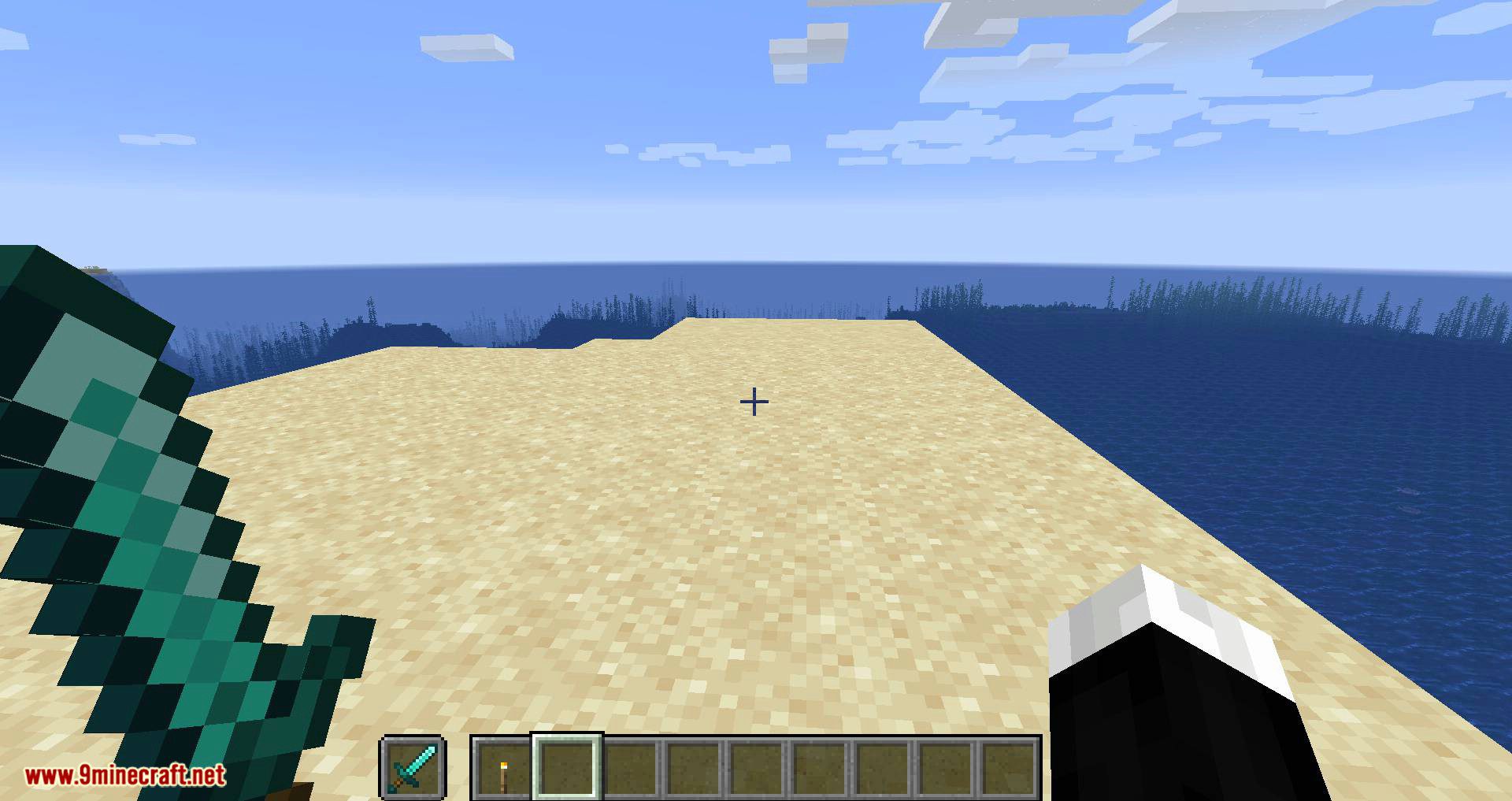
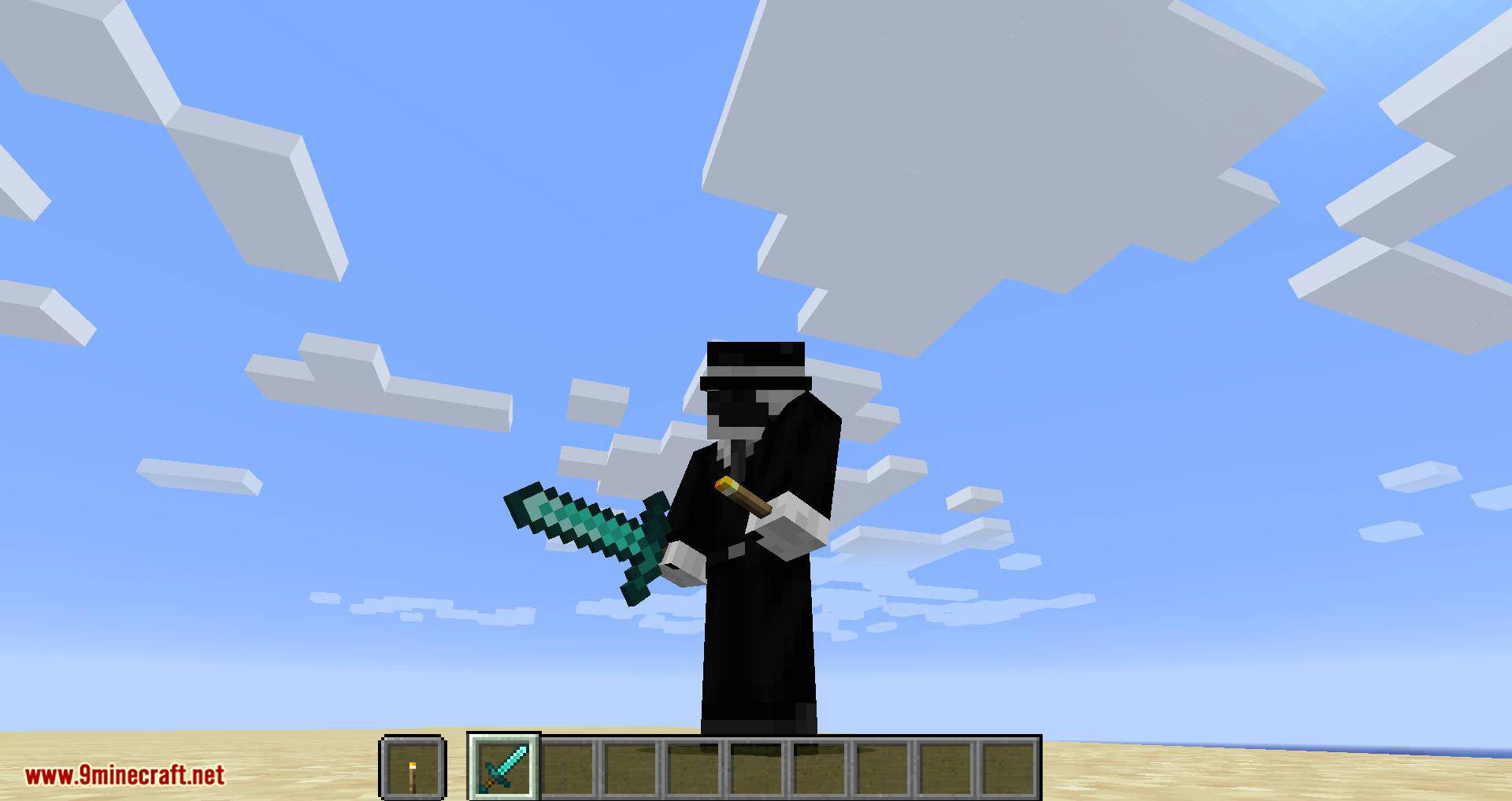
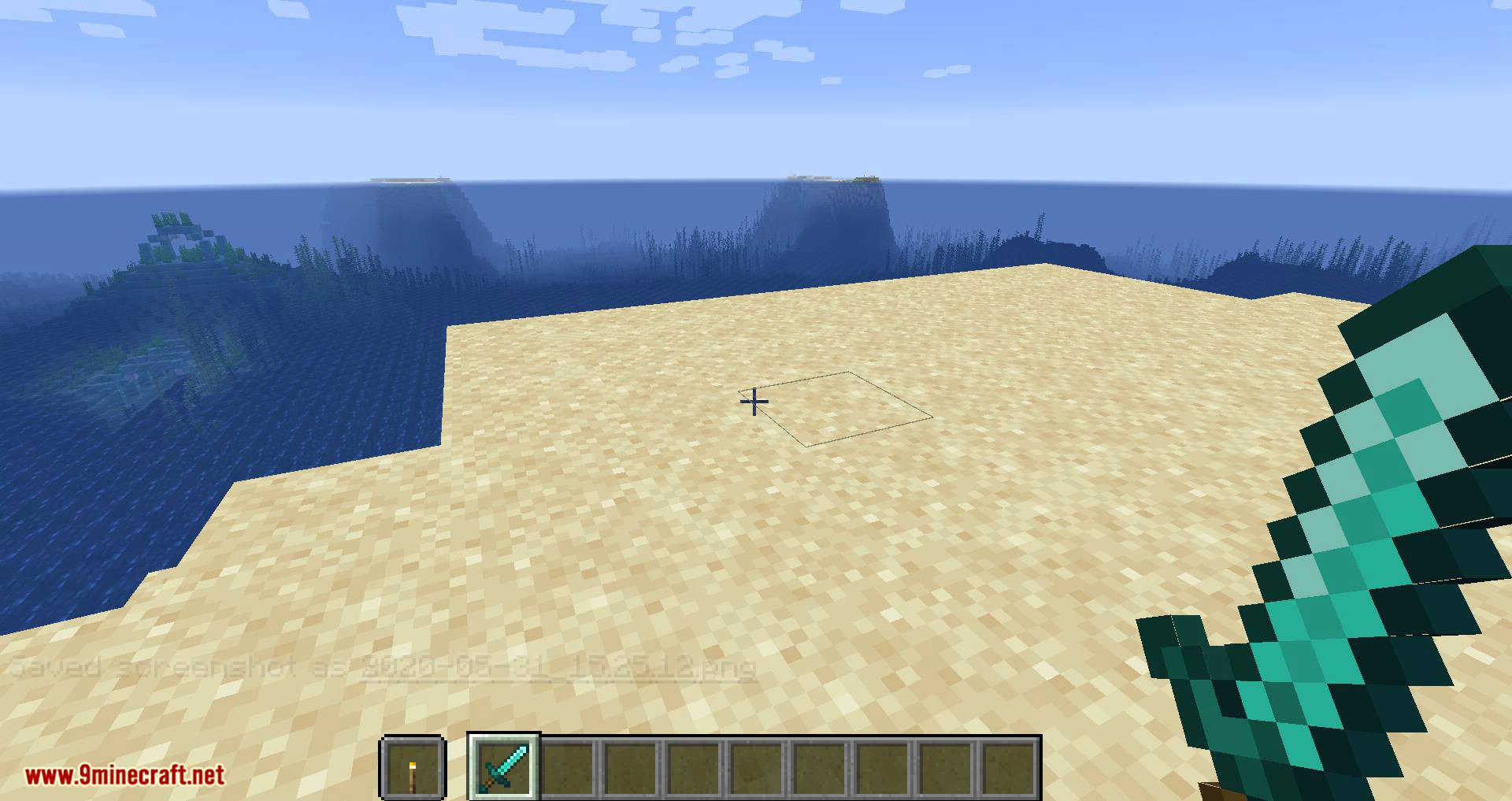
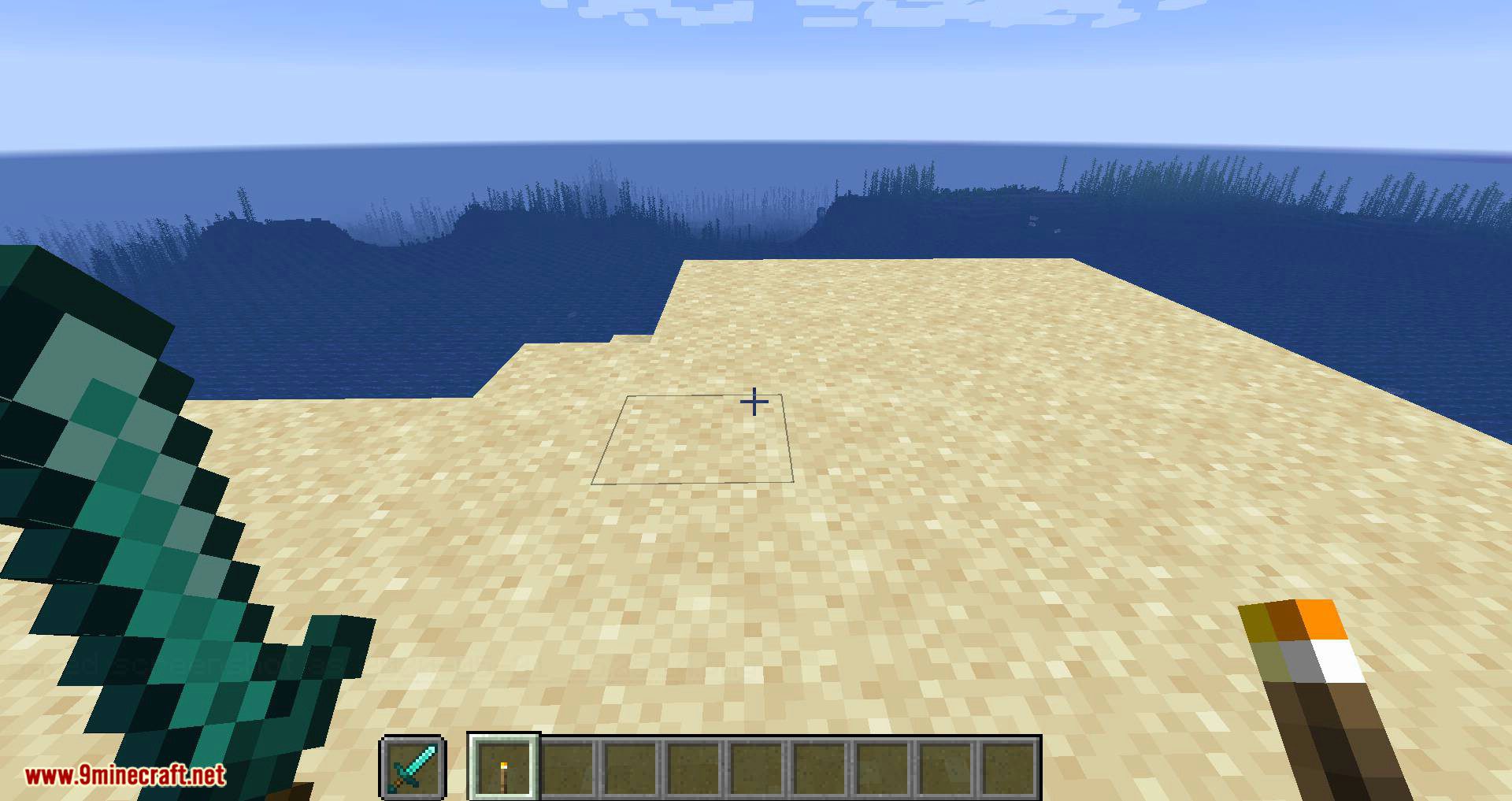
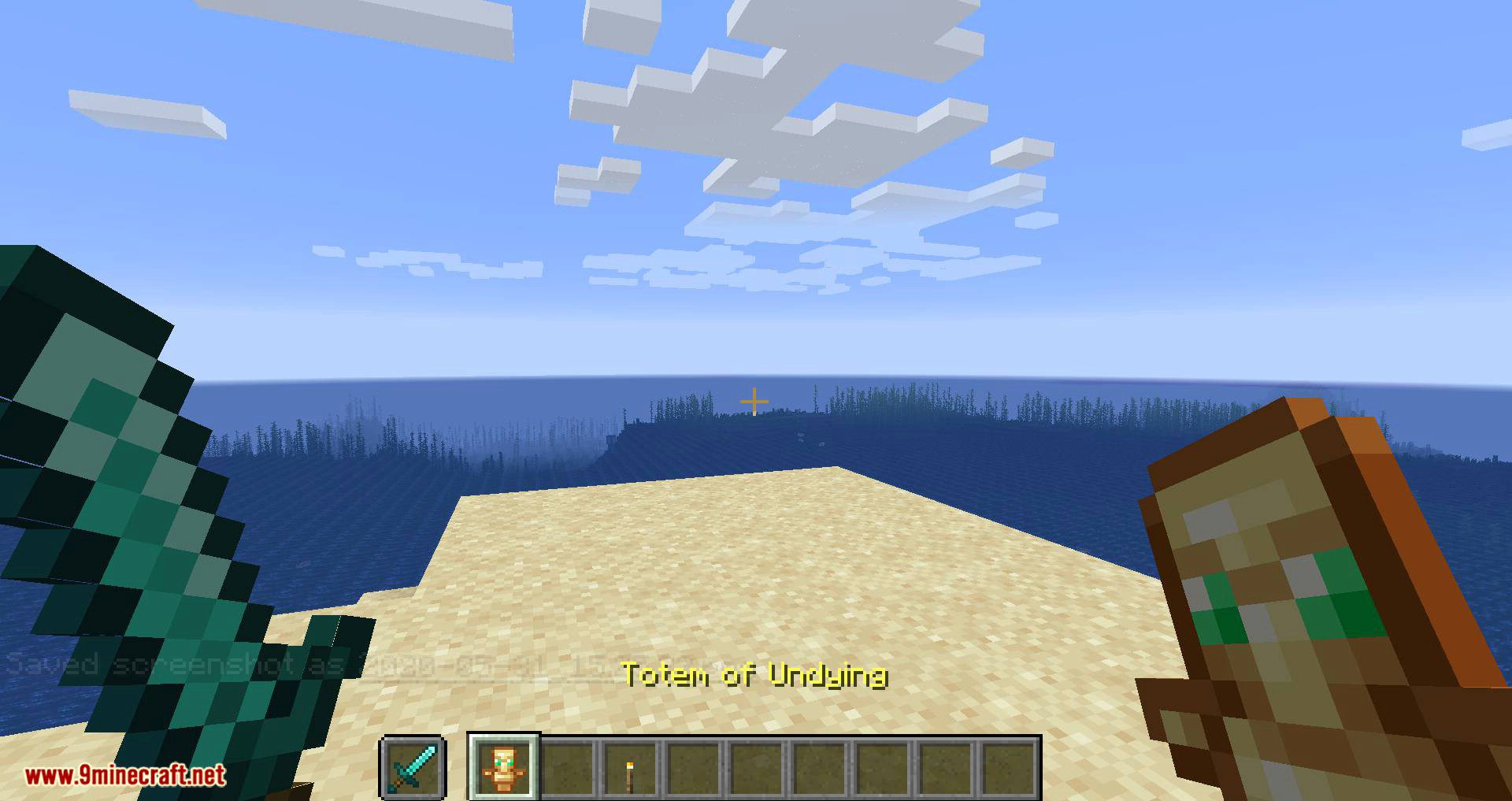
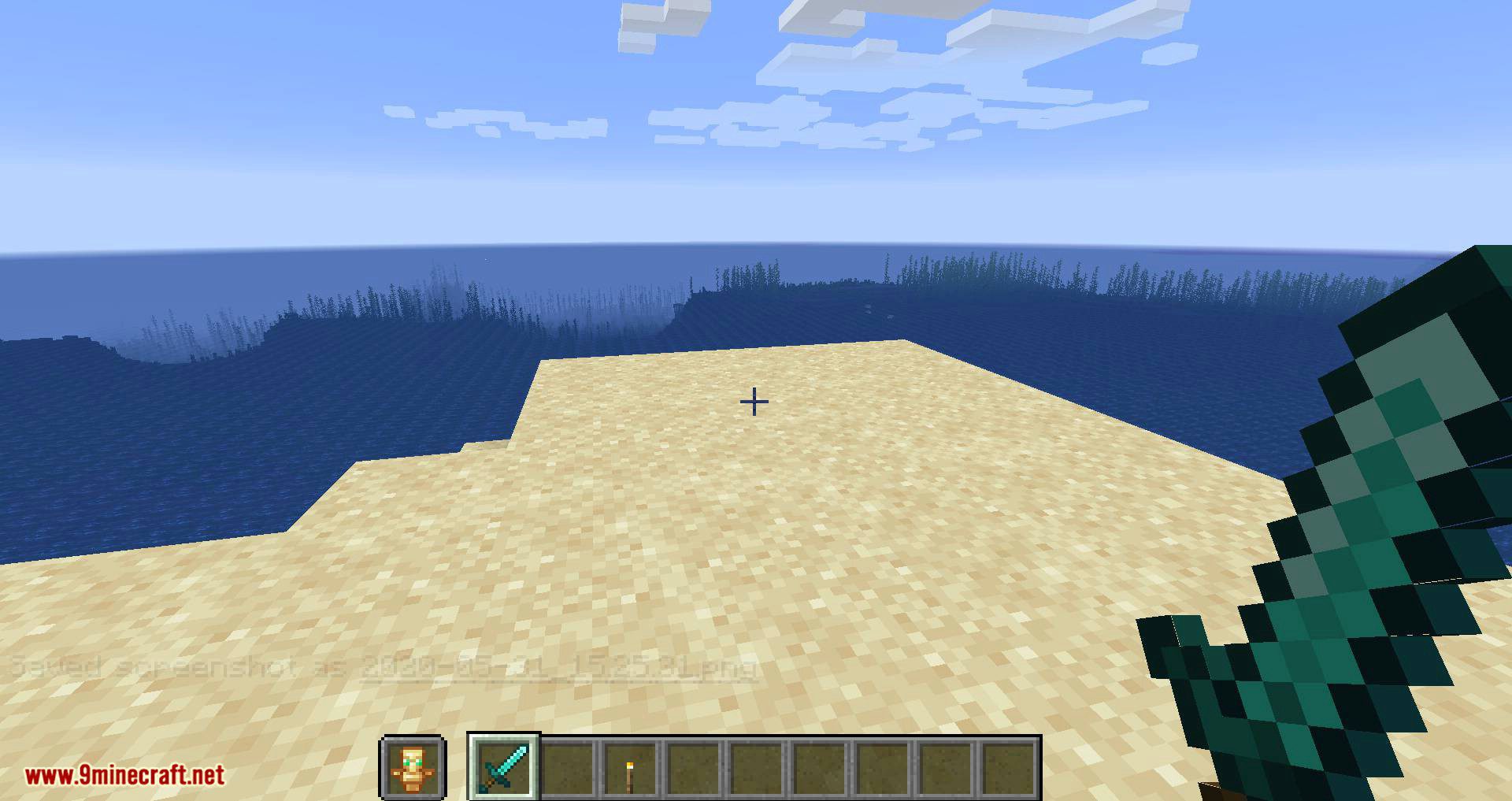
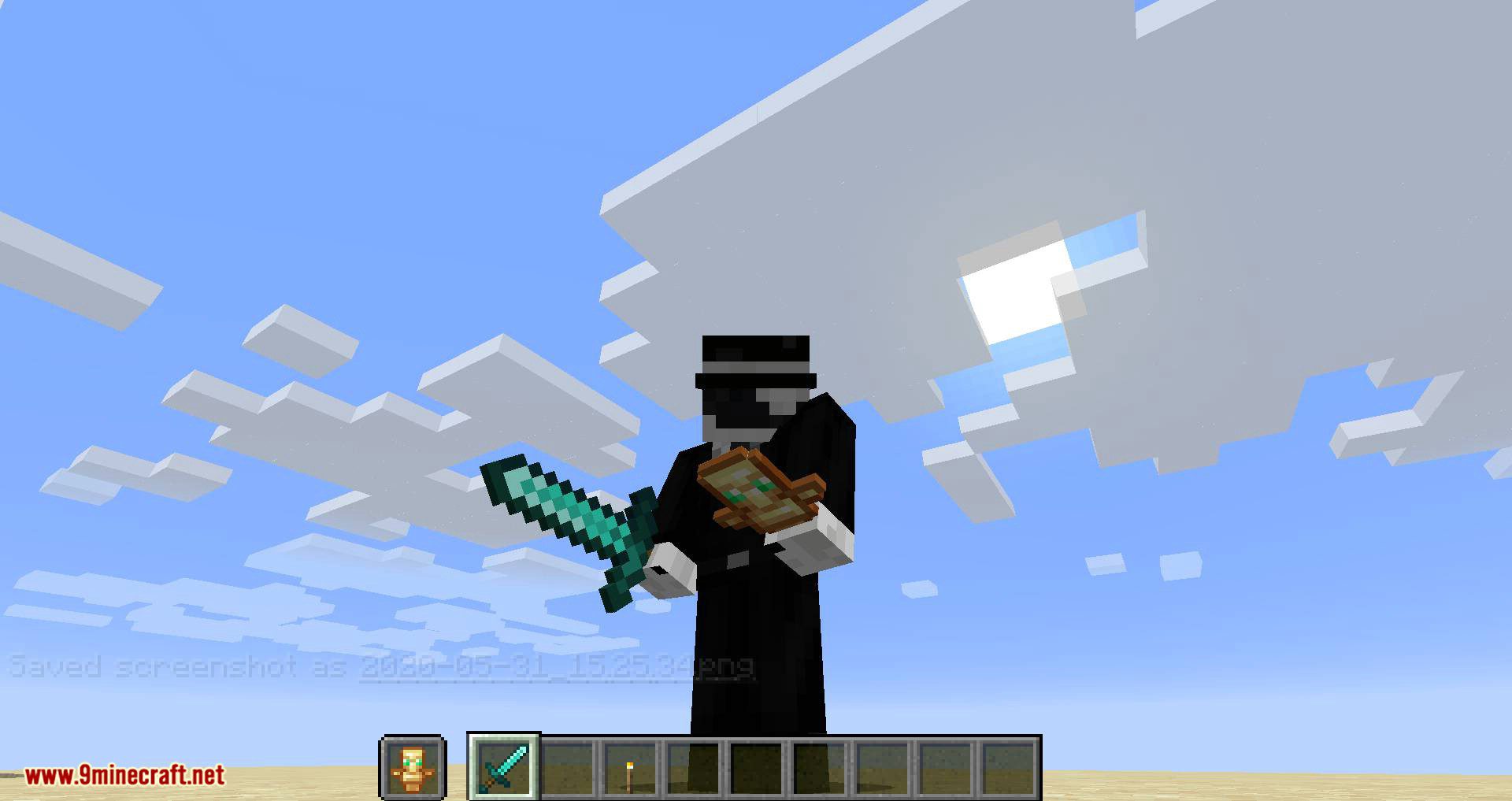
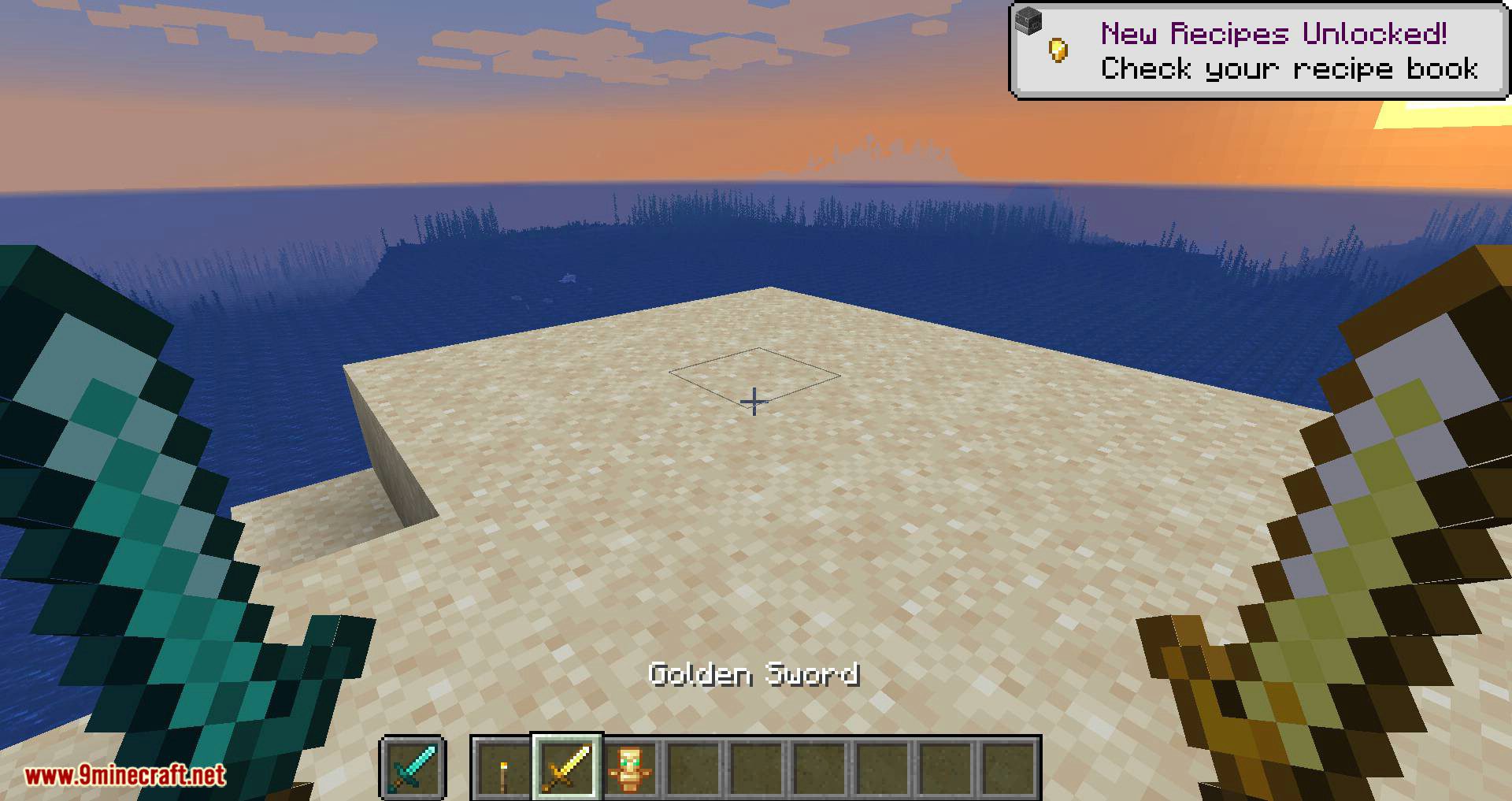
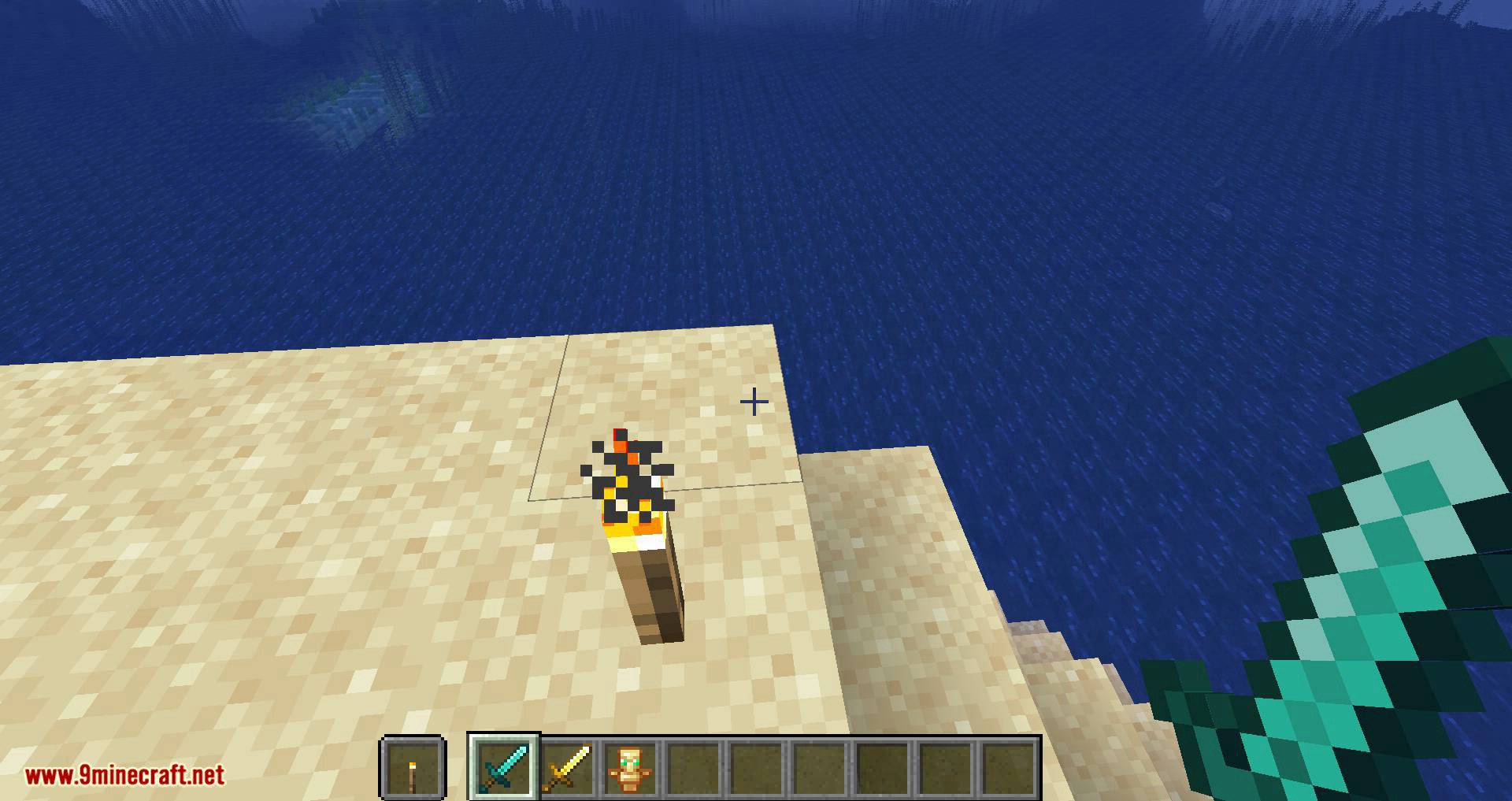
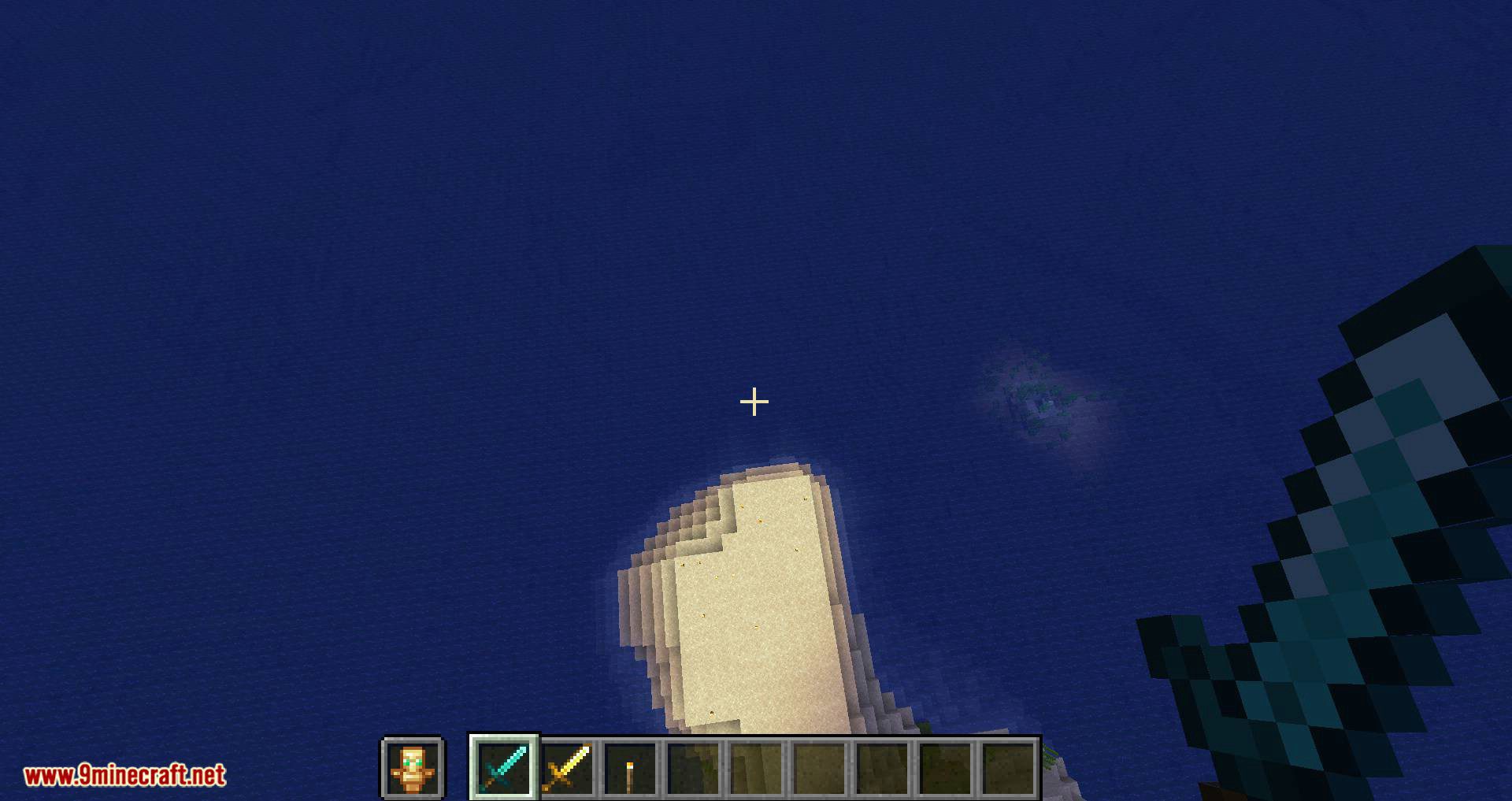
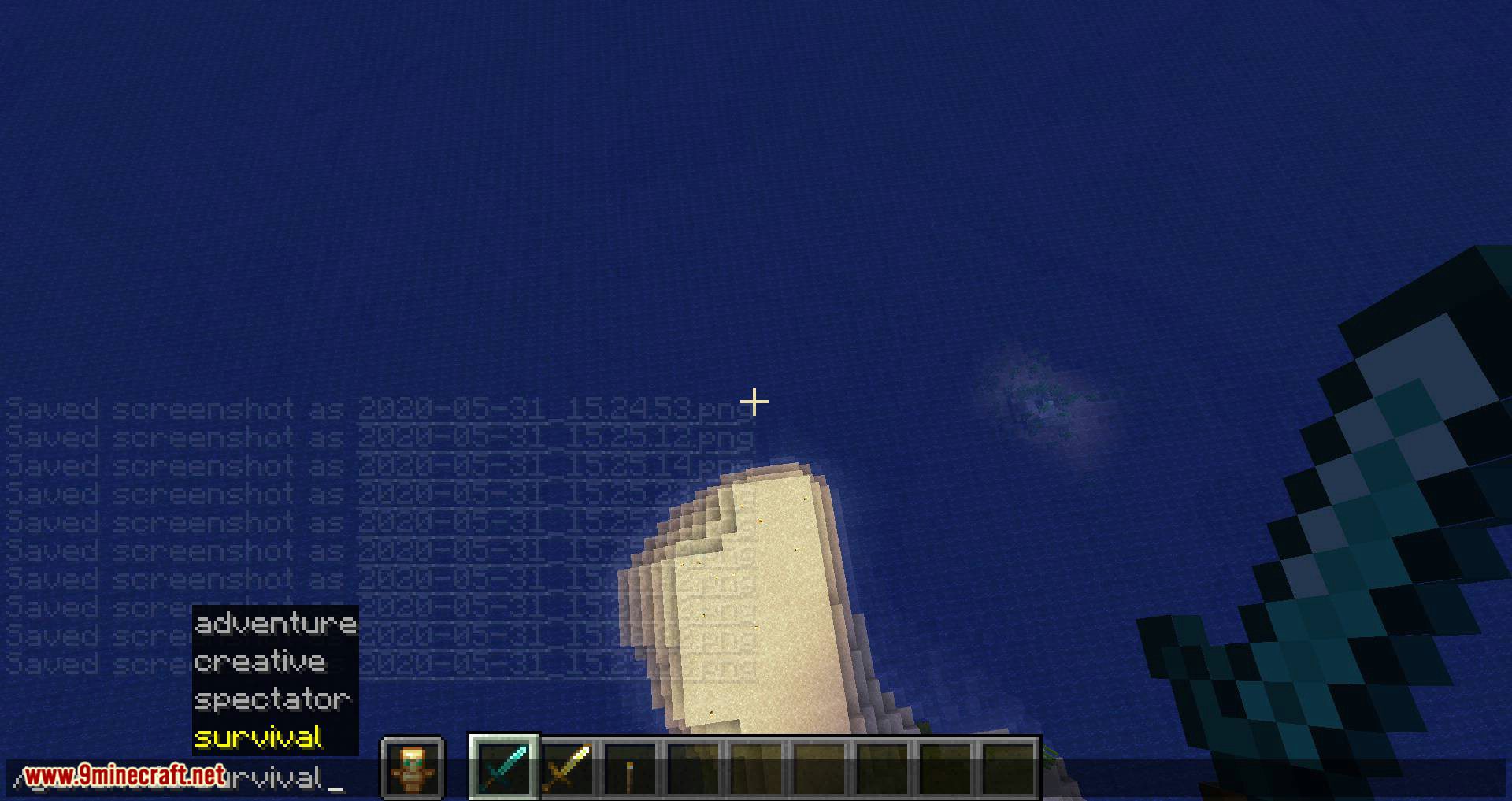
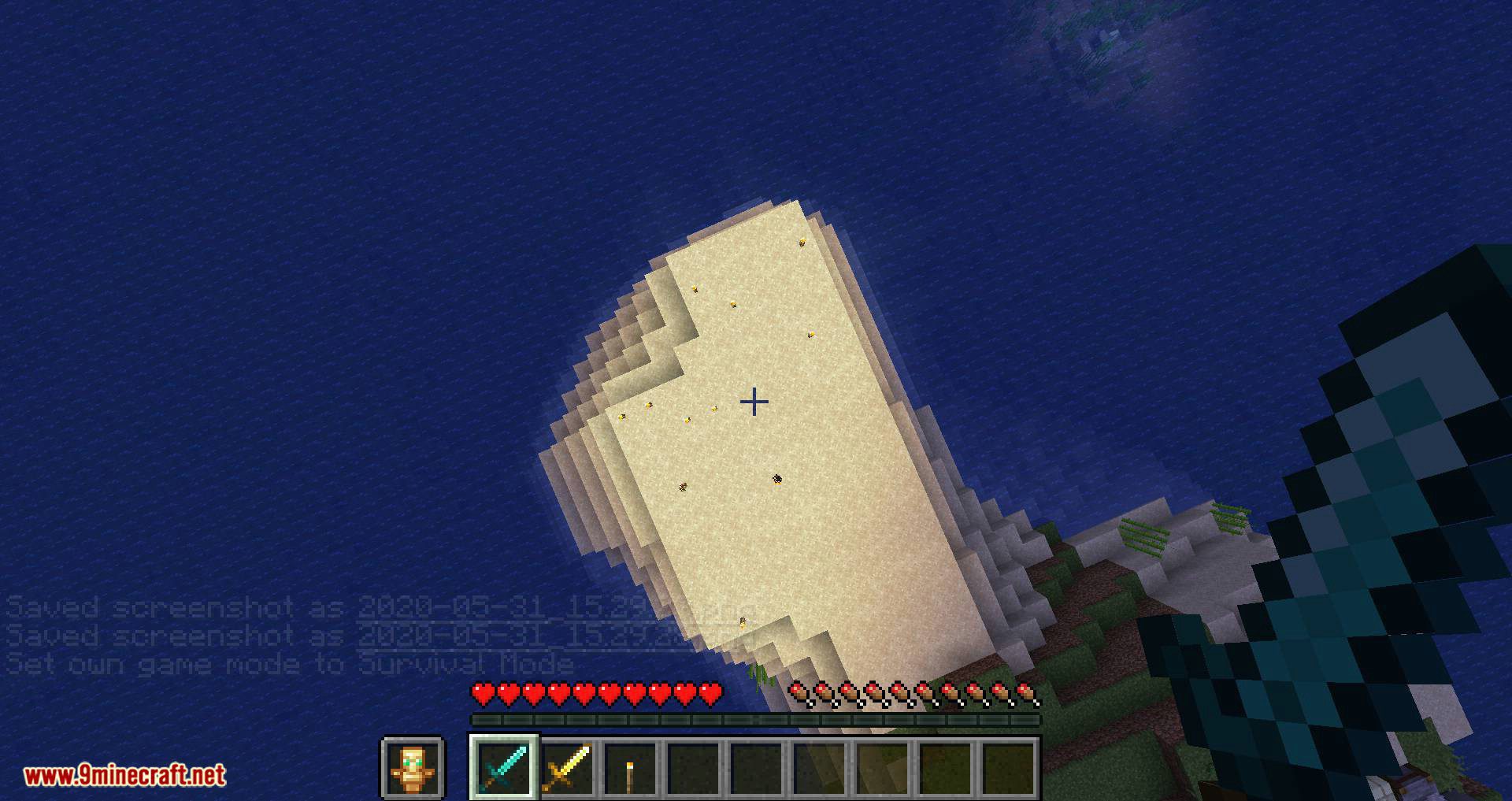
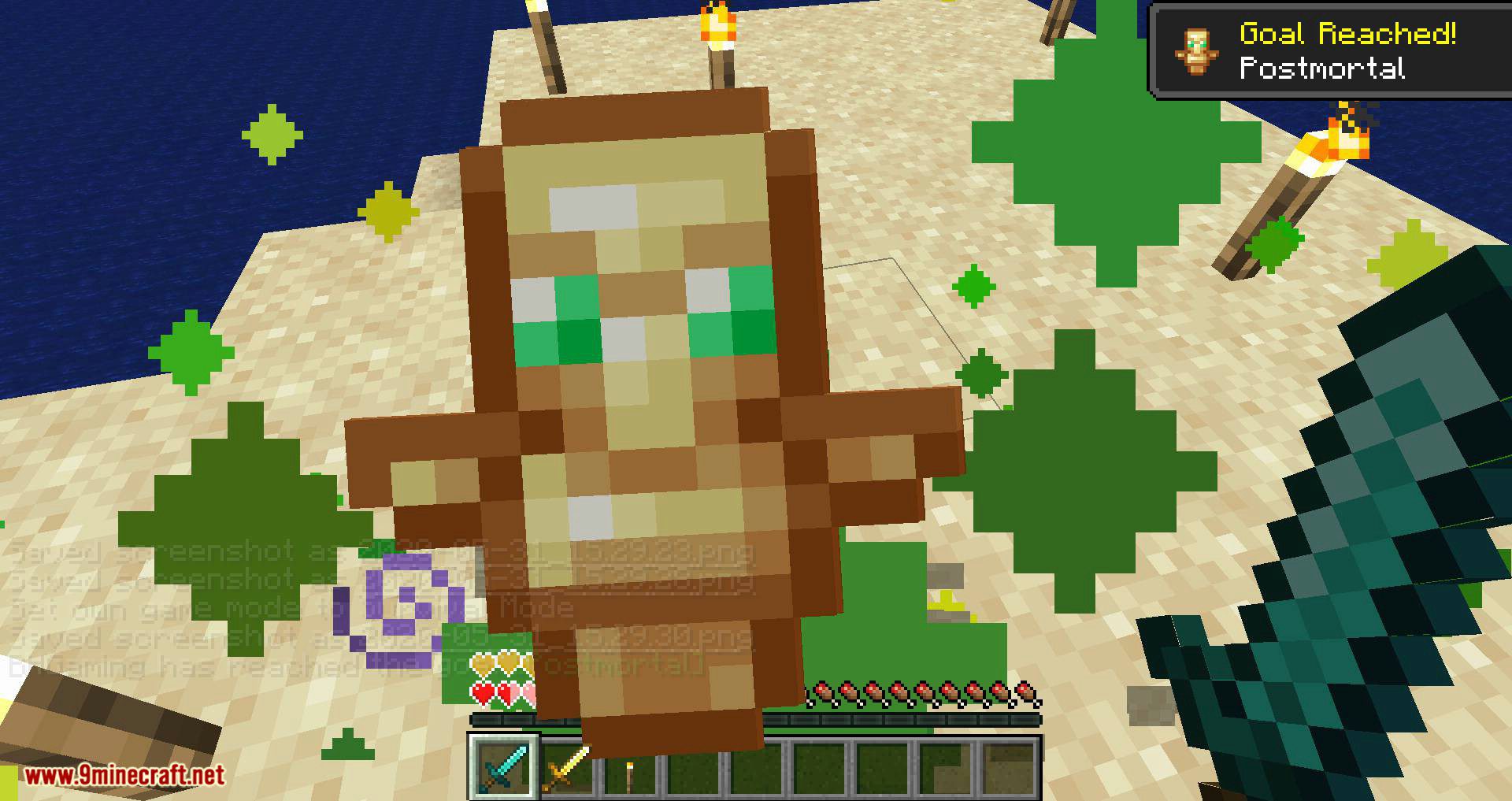
Hide Hands Mod lets you hide your main hand or offhand while playing in first-person view. This client-side mod gives you full control over when your hands appear on the screen. You can set the mod to always hide your hands or only make them disappear when holding certain items. By default, it automatically hides your offhand whenever you hold a torch or a totem of undying.

Features:
- AlwaysHideMainHand: Always hides your main hand when enabled, or hides it only when holding specific items defined in the configuration.
- AlwaysHideEmptyMainHand: Always hides your main hand when it is empty, though it still shows up briefly when you swing an empty hand.
- HideMainHandWithItems: Lets you choose specific items that will trigger the main hand to hide when held.
- AlwaysHideOffhand: Always hides your offhand when enabled, or hides it only when holding items defined in the config.
- HideOffhandWithItems: Hides the offhand when holding default items like a totem of undying or a torch, or custom items you choose.
Screenshots:
How to Install:
New to Minecraft? Follow our step-by-step guide to install Mods on your PC.View Guide
Requirements:





Hide Hands Mod Download Links
For Minecraft 26.3
For Minecraft 26.2
For Minecraft 26.1.2, 26.1.1, 26.1
For Minecraft
1.21.11,
1.21.10,
1.21.9
All Versions Covered
1.21.11
1.21.10
1.21.9
1.21.8
1.21.7
1.21.6
1.21.5
1.21.4
1.21.1
1.21
All Versions Covered
1.21.11
1.21.10
1.21.9
1.21.8
1.21.7
1.21.6
1.21.5
1.21.4
1.21.1
1.21
For Minecraft 1.21.10, 1.21.9
For Minecraft 1.21.8, 1.21.7, 1.21.6
For Minecraft 1.21.5
For Minecraft 1.21.4
For Minecraft 1.21.3, 1.21.2
For Minecraft 1.21.1, 1.21
For Minecraft 1.20.6
For Minecraft 1.20.4
For Minecraft 1.20.2
For Minecraft 1.20.1, 1.20
For Minecraft 1.20
For Minecraft 1.19.4
For Minecraft 1.19.3
For Minecraft 1.19.1
For Minecraft 1.19
For Minecraft 1.18.2
For Minecraft 1.18.1
For Minecraft 1.17.1
For Minecraft 1.16.5
For Minecraft 1.15.2
For Minecraft 1.14.4
For Minecraft 1.12.2
Click to rate this post!
[Total: 1 Average: 5]
You May Also Like
Picked for this page
 Multi Mine Mod (26.3, 1.20.1) – Save Block Breaking Progress
 Mob Battle Mod (26.3, 1.20.1) – Create Easy Mob Fights
 Trade Cycling Mod (26.3, 1.20.1) – Refresh Villager Trades
 Stone Chest Mod (26.2, 1.20.1) – Stone Variations Vanilla Chests
 Dark Loot Mod (26.3, 1.20.1) – RPG Mob Loot & Heads
 Giant Spawn Mod (26.3, 1.20.1) – Giant Zombie
 MixinTrace Mod (26.2, 1.20.1) – Utilities For Crash Reports
 Just A Raft Mod (26.1.2, 1.20.1) – Surviving on a Raft with Friends
 CraftGR Mod (26.3, 1.20.1) – Bringing Gensokyo Radio To Minecraft
 Glass Item Frames Mod (1.21.10, 1.21) – Invisible Glass Frames
 Legacy Display Mod (26.2, 1.20.1) – Relive Minecraft’s Early Days
 Island Menu Mod (26.2, 1.20.1) – Dynamic Main Menu
Most viewed in Mods over the last 7 days
 Ala Industrial Mod (26.3) – Run Electric Power Grids and Automated Factories
 PleasureCraft Mod (26.3, 1.21.1) – Jenny Mod Remake for Fabric
 Jennycraft Mod (26.3, 1.20.1) – Virtual Girlfriend in Minecraft
 Fapcraft Mod (26.3, 1.12.2) – Comprehensive and Detailed Content
 Jenny Mod (Fapcraft) Official Complete Guide – How to use, Tutorial
 BangCraft Mod (1.20.1) – Jenny, Ellie and Elliot
 Fabric Loader (26.3, 1.20.1) – Fabric Installer for All Minecraft Versions
 The Shooting Star Demo Mod (26.3, 1.20.1) – Vaporize Terrain From Orbit
 Meteor Client Mod (26.3, 1.20.1) – Xray, HUD, Fly
 OptiFine HD (26.3, 1.20.1) – Run Faster, FPS Boost, Shaders Support
 Aristois Client Mod (1.21.4, 1.20.1) – World Class Minecraft Utility
 Prestige Client Mod (1.21.11, 1.21.4) – Powerful Ghost Features for Crystal & Sword PvP
More from Mods
 Towers of the Wild 9minecraft Mod (26.3, 26.2) – Climb Tall Towers for Loot
 Ender Storage 9minecraft Mod (26.3, 26.2) – Send Loot Back Home From Any Dimension
 Snad 9minecraft Mod (26.3, 26.2) – Build Faster Sugar Cane and Nether Wart Farms
 Together Forever Unofficial Mod (1.12.2) – Share Team Advancements
 GroovyDuvet Mod (1.21.11, 1.20.1) – Run Groovy Scripted Addons Without Game
 Swing Through Grass 9minecraft Mod (26.3, 26.2) – Fight Mobs Without Breaking Tall Grass
 Improved Boss Bars 9minecraft Mod (26.3) – Unique Health Bars for Every Boss Fight
 Cozy’s Improved Wolves Mod (26.3, 1.20.1) – Bond with Loyal Dogs That Never Die
 Cuisine Craft Mod (1.21.11, 1.20.1) – Cook Restaurant Dishes with Fresh Farm
 XinexLib Mod (1.21.1) – Keep Your Ultreon Studios Mods Running
 Libvulpes – Fixed Mod (1.12.2) – Launch Rockets with Fewer Bugs
 Freelook Perspective Mod (26.3, 1.21.1) – Watch Your Back While Sprinting

This post has no comments yet. Be the first — your comment will appear here.