
Notes Mod (26.3, 1.20.1) – Track Survival Goals on Your Screen

 0


Notes Mod adds a full notepad right inside Minecraft. It lets you write, edit, and read your notes without leaving the game. You can save each note for one world, one server, or everywhere, and pin key reminders to your HUD while you explore. This mod runs on the client side, and you can also use it in modpacks.
Features:
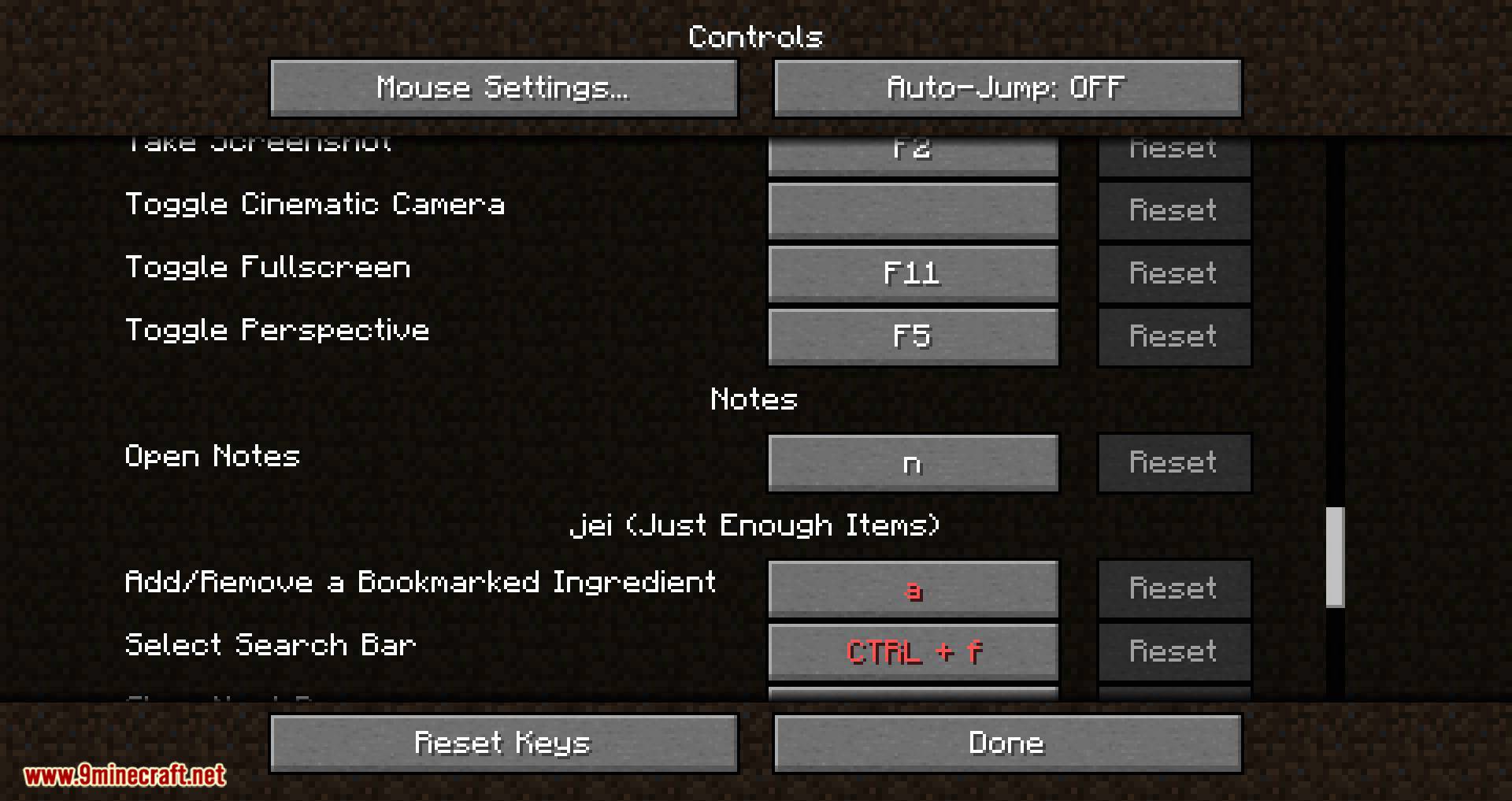
- Opens the notepad menu at any time when you press N, and lets you change the key in the Controls menu.
- Lets you create, edit, select, and read your own notes through simple in-game screens.
- Shows all saved notes that match the world or multiplayer server you are currently playing on.
- Saves each note per world, per server, or globally so you can see it in every save.
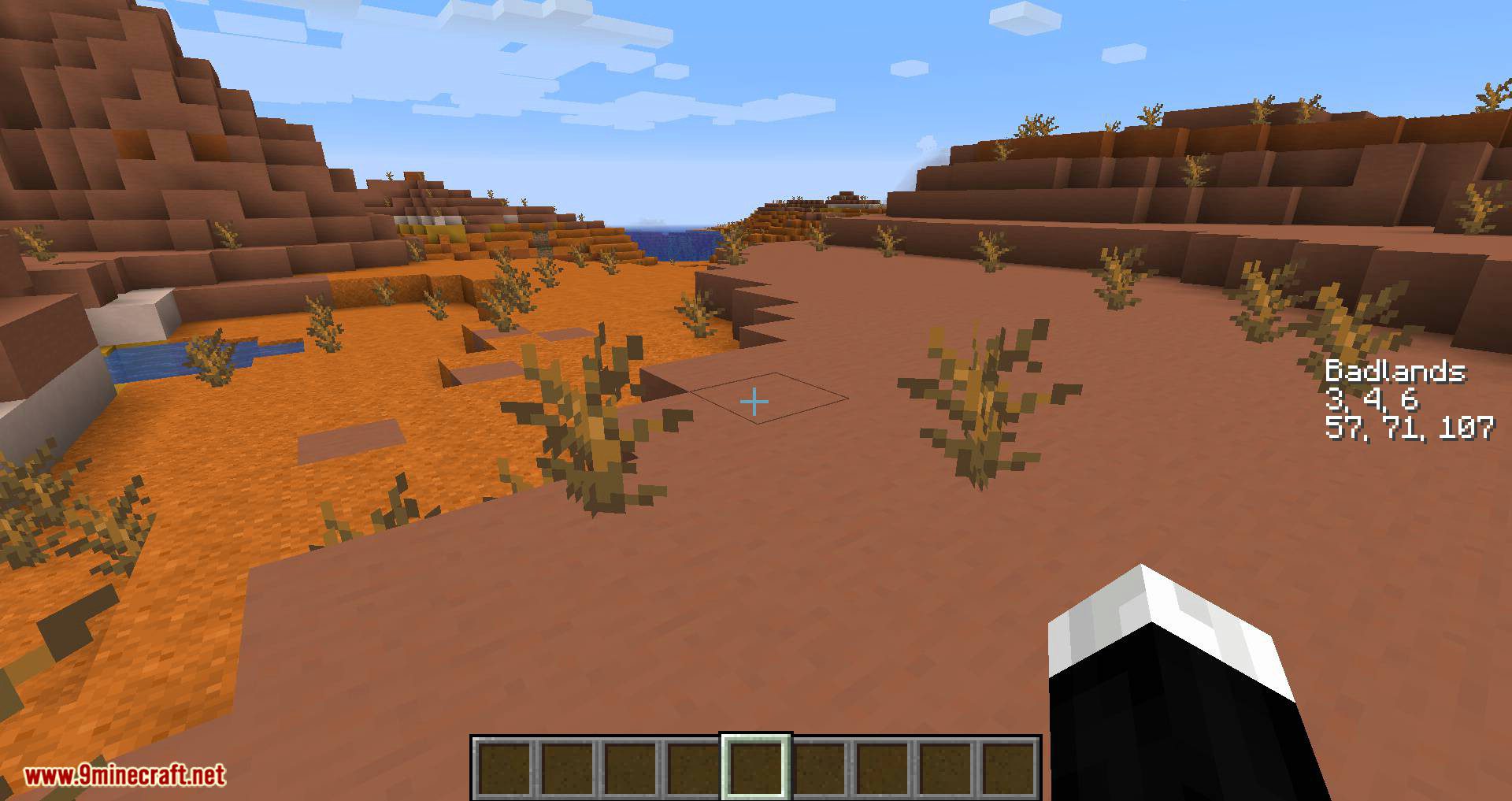
- Pins important notes directly to your HUD so coordinates, biome details, or item checklists stay visible while you play.
- Runs on the client side and works inside modpacks.
How to Use:
- Press N in-game to open the notepad selection menu. You can change this key in the Controls menu if you want.
- Create a new note or pick a saved one from the list to open the editor or display screen.
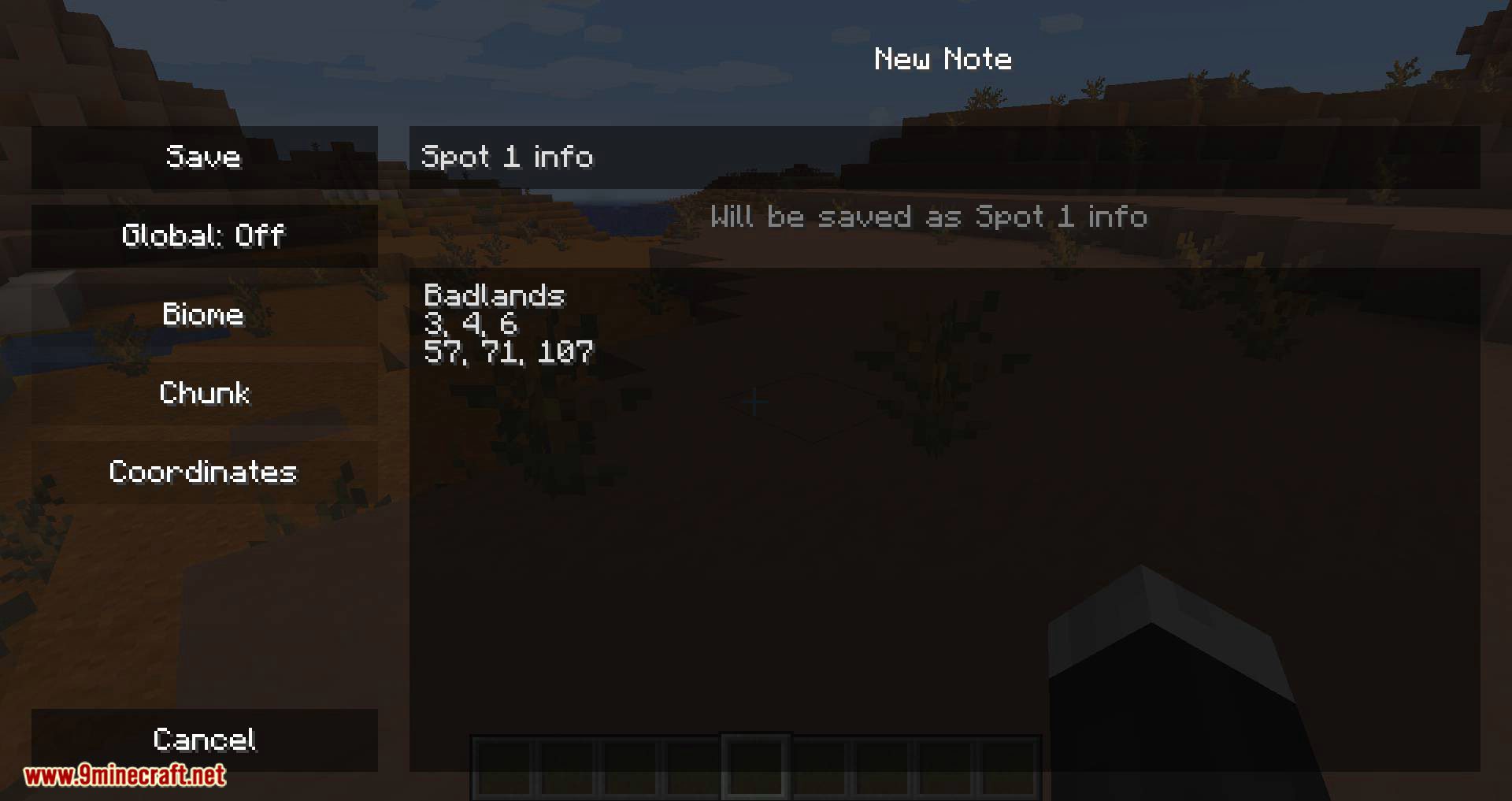
- Type your reminders, base coordinates, or item checklists into the text editor and save your changes.
- Choose whether to save the note per world, per server, or globally so it shows up where you need it.
- Pin important notes to place them on your HUD so they stay visible on screen while you explore.
Screenshots:
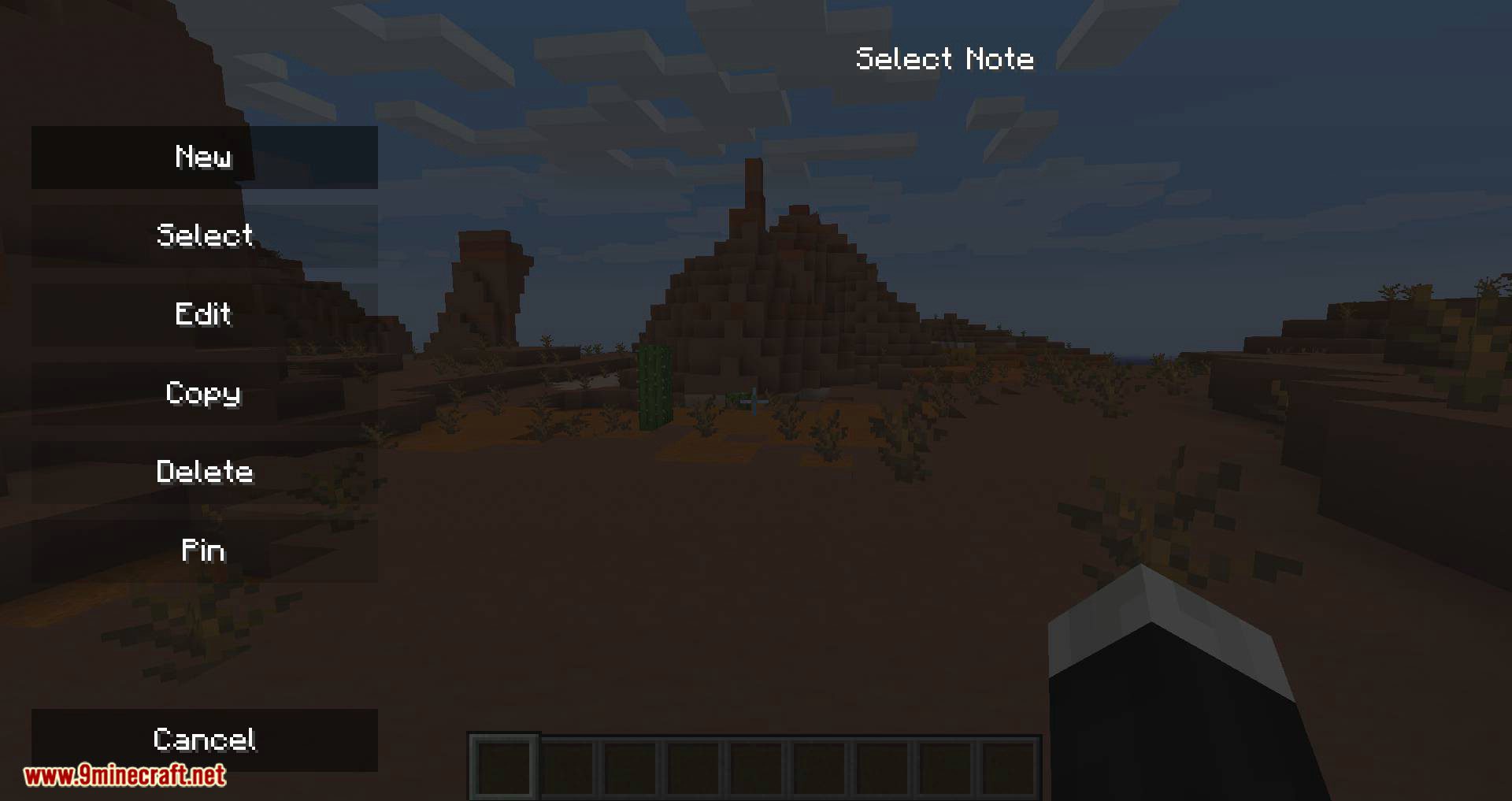
Select Note GUI
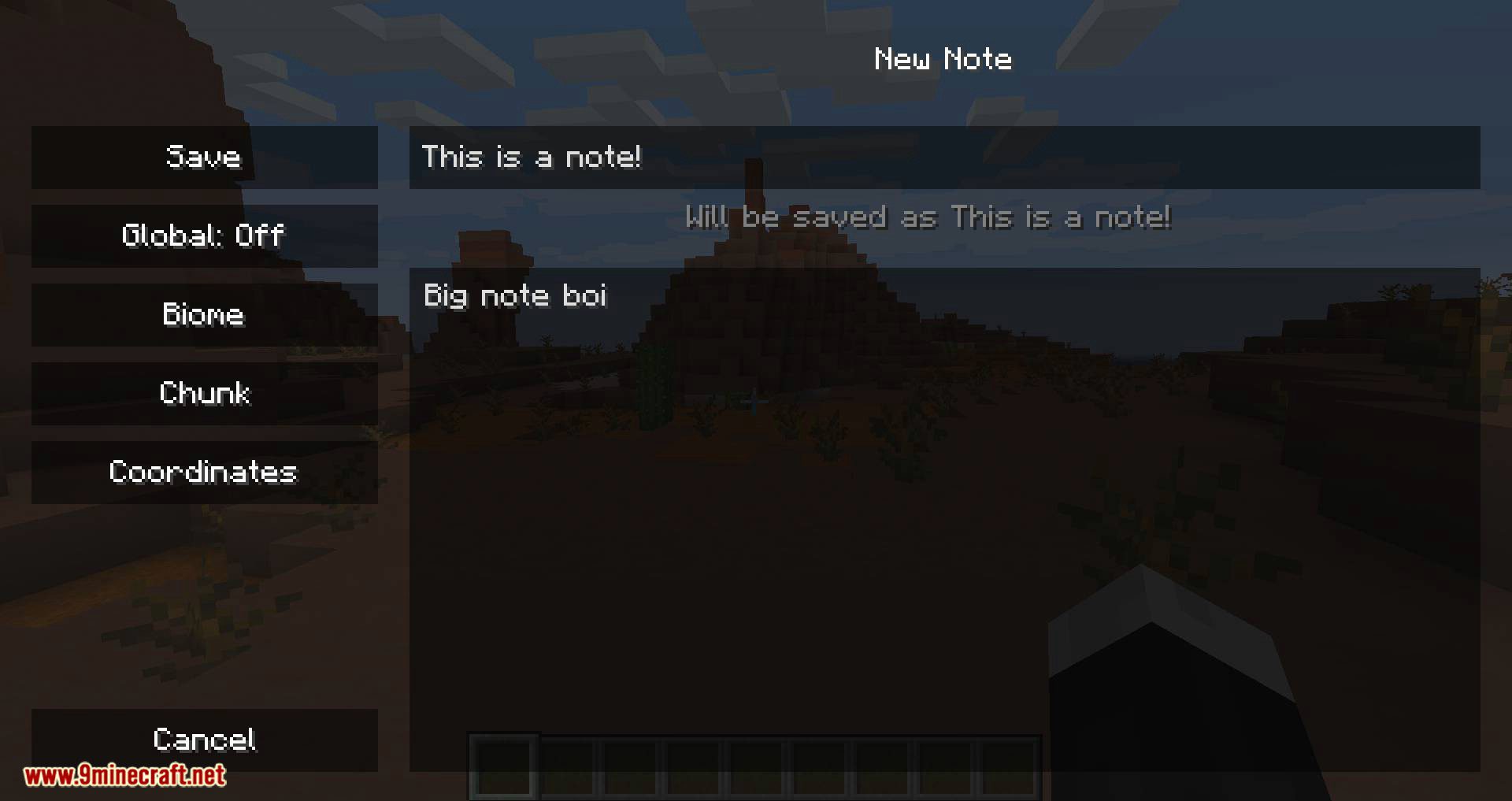
Edit Note GUI
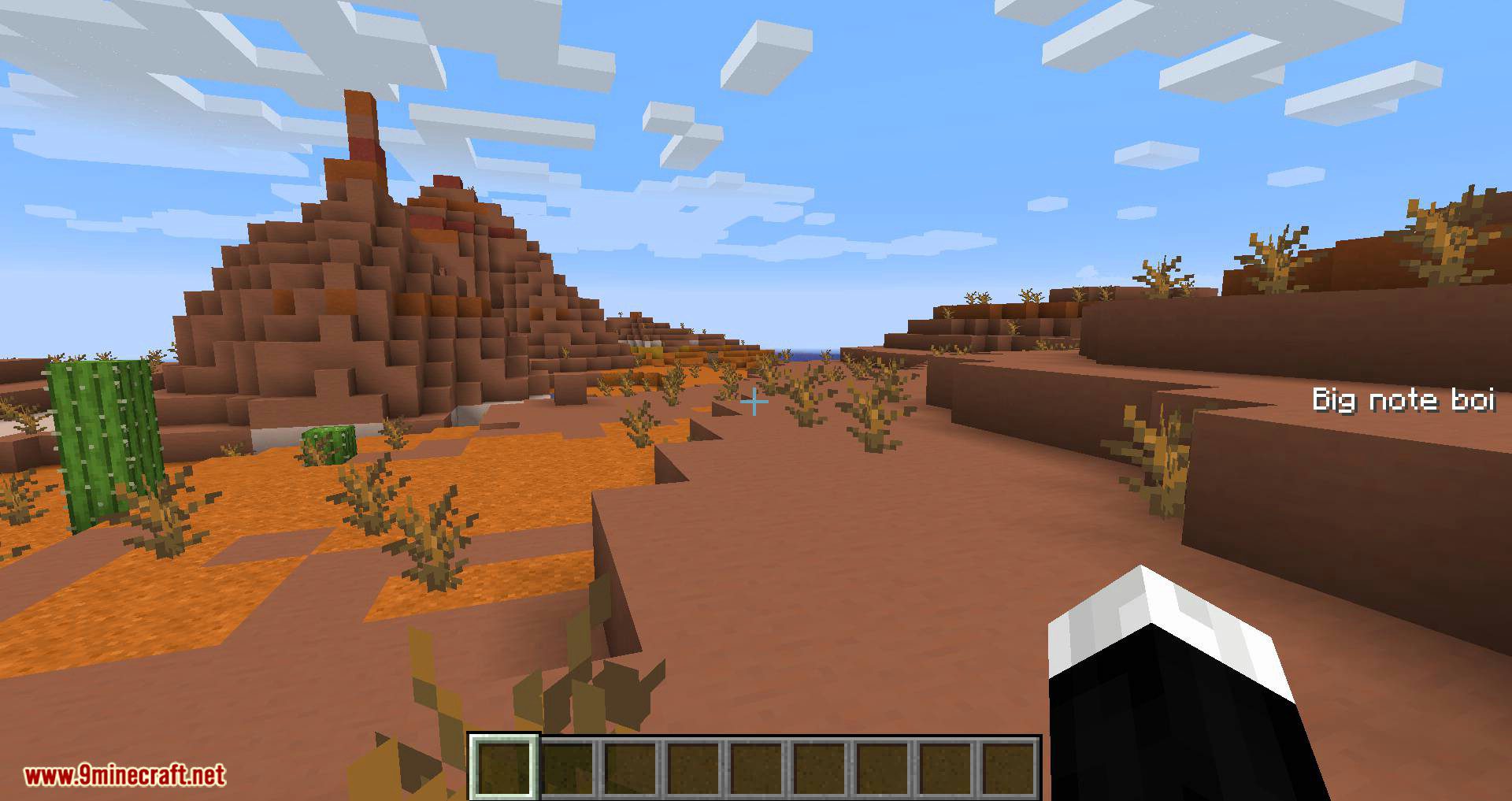
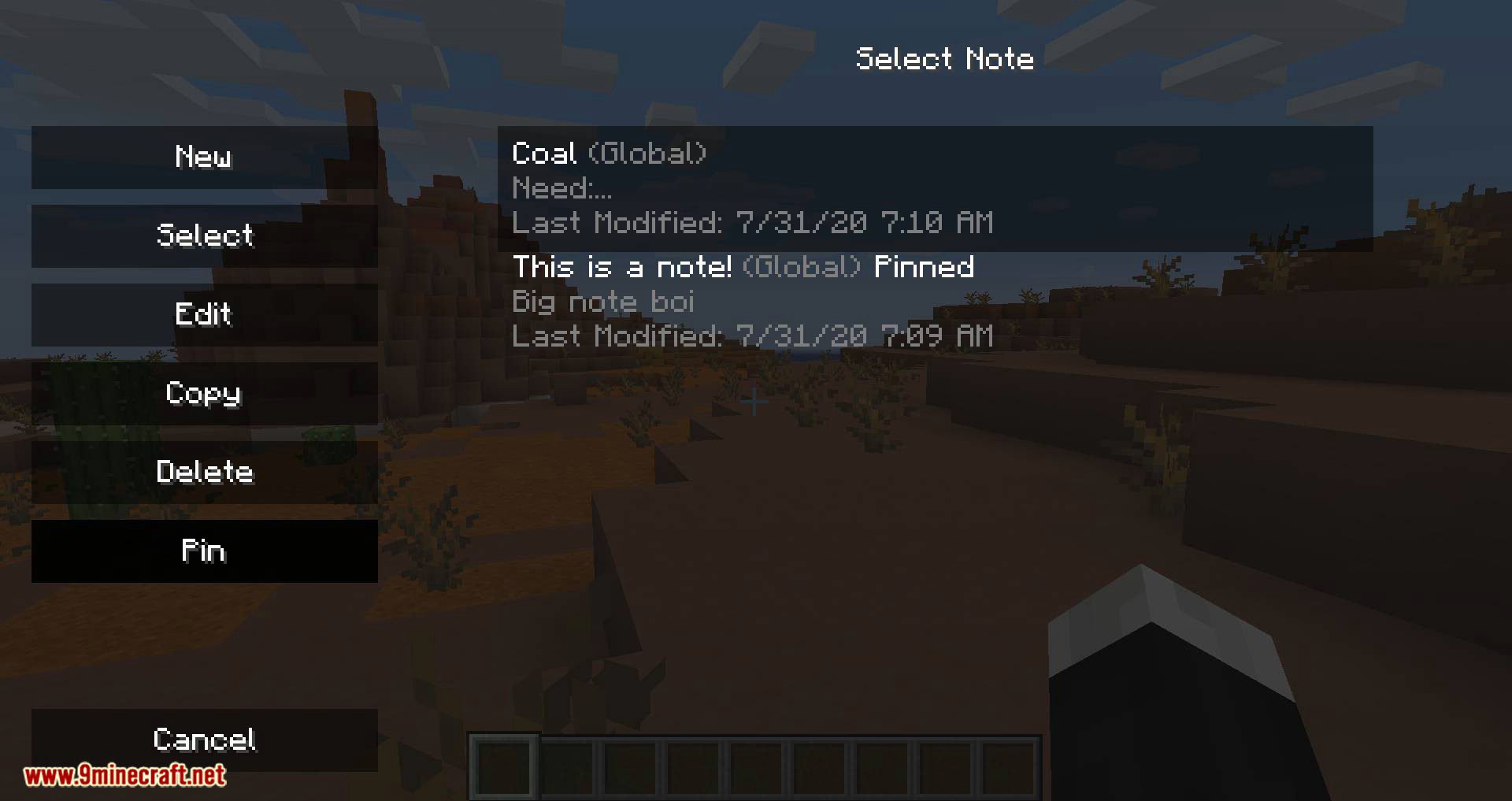
Display Note GUI
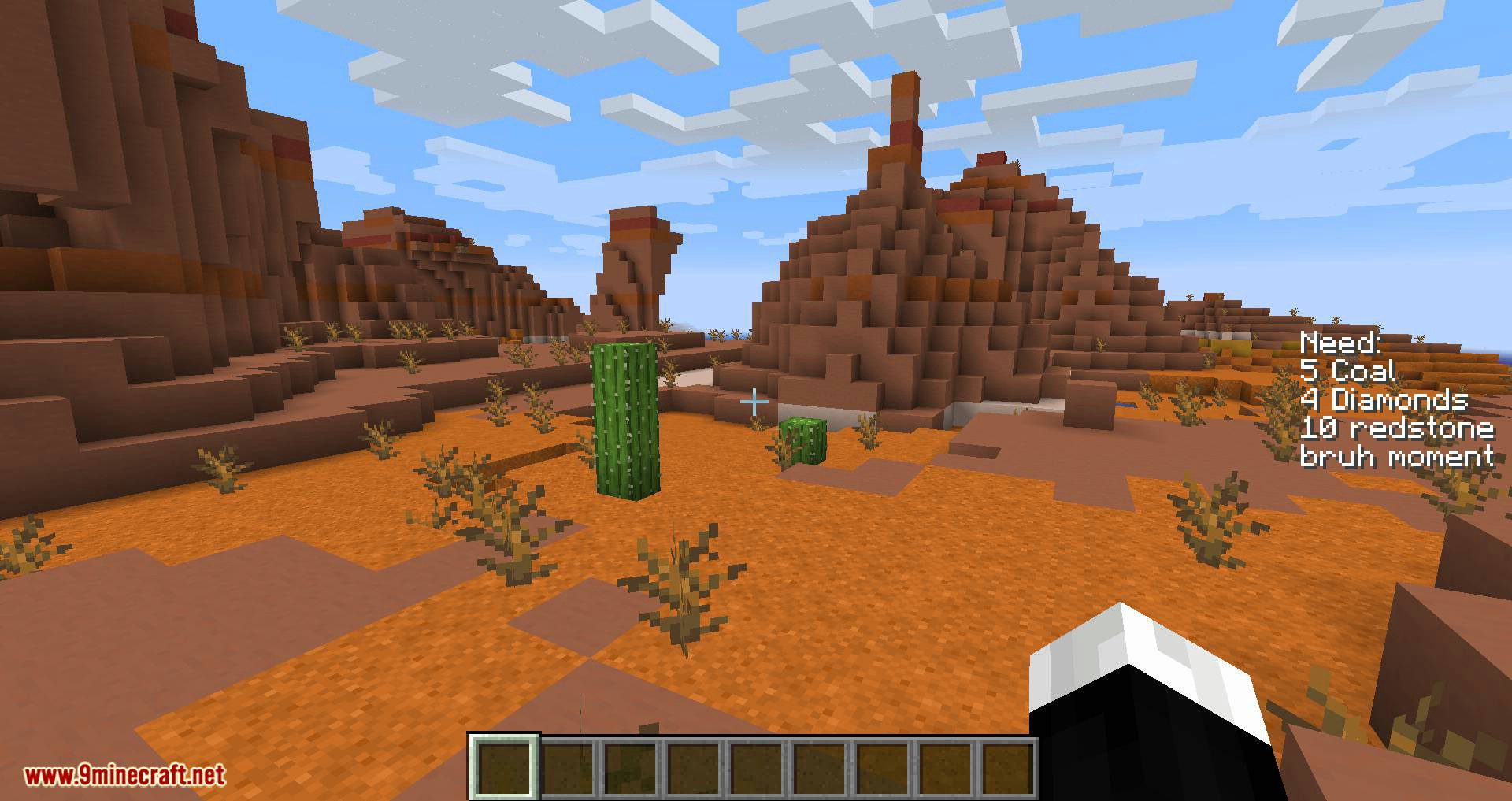
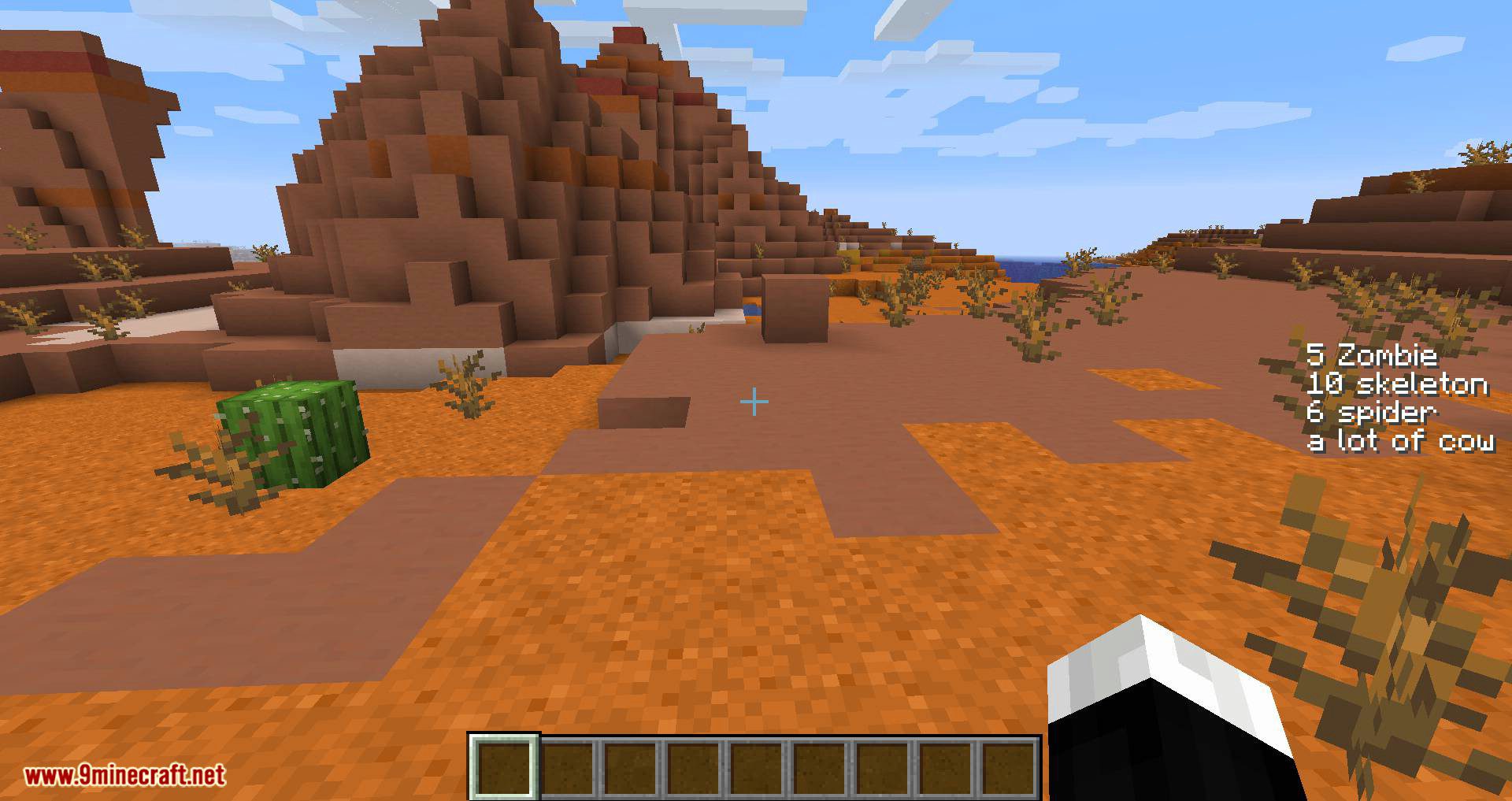
Note pinned to the HUD
How to Install:
New to Minecraft? Follow our step-by-step guide to install Mods on your PC.View Guide



Notes Mod Download Links
For Minecraft 26.3
For Minecraft 26.2
For Minecraft 26.1.2, 26.1.1, 26.1
For Minecraft 1.21.11
For Minecraft 1.21.10, 1.21.9
For Minecraft 1.21.8, 1.21.7, 1.21.6
For Minecraft 1.21.5
For Minecraft 1.21.4
For Minecraft 1.21.3, 1.21.2
For Minecraft 1.21.1, 1.21
For Minecraft 1.20.6
For Minecraft 1.20.4
For Minecraft 1.20.2
For Minecraft 1.20.1
For Minecraft 1.19.4
For Minecraft 1.19.3
For Minecraft 1.19.2
For Minecraft 1.19.1
For Minecraft 1.19
For Minecraft 1.18.2
For Minecraft 1.18.1
For Minecraft 1.17.1
For Minecraft 1.16.5
For Minecraft 1.15.2
For Minecraft 1.14.4
For Minecraft 1.12.2, 1.12.1
For Minecraft 1.7.10
Click to rate this post!
[Total: 1 Average: 5]
You May Also Like
Picked for this page
 Xaero’s Minimap Mod (26.3, 1.20.1) – Radar, Waypoint, Zoom
 World Edit Mod (26.3, 1.20.1) – A Minecraft Map Editor
 JourneyMap Mod (26.3, 1.20.1) – Never Get Lost Exploring
 Xaero’s World Map Mod (26.3, 1.20.1) – Trace Your Footsteps
 Amplified Nether Mod (26.3, 1.20.1) – Atmospheric Hell Dimension
 GlitchCore (26.3, 1.20.1) – Library for Glitchfiend’s Mods
 Weaker Spiderwebs Mod (26.3, 1.20.1) – Easier to Break Spiderwebs
 RPG-Hud Mod (26.2, 1.20.1) – Your Screen Becomes an RPG
 Everlasting Abilities Mod (26.3, 1.20.1) – Discover Abilities That Stick
 Spice of Life Carrot Edition Mod (26.3, 1.20.1) – Turn Food Into More Health
 JCPlugin Mod (26.3, 1.20.1) – Library for Jomcraft Network
 Crash Assistant Mod (26.3, 1.20.1) – Easily Debug Your Modpack
Most viewed in Mods over the last 7 days
 Ala Industrial Mod (26.3) – Run Electric Power Grids and Automated Factories
 PleasureCraft Mod (26.3, 1.21.1) – Jenny Mod Remake for Fabric
 Jennycraft Mod (26.3, 1.20.1) – Virtual Girlfriend in Minecraft
 Fapcraft Mod (26.3, 1.12.2) – Comprehensive and Detailed Content
 Jenny Mod (Fapcraft) Official Complete Guide – How to use, Tutorial
 BangCraft Mod (1.20.1) – Jenny, Ellie and Elliot
 Fabric Loader (26.3, 1.20.1) – Fabric Installer for All Minecraft Versions
 The Shooting Star Demo Mod (26.3, 1.20.1) – Vaporize Terrain From Orbit
 Meteor Client Mod (26.3, 1.20.1) – Xray, HUD, Fly
 OptiFine HD (26.3, 1.20.1) – Run Faster, FPS Boost, Shaders Support
 Aristois Client Mod (1.21.4, 1.20.1) – World Class Minecraft Utility
 Prestige Client Mod (1.21.11, 1.21.4) – Powerful Ghost Features for Crystal & Sword PvP
More from Mods
 Gabou’s Libs Mod (26.3, 1.20.1) – Keep Custom Weather and Survival Mods Stable
 /Sit Mod (26.3, 1.21.1) – Make The Player Sit Down
 Arcane Redstone Dial Mod (26.3, 1.20.1) – Trigger Commands and Shortcuts
 The Graveyard Mod (26.3, 1.20.1) – Cemeteries in Minecraft
 Enhanced Overlay Mod (26.3, 1.21.11) – Remove Screen Clutter
 Flint Mod (1.21.11) – Run DiamondFire Community Addons Without Crashing
 Not Just Sandwich Mod (26.3, 1.20.1) – Edibles, Sandwiches
 Waddles Mod (26.3, 1.20.1) – Make Icy Biomes Feel Alive
 Artemis’ Thin Logs Mod (26.3, 1.20.1) – Build Custom Trees and Detailed Wood
 Asterion Mod (26.3, 1.20.1) – Survive Ancient Mazes and Slay the Legendary Minotaur
 Passthrough Signs Mod (26.3, 1.20.1) – Right-Click Through Wall Signs
 Packing Tape Mod (26.3, 1.20.1) – Move Chests, Machines

This post has no comments yet. Be the first — your comment will appear here.