
Regrowth Mod (1.21.11, 1.20.1) – Mobs Repair the Overworld

 0


Regrowth Mod transforms how animals, monsters, water mobs, and villagers act in your Minecraft world. Animals, monsters, and water mobs use eight nature actions to eat plants, heal damage, grow grass and flowers, plant local saplings, regrow ocean coral, grow giant underground mushrooms, and kick over torches. Villagers improve their towns with biome-matched stone walls, wooden fences, smoother roads, filled potholes, extra torches, trimmed grass and cactus, and healing for hurt villagers, players, and iron golems. Over time, crowded animal pens turn into dirt, while towns grow safer and brighter without any work from you. Everything runs on its own with almost no server lag, and you can change every mob action, villager flag, and timer in the config files. This mod supports modded mobs, blocks, torches, and trees, and it works in singleplayer or on both the client and server in multiplayer.
Features:
- Living Mob Habits: Animals, monsters, and water mobs eat plants, regrow greenery, plant trees, grow giant mushrooms, regrow coral, and kick over torches over time.
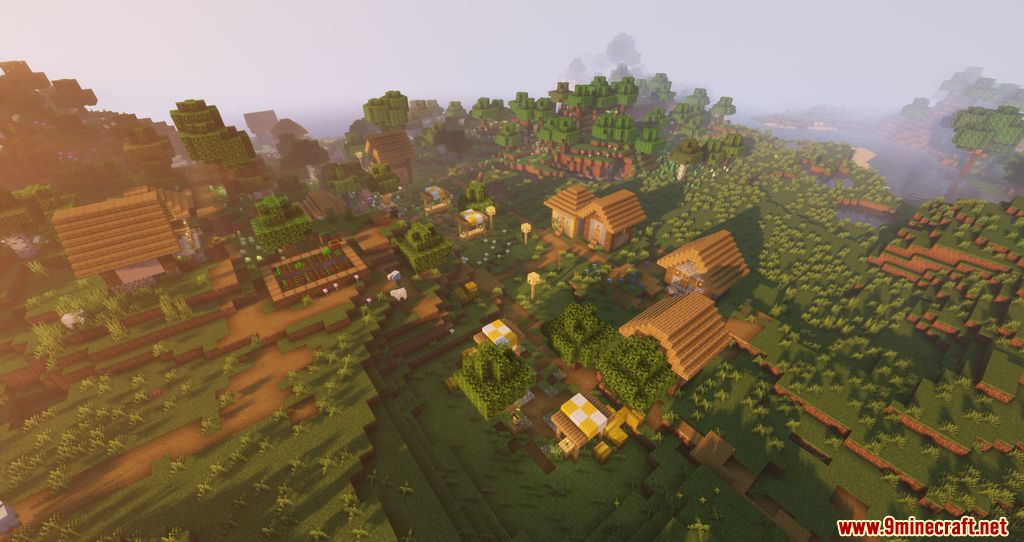
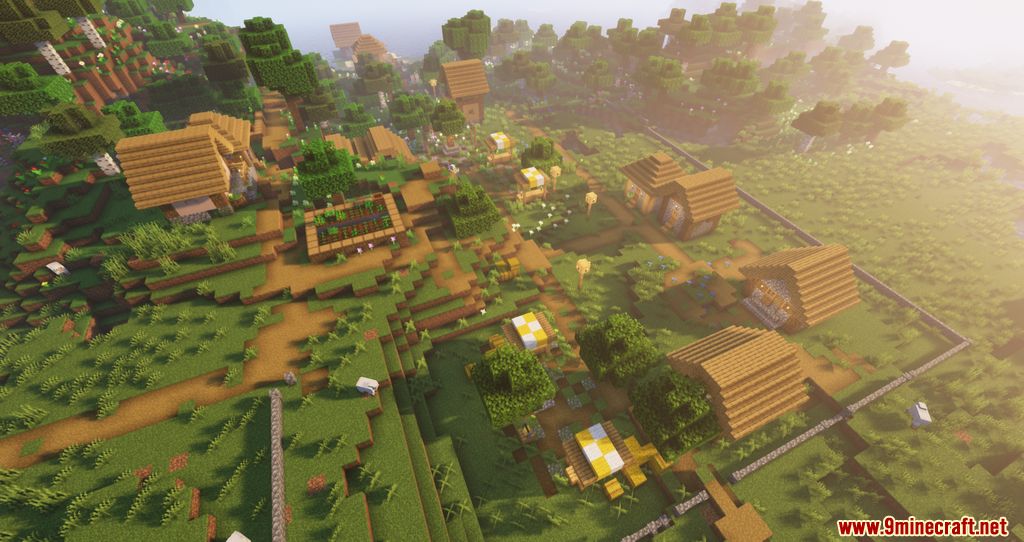
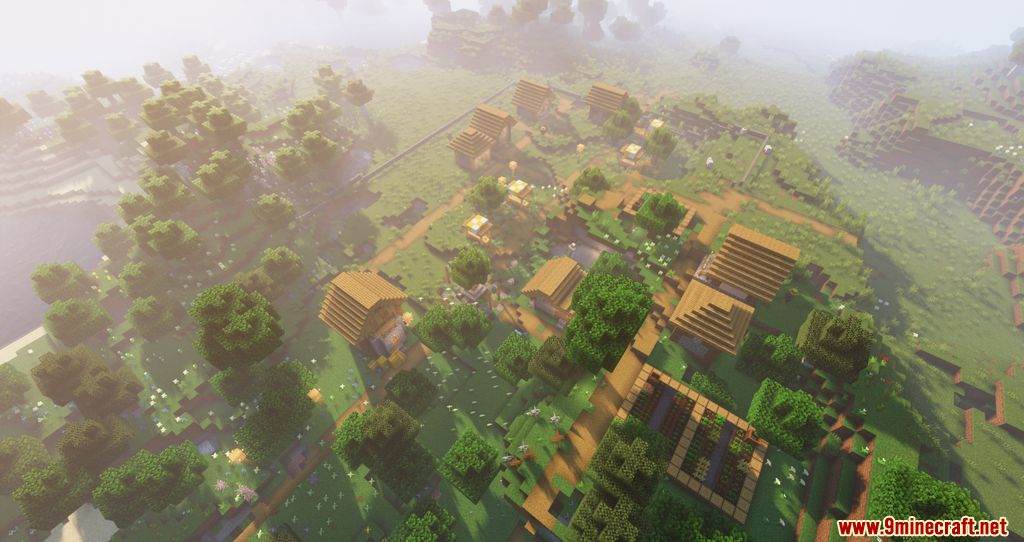
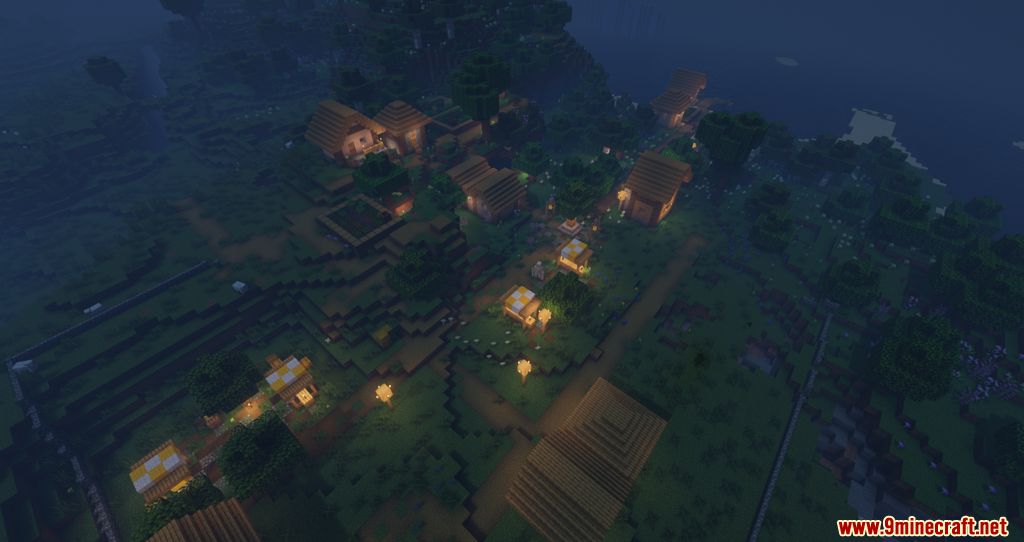
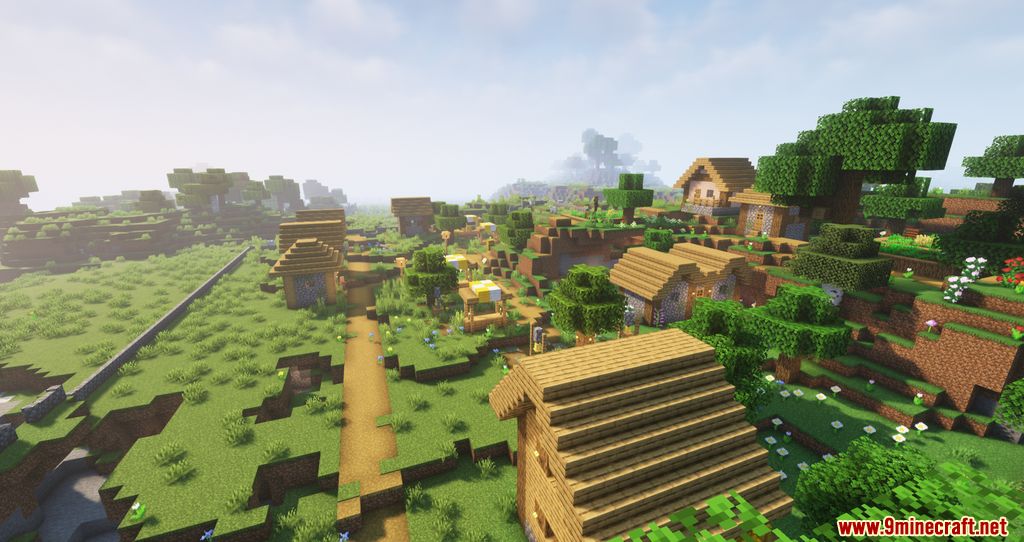
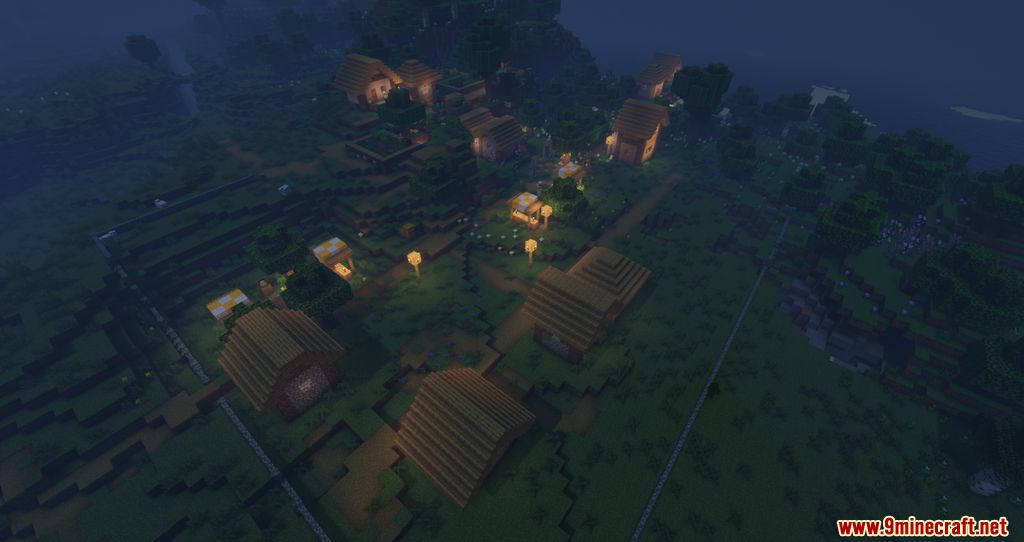
- Self-Improving Villages: Villagers protect and tidy up their towns by building stone walls and wooden fences, adding lights, fixing roads, trimming grass and cactus, and healing hurt allies.
- Light Server Load: Works right away with no setup and uses light checks that put almost no load on your game or server.
- Full Config Control: Lets players, server operators, and map makers turn every mob action and villager flag on or off, add modded mobs, and set custom timers in seconds.
- Mobs wander normally instead of searching for grass, and they only check the block beneath them when a regrowth event triggers.
- Supports modded mobs built on standard Forge and Minecraft base classes, modded torches, modded stone tagged as
BASE_STONE_OVERWORLD, any registered modded wall foundation block, and modded trees in modded biomes that share the tree name. - Applies one shared config to every new world when you copy your settings into the
defaultconfigsfolder.
Non-Villager Mob Actions:
- Eat (
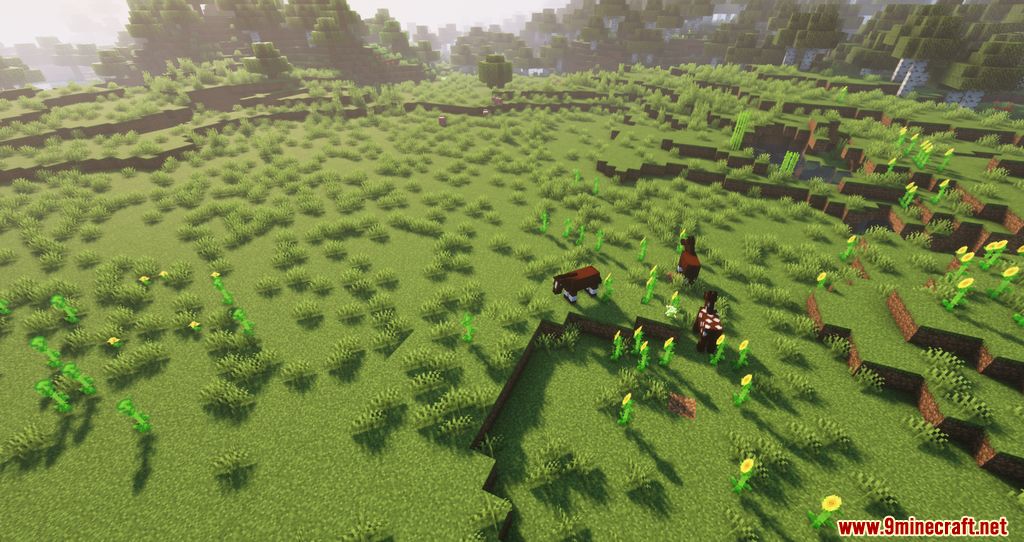
eat): Mobs eat one block of short grass, short ferns, short flowers, or tall grass and flowers on grass blocks. When healing is on, eating heals half a heart and gives baby mobs a small aging boost. Grass blocks sometimes turn to dirt after being eaten, so crowded pens slowly turn into dirt. Horses, donkeys, and mules only eat during their eating animation. Default mobs: horses, donkeys, and sheep every 500 seconds. - Grow (
grow): Mobs fertilize bare grass blocks just like using bonemeal. Default mobs: chickens every 600 seconds and bees every 1000 seconds. - Both (
both): Mobs eat plants when standing on a grass block with plants, or grow new plants when standing on a bare grass block. Default mob: cows every 600 seconds. - Tall (
tall): Mobs grow short grass into tall grass. Default mob: creepers every 60 seconds. - Stumble (
stumble): Mobs sometimes kick over torches placed on the ground. Default mob: zombies every 60 seconds. - Mushroom (
mushroom): Mobs in a large underground space on stone (including modded stone tagged asBASE_STONE_OVERWORLD) sometimes try to grow a giant mushroom. Default mob: skeletons every 60 seconds. - Coral (
coral): Fish and squid slowly regrow coral, coral fans, underwater grass, and sea pickles. - Reforest (
reforest): Mobs in a biome with trees sometimes plant saplings matching local trees (such as oak saplings in roofed forests) without placing them close to other saplings or trees. Works with modded trees in matching modded biomes (such as firs in fir woods), and you can pick saplings per biome in theRegrowth SaplingBiomeconfig file. Default mob: pigs every 800 seconds.
Villager Flags and Behaviors:
- Cut Grass (
c): Cuts grass and clears leaf litter near town without cutting flowers. - Heal Allies (
h): Level 2 clerics heal hurt villagers and players with a good reputation during gossip time based on cleric level, while Level 3+ smiths and toolsmiths repair hurt iron golems based on their level. - Road Repairs (
r): Fixes steep roads, fills 1-block-deep potholes, and completes unfinished parts of village roads. - Town Walls and Fences (
w): Builds a stone wall around the village meeting place (usually the bell) without blocking roads or overlapping existing walls, and adds wooden fences around houses outside the wall. Breaking the wall block over the village bell stops wall building in that village. - Dark Spot Lighting (
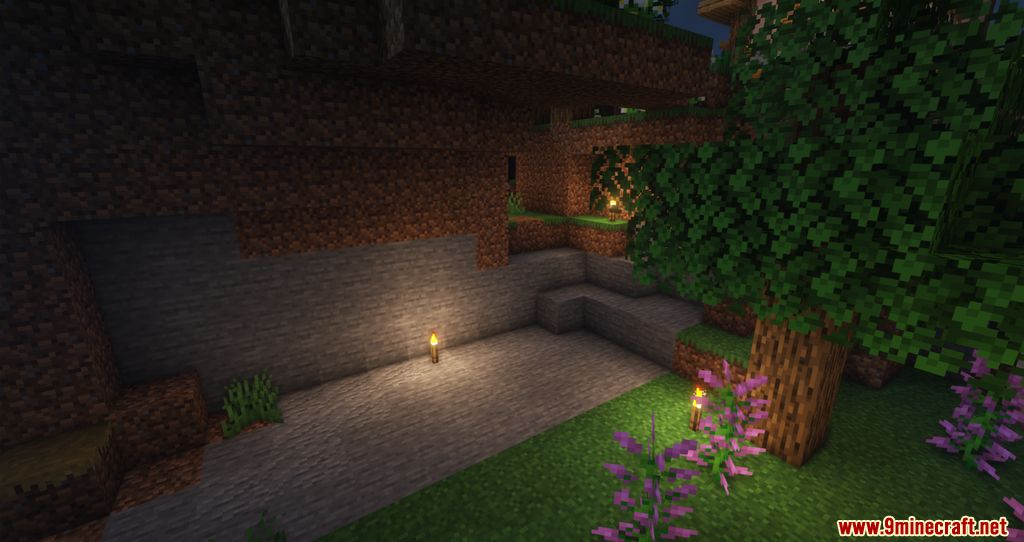
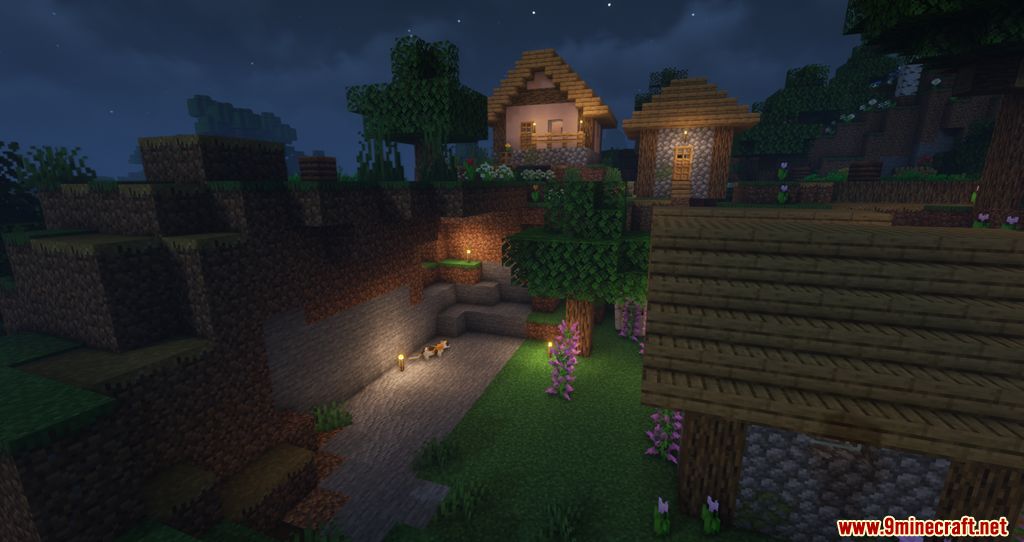
l): Places torches in dark spots inside buildings, in caves, under trees, and next to desert farm composters. - Town Torches (
t): Places optional torches on village walls, inside dark houses, on the ground, and sometimes on vertical walls. - Trim Hazards (
v): Cuts troublesome cactus and low normal tree leaves that block or hurt villagers, while leaving persistent leaves placed by players or part of structures alone. - Default Profession and Snow Habits: All villager flags are on by default (
chrwlpvt, checked every 5 seconds, in any order). Level 3 farmers do not trample crops, Level 3 masons build village wall corners with lanterns when placing a wall piece, and villagers trample powdered snow down into snow layers.
Biome Wall Materials and Foundations:
- Default (
Regrowth:default): 48-block diameter, cobblestone wall, and oak fence. - Plains (
minecraft:plains): 64-block diameter, cobblestone wall, and oak fence. - Forest (
minecraft:forest): 64-block diameter, mossy stone brick wall, and oak fence. - Desert (
minecraft:desert): 48-block diameter, sandstone wall, and birch fence. - Beach and River (
minecraft:beach,minecraft:river): 48-block diameter, sandstone wall, and oak fence. - Taiga and Extreme Hills (
minecraft:taiga,minecraft:extreme_hills): 48-block diameter, mossy cobblestone wall, and spruce fence. - Savanna (
minecraft:savanna): 48-block diameter, stone brick wall, and acacia fence. - Mesa (
minecraft:mesa): 48-block diameter, red sandstone wall, and oak fence. - Jungle (
minecraft:jungle): 48-block diameter, granite wall, and jungle fence. - Icy (
minecraft:icy): 40-block diameter, diorite wall, and spruce fence. - The End (
minecraft:the_end): 40-block diameter, end stone brick wall, and birch fence. - Nether (
minecraft:nether): 40-block diameter, blackstone wall, and nether brick fence. - Wall Foundations and Minimum Size: Villagers build walls on valid foundation blocks (default:
minecraft:grass_block,minecraft:sand,minecraft:red_sand,minecraft:netherrack,minecraft:sandstone,minecraft:podzol,minecraft:dirt,minecraft:stone, andminecraft:coarse_dirt, plus any registered modded block), with a minimum wall diameter of 32 blocks (Regrowth:minimum).
Commands:
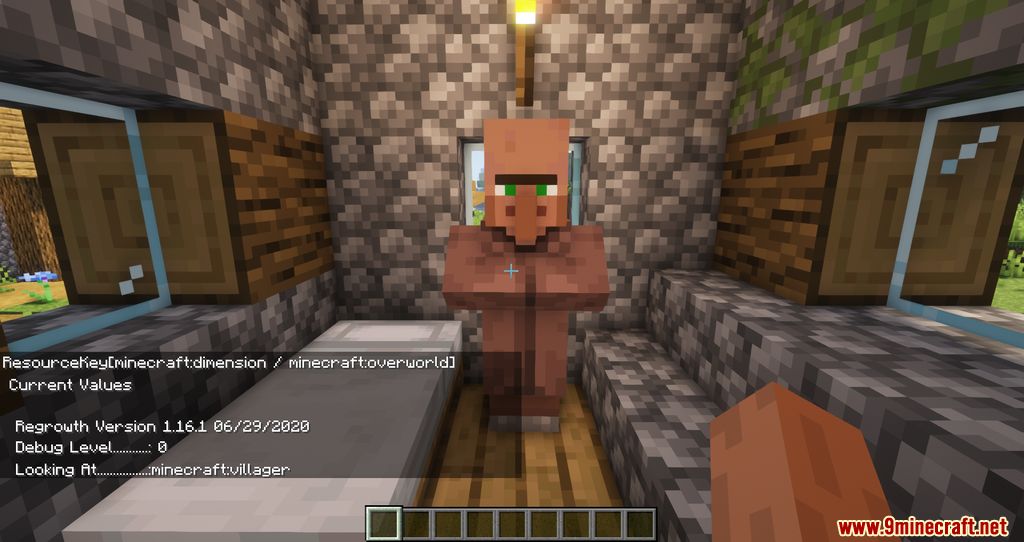
/regrowth setDebugLevel [0,1,2]: Requires operator permission or higher. Sets debug logging to0(off),1(logs main actions and locations), or2(logs detailed activity in chat and the log file)./regrowth info: Requires operator permission or higher. Shows info about the mod, and in singleplayer on the client displays the full ID of the mob you are looking at (such asMinecraft:CreeperorAnotherMod:Creature) to help with config setup. Does not work on a server.
Configuration:
eatingHeals: Sets the chance from0.0(off) to1.0(always) that eating plants heals a mob; default is0.99.debugLevel: Sets the starting debug logging level from0(off) to1(log) or2(chat and log); default is0.MushroomDensity: Sets how close giant mushrooms can grow underground from3(dense) to11(sparse) and21(very sparse); default is7.playerWallControlBlockString: Sets the block placed over a new village bell to control wall building (defaultminecraft:cobblestone_wall); setting it toAirstops players from turning off walls.torchBlockString: Sets the torch block villagers place (defaultminecraft:torch) and supports modded torches.defaultRegrowthMobsActual: Controls active mobs, actions, and timers using the formatMod:CreatureName, Action, Average Seconds between Events.
How to Use:
- Play your world as usual; Regrowth Mod runs automatically, so animals, monsters, water mobs, and villagers begin changing plants and improving villages with no setup.
- To stop villagers in one village from building walls, wait past the first 60 seconds and break the cobblestone wall block above the village meeting bell; it does not come back, and wall building stops in that town.
- To find the exact ID of a vanilla or modded mob in singleplayer, look directly at the mob and run
/regrowth infowith operator permission; chat shows its full ID (such asMinecraft:CreeperorAnotherMod:Creature) for your config file. - Open
config/regrowth-common.tomlto turn mob actions on or off, edit villager flags (defaultchrwlpvt), add modded mobs in theMod:CreatureName, Action, Average Seconds between Eventsformat, change wall foundations or biome walls, or adjust event timers (for example, lowerstumbleormushroomfrom 60 seconds to 3 or 6 seconds so they happen more often). - Open the
Regrowth SaplingBiomefile in theconfigfolder if you want to pick which saplings mobs plant in each biome. - Run
/regrowth setDebugLevel 1or/regrowth setDebugLevel 2for a short time while testing config edits so you can check logged actions, then run/regrowth setDebugLevel 0when you finish. - Save a copy of your finished config file in the
defaultconfigsfolder so every new world loads with those same settings automatically.
Screenshots:
How to Install:
New to Minecraft? Follow our step-by-step guide to install Mods on your PC.View Guide
Regrowth Mod Download Links
For Minecraft 1.12.2
Forge version: Download from Server 1
For Minecraft 1.16.5
Forge version: Download from Server 1
Fabric version: Download from Server 1
For Minecraft 1.17.1
Forge version: Download from Server 1
For Minecraft 1.18.1
Forge version: Download from Server 1
For Minecraft 1.18.2
Forge version: Download from Server 1
Fabric version: Download from Server 1
For Minecraft 1.19.2
Forge version: Download from Server 1
Fabric version: Download from Server 1
For Minecraft 1.19.3
Forge version: Download from Server 1 – Download from Server 2
For Minecraft 1.19.4
Forge version: Download from Server 1 – Download from Server 2
Fabric version: Download from Server 1 – Download from Server 2
For Minecraft 1.20.1, 1.20
NeoForge/Forge version: Download from Server 1 – Download from Server 2
Fabric version: Download from Server 1 – Download from Server 2
For Minecraft 1.20.2
Forge version: Download from Server 1 – Download from Server 2
Fabric version: Download from Server 1 – Download from Server 2
For Minecraft 1.20.4
Forge version: Download from Server 1 – Download from Server 2
Fabric version: Download from Server 1 – Download from Server 2
For Minecraft 1.21.1, 1.21
Forge version: Download from Server 1 – Download from Server 2
Fabric version: Download from Server 1 – Download from Server 2
For Minecraft 1.21.4
Forge version: Download from Server 1 – Download from Server 2
Fabric version: Download from Server 1 – Download from Server 2
For Minecraft 1.21.5
Forge version: Download from Server 1 – Download from Server 2
Fabric version: Download from Server 1 – Download from Server 2
For Minecraft 1.21.8, 1.21.7, 1.21.6
Forge version: Download from Server 1 – Download from Server 2
Fabric version: Download from Server 1 – Download from Server 2
For Minecraft 1.21.10
Forge version: Download from Server 1 – Download from Server 2
Fabric version: Download from Server 1 – Download from Server 2
For Minecraft 1.21.11
Forge version: Download from Server 1 – Download from Server 2
Fabric version: Download from Server 1 – Download from Server 2
You May Also Like
Picked for this page
 CC Tweaked Mod (26.3, 1.20.1) – ComputerCraft for Newest Version
 End Remastered Mod (26.3, 1.20.1) – Reaching The End Will Be Longer
 Iceberg Library (26.3, 1.20.1) – Make Modding Easier
 More Berries Mod (26.3, 1.20.1) – New Berry Bushes
 Chunk Pregenerator Mod (26.3, 1.20.1) – Seed/World Previewer
 Vanilla Refresh Mod (1.21.11, 1.20.1) – Elevating the Classic Minecraft Experience
 All Arrows Infinity Fix Mod (26.3, 1.21.1) – Using “Infinity” with All Arrows
 Improved Pillager Outpost Mod (26.3, 1.20.1) – Overhauled Structure
 Variable Spawner Hardness Mod (26.3, 1.20.1) – Making Minecraft Spawners Harder
 Light Aura Mod (26.3, 1.20.1) – Drop A Torch, Lighting The World
 Chat Signing Hider Mod (26.3, 1.20.1) – Hiding Chat Signing Elements
 Customizable Player Models Simple Voice Chat Compat Mod (26.1.2, 1.20.1)
Most viewed in Mods over the last 7 days
 Ala Industrial Mod (26.3) – Run Electric Power Grids and Automated Factories
 PleasureCraft Mod (26.3, 1.21.1) – Jenny Mod Remake for Fabric
 Jennycraft Mod (26.3, 1.20.1) – Virtual Girlfriend in Minecraft
 Fapcraft Mod (26.3, 1.12.2) – Comprehensive and Detailed Content
 Jenny Mod (Fapcraft) Official Complete Guide – How to use, Tutorial
 BangCraft Mod (1.20.1) – Jenny, Ellie and Elliot
 Fabric Loader (26.3, 1.20.1) – Fabric Installer for All Minecraft Versions
 The Shooting Star Demo Mod (26.3, 1.20.1) – Vaporize Terrain From Orbit
 Meteor Client Mod (26.3, 1.20.1) – Xray, HUD, Fly
 OptiFine HD (26.3, 1.20.1) – Run Faster, FPS Boost, Shaders Support
 Aristois Client Mod (1.21.4, 1.20.1) – World Class Minecraft Utility
 Prestige Client Mod (1.21.11, 1.21.4) – Powerful Ghost Features for Crystal & Sword PvP
More from Mods
 Arcane Redstone Dial Mod (26.3, 1.20.1) – Trigger Commands and Shortcuts
 The Graveyard Mod (26.3, 1.20.1) – Cemeteries in Minecraft
 Enhanced Overlay Mod (26.3, 1.21.11) – Remove Screen Clutter
 Flint Mod (1.21.11) – Run DiamondFire Community Addons Without Crashing
 Not Just Sandwich Mod (26.3, 1.20.1) – Edibles, Sandwiches
 Waddles Mod (26.3, 1.20.1) – Make Icy Biomes Feel Alive
 Artemis’ Thin Logs Mod (26.3, 1.20.1) – Build Custom Trees and Detailed Wood
 Asterion Mod (26.3, 1.20.1) – Survive Ancient Mazes and Slay the Legendary Minotaur
 Passthrough Signs Mod (26.3, 1.20.1) – Right-Click Through Wall Signs
 Packing Tape Mod (26.3, 1.20.1) – Move Chests, Machines
 No XP Anvils Mod (26.3, 1.20.1) – Repair And Enchant Without XP
 Naruto Shippuden Mod (26.3, 1.16.5) – Immerse Yourself in The World of Ninja

This post has no comments yet. Be the first — your comment will appear here.