
Tempad Mod (1.21.1, 1.20.1) – Open Portals to Your Base
 8,946
 0


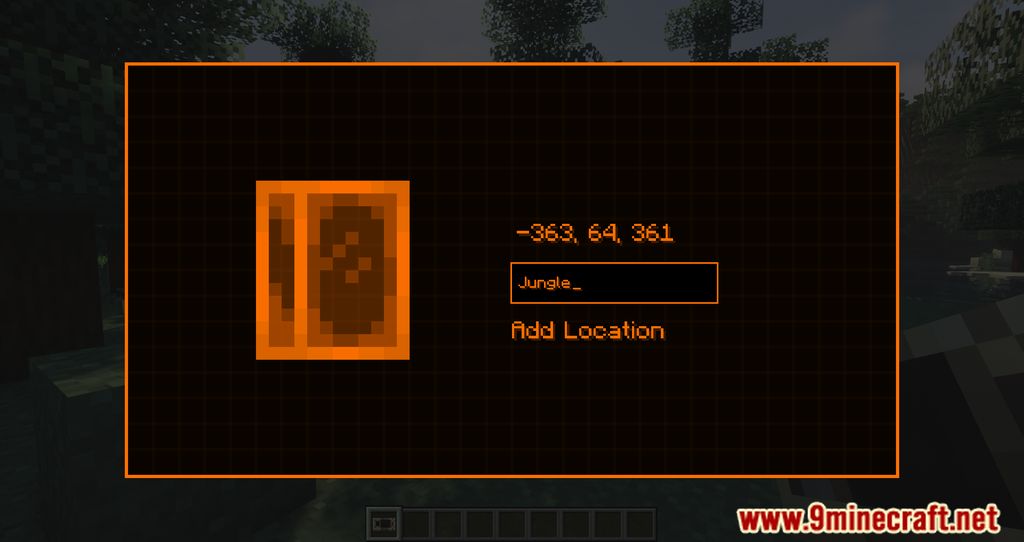
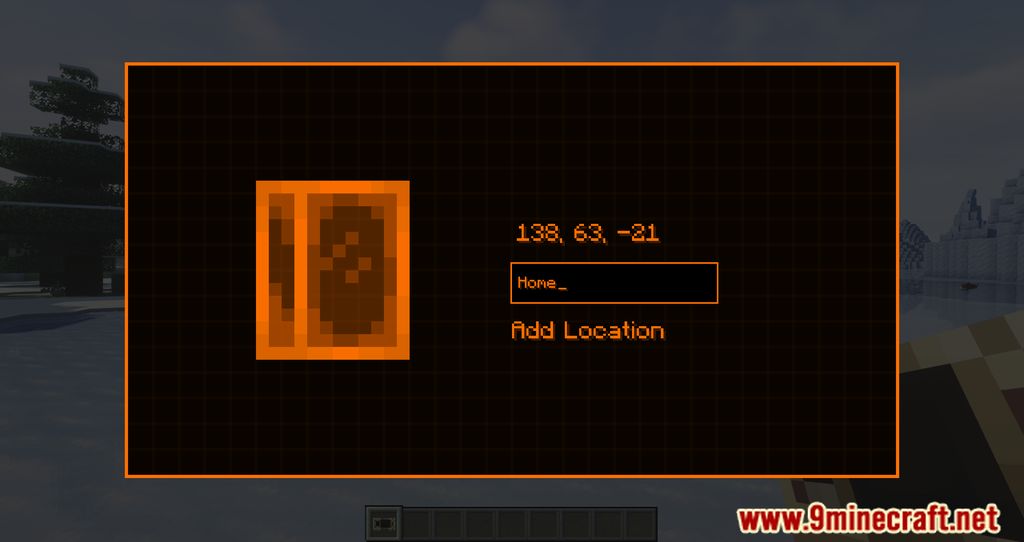
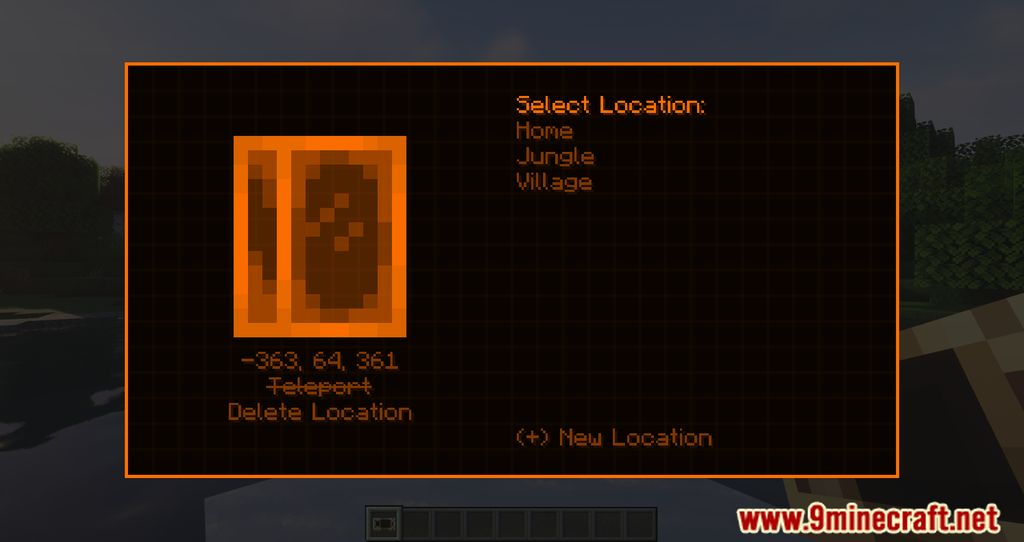
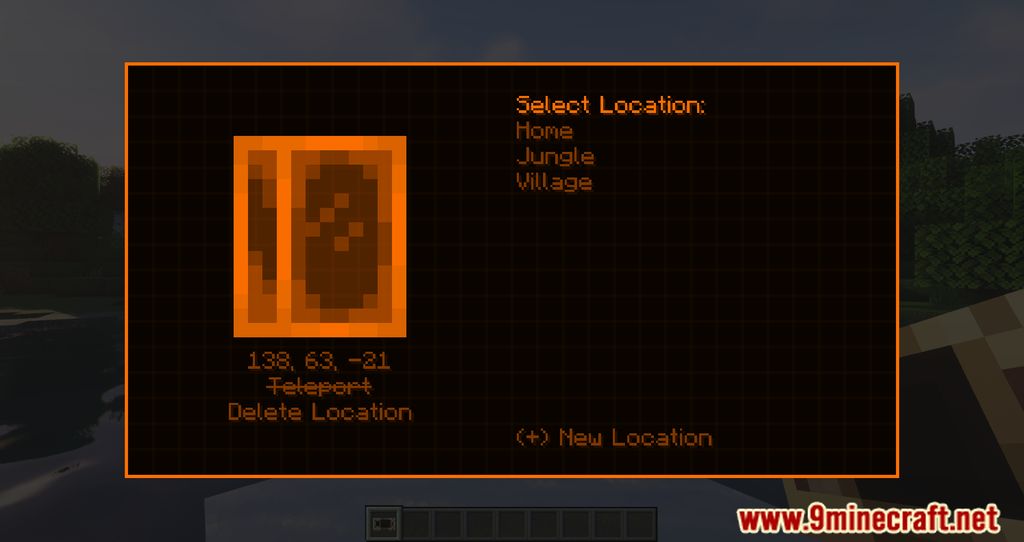
Tempad Mod brings teleportation tools inspired by Marvel’s Loki into Minecraft. This mod lets you save coordinates, open portals called Timedoors, and travel to any saved spot from anywhere in your world. It also adds special blocks, location cards, and 30 color choices for portals and menus so you can get around fast alone or with friends.

Features:
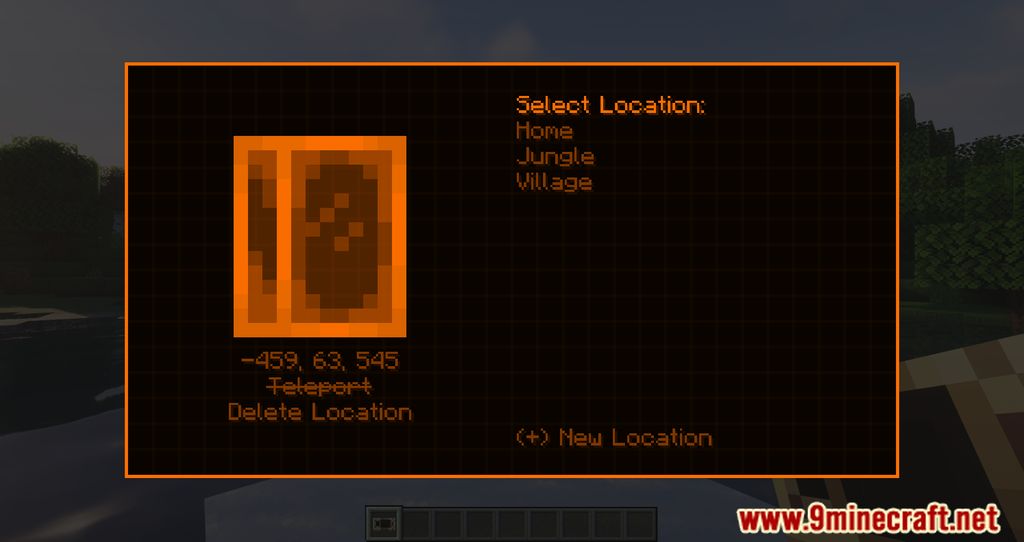
- Lets you save coordinates and travel between spots through portals using the Timedoor Projector and Marker.
- Adds a Card Wallet to hold and organize all your location cards in one place.
- Includes the Time Twister so you can jump back to places you visited before.
- Gives you a Location Broadcaster and Screening Device so other players can teleport straight to you with custom filters.
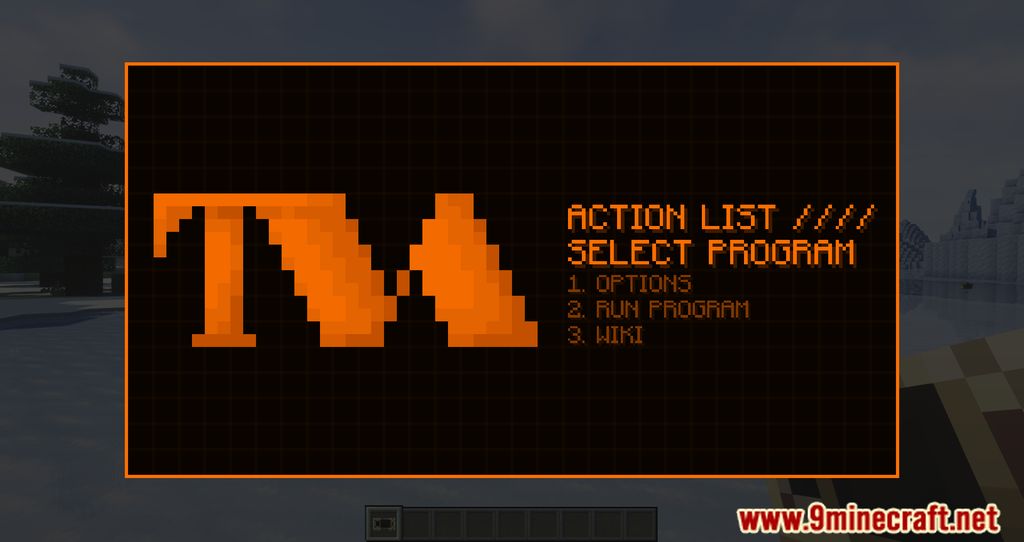
- Includes a Knowledge Projector with a full in-game guide so you can read how everything works without leaving Minecraft.
- Adds the Workstation as a block version of the portable teleport device.
- Adds the Metronome block to power your teleportation tools.
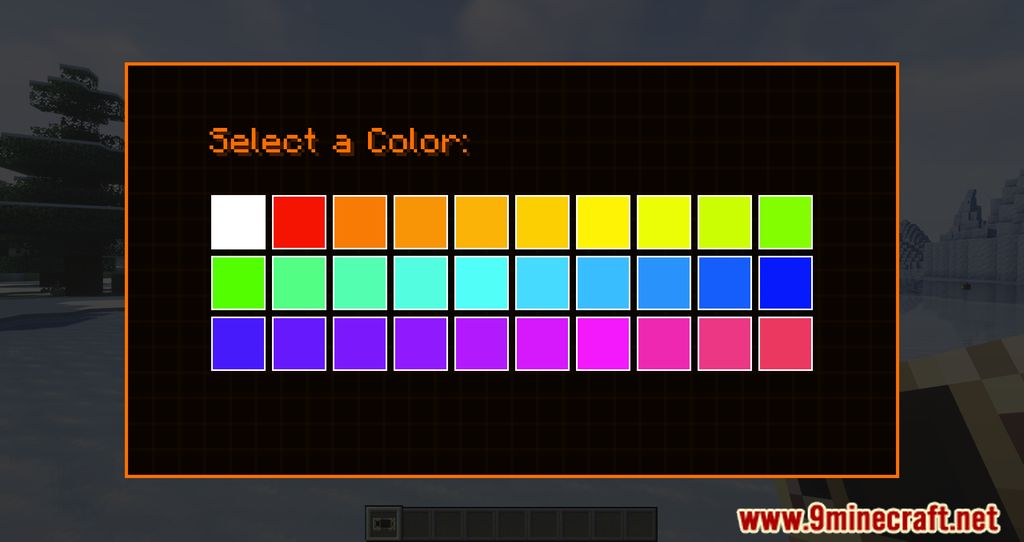
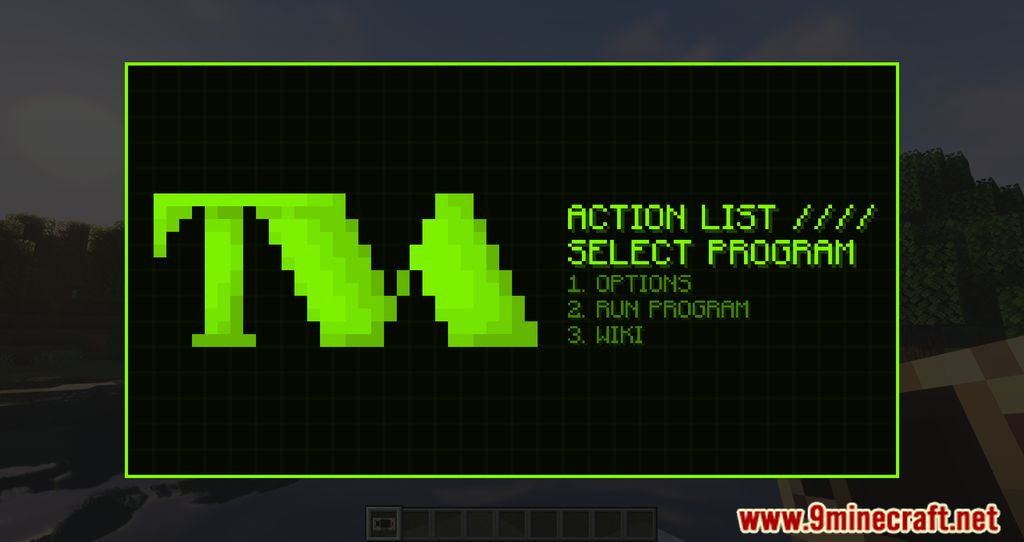
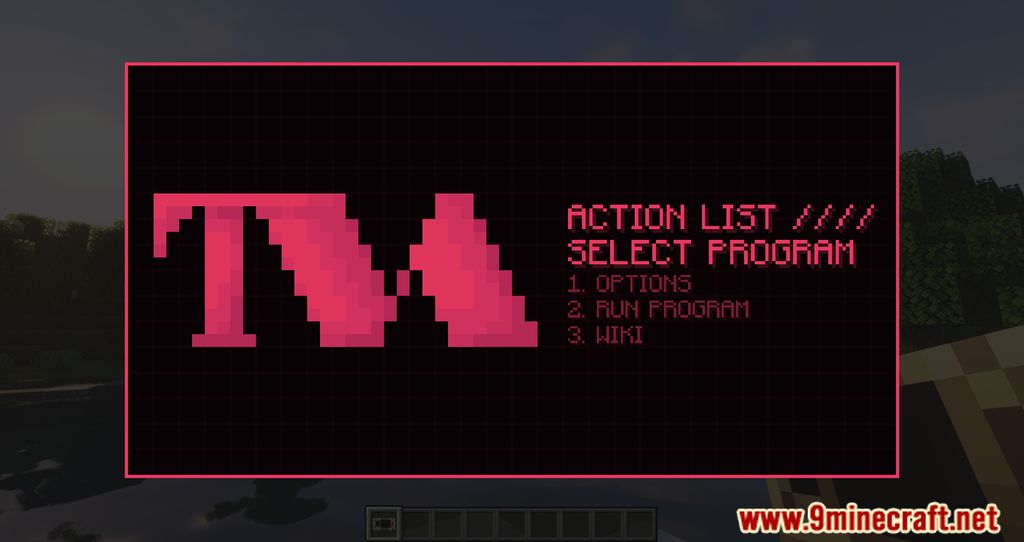
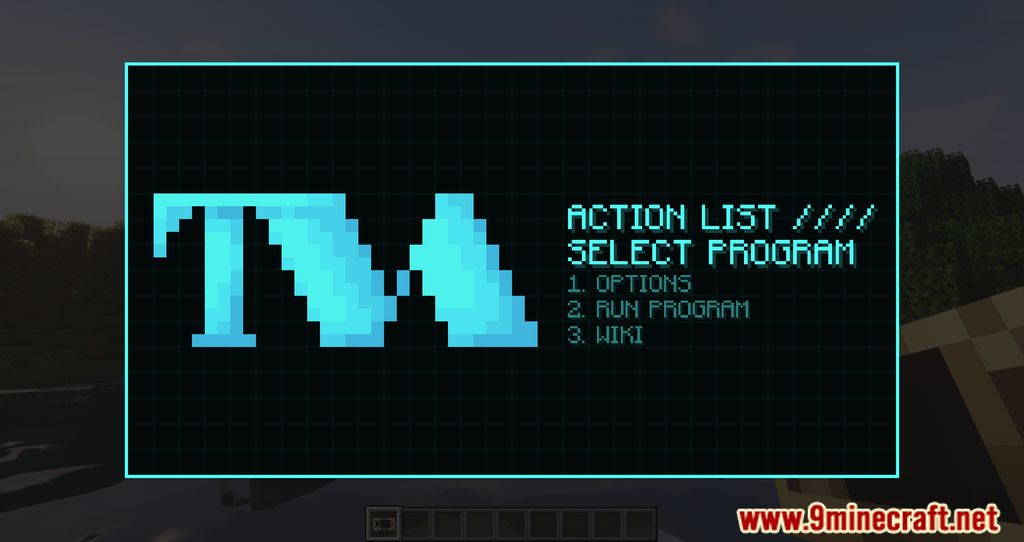
- Lets you change the look of your portals and menus with 30 different color options.
Works With Other Mods:
- Curios lets you put items into wearable slots so they show up on your character.
- Jade shows extra details about Timedoors and blocks right on your screen.
- Dark Mode Everywhere gives you full dark mode menus that are easier on your eyes.
- Cadmus stops Timedoors from opening inside claimed areas.
- Argonauts and FTB Teams let you filter teleport options by guild, party, or teammates.
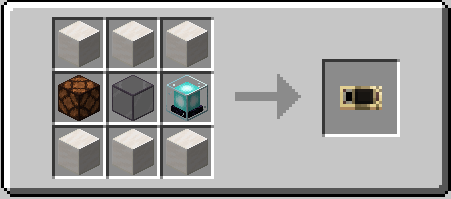
Crafting Recipes:
Screenshots:
How to Install:
New to Minecraft? Follow our step-by-step guide to install Mods on your PC.View Guide
Tempad Mod Download Links
For Minecraft 1.21.1, 1.21
NeoForge version: Download from Server 1 – Download from Server 2
For Minecraft 1.20.4
NeoForge version: Download from Server 1 – Download from Server 2
Fabric version: Download from Server 1 – Download from Server 2
For Minecraft 1.20.1, 1.20
Forge version: Download from Server 1 – Download from Server 2
Fabric version: Download from Server 1 – Download from Server 2
For Minecraft 1.19.2
Forge version: Download from Server 1
Fabric version: Download from Server 1
For Minecraft 1.19.1
Forge version: Download from Server 1
Fabric version: Download from Server 1
For Minecraft 1.19
Forge version: Download from Server 1
Fabric version: Download from Server 1
For Minecraft 1.18.2
Forge version: Download from Server 1
Fabric version: Download from Server 1
For Minecraft 1.18.1
Fabric version: Download from Server 1
How do you feel about quest books in modpacks?
0 responses · See the full results →
You May Also Like
Picked for this page
 Deeper And Darker Mod (1.21.11, 1.20.1) – Deep Dark Expansion
 Mystical Agriculture Mod (26.1.2, 1.20.1) – Grow Diamonds From a Seed
 MobZ Mod (26.2, 1.20.1) – Harder Monsters to Deal With!
 Sparse Structures Mod (26.3, 1.20.1) – Better Structure Generation
 Stfu Mod (26.3, 1.20.1) – Disables Annoyances
 Skniro’s Furniture Mod (26.3, 1.20.1) – 100+ New Furniture Blocks
 SCP-662 Butler’s Hand Bell Mod (1.20.1, 1.19.2) – Ring And He Appears
 Hundred Years Warfare Mod (1.21.1, 1.20.1) – Archers, Cavalry, and Siege Machines
 Breakneck Menu Mod (1.21.11, 1.20.6) – Enhance Your Minecraft UI
 Sbw Warborn Drones Mod (1.21.1, 1.20.1) – Adds Modern Combat Drones
 Infinity Drives Mod (26.2, 1.21.1) – Endless Storage
 Veinst Mod (26.1.2, 1.20.1) – Simplify Ore Collection In Your Modpack
Most viewed in Mods over the last 7 days
 Ala Industrial Mod (26.3) – Run Electric Power Grids and Automated Factories
 PleasureCraft Mod (26.3, 1.21.1) – Jenny Mod Remake for Fabric
 Jennycraft Mod (26.3, 1.20.1) – Virtual Girlfriend in Minecraft
 Fapcraft Mod (26.3, 1.12.2) – Comprehensive and Detailed Content
 Jenny Mod (Fapcraft) Official Complete Guide – How to use, Tutorial
 BangCraft Mod (1.20.1) – Jenny, Ellie and Elliot
 Fabric Loader (26.3, 1.20.1) – Fabric Installer for All Minecraft Versions
 Meteor Client Mod (26.3, 1.20.1) – Xray, HUD, Fly
 The Shooting Star Demo Mod (26.3, 1.20.1) – Vaporize Terrain From Orbit
 OptiFine HD (26.3, 1.20.1) – Run Faster, FPS Boost, Shaders Support
 Aristois Client Mod (1.21.4, 1.20.1) – World Class Minecraft Utility
 Prestige Client Mod (1.21.11, 1.21.4) – Powerful Ghost Features for Crystal & Sword PvP
More from Mods
 MCPersist Mod (26.3) – Keep Your World Online for Friends Even After Logging Off
 Minecraft Java MCP Server Mod (1.21.11) – Command Your World Through External AI Tools
 Arcanism Mod (26.2) – Build Magic Factories and Program Custom Spells
 Archangel Client Mod (1.21.11) – Master Every PvP Duel with Clean Screen Stats
 Block Front Survival Patch Mod (1.21.1) – Wage Tactical Warfare in Survival
 SimpleRPGCore Mod (1.21.4, 1.21.1) – Fight with Classic RPG Stats
 Bard RPG Series Plus by Fichte Mod (1.21.1, 1.20.1) – Buff Allies in Combat
 Fabric Gui ImGui Mod (26.3, 1.21.11) – Clean Custom Menus and In-Game Control
 Multi Item Lib Mod (1.20.1) – Wield Custom Gear with Flawless Hand Animations
 Universe3090 Mod (1.20.1) – Survive Corrupted Dimensions Filled
 Wireless Automate Mod (1.21.1) – Automate Base Logistics Without Messy Pipes
 Vaskars Opus Faction War Quests & Bosses Mod (1.21.11, 1.20.1)

This post has no comments yet. Be the first — your comment will appear here.