
Dark Mode Everywhere Mod (1.21.1, 1.20.1) – Play Late Without Glare

 0


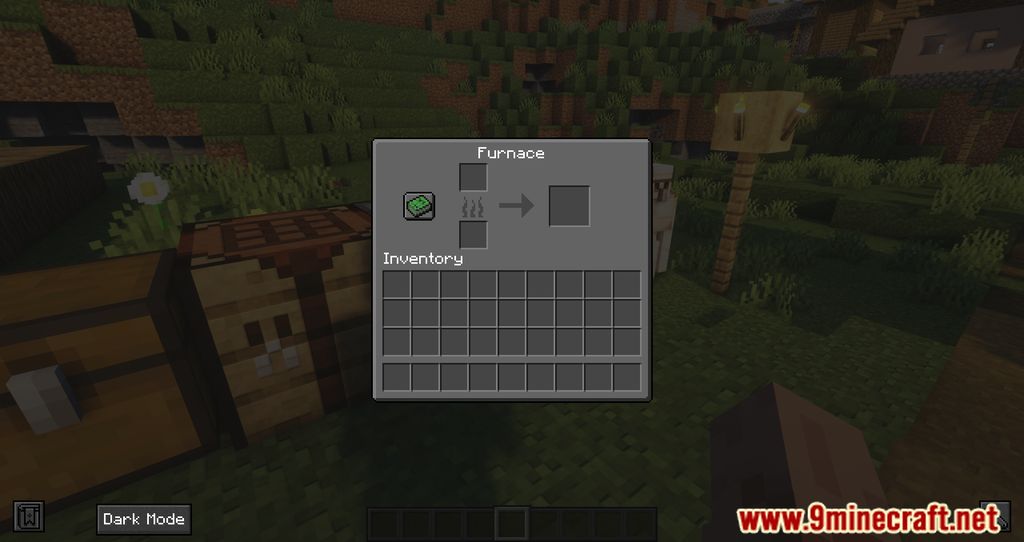
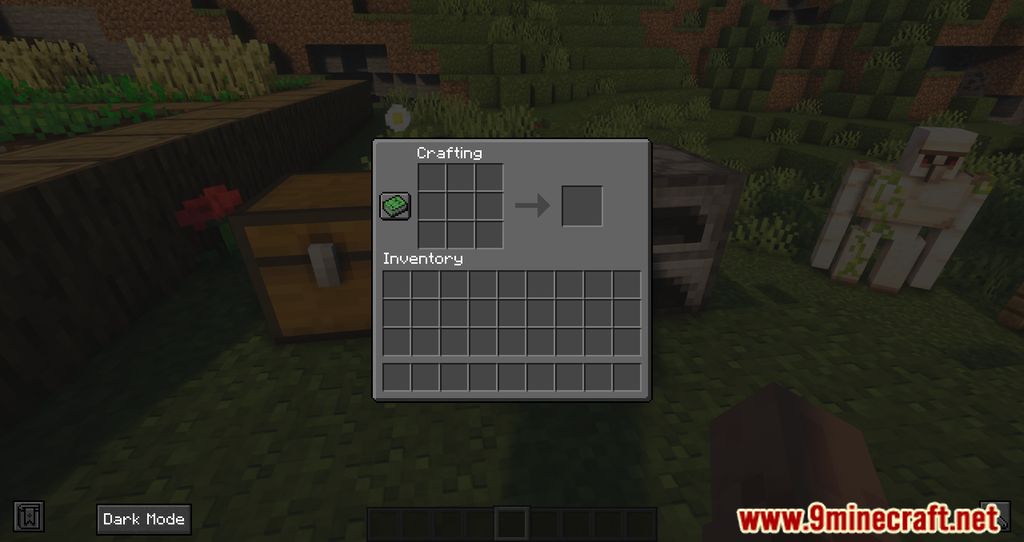
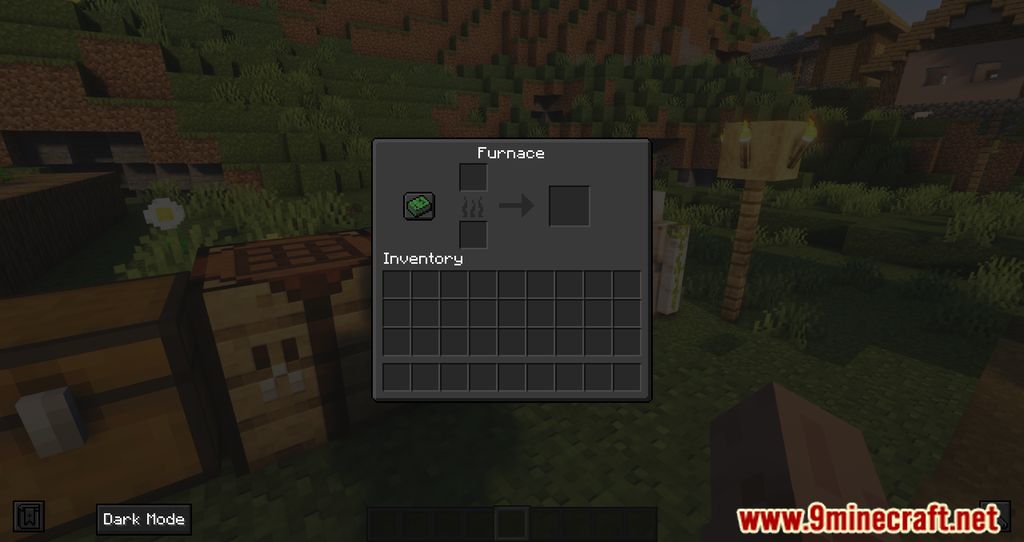
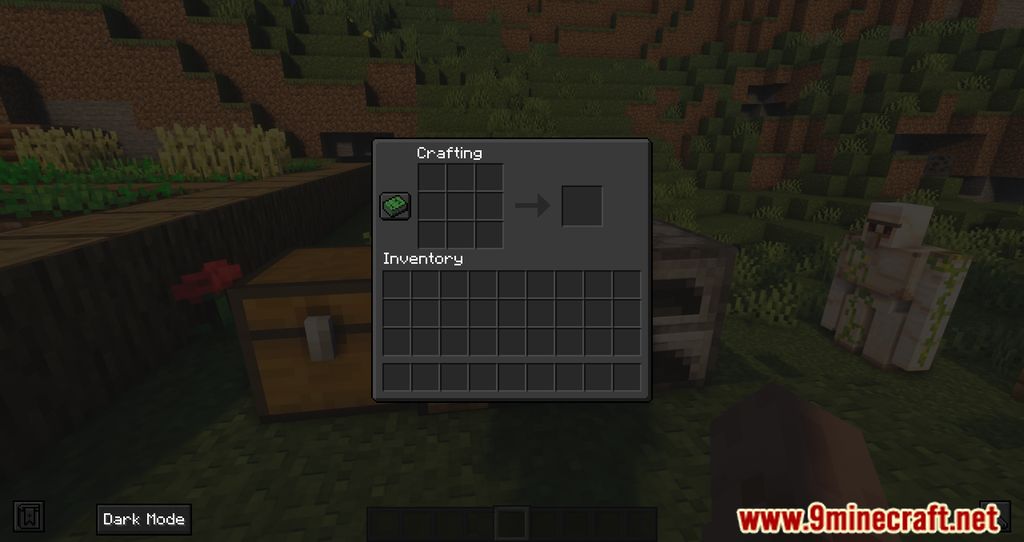
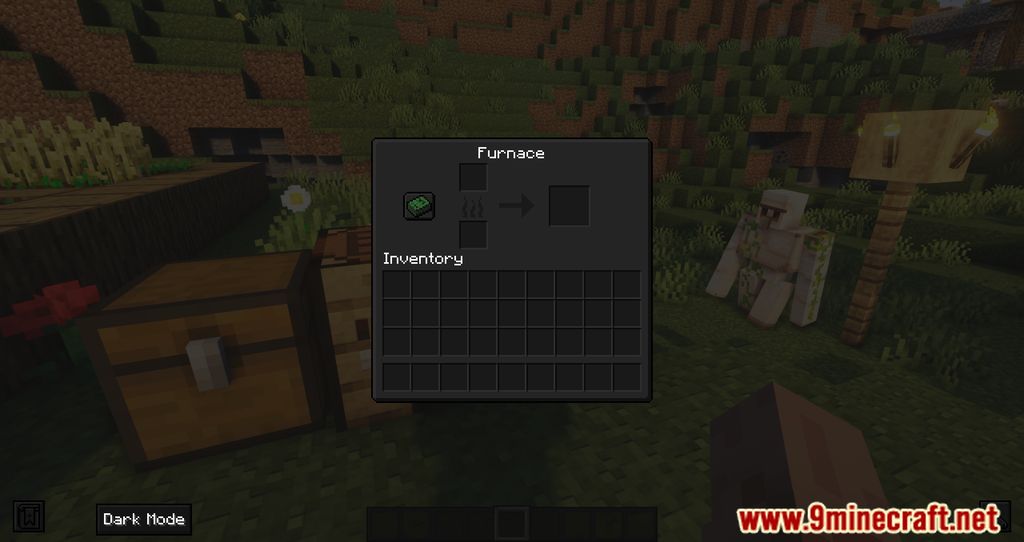
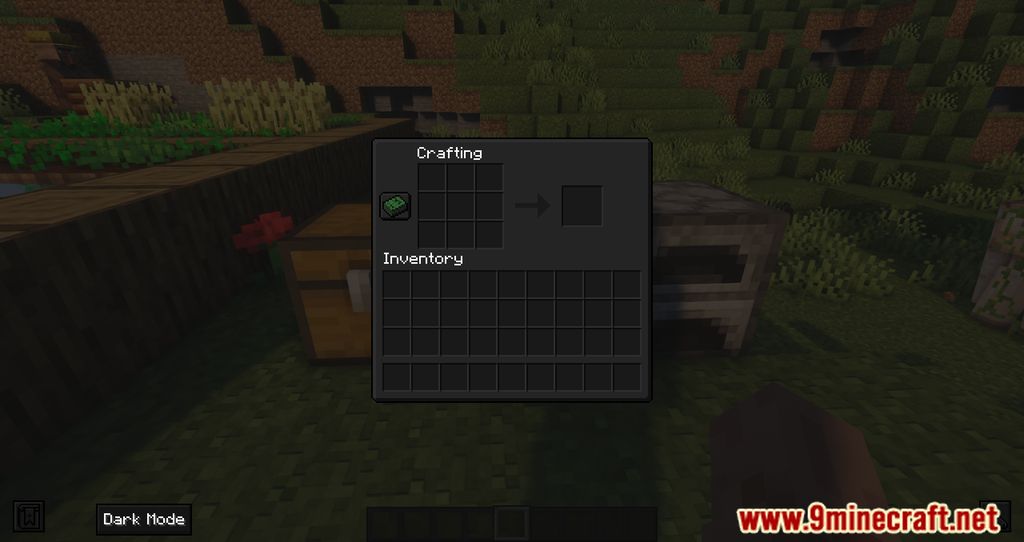
Dark Mode Everywhere Mod transforms every GUI texture in Minecraft into dark mode using built-in shaders. This mod works across all in-game menus and inventories while adjusting text colors so everything stays easy to read. Players can pick from three different darkness levels and switch between them at any time with a button on the screen.
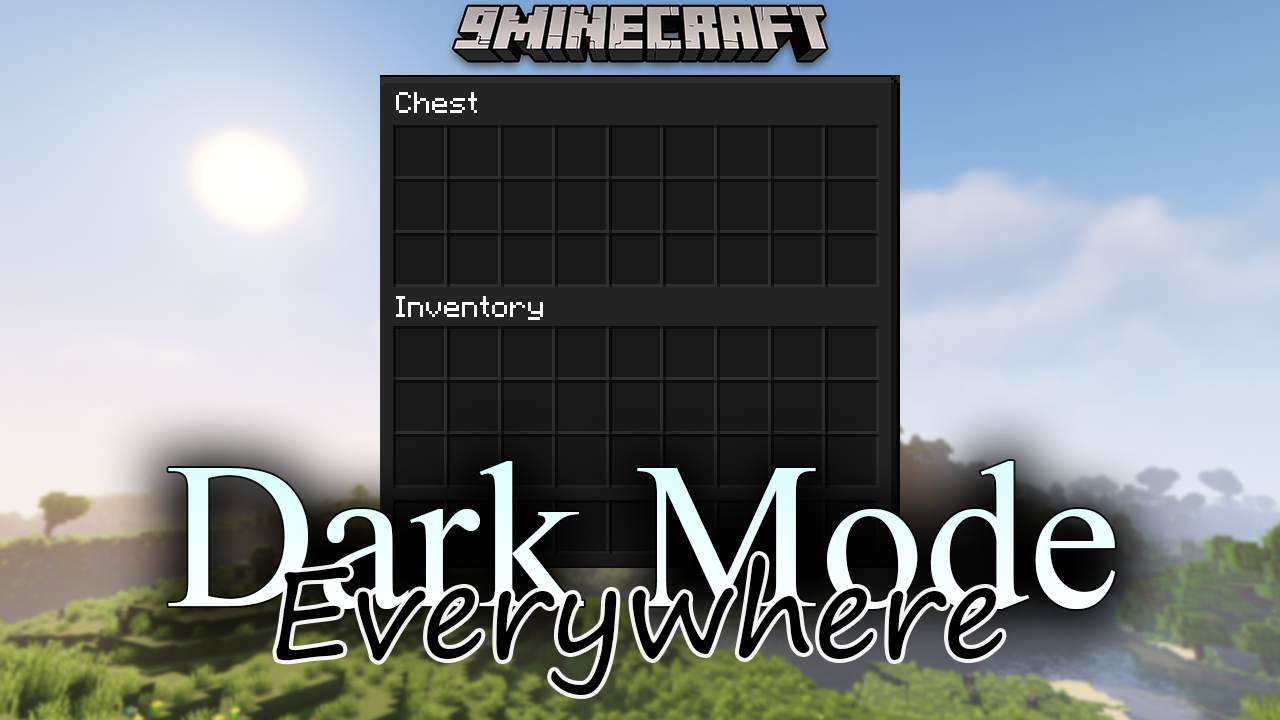
Features:
- Turns any GUI texture in the game into dark mode using built-in Minecraft shaders.
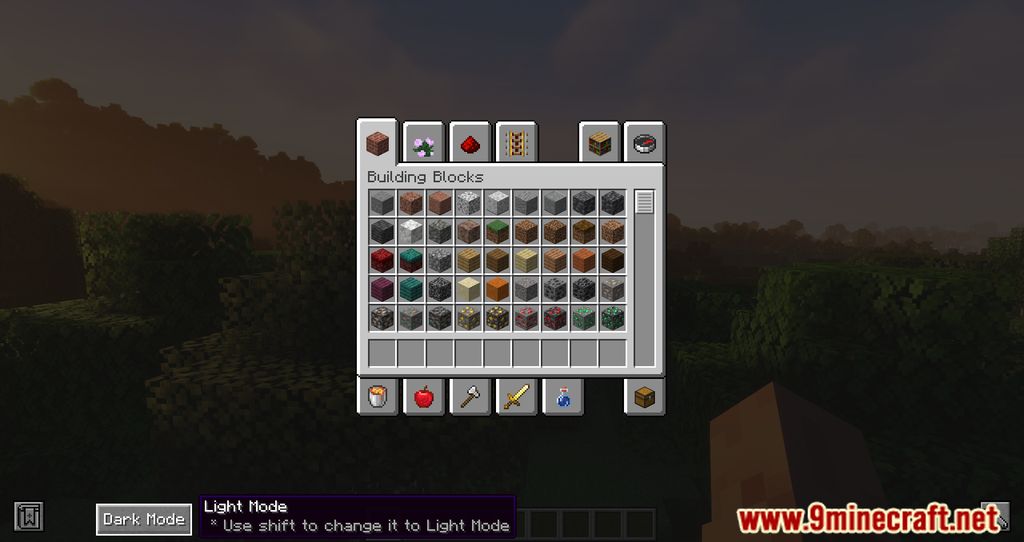
- Provides three different dark mode levels that you can switch between by clicking the button on the bottom left of the screen.
- Adjusts text colors automatically so words stay clear and easy to read against dark backgrounds.
- Lets you add new custom GUI shaders by editing the
darkmodeeverywhereshaders.jsonfile with a resource pack or resource loader mod. - Uses a shader blacklist to keep dark mode off specific screen parts like the crosshair, hotbar, hunger bar, experience bar, sky, and title screen.
How to Use:
- Open any in-game menu or inventory screen.
- Click the button on the bottom left of the screen to cycle through the 3 dark mode levels or switch back to light mode.
Configuration:
METHOD_SHADER_BLACKLIST: lists the classes and methods (or parts of them) that will not use the dark shader, such as the crosshair, hotbar, hunger bar, experience bar, and title screen.METHOD_SHADER_DUMP: logs the classes and methods trying to use the dark shader on screen every 5 seconds when set to true (set tofalseby default).darkmodeeverywhereshaders.json: lets you add new GUI shaders through a resource pack or resource loader mod.
METHOD_SHADER_BLACKLIST = ["mezz.jei.common.render.FluidTankRenderer:drawTextureWithMasking", "renderCrosshair", "net.minecraft.client.gui.screens.TitleScreen", "renderSky", "renderHotbar", "setupOverlayRenderState", "net.minecraftforge.client.gui.overlay.ForgeGui", "renderFood", "renderExperienceBar"]
METHOD_SHADER_DUMP = false
Screenshots:
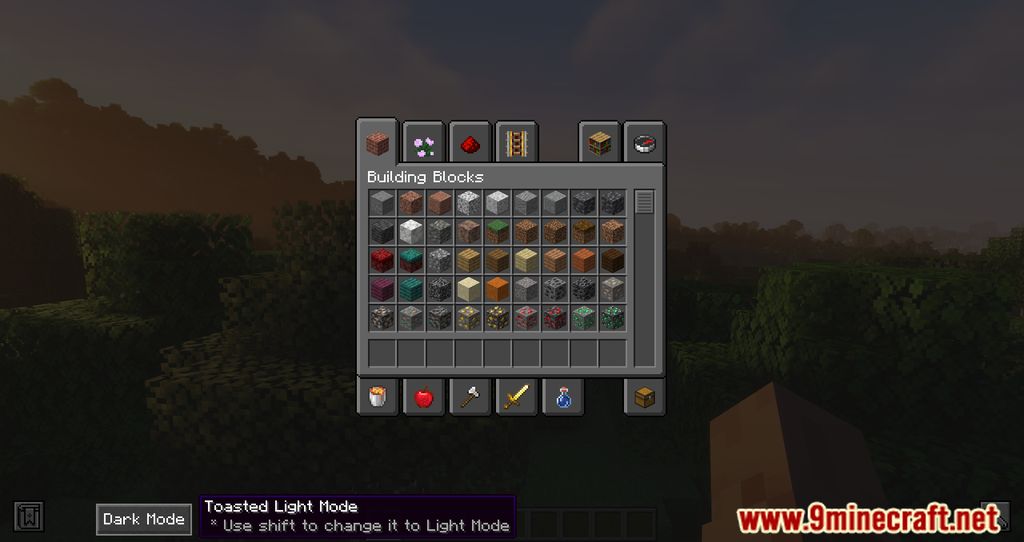
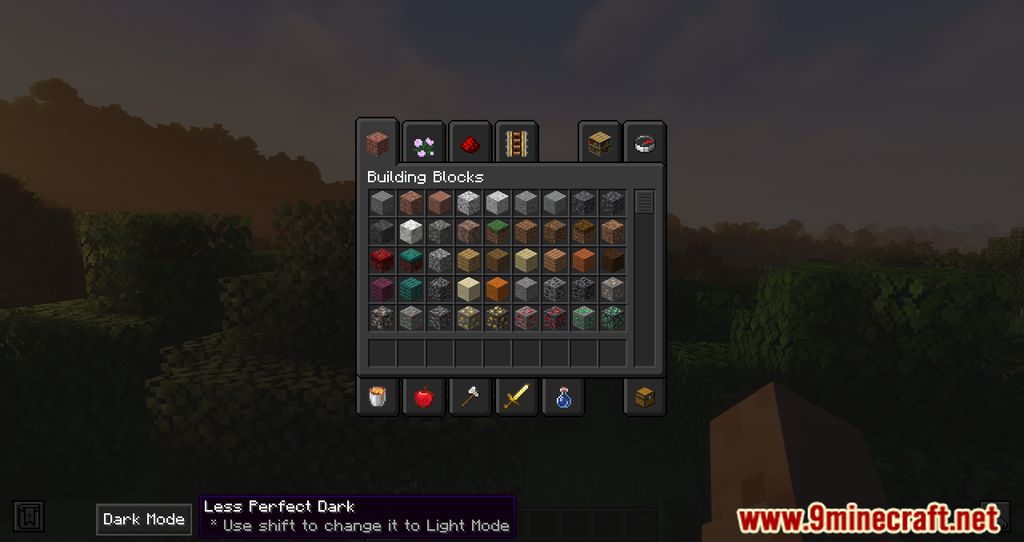

How to Install:
New to Minecraft? Follow our step-by-step guide to install Mods on your PC.View Guide
Dark Mode Everywhere Mod Download Links
For Minecraft 1.21.1, 1.21
NeoForge Version: Download from Server 1 – Download from Server 2
For Minecraft 1.20.1, 1.20
Forge Version: Download from Server 1 – Download from Server 2
Fabric Version: Download from Server 1 –
For Minecraft 1.19.4
Forge Version: Download from Server 1 – Download from Server 2
For Minecraft 1.19.2
Forge Version: Download from Server 1
Fabric Version: Download from Server 1
For Minecraft 1.19.1
Forge Version: Download from Server 1
For Minecraft 1.18.2
Forge Version: Download from Server 1
For Minecraft 1.18.1
Forge Version: Download from Server 1
You May Also Like
Picked for this page
 Mutant Monsters Mod (26.3, 1.20.1) – Powerful Beasts
 PlayerRevive Mod (26.3, 1.20.1) – Fight Together As A Team
 This Rocks Mod (26.1.2, 1.20.1) – Stones and Sticks
 Simple Discord RPC Mod (26.3, 1.20.1) – RPC Plugin for Minecraft
 FTB Ranks Mod (26.1.2, 1.20.1) – Ranking System
 Happy Trails Mod (1.21.11, 1.20.1) – Control Movement Speed
 FullscreeNO Mod (26.2, 1.20.1) – Stops Minecraft From Opening in Fullscreen
 Signal Flares Mod (1.21.5, 1.20.1) – Locate Friends Without Coordinates
 Underlay Mod (26.3, 1.20.1) – Build Beneath The Block
 NumismaticClaim Mod (1.21.1, 1.20.1) – Land Claiming Through Currency
 Ketok Wilderness Mod (1.20.1, 1.20) – Enhanced Forest Biomes
 Peaceful Moon Mod (1.21.1, 1.20.1) – A Night Without Monsters
Most viewed in Mods over the last 7 days
 Ala Industrial Mod (26.3) – Run Electric Power Grids and Automated Factories
 PleasureCraft Mod (26.3, 1.21.1) – Jenny Mod Remake for Fabric
 Jennycraft Mod (26.3, 1.20.1) – Virtual Girlfriend in Minecraft
 Fapcraft Mod (26.3, 1.12.2) – Comprehensive and Detailed Content
 Jenny Mod (Fapcraft) Official Complete Guide – How to use, Tutorial
 BangCraft Mod (1.20.1) – Jenny, Ellie and Elliot
 Fabric Loader (26.3, 1.20.1) – Fabric Installer for All Minecraft Versions
 The Shooting Star Demo Mod (26.3, 1.20.1) – Vaporize Terrain From Orbit
 Meteor Client Mod (26.3, 1.20.1) – Xray, HUD, Fly
 OptiFine HD (26.3, 1.20.1) – Run Faster, FPS Boost, Shaders Support
 Aristois Client Mod (1.21.4, 1.20.1) – World Class Minecraft Utility
 Prestige Client Mod (1.21.11, 1.21.4) – Powerful Ghost Features for Crystal & Sword PvP
More from Mods
 Cafe Core Mod (26.2, 1.21.1) – Bypass Anvil Limits and Tame Pets in Seconds
 GTNH’s Forgelin Mod (1.7.10) – Play Kotlin-Powered Mods on Minecraft 1.7.10
 Nodeflow Mod (26.1.2, 1.21.1) – Wire Custom Redstone Logic on Visual Graph
 Winter Client Mod (1.21.11) – Survive Ruthless PvP on Anarchy Servers
 LARP Client Mod (1.21.11) – Dominate Crystal PvP on Anarchy Servers
 Berlin Client Mod (1.21.11) – Hunt Stashes and Win Crystal Fights
 Kaleidoscope Cookery Refabricated Mod (26.3, 1.20.1) – Cook Hearty Meals
 Minecraft MusicBox Mod (1.21.12) – Play Your Favorite Songs While Mining and Building
 MTR Navigation Mod (1.21.1) – Plan Railway Trips and Never Miss a Train Stop
 TheHouse Mod (1.21.11) – Host Casino Tables and Track Every Bet in Real Time
 CinematicInteractions Mod (1.21.1) – Watch Your Hands Work at Every Crafting Table
 Earth Platform Mod (1.21.1) – Travel Across Real Continents in a True Scale World

This post has no comments yet. Be the first — your comment will appear here.