
Hole Filler Mod (26.3, 1.20.1) – Fix Creeper Holes Quickly
 79,418
 1


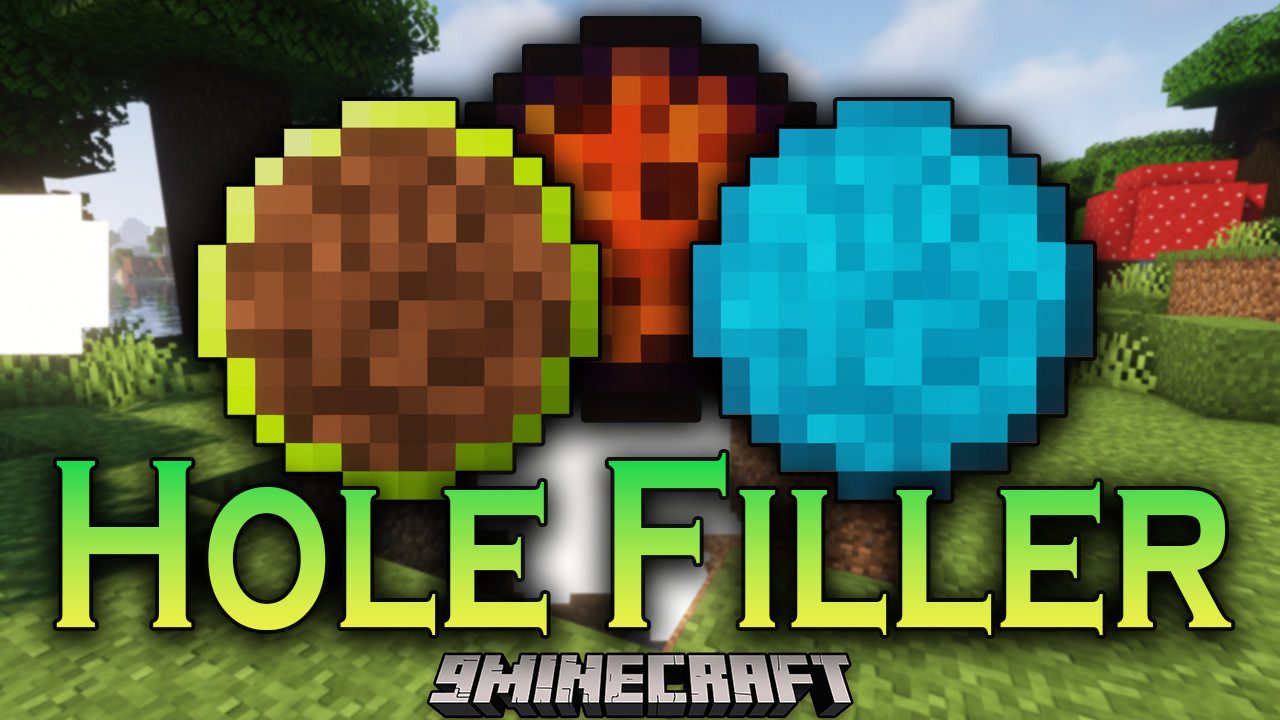
Hole Filler Mod lets you fix rough terrain, remove craters, and fill trenches in seconds by throwing special orbs into holes. This mod includes several orb types for terrain, water, lava, light control, and smart block matching, plus an Item Pack, Inventory Sync, and a throwable tool that creates holes. Creative mode needs no placement blocks, while Survival mode pulls real resources from your inventory or linked storage containers. You can cancel any fill within 15 seconds to recover your blocks, or cure it right away with an empty hand. Built-in safety limits keep fills under control, so this mod works well for both survival bases and multiplayer servers.
Hole Filler Mod – Video Showcase
Features:
- Undo (15 Seconds): Break any placed Curing Block within 15 seconds to empty the hole again and get your resources back.
- Instant Cure: Right-click a Curing Block 3 times with an empty hand to finish curing right away.
- Item Pack and Inventory Sync: Stores all your fillers in one pack for quick switching, and links to a container so throws pull resources from storage instead of your hotbar.
- Hole Maker: Adds a charge-based throwable item that creates holes on impact, letting you scale its power with Catalyst to control how much terrain is removed.
- Creative mode needs no placement blocks, while Survival mode uses real blocks from your inventory or linked storage.
- Built-in safety limits cap holes at a default max diameter of 12 blocks and a max area of 5,000 blocks.
- Ignores open ground when a filler lands more than 6 blocks (half the max hole diameter) away from another block, so it does not consume the world.
- Includes config options so you can adjust limits and behavior for survival bases or multiplayer servers.
Filler Types:
- Simple fills holes with dirt blocks, up to 500 blocks per throw.
- Selectable lets you press Shift + Right-Click on a block to pick the block type you want to place, up to 500 blocks.
- Smart reads nearby terrain and automatically places matching blocks from your inventory or linked storage, up to 500 blocks.
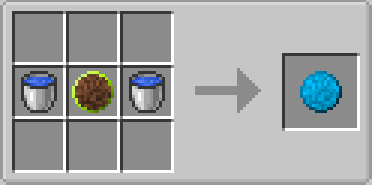
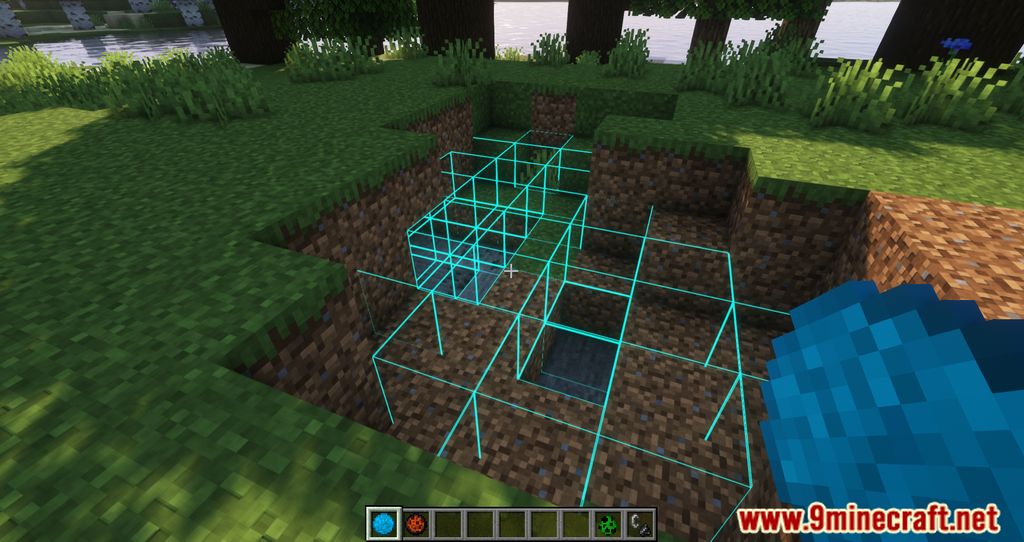
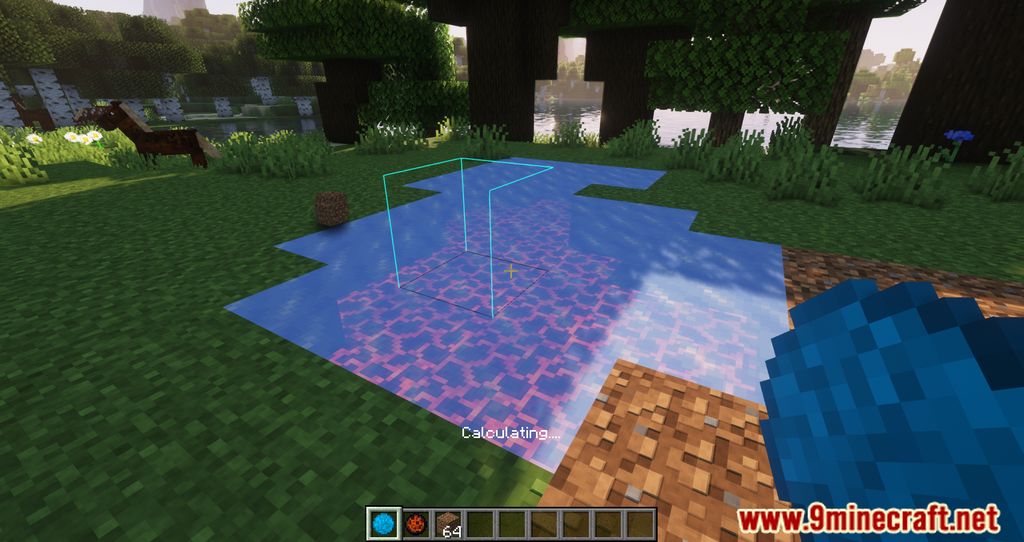
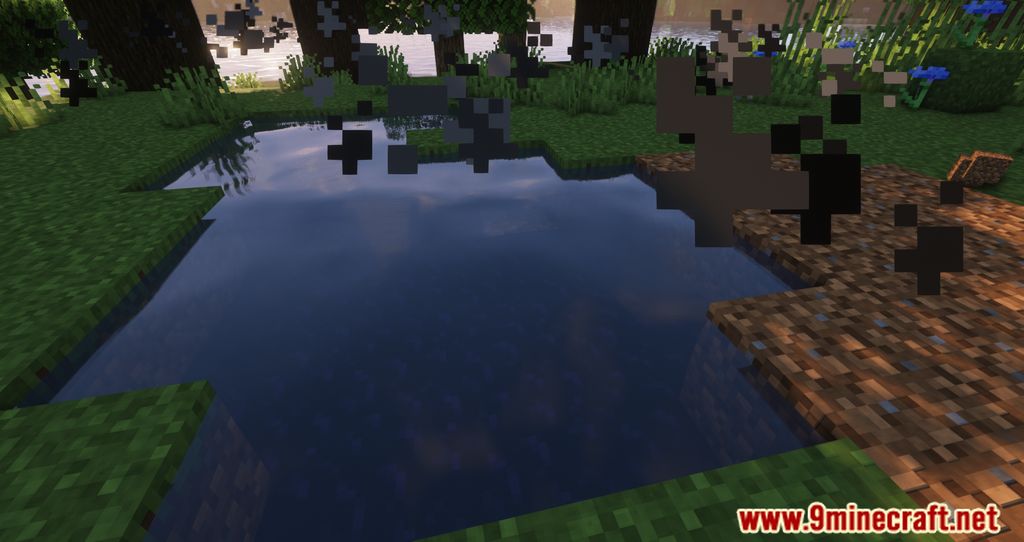
- Water places ice blocks that turn into water blocks after curing, up to 500 blocks.
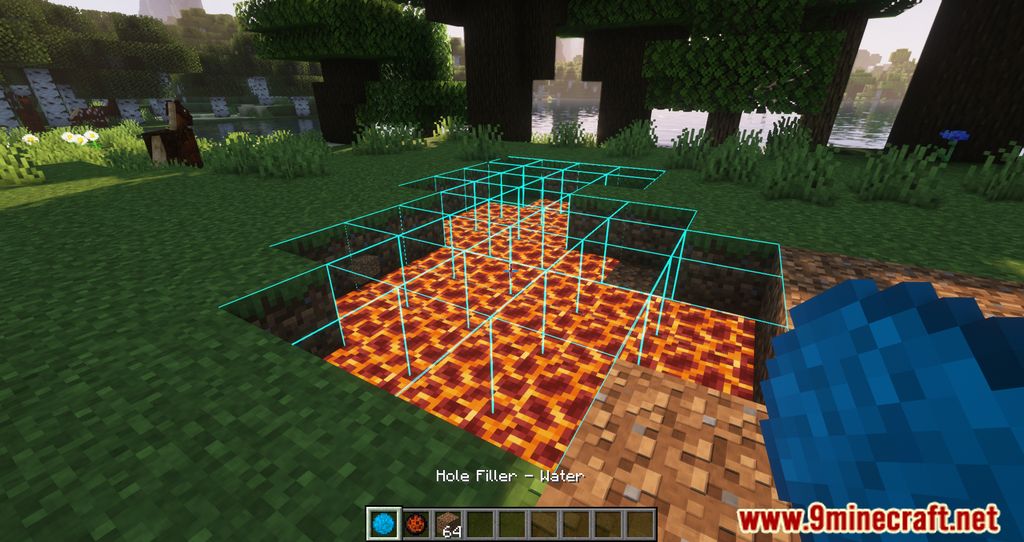
- Lava places magma blocks that turn into lava blocks after curing, up to 500 blocks.
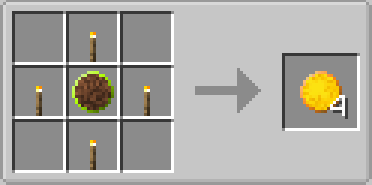
- Light places invisible light sources, and pressing Shift + Right-Click changes their light level.
- Darkening removes invisible light sources from the area.
Smart Filler Options:
- Preserve Mode keeps better blocks for visible surfaces and places a cheaper block underneath.
- Similar Blocks swaps in close backup blocks when the exact matching block is missing.
- One-Way Blocks uses set backup chains so block swaps stay predictable.
How to Use:
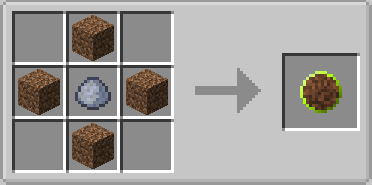
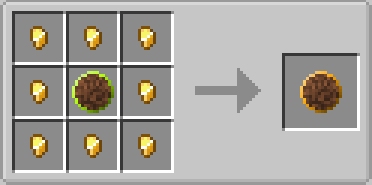
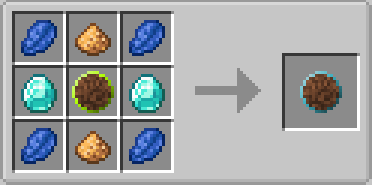
- Craft a Hole Filler orb, or craft a Hole Filler Pack to hold all your fillers in one place and switch between them quickly.
- If you play in Survival mode, keep building blocks in your inventory or link a storage container with Inventory Sync so throws pull resources from storage.
- When using a Selectable filler, press Shift + Right-Click on a block to pick the block type to place; when using a Light filler, press Shift + Right-Click to change the light level.
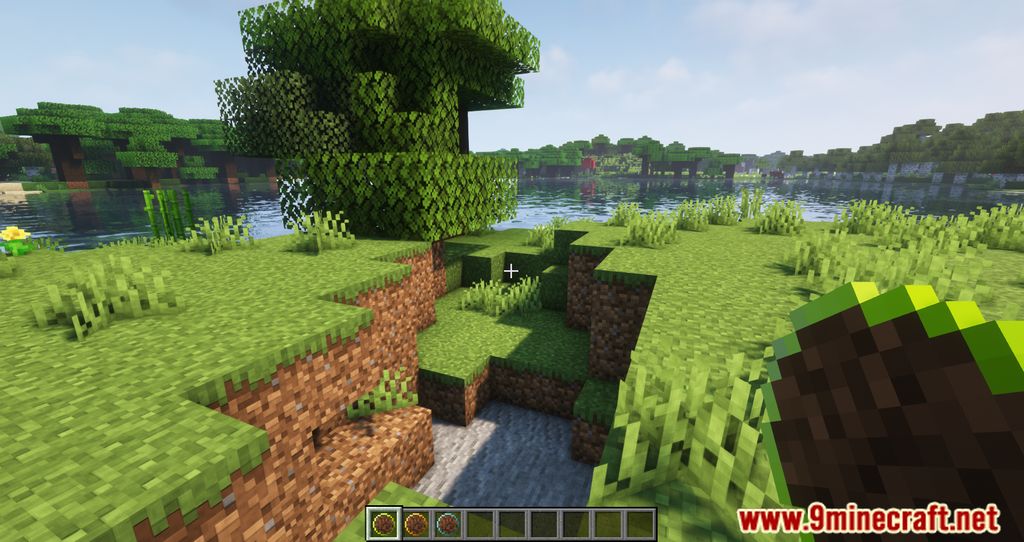
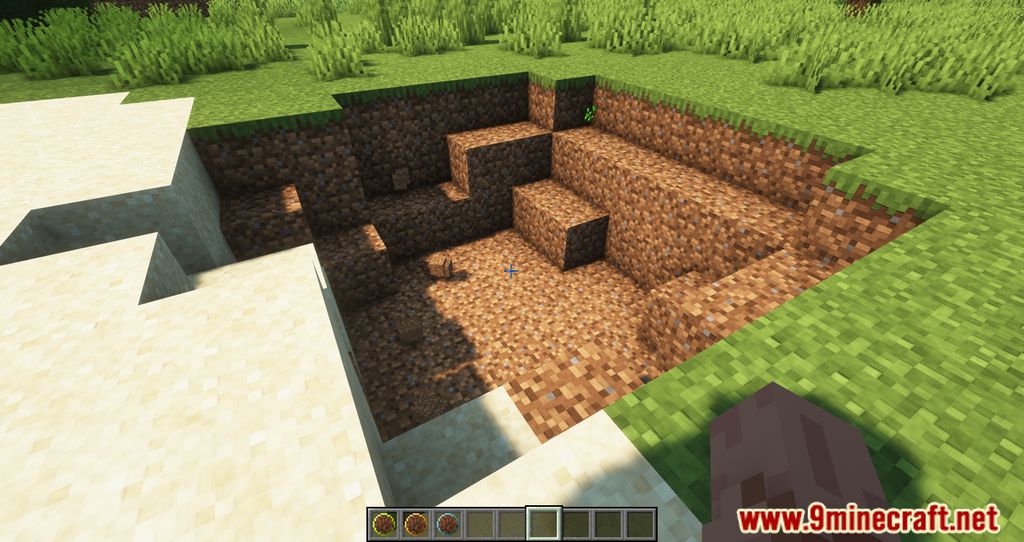
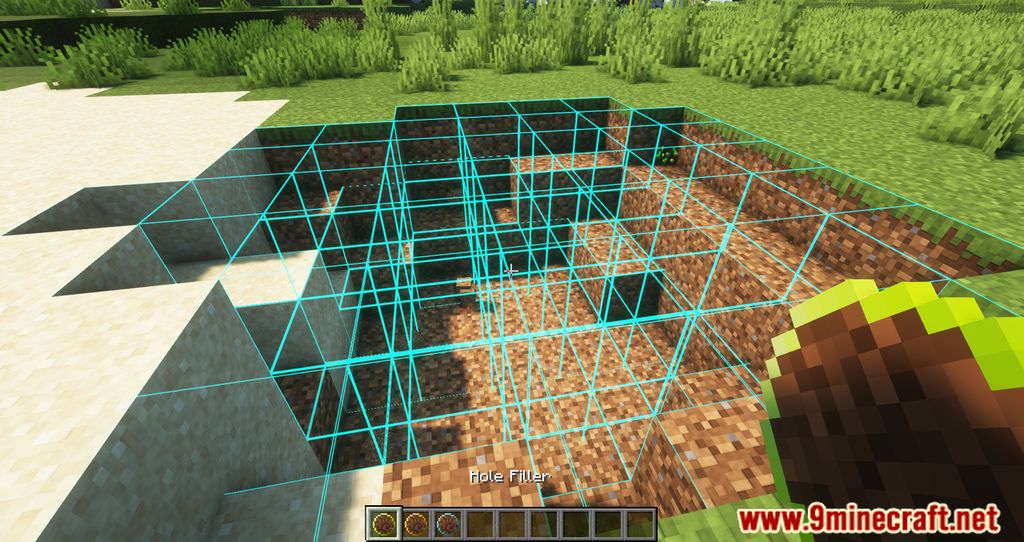
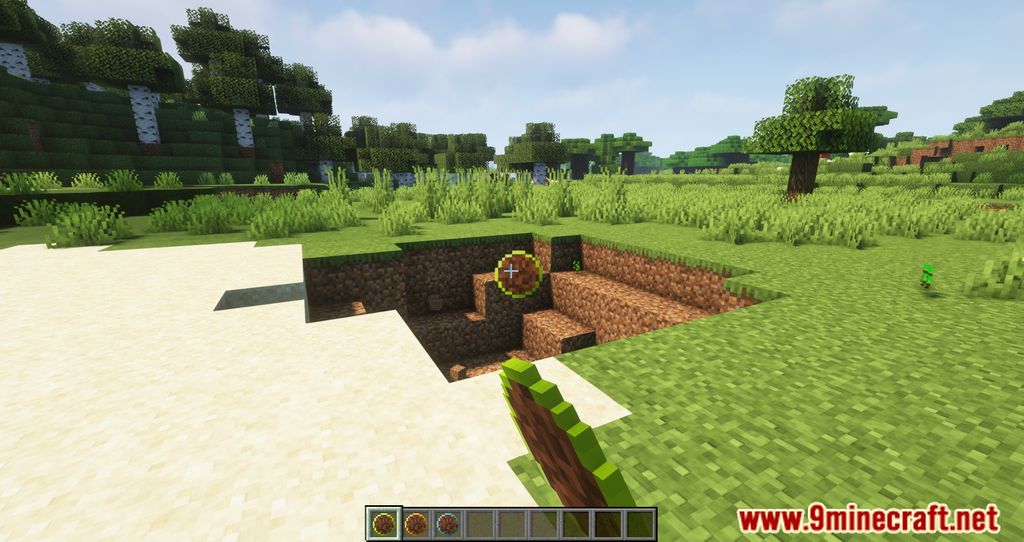
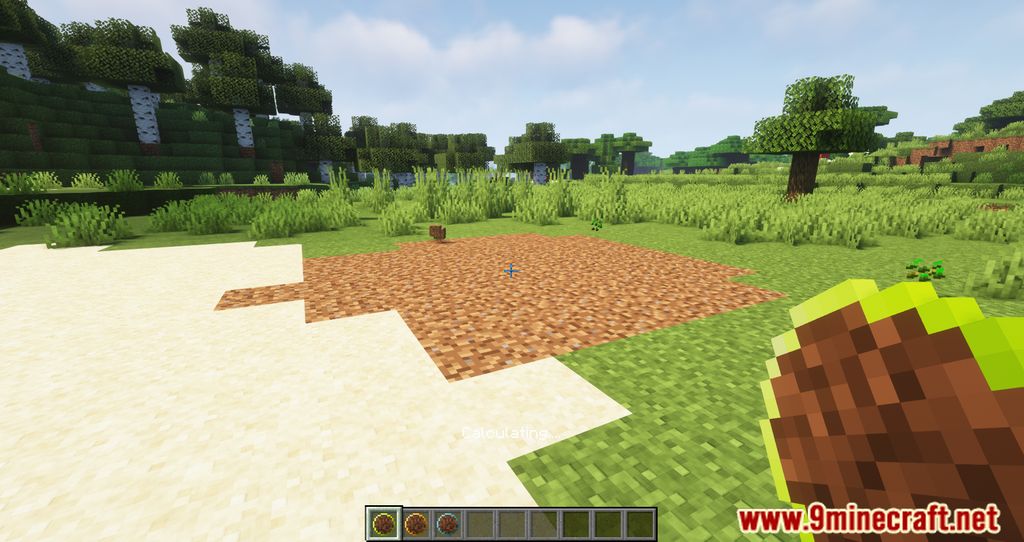
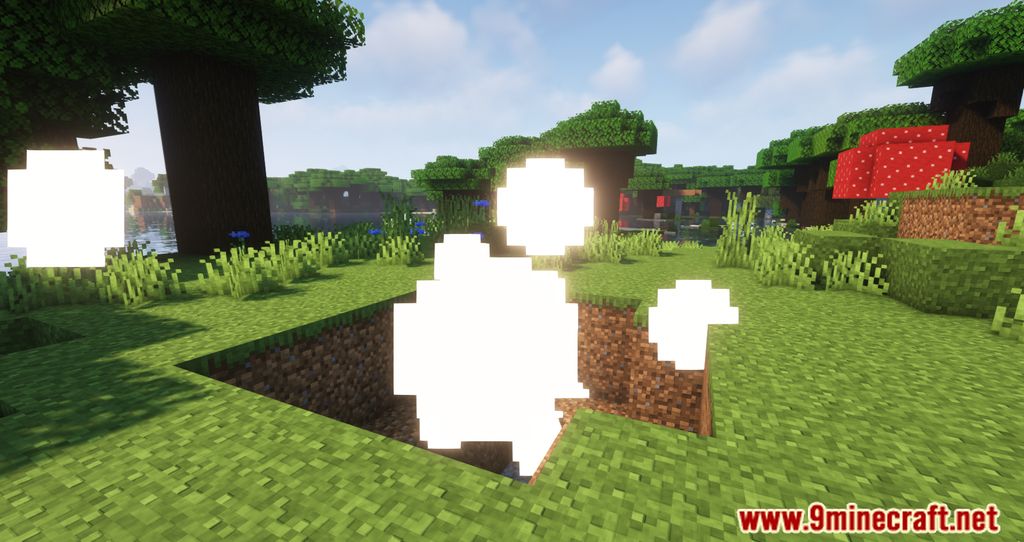
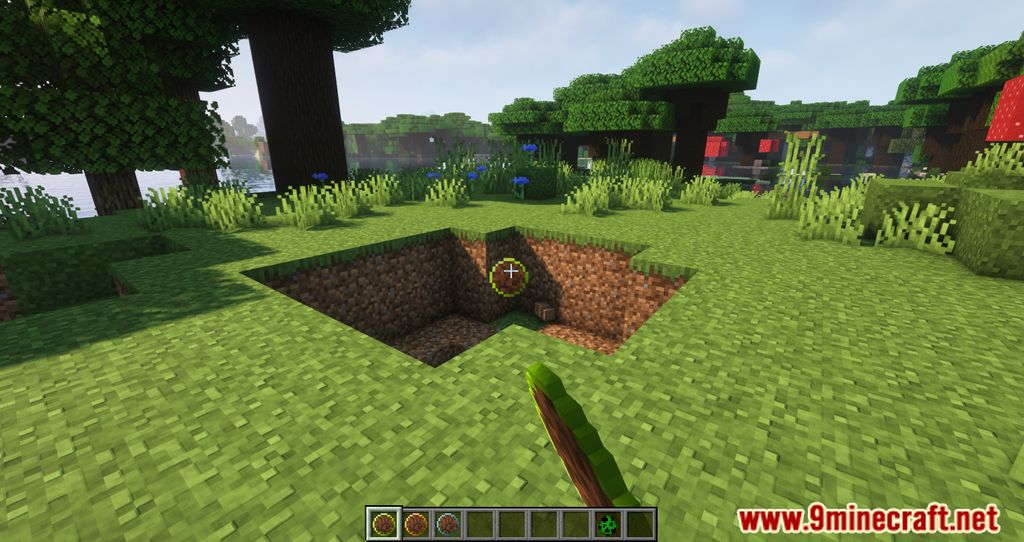
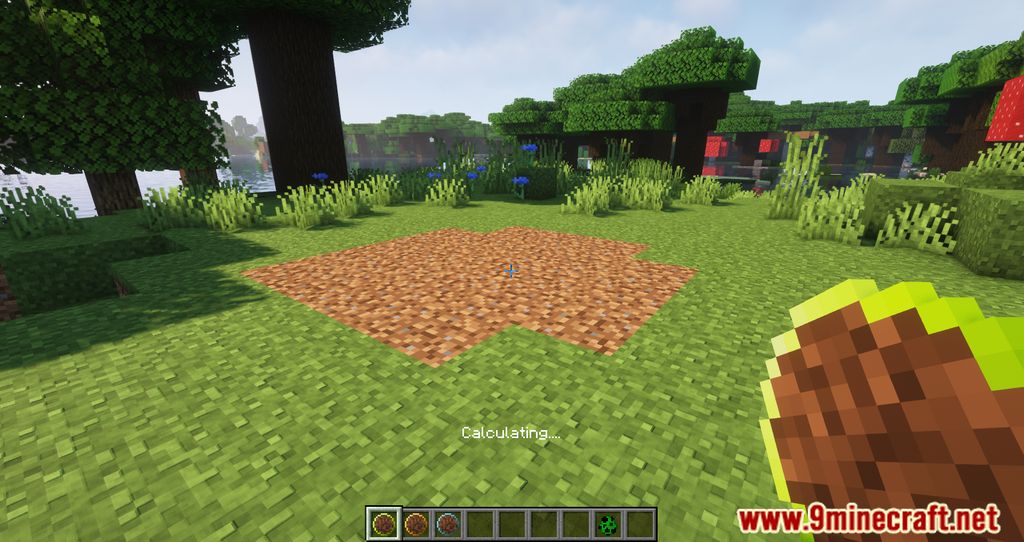
- Throw the filler into a hole, crater, or trench; if it detects a valid hole within the safety limits, Curing Blocks begin filling the space.
- Wait 15 seconds for the Curing Blocks to convert into the final blocks.
- To finish right away, hold nothing in your hand and Right-Click any Curing Block 3 times for an Instant Cure.
- If you change your mind, break any Curing Block within 15 seconds to undo the fill, empty the hole, and get your blocks back.
- To carve a new hole instead, throw a Hole Maker at the ground and scale its power with Catalyst to control how much terrain gets removed.
Crafting Recipes:
Screenshots:
How to Install:
New to Minecraft? Follow our step-by-step guide to install Mods on your PC.View Guide



Hole Filler Mod Download Links
For Minecraft 26.3
For Minecraft 26.2
For Minecraft 26.1.2, 26.1.1, 26.1
For Minecraft 1.21.11
For Minecraft 1.21.10, 1.21.9
For Minecraft 1.21.5
For Minecraft 1.21.4
For Minecraft 1.21.1, 1.21
For Minecraft 1.20.1, 1.20
For Minecraft 1.19.4
For Minecraft 1.19.3
For Minecraft 1.19.2
For Minecraft 1.19.1
For Minecraft 1.19
For Minecraft 1.18.1
For Minecraft 1.17.1
For Minecraft
1.16.5,
1.16.4,
1.16.3
All Versions Covered
1.16.5
1.16.4
1.16.3
1.16.2
1.16.1
1.16
For Minecraft 1.12.2
Do you add mods when playing on Bedrock Edition (Add-Ons, behavior packs, or Marketplace content)?
0 responses · See the full results →

1 Comment
What do you think?
Your opinion means a lot - we'd love to hear from you.
You May Also Like
Picked for this page
 Advanced XRay Mod (26.3, 1.20.1) – Excellent X-Ray Mod
 Just Enough Items Mod (26.3, 1.20.1) – JEI, Crafting Recipes Viewing
 Essentials Mod (1.21.11, 1.20.1) – Automate Various Areas of The Game
 Grind Enchantments Mod (26.3, 1.20.1) – Disenchant & Transfer Enchantments
 Ksyxis Mod (26.3, 1.20.1) – Completely Removes Spawn Chunks
 Overpowered Mending Mod (26.3, 1.20.1) – Improving The Mending Enchantment
 Golden Age Combat Mod (26.3, 1.20.1) – Restored Blocking Mechanic
 XP Tome Mod (26.3, 1.20.1) – Store and Withdraw XP Easily
 Craftify Mod (1.21.11, 1.20.1) – Control Your Music In Minecraft
 Untranslated Items Mod (26.2, 1.20.1) – Display Item Names in English
 Super Simple Voice Radio Mod (1.21.11, 1.20.1) – Simple Handheld Radio
 The Open Sauce Toast Killer Mod (26.2, 1.18.2) – Removes All Toasts
Most viewed in Mods over the last 7 days
 Ala Industrial Mod (26.3) – Run Electric Power Grids and Automated Factories
 PleasureCraft Mod (26.3, 1.21.1) – Jenny Mod Remake for Fabric
 Jennycraft Mod (26.3, 1.20.1) – Virtual Girlfriend in Minecraft
 Fapcraft Mod (26.3, 1.12.2) – Comprehensive and Detailed Content
 Jenny Mod (Fapcraft) Official Complete Guide – How to use, Tutorial
 BangCraft Mod (1.20.1) – Jenny, Ellie and Elliot
 Fabric Loader (26.3, 1.20.1) – Fabric Installer for All Minecraft Versions
 The Shooting Star Demo Mod (26.3, 1.20.1) – Vaporize Terrain From Orbit
 Meteor Client Mod (26.3, 1.20.1) – Xray, HUD, Fly
 OptiFine HD (26.3, 1.20.1) – Run Faster, FPS Boost, Shaders Support
 Aristois Client Mod (1.21.4, 1.20.1) – World Class Minecraft Utility
 Prestige Client Mod (1.21.11, 1.21.4) – Powerful Ghost Features for Crystal & Sword PvP
More from Mods
 Block Front Survival Patch Mod (1.21.1) – Wage Tactical Warfare in Survival
 Better Enchantment Bookshelf Placement Mod (26.2, 1.20.1)
 SimpleRPGCore Mod (1.21.4, 1.21.1) – Fight with Classic RPG Stats
 Bard RPG Series Plus by Fichte Mod (1.21.1, 1.20.1) – Buff Allies in Combat
 Fabric Gui ImGui Mod (26.3, 1.21.11) – Clean Custom Menus and In-Game Control
 Multi Item Lib Mod (1.20.1) – Wield Custom Gear with Flawless Hand Animations
 Universe3090 Mod (1.20.1) – Survive Corrupted Dimensions Filled
 Wireless Automate Mod (1.21.1) – Automate Base Logistics Without Messy Pipes
 Vaskars Opus Faction War Quests & Bosses Mod (1.21.11, 1.20.1)
 Multitools and More Mod (26.3, 1.20.1) – Clear Your Hotbar and Travel
 Luxium Let There Be Light Mod (1.20.1) – Stunning Lighting on Low-End Computers
 Soulscraft Tarnished Legacy Mod (1.21.1) – Hunt Relics to Forge Dark Fantasy

Si sirve