
Stack Refill Mod (26.3, 1.20.1) – Keep Building Without Opening Inventory

 0


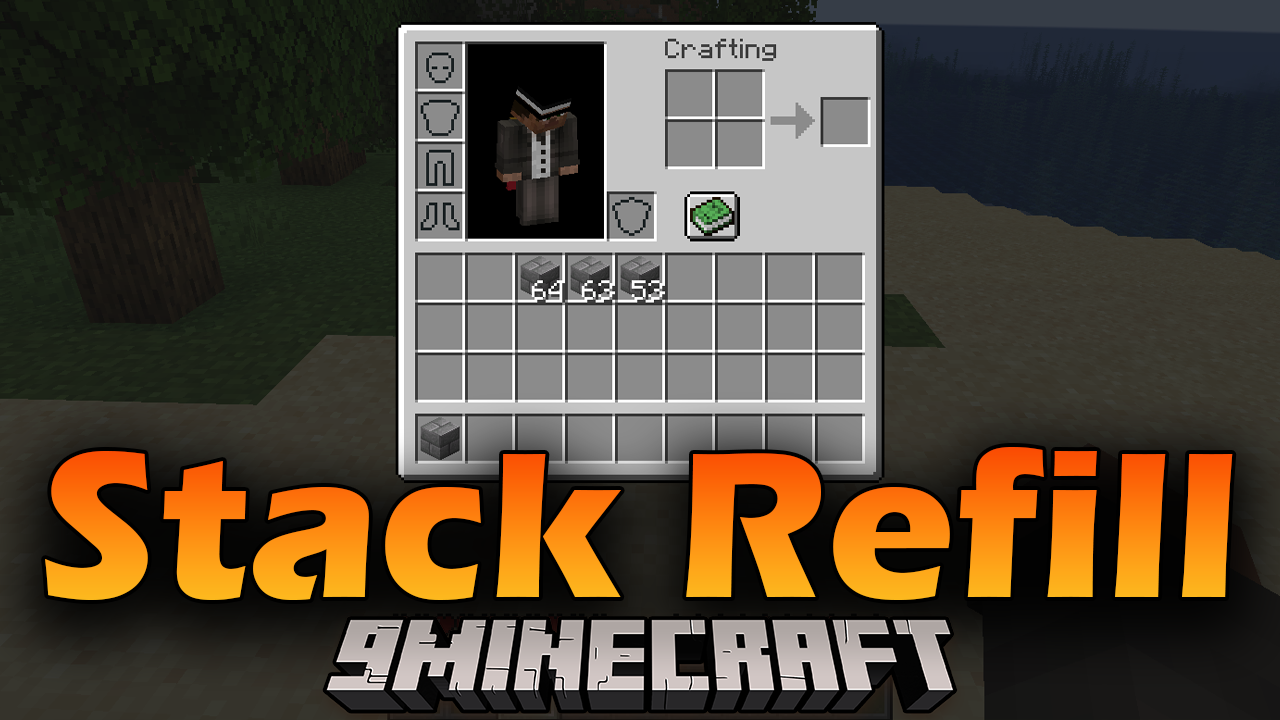
Stack Refill Mod refills empty item stacks in your hand with matching items from your inventory. It works when you place blocks, eat food, drink potions or milk buckets, throw items like tridents and splash potions, drop your last item, or break tools, weapons, and fishing rods. This mod also works with modded blocks, so you can keep building, digging, or fighting without stopping to grab fresh stacks. Config settings let you control what gets refilled, and each player can switch the feature on or off with a simple chat command. It requires Collective and runs on the server side, so players do not need to install anything on their client.
Features:
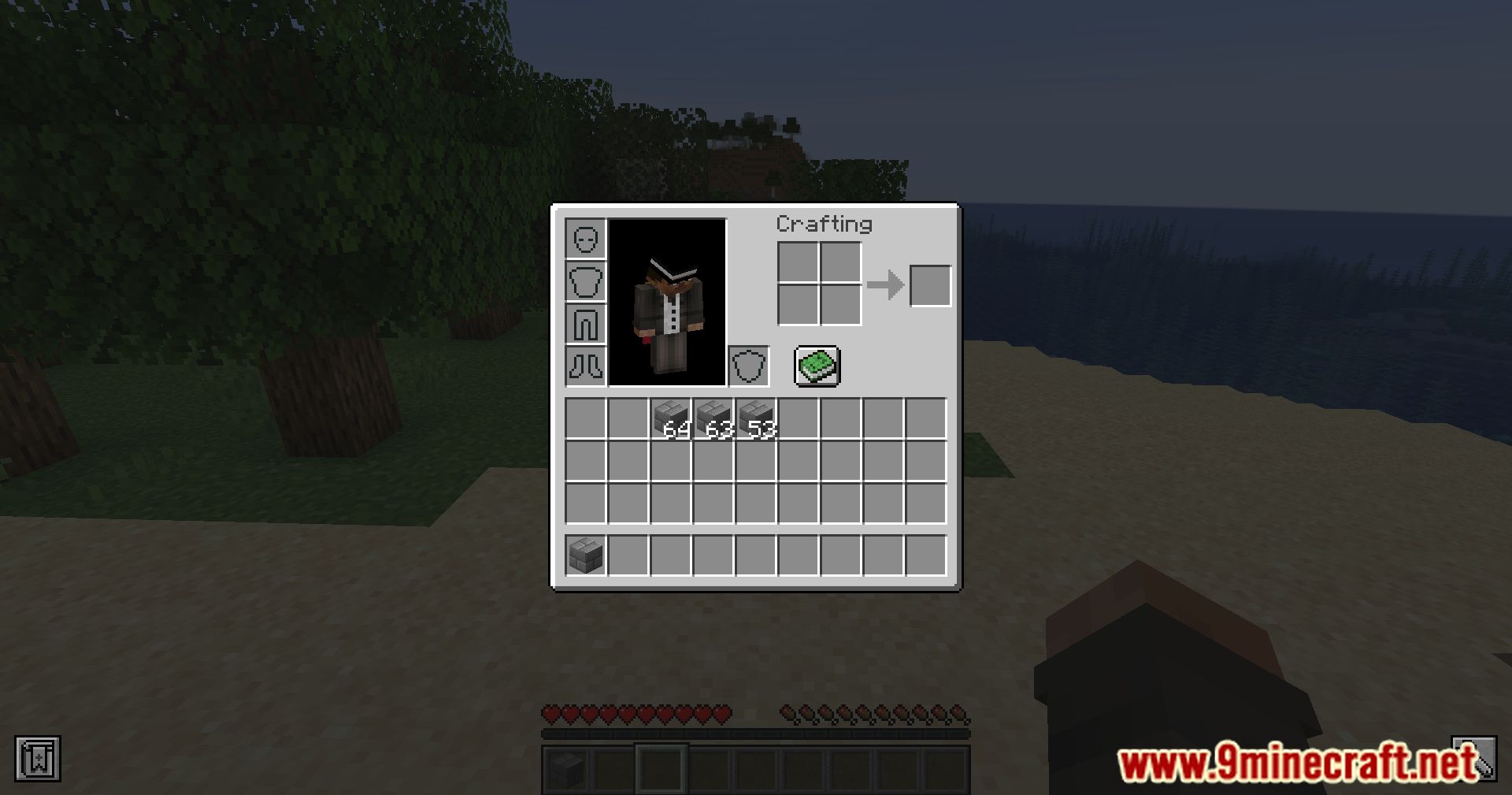
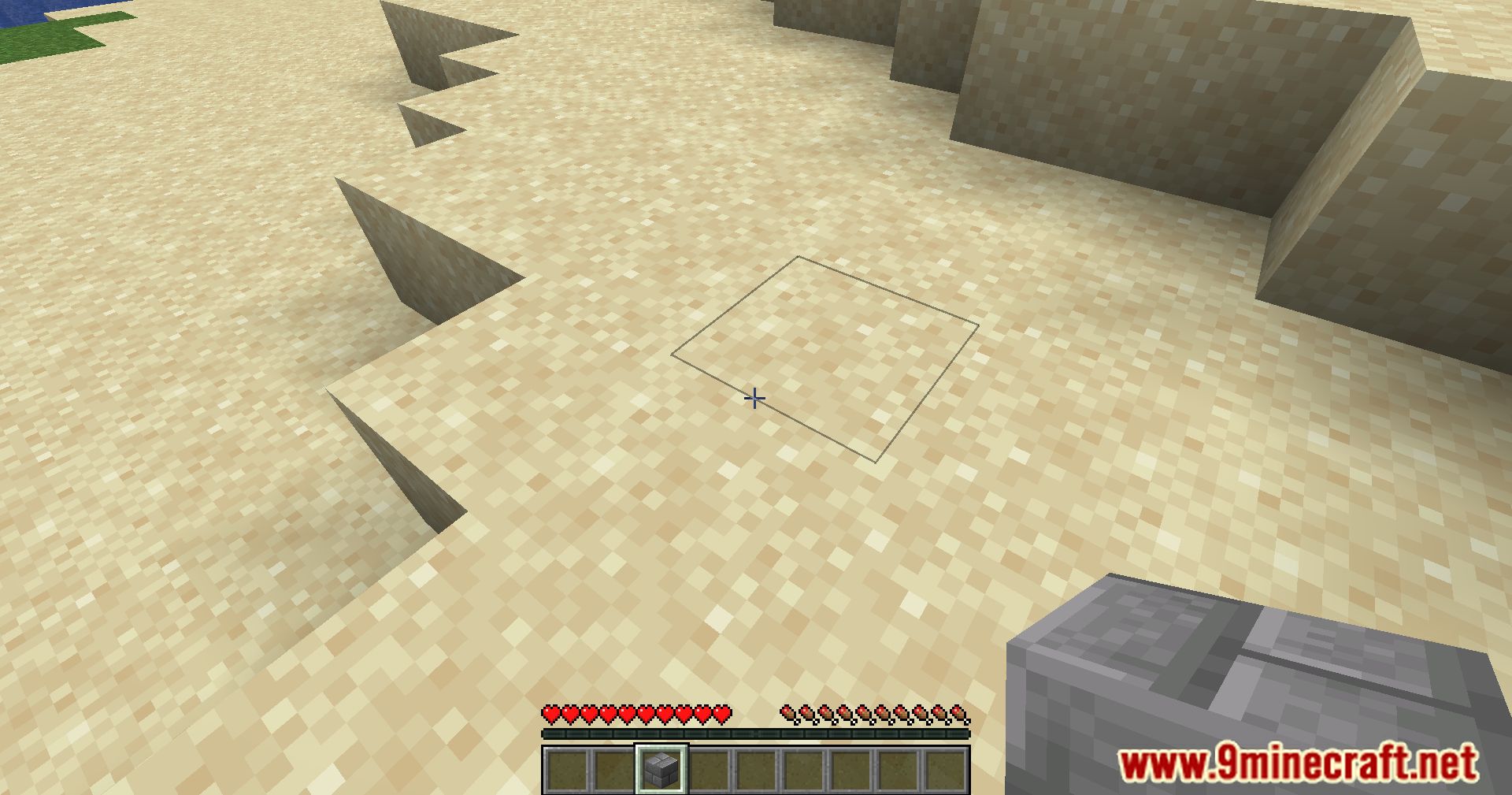
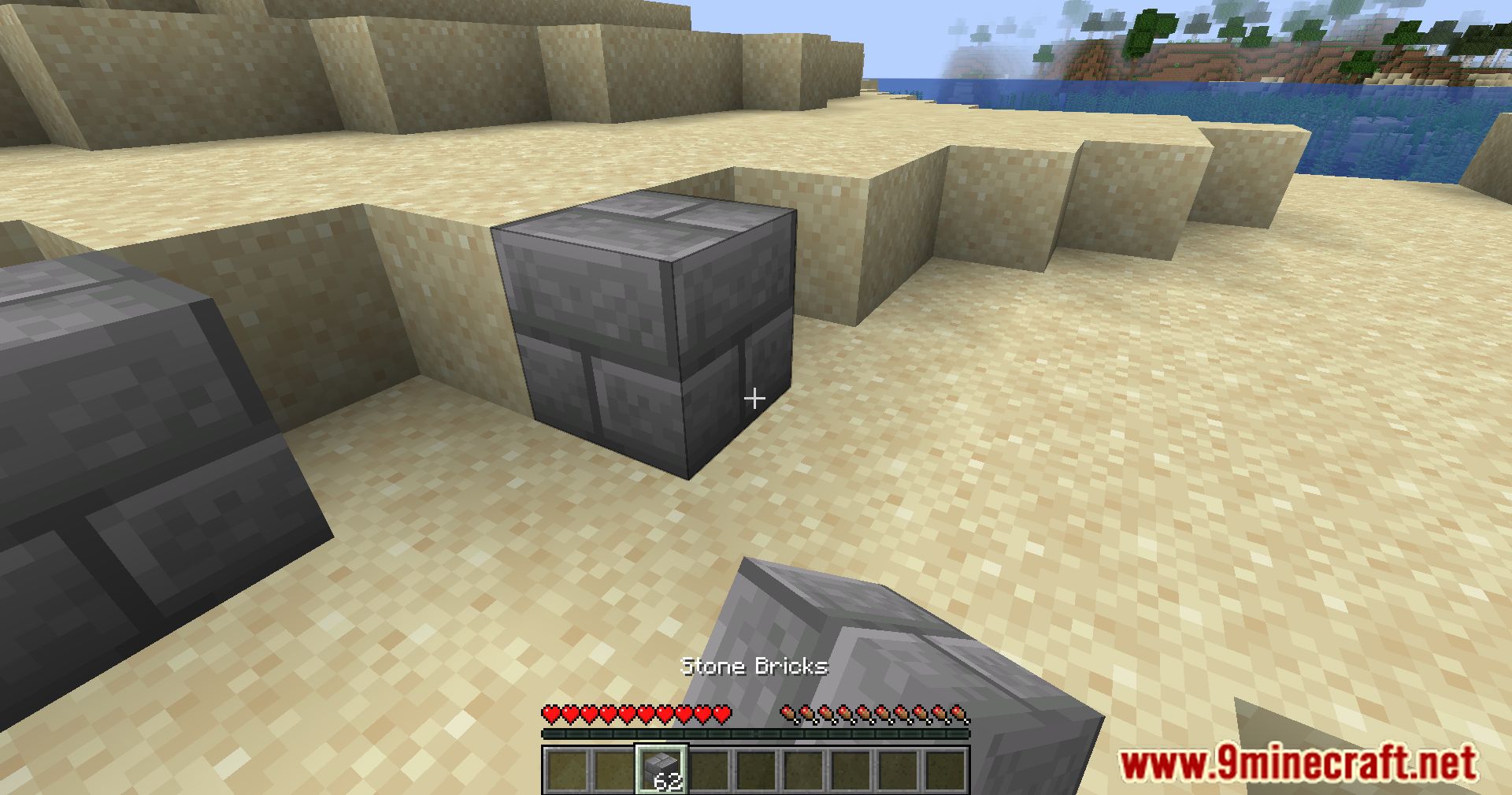
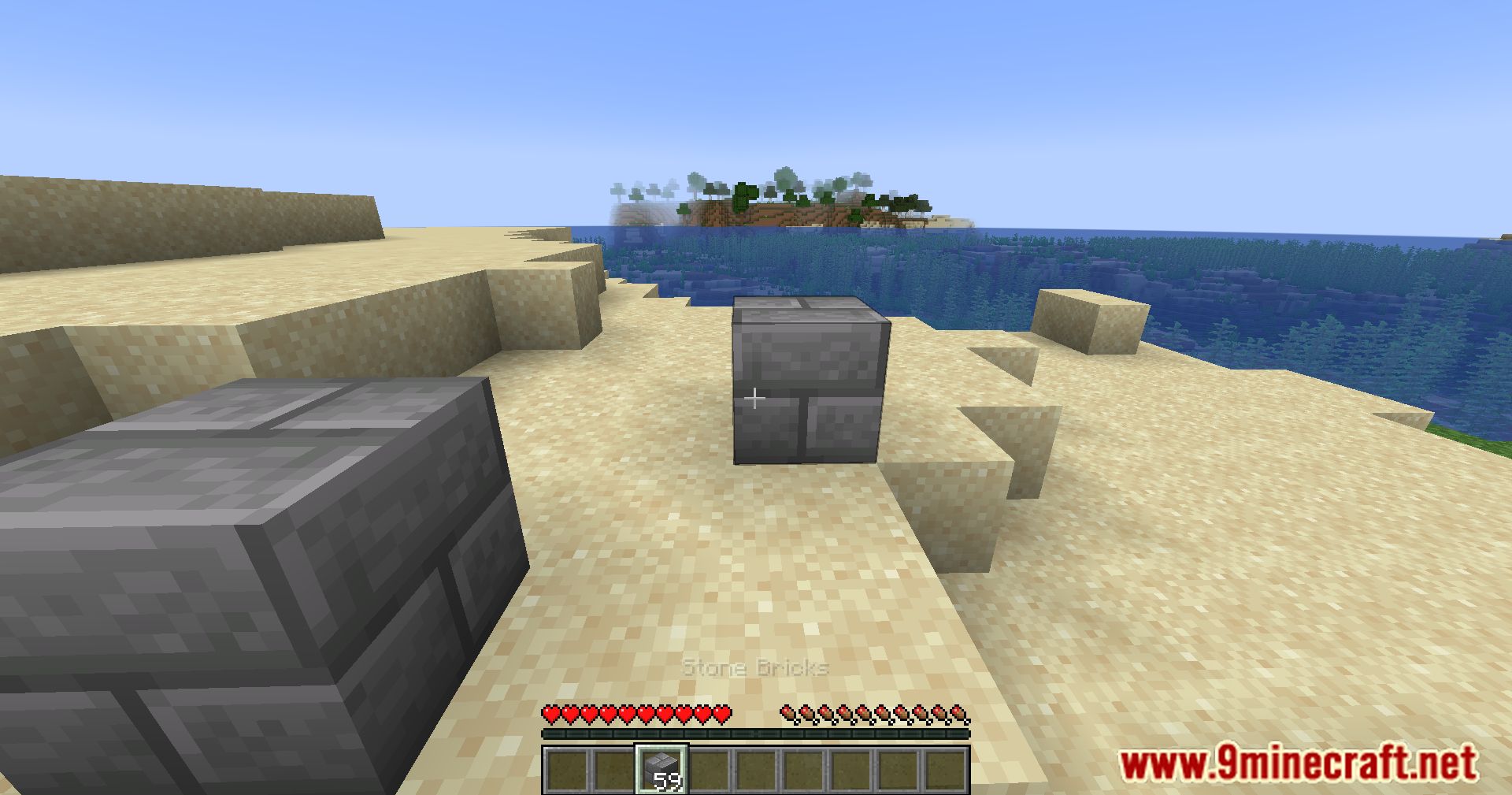
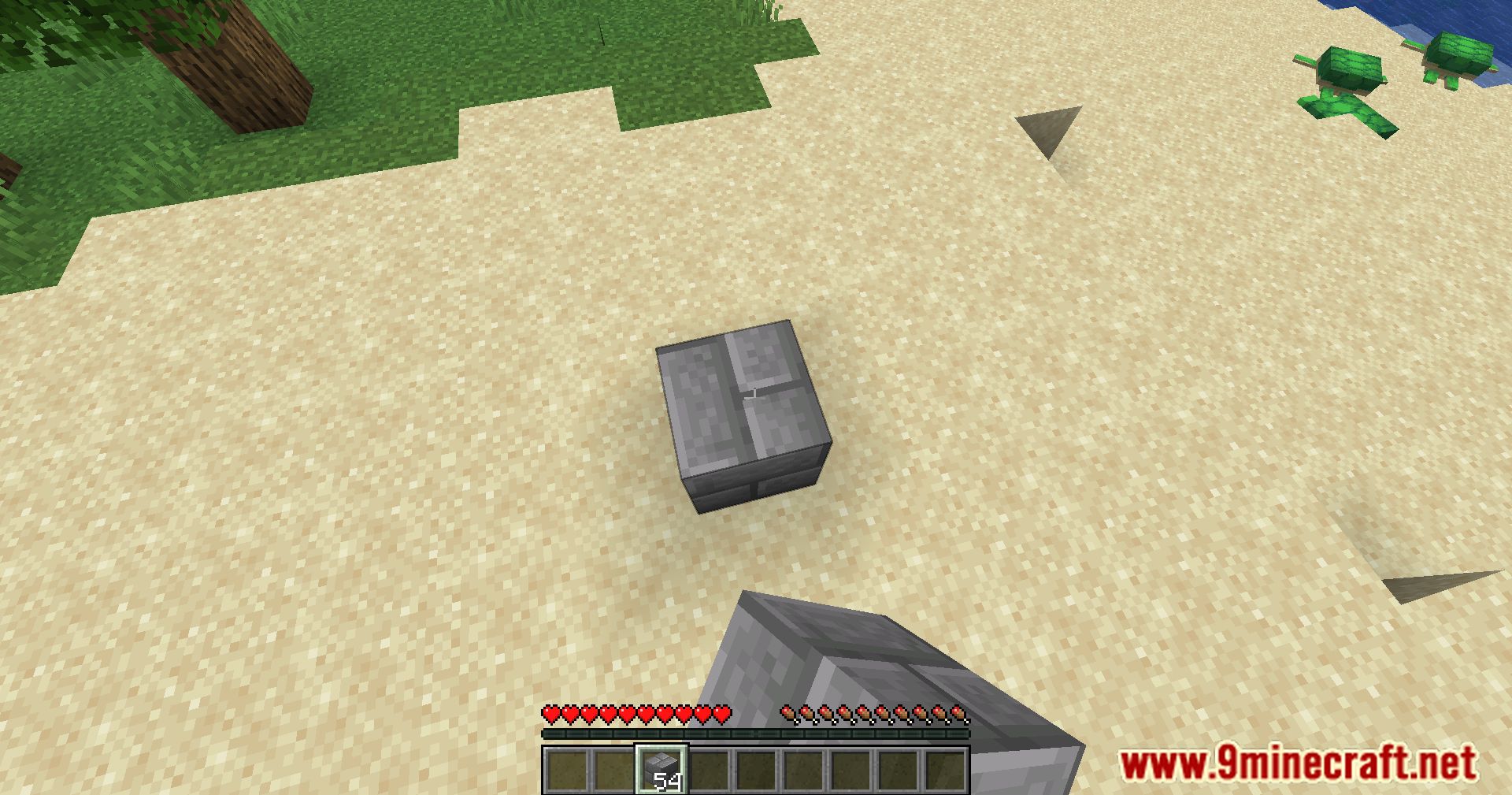
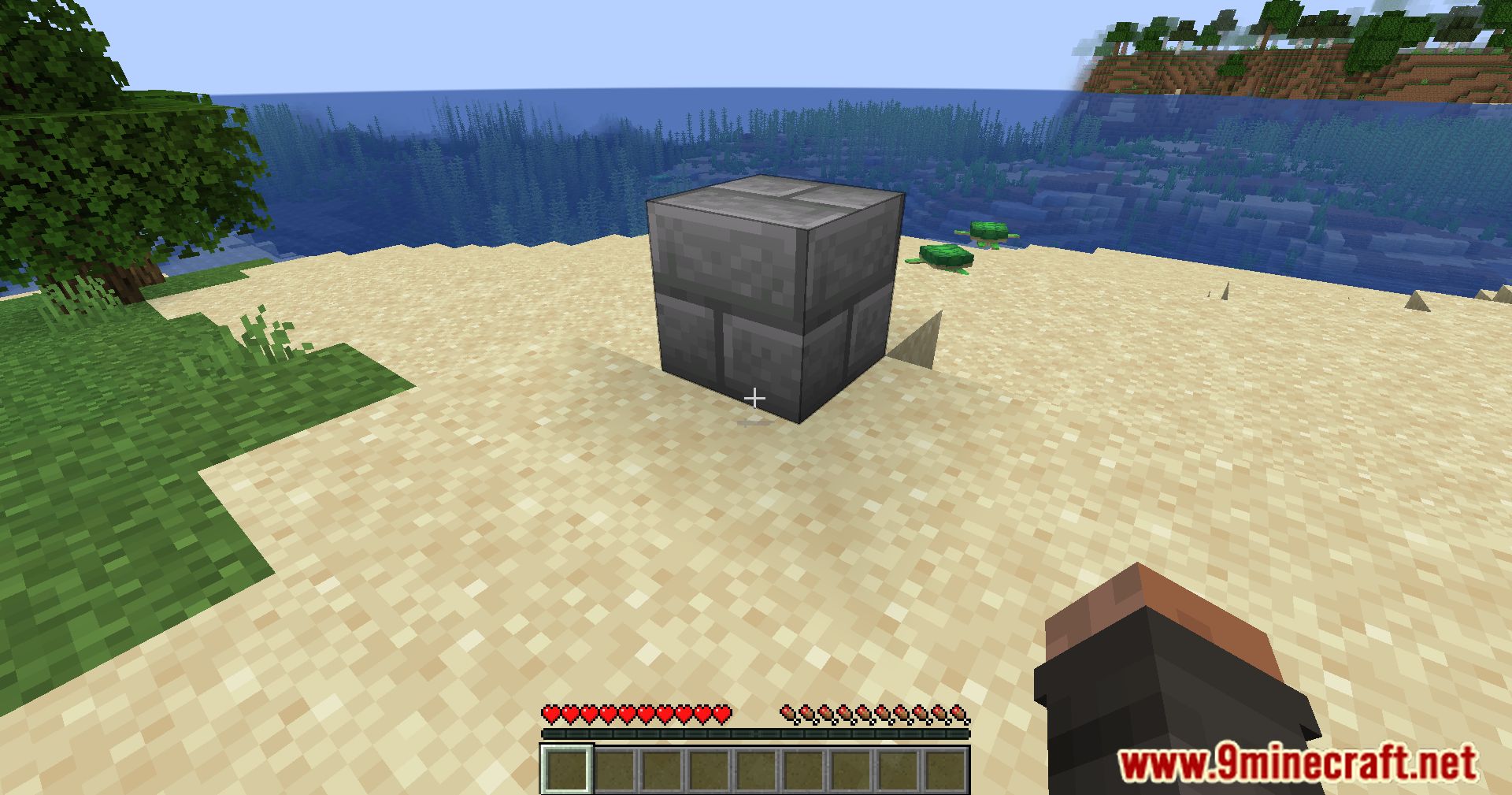
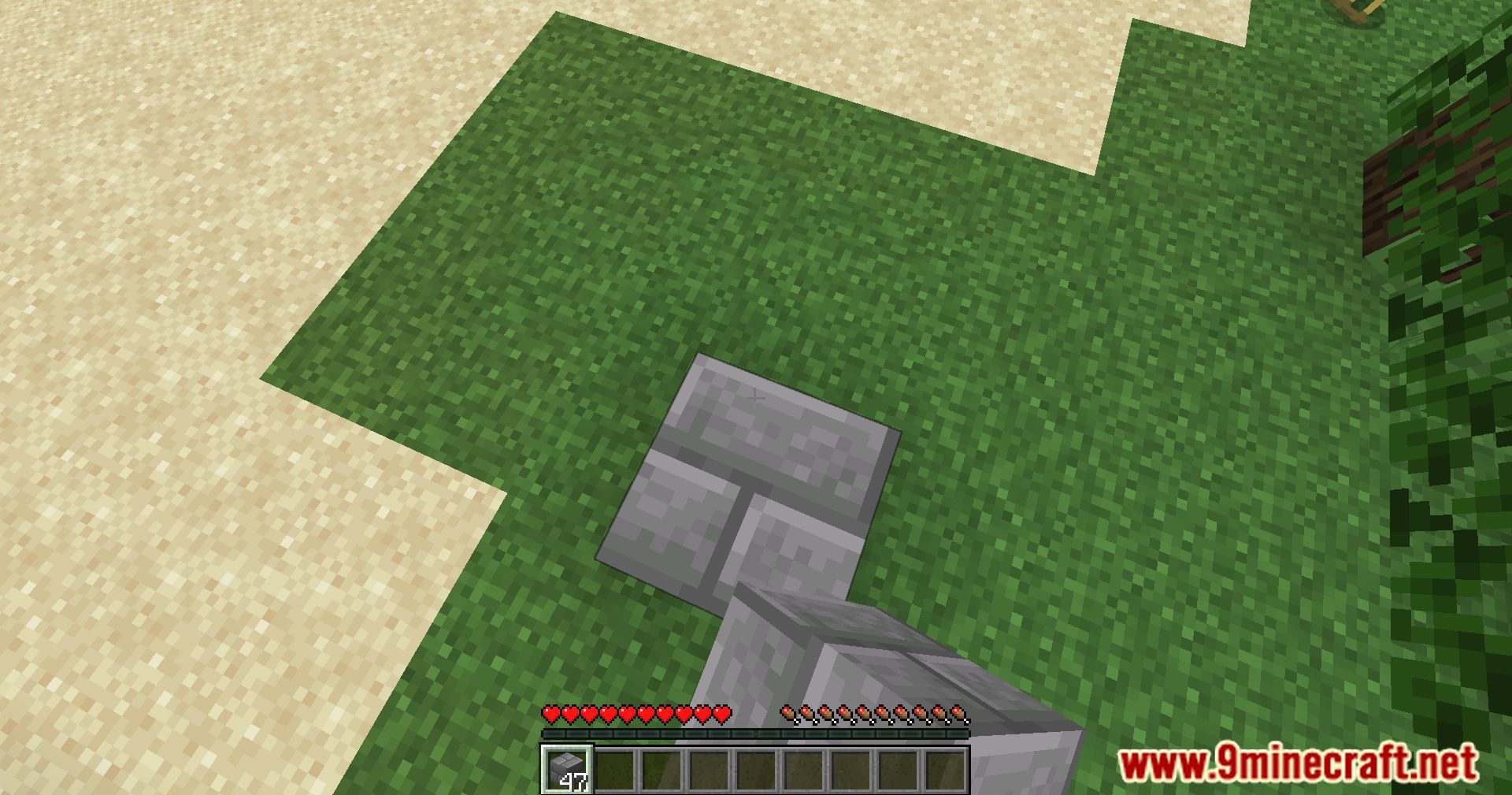
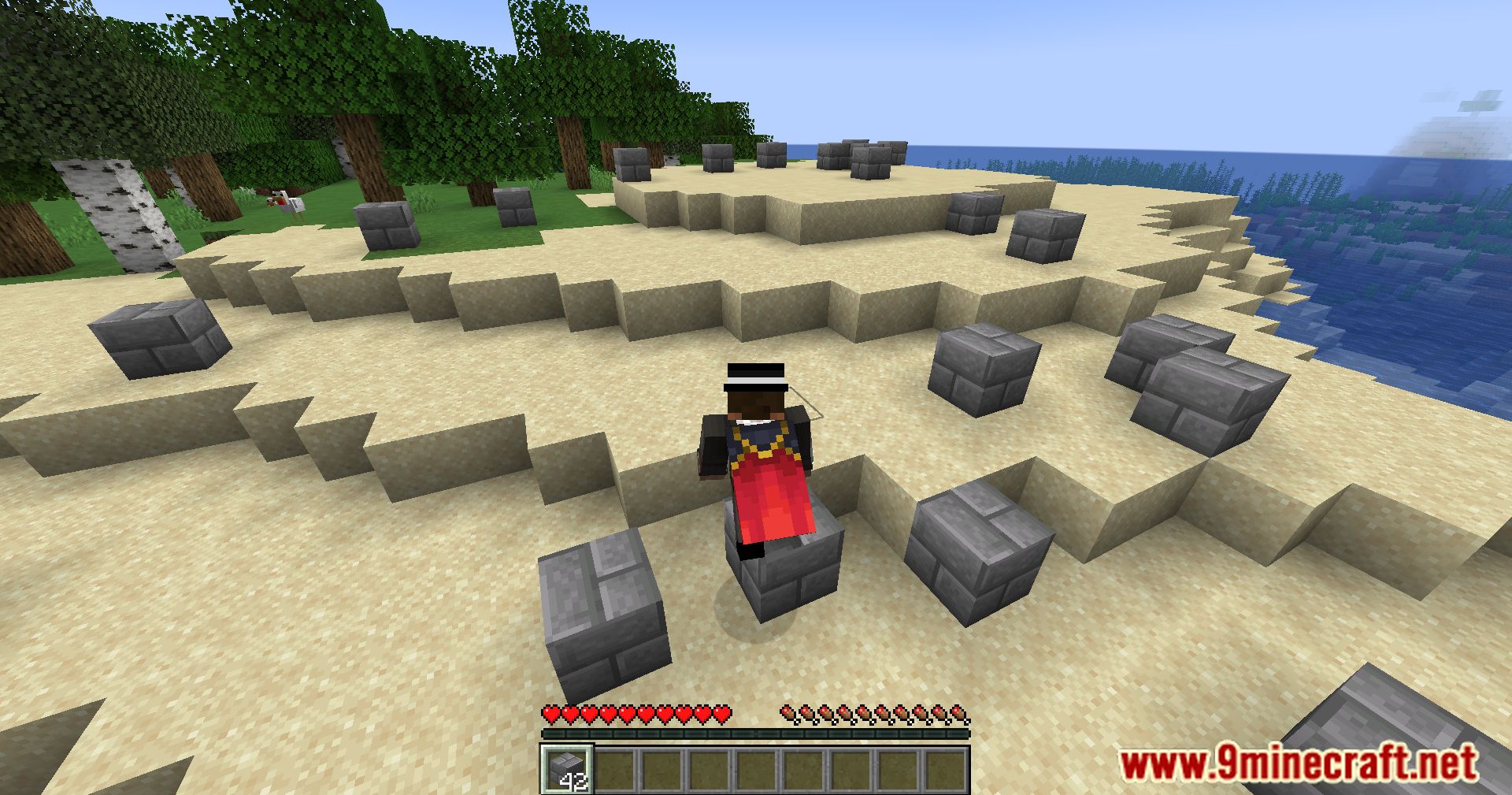
- Refills your hand when you place the last block in a stack, so you can keep building without opening your inventory.
- Replaces broken tools, weapons, and fishing rods with matching items from your inventory during digging, combat, or fishing.
- Restocks food like bread, potions, bone meal, eggs, and other usable items right after you finish the last one.
- Supplies a replacement when you throw items such as tridents and splash potions.
- Swaps milk buckets after you drink them and replaces other buckets when they are filled or emptied.
- Fills your main hand again when you toss the last item on the ground with your drop key.
- Supports modded blocks and items, including using items on modded blocks like a sieve from Ex Nihilo.
- Runs on the server side alongside Collective, so players do not need to install this mod on their clients.
- Lets you customize refill rules in the config, including searching other hotbar slots and setting a custom item blacklist or whitelist.
- Allows each player to turn auto-refill on or off for themselves at any time with a chat command.
Commands:
/stackrefill toggle: Turns auto-refill on or off for yourself./stackrefill enable: Turns auto-refill on for yourself./stackrefill disable: Turns auto-refill off for yourself./stackrefill help: Shows how to use the commands.
Configuration:
refillBlocksAndItems(default:true): Refills your hand when the last item of a stack is placed, used, eaten, or thrown, such as blocks, food, bone meal, eggs, and potions.refillToolsAndWeapons(default:true): Replaces items with durability like tools, swords, fishing rods, and tridents with a matching item from your inventory when they break or are thrown.refillAfterDroppingLastItem(default:true): Refills your main hand when its last item is dropped with the drop key.refillBuckets(default:true): Swaps buckets with another bucket from your inventory when emptied or filled. When set tofalse, the bucket stays in your hand instead.refillFromOtherHotbarSlots(default:false): Searches other hotbar slots for replacements too. When set tofalse, only the main inventory is searched.itemBlacklist(default:""): A comma-separated list of item IDs that never refill. Uses*as a wildcard, and an ID without a namespace matches items from every mod (for example,minecraft:totem_of_undying,*shulker_box).itemWhitelist(default:""): When not empty, only items in this comma-separated list refill. Uses the same format asitemBlacklist(for example,minecraft:*_planks,cobblestone).
How to Use:
- Make sure Stack Refill Mod and Collective are installed on your server; players do not need to install anything on their clients.
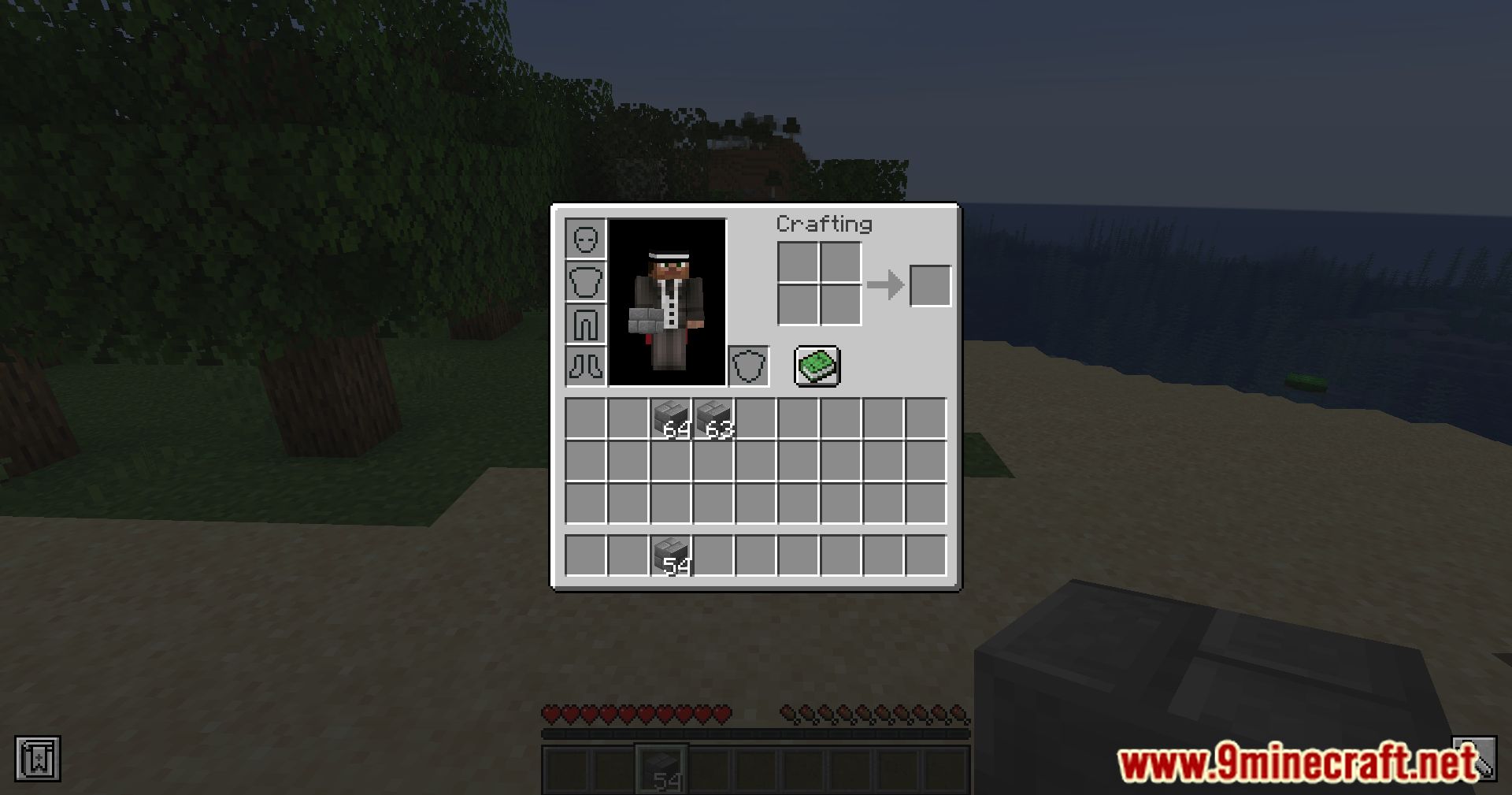
- Keep backup stacks of matching blocks, food, potions, buckets, tools, or weapons inside your main inventory.
- Place blocks, eat food, drink potions or milk buckets, throw items, or use tools and weapons as usual; when your stack runs out or an item breaks, a matching item moves into your hand right away.
- Open the config file if you want to change what refills, set
refillFromOtherHotbarSlotstotrueto pull items from other hotbar slots, or add item IDs toitemBlacklistoritemWhitelist. - Type
/stackrefill disableor/stackrefill togglein chat to pause refills for yourself, and type/stackrefill enableto turn it back on. - Type
/stackrefill helpin chat whenever you want to see the command list in-game.
Screenshots:
How to Install:
New to Minecraft? Follow our step-by-step guide to install Mods on your PC.View Guide
Requirements:





Stack Refill Mod Download Links
Other Version:
Show More
For Minecraft 26.3
For Minecraft 26.2
For Minecraft 26.1.2, 26.1.1, 26.1
For Minecraft
1.21.11,
1.21.10,
1.21.9
All Versions Covered
1.21.11
1.21.10
1.21.9
1.21.8
1.21.7
1.21.6
1.21.5
1.21.4
1.21.1
1.21
For Minecraft 1.21.10, 1.21.9
For Minecraft 1.21.8, 1.21.7, 1.21.6
For Minecraft 1.21.5
For Minecraft 1.21.4
For Minecraft 1.21.3, 1.21.2
For Minecraft 1.21.1, 1.21
For Minecraft 1.20.6
For Minecraft 1.20.5
For Minecraft 1.20.4
For Minecraft 1.20.2
For Minecraft 1.20.1, 1.20
For Minecraft 1.19.4
For Minecraft 1.19.3
For Minecraft 1.19.2
For Minecraft 1.19.1
For Minecraft 1.19
For Minecraft 1.18.2
For Minecraft 1.18.1
For Minecraft 1.17.1
For Minecraft 1.16.5
For Minecraft 1.12.2
Do you include client-side quality-of-life mods (like inventory tweaks or mini-maps) when playing on public servers?
12 responses · See the full results →
You May Also Like
Picked for this page
 Grind Enchantments Mod (26.3, 1.20.1) – Disenchant & Transfer Enchantments
 Catalogue Mod (26.2, 1.20.1) – Modern and Intuitive UI
 Overpowered Mending Mod (26.3, 1.20.1) – Improving The Mending Enchantment
 Ctrl Q Mod (26.1, 1.20.1) – Take Control Of Your Inventory
 XP Tome Mod (26.3, 1.20.1) – Store and Withdraw XP Easily
 Better Compatibility Checker Mod (26.3, 1.20.1) – Version Matching
 Vault Patcher Mod (26.2, 1.20.1) – Coverts Hard Coded Strings Into Localization Strings
 Craftify Mod (1.21.11, 1.20.1) – Control Your Music In Minecraft
 Untranslated Items Mod (26.2, 1.20.1) – Display Item Names in English
 Bat Membrane Mod (26.3, 1.20.1) – No More Phantom Dependency For Membranes
 SpongeSucc Mod (26.3, 1.20.1) – Lava Absorbing Sponges
 Set Time Doesn’t Reset Day Count Mod (1.21.11, 1.20.1)
Most viewed in Mods over the last 7 days
 Ala Industrial Mod (26.3) – Run Electric Power Grids and Automated Factories
 PleasureCraft Mod (26.3, 1.21.1) – Jenny Mod Remake for Fabric
 Jennycraft Mod (26.3, 1.20.1) – Virtual Girlfriend in Minecraft
 Fapcraft Mod (26.3, 1.12.2) – Comprehensive and Detailed Content
 Jenny Mod (Fapcraft) Official Complete Guide – How to use, Tutorial
 BangCraft Mod (1.20.1) – Jenny, Ellie and Elliot
 Fabric Loader (26.3, 1.20.1) – Fabric Installer for All Minecraft Versions
 The Shooting Star Demo Mod (26.3, 1.20.1) – Vaporize Terrain From Orbit
 Meteor Client Mod (26.3, 1.20.1) – Xray, HUD, Fly
 OptiFine HD (26.3, 1.20.1) – Run Faster, FPS Boost, Shaders Support
 Aristois Client Mod (1.21.4, 1.20.1) – World Class Minecraft Utility
 Prestige Client Mod (1.21.11, 1.21.4) – Powerful Ghost Features for Crystal & Sword PvP
More from Mods
 owo-lib 9minecraft Mod (26.3) – Run Your Favorite Mods Without Errors
 Moonlight 9minecraft Lib (26.3, 26.2) – Run Complex Mods Without Errors
 Load My Tags 9minecraft Mod (26.3) – Mix Mods Without Breaking Recipes
 Kambrik 9minecraft Mod (26.3) – Run Kotlin Mods Without Game Lag
 Fast Paintings 9minecraft Mod (26.3, 26.2) – Place Wall Art Exactly Where You Want It
 Bonsai Trees 9minecraft Mod (26.3, 26.2) – Automate Wood Farming in Tiny Pots
 Enhanced Block Entities 9minecraft Mod (26.3) – Build Lag-Free Storage Rooms
 Better Nether 9minecraft Mod (26.3, 26.2) – Survive Forever in the Nether
 BCLib 9minecraft Mod (26.3, 26.2) – Power Custom Nether and End Overhauls
 ForgedLoaderAPI Mod (1.19.2, 1.18.2) – Bring Ported Fabric Creations
 Shield System Mod (1.21.1) – Tank Heavy Monster Hits Without Losing Hearts
 Shin’s Tensura Race Models Mod (1.19.2) – Play As Unique 3D Anime Race

This post has no comments yet. Be the first — your comment will appear here.