
Redstone Pen Mod (1.21.1, 1.20.1) – Wire Any Wall or Ceiling
 11,343
 0


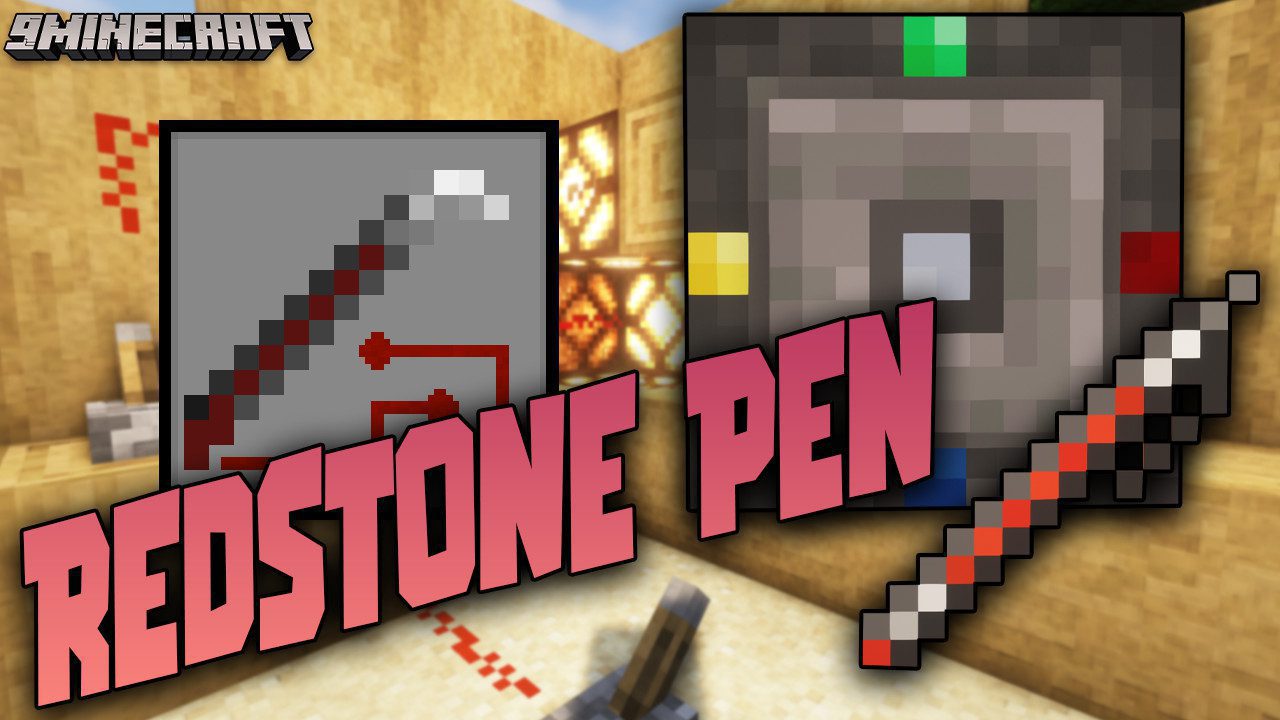
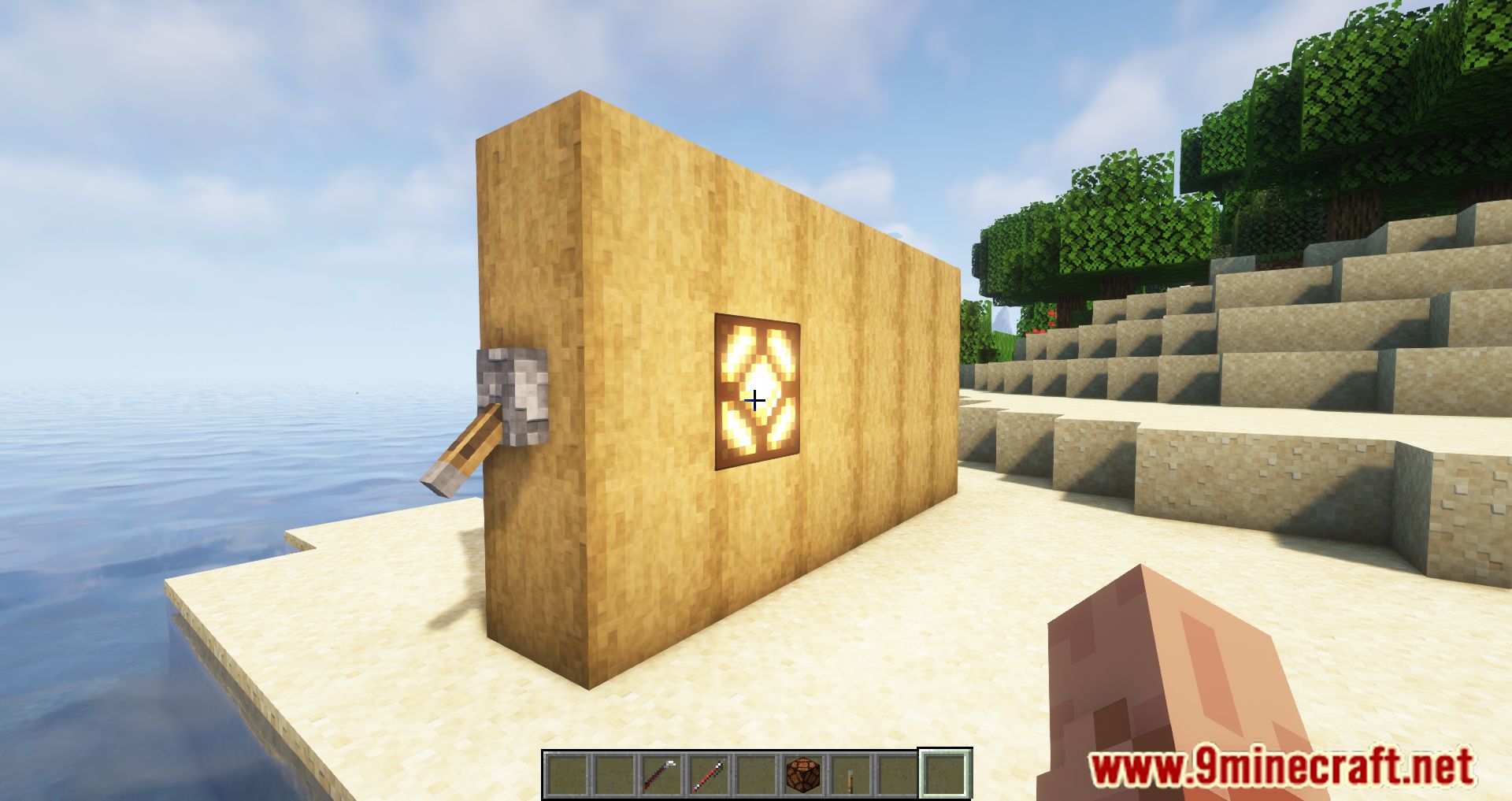
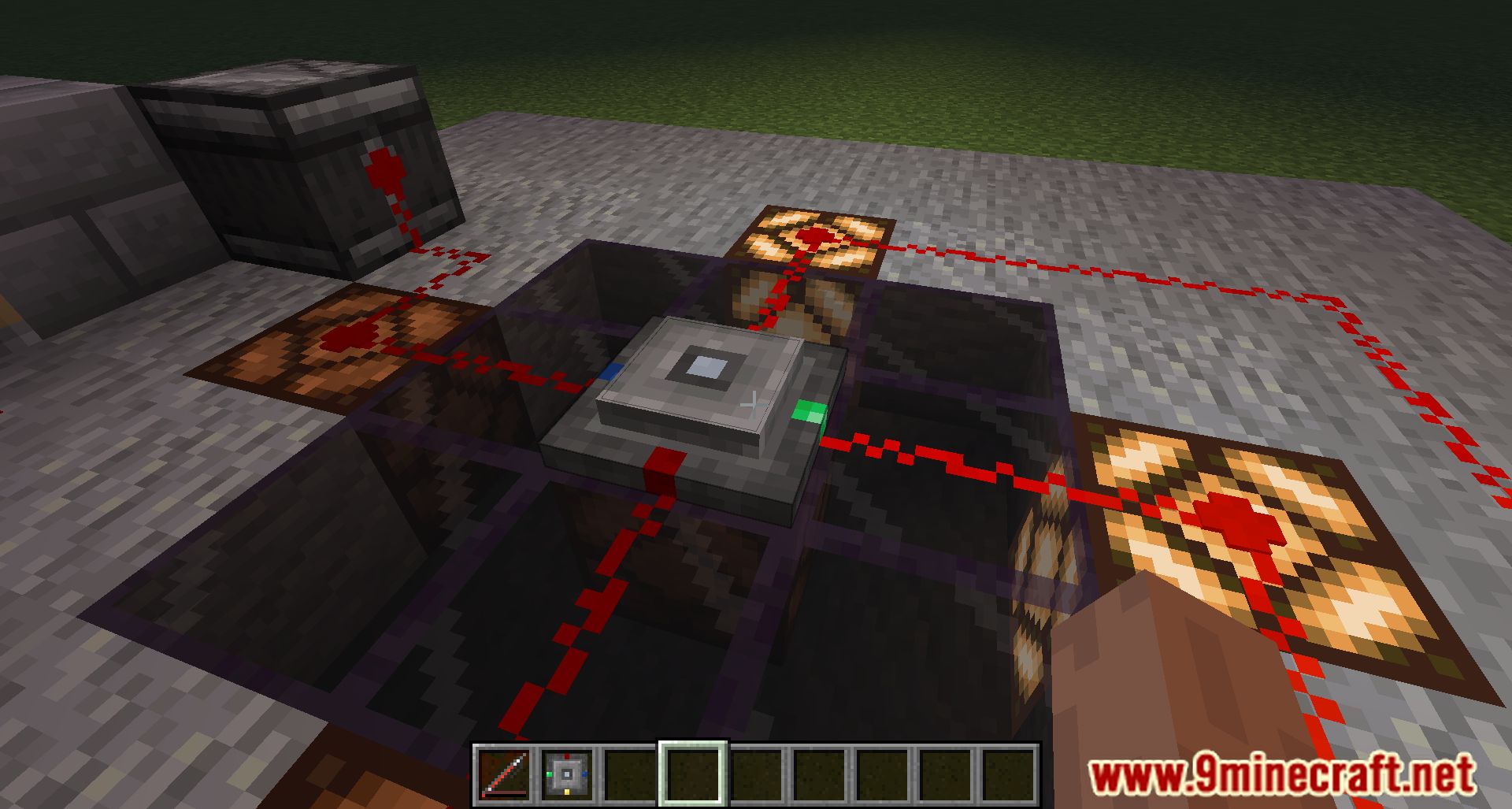
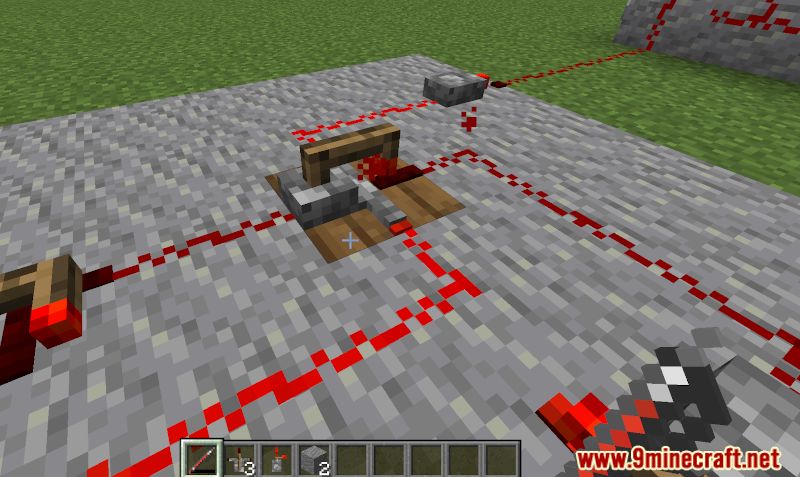
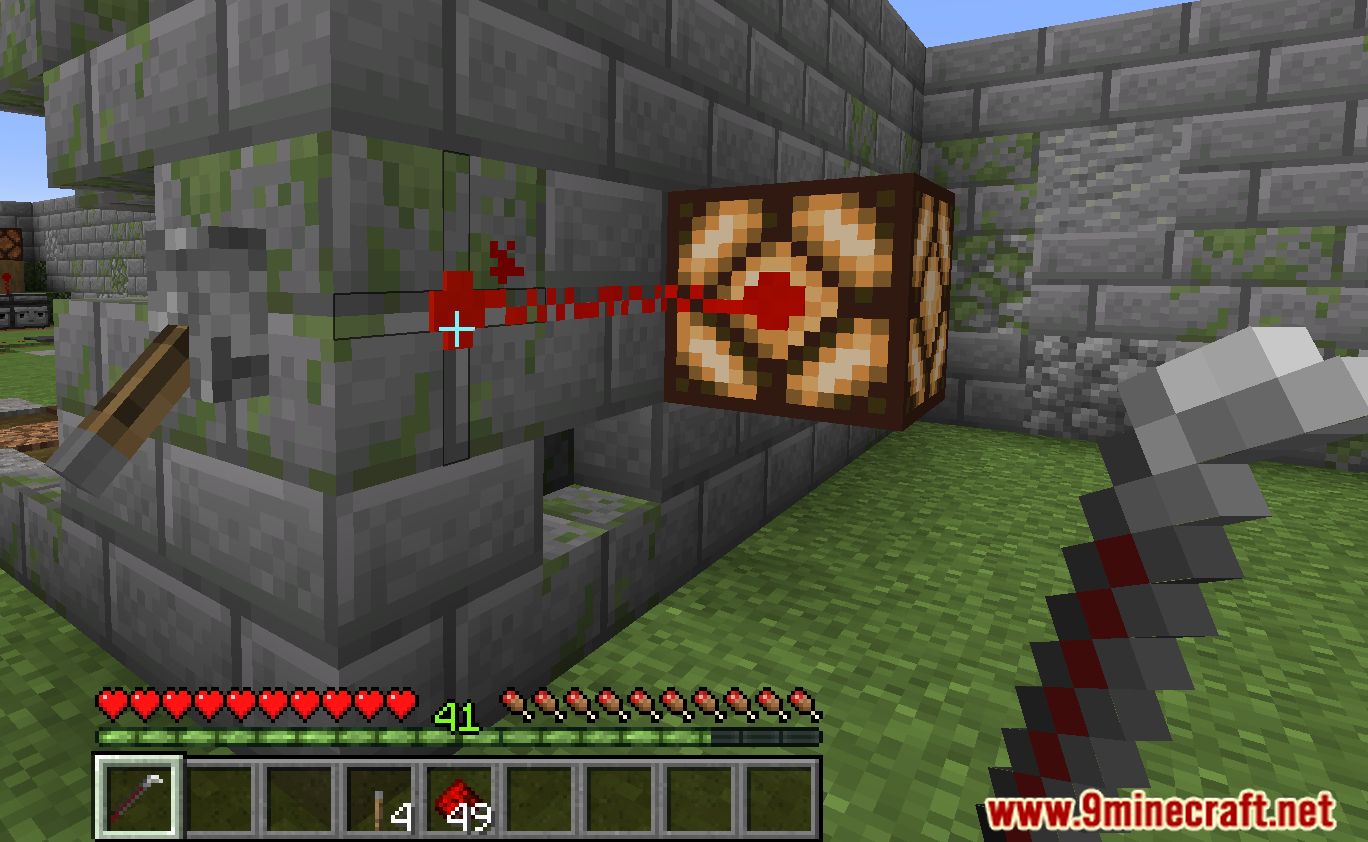
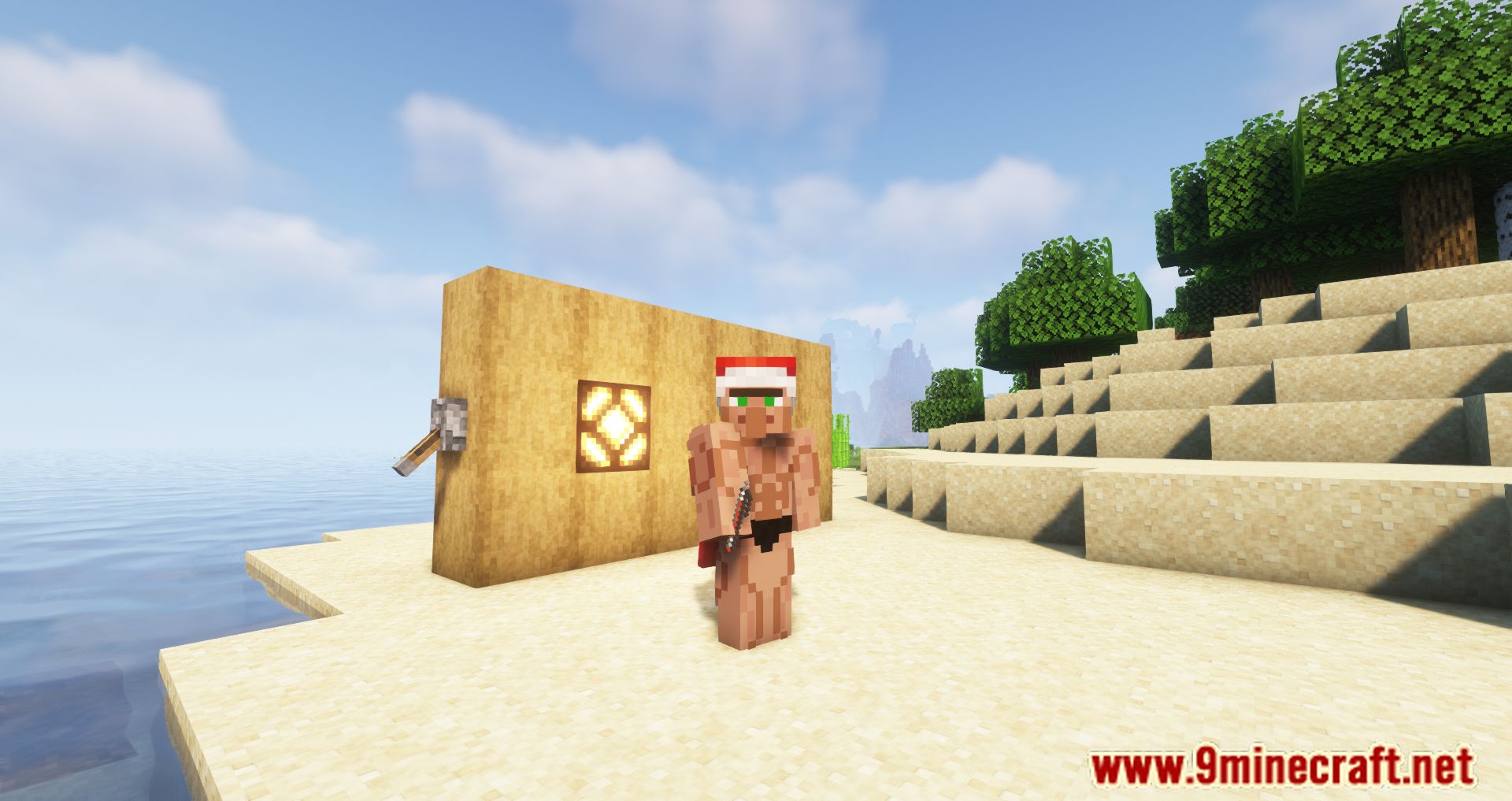
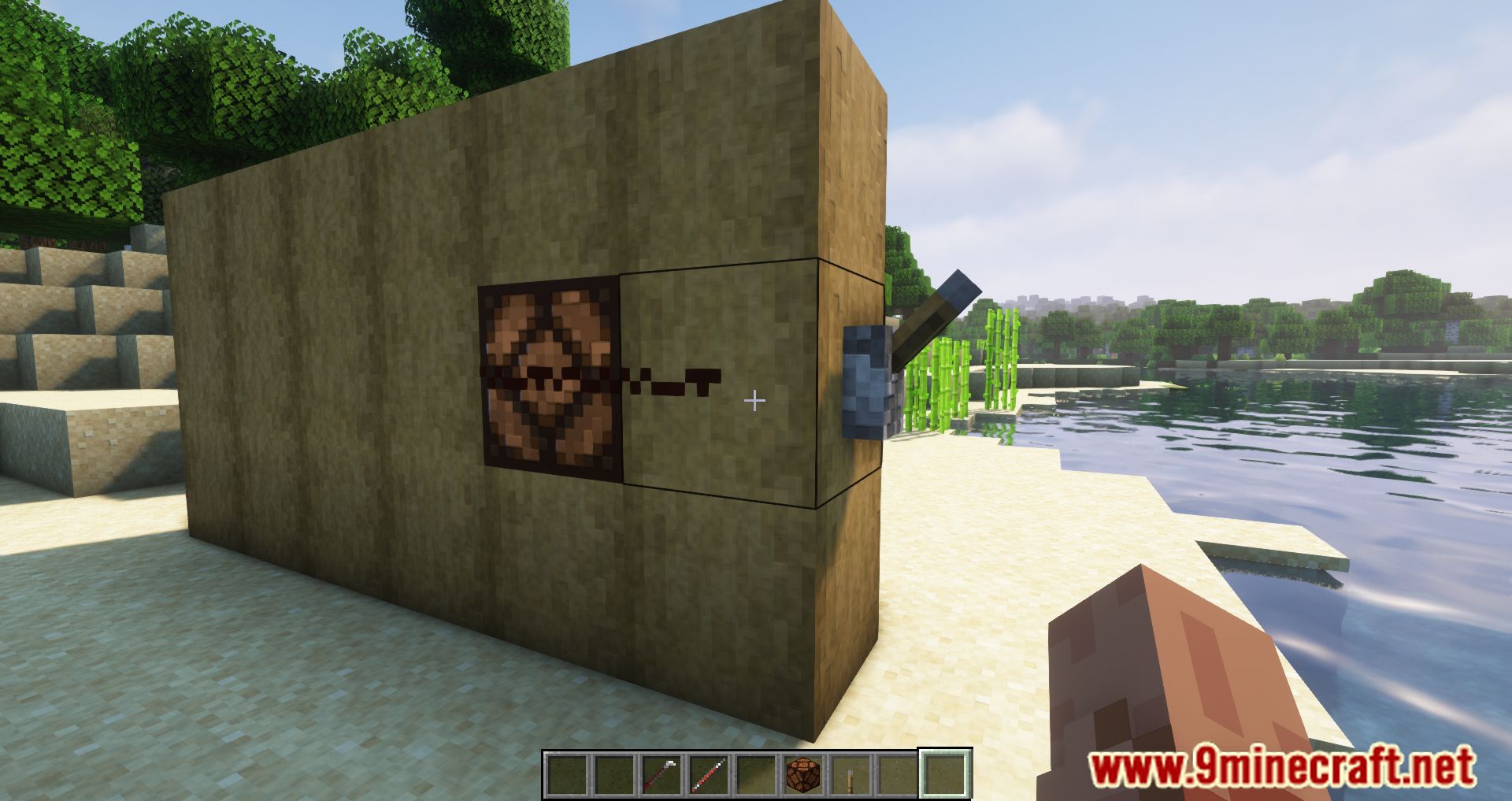
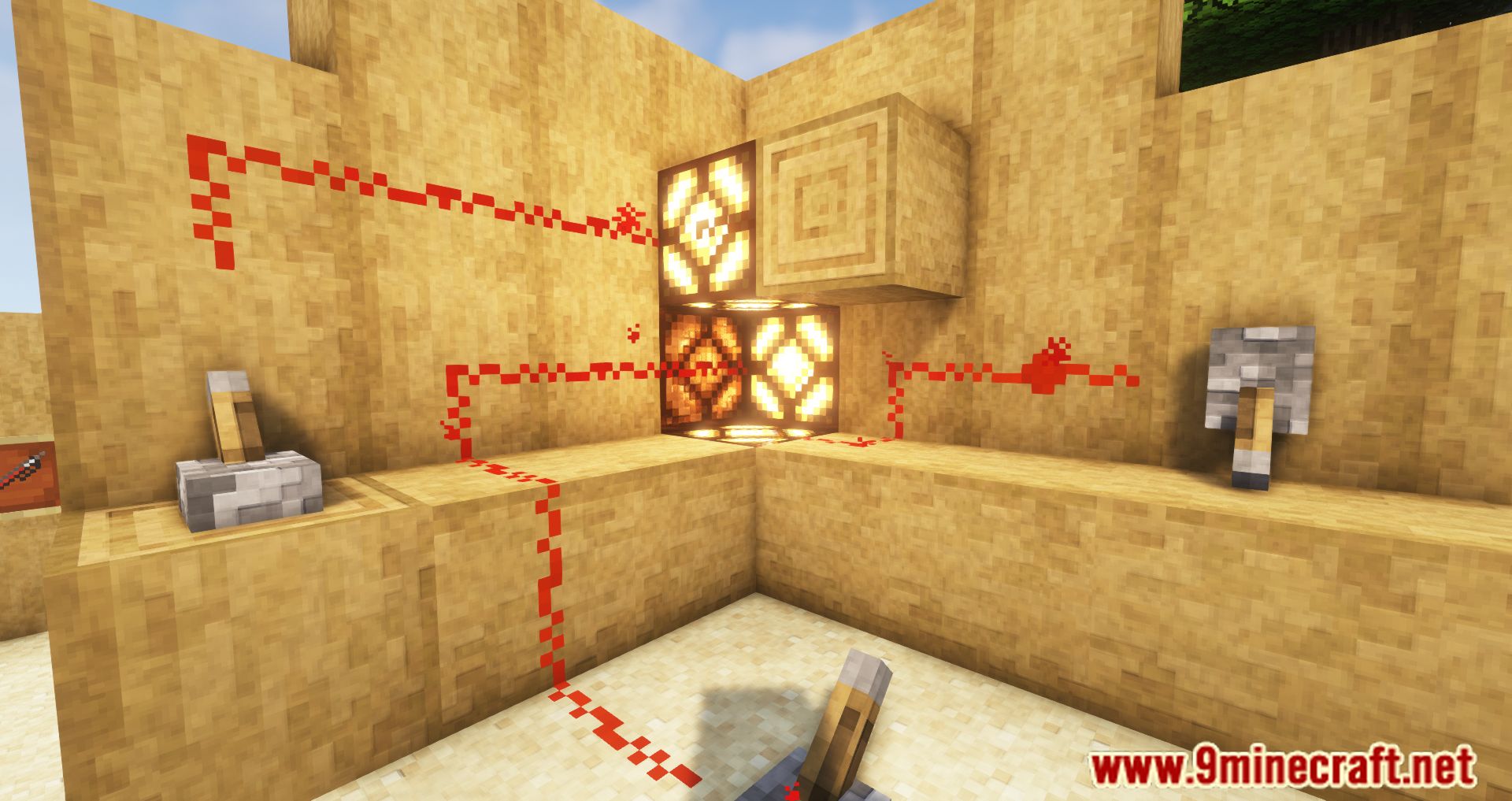
Redstone Pen Mod lets you draw thin Redstone tracks on walls, ceilings, and any solid block face. This mod adds two drawing tools, block signal connectors, five relay types, and a programmable logic controller for neat, compact wiring. You can run several separate tracks through one block space and pick whether each track powers the block underneath it. It also lets you check live signal levels, send boosted power through solid blocks, and run custom logic math inside a single block.
Features:
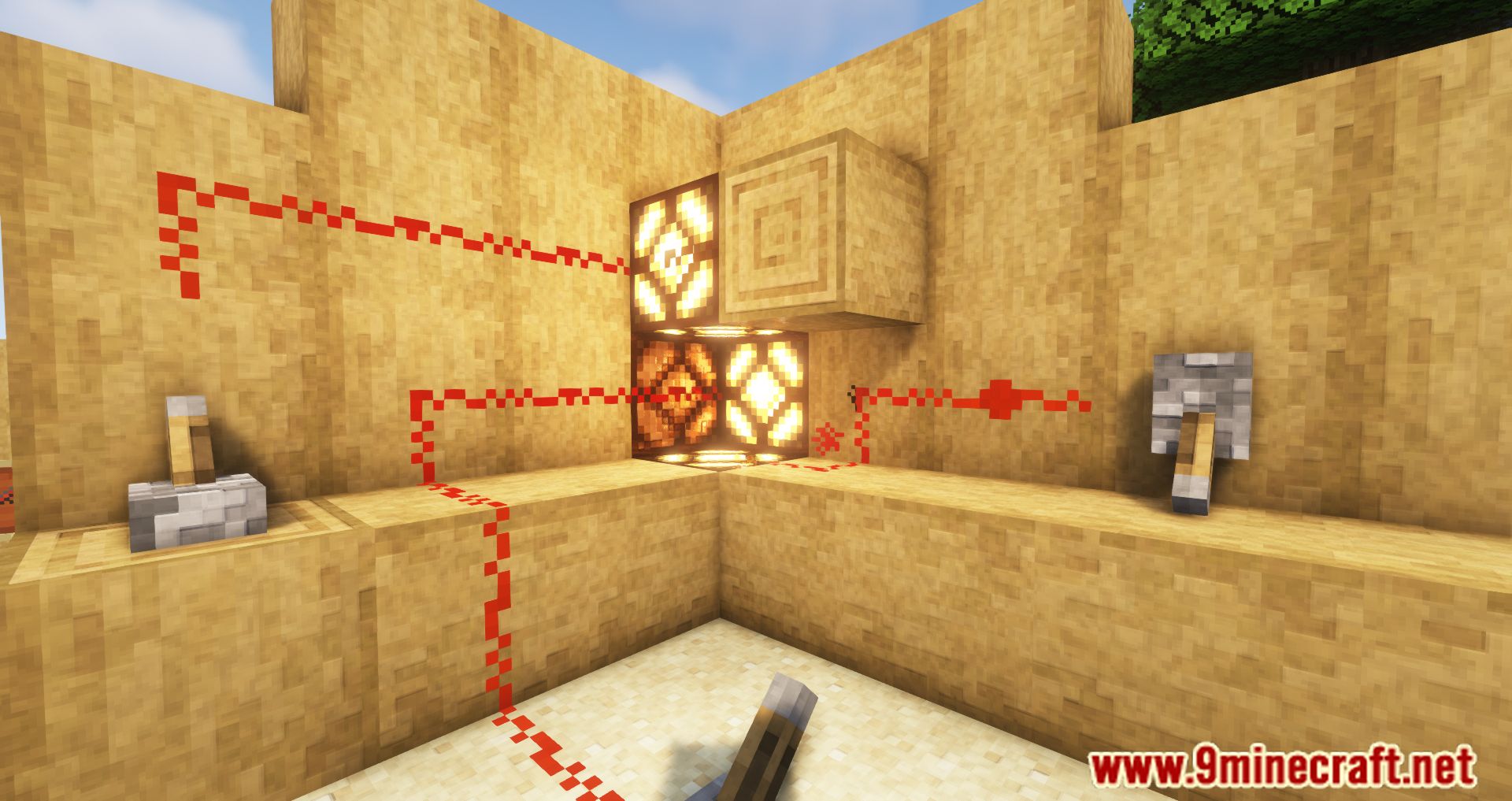
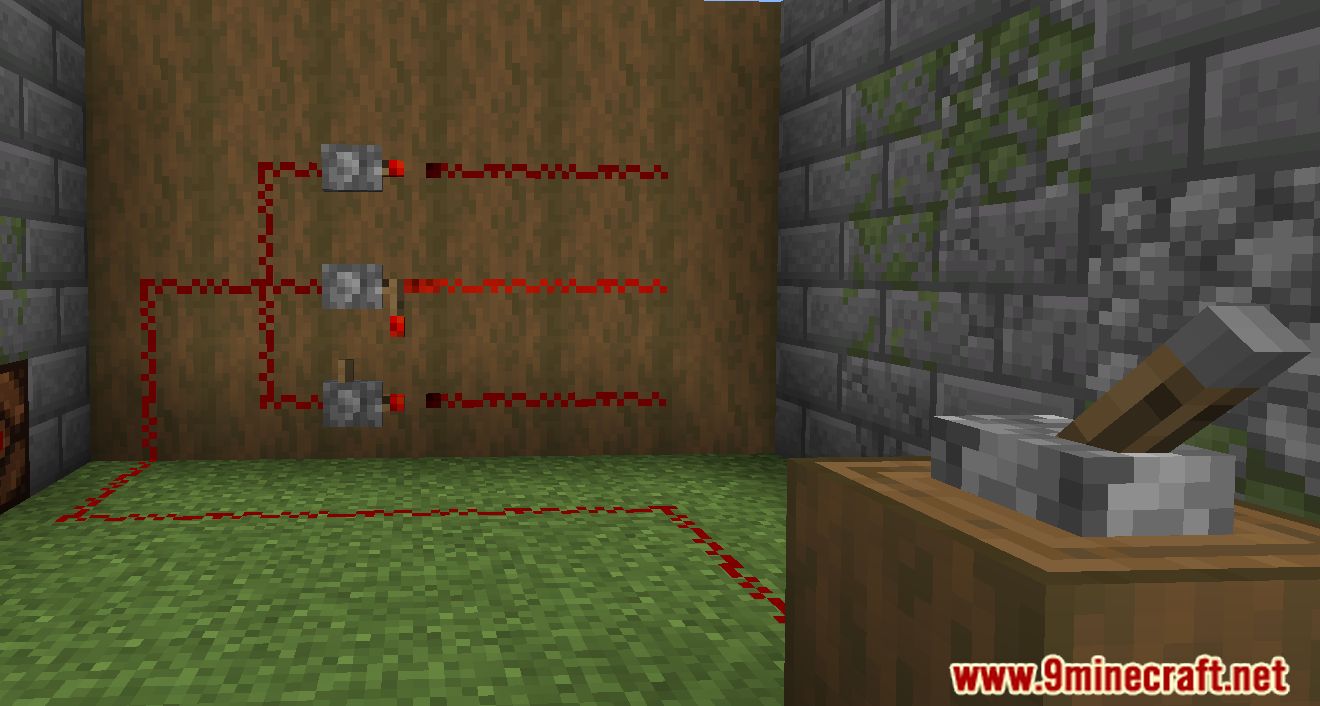
- Thin Redstone Tracks: Lets you draw and erase thin Redstone tracks on walls, ceilings, and any solid block face, with multiple separate tracks fitting inside one block space.
- Block Signal Connectors: Keeps tracks from powering the block underneath or passing indirect power to nearby tracks by default, so circuits stay separate until you add a round connector.
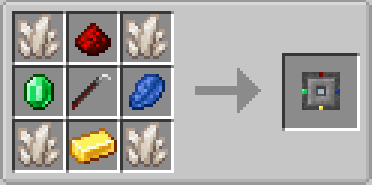
- Redstone Logic Controller: Adds a programmable Redstone I/O block that runs math expressions like
R = G AND (Y OR B OR U XOR D)orY = (G > 4) AND (B <= R)across four color-coded side ports (R,G,B,Y) and two vertical ports (Ufor up,Dfor down). - Supports comparator override input modes on the Logic Controller and shows quick help tooltips along the left side of its GUI.
- Includes built-in Logic Controller functions for timers (
TON,TOFF,TP), edge triggers, counters, math tools (minimum, maximum, mean, limiting), game time in ticks, day time, random numbers, and inline conditionals likeR = IF(condition, true-value, false-value). - Adds Redstone Relays that work like small solenoids moving built-in Redstone torches to boost signals back up to strength 15 on any solid face.
- Relays send power only out the front, take input from every side except the top, and pick up indirect power from the block underneath to carry track signals through solid blocks.
- Lets you check the live Redstone signal strength of any block, track, wire, or device by sneaking and looking at it while holding a drawing tool.
- Stops you from breaking blocks by mistake when left-clicking with either drawing tool, except for zero-hardness blocks like grass, repeaters, and comparators.
Drawing Tools:
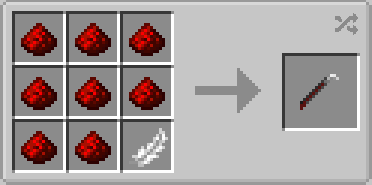
- Redstone Quill: Draws and removes thin Redstone tracks using Redstone dust straight from your inventory.
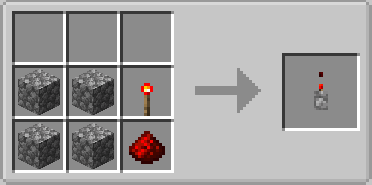
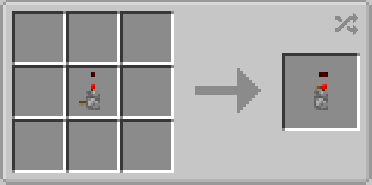
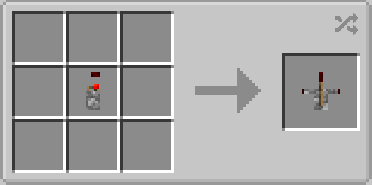
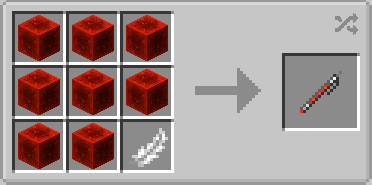
- Redstone Pen: Draws and removes thin Redstone tracks using Redstone stored inside the tool, and refills in a crafting grid with Redstone Dust or Redstone Blocks.
Redstone Relay Types:
- Redstone Relay: Sends power straight from input to output with no turn-on delay and a 1-tick (100ms) turn-off delay.
- Inverted Redstone Relay: Turns the output off when the input is on, with a 1-tick turn-on delay and no turn-off delay.
- Bi-Stable Redstone Relay: Flips its output on or off every time the input changes from off to on (rising edge).
- Pulse Redstone Relay: Sends out a short pulse whenever the input switches from off to on (rising edge).
- Bridging Relay: Lets tracks cross over each other by passing power from back to front like a regular relay while carrying a separate wire from left to right.
How to Use:
- Craft and hold a Redstone Quill (uses Redstone dust from your inventory) or a Redstone Pen (uses stored Redstone) to draw or remove thin Redstone tracks on walls, ceilings, and solid block faces.
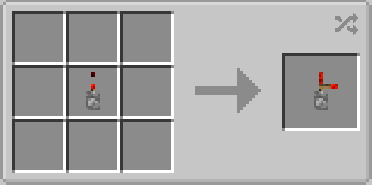
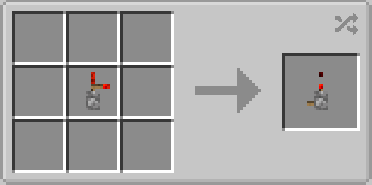
- Put a Redstone Pen in a crafting grid with Redstone Dust or Redstone Blocks to refill its built-in Redstone supply.
- Click the center of a drawn track with a Redstone Pen to place a round Block Signal Connector so the track powers the block underneath it.
- Hold the pen or quill, press Sneak, and look at any block, track, wire, or device to check its current Redstone signal level.
- Place any Redstone Relay on a solid block face with its front aimed where you want the boosted output (strength 15) to go, and feed input from any side except the top or through the block underneath it.
- Place a Redstone Logic Controller and open its GUI to enter math expressions for its colored side ports (
R,G,B,Y) and vertical ports (U,D), using the tooltips on the left side of the GUI as a quick guide.
Crafting Recipes:
Screenshots:
How to Install:
New to Minecraft? Follow our step-by-step guide to install Mods on your PC.View Guide
Redstone Pen Mod Download Links
For Minecraft 1.16.5
Forge Version: Download from Server 1
For Minecraft 1.17.1
Forge Version: Download from Server 1
For Minecraft 1.18.2
Forge Version: Download from Server 1
For Minecraft 1.19
Forge Version: Download from Server 1
Fabric Version: Download from Server 1
For Minecraft 1.19.1
Forge Version: Download from Server 1
Fabric Version: Download from Server 1
For Minecraft 1.19.2
Forge Version: Download from Server 1
Fabric Version: Download from Server 1
For Minecraft 1.19.3
Forge Version: Download from Server 1 – Download from Server 2
Fabric Version: Download from Server 1 – Download from Server 2
For Minecraft 1.19.4
Forge Version: Download from Server 1 – Download from Server 2
Fabric Version: Download from Server 1 – Download from Server 2
For Minecraft 1.20.1, 1.20
Forge/NeoForge Version: Download from Server 1 – Download from Server 2
Fabric Version: Download from Server 1 – Download from Server 2
For Minecraft 1.20.2
Fabric Version: Download from Server 1 – Download from Server 2
For Minecraft 1.20.4
Forge Version: Download from Server 1 – Download from Server 2
NeoForge Version: Download from Server 1 – Download from Server 2
Fabric Version: Download from Server 1 – Download from Server 2
For Minecraft 1.20.5
Fabric Version: Download from Server 1 – Download from Server 2
For Minecraft 1.20.6
Fabric Version: Download from Server 1 – Download from Server 2
For Minecraft 1.21.1, 1.21
NeoForge Version: Download from Server 1 – Download from Server 2
Fabric Version: Download from Server 1 – Download from Server 2
Where do you primarily download your mods and modpacks from?
77 responses · See the full results →
You May Also Like
Picked for this page
 Macaw’s Roofs Mod (26.3, 1.20.1) – Make a Sloped Roof Without Using Stairs
 Patched Mod (26.2, 1.20.1) – Tools for Modifying Parts of JSON Files
 Pipez Mod (26.3, 1.20.1) – Transporting Things Is Easier
 Gnomed Mod (26.1.2, 1.20.1) – You’ve been Gnomed
 ViaForge Mod (1.21.11, 1.20.1) – Connecting Different Versions of the Game
 Botany Trees Mod (1.21.1, 1.20.1) – Grow Trees in Small Pots
 Caupona Mod (26.1.2, 1.20.1) – A Revision of The Cooking
 Areas Mod (26.3, 1.20.1) – Specify Zones in The Game
 Elytra Trinket Mod (1.21.11, 1.20.1) – Elytra in The Trinket Slot
 Superflat World No Slimes Mod (26.3, 1.20.1) – Removes Slime from Superflat Worlds
 Daily Dad Mod (26.2, 1.20.1) – One Joke At A Time
 Ender Dragon Fight Remastered Mod (26.2, 1.20.1) – Up in The Difficulty of the Final Boss
Most viewed in Mods over the last 7 days
 Ala Industrial Mod (26.3) – Run Electric Power Grids and Automated Factories
 PleasureCraft Mod (26.3, 1.21.1) – Jenny Mod Remake for Fabric
 Jennycraft Mod (26.3, 1.20.1) – Virtual Girlfriend in Minecraft
 Fapcraft Mod (26.3, 1.12.2) – Comprehensive and Detailed Content
 Jenny Mod (Fapcraft) Official Complete Guide – How to use, Tutorial
 BangCraft Mod (1.20.1) – Jenny, Ellie and Elliot
 Fabric Loader (26.3, 1.20.1) – Fabric Installer for All Minecraft Versions
 Meteor Client Mod (26.3, 1.20.1) – Xray, HUD, Fly
 The Shooting Star Demo Mod (26.3, 1.20.1) – Vaporize Terrain From Orbit
 OptiFine HD (26.3, 1.20.1) – Run Faster, FPS Boost, Shaders Support
 Aristois Client Mod (1.21.4, 1.20.1) – World Class Minecraft Utility
 Prestige Client Mod (1.21.11, 1.21.4) – Powerful Ghost Features for Crystal & Sword PvP
More from Mods
 Shin’s Tensura Race Models Mod (1.19.2) – Play As Unique 3D Anime Race
 Offgrid Mod (26.3, 1.20.1) – Furnish Compact Interiors Without Strict Grid
 Tempest Almanac Iron’s Spells ‘n Spellbooks Mod (1.21.1, 1.20.1)
 Chat Guides Mod (26.3, 1.21.11) – Never Memorize Complex Server Commands Again
 TRMT Reimagined the Roads More Travelled Mod (26.3, 1.20.1)
 Morrowless Mod (1.21.1) – Defend Your Shelter From Nightmare Creatures
 THE SLOPSTROSITY Mod (1.21.1) – Battle a Ridiculous Slime Boss
 Decoween Mod (1.21.1, 1.20.1) – Transform Ordinary Survival Bases
 Simply Light 9minecraft Mod (26.3) – Decorate Builds Without Torches
 Alex’s Caves Continued Mod (26.3, 1.20.1) – Conquer Six Massive Underground
 Anvil Uses Mod (26.3, 1.20.1) – Track Item Anvil Usage
 Animal Info Mod (26.3, 1.21.11) – Quick Stats For Your Animals

This post has no comments yet. Be the first — your comment will appear here.