
Merchant Markers Mod (1.21.4, 1.20.1) – Spot Villager Professions at a Glance

 0


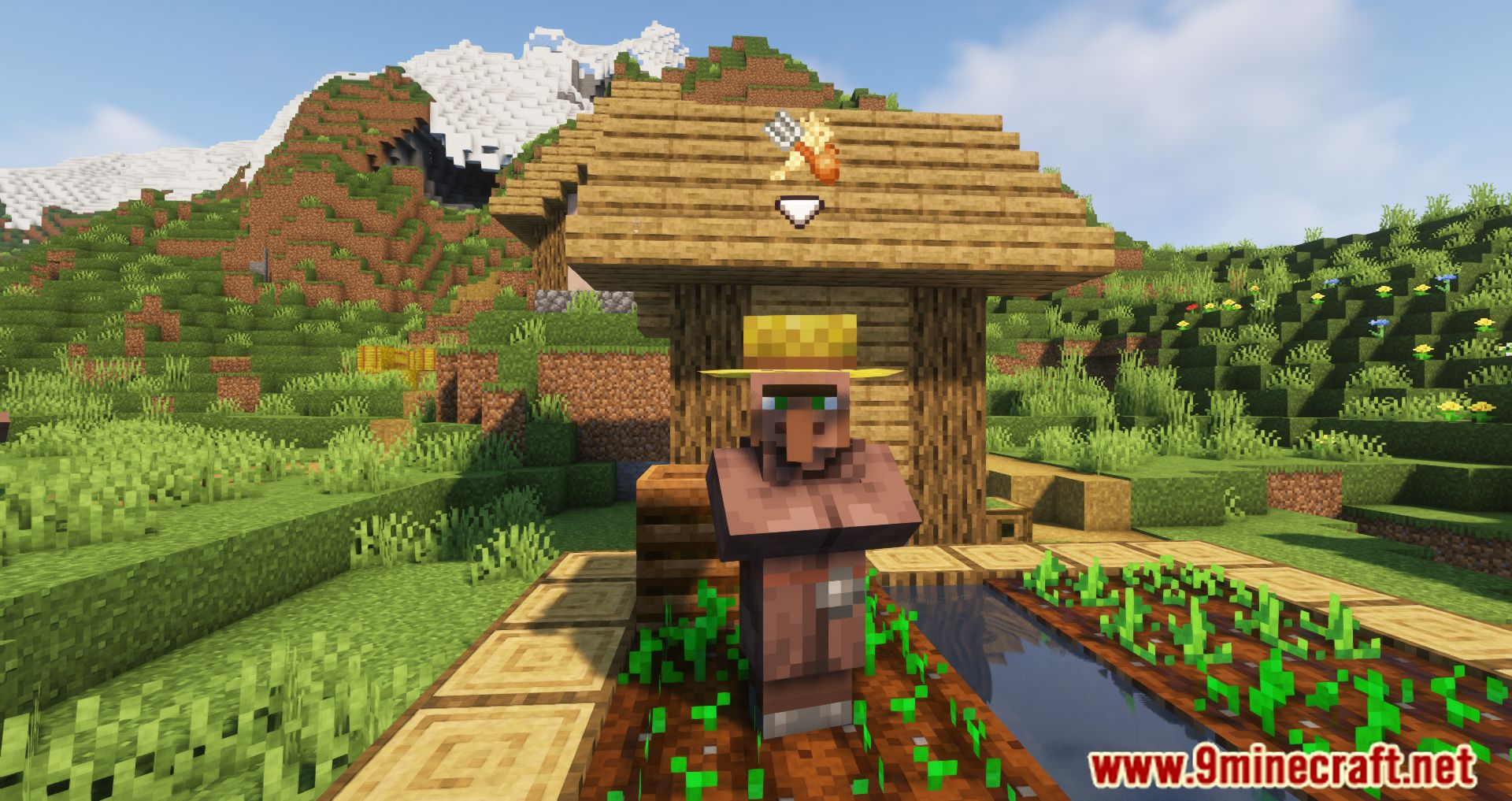
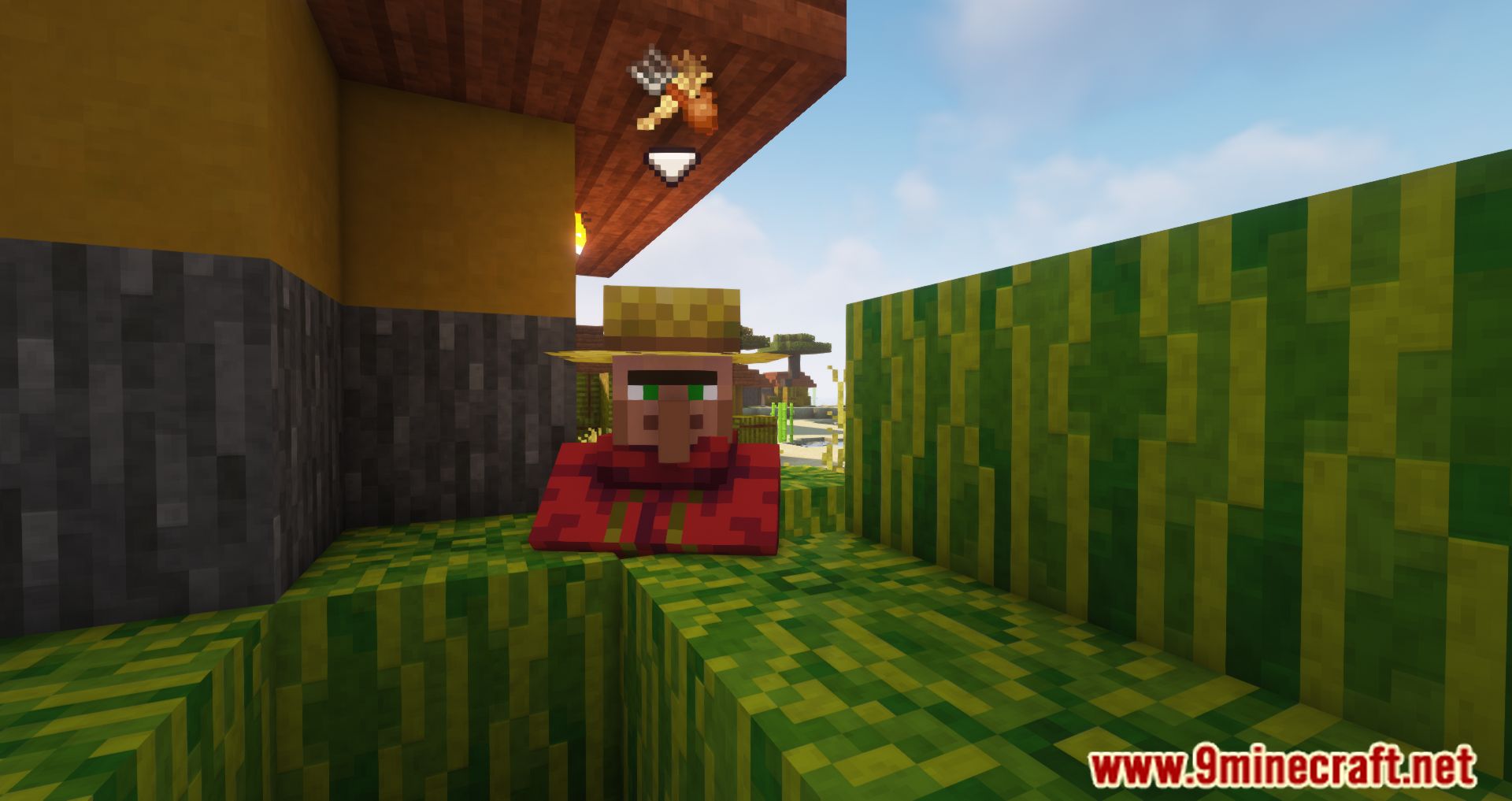
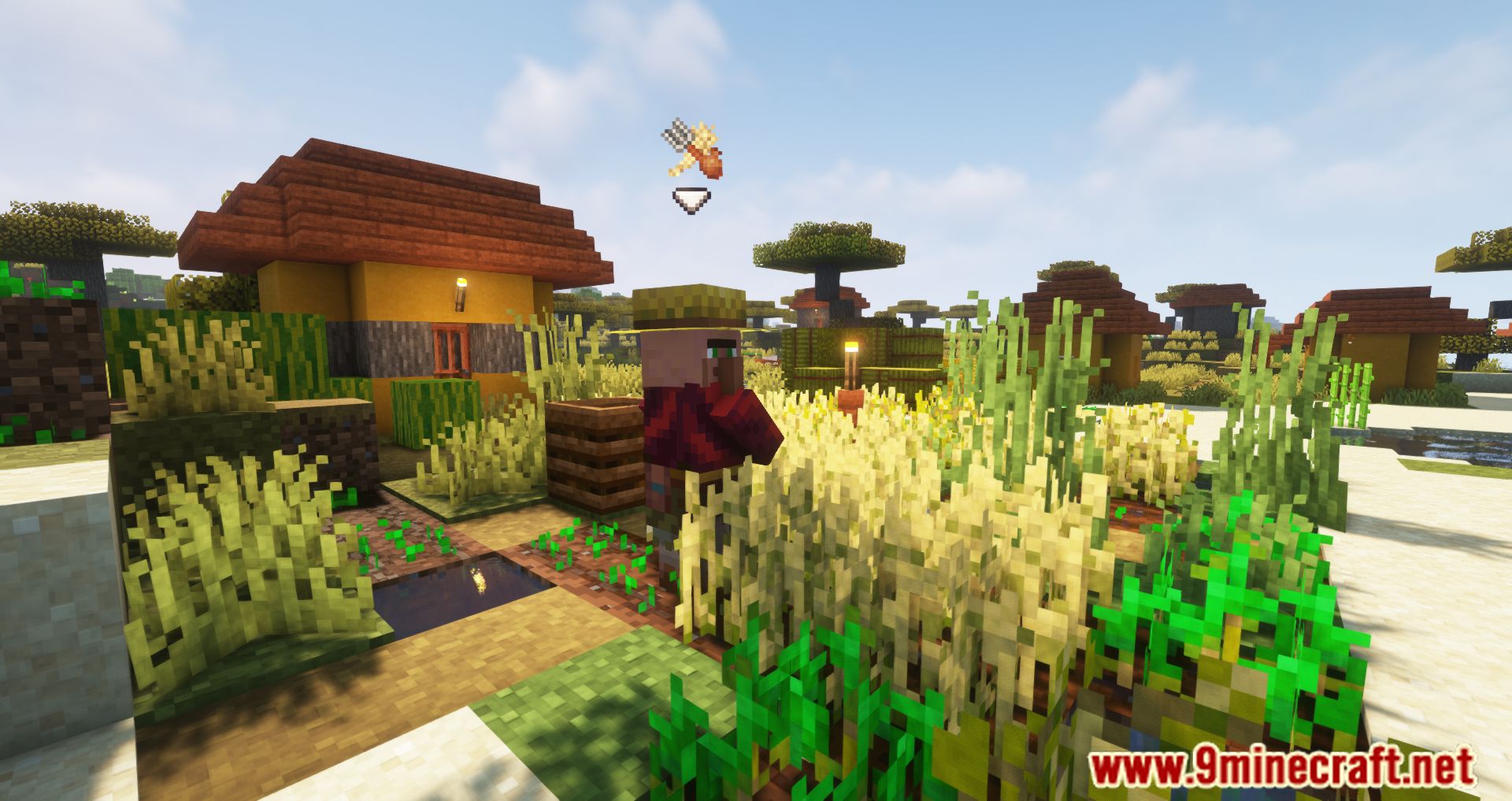
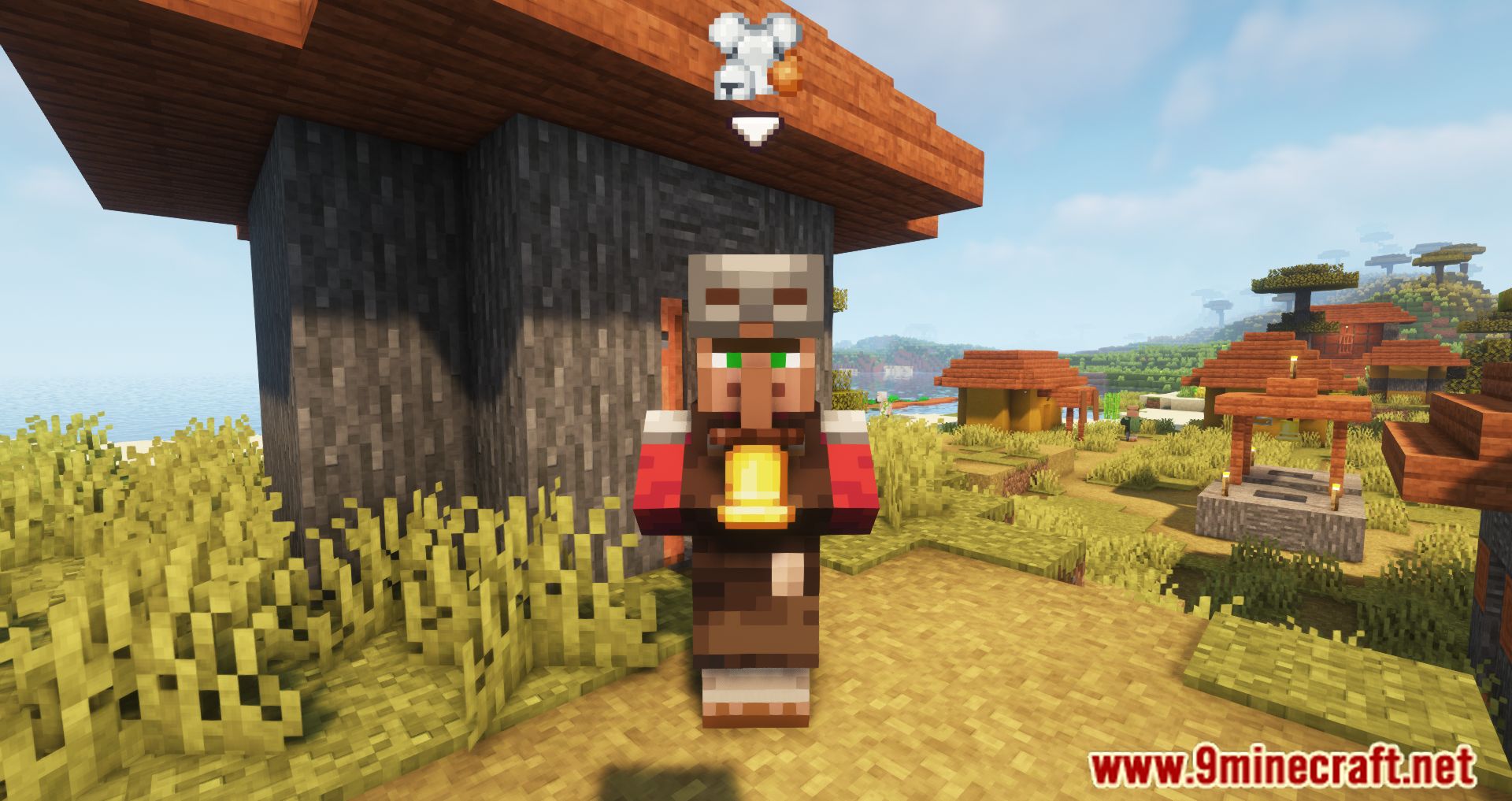
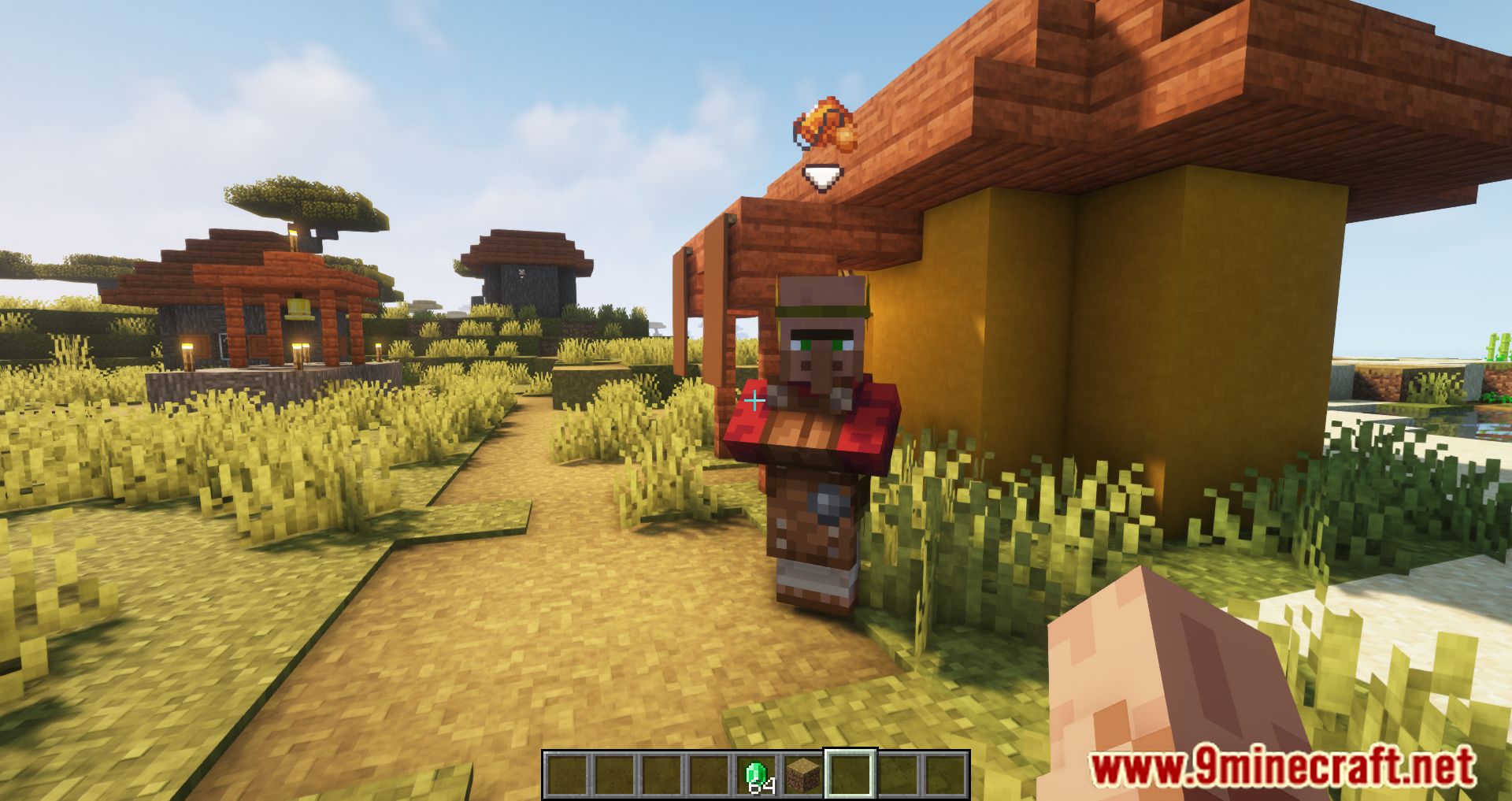
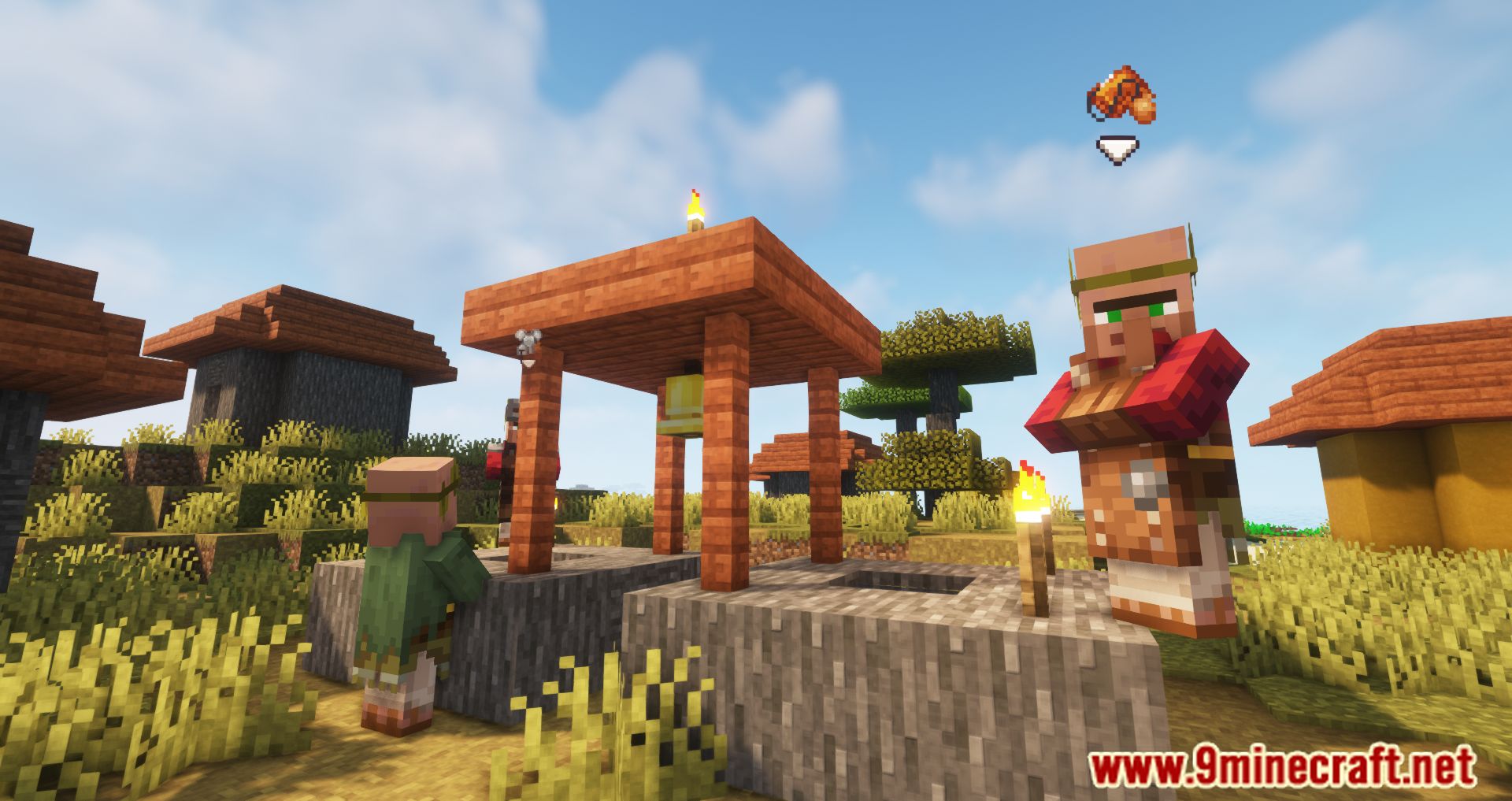
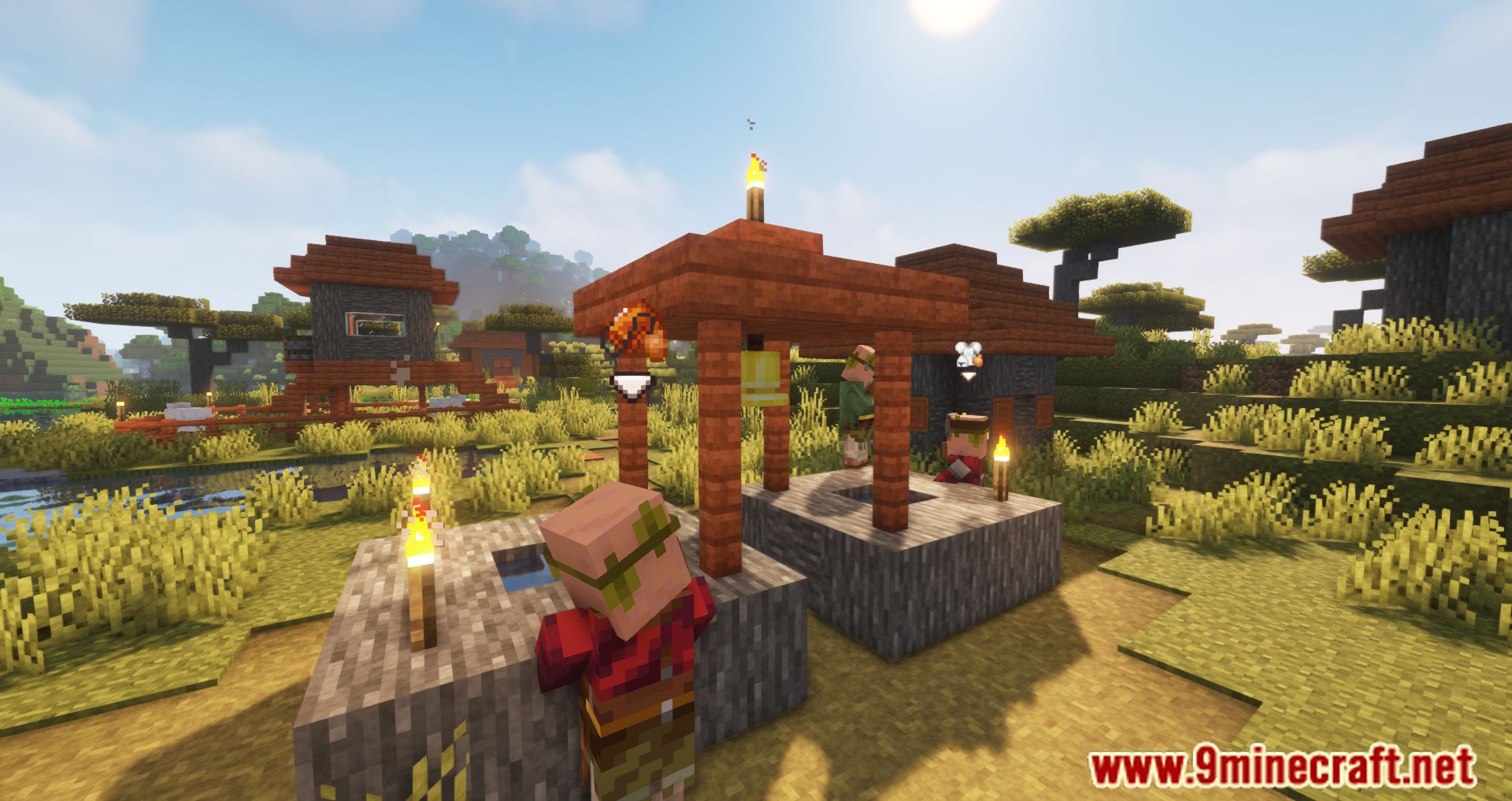
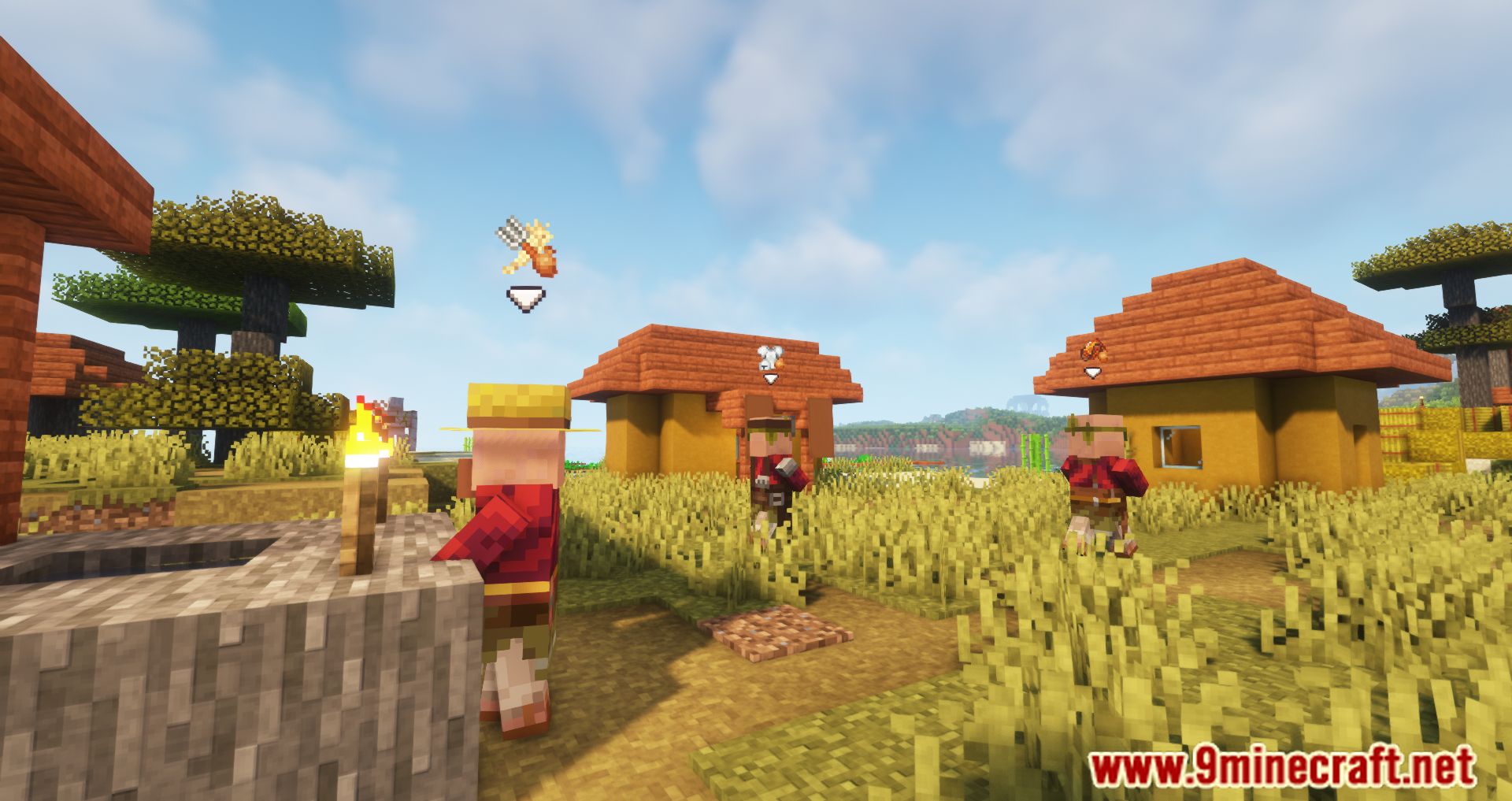
Merchant Markers Mod adds floating profession icons above villagers so you can spot their jobs right away. It gives you four icon styles, five corner overlays, and visibility controls to help you find the right trader fast. The mod also works with Xaero’s Minimap, FTB Chunks, and JourneyMap to show profession icons in place of normal villager heads. It runs on the client side, works with modded villagers and modpacks, and needs Iceberg to run.

Features:
- Adds floating profession icons above villagers so you can quickly find specific traders in your village.
- Lets you turn on an option to see markers through walls.
- Includes a setting to show an arrow icon below each marker.
- Lets you set a maximum distance limit for how far away markers stay visible.
- Uses a default profession blacklist for “none” and “nitwit” villagers so only villagers with trades show markers.
- Offers five corner overlay options for the lower right of the marker: backpack, emerald, coin stack, bag, or none.
- Works with Xaero’s Minimap, FTB Chunks, and JourneyMap to display profession markers instead of standard villager head icons.
- Runs on the client side and supports modpacks.
Icon Display Types:
- Custom: Shows default hand-drawn icons for each profession, and lets you add new icons for modded jobs with resource packs or mods.
- Items: Shows an item linked to the profession, such as an iron chestplate for armorers, and lets you change the linked items in the config.
- Jobs: Shows the texture of the villager’s job block, cannot be changed, and automatically works with modded professions.
- Generic: Shows the same merchant icon for all villagers with a job, and can be replaced with a resource pack.
Merchant Markers Mod – Video Showcase
How to Use:
- Open the mod’s configuration file to pick an icon style (
Custom,Items,Jobs, orGeneric), choose a corner overlay, and change linked items if you useItemsmode. - Adjust the visibility settings in the same file to set the maximum view distance, show markers through walls, or add an arrow icon under each marker.
- Edit the profession blacklist if you want to change which jobs show markers;
noneandnitwitare hidden by default. - To add a custom icon for a modded villager job, create a PNG image named after the job’s internal profession name (for example,
armorer.png). - Place the PNG file inside
assets/merchantmarkers/textures/entity/villager/markers/in your resource pack or mod so the game loads it inCustommode. - If a custom icon does not appear, check the other mod’s source code to make sure your file name matches the exact internal profession name.
Screenshots:


How to Install:
New to Minecraft? Follow our step-by-step guide to install Mods on your PC.View Guide
Requirements:

Merchant Markers Mod Download Links
For Minecraft 1.16.5
Forge Version: Download from Server 1 – Download from Server 2
For Minecraft 1.17.1
Forge Version: Download from Server 1
For Minecraft 1.18.1
Forge Version: Download from Server 1
For Minecraft 1.18.2
Forge Version: Download from Server 1 – Download from Server 2
Fabric Version: Download from Server 1
For Minecraft 1.19
Forge Version: Download from Server 1
For Minecraft 1.19.1
Forge Version: Download from Server 1
For Minecraft 1.19.2
Forge Version: Download from Server 1 – Download from Server 2
Fabric Version: Download from Server 1 – Download from Server 2
For Minecraft 1.19.3
Forge Version: Download from Server 1 – Download from Server 2
Fabric Version: Download from Server 1 – Download from Server 2
For Minecraft 1.20.1, 1.20
Forge Version: Download from Server 1 – Download from Server 2
Fabric Version: Download from Server 1 – Download from Server 2
For Minecraft 1.20.2
Forge Version: Download from Server 1 – Download from Server 2
Fabric Version: Download from Server 1 – Download from Server 2
For Minecraft 1.20.4, 1.20.3
Forge Version: Download from Server 1 – Download from Server 2
Fabric Version: Download from Server 1 – Download from Server 2
For Minecraft 1.20.6
Forge Version: Download from Server 1 – Download from Server 2
Fabric Version: Download from Server 1 – Download from Server 2
For Minecraft 1.21.1, 1.21
Forge Version: Download from Server 1 – Download from Server 2
NeoForge Version: Download from Server 1 – Download from Server 2
Fabric Version: Download from Server 1 – Download from Server 2
For Minecraft 1.21.3, 1.21.2
Forge Version: Download from Server 1 – Download from Server 2
NeoForge Version: Download from Server 1 – Download from Server 2
Fabric Version: Download from Server 1 – Download from Server 2
For Minecraft 1.21.4
Forge Version: Download from Server 1 – Download from Server 2
NeoForge Version: Download from Server 1 – Download from Server 2
Fabric Version: Download from Server 1 – Download from Server 2
You May Also Like
Picked for this page
 More Berries Mod (26.3, 1.20.1) – New Berry Bushes
 OptiGUI Mod (26.3, 1.20.1) – Style Every Menu In-Game
 Advanced Hook Launchers Mod (26.3, 1.20.1) – Climb, Abseil, Slay the Dragons
 Vanilla Refresh Mod (1.21.11, 1.20.1) – Elevating the Classic Minecraft Experience
 Improved Pillager Outpost Mod (26.3, 1.20.1) – Overhauled Structure
 Variable Spawner Hardness Mod (26.3, 1.20.1) – Making Minecraft Spawners Harder
 Twitch Chat Bridge Mod (26.2, 1.21.1) – Bridging Realms: Twitch Chat Mod
 Client Kits Mod (26.3, 1.20.1) – Use Commands to Save, Load, and Delete Inventory Kits
 Per Player Wandering Traders Mod (26.3, 1.20.1) – Per-Player Spawning
 Startup Timer Mod (1.12.2) – Display The Elapsed Time When Loading
 Blocky Bubbles Mod (26.3, 1.20.1) – Fast Bubbles For Java Edition
 Unused Secret Paintings Mod (1.21.11, 1.20.1) – Adds 4 Unused Elemental Paintings
Most viewed in Mods over the last 7 days
 Ala Industrial Mod (26.3) – Run Electric Power Grids and Automated Factories
 PleasureCraft Mod (26.3, 1.21.1) – Jenny Mod Remake for Fabric
 Jennycraft Mod (26.3, 1.20.1) – Virtual Girlfriend in Minecraft
 Fapcraft Mod (26.3, 1.12.2) – Comprehensive and Detailed Content
 Jenny Mod (Fapcraft) Official Complete Guide – How to use, Tutorial
 BangCraft Mod (1.20.1) – Jenny, Ellie and Elliot
 Fabric Loader (26.3, 1.20.1) – Fabric Installer for All Minecraft Versions
 Meteor Client Mod (26.3, 1.20.1) – Xray, HUD, Fly
 The Shooting Star Demo Mod (26.3, 1.20.1) – Vaporize Terrain From Orbit
 OptiFine HD (26.3, 1.20.1) – Run Faster, FPS Boost, Shaders Support
 Aristois Client Mod (1.21.4, 1.20.1) – World Class Minecraft Utility
 SchnurriTV Mod (1.12.2) – Characters and Features
More from Mods
 Wireless Automate Mod (1.21.1) – Automate Base Logistics Without Messy Pipes
 Vaskars Opus Faction War Quests & Bosses Mod (1.21.11, 1.20.1)
 Multitools and More Mod (26.3, 1.20.1) – Clear Your Hotbar and Travel
 Luxium Let There Be Light Mod (1.20.1) – Stunning Lighting on Low-End Computers
 Soulscraft Tarnished Legacy Mod (1.21.1) – Hunt Relics to Forge Dark Fantasy
 Fetzi’s Displays Mod (26.1.2, 1.20.1) – Turn Rare Gear and Weapons
 Primal Plushies Paleo Pals Mod (1.21.1, 1.20.1) – Decorate Your Base
 Ipla Mod (26.3, 1.20.1) – Showcase Your Favorite Items
 MesdagPortLib Mod (1.20.1) – Run Modern Minecraft Mechanics on Older Versions
 Hellion’s API Mod (1.21.11, 1.21.1) – Play Hellion Series Addons Without Crashes
 Terrestria Mod (26.3, 1.20.1) – Highly Detailed Biomes
 Tre’s Tack Library Mod (1.20.1) – Outfit Your Horses with Fully Detailed Tack

This post has no comments yet. Be the first — your comment will appear here.