


Touchscreen Holograms Plugin (1.19, 1.18) – Bukkit, Spigot, Paper

 0
0 

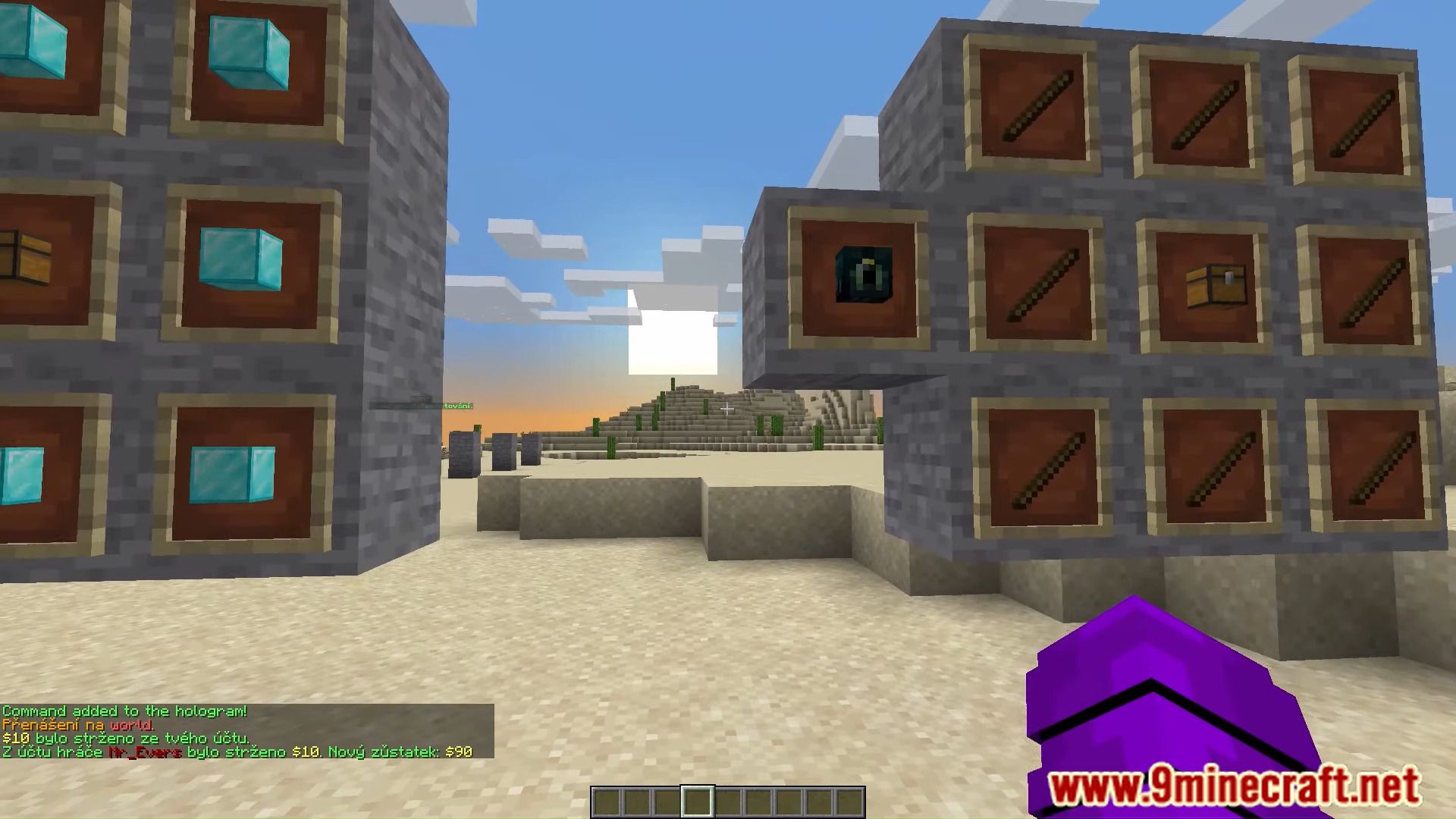
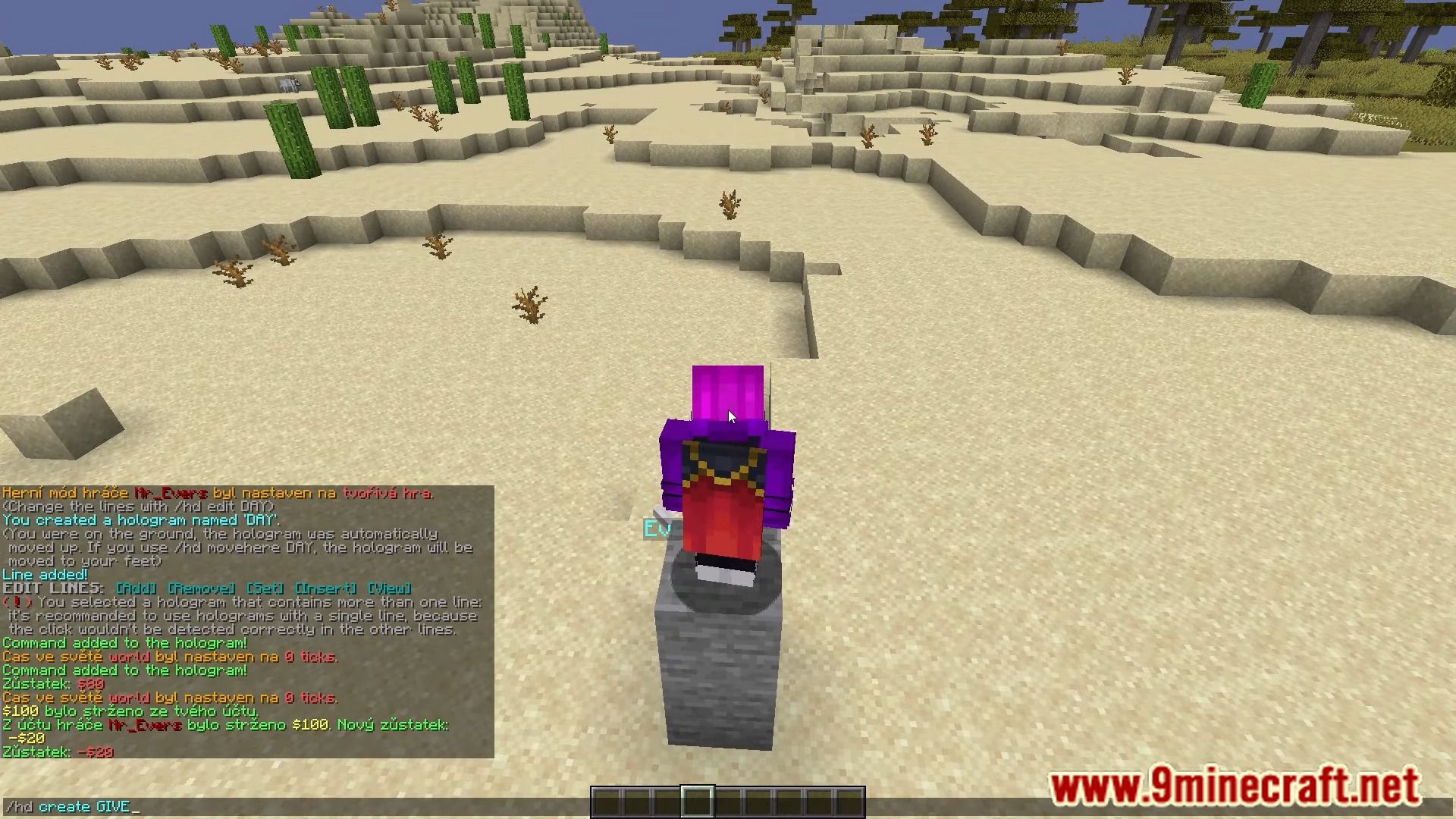
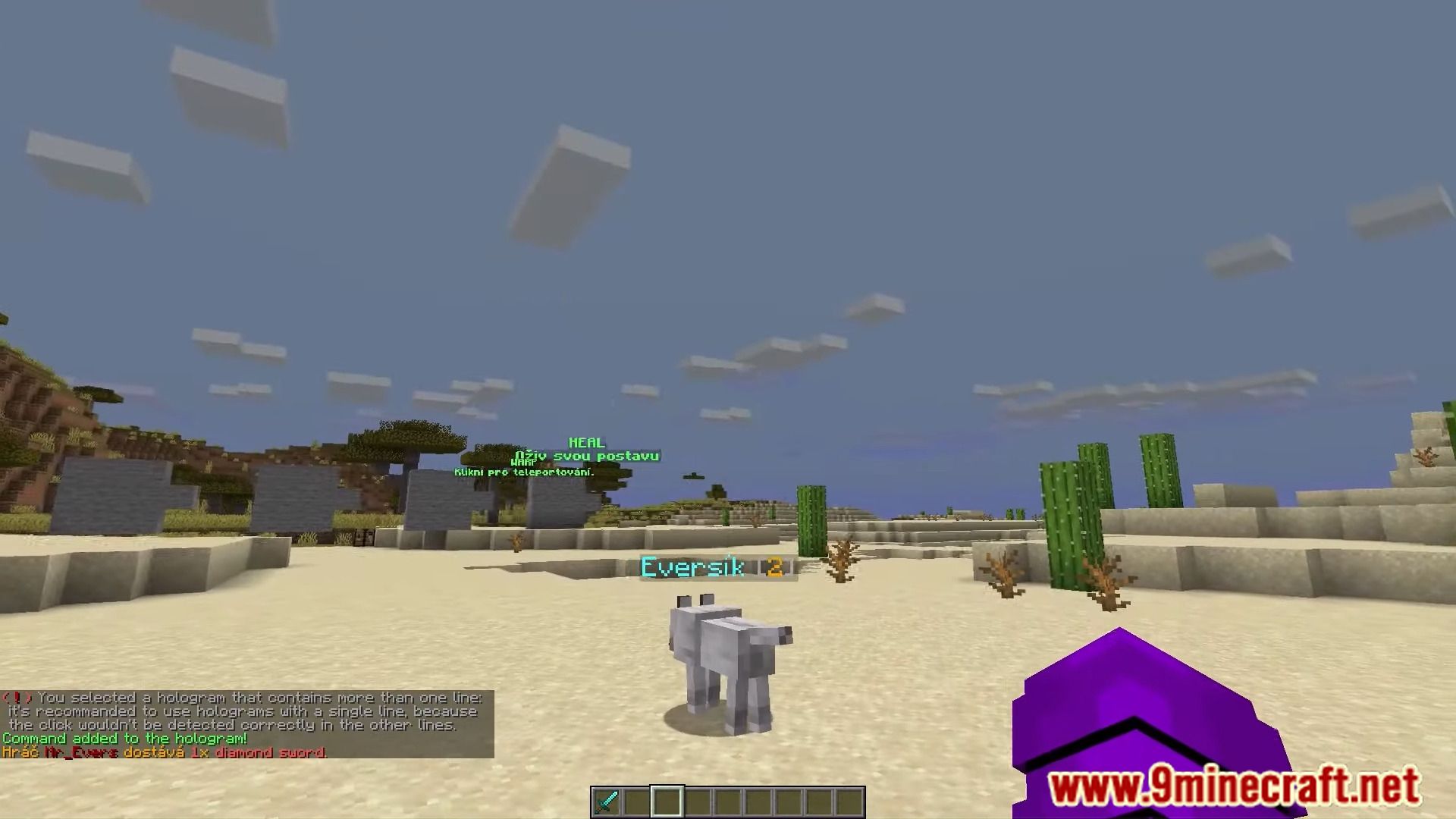
Touchscreen Holograms Plugin allows holograms to run commands when right-clicked by players.
Features
- Lightweight and easy to use.
- Commands options and variables.
- Bungeecord support (send players to servers).
- Support for multiple commands.
Permissions
The only permission to use all the commands is touchscreenholograms.admin
Plugin commands
 Command types
By default, a command will be executed as the player who clicks. If you specify a prefix before the command (for example: “/touch add myHologram console: say Hello world”) the command will have different properties.
console:
The command is executed from the console.
op:
The command is executed as OP.
server:
Sends a player to a server, if using BungeeCord.
Example: /touch add myHologram server: hub
tell:
Sends a message to a player, without using commands. Supports color codes.
Placeholders
You can use these placeholders in the commands, they will be replaced during execution with the current value.
- {player} The name of the player who clicked the hologram.
- {world} The name of world of the player who clicked.
- {online} Amount of online players.
- {max_players} – Max online players (server slots).
Screenshots:
How to Install:
New to Minecraft? Follow our step-by-step guide to install Plugins on your PC.View Guide
Touchscreen Holograms Plugin Download Links
For All Versions from Minecraft Bukkit 1.12 to Minecraft Bukkit 1.19
You May Also Like






This post has no comments yet. Be the first — your comment will appear here.