
Slight Gui Modifications Mod (1.20.1, 1.19.4) – Smooth Animations for Every
 2,369
 0


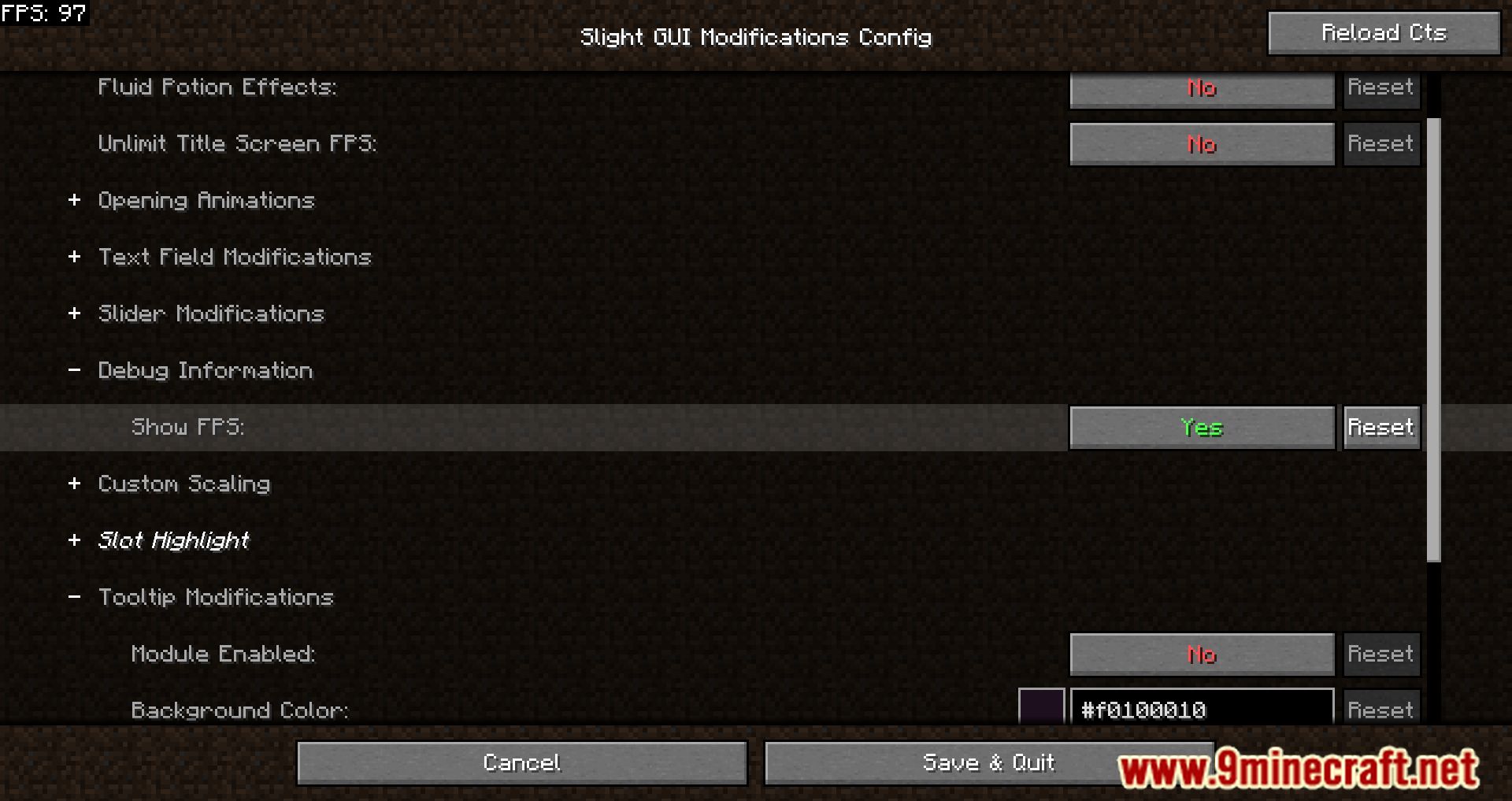
Slight Gui Modifications Mod adds smooth animations and handy visual tweaks to the Minecraft menu and interface. It lets you customize the title screen with optional Groovy scripting, switch the GUI scale to a slider with decimal sizes, and remove the 60 FPS cap on the title screen. You can also turn on fluid animations for menus, chat, advancements, potion effects, and screenshots. Extra styling options let you change text box textures, tooltip colors, item slot highlights, right-click actions, and an on-screen debug FPS counter. Every setting starts turned off by default, so you choose only the tweaks you want to use. This mod requires Architectury, Cloth Config, and ARRP, works best with Smooth Scrolling Everywhere, and is safe to use on multiplayer servers.
Features:
- Custom Title Screen: Lets you change the main menu layout and supports optional Groovy scripting.
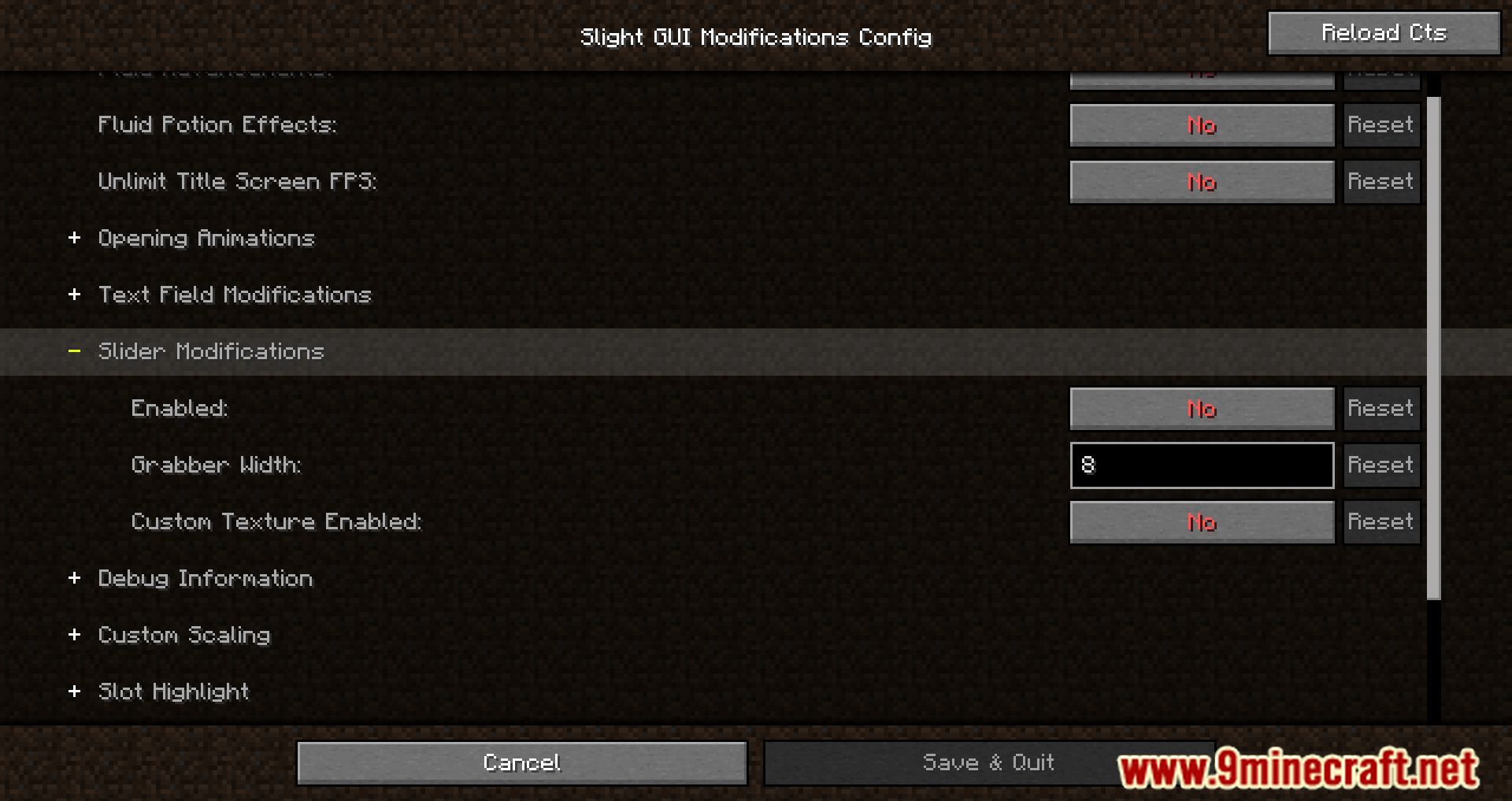
- GUI Scale Slider: Turns the normal GUI scale button into an easy slider.
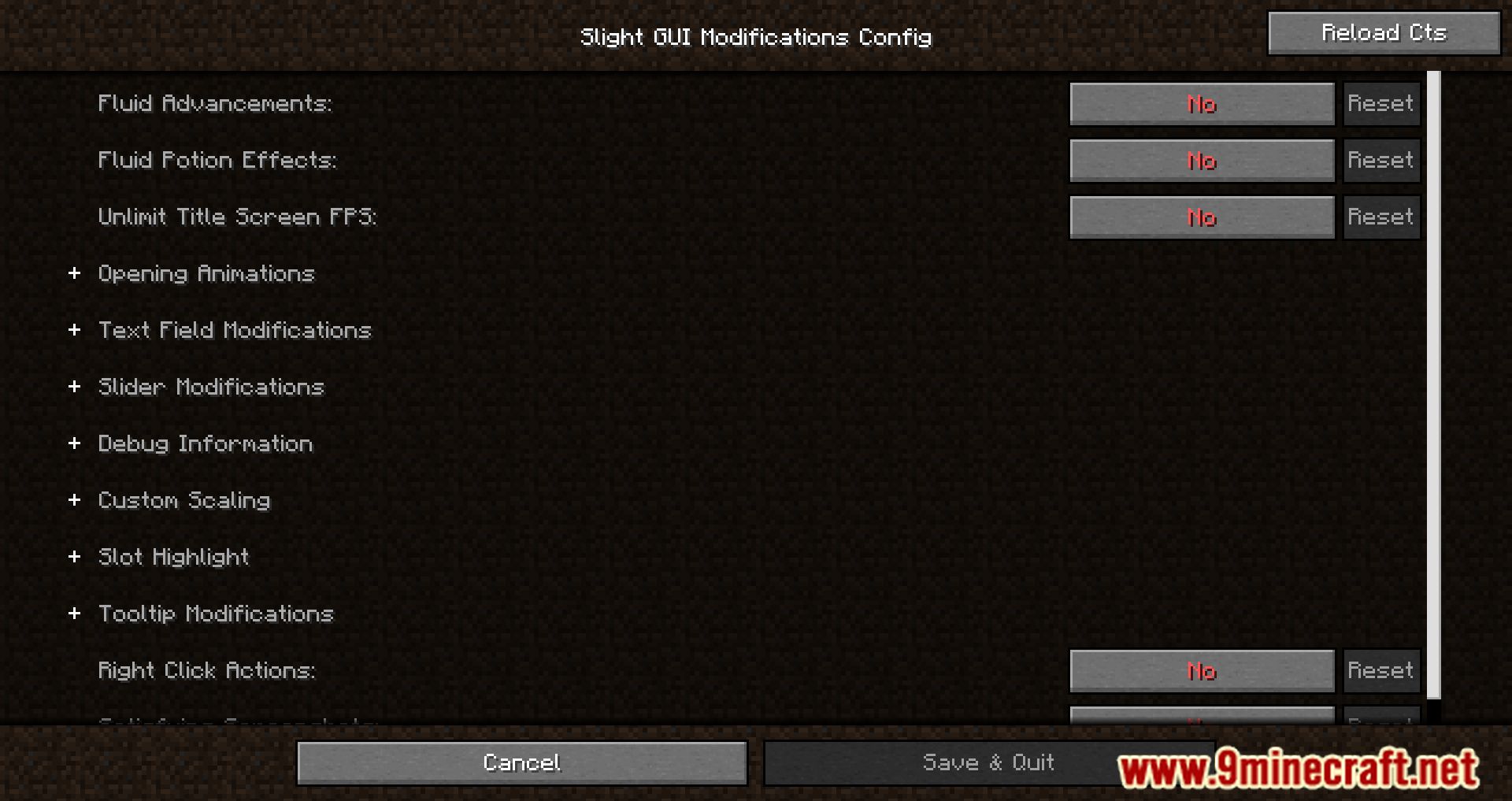
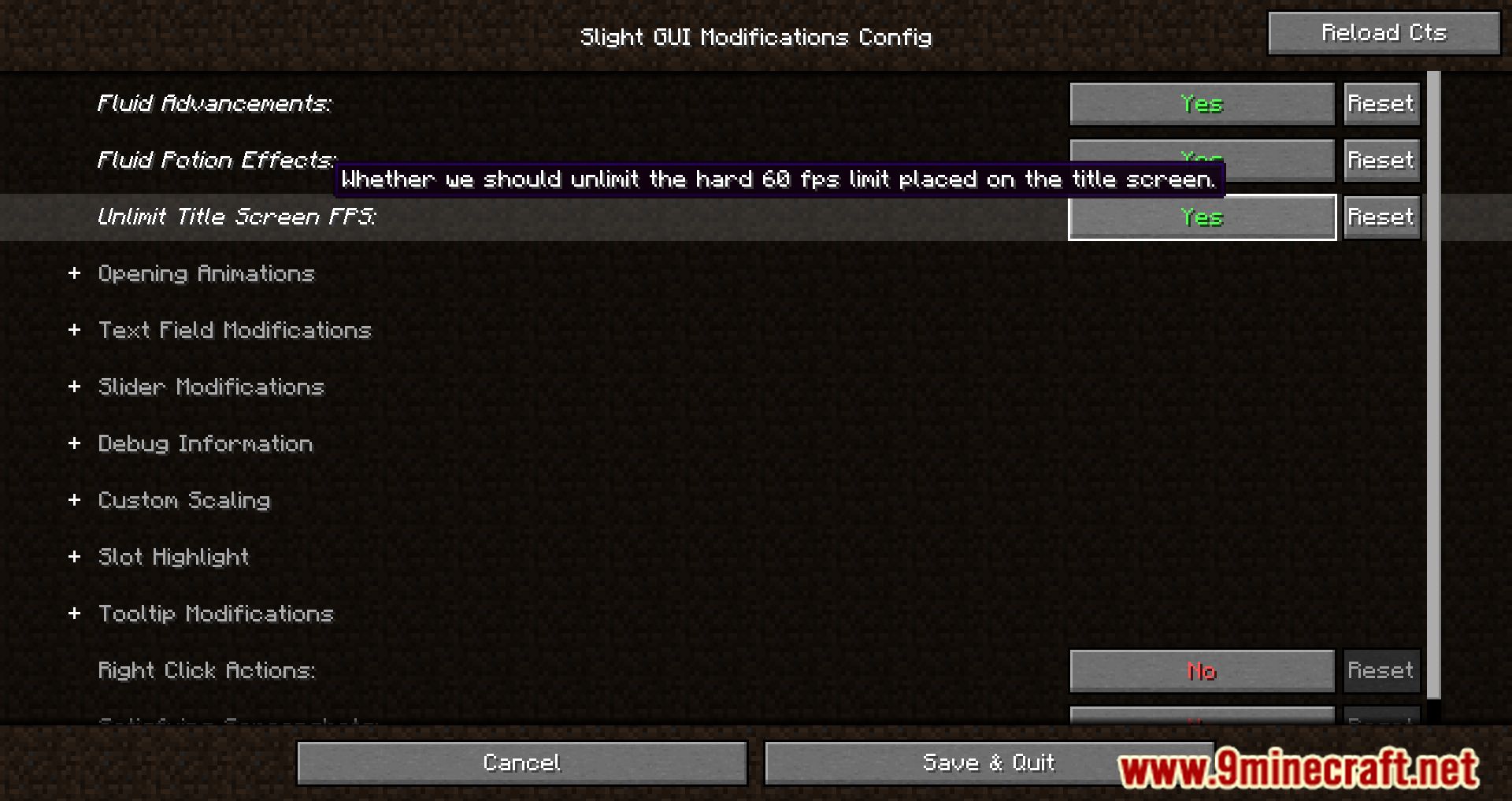
- Unlimit Title Screen FPS: Removes the 60 FPS cap on the title screen before you load a world.
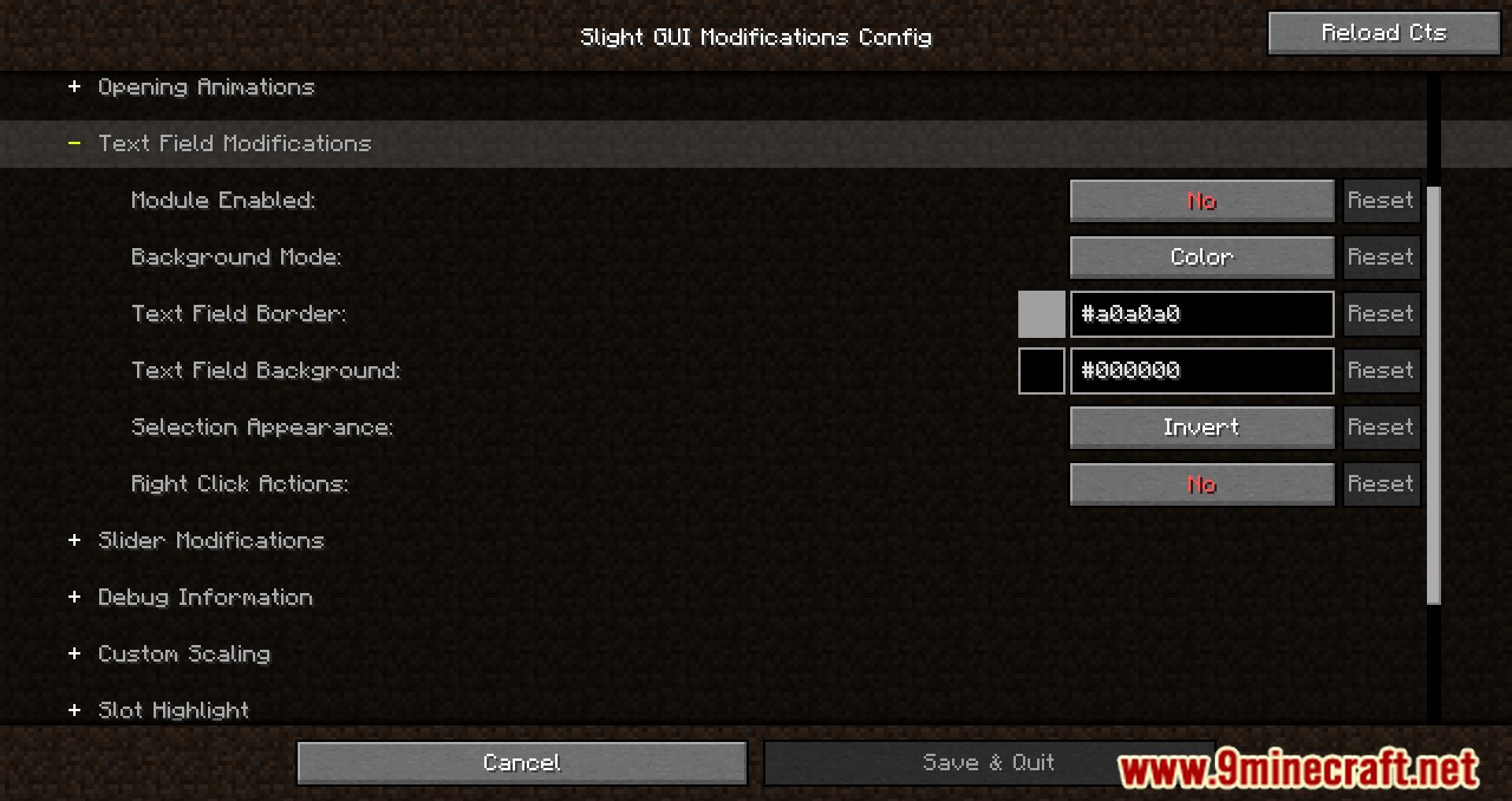
- Text Field Background: Lets you change text box colors and textures using 9-patch styling.
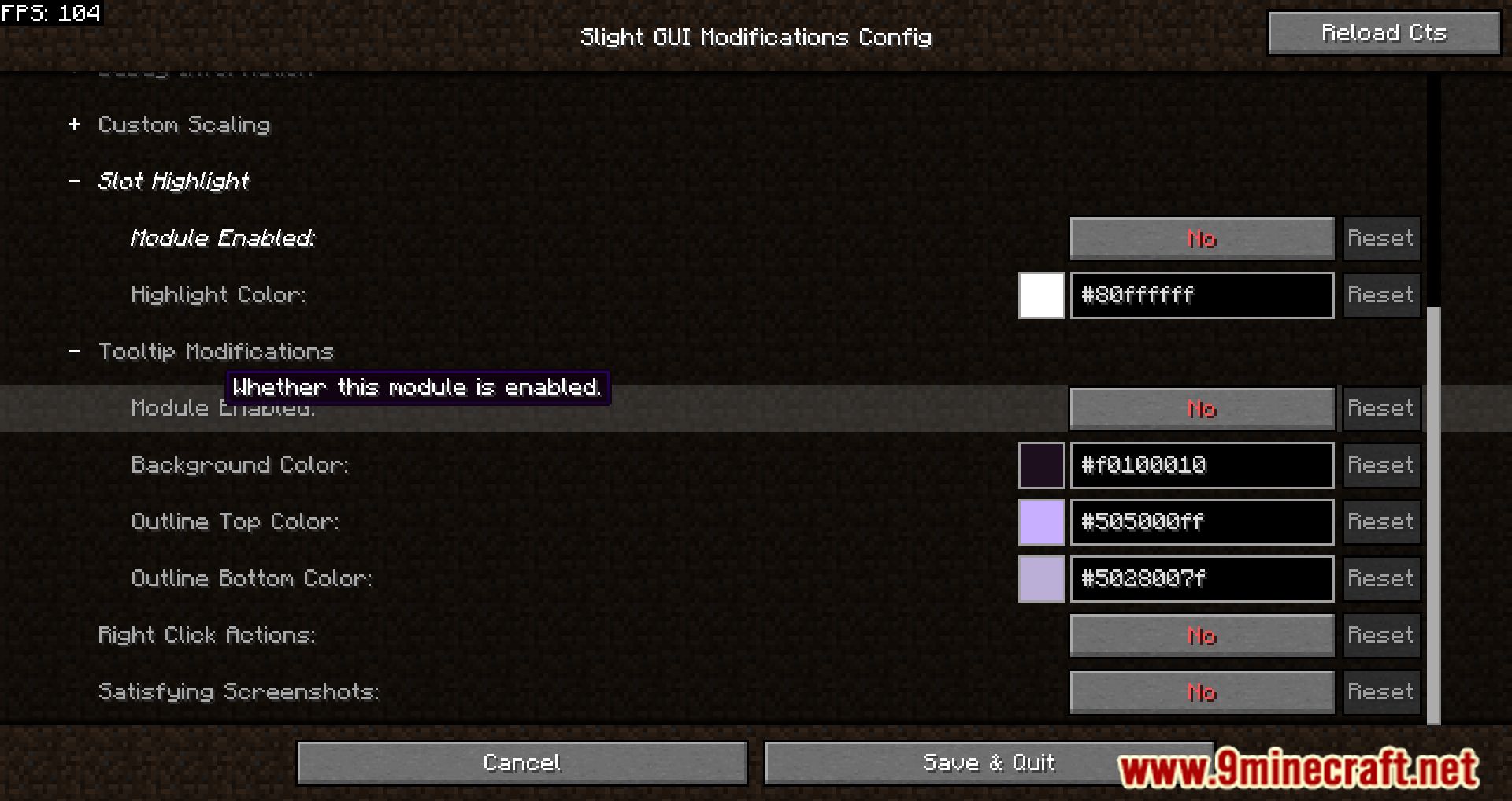
- Tooltip Styling: Lets you customize tooltip boxes using custom hex color codes.
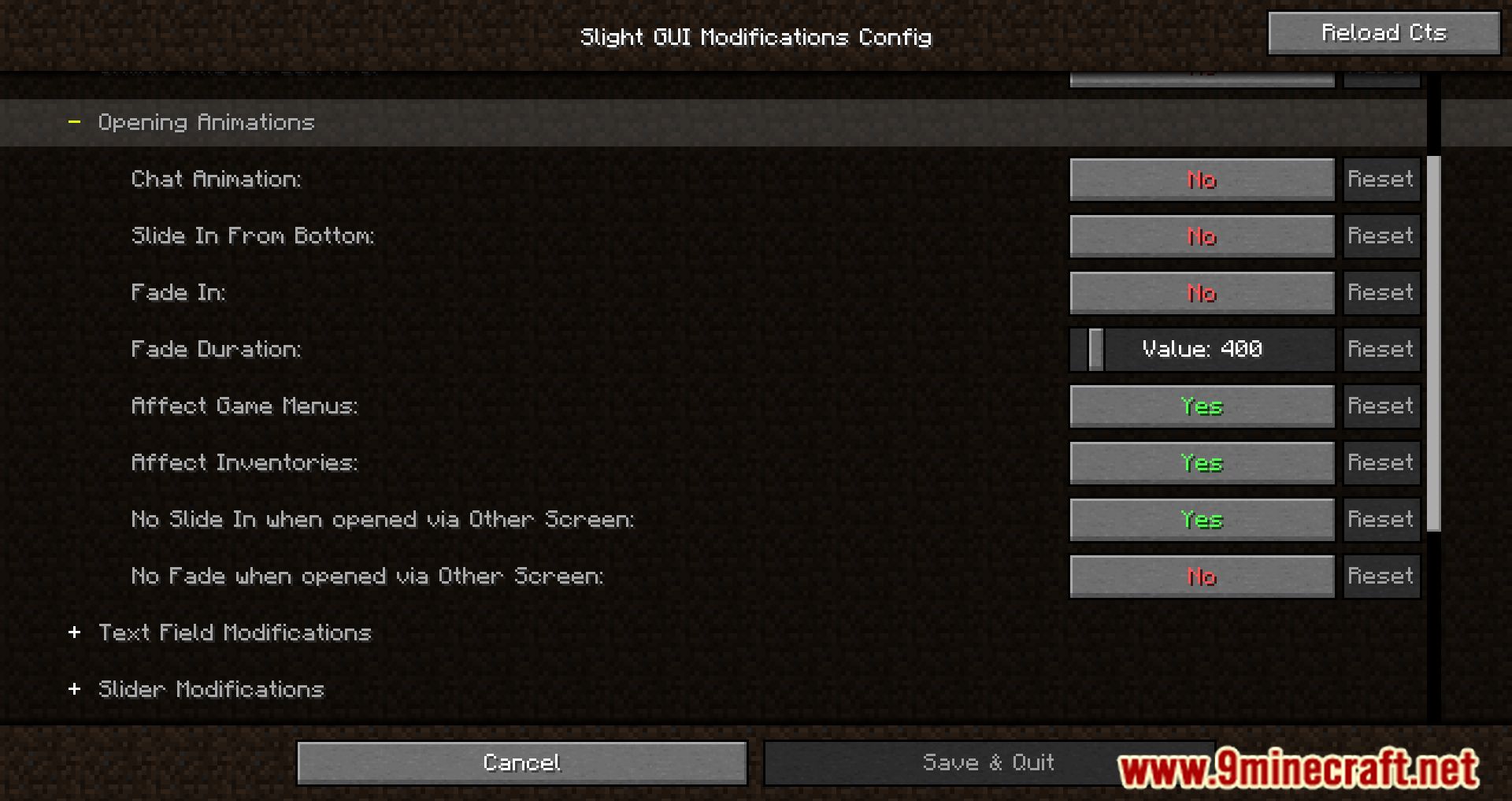
- Adds a smooth opening animation whenever you open the chat box.
- Adds opening animation choices for in-game menus and interface screens.
- Plays a fluid animation when new advancements pop up on your screen.
- Adds fluid animations to active potion effects shown on your screen.
- Adds a satisfying visual effect whenever you take a screenshot.
- Supports custom decimal GUI scaling so you can set exact menu sizes.
- Lets you change the highlight look inside in-game text fields.
- Lets you customize the highlight style on item slots.
- Adds handy right-click actions for interface elements.
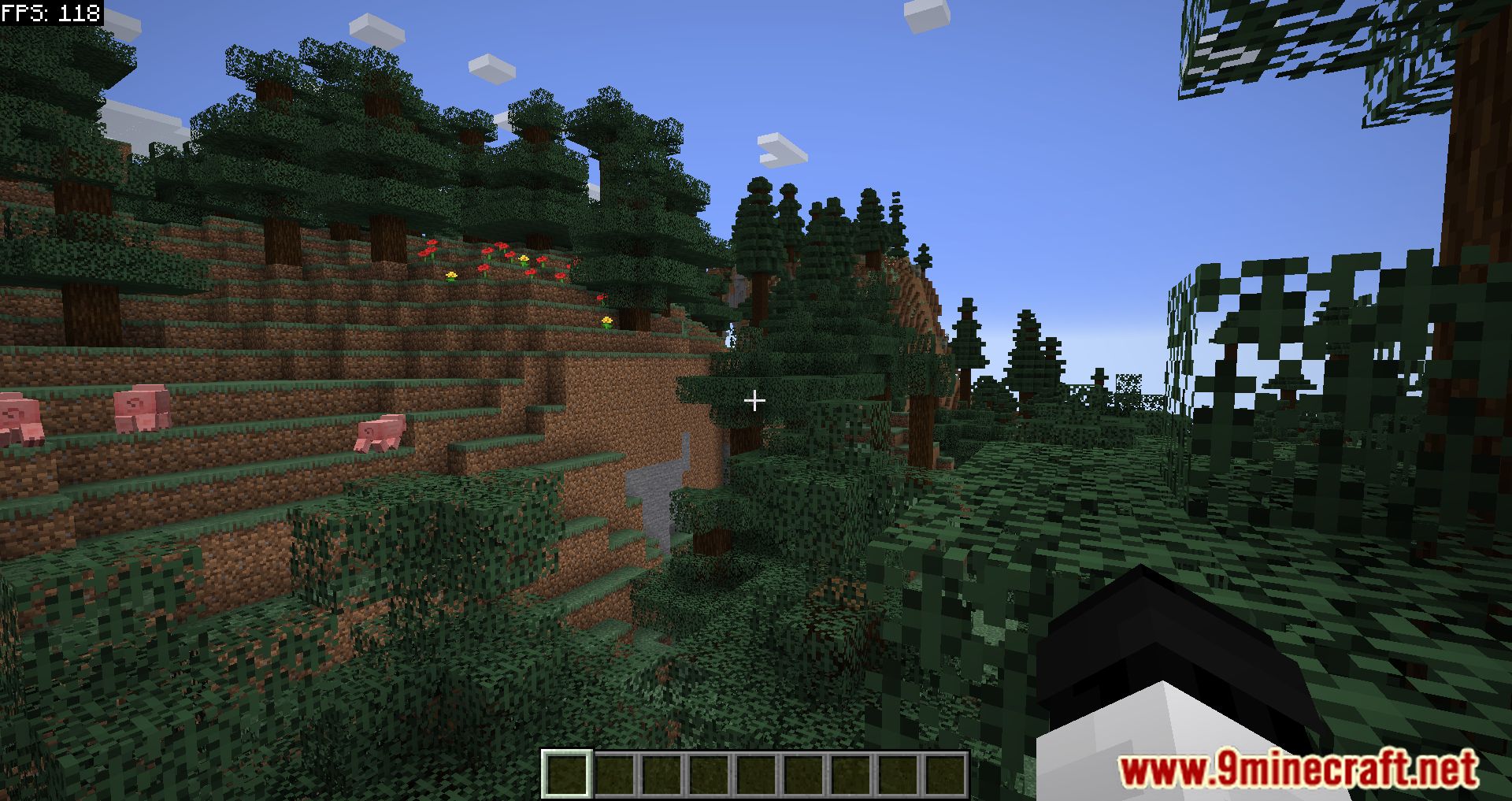
- Includes a debug option that shows your FPS counter on screen.
- Keeps every option turned off by default so you pick only what you want to change.
How to Use:
- Open the config menu through Mod Menu, or click the config button in the Minecraft Options screen if Mod Menu is not loaded, to view all interface settings.
- Browse the setting tabs for title screens, opening animations, text fields, tooltips, and debug info to find the tweaks you want.
- Turn on each feature you want to use, since all options start off by default, and adjust extra settings like hex color codes or animation choices.
- Save your changes and go back to the game to see your updated menus and interface.
Screenshots:
How to Install:
New to Minecraft? Follow our step-by-step guide to install Mods on your PC.View Guide
Slight Gui Modifications Mod Download Links
For Minecraft 1.20.1, 1.20
Fabric Version: Download from Server 1
For Minecraft 1.19.4
Fabric Version: Download from Server 1
For Minecraft 1.19.3
Fabric Version: Download from Server 1
For Minecraft 1.19.2, 1.19.1
Fabric Version: Download from Server 1
For Minecraft 1.19
Fabric Version: Download from Server 1
For Minecraft 1.18.2
Fabric Version: Download from Server 1
For Minecraft 1.18.1
Fabric Version: Download from Server 1
For Minecraft 1.17.1
Fabric Version: Download from Server 1
For Minecraft 1.16.5
Fabric Version: Download from Server 1
For Minecraft 1.15.2
Fabric Version: Download from Server 1
What do you do when a mod you love is abandoned by its creator?
19 responses · See the full results →
You May Also Like
Picked for this page
 Upgrade Aquatic Mod (1.21.1, 1.20.1) – New Fish, Sea Monsters and More
 Entity Culling Mod (26.3, 1.20.1) – Increase Your FPS
 Showcase Item Mod (26.1.2, 1.20.1) – Show Your Item in Chat
 Memory Settings Mod (26.3, 1.20.1) – Allocate More RAM
 More Beautiful Stairs Mod (26.3, 1.20.1) – 100+ New Stairs!
 Anvil Too Expensive Mod (26.1.2, 1.20.1) – Removes the “Too Expensive” text
 Entangled Mod (26.3, 1.20.1) – Link Blocks Across Worlds
 Magma Monsters Mod (1.21.1, 1.20.1) – Lava Lakes Now Fight Back
 XyCraft Core Mod (26.1.2, 1.20.1) – The Foundation for All XyCraft Mods
 Panorandom Mod (26.3, 1.21.11) – Picks Panorama From All Resource Packs
 Modern Networking Mod (26.3, 1.20.1) – Run Multiplayer Mods Without Errors
 DGLib Mod (1.20.1) – Swap Body Parts And Add Glowing Effects to Your Character
Most viewed in Mods over the last 7 days
 Ala Industrial Mod (26.3) – Run Electric Power Grids and Automated Factories
 PleasureCraft Mod (26.3, 1.21.1) – Jenny Mod Remake for Fabric
 Jennycraft Mod (26.3, 1.20.1) – Virtual Girlfriend in Minecraft
 Fapcraft Mod (26.3, 1.12.2) – Comprehensive and Detailed Content
 Jenny Mod (Fapcraft) Official Complete Guide – How to use, Tutorial
 BangCraft Mod (1.20.1) – Jenny, Ellie and Elliot
 Fabric Loader (26.3, 1.20.1) – Fabric Installer for All Minecraft Versions
 The Shooting Star Demo Mod (26.3, 1.20.1) – Vaporize Terrain From Orbit
 Meteor Client Mod (26.3, 1.20.1) – Xray, HUD, Fly
 OptiFine HD (26.3, 1.20.1) – Run Faster, FPS Boost, Shaders Support
 Aristois Client Mod (1.21.4, 1.20.1) – World Class Minecraft Utility
 Prestige Client Mod (1.21.11, 1.21.4) – Powerful Ghost Features for Crystal & Sword PvP
More from Mods
 Improved Boss Bars 9minecraft Mod (26.3) – Unique Health Bars for Every Boss Fight
 Cozy’s Improved Wolves Mod (26.3, 1.20.1) – Bond with Loyal Dogs That Never Die
 Cuisine Craft Mod (1.21.11, 1.20.1) – Cook Restaurant Dishes with Fresh Farm
 XinexLib Mod (1.21.1) – Keep Your Ultreon Studios Mods Running
 Libvulpes – Fixed Mod (1.12.2) – Launch Rockets with Fewer Bugs
 Freelook Perspective Mod (26.3, 1.21.1) – Watch Your Back While Sprinting
 FAUNA Engine Mod (1.21.1, 1.20.1) – Powering Legendary Dragons
 Avali Nexus Mod (26.3) – Settle Frozen Frontiers with High-Tech Bird Tribes
 Orient’s Hotpot Chronicles Mod (1.20.1) – Boil Fresh Hotpot Meals Over Open Flames
 Far Lands Traveler Mod (26.1.2) – Survive the Long Trek to the Edge of the World
 Beli’s SkyLyrics Mod (1.21.11) – Sing Along to Desktop Tracks Projected in the Night Sky
 Explainstone and Songmelyn Mod (1.21.1) – Broadcast Custom Music Across Your Base

This post has no comments yet. Be the first — your comment will appear here.