


World Edit Selection Visualizer Plugin (1.19, 1.18) – Spigot

 0
0 

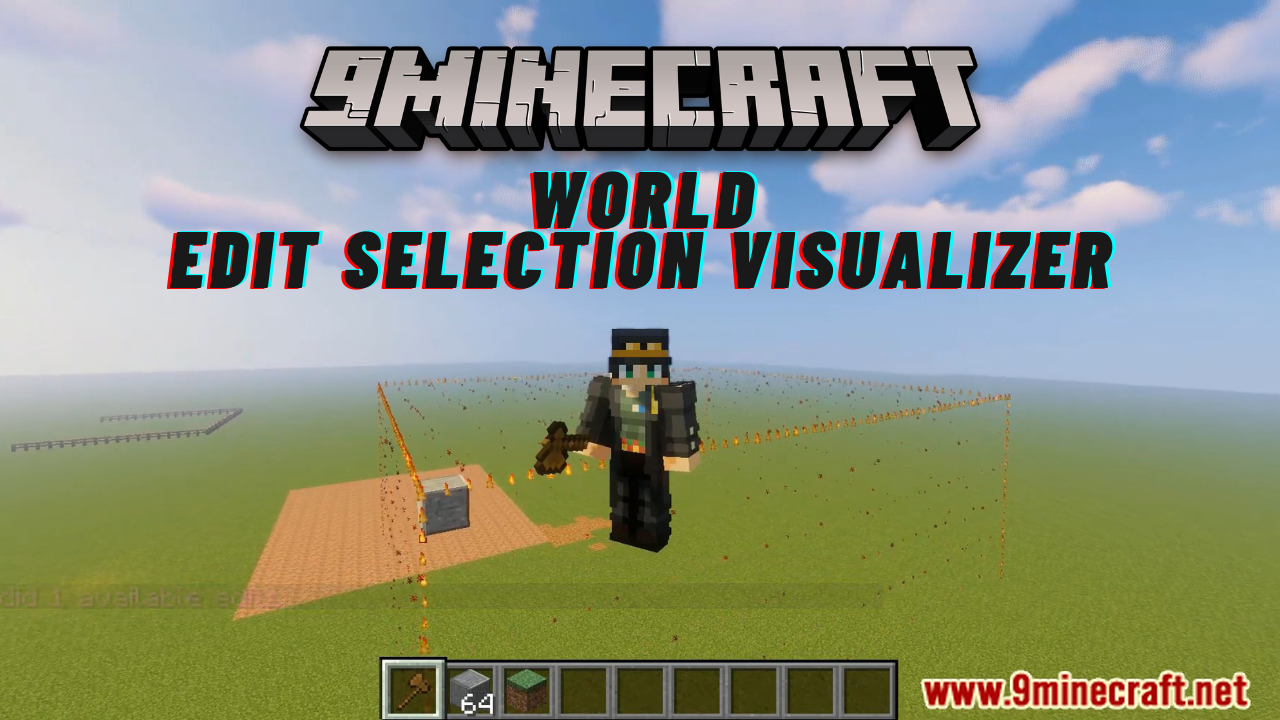
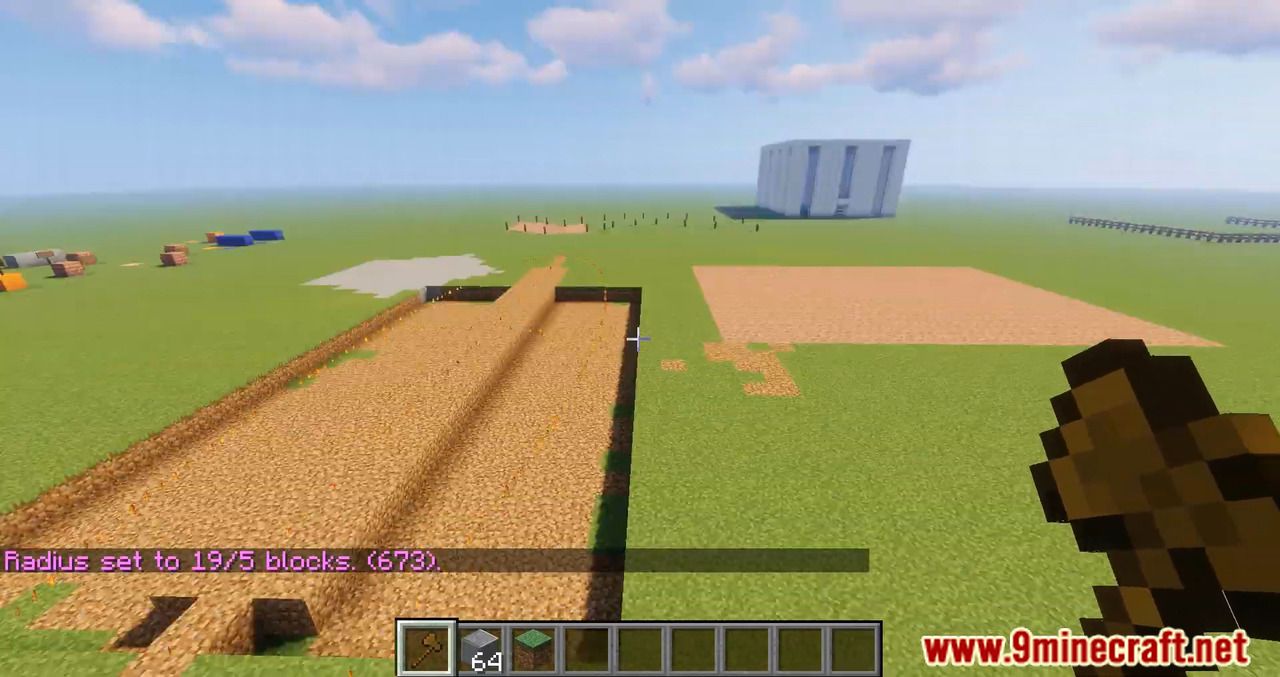
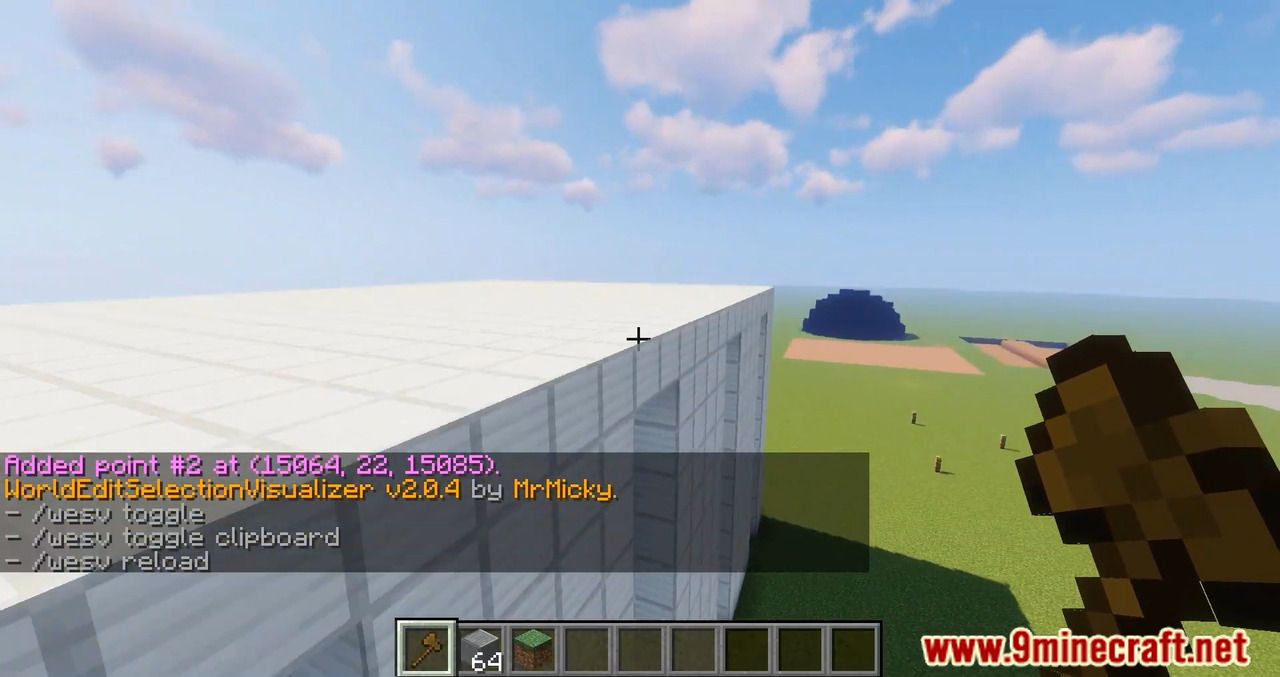
World Edit Selection Visualizer Plugin is essentially the famous WorldEditCUI mod in the form of a bukkit plugin, which means that players don’t need to install anything on their client.
Features
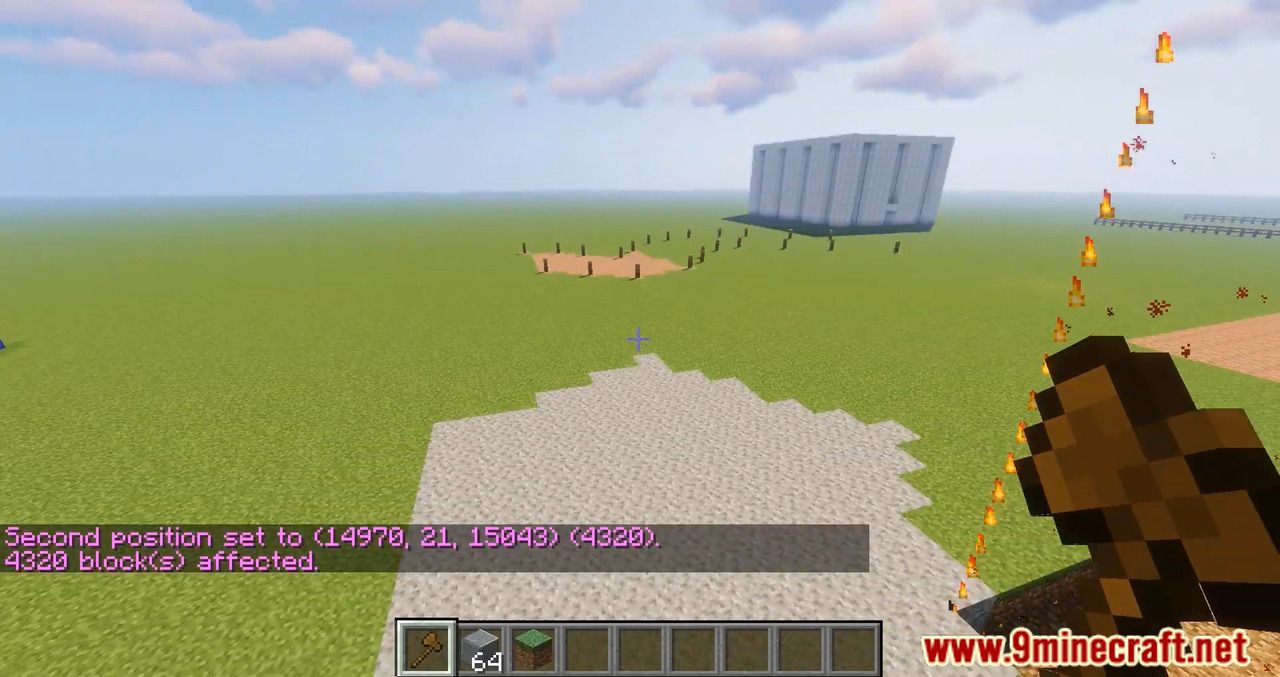
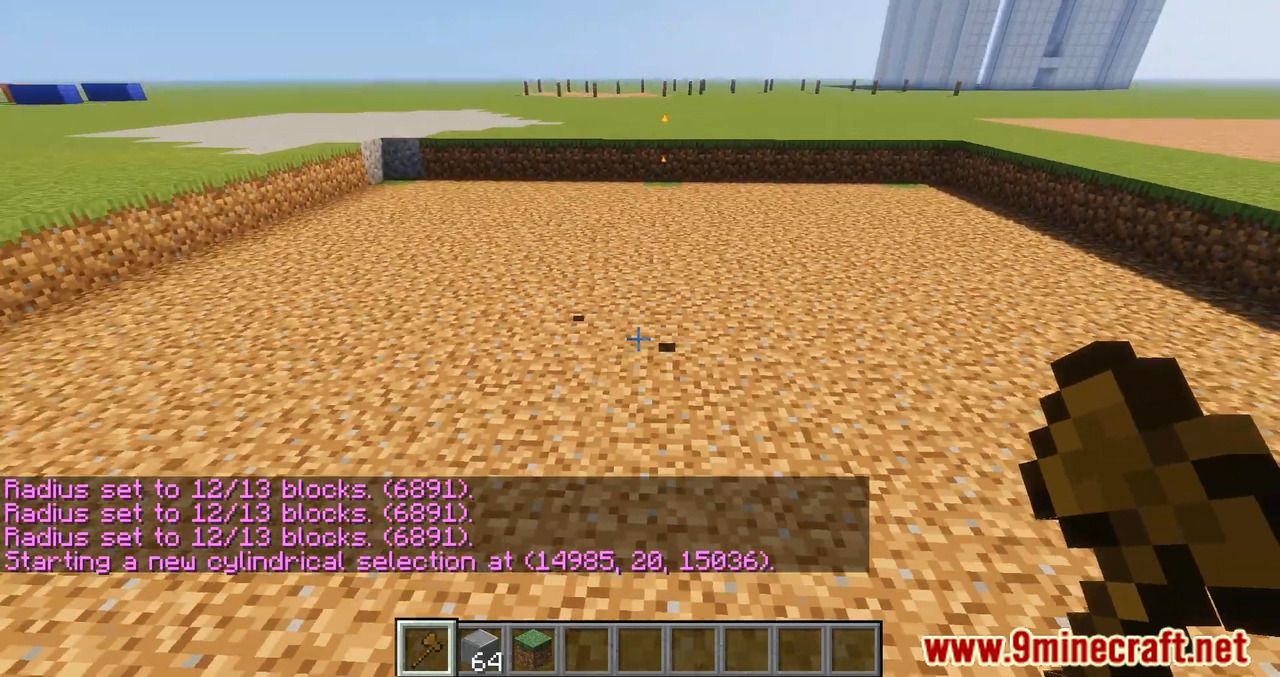
- Spawns particles around WorldEdit selections so players can see them
- No client mod required
- Supports cuboid, sphere, ellipsoid, cylinder, polygon and convex selections
- Can display the current clipboard (use /wesv toggle clipboard to enable)
- Use /wesv toggle to toggle the visualizer
- Option to only show the selection when holding the selection item
- Configurable particle effect and view distance
- Prevent players from spawning too many particles when selecting huge regions
- Highly customizable for the performance of your server
- Great compatibility: works with 1.7.10 to 1.17 servers, with WorldEdit 6 and 7, and with or without FastAsyncWorldEdit
- PlaceholderAPI support (you can use the placeholders %wesv_toggled_selection% and %wesv_toggled_clipboard%)
Commands
- /wesv toggle and /wesv toggle clipboard: toggle the selection/clipboard visualization
- /wesv lock: lock/unlock the origin of the clipboard visualization to your current location
- /wesv lock tp: teleport to the lock location (when clipboard visualization lock is enabled)
- /wesv reload: reload the configuration
Permissions
- wesv.toggle: for the toggle command
- wesv.use: allows the visualizer to be turned on
- wesv.reload: allows the configuration of this plugin to be reloaded from the config.yml file
Configuration
This plugin can be very resource expensive, try adjusting the configuration if you experience lag.
Screenshots: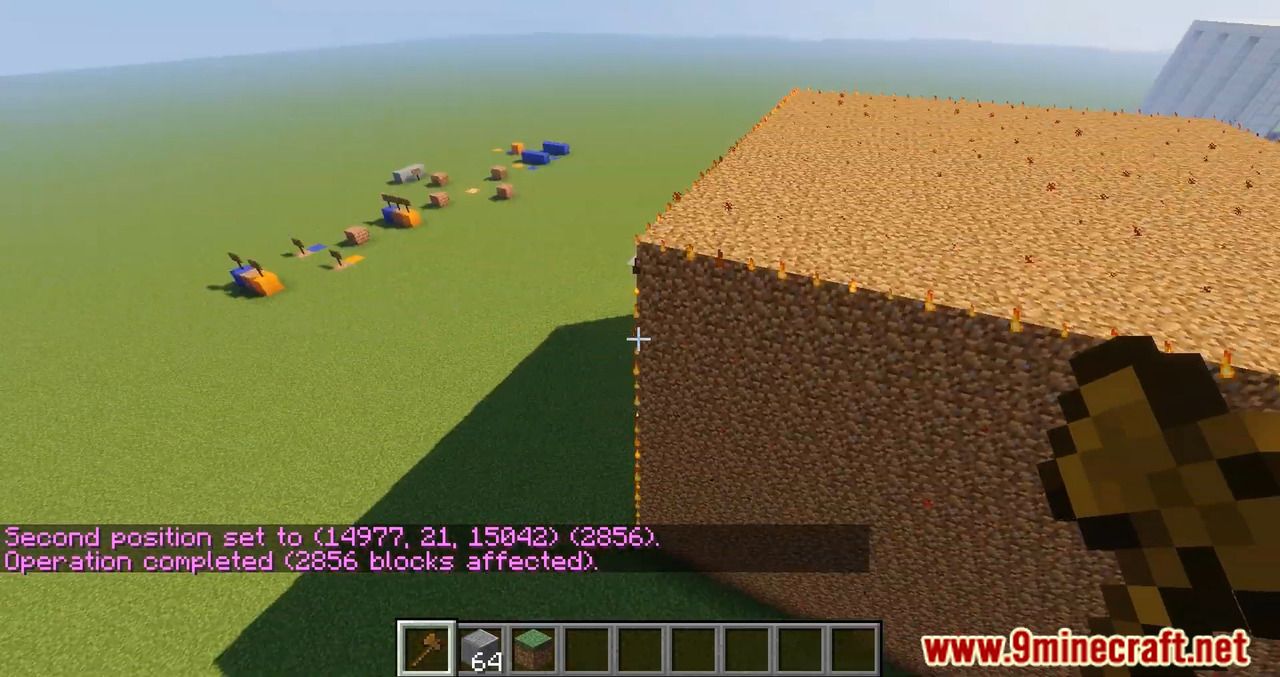
How to Install:
New to Minecraft? Follow our step-by-step guide to install Plugins on your PC.View Guide
World Edit Selection Visualizer Plugin Download Links
For All Versions from Minecraft Spigot 1.7 to Minecraft Spigot 1.19
Click to rate this post!
[Total: 0 Average: 0]
You May Also Like















This post has no comments yet. Be the first — your comment will appear here.