
Death Backup Mod (26.3, 1.20.1) – Fearless Cave Exploration

 0


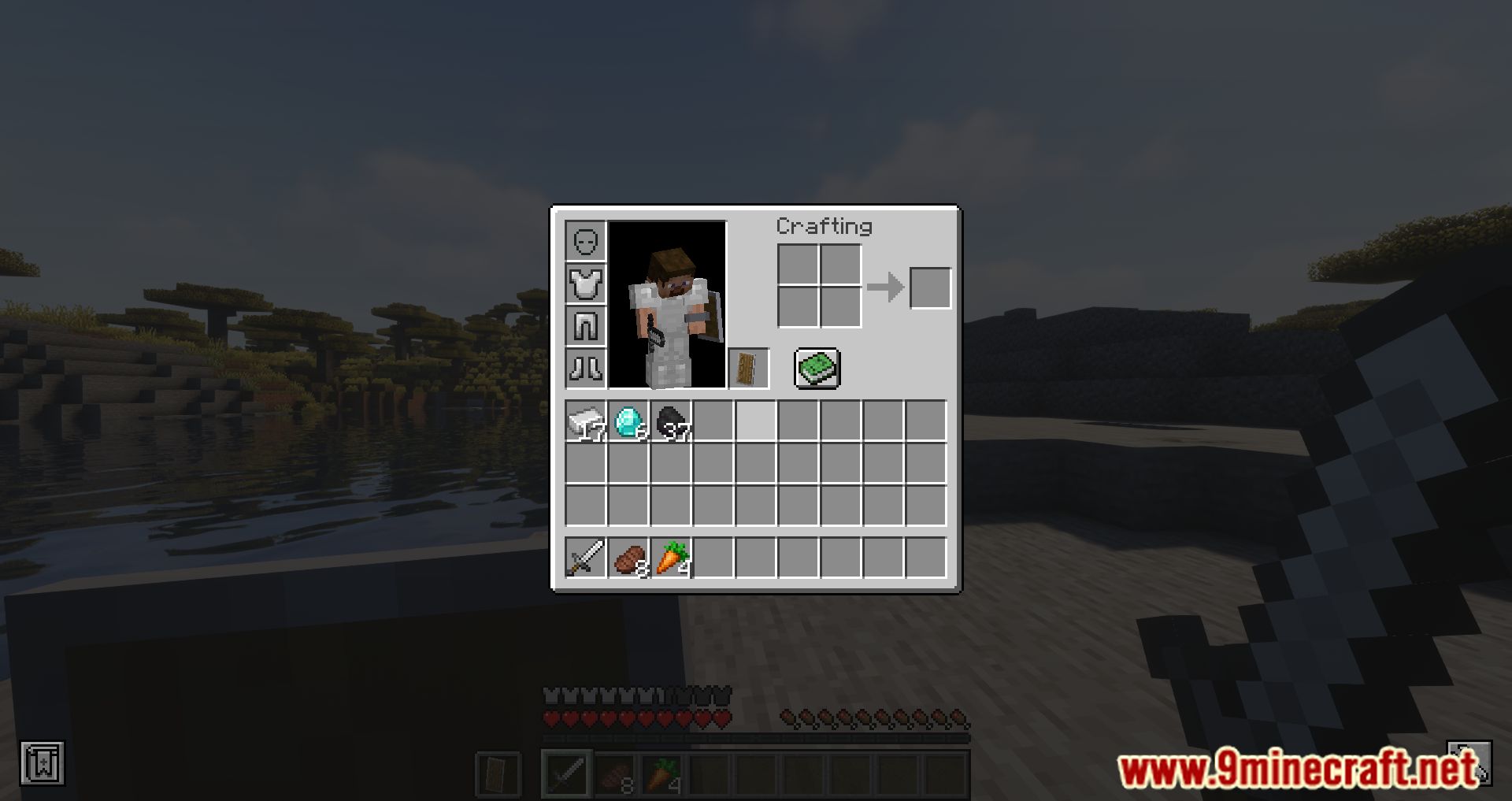
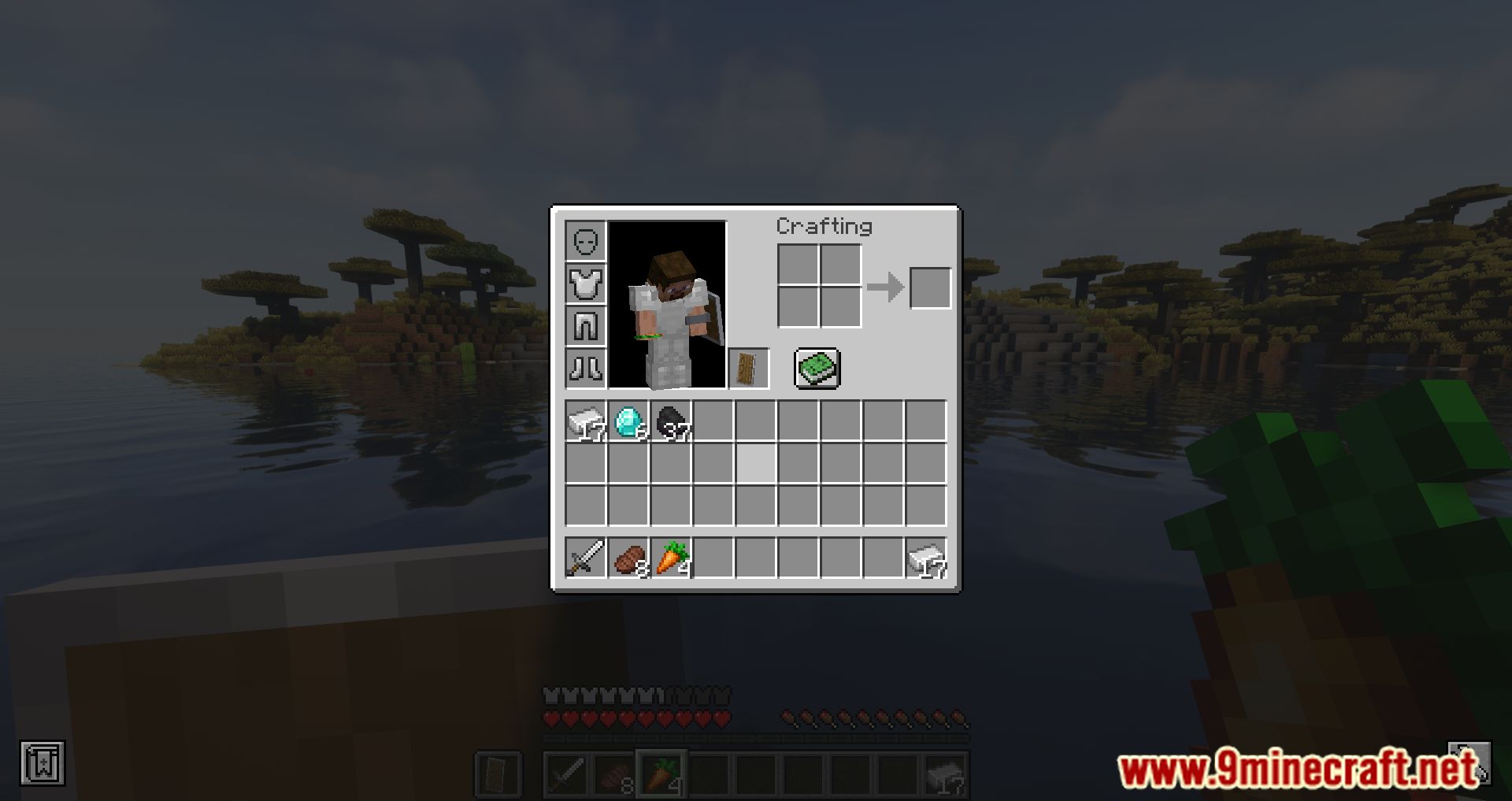
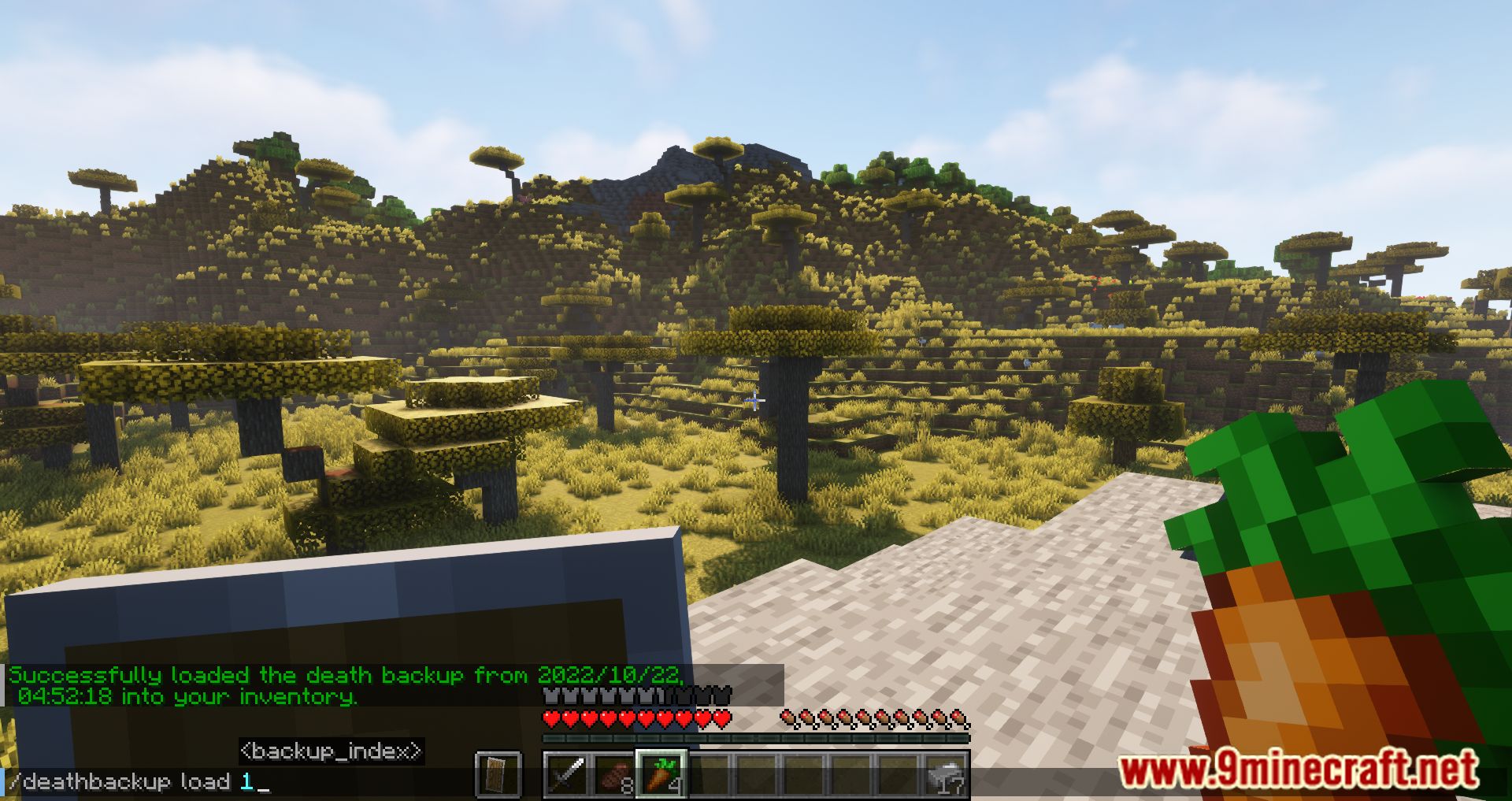
Death Backup Mod saves your inventory and gear to a file in your world folder right before you die. If you have cheat access, this mod lets you check recent deaths and bring back your saved items with simple chat commands. It keeps items with NBT tags, like enchanted gear and written books, safe when you load them back. The mod works on both singleplayer worlds and servers, and it requires Collective to run.
Features:
- Automatic Death Saves: Saves your full inventory and gear right before death to
./world-folder/data/deathbackup/time.txtinside the world folder. - NBT Item Support: Restores items with NBT tags, such as enchanted items and written books, without losing their data.
- Creates separate backup folders using each player’s name, so it works in both singleplayer worlds and servers.
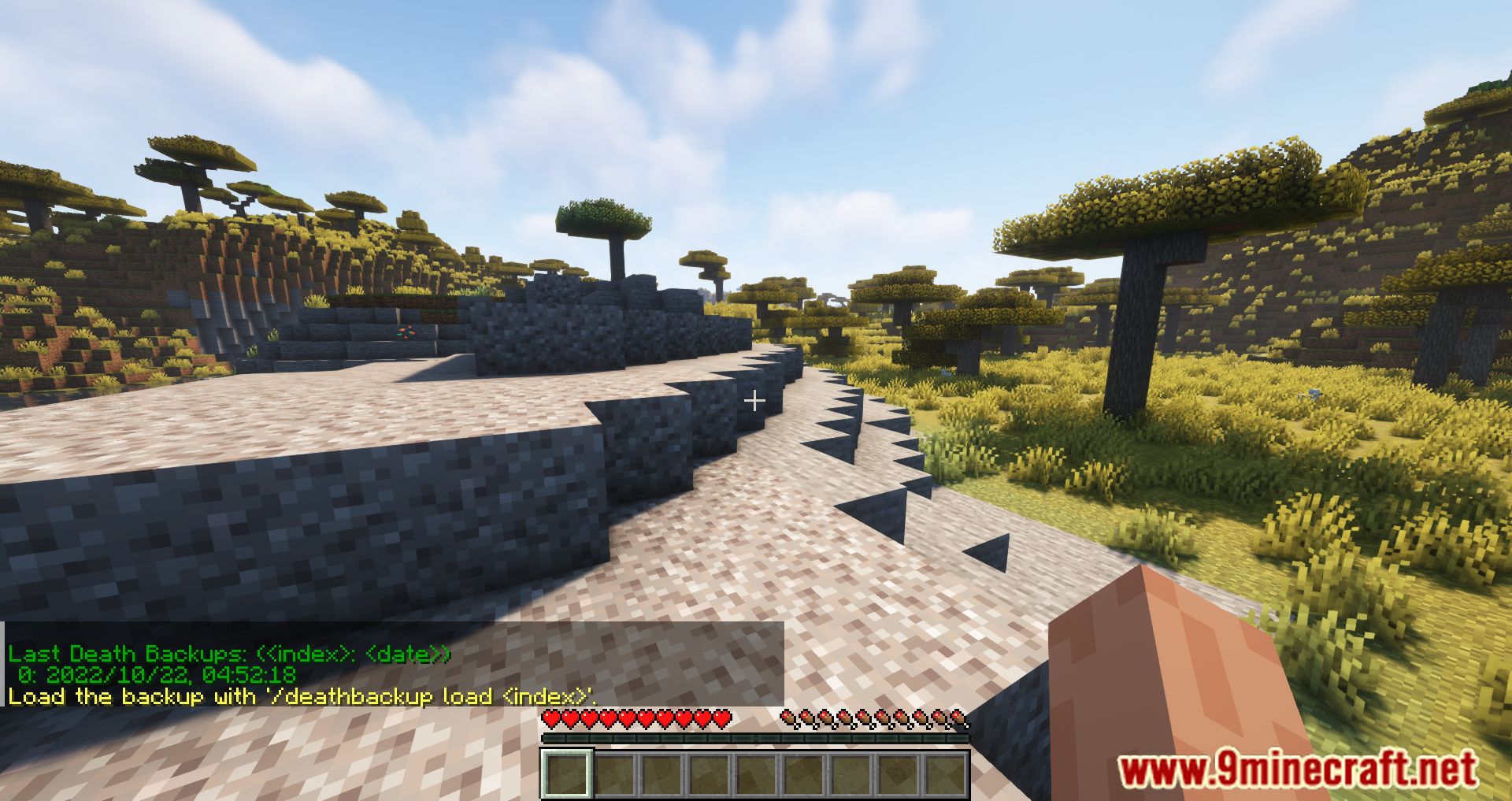
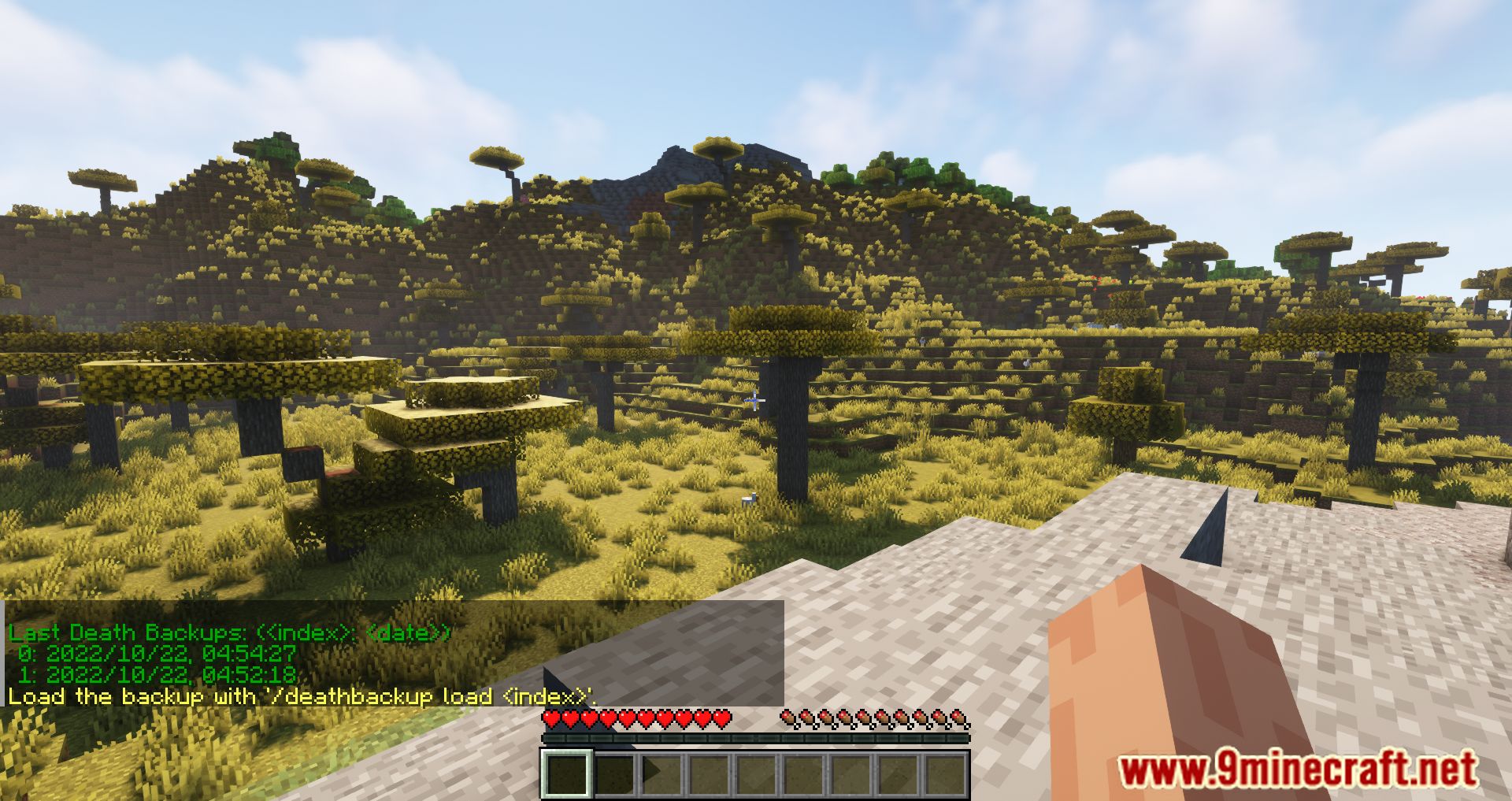
- Lets players with cheat access view a numbered list of recent deaths and load any saved inventory with chat commands.
- Sends a chat reminder message when a player with cheat access dies so they know a backup is ready to load.
- Includes config options to turn the death reminder message on or off and change the text shown in chat.
Commands:
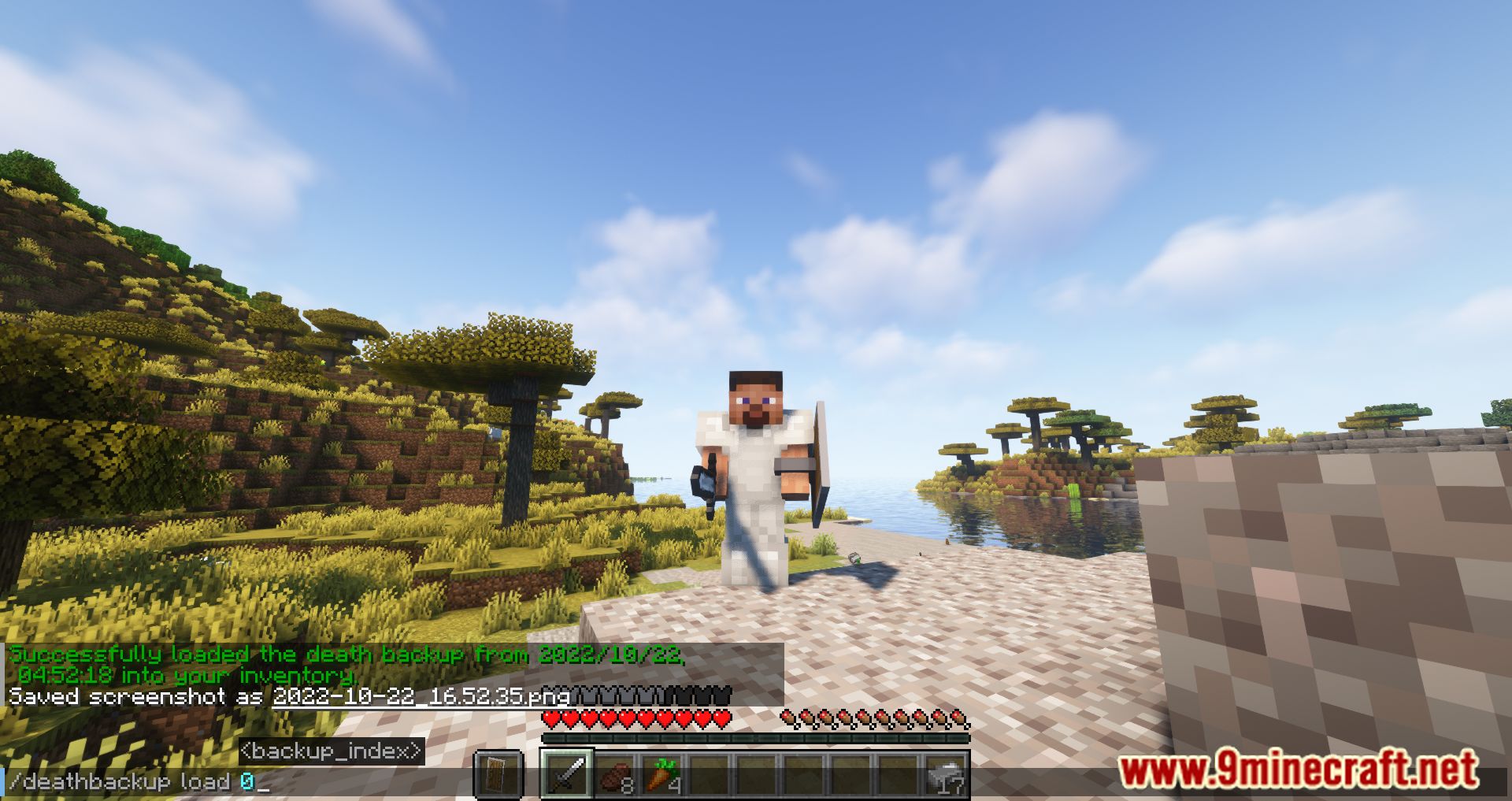
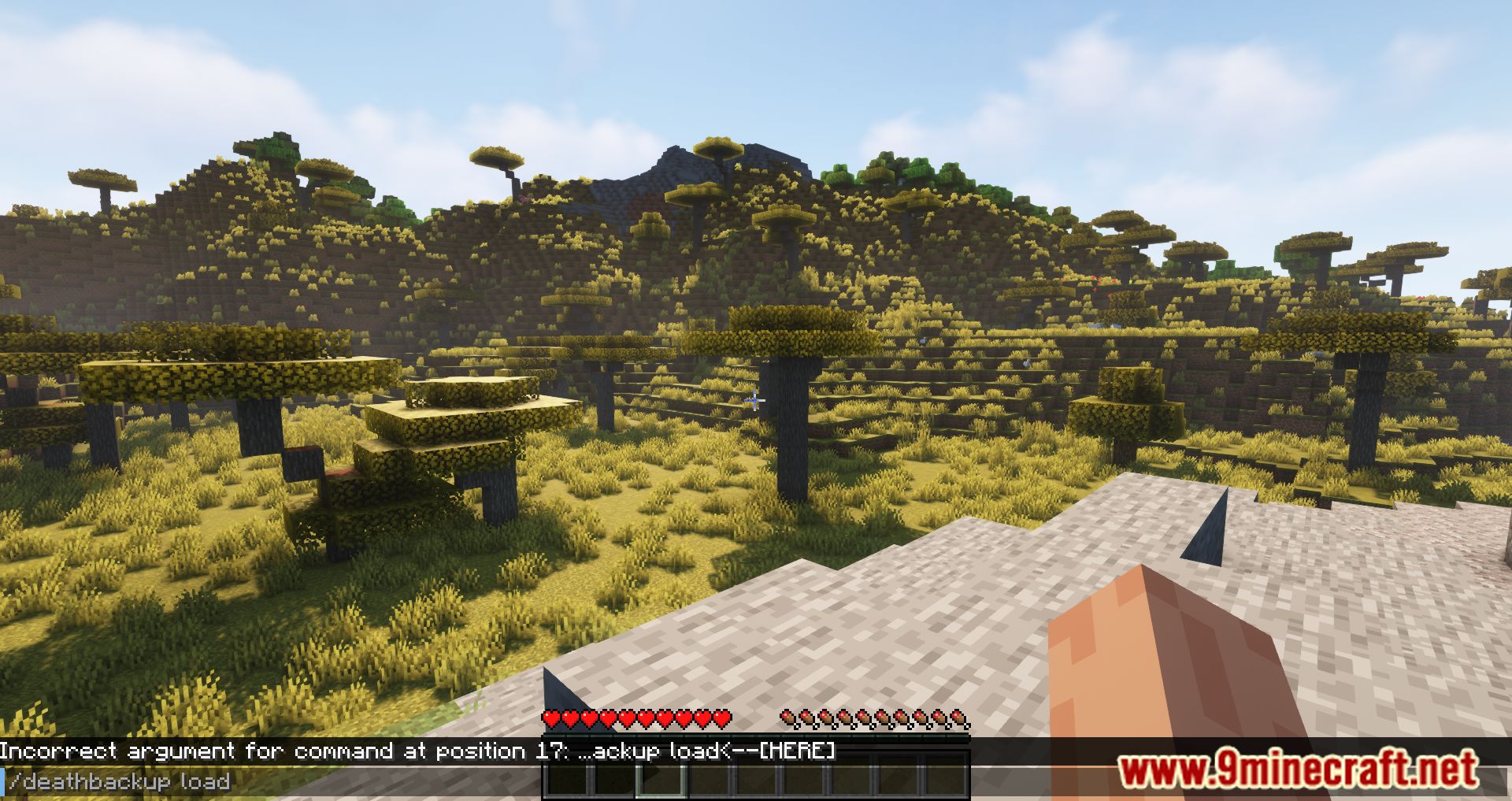
/deathbackup: Shows all available commands./deathbackup list: Shows a list of recent deaths along with their index numbers./deathbackup load <index>: Loads the saved inventory for the chosen<index>from/deathbackup list, where index 0 is always the latest death.
Configuration:
sendBackupReminderMessageToThoseWithAccessOnDeath: Sends a chat message to players with cheat access when they die to tell them a backup is ready to load (default:true).backupReminderMessage: Sets the reminder text sent in chat whensendBackupReminderMessageToThoseWithAccessOnDeathis enabled (default:"A backup of your inventory before your death has been created and can be loaded with '/deathbackup load 0'.").
How to Use:
- Make sure you have cheat access enabled in your singleplayer world or on the server, since only players with cheat access can load saved backups.
- Play normally; whenever you die, the mod automatically saves your inventory and gear to the world folder and sends a reminder message in chat by default.
- Type
/deathbackup listin chat to view a list of your recent deaths and see the index number for each backup. - Type
/deathbackup load <index>with the number from the list to restore that saved inventory, or run/deathbackup load 0to bring back the items from your most recent death right away. - Type
/deathbackupat any time to see all available commands in chat. - Edit
sendBackupReminderMessageToThoseWithAccessOnDeathorbackupReminderMessagein the config file if you want to turn off or customize the death reminder message.
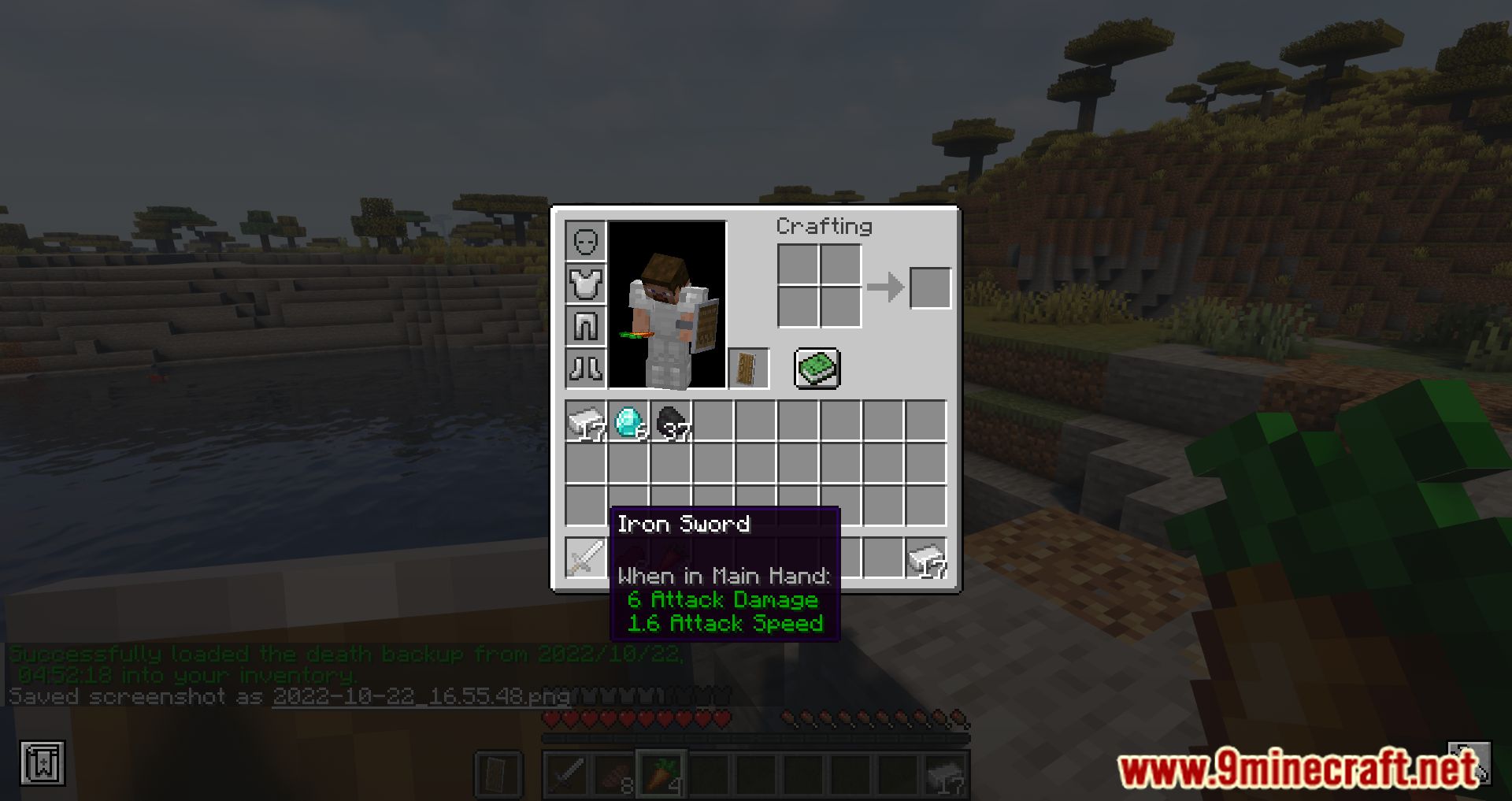
Screenshots:

How to Install:
New to Minecraft? Follow our step-by-step guide to install Mods on your PC.View Guide
Requirements:





Death Backup Mod Download Links
For Minecraft 26.3
For Minecraft 26.2
For Minecraft 26.1.2, 26.1.1, 26.1
For Minecraft
1.21.11,
1.21.10,
1.21.9
All Versions Covered
1.21.11
1.21.10
1.21.9
1.21.8
1.21.7
1.21.6
1.21.5
1.21.4
1.21.1
1.21
All Versions Covered
1.21.11
1.21.10
1.21.9
1.21.8
1.21.7
1.21.6
1.21.5
1.21.4
1.21.1
1.21
For Minecraft 1.21.10, 1.21.9
For Minecraft 1.21.8, 1.21.7, 1.21.6
For Minecraft 1.21.5
For Minecraft 1.21.4
For Minecraft 1.21.3, 1.21.2
For Minecraft 1.21.1, 1.21
For Minecraft 1.20.6
For Minecraft 1.20.4
For Minecraft 1.20.2
For Minecraft 1.20.1, 1.20
For Minecraft 1.19.4
For Minecraft 1.19.3
For Minecraft 1.19.2
For Minecraft 1.19.1
For Minecraft 1.19
For Minecraft 1.18.2
For Minecraft 1.18.1
For Minecraft 1.17.1
For Minecraft 1.16.5
For Minecraft 1.15.2
For Minecraft 1.14.4
For Minecraft 1.12.2
Click to rate this post!
[Total: 0 Average: 0]
QUICK MINECRAFT SURVEY · ONE TAP
Mods & Modpacks
What is your stance on mods that feel 'overpowered' or break vanilla balance?
9 responses · See the full results →
You May Also Like
Picked for this page
 Large Fluid Tank Mod (26.3, 1.20.1) – Max 1048576000mB
 Grind Enchantments Mod (26.3, 1.20.1) – Disenchant & Transfer Enchantments
 Fullbright Mod (26.1.2, 1.20.1) – Toggle Fullbright in Minecraft
 Sound Physics Mod (26.3, 1.20.1) – Amazing Sound Shaders in Minecraft
 Ksyxis Mod (26.3, 1.20.1) – Completely Removes Spawn Chunks
 Compact Storage Mod (26.2, 1.20.1) – Carry Everything You Find
 XP Tome Mod (26.3, 1.20.1) – Store and Withdraw XP Easily
 Adaptive Performance Tweaks (Bundle) Mod (26.3, 1.20.1) – Support Server Performance
 Coords Mod (26.3, 1.20.1) – Shows Player Coordinates In Overlay
 Untranslated Items Mod (26.2, 1.20.1) – Display Item Names in English
 Servux Mod (26.3, 1.20.1) – Essential Server-Side Support
 The Fletching Table Mod (26.3, 1.20.1) – Transform Your Arrows With Ease
Most viewed in Mods over the last 7 days
 Ala Industrial Mod (26.3) – Run Electric Power Grids and Automated Factories
 PleasureCraft Mod (26.3, 1.21.1) – Jenny Mod Remake for Fabric
 Jennycraft Mod (26.3, 1.20.1) – Virtual Girlfriend in Minecraft
 Fapcraft Mod (26.3, 1.12.2) – Comprehensive and Detailed Content
 Jenny Mod (Fapcraft) Official Complete Guide – How to use, Tutorial
 BangCraft Mod (1.20.1) – Jenny, Ellie and Elliot
 Fabric Loader (26.3, 1.20.1) – Fabric Installer for All Minecraft Versions
 The Shooting Star Demo Mod (26.3, 1.20.1) – Vaporize Terrain From Orbit
 Meteor Client Mod (26.3, 1.20.1) – Xray, HUD, Fly
 OptiFine HD (26.3, 1.20.1) – Run Faster, FPS Boost, Shaders Support
 Aristois Client Mod (1.21.4, 1.20.1) – World Class Minecraft Utility
 Prestige Client Mod (1.21.11, 1.21.4) – Powerful Ghost Features for Crystal & Sword PvP
More from Mods
 CinematicInteractions Mod (1.21.1) – Watch Your Hands Work at Every Crafting Table
 Earth Platform Mod (1.21.1) – Travel Across Real Continents in a True Scale World
 Taunahi Mod (26.1.2) – Automate Daily Farming and Slayers in Hypixel Skyblock
 HORROR Fake Join Leave Messages Mod (1.20.1) – Trigger Creepy Chat Scares
 Bons Voyage Mod (1.20.1) – Teleport Across Biomes Through Hidden Waystones
 Orbital Railgun UPDATED Mod (26.3) – Flatten Giant Landscapes From Space
 Automobility Autoradio Mod (26.3, 26.1.2) – Trade Custom Mixtapes with Friends
 Towers of the Wild 9minecraft Mod (26.3, 26.2) – Climb Tall Towers for Loot
 Ender Storage 9minecraft Mod (26.3, 26.2) – Send Loot Back Home From Any Dimension
 Snad 9minecraft Mod (26.3, 26.2) – Build Faster Sugar Cane and Nether Wart Farms
 Together Forever Unofficial Mod (1.12.2) – Share Team Advancements
 GroovyDuvet Mod (1.21.11, 1.20.1) – Run Groovy Scripted Addons Without Game

This post has no comments yet. Be the first — your comment will appear here.