
Better Controls Mod (1.21.11, 1.20.1) – Sprint and Fly with Total Precision

 0


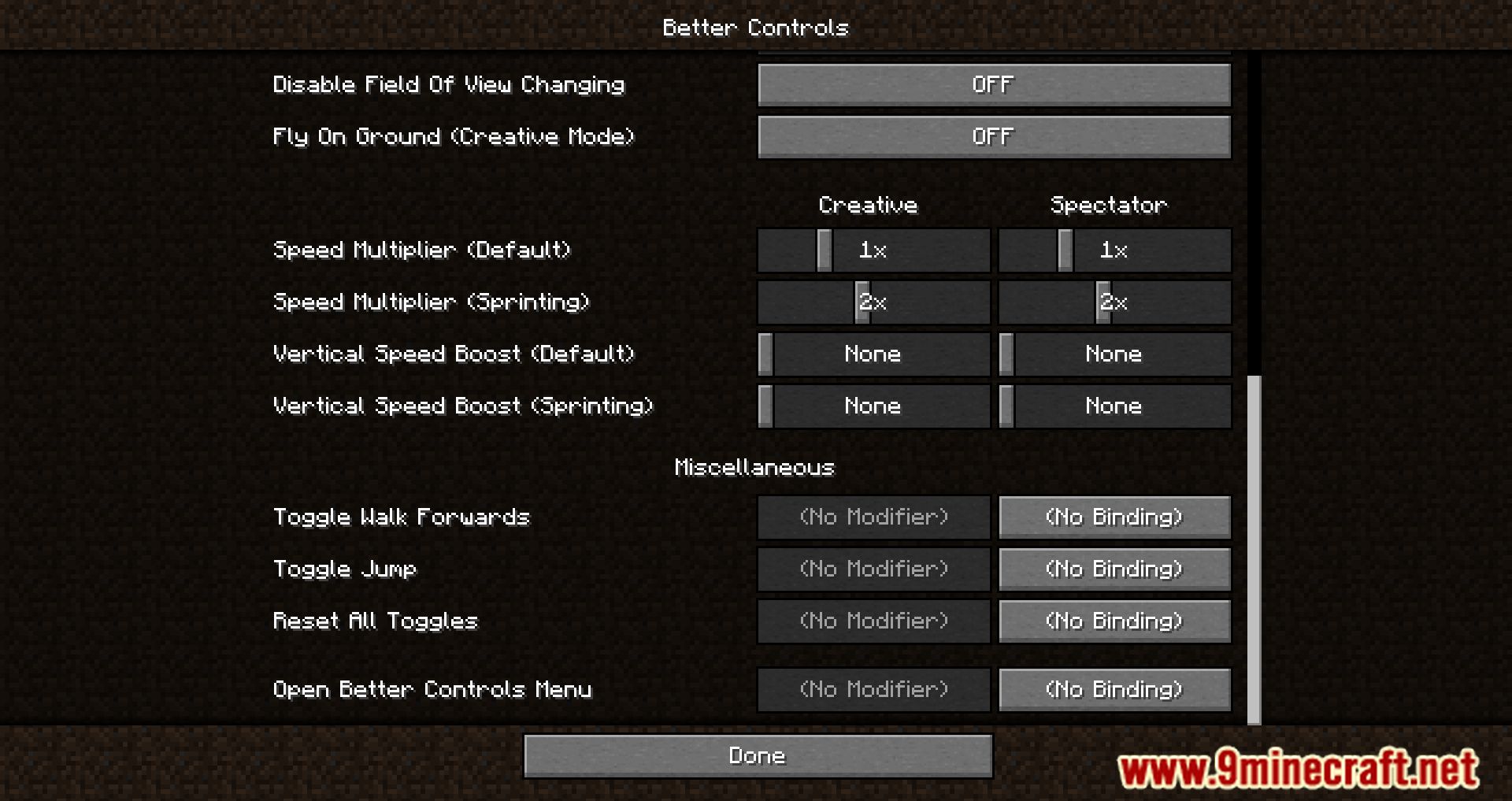
Better Controls Mod gives you advanced custom settings for movement actions like sprinting, sneaking, flying, walking, and jumping. The mod adds toggle keybinds and lets you use modifier keys such as Control, Shift, and Alt for precise control over your character movements. You can press the original key to cancel a toggle, or bind a single key to reset all active toggles at once.
Features:
- Adds Toggle Keybinds for sprinting, sneaking, flying, walking, and jumping using modifier keys.
- Allows you to bind a single key that resets all active toggle keybinds at once.
Sprinting
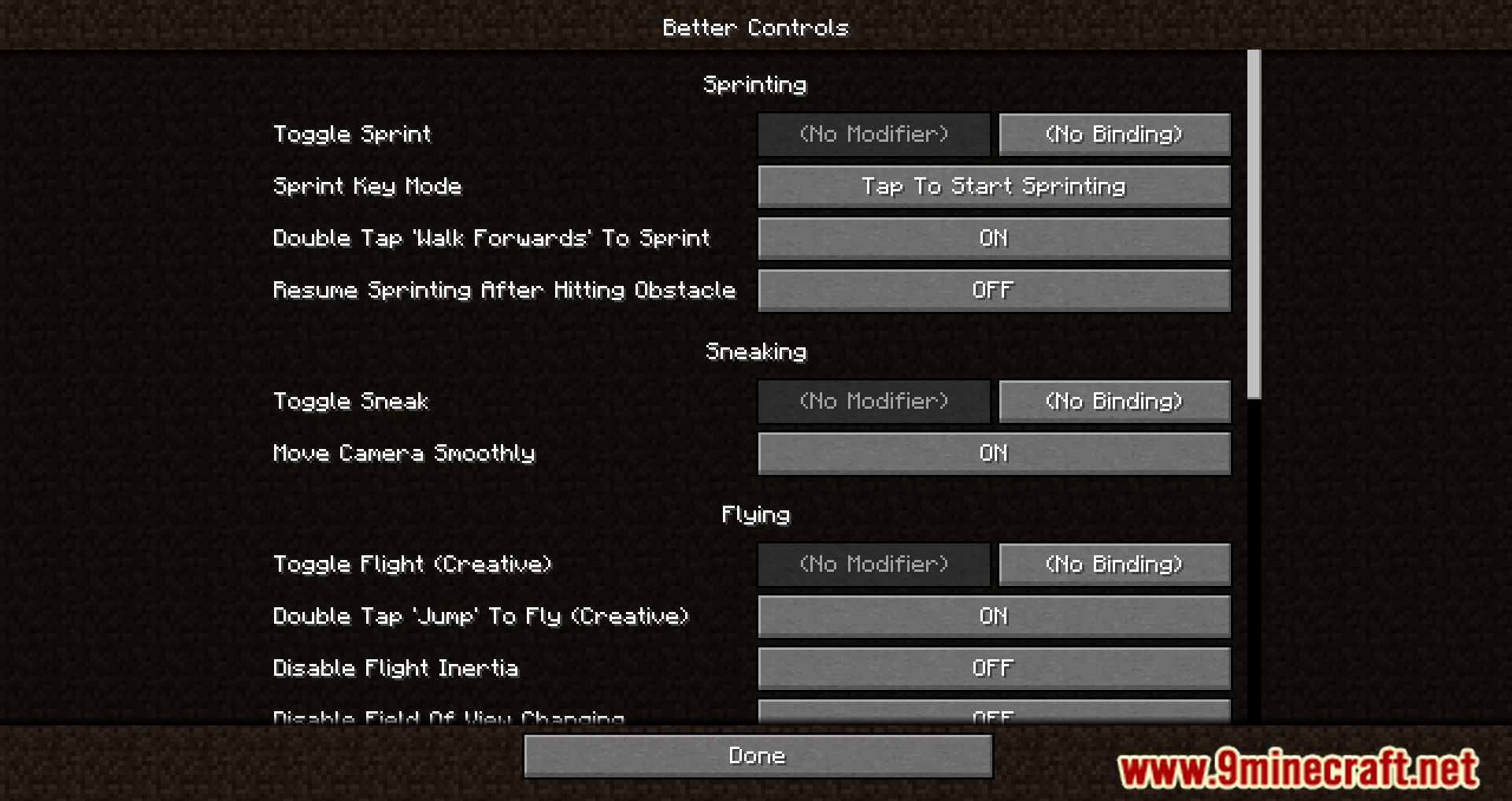
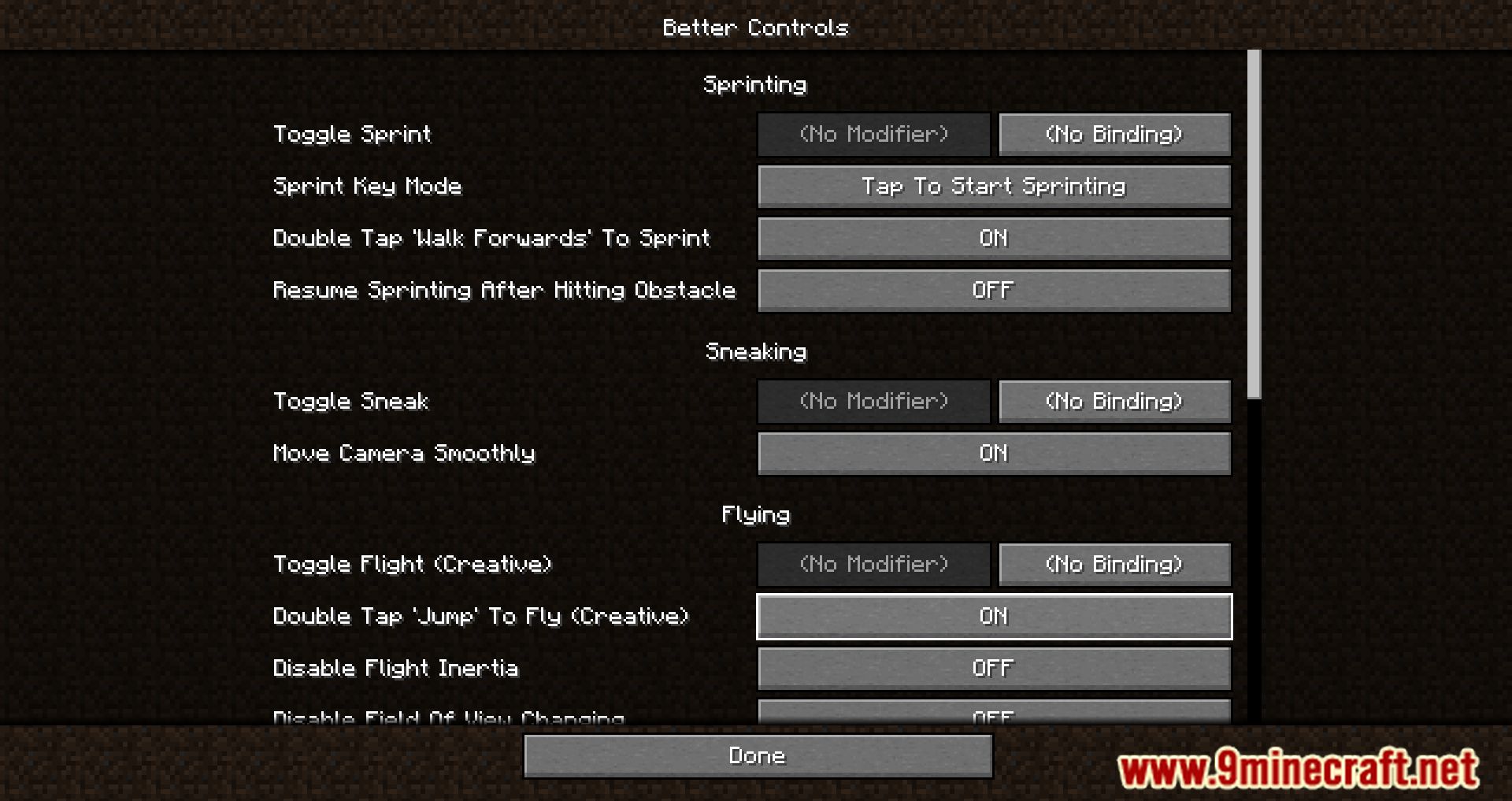
- Sprint Key Mode lets you choose between Tap To Start Sprinting, Tap To Start / Stop Sprinting, and Hold To Sprint.
- Double Tap ‘Walk Forwards’ To Sprint can be turned off to prevent accidental sprinting.
- Resume Sprinting After Hitting Obstacle automatically presses the sprint key again once you stop touching blocks.
Sneaking
- Move Camera Smoothly lets you disable the smooth camera movement when you start or stop sneaking.
Gliding
- Start a Glide using a dedicated key.
- Double Tap ‘Jump’ To Glide can be turned off.
Flying
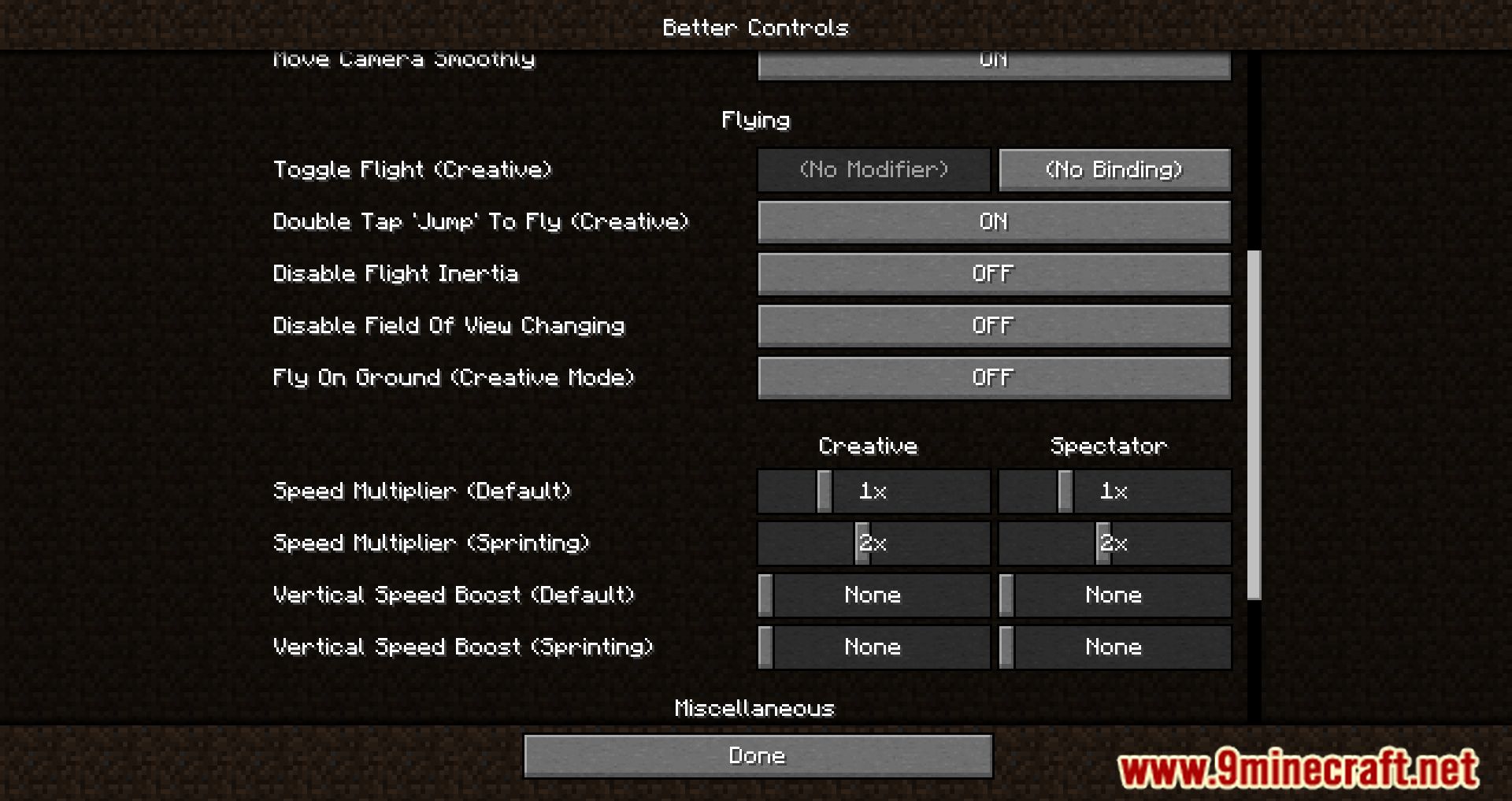
- Double Tap ‘Jump’ To Fly can be turned off to stop accidental flight toggling.
- Flight Inertia Multiplier changes how quickly you stop moving in the air when you release movement keys.
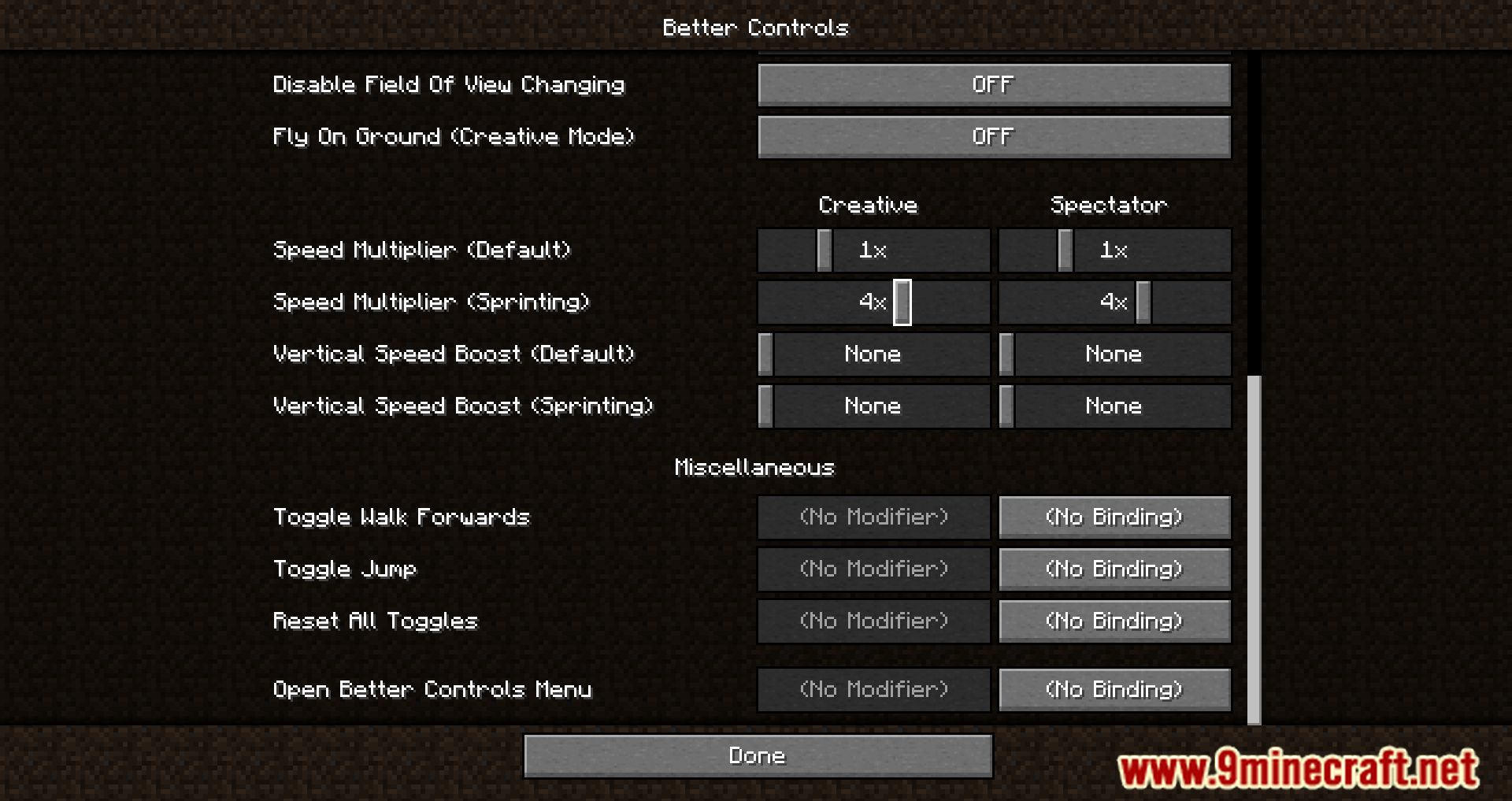
- Disable Field Of View Changing stops sprinting, potions, and other factors from altering your FOV during creative and spectator flight.
- Fly On Ground lets you fly while touching the ground in creative mode, and you can stop by tapping the sneak key.
- Flight Speed Multiplier lets you change your flight speed from 0.25x to 8x in creative and spectator mode.
- Vertical Speed Boost adds up to 300% extra vertical speed while flying in creative and spectator mode.
How to Use:
- Open the Options menu and go to Controls, then select Better Controls to view all available settings.
- Configure your custom keybinds and toggle options since all options match vanilla behavior by default.
- Hold the Alt key while opening the Controls screen if you experience a conflict with another mod that modifies the same menu.
Screenshots:
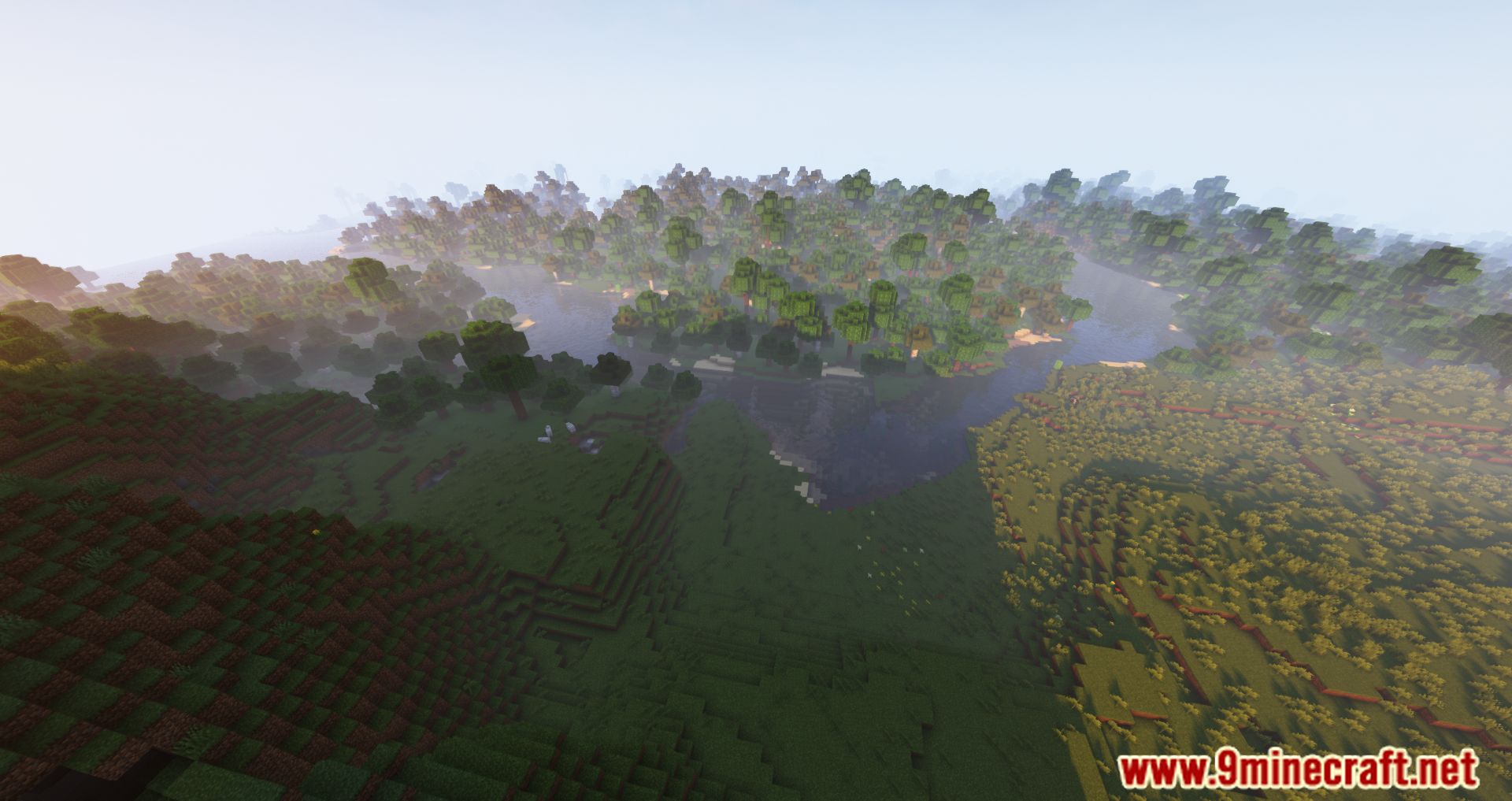
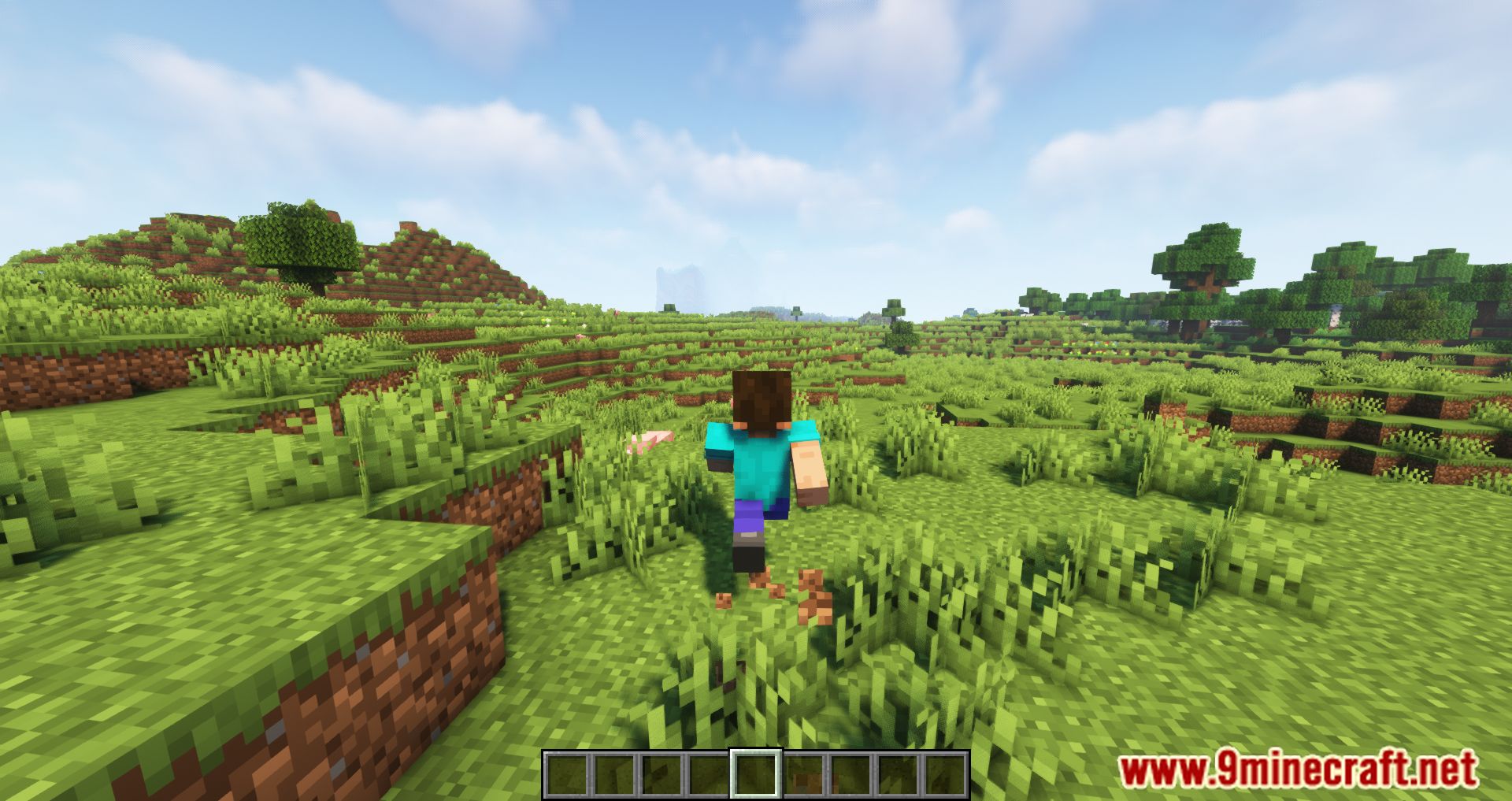
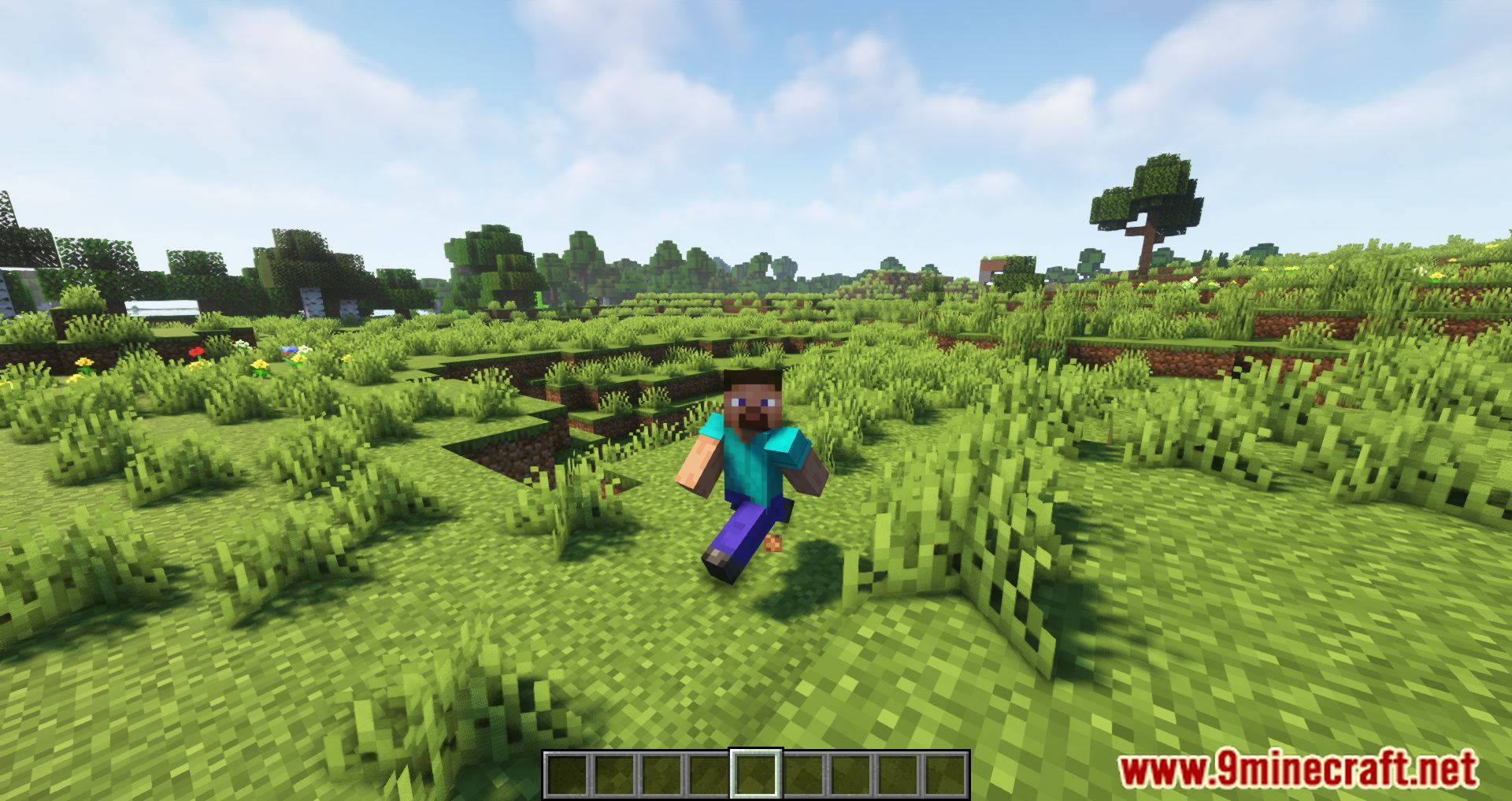
How to Install:
New to Minecraft? Follow our step-by-step guide to install Mods on your PC.View Guide
Better Controls Mod Download Links
For Minecraft 1.15.2
Forge Version: Download from Server 1 – Download from Server 2
For Minecraft 1.16.5
Forge Version: Download from Server 1 – Download from Server 2
Fabric Version: Download from Server 1 – Download from Server 2
For Minecraft 1.17.1
Forge Version: Download from Server 1 – Download from Server 2
Fabric Version: Download from Server 1 – Download from Server 2
For Minecraft 1.18.2, 1.18.1
Forge Version: Download from Server 1 – Download from Server 2
Fabric Version: Download from Server 1 – Download from Server 2
For Minecraft 1.19.2, 1.19.1, 1.19
Forge Version: Download from Server 1 – Download from Server 2
Fabric Version: Download from Server 1 – Download from Server 2
For Minecraft 1.19.3
Forge Version: Download from Server 1 – Download from Server 2
Fabric Version: Download from Server 1 – Download from Server 2
For Minecraft 1.19.4
Forge Version: Download from Server 1 – Download from Server 2
Fabric Version: Download from Server 1 – Download from Server 2
For Minecraft 1.20.1, 1.20
Forge Version: Download from Server 1 – Download from Server 2
Fabric Version: Download from Server 1 – Download from Server 2
For Minecraft 1.20.4
Forge/NeoForge Version: Download from Server 1 – Download from Server 2
Fabric Version: Download from Server 1 – Download from Server 2
For Minecraft 1.20.6
NeoForge Version: Download from Server 1 – Download from Server 2
Fabric Version: Download from Server 1 – Download from Server 2
For Minecraft 1.21.1, 1.21
Fabric/NeoForge Version: Download from Server 1 – Download from Server 2
For Minecraft 1.21.4
Fabric/NeoForge Version: Download from Server 1 – Download from Server 2
For Minecraft 1.21.5
Fabric/NeoForge Version: Download from Server 1 – Download from Server 2
For Minecraft 1.21.8, 1.21.7, 1.21.6
Fabric/NeoForge Version: Download from Server 1 – Download from Server 2
For Minecraft 1.21.10, 1.21.9
Fabric/NeoForge Version: Download from Server 1 – Download from Server 2
For Minecraft 1.21.11
Fabric/NeoForge Version: Download from Server 1 – Download from Server 2
You May Also Like
Picked for this page
 Deeper And Darker Mod (1.21.11, 1.20.1) – Deep Dark Expansion
 ApexCore (26.3, 1.20.1) – Library for ApexStudio’s Mods
 Naturally Charged Creepers Mod (26.3, 1.20.1) – Increased Game Difficulty
 Dusty Decorations Mod (1.21.11, 1.20.1) – Decoration for Ports and Markets
 Floralis Mod (26.2, 1.20.1) – 16 New Types of Flowers
 Unlimited Trading Mod (26.3, 1.20.1) – No Villager Trading Limit
 BanHammer Mod (26.3, 1.20.1) – Effortless Server Moderation
 QuickCraft Mod (26.1.2, 1.20.1) – Simplify Your Crafting Experience
 Discontinuous Beacon Beams Mod (26.3, 1.20.1) – A Visual Tweak For Beacons
 Hide Arrows Mod (26.3, 1.20.1) – Cleaner Combat Visuals
 Player Pronouns Mod (26.3, 1.20.1) – Displaying and Respecting Player Pronouns
 Startup Time Mod (26.2, 1.20.1) – Track Load Times
Most viewed in Mods over the last 7 days
 Ala Industrial Mod (26.3) – Run Electric Power Grids and Automated Factories
 PleasureCraft Mod (26.3, 1.21.1) – Jenny Mod Remake for Fabric
 Jennycraft Mod (26.3, 1.20.1) – Virtual Girlfriend in Minecraft
 Fapcraft Mod (26.3, 1.12.2) – Comprehensive and Detailed Content
 Jenny Mod (Fapcraft) Official Complete Guide – How to use, Tutorial
 BangCraft Mod (1.20.1) – Jenny, Ellie and Elliot
 Fabric Loader (26.3, 1.20.1) – Fabric Installer for All Minecraft Versions
 The Shooting Star Demo Mod (26.3, 1.20.1) – Vaporize Terrain From Orbit
 Meteor Client Mod (26.3, 1.20.1) – Xray, HUD, Fly
 OptiFine HD (26.3, 1.20.1) – Run Faster, FPS Boost, Shaders Support
 Aristois Client Mod (1.21.4, 1.20.1) – World Class Minecraft Utility
 Prestige Client Mod (1.21.11, 1.21.4) – Powerful Ghost Features for Crystal & Sword PvP
More from Mods
 Automobility Autoradio Mod (26.3, 26.1.2) – Trade Custom Mixtapes with Friends
 Towers of the Wild 9minecraft Mod (26.3, 26.2) – Climb Tall Towers for Loot
 Ender Storage 9minecraft Mod (26.3, 26.2) – Send Loot Back Home From Any Dimension
 Snad 9minecraft Mod (26.3, 26.2) – Build Faster Sugar Cane and Nether Wart Farms
 Together Forever Unofficial Mod (1.12.2) – Share Team Advancements
 GroovyDuvet Mod (1.21.11, 1.20.1) – Run Groovy Scripted Addons Without Game
 Swing Through Grass 9minecraft Mod (26.3, 26.2) – Fight Mobs Without Breaking Tall Grass
 Improved Boss Bars 9minecraft Mod (26.3) – Unique Health Bars for Every Boss Fight
 Cozy’s Improved Wolves Mod (26.3, 1.20.1) – Bond with Loyal Dogs That Never Die
 Rctapi Fix Mod (1.21.1) – Fight Cobblemon Trainers Without Any Server Crashes
 XinexLib Mod (1.21.1) – Keep Your Ultreon Studios Mods Running
 Libvulpes – Fixed Mod (1.12.2) – Launch Rockets with Fewer Bugs

This post has no comments yet. Be the first — your comment will appear here.