
Milk Plus Mod (1.19, 1.18.2) – Pour and Brew Liquid Milk

 0


Milk Plus Mod adds new ways to use milk in Minecraft. Instead of only drinking from a bucket, you can pour milk into the world as a liquid, store it in cauldrons, and use it to grow dripstone. You can also scoop milk into glass bottles, brew splash and lingering milk bottles, craft milk soup, dye items white, and make milk-tipped arrows. It runs on both Fabric and Quilt and gives you more ways to clear status effects during gameplay.

Features:
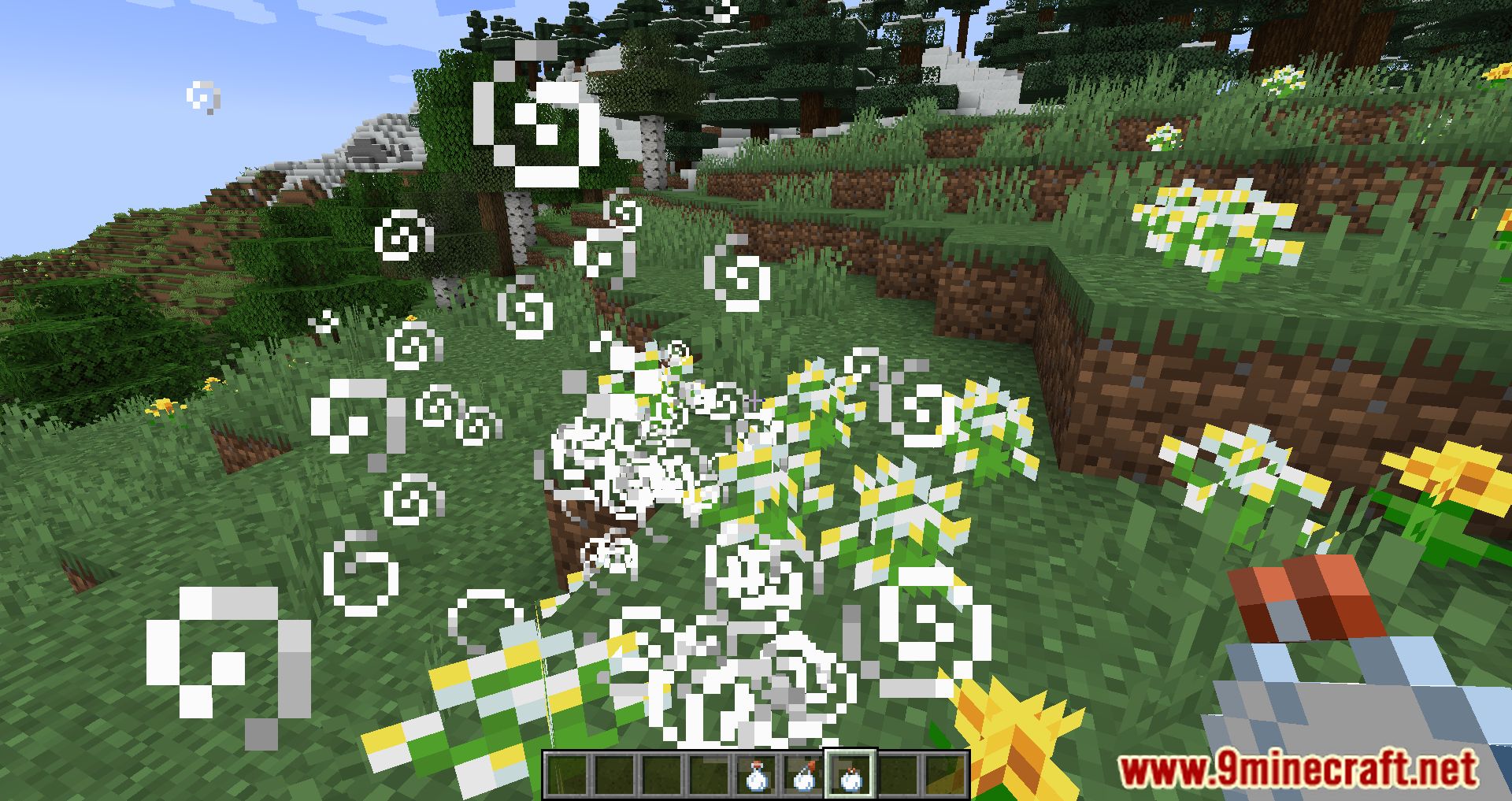
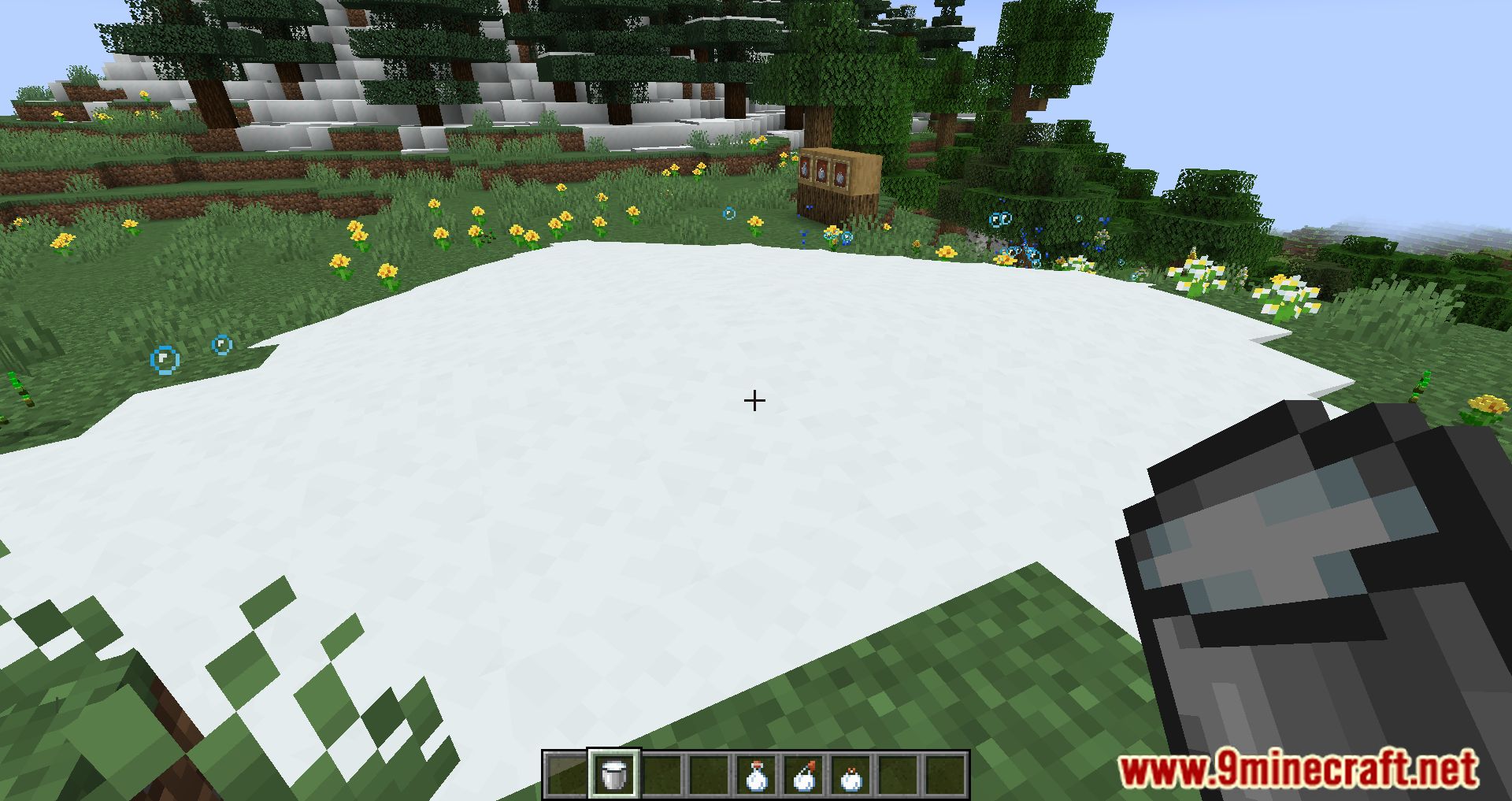
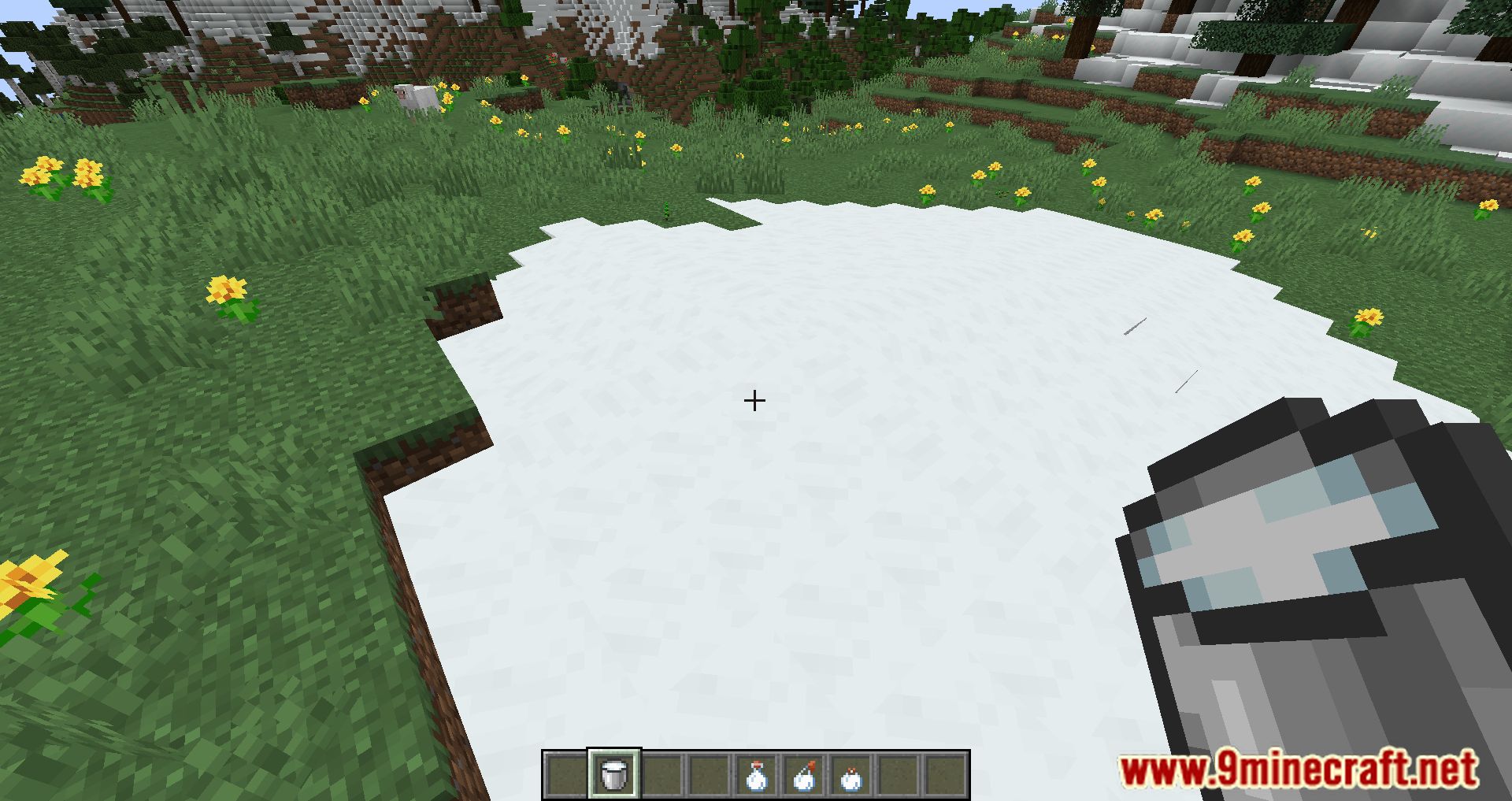
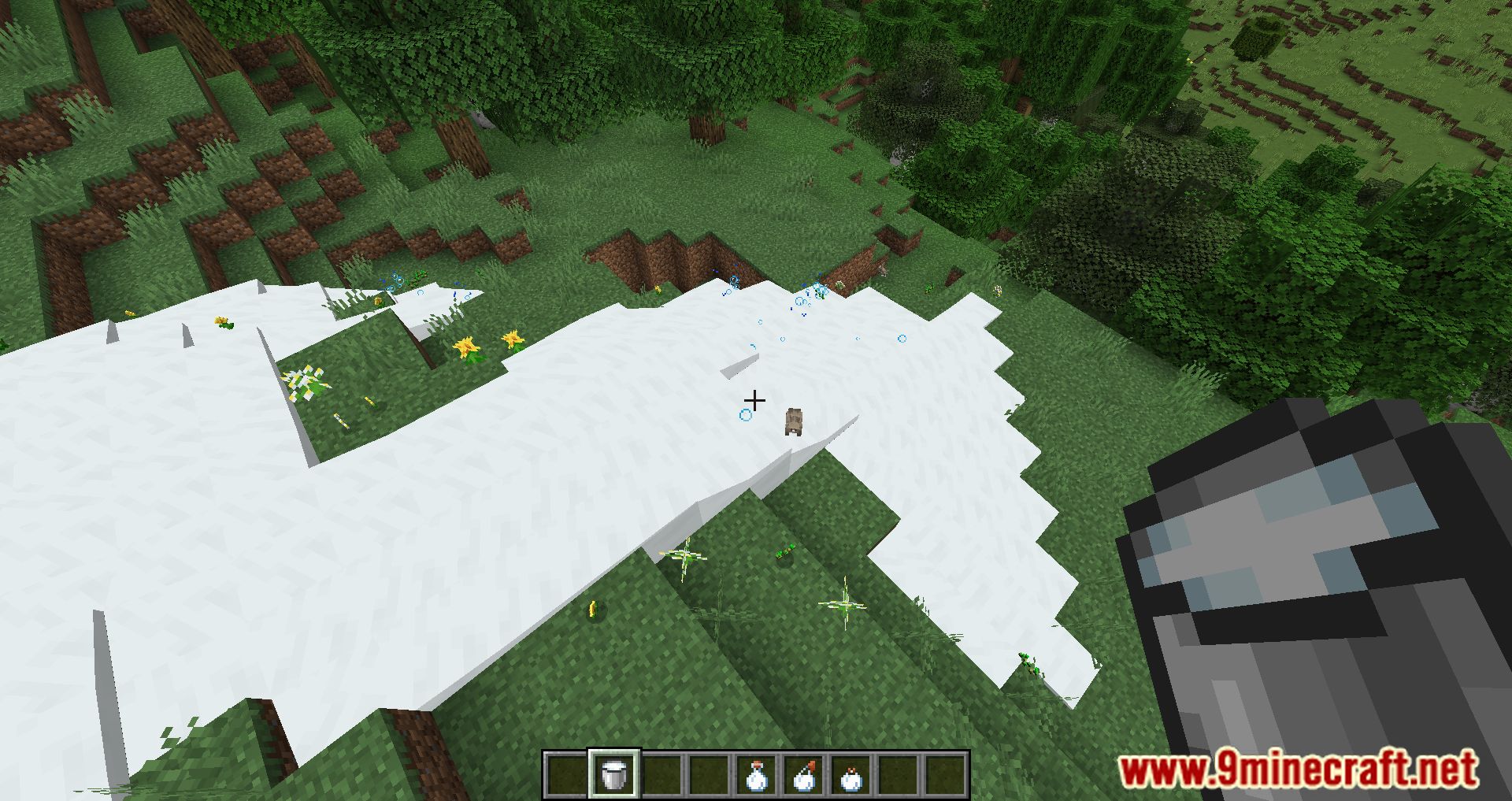
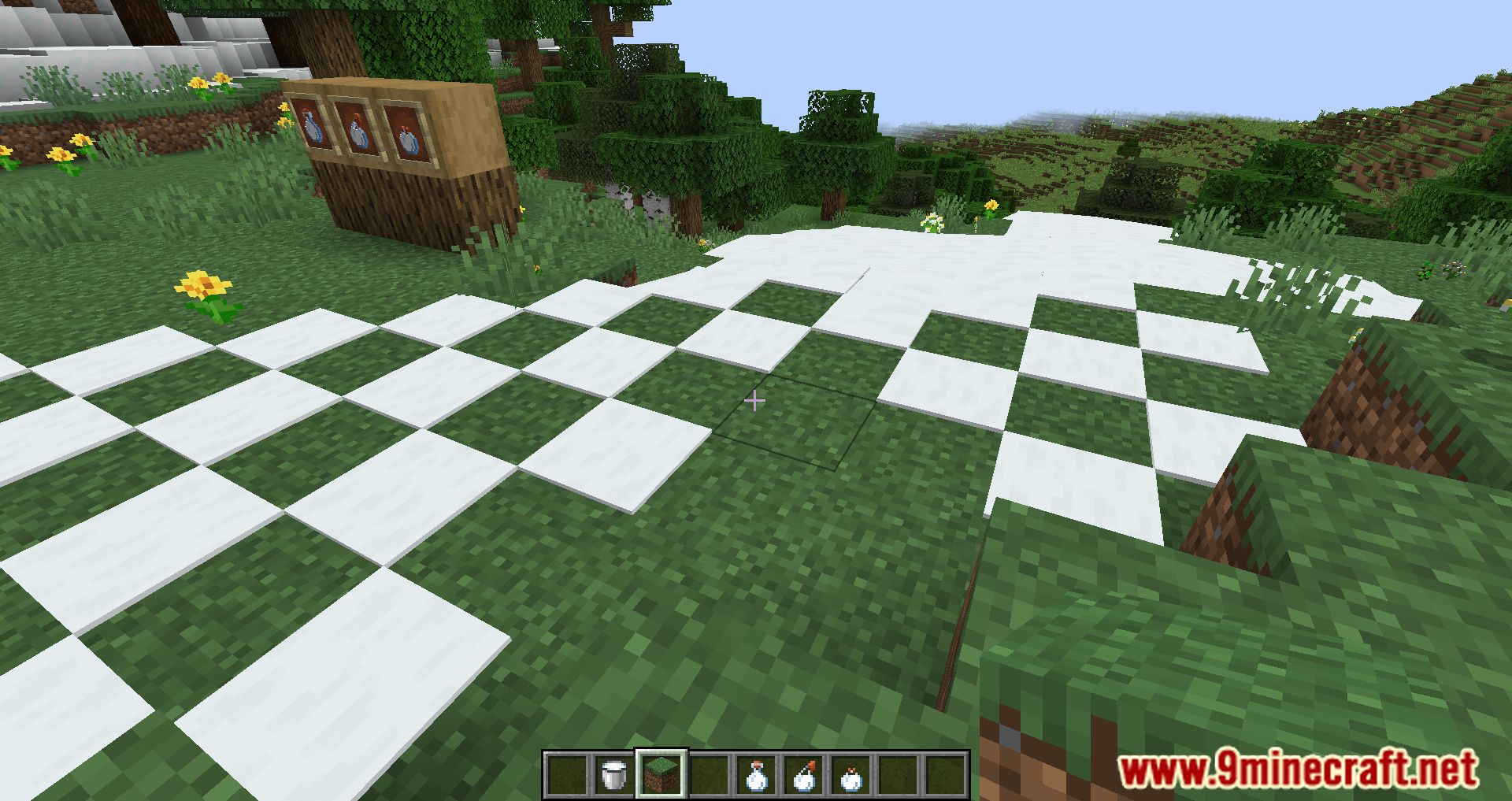
- Placeable Milk: Pour milk buckets onto blocks as a real liquid when you look at a block without crouching. If you crouch or do not look at a block, you drink the milk bucket instead.
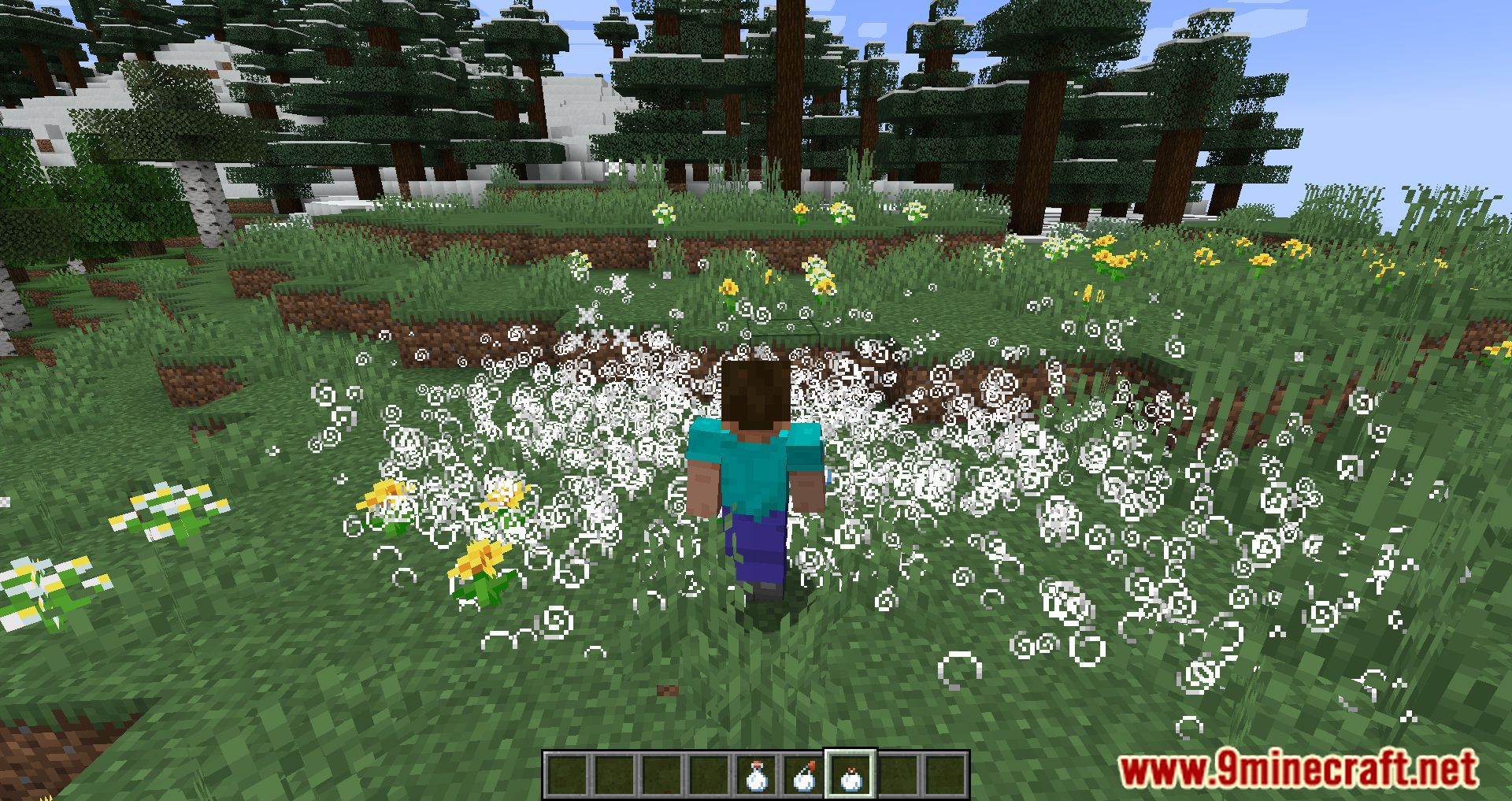
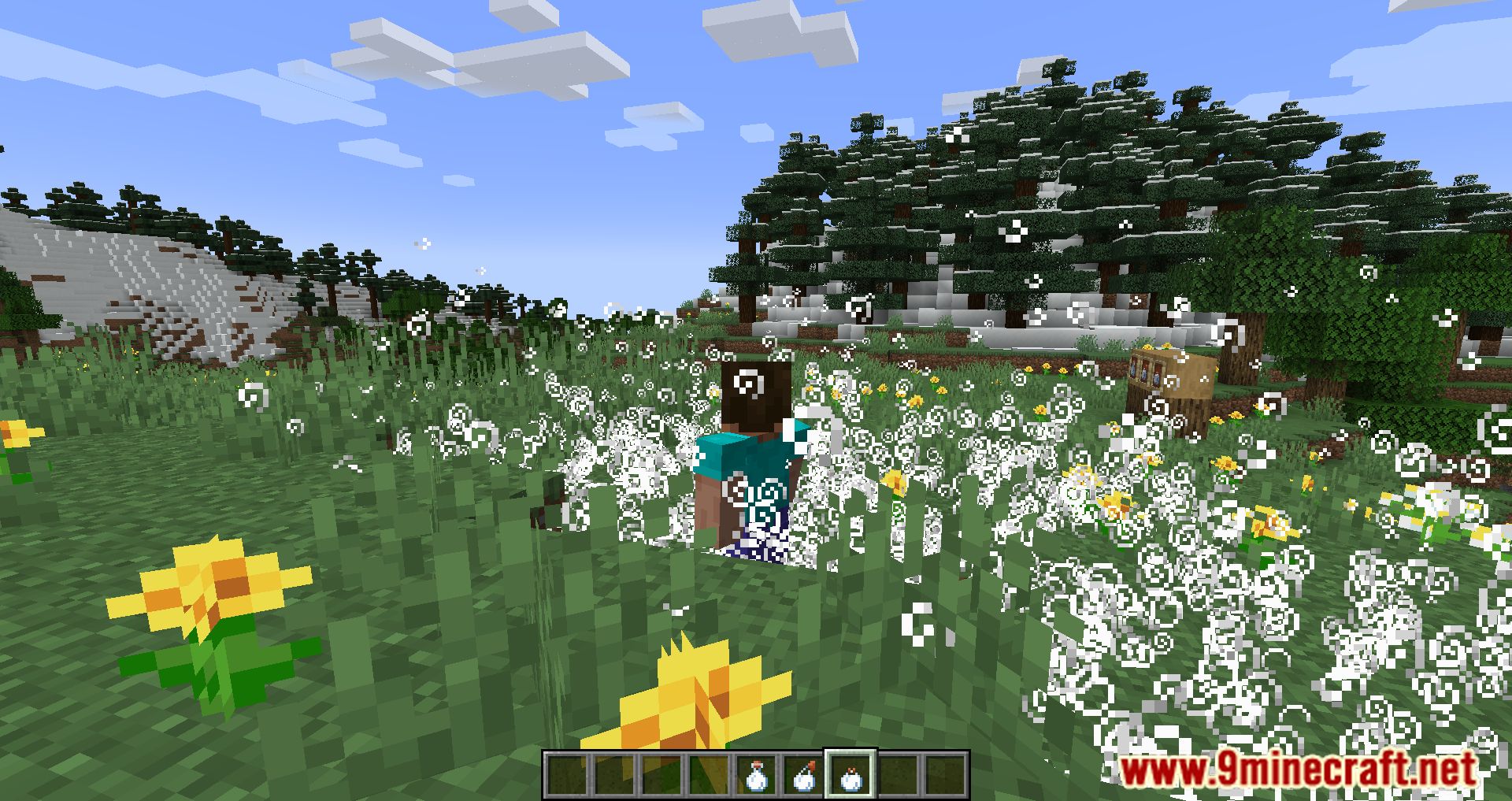
- Standing in fluid milk removes all status effects, just like drinking a milk bucket.
- Fluid milk grows dripstone, and dripstone with fluid milk above it fills cauldrons underneath.
- Pour milk directly into cauldrons to store it.
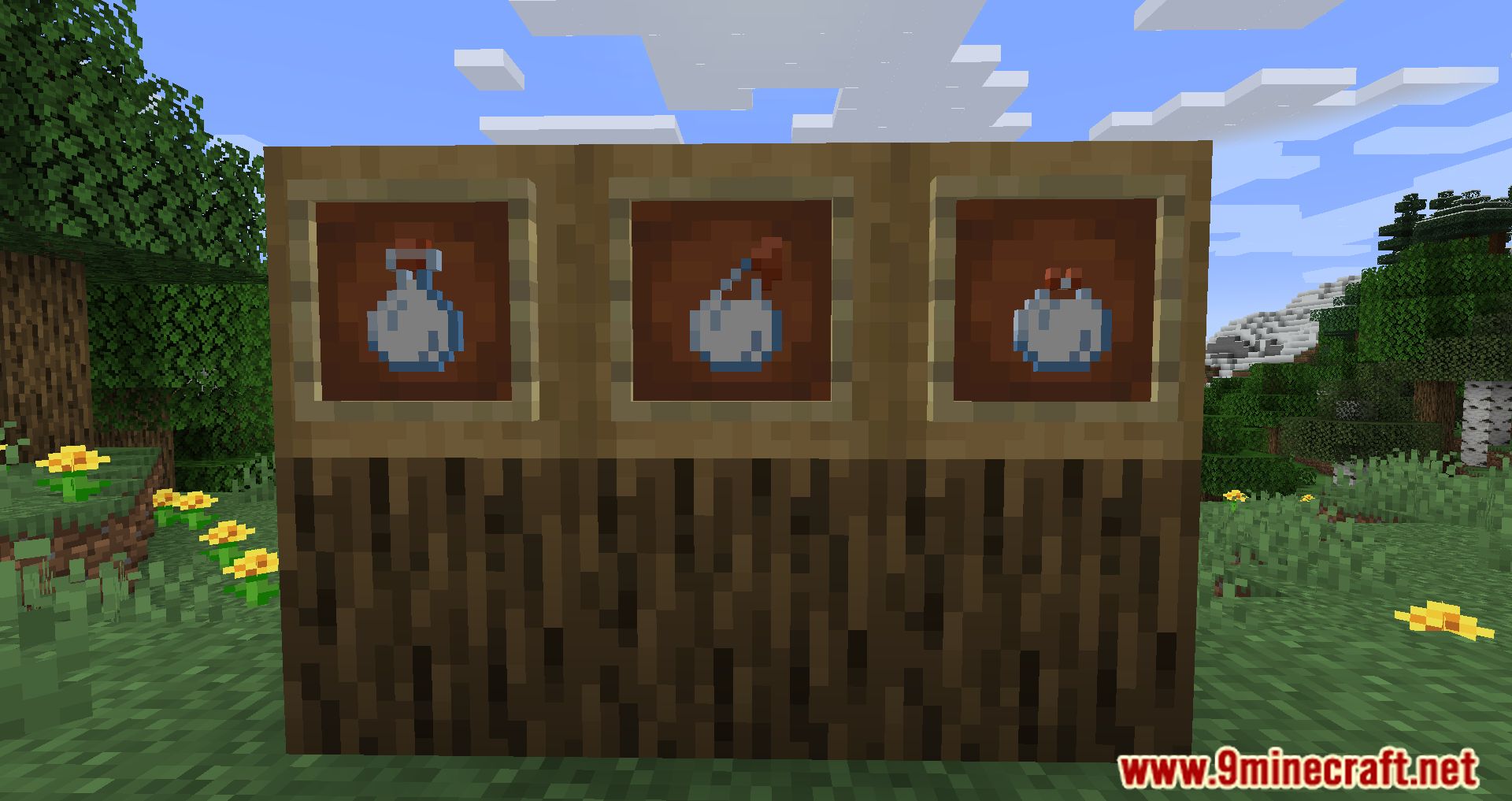
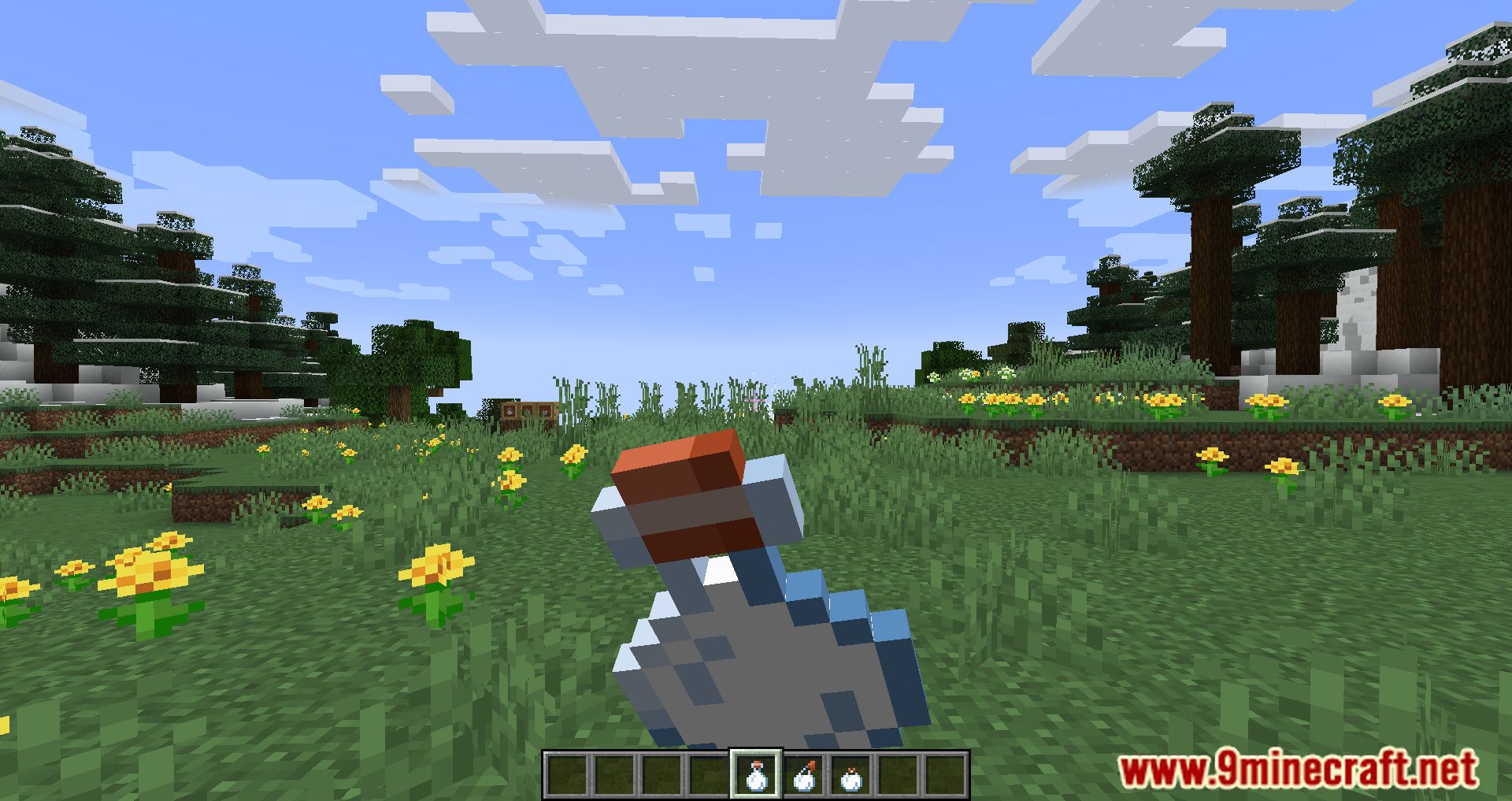
- Scoop milk from a cauldron with a glass bottle to get a milk bottle, which removes one random status effect when you drink it.
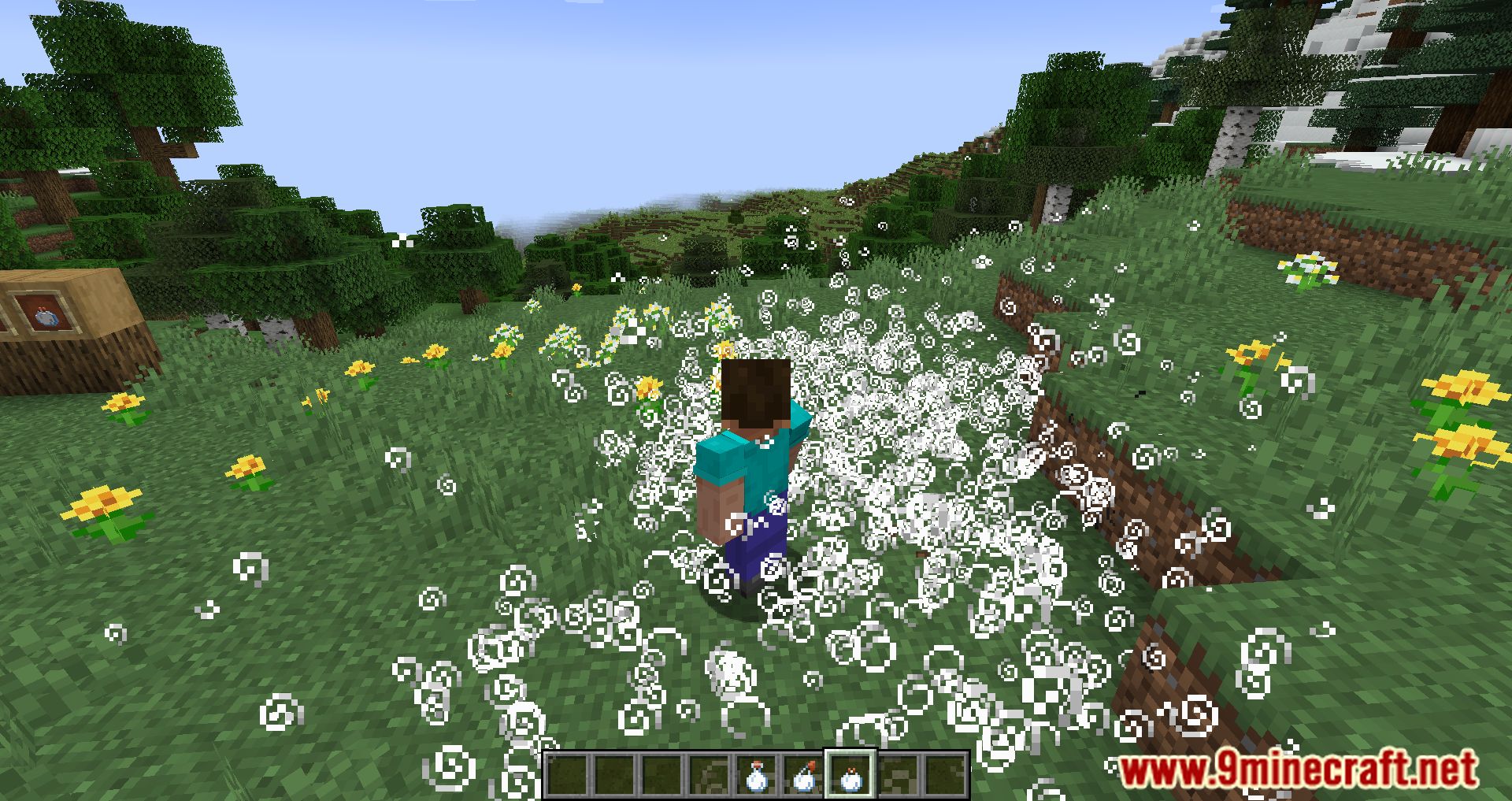
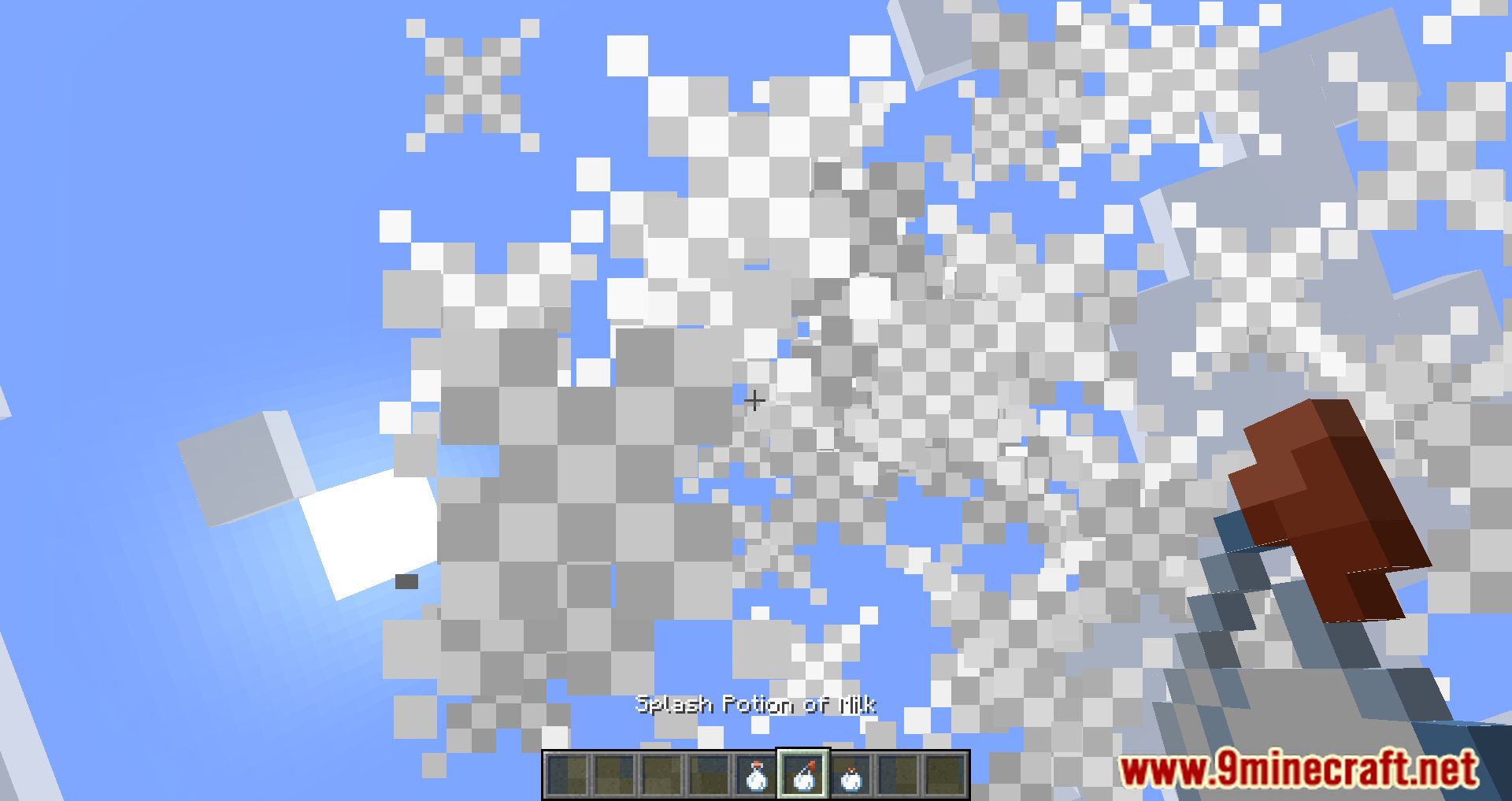
- Brew milk bottles into splash and lingering milk bottles just like normal potions to clear all status effects.
- Use dyable items on a milk cauldron to dye them white.
- Craft milk soup from a milk bottle and a bowl; it works the same way as a milk bottle and removes one random status effect.
- Adds milk-tipped arrows that you can make by crafting a lingering milk bottle surrounded by arrows, using arrows on a milk cauldron, or shooting arrows through fluid milk.
How to Use:
- Look at a block without crouching and right-click with a milk bucket to pour milk as a liquid.
- Hold Shift (crouch) or look away from a block while right-clicking a milk bucket if you want to drink it instead.
- Stand in fluid milk to clear all active status effects right away.
- Right-click a cauldron with a milk bucket to fill it, or place fluid milk above dripstone so it drips down to fill the cauldron below.
- Right-click a milk cauldron with an empty glass bottle to collect a milk bottle, then drink it to remove one random status effect.
- Brew milk bottles the same way as normal potions to turn them into splash or lingering milk bottles that clear all status effects.
- Right-click a milk cauldron while holding any dyable item to dye it white.
- Combine a milk bottle with a bowl to craft milk soup, which works just like a milk bottle and removes one random status effect.
- Make milk-tipped arrows by crafting a lingering milk bottle surrounded by arrows, right-clicking arrows on a milk cauldron, or shooting arrows through fluid milk.
Screenshots:



How to Install:
New to Minecraft? Follow our step-by-step guide to install Mods on your PC.View Guide
Milk Plus Mod Download Links
For Minecraft 1.19
Fabric version: Download from Server 1 – Download from Server 2
For Minecraft 1.18.2
Fabric version: Download from Server 1 – Download from Server 2
For Minecraft 1.18.1
Fabric version: Download from Server 1 – Download from Server 2
For Minecraft 1.17.1
Fabric version: Download from Server 1 – Download from Server 2
For Minecraft 1.16.5
Fabric version: Download from Server 1 – Download from Server 2
What is your biggest frustration when playing with mods?
22 responses · See the full results →
You May Also Like
Picked for this page
 Sophisticated Backpacks Mod (26.3, 1.20.1) – Increases Your Carrying Capacity
 Click Crystals Mod (26.2, 1.20.1) – Custom Hotkeys for Crystal PvP Combat
 Re-Chiseled Mod (26.3, 1.20.1) – Treasure for Builders
 Bag of Holding Mod (26.3, 1.20.1) – Extra Storage on the Go
 Bartering Station Mod (26.3, 1.20.1) – Automation To Your Piglin Farms
 Combatify Mod (26.2, 1.20.1) – Overhauls the Combat System
 Auto Reconnect Reforged Mod (26.3, 1.21.11) – Automatic Reconnection
 Hunger Remover Mod (26.2, 1.20.1) – Simplifying Minecraft Survival
 ChatShot Mod (26.3, 1.20.1) – Capture And Share Chat Messages
 DirTNT Mod (26.3, 1.20.1) – TNT Made Out Of Dirt
 Improved Sign Editing Mod (26.3, 1.20.1) – Smart Line Wrapping
 Invis Item Frame Mod (26.3, 1.20.1) – Showcase Items Without Frames
Most viewed in Mods over the last 7 days
 Ala Industrial Mod (26.3) – Run Electric Power Grids and Automated Factories
 PleasureCraft Mod (26.3, 1.21.1) – Jenny Mod Remake for Fabric
 Jennycraft Mod (26.3, 1.20.1) – Virtual Girlfriend in Minecraft
 Fapcraft Mod (26.3, 1.12.2) – Comprehensive and Detailed Content
 Jenny Mod (Fapcraft) Official Complete Guide – How to use, Tutorial
 BangCraft Mod (1.20.1) – Jenny, Ellie and Elliot
 Fabric Loader (26.3, 1.20.1) – Fabric Installer for All Minecraft Versions
 Meteor Client Mod (26.3, 1.20.1) – Xray, HUD, Fly
 The Shooting Star Demo Mod (26.3, 1.20.1) – Vaporize Terrain From Orbit
 OptiFine HD (26.3, 1.20.1) – Run Faster, FPS Boost, Shaders Support
 Aristois Client Mod (1.21.4, 1.20.1) – World Class Minecraft Utility
 Prestige Client Mod (1.21.11, 1.21.4) – Powerful Ghost Features for Crystal & Sword PvP
More from Mods
 The Man from the Shadow Horror Mod (1.20.1) – Fight Hallucinations to Survive
 Shade & Saturation Slider Mod (26.2, 1.21.11) – Make Every Biome Vibrant
 Cataclysm X Yung’s Better Nether Fortresses Compat Mod (1.21.1, 1.20.1)
 Patchouli 9minecraft Mod (26.3) – Read Mod Guides Without Leaving Minecraft
 Paintings ++ 9minecraft Mod (26.3) – Pick the Exact Painting You Want
 owo-lib 9minecraft Mod (26.3) – Run Your Favorite Mods Without Errors
 Moonlight 9minecraft Lib (26.3, 26.2) – Run Complex Mods Without Errors
 Load My Tags 9minecraft Mod (26.3) – Mix Mods Without Breaking Recipes
 Kambrik 9minecraft Mod (26.3) – Run Kotlin Mods Without Game Lag
 Fast Paintings 9minecraft Mod (26.3, 26.2) – Place Wall Art Exactly Where You Want It
 Bonsai Trees 9minecraft Mod (26.3, 26.2) – Automate Wood Farming in Tiny Pots
 Enhanced Block Entities 9minecraft Mod (26.3) – Build Lag-Free Storage Rooms

This post has no comments yet. Be the first — your comment will appear here.