
Sophisticated Backpacks Mod (26.3, 1.20.1) – Carry Your Base Anywhere

 0


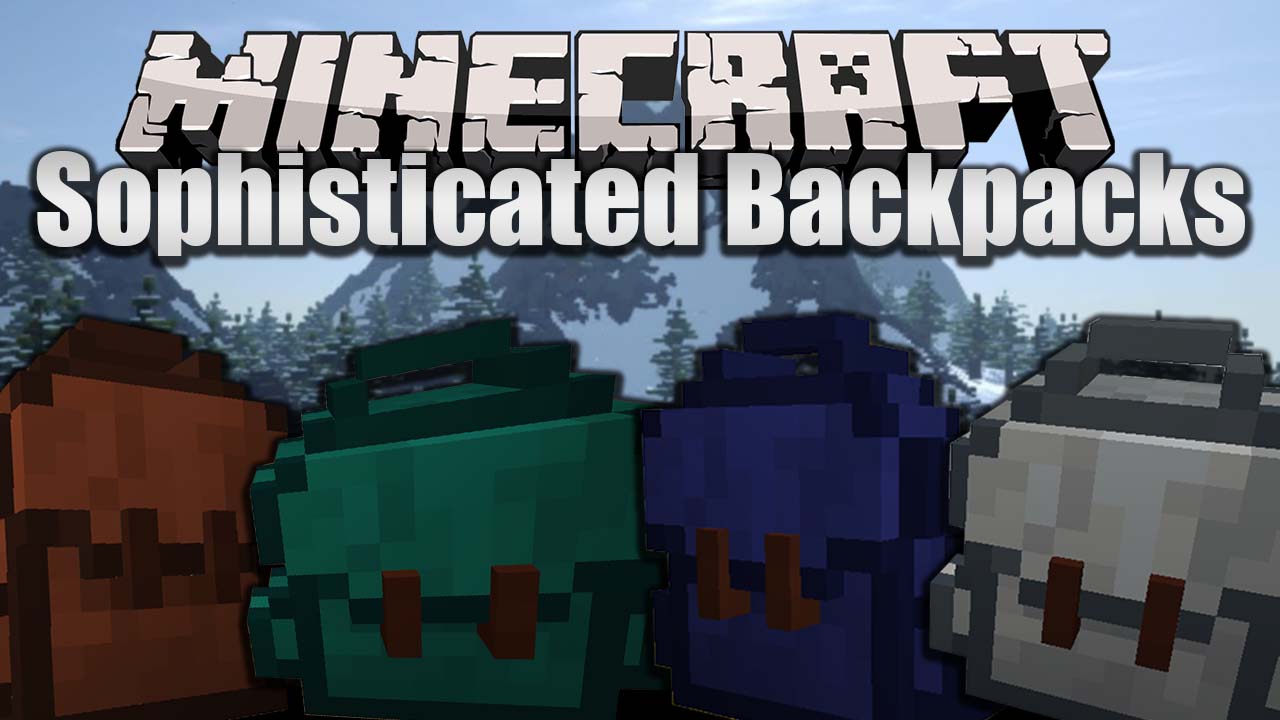
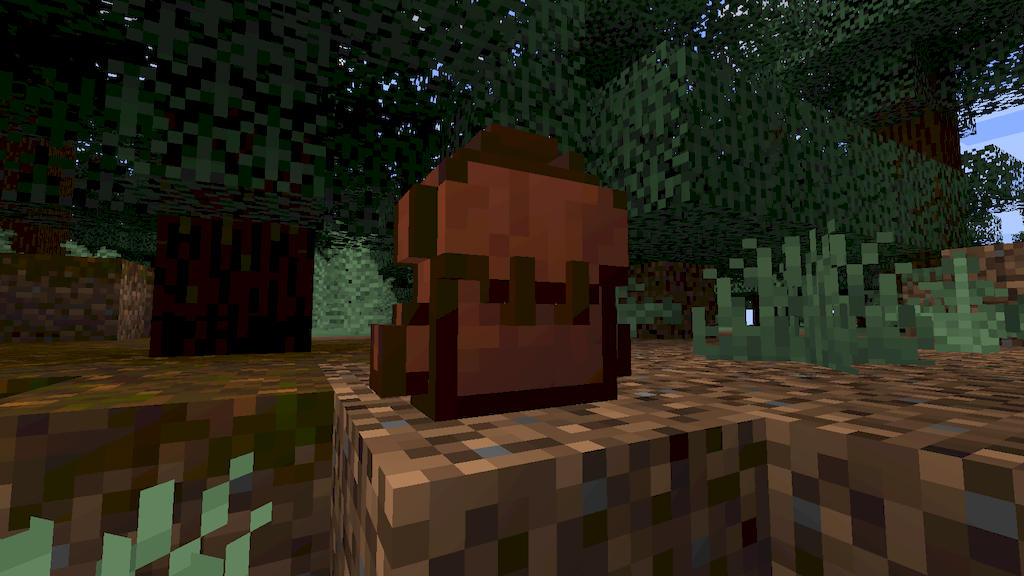
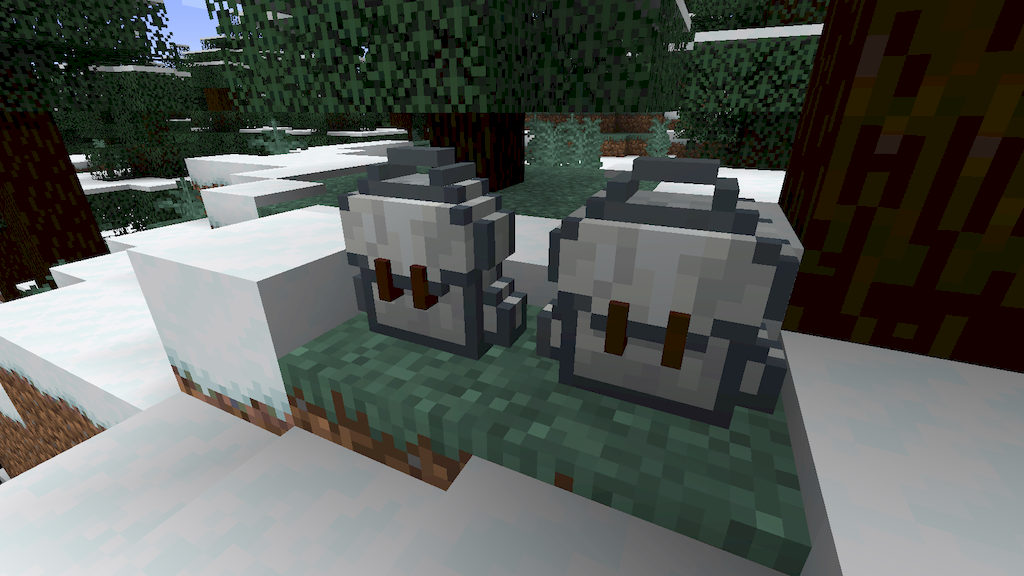
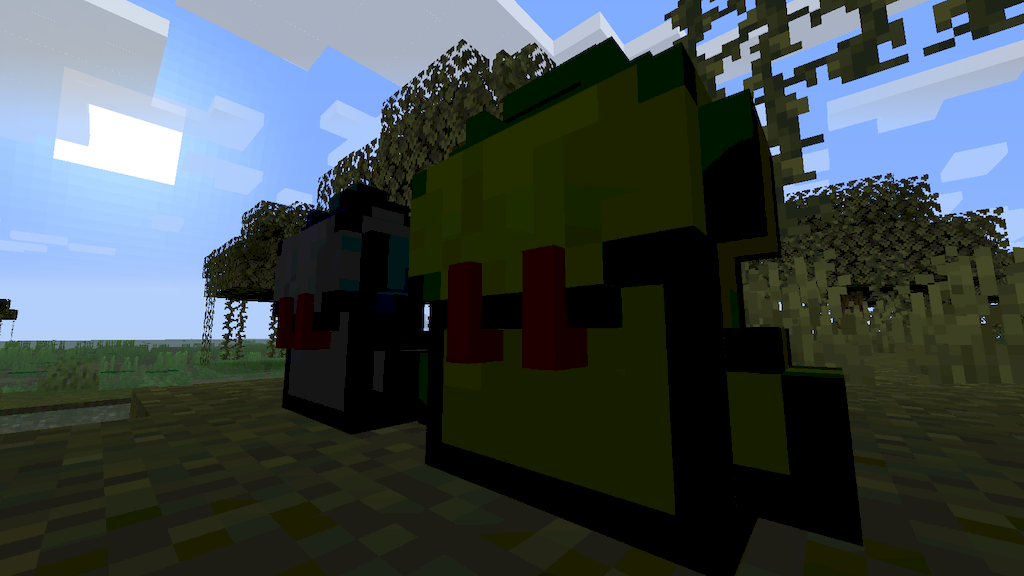
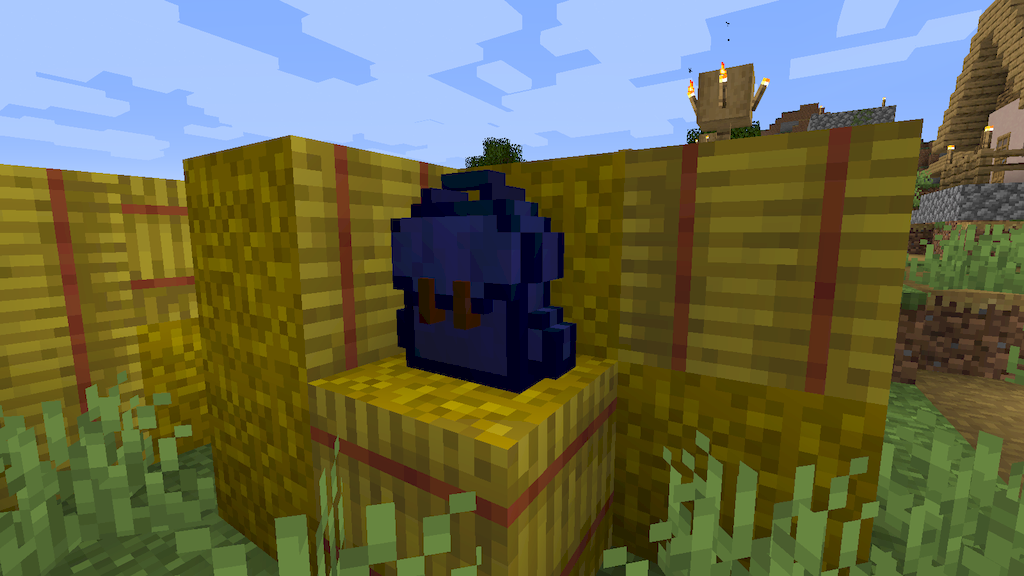
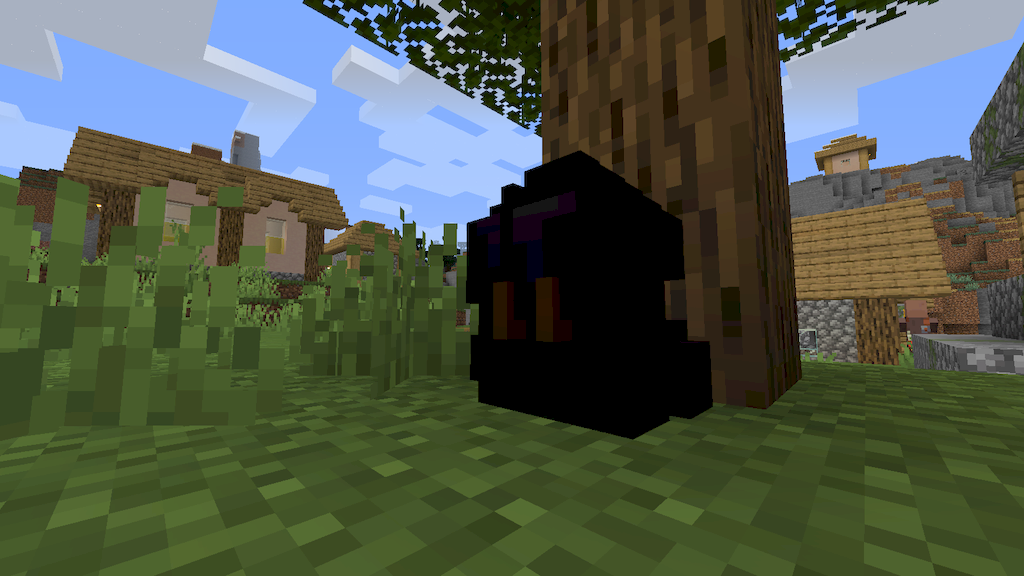
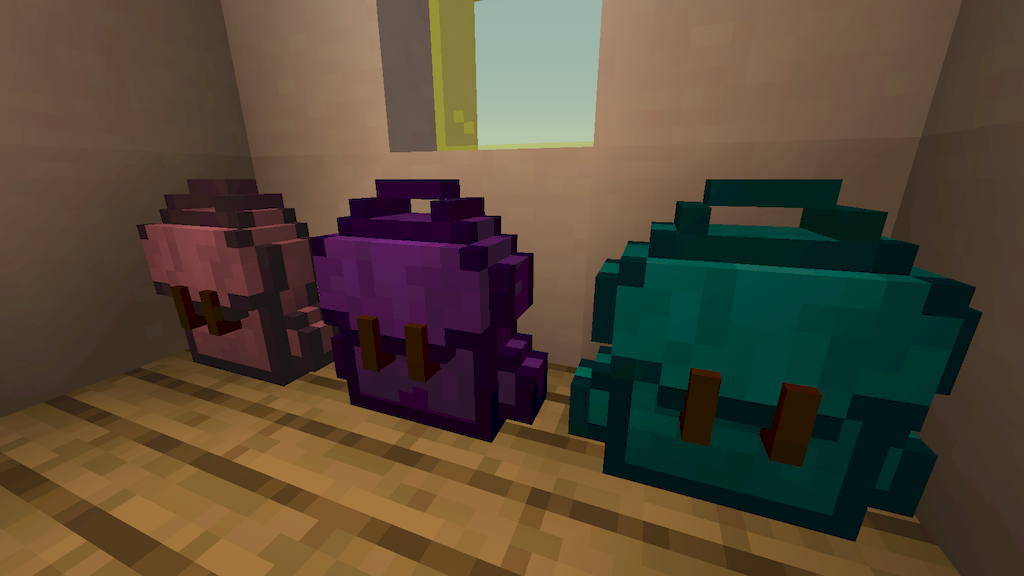
Sophisticated Backpacks Mod adds upgradable backpacks that give you extra portable storage in Minecraft. Each backpack progresses through six material tiers from Leather up to Netherite for more inventory space and upgrade slots. You can dye both the main body and accent trim in different color combinations to sort your gear at a glance. The mod also lets you wear your backpack on your back or place it down in the world like a regular block. Once on the ground, it connects with hoppers and pipes for easy item automation.
Features:
- Six Backpack Tiers: Upgrade your backpack through Leather, Copper, Iron, Gold, Diamond, and Netherite tiers to gain more storage space and upgrade slots.
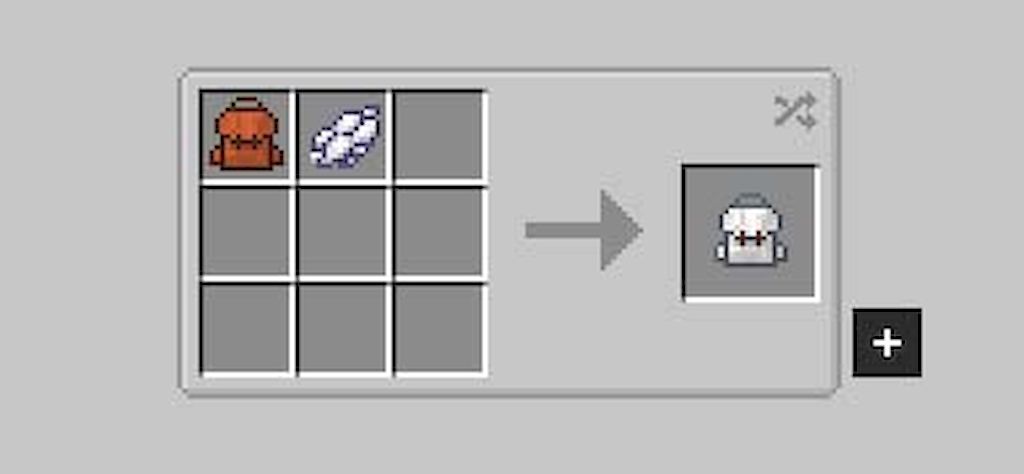
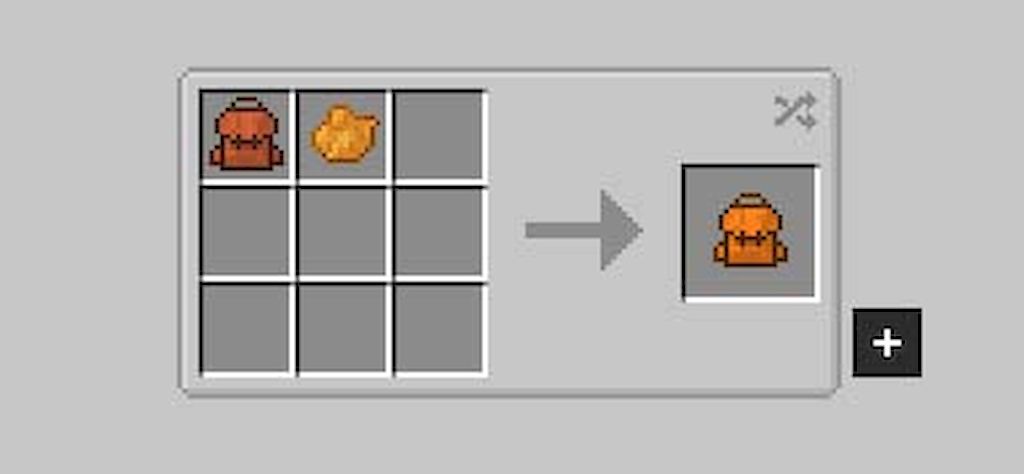
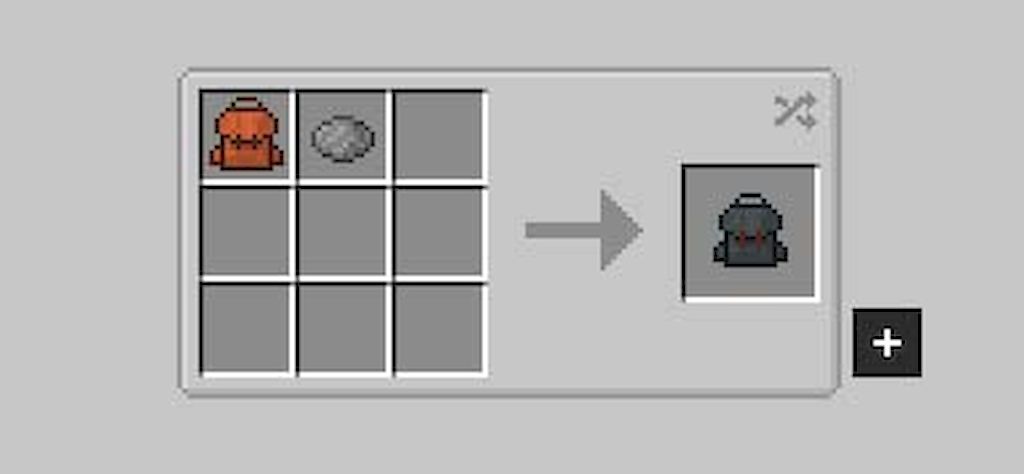
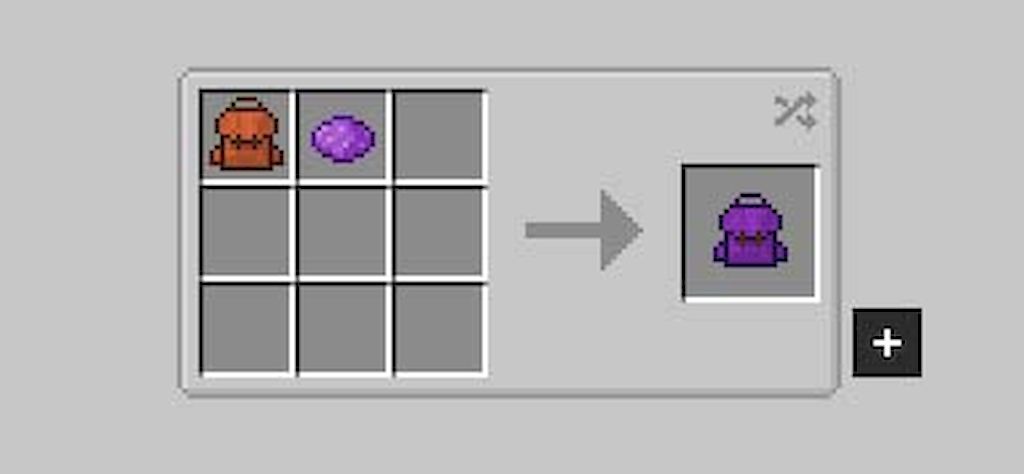
- Two-Tone Dyeing: Combine dyes in a crafting grid to apply separate main and accent colors, blend shades together, or wash colors off in a water-filled cauldron.
- World Placement & Automation: Place any backpack on the ground like a block so hoppers, pipes, and modded systems can push or pull items automatically.
- Custom Stack Sizes: Multiply single-slot item limits from 1.5x up to 2,147,483,647 with Stack Upgrades, or divide slot limits with Stack Downgrades for exact automation setups.
- Spawns backpacks and upgrades occasionally inside loot chests, and gives rare mobs a chance to wear loot-filled backpacks that play a tune.
- Displays the backpack on your character when equipped in the chest slot or the Curios Back slot.
- Works with popular mods including JEI, REI, EMI, Curios, Crafting Tweaks, Chipped, Sawmill, Reliquary, Item Borders, and TrashSlot.
- Provides configuration options to change slot counts, filter sizes, upgrade ranges, or disable specific backpacks and upgrades.
Item Collection & Sorting Upgrades:
- Pickup and Magnet Upgrades collect or teleport nearby items and XP orbs straight into the backpack using custom filters.
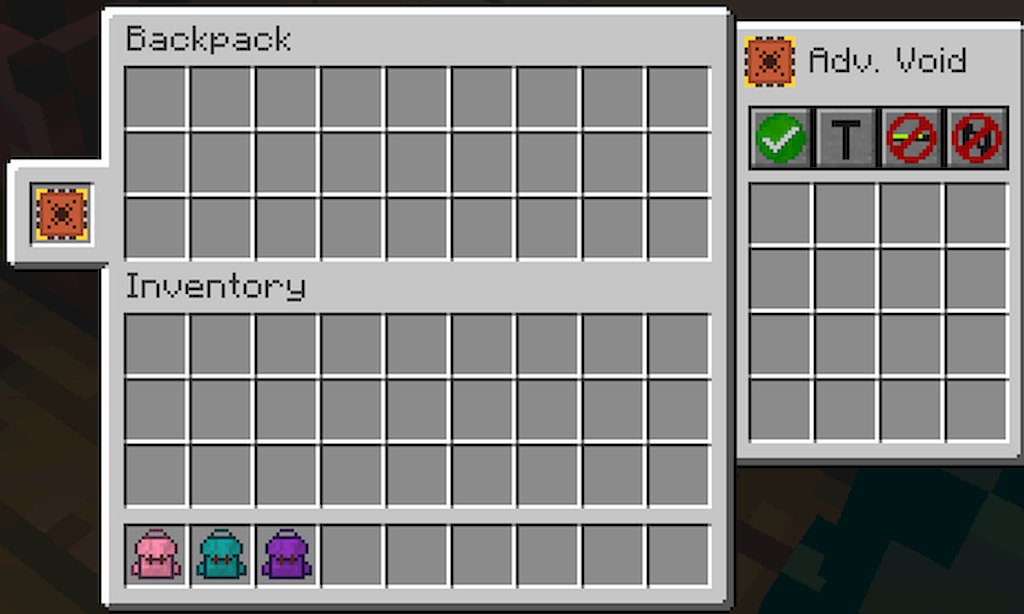
- Filter and Void Upgrades control which items move through automation and destroy unwanted extra items automatically.
- Compacting Upgrade crafts raw resources like coal and redstone into blocks using 2×2 and 3×3 recipes.
- Restock, Deposit, and Refill Upgrades move filtered items between world containers and your backpack, or keep your hotbar and hands stocked.
- Inception Upgrade lets a backpack hold sub-backpacks one level deep while keeping their upgrades working.
- Infinity Upgrade supplies endless items in chosen slots, with Admin and Survival versions available.
Workstation & Processing Upgrades:
- Crafting and Stonecutter Upgrades add a built-in crafting grid and stonecutter to the upgrade tab, complete with recipe memory.
- Smelting, Smoking, and Blasting Upgrades cook ores, food, and materials inside the backpack manually or automatically.
- Anvil and Smithing Upgrades let you repair, rename, combine, and upgrade gear with templates on the go.
- Jukebox Upgrade plays music discs directly from your backpack, offering up to 12 disc slots, shuffle, and repeat controls in the advanced tier.
Player Utility, Fluid & Energy Upgrades:
- Feeding and Alchemy Upgrades feed you when hungry and use potions, milk buckets, or effect foods based on custom conditions.
- Toolswapper Upgrade swaps the right tool or weapon into your hand automatically when you mine a block or attack a mob.
- Everlasting Upgrade protects the backpack from lava, fire, cactus, explosions, despawning, and falling into the void.
- Tank, Pump, and Experience Pump Upgrades store fluids and player XP inside the backpack, transfer liquids in the world, and mend enchanted gear.
- Battery Upgrade stores energy in the backpack to charge items or connect with modded power cables when placed in the world.
Sophisticated Backpacks Mod – Video Showcase
How to Use:
- Press B (default Open Backpack key) or Right-Click while holding a backpack in Sophisticated Backpacks Mod to open it, or hover over it in your inventory and press B.
- Press Shift + Right-Click on a block to place the backpack in the world, and Shift + Right-Click it with an empty hand (or break it) to pick it back up.
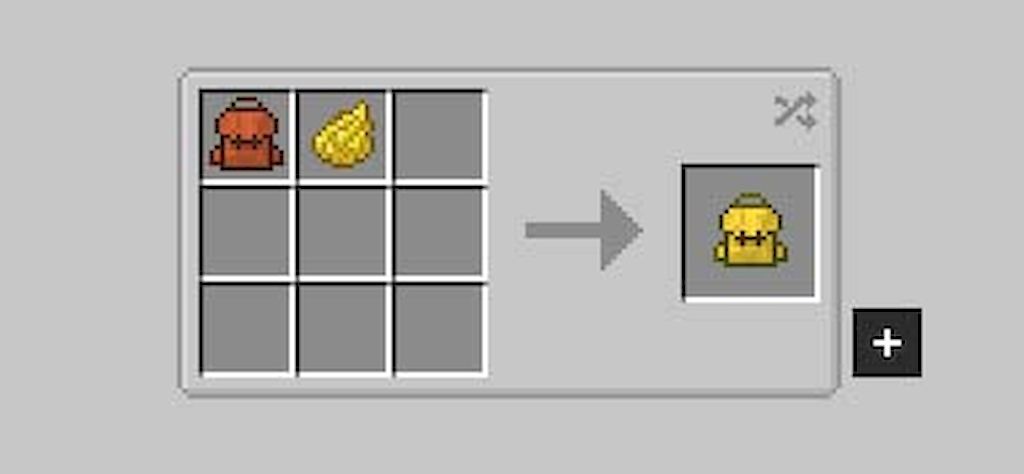
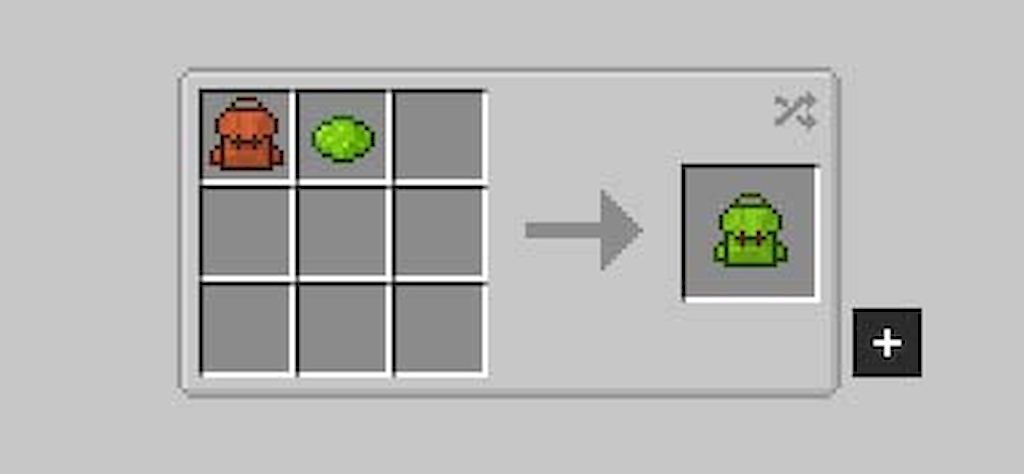
- Put a backpack in a crafting grid with dyes on the left for the main color, on the right for the accent color, or in the same column for both, and Right-Click a water-filled cauldron to reset its colors.
- Press Shift + Right-Click on a chest or barrel while holding a backpack with a Deposit or Restock Upgrade to transfer filtered items at once.
- Use Shift + Click on oversized stacks to move a single normal stack, or press Ctrl + Shift + Click to move as many items as possible.
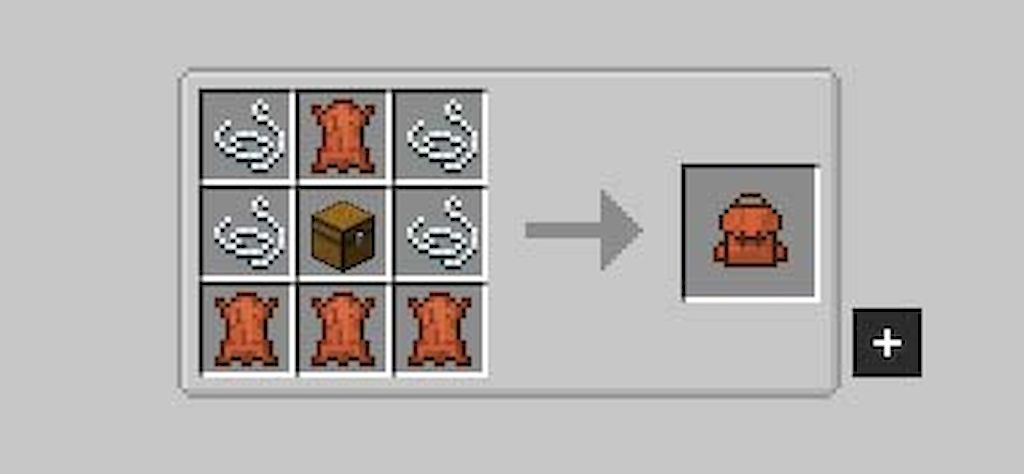
Crafting Recipes:
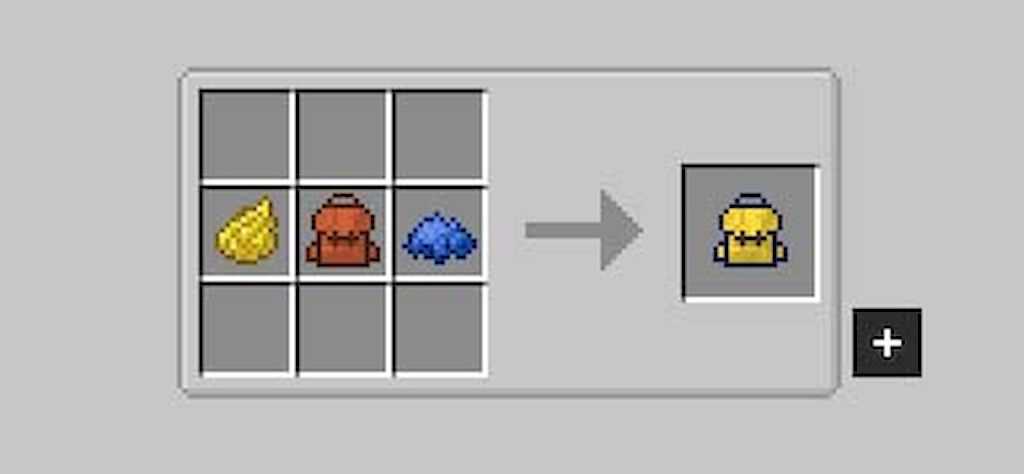
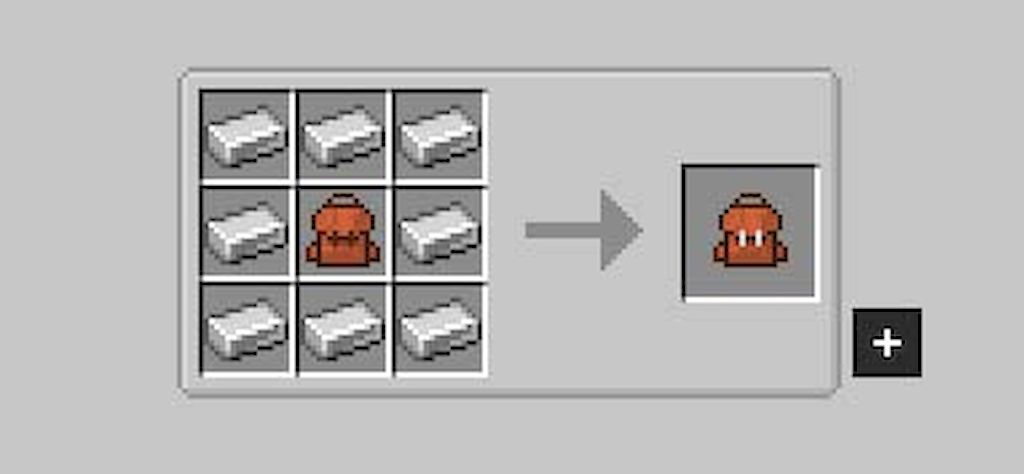
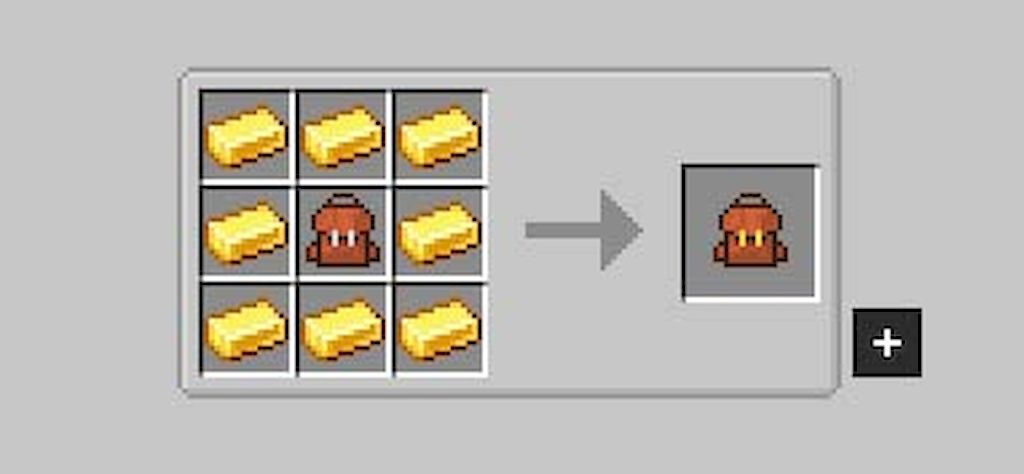
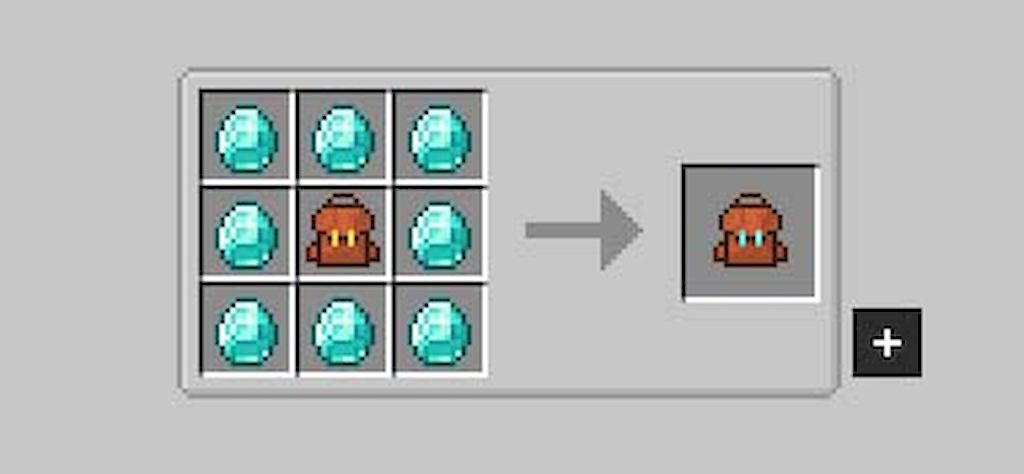
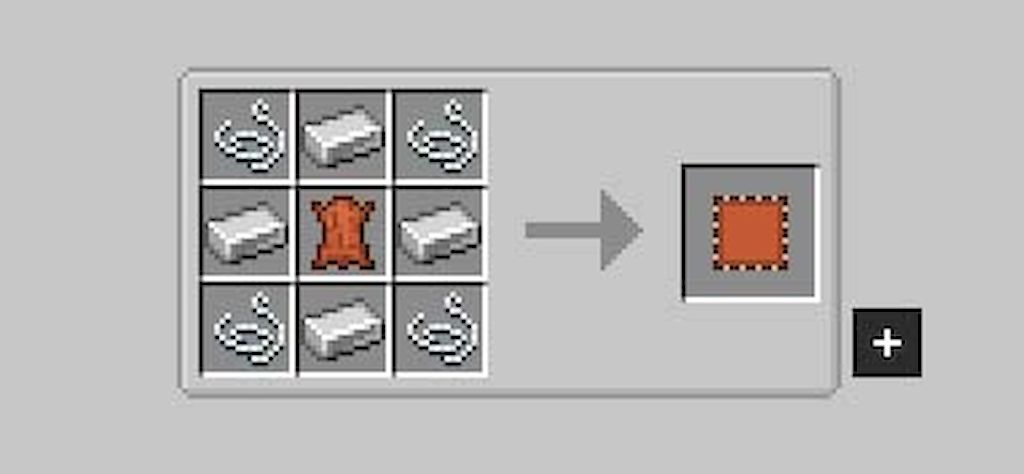
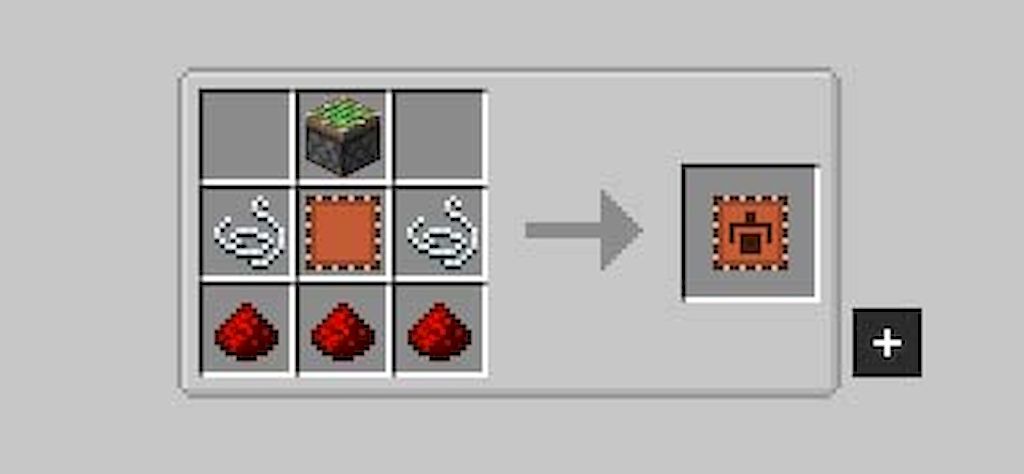
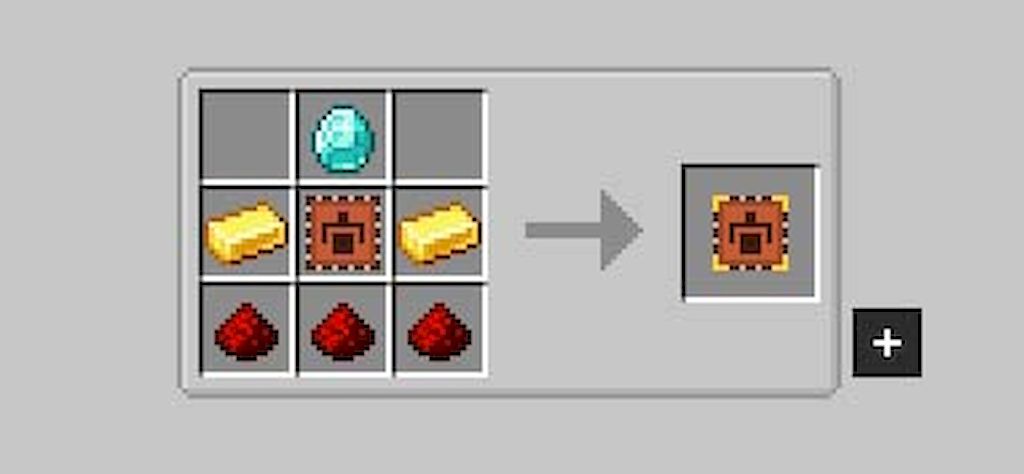
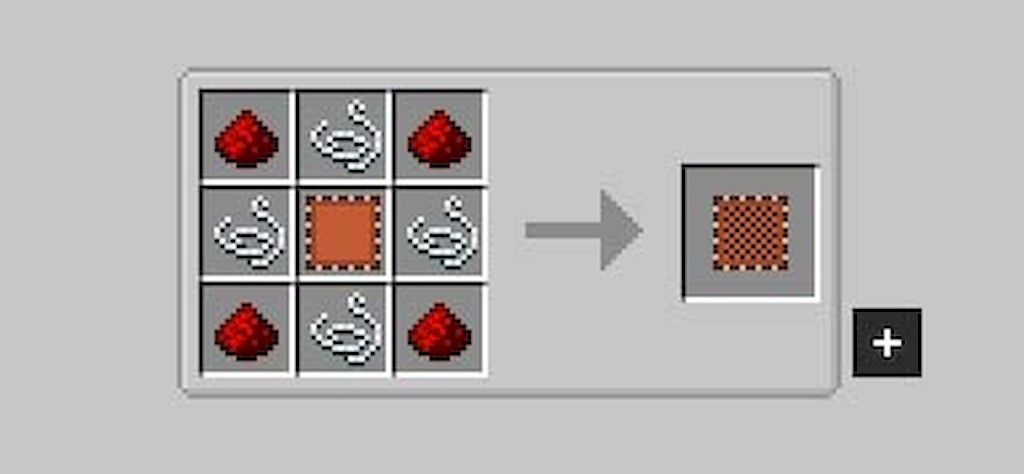
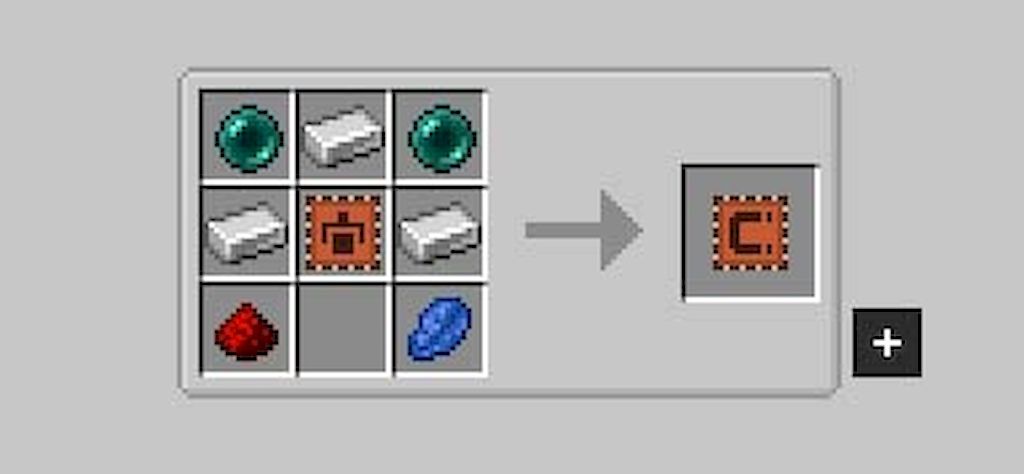
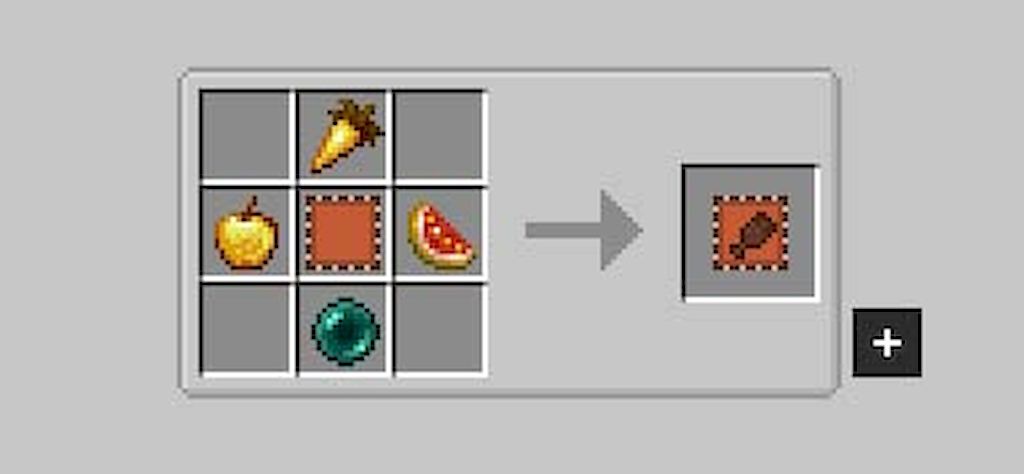
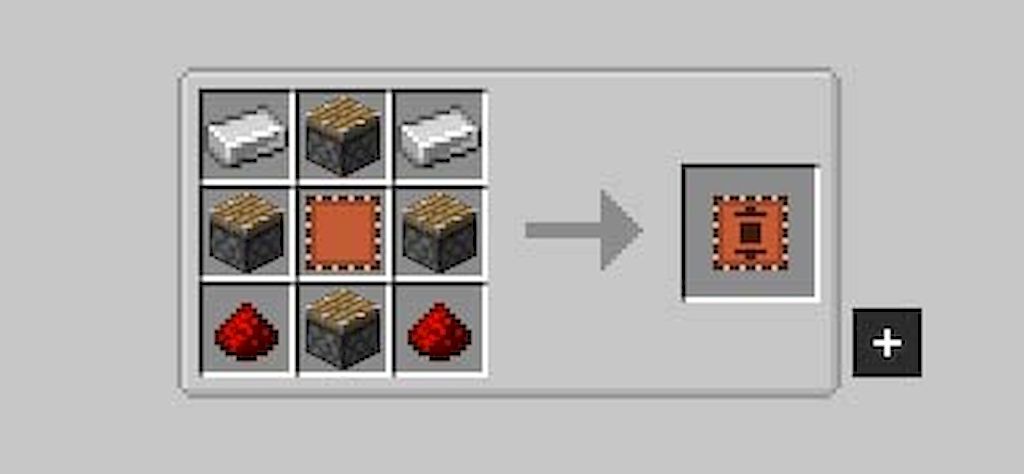
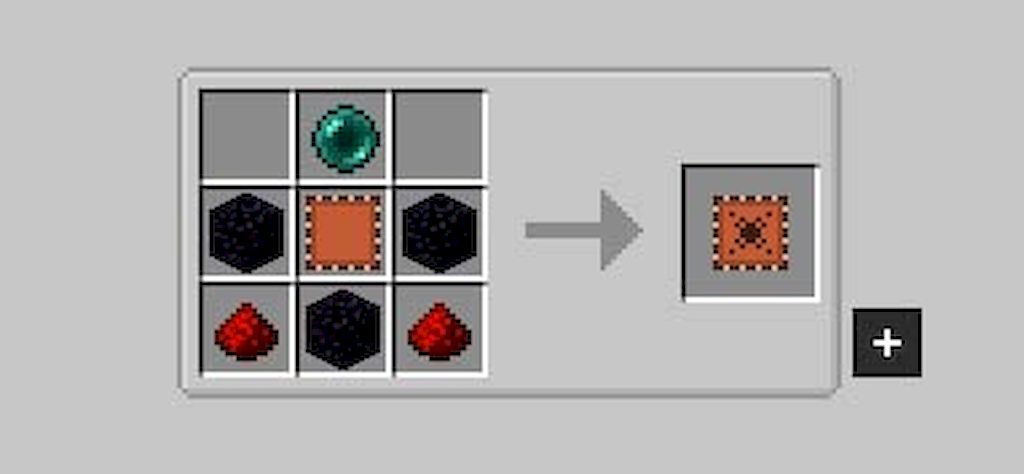
Screenshots:
How to Install:
New to Minecraft? Follow our step-by-step guide to install Mods on your PC.View Guide
Requirements:


Sophisticated Backpacks Mod Download Links
For Minecraft 26.3
For Minecraft 26.2
For Minecraft 26.1.2, 26.1.1, 26.1
For Minecraft 1.21.11
For Minecraft 1.21.10, 1.21.9
For Minecraft 1.21.8, 1.21.7, 1.21.6
For Minecraft 1.21.5
For Minecraft 1.21.4
For Minecraft 1.21.1, 1.21
For Minecraft 1.20.1, 1.20
For Minecraft 1.19.2
For Minecraft 1.19.1
For Minecraft 1.19
For Minecraft 1.18.2
For Minecraft 1.18.1
For Minecraft 1.17.1
For Minecraft 1.16.5
Click to rate this post!
[Total: 29 Average: 3.2]
You May Also Like
Picked for this page
 JAMD Mod (26.1.2, 1.20.1) – Just Another Mining Dimension
 Ships Mod (1.21.4, 1.20.1) – New Ship Dungeon
 Cubes Without Borders Mod (26.3, 1.20.1) – Alt-Tab Without Minimizing
 Visible Barriers Mod (26.3, 1.20.1) – Enhancing Minecraft Mapmaking
 Trinkets (Polymer Port) Mod (26.3, 1.20.1) – Polymer Port For Trinkets Mod
 Net Music Mod (26.1.2, 1.20.1) – Customize Your Adventure Soundtrack
 Giant Natural Additions Mod (26.3, 1.20.1) – Oversized Trees And Mushrooms
 Fabric Exporter Mod (26.2, 1.20.1) – Adds A Prometheus Exporter With General Server Metrics
 SpongeSucc Mod (26.3, 1.20.1) – Lava Absorbing Sponges
 LPCTools Mod (26.3, 1.20.1) – Auto Filler, Liquid Cleaner
 Locator Mod (1.20.2, 1.20.1) – Improves The Locate Biome Command
 Hyrule Terrors Mod (1.21.1, 1.20.1) – Wield The Master Sword Against Zelda Monsters
Most viewed in Mods over the last 7 days
 Ala Industrial Mod (26.3) – Run Electric Power Grids and Automated Factories
 PleasureCraft Mod (26.3, 1.21.1) – Jenny Mod Remake for Fabric
 Jennycraft Mod (26.3, 1.20.1) – Virtual Girlfriend in Minecraft
 Fapcraft Mod (26.3, 1.12.2) – Comprehensive and Detailed Content
 Jenny Mod (Fapcraft) Official Complete Guide – How to use, Tutorial
 BangCraft Mod (1.20.1) – Jenny, Ellie and Elliot
 Fabric Loader (26.3, 1.20.1) – Fabric Installer for All Minecraft Versions
 The Shooting Star Demo Mod (26.3, 1.20.1) – Vaporize Terrain From Orbit
 Meteor Client Mod (26.3, 1.20.1) – Xray, HUD, Fly
 OptiFine HD (26.3, 1.20.1) – Run Faster, FPS Boost, Shaders Support
 Aristois Client Mod (1.21.4, 1.20.1) – World Class Minecraft Utility
 Prestige Client Mod (1.21.11, 1.21.4) – Powerful Ghost Features for Crystal & Sword PvP
More from Mods
 Tre’s Tack Library Mod (1.20.1) – Outfit Your Horses with Fully Detailed Tack
 YDM’s coreX Library Mod (1.20.1) – Loot RPG Gear with Random Names
 Gunpowder Recipe Mod (26.3, 1.20.1) – Gunpowder is Craftable
 Villager Timetable Mod (26.3, 1.20.1) – Master Villager Schedules
 Artemis Laboratory Blocks Mod (26.3, 1.20.1) – Lab Blocks And Dynamic Decorations
 Fabric ORM Jimmer Mod (26.3, 1.20.1) – Prevent Sudden Server Crashes
 Cafe Core Mod (26.2, 1.21.1) – Bypass Anvil Limits and Tame Pets in Seconds
 GTNH’s Forgelin Mod (1.7.10) – Play Kotlin-Powered Mods on Minecraft 1.7.10
 Nodeflow Mod (26.1.2, 1.21.1) – Wire Custom Redstone Logic on Visual Graph
 Winter Client Mod (1.21.11) – Survive Ruthless PvP on Anarchy Servers
 LARP Client Mod (1.21.11) – Dominate Crystal PvP on Anarchy Servers
 Berlin Client Mod (1.21.11) – Hunt Stashes and Win Crystal Fights

This post has no comments yet. Be the first — your comment will appear here.