


CitizensText Plugin (1.19, 1.18) – Spigot

 0
0 

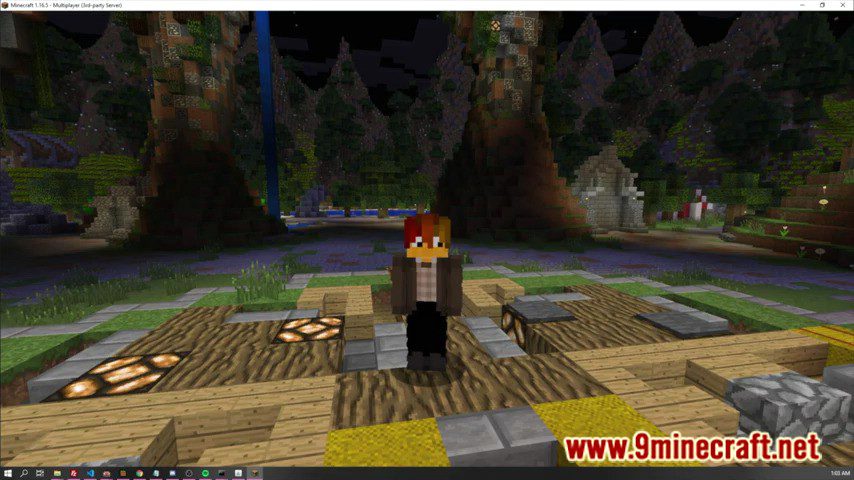
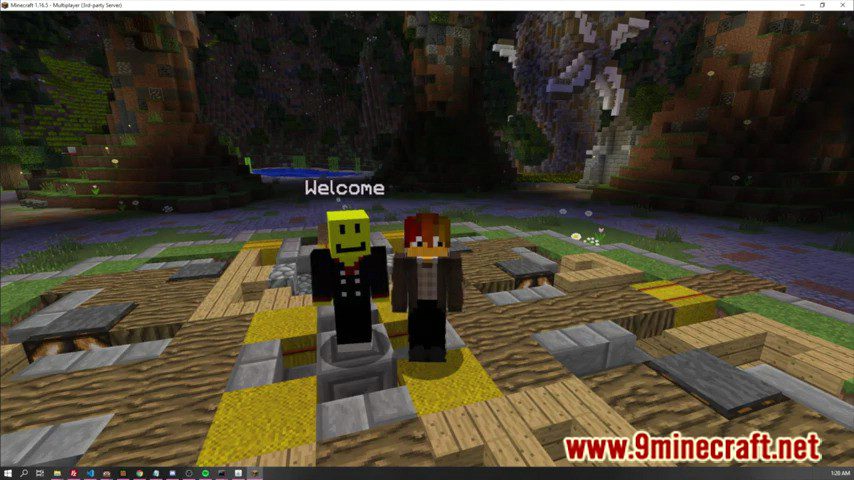
CitizensText Plugin enables NPCs created with the Citizens plugin to speak.
Features:
- You can customize the message format in the configuration file
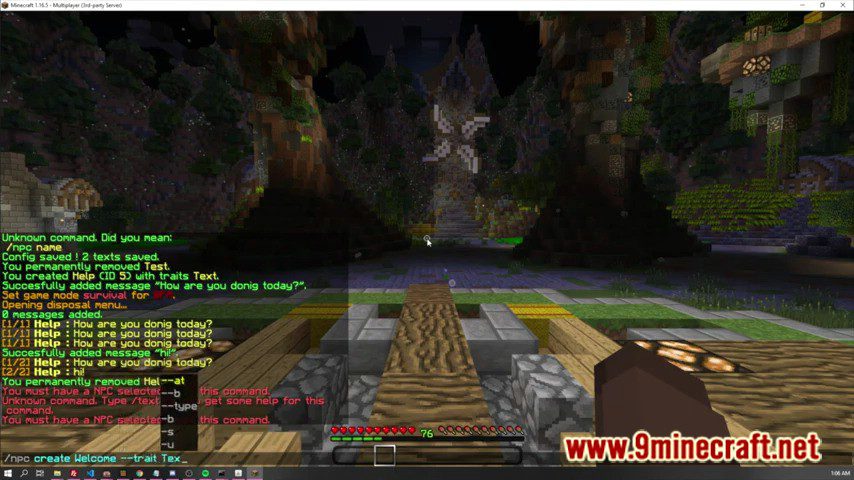
- All the operations can be done in-game, with only one command !
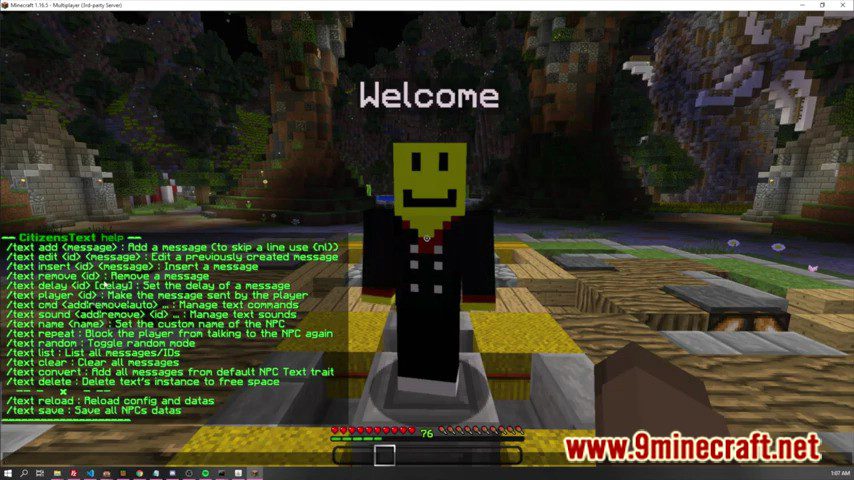
- With the /text command you can add, remove, insert, list messages, and more !
- Tab completer to show all available commands and subcommands
- You can add commands for a message ! (clickable messages, console option, auto-dispatchment)
- You can add sounds played automatically at each configured message.
- NPCs can have different names that the one shown above their head.
- A NPC can tell a random message from his list.
- You can convert the texts from default Citizens text editor.
- Configurable timers to prevent players from seeing next messages too soon.
- “Near to player” option to start the conversation when the player is in a set radius from the NPC.
- Compatible with PlaceholderAPI.
Permissions:
- citizenstext.command : required to do /text command
- citizenstext.add : allows you to add or insert messages
- citizenstext.remove : allows you to remove messages
- citizenstext.cmd : allows you to add command to messages
- citizenstext.list : allows you to list all messages
- citizenstext.clear : allows you to clear all messages
- citizenstext.sound : allows you to set sounds to messages
- citizenstext.name : allows you to set the custom name
- citizenstext.convert : allows you to convert texts from default editor
- citizenstext.random : allows you to toggle random-mode
- citizenstext.delete : allows you to delete text instance from memory
- citizenstext.reload : allows you yo reload the configuration
- citizenstext.save : allows you yo save the configuration in-game
- citizenstext.* : gives all the plugin permissions
Screenshots:
How to Install:
New to Minecraft? Follow our step-by-step guide to install Plugins on your PC.View Guide
CitizensText Plugin Download Links
For All Versions from Minecraft Spigot 1.8 to Minecraft Spigot 1.19
Click to rate this post!
[Total: 0 Average: 0]
You May Also Like

















This post has no comments yet. Be the first — your comment will appear here.