
Quick Stack Mod (1.21.1, 1.20.1) – Sort Your Loot Without Opening Chests

 0


Quick Stack Mod brings the fast item sorting system from Terraria into Minecraft. It adds two handy actions that let you dump your inventory or stack matching items into nearby chests, barrels, and other storage blocks. You can use inventory buttons or custom hotkeys to move your loot without opening each container one by one. You can also mark favorite items in your bag so they stay safe whenever you sort.
Features:
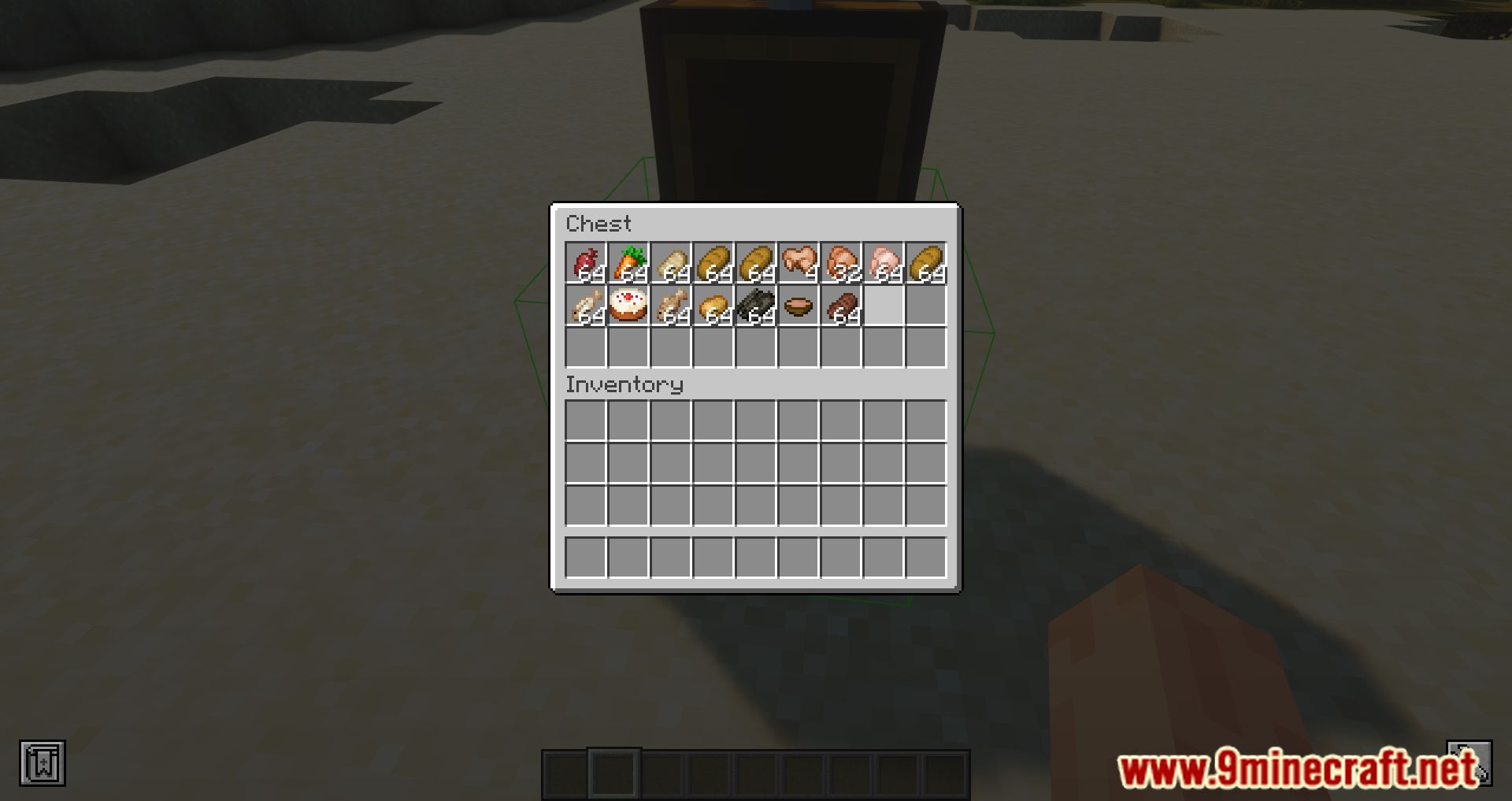
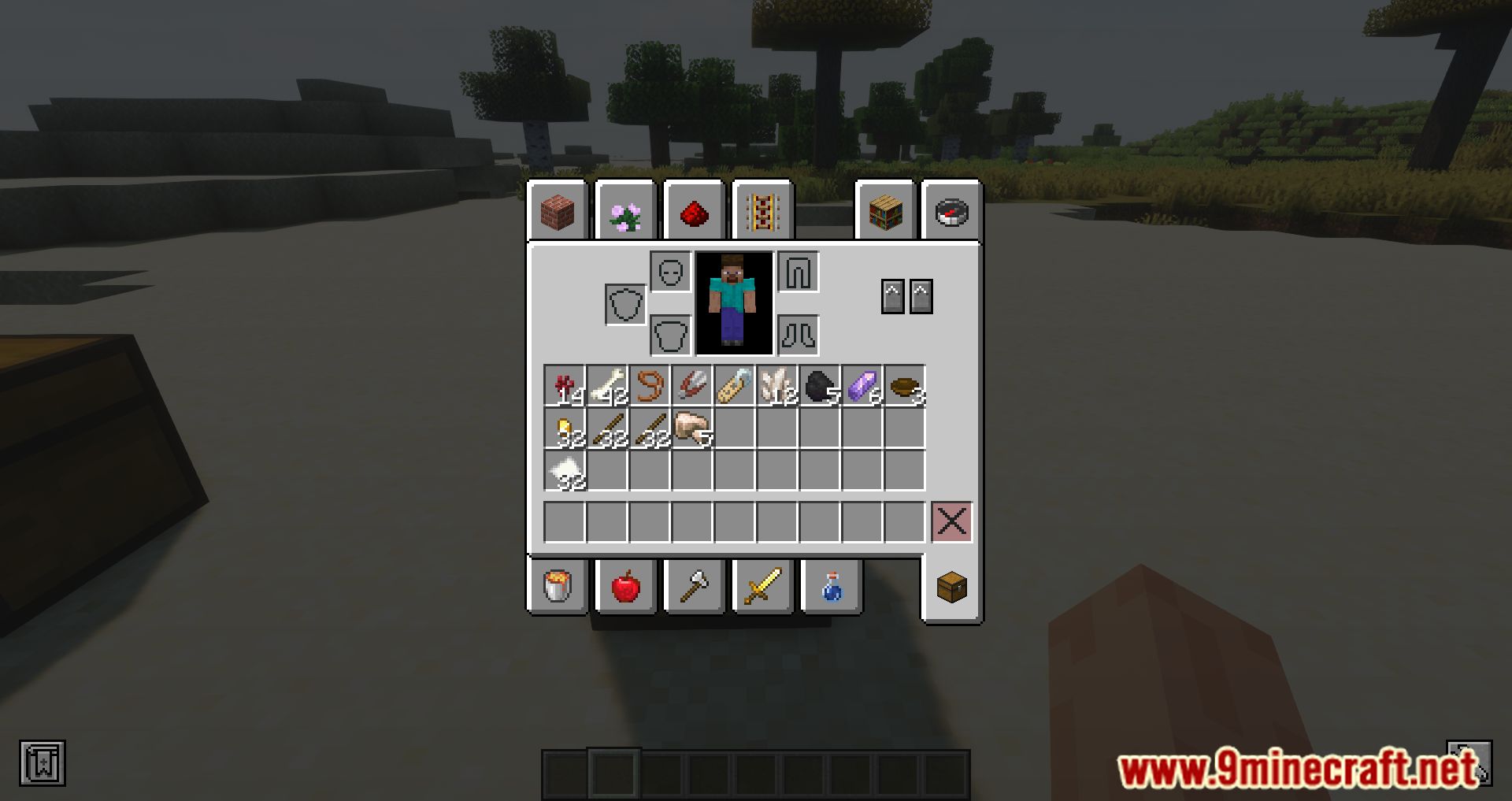
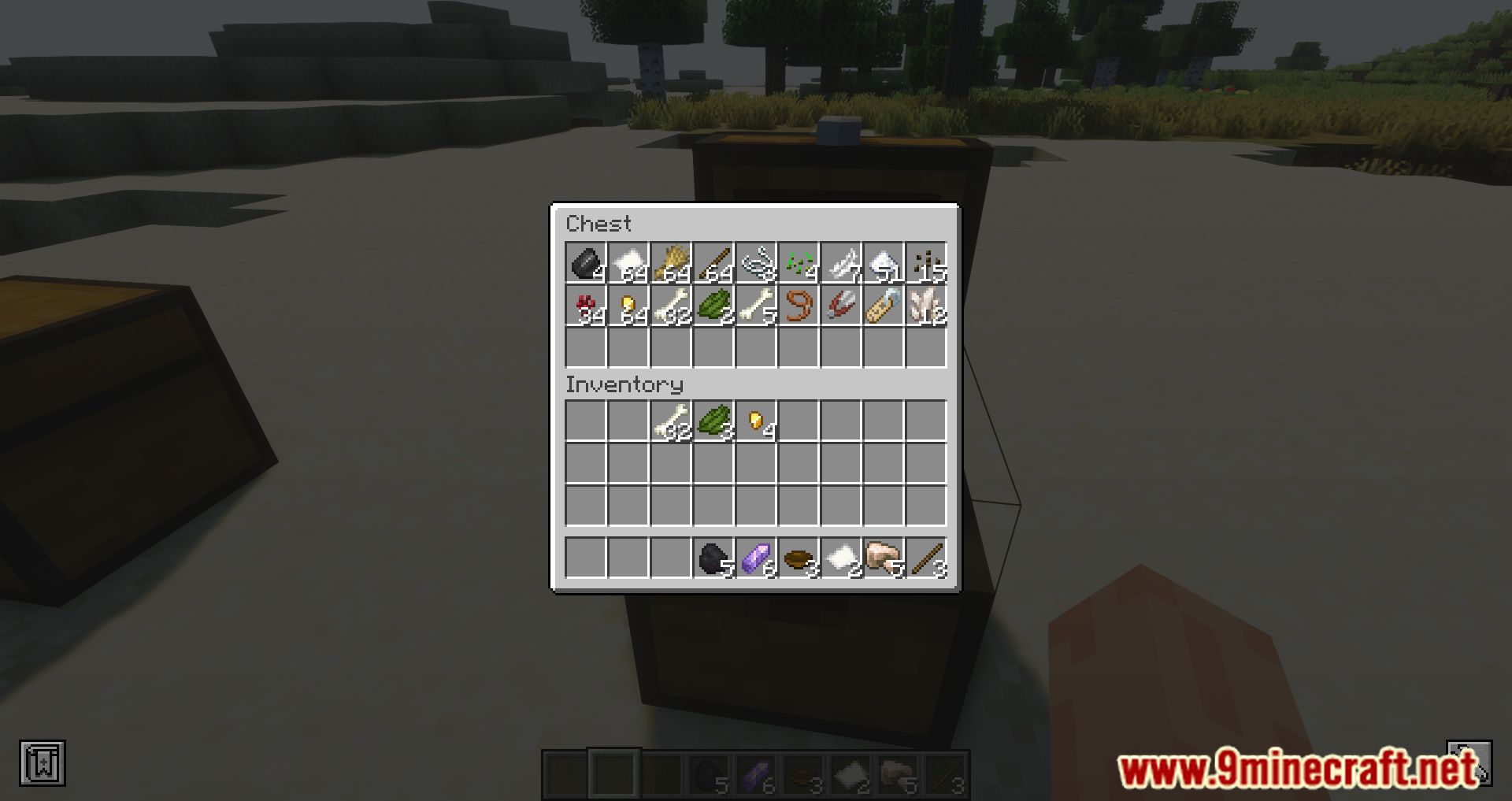
- Dump: Moves all items from your inventory, except your hotbar, straight into nearby chests, barrels, or other storage blocks with an item handler.
- Quickstack: Sends items into nearby chests only if those chests already hold the same item type, just like in Terraria.
- Favorite Items: Lets you Control-click any item stack in your inventory to give it a yellow slot background so dump and quickstack skip it.
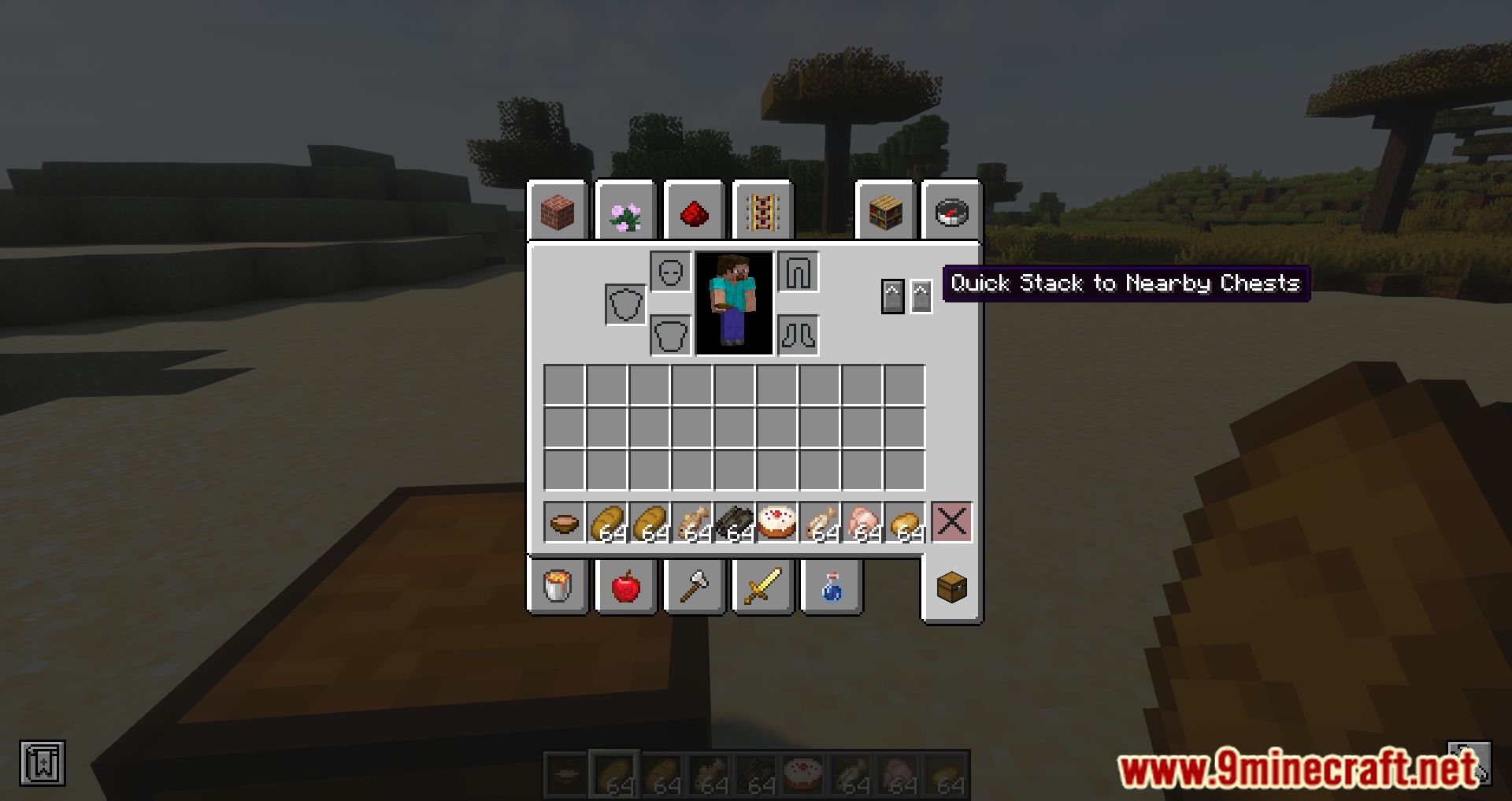
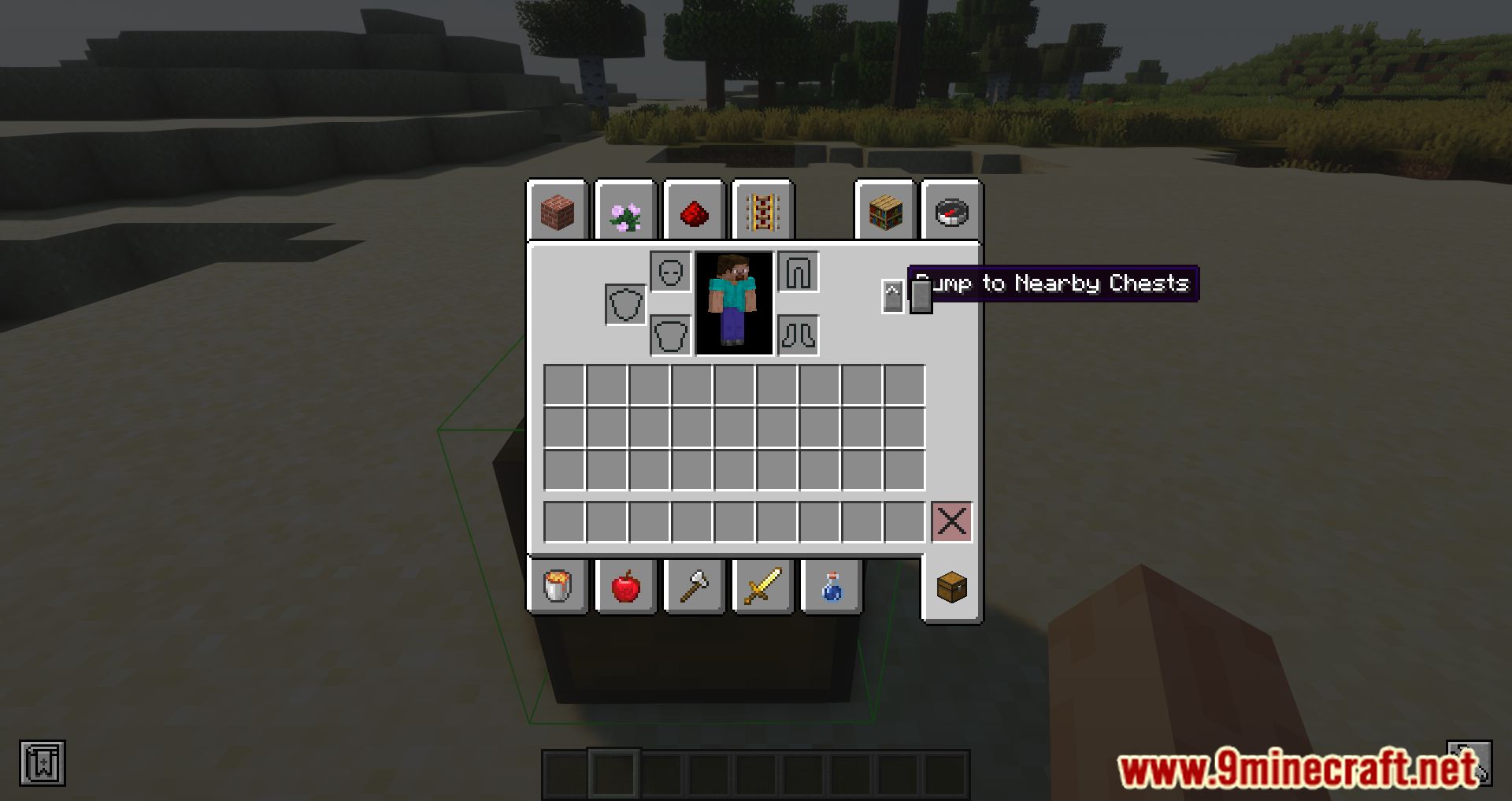
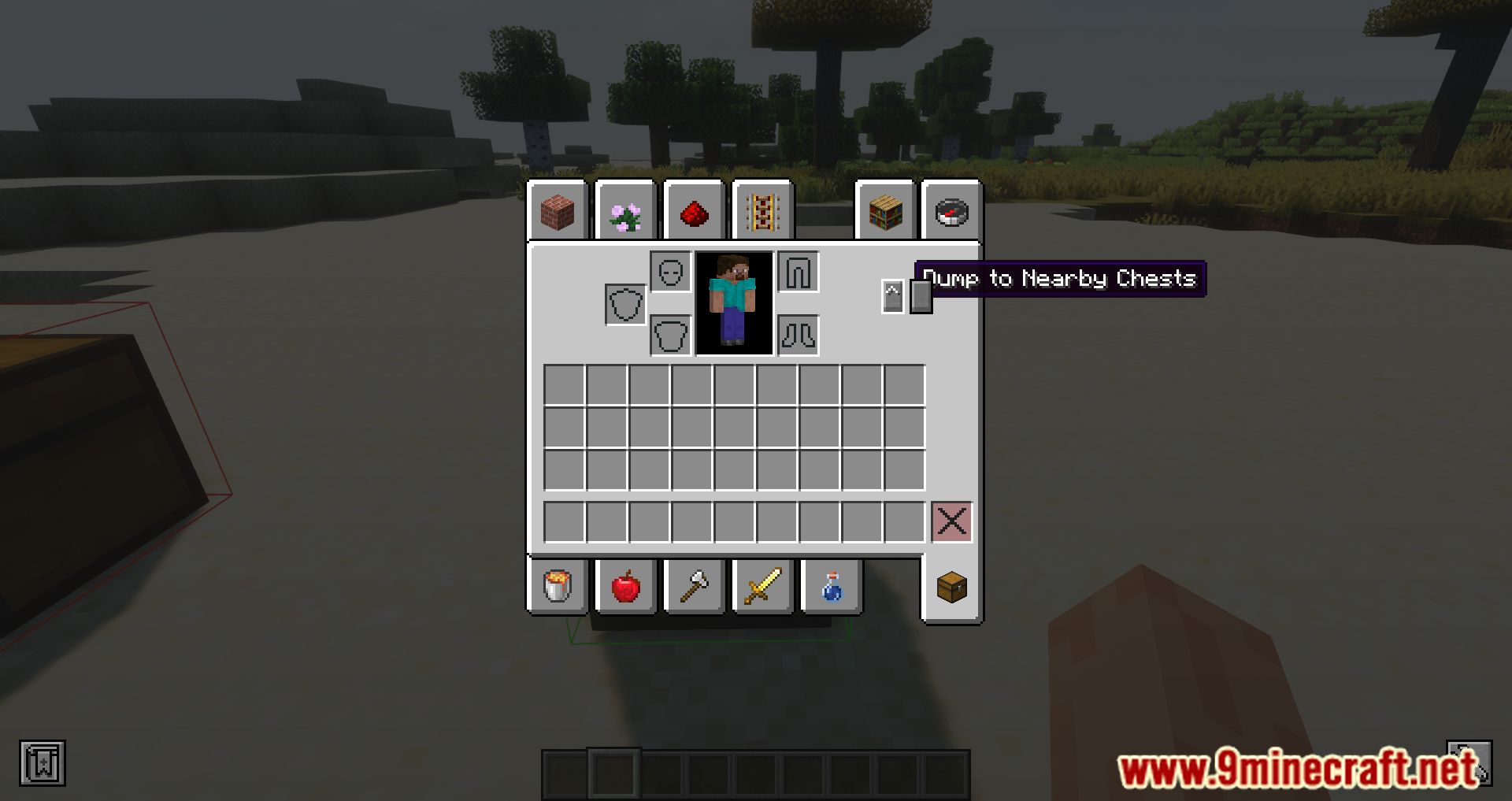
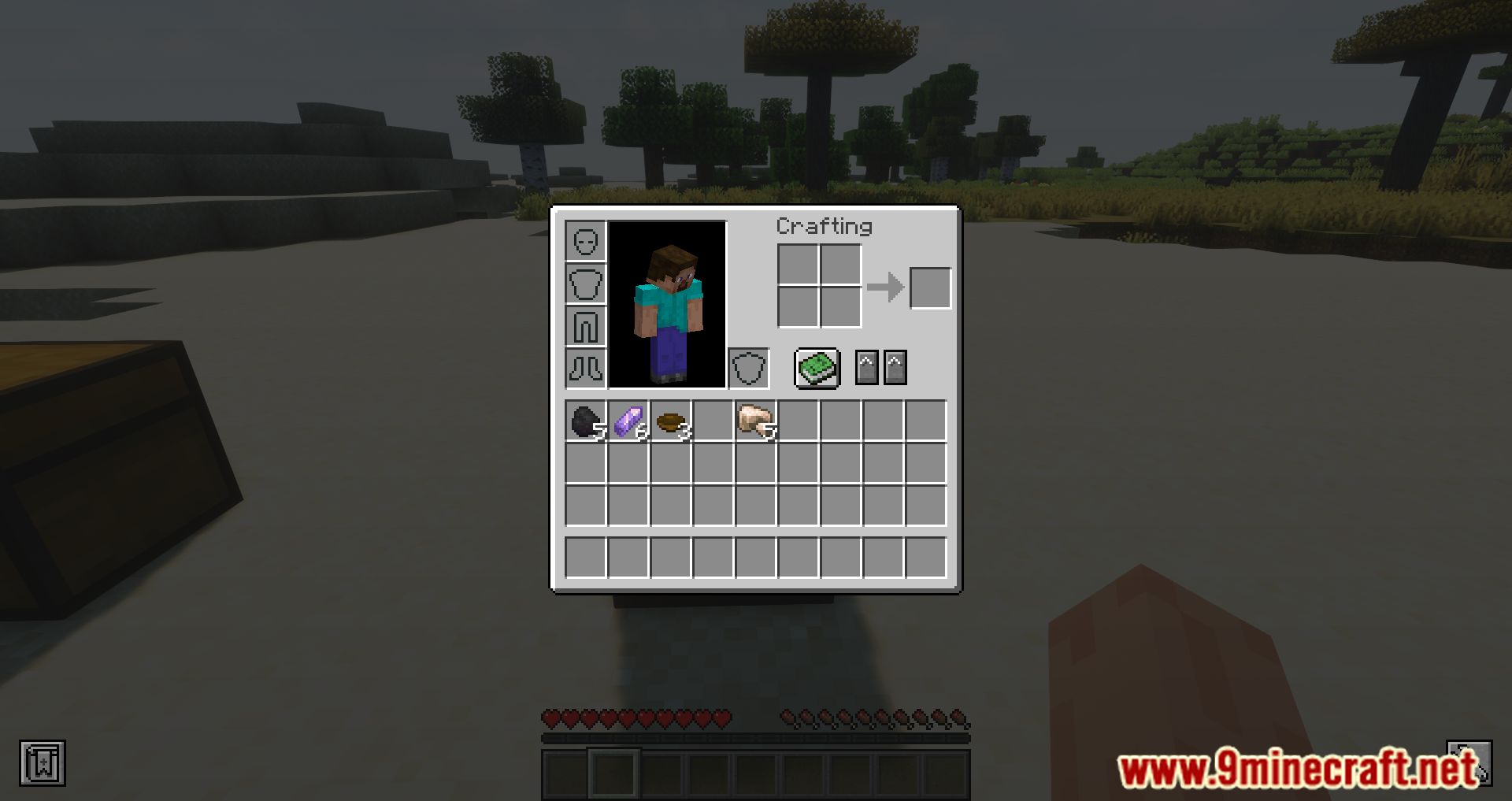
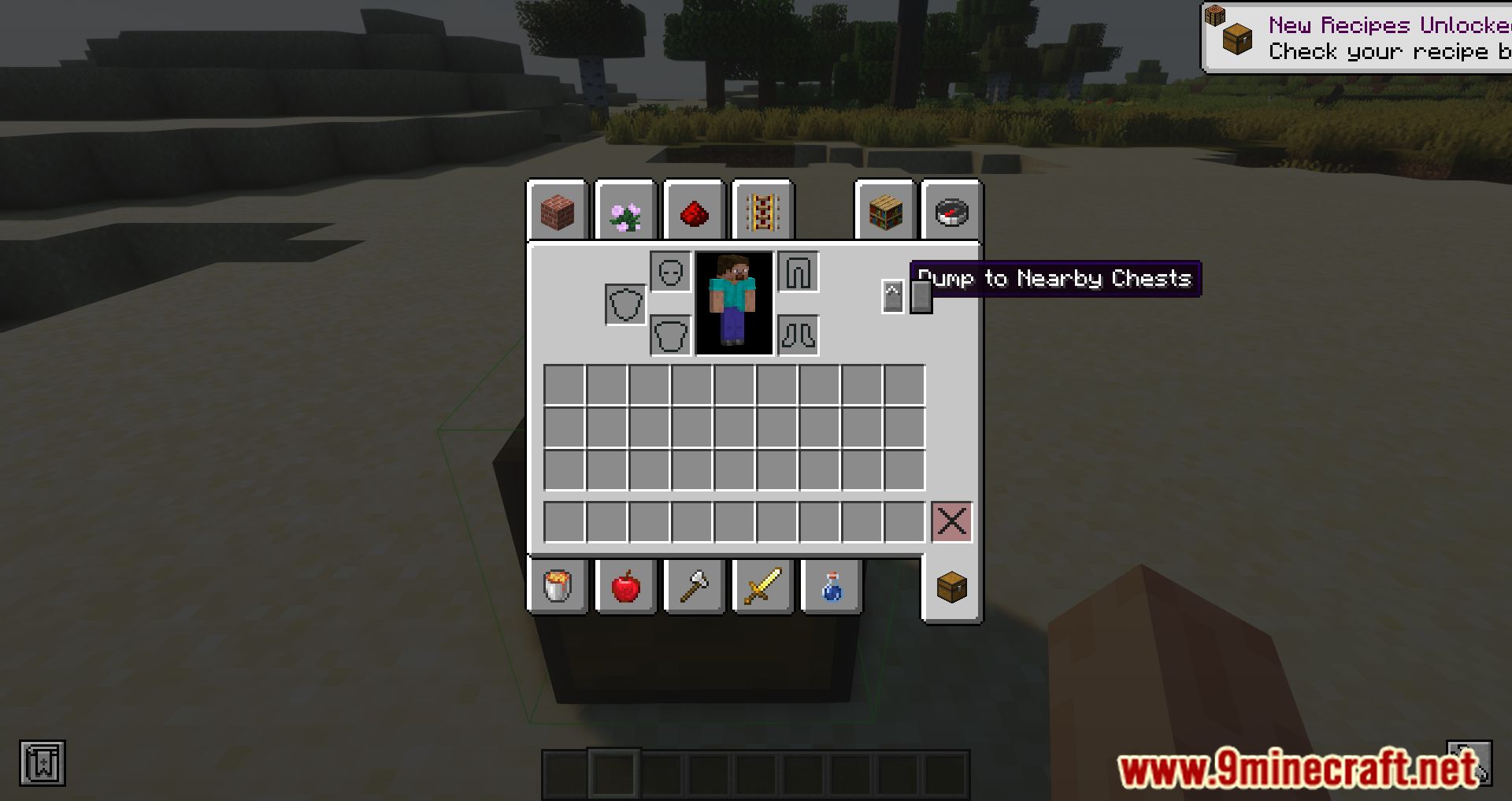
- Adds two buttons right inside the player inventory screen for quick item transfers.
- Lets you set custom hotkeys for both sorting actions so you can clear your inventory without opening chests or your bag.
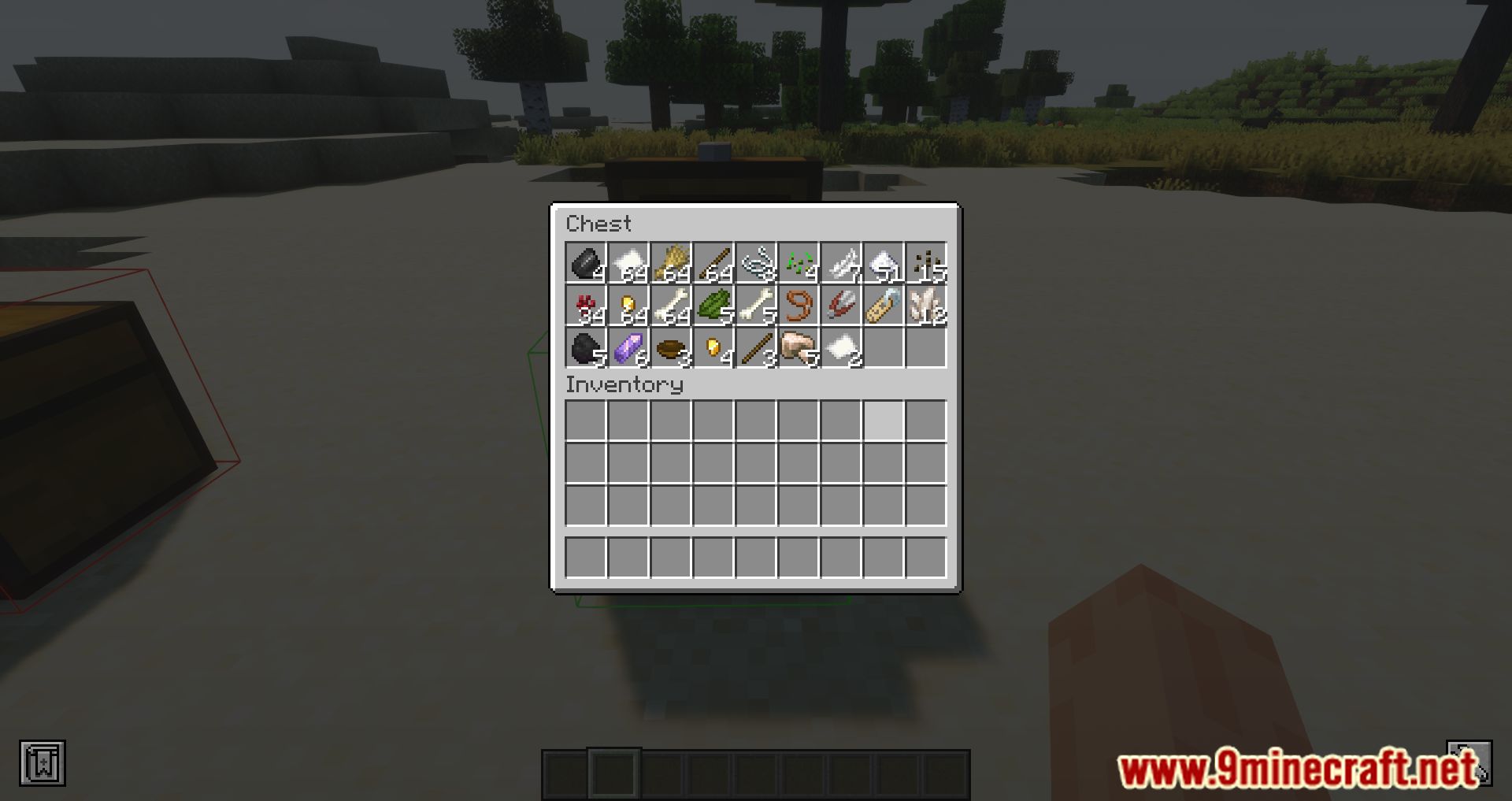
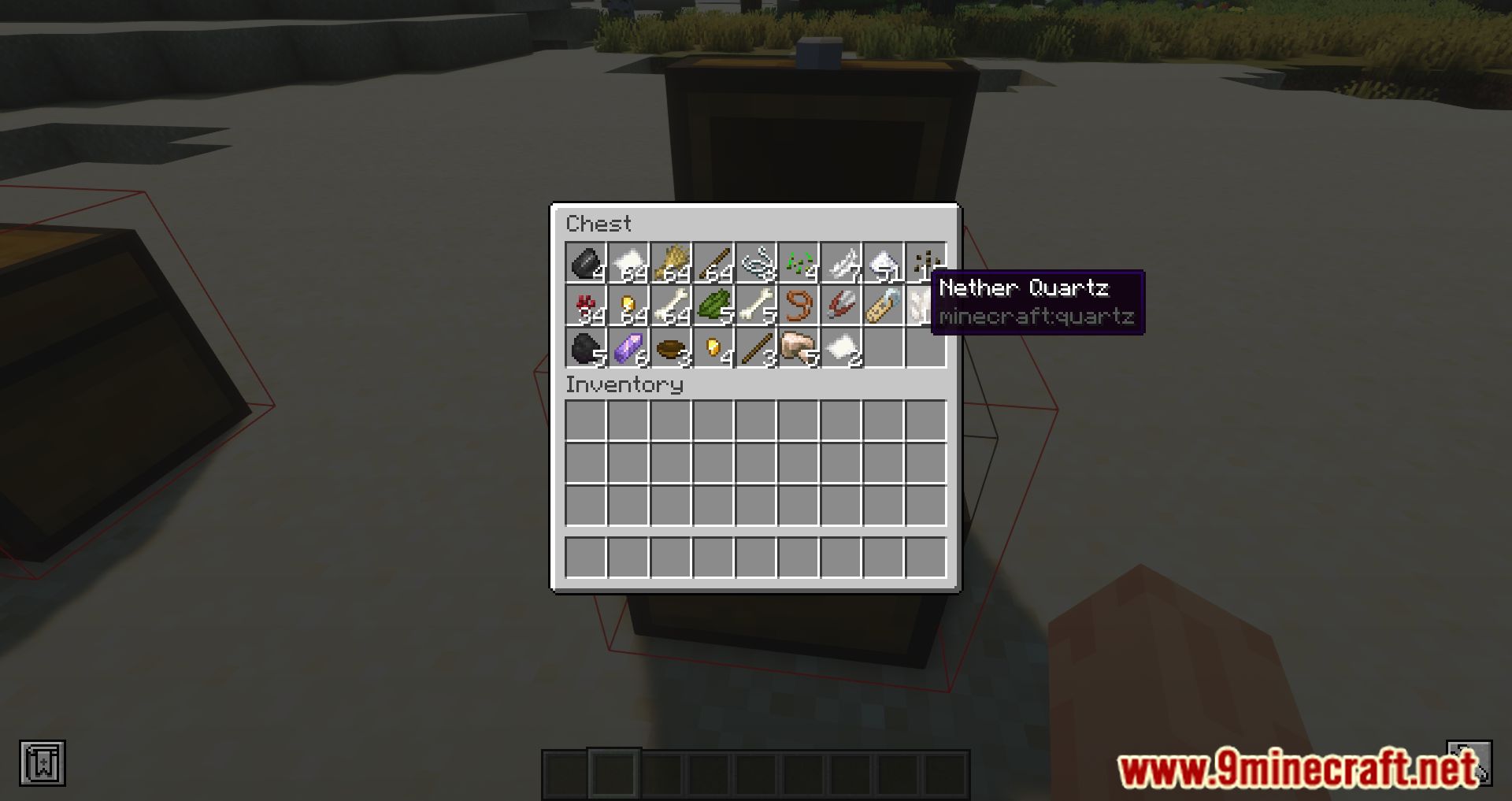
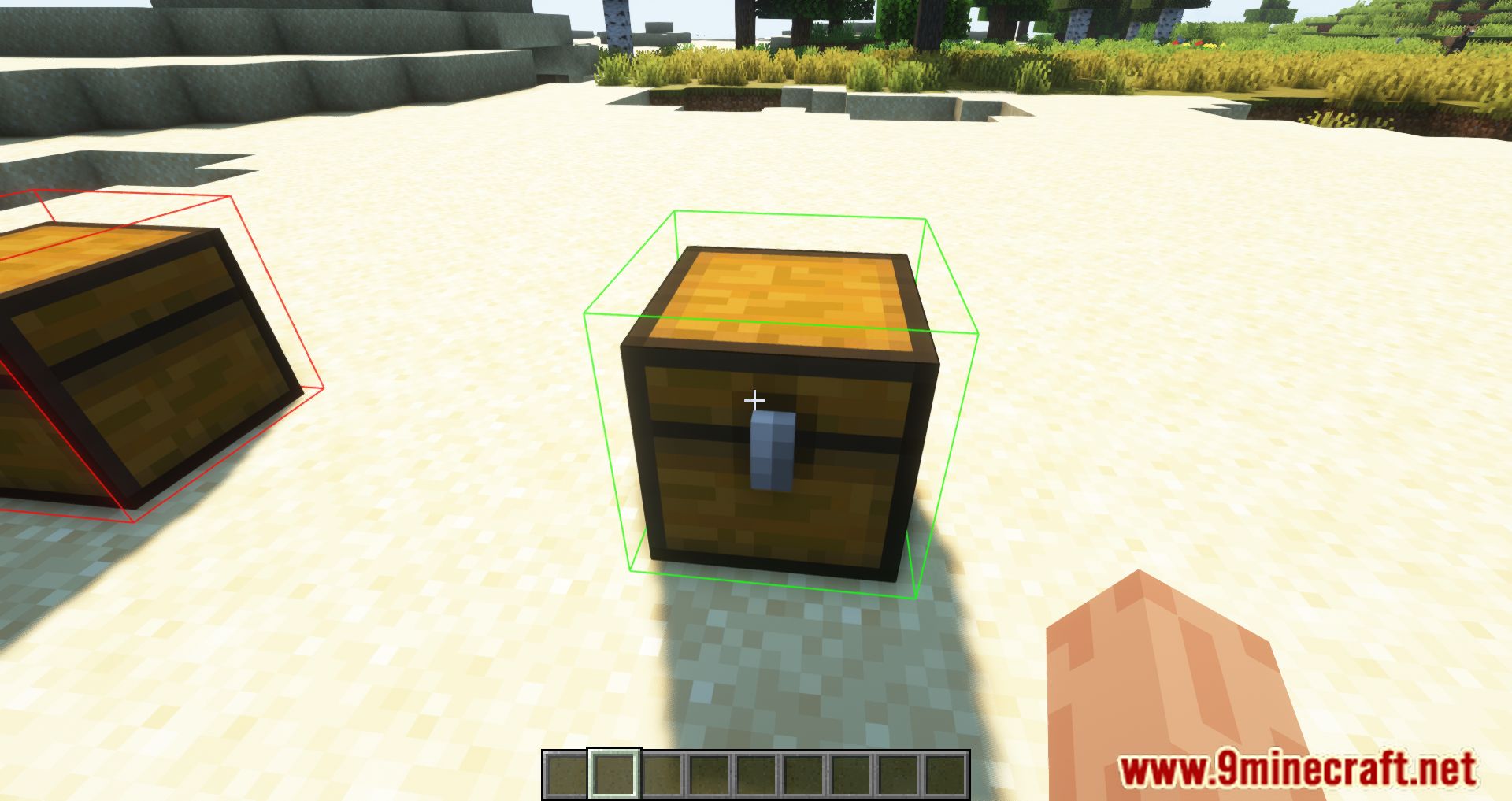
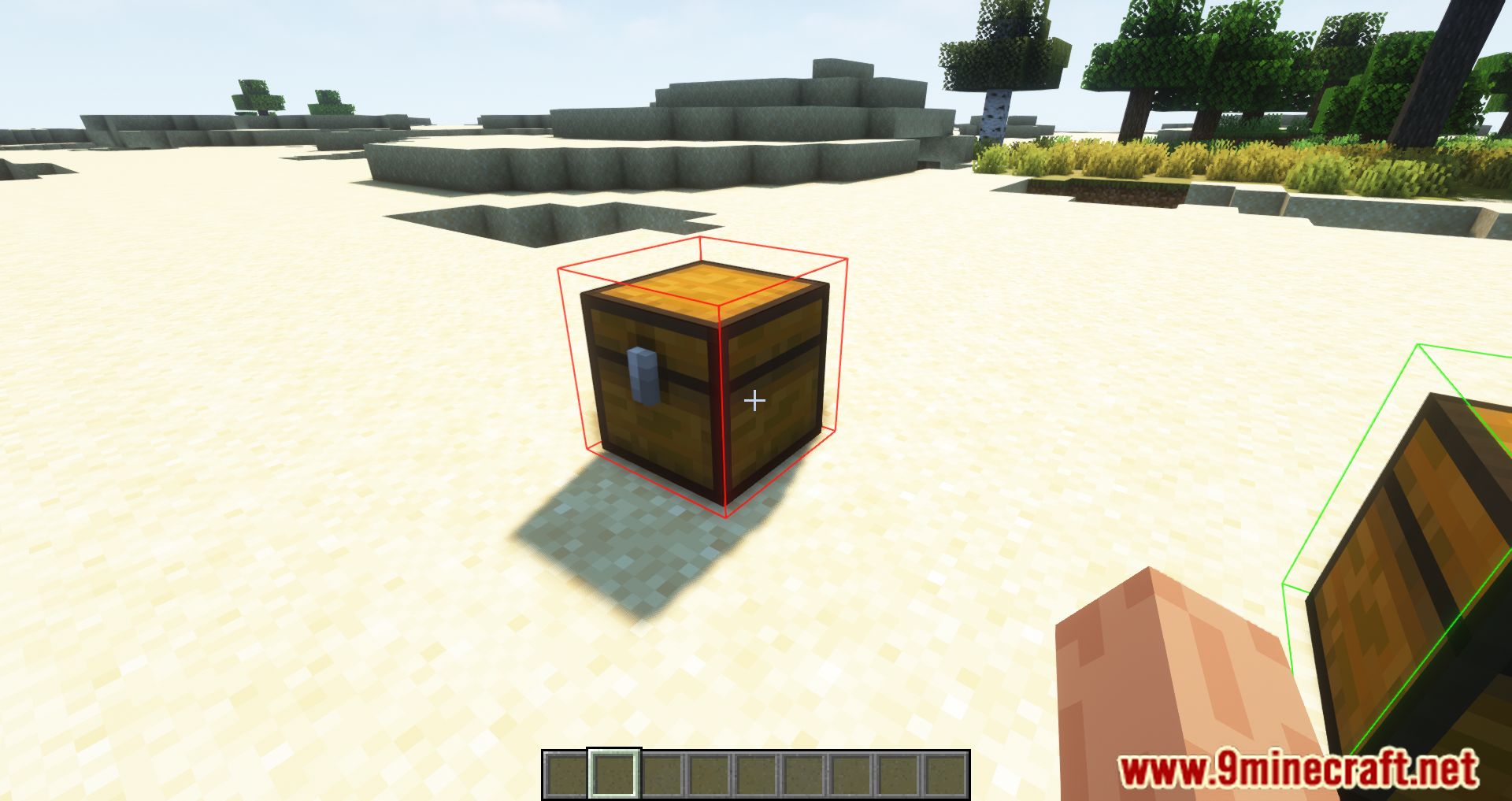
- Works on storage containers within a 6 to 7 block range and highlights the chest receiving your items.
How to Use:
- Stand within 6 to 7 blocks of your chests, barrels, or other storage blocks.
- Open your inventory and hold Ctrl while clicking any item stack you want to keep; its slot turns yellow so it stays safe when you sort.
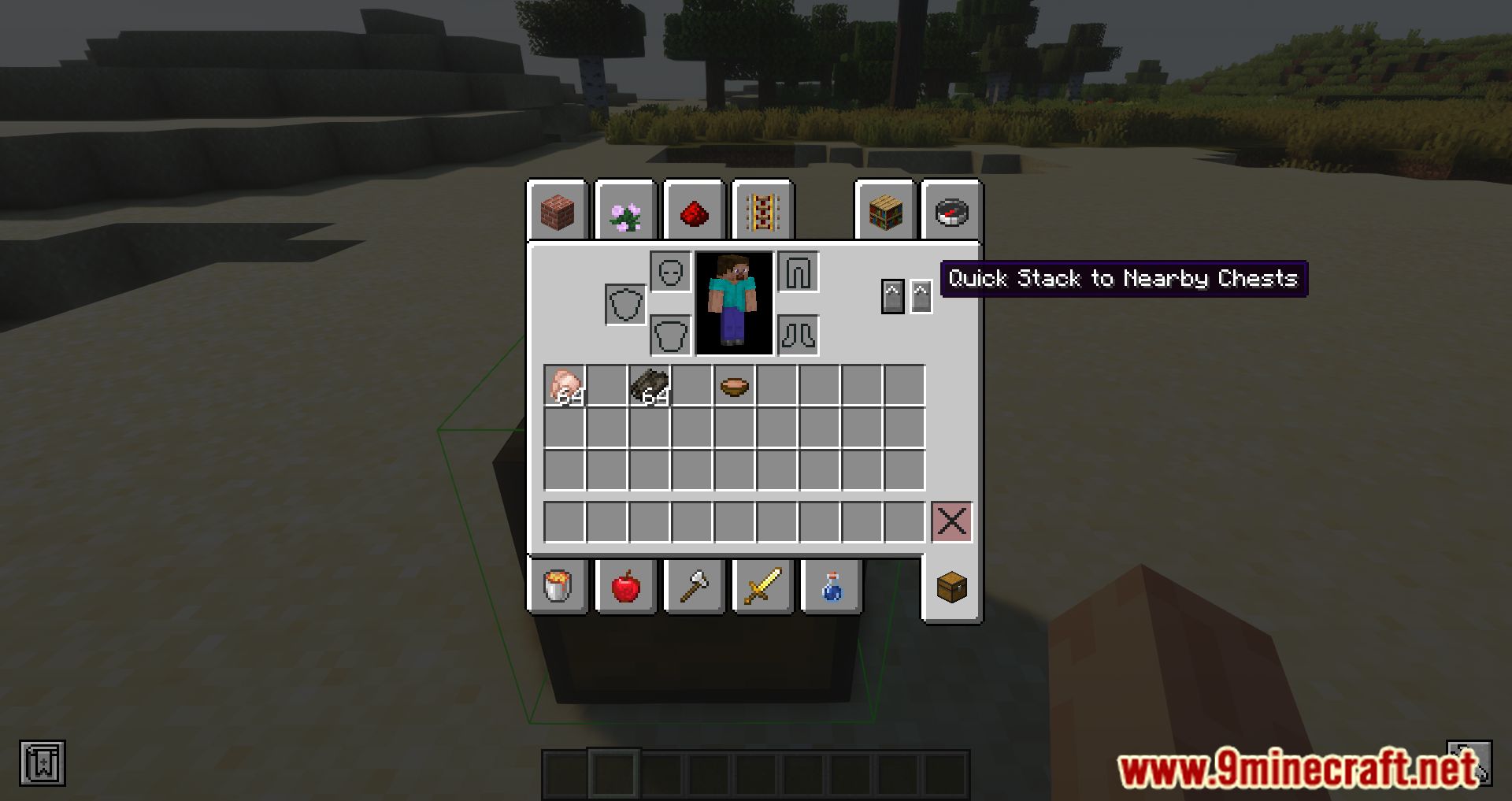
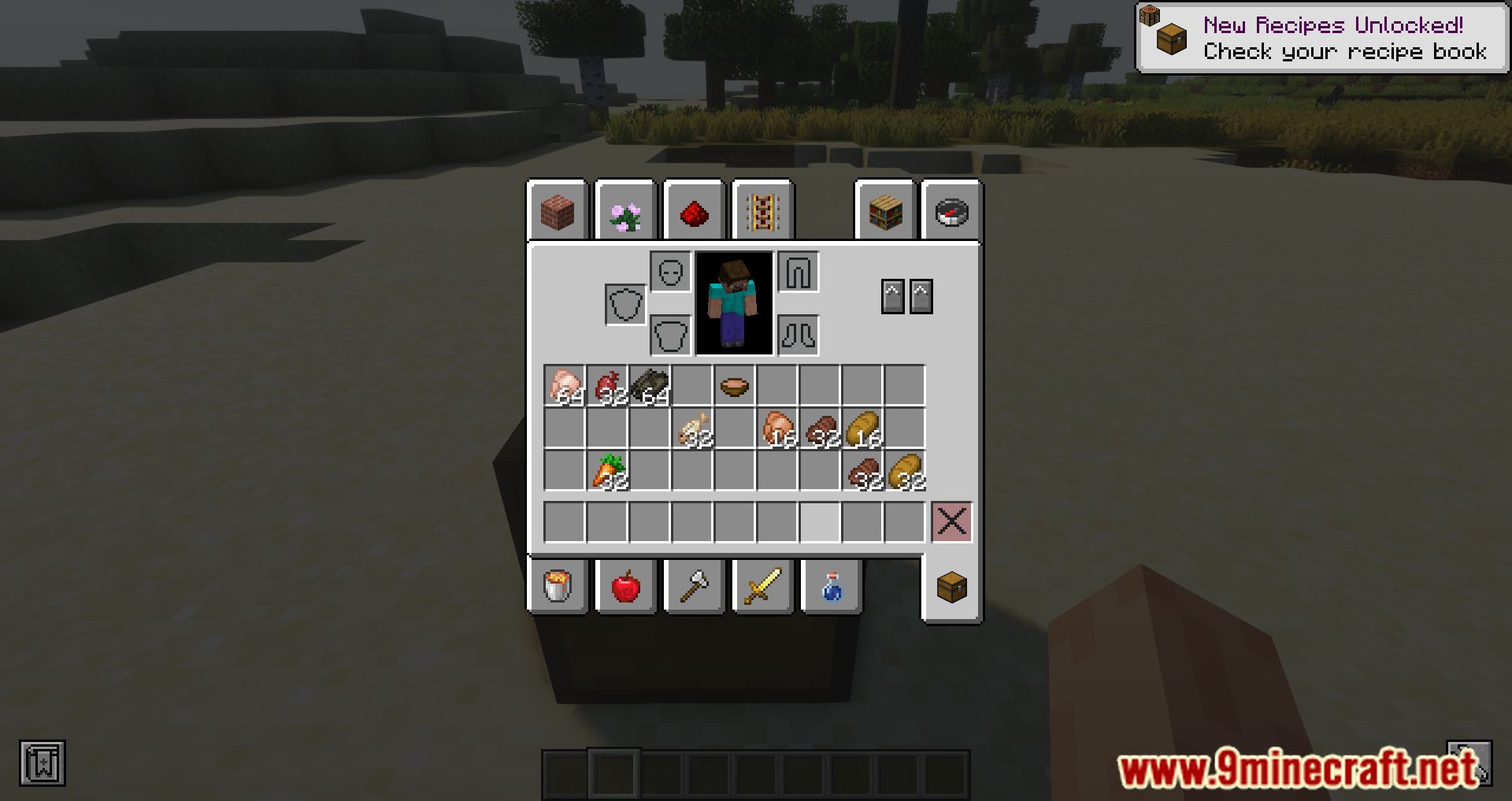
- Click the dump button in your inventory, or press your custom dump hotkey, to move all unfavorited items except your hotbar into nearby storage and highlight the target chest.
- Click the quickstack button, or press your custom quickstack hotkey, to move only items that already match what is inside nearby chests.
Screenshots:
How to Install:
New to Minecraft? Follow our step-by-step guide to install Mods on your PC.View Guide
Requirements:


Quick Stack Mod Download Links
For Minecraft 1.21.1, 1.21
For Minecraft 1.20.1, 1.20
For Minecraft 1.19.2
For Minecraft 1.18.2
For Minecraft 1.16.5
For Minecraft 1.15.2
For Minecraft 1.14.4
Click to rate this post!
[Total: 1 Average: 3]
You May Also Like
Picked for this page
 Cosmetic Armor Reworked Mod (1.21.11, 1.20.1) – Your Style with Max Armor
 Durability Plus Mod (26.1, 1.20.1) – Item Durability Tooltips
 Custom Portals Mod (26.2, 1.20.1) – Fast Travel Between Locations
 Ksyxis Mod (26.3, 1.20.1) – Completely Removes Spawn Chunks
 Compact Storage Mod (26.2, 1.20.1) – Carry Everything You Find
 Vault Patcher Mod (26.2, 1.20.1) – Coverts Hard Coded Strings Into Localization Strings
 Random Bone Meal Flowers Mod (26.3, 1.20.1) – Biome-Free Flower Spawning
 Pickup Notifications Mod (26.3, 1.20.1) – Pickup Alerts For Items
 Cliff Tree Mod (26.2, 1.20.1) – Transform Your Minecraft Landscape
 Builder’s Palette Mod (26.2, 1.20.1) – Unlock New Texture Styles
 Bat Membrane Mod (26.3, 1.20.1) – No More Phantom Dependency For Membranes
 Set Time Doesn’t Reset Day Count Mod (1.21.11, 1.20.1)
Most viewed in Mods over the last 7 days
 Ala Industrial Mod (26.3) – Run Electric Power Grids and Automated Factories
 PleasureCraft Mod (26.3, 1.21.1) – Jenny Mod Remake for Fabric
 Jennycraft Mod (26.3, 1.20.1) – Virtual Girlfriend in Minecraft
 Fapcraft Mod (26.3, 1.12.2) – Comprehensive and Detailed Content
 Jenny Mod (Fapcraft) Official Complete Guide – How to use, Tutorial
 BangCraft Mod (1.20.1) – Jenny, Ellie and Elliot
 Fabric Loader (26.3, 1.20.1) – Fabric Installer for All Minecraft Versions
 The Shooting Star Demo Mod (26.3, 1.20.1) – Vaporize Terrain From Orbit
 Meteor Client Mod (26.3, 1.20.1) – Xray, HUD, Fly
 OptiFine HD (26.3, 1.20.1) – Run Faster, FPS Boost, Shaders Support
 Aristois Client Mod (1.21.4, 1.20.1) – World Class Minecraft Utility
 Prestige Client Mod (1.21.11, 1.21.4) – Powerful Ghost Features for Crystal & Sword PvP
More from Mods
 Bons Voyage Mod (1.20.1) – Teleport Across Biomes Through Hidden Waystones
 Orbital Railgun UPDATED Mod (26.3) – Flatten Giant Landscapes From Space
 Automobility Autoradio Mod (26.3, 26.1.2) – Trade Custom Mixtapes with Friends
 Towers of the Wild 9minecraft Mod (26.3, 26.2) – Climb Tall Towers for Loot
 Ender Storage 9minecraft Mod (26.3, 26.2) – Send Loot Back Home From Any Dimension
 Snad 9minecraft Mod (26.3, 26.2) – Build Faster Sugar Cane and Nether Wart Farms
 Together Forever Unofficial Mod (1.12.2) – Share Team Advancements
 GroovyDuvet Mod (1.21.11, 1.20.1) – Run Groovy Scripted Addons Without Game
 Swing Through Grass 9minecraft Mod (26.3, 26.2) – Fight Mobs Without Breaking Tall Grass
 Improved Boss Bars 9minecraft Mod (26.3) – Unique Health Bars for Every Boss Fight
 Cozy’s Improved Wolves Mod (26.3, 1.20.1) – Bond with Loyal Dogs That Never Die
 Cuisine Craft Mod (1.21.11, 1.20.1) – Cook Restaurant Dishes with Fresh Farm

This post has no comments yet. Be the first — your comment will appear here.