


TL Legacy Launcher (26.2, 1.20.1) – TLauncher Legacy, Stable and Simple


🌐 Read this article in your language! Choose your preferred language below.
Or pick the one you like:
TL Legacy Launcher is a simple, lightweight and yet highly customizeable alternative Minecraft launcher. It features pre-made modded versions (Forge, NeoForge, Optifine and Fabric) as well as optional per-version game profile folders, keeping data from different versions in different subfolders.
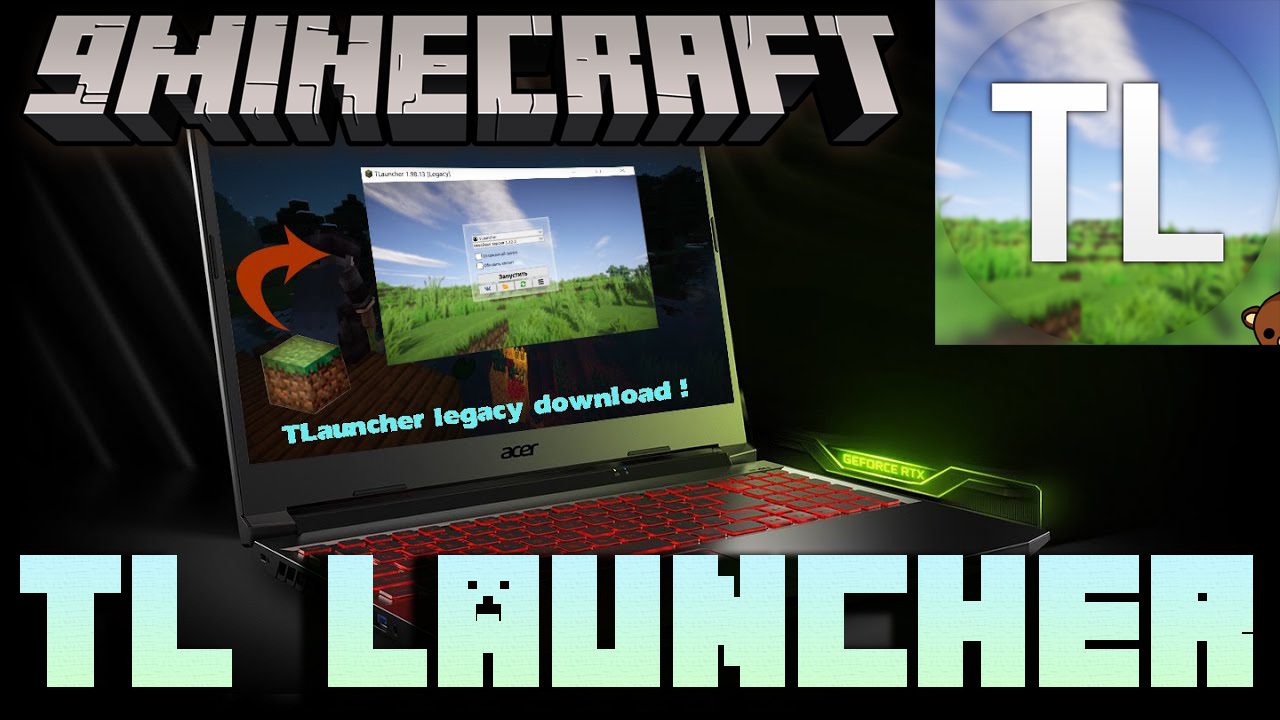
TL Launcher is the most popular launcher at the moment. A record number of players use it every day. It is because with this program you can play both the pirated and licensed versions of Minecraft. But this is not the main advantage of the launcher. The main feature is its cross-platform character. You can run the program on Windows, Linux, or Mac OS.
Features:
- Multiple account types: Play Minecraft with Free, Mojang, Microsoft or Ely.by account, add as many as you need.
- Ely.by skin system: Alternative skin system for players and server owners.
- Supported versions: Supporting all versions of Minecraft, from first Alpha to latest release.
- Forge, NeoForge: Mod Loader. Allows users to add mods to their Minecraft world.
- Fabric: Fabric is a newer mod loader. It is pretty lightweight, so loading mods is considerably faster than Forge.
- Optifine: OptiFine is a mod with customizable settings that enhances the graphics and performance of Minecraft.
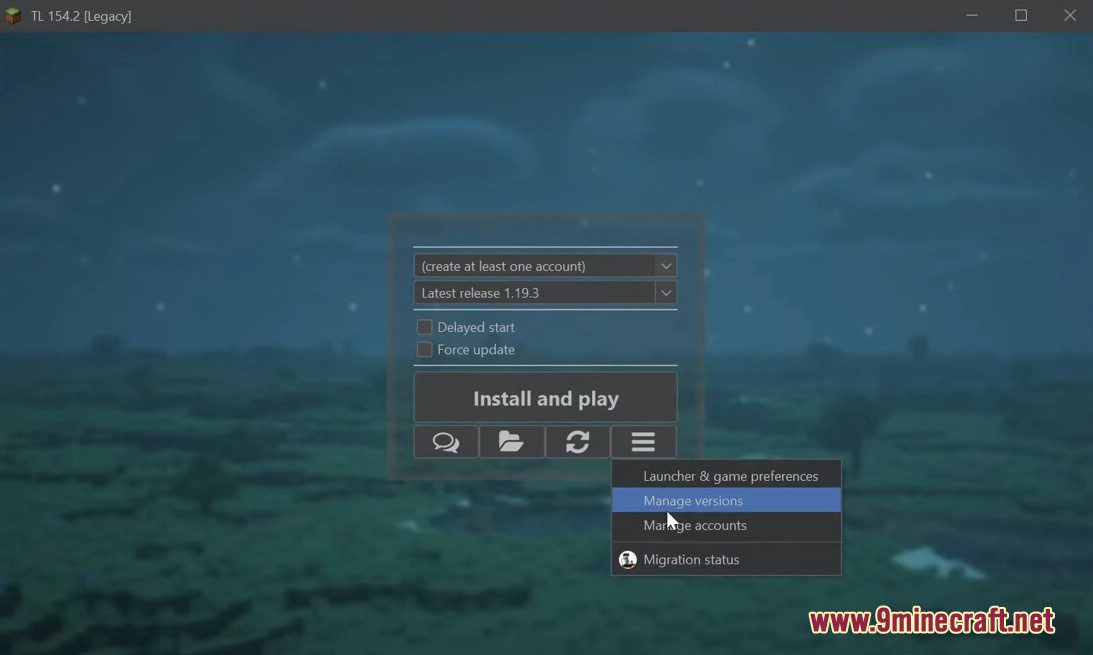
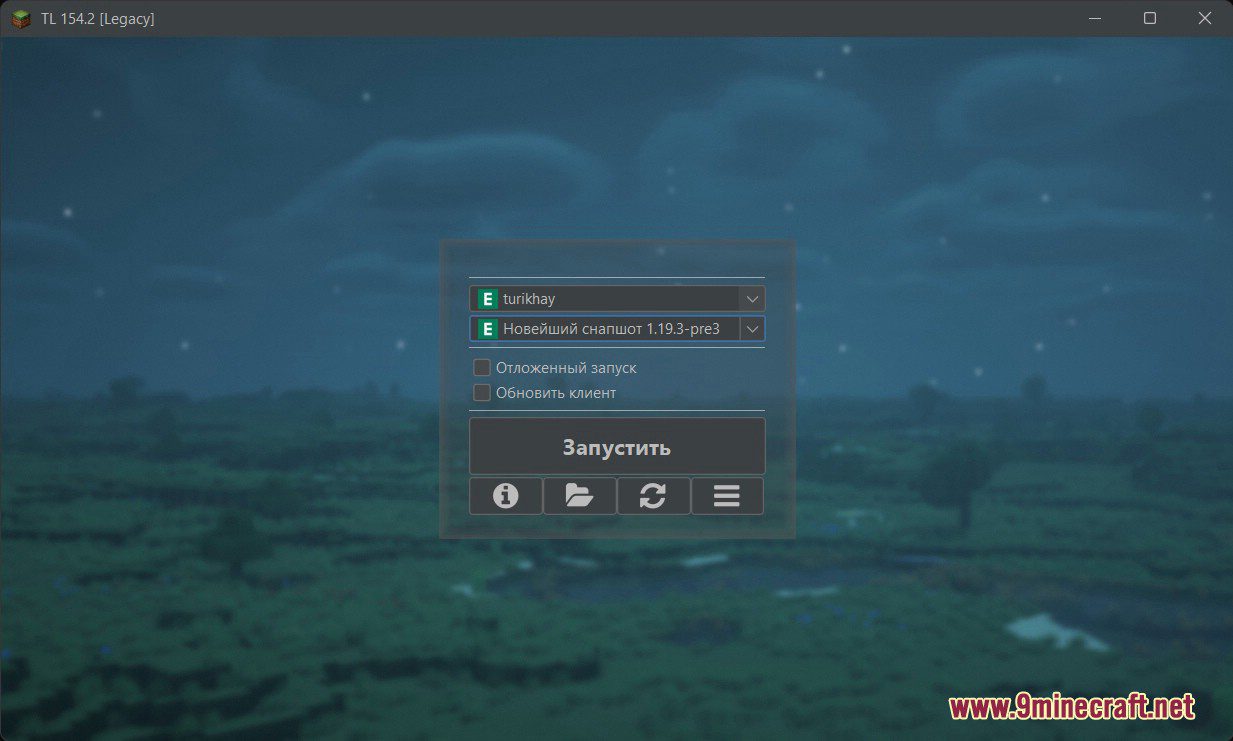
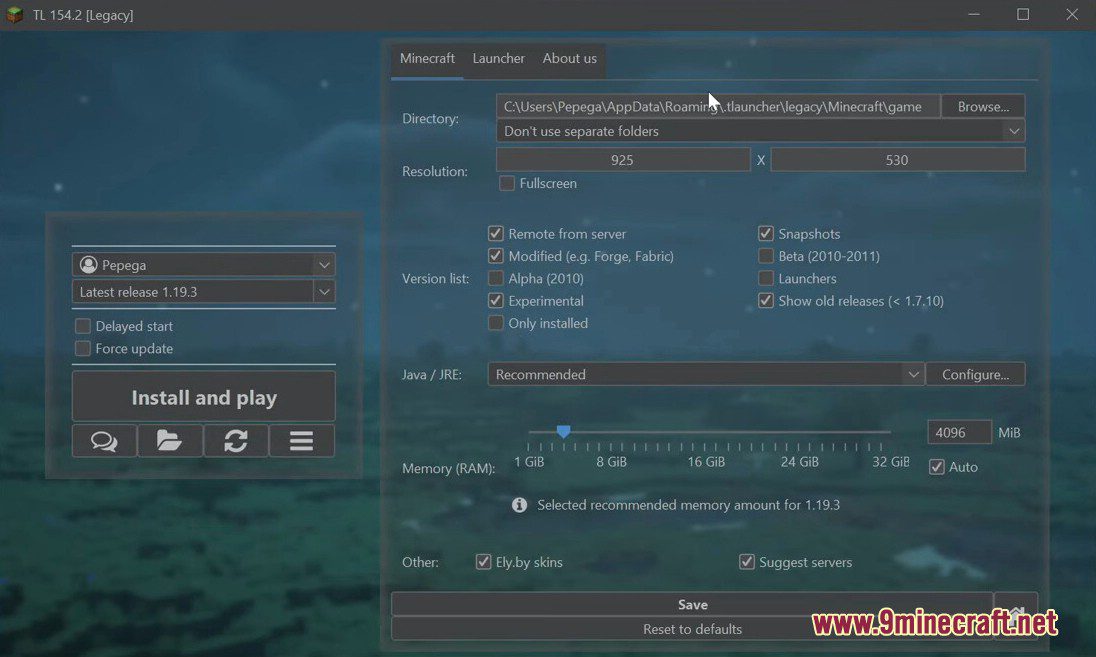
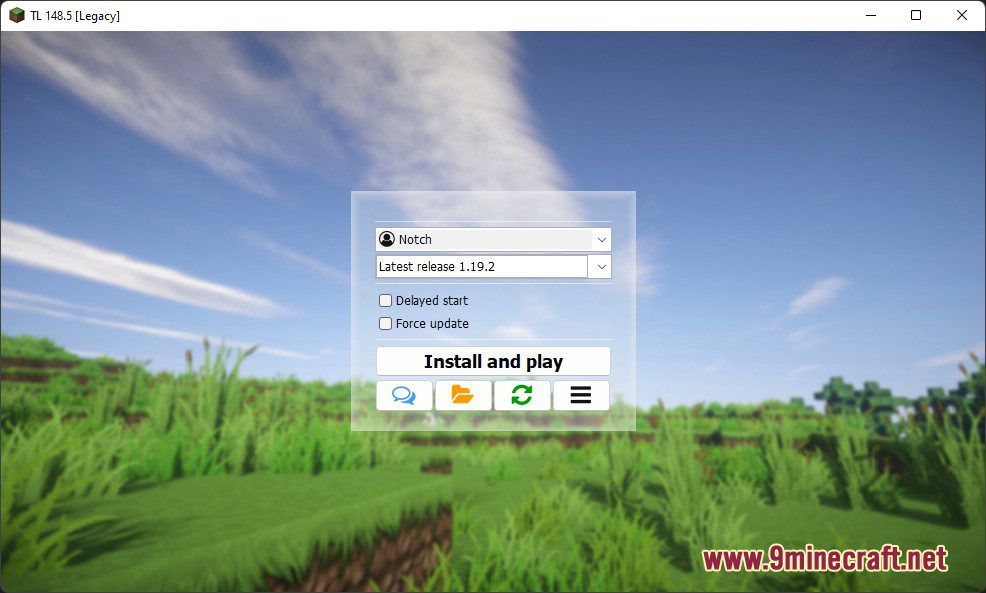
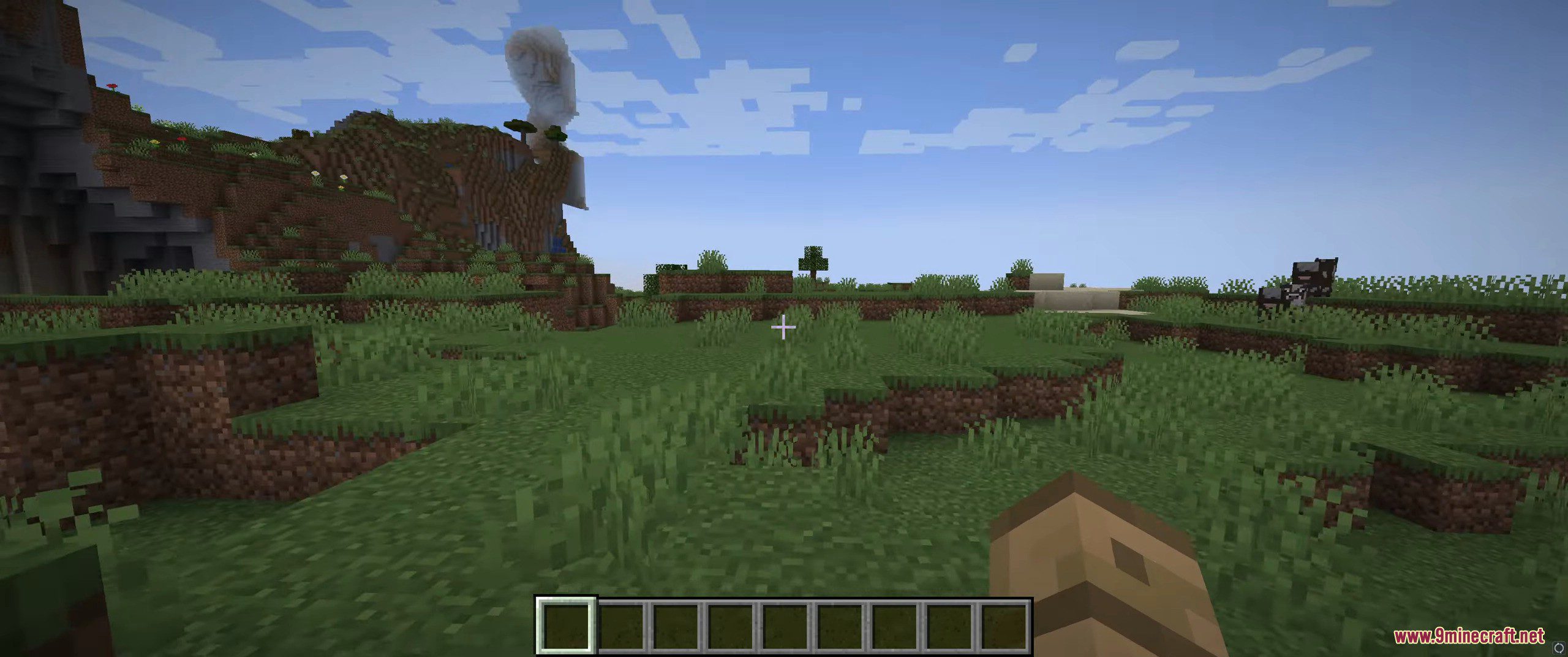
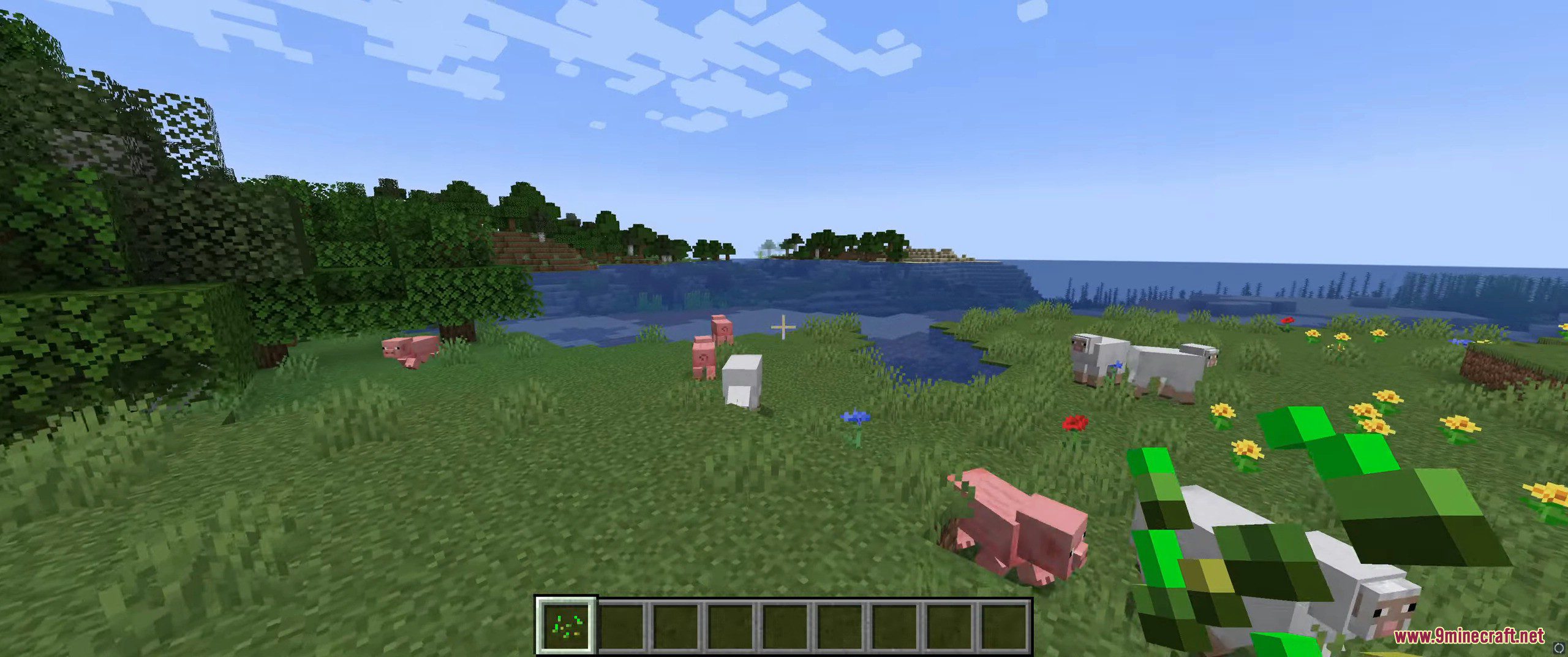
Screenshots:
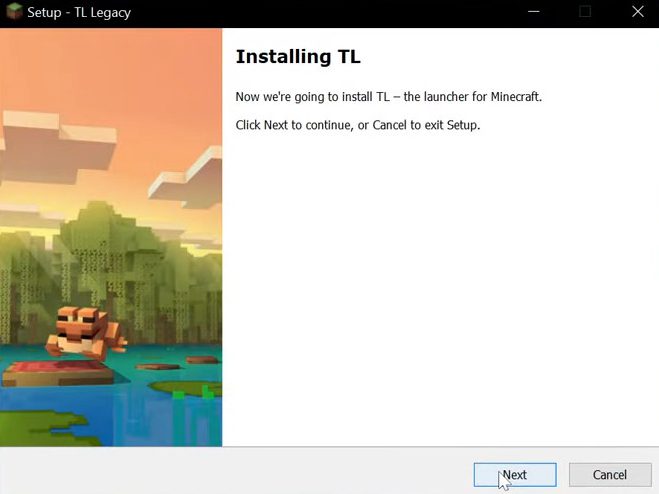
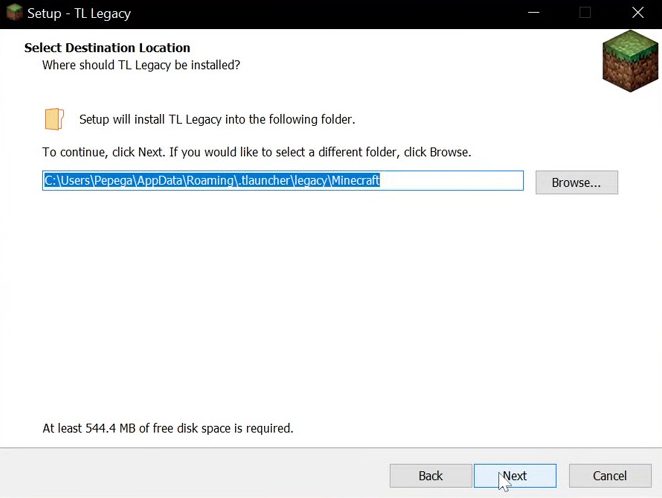
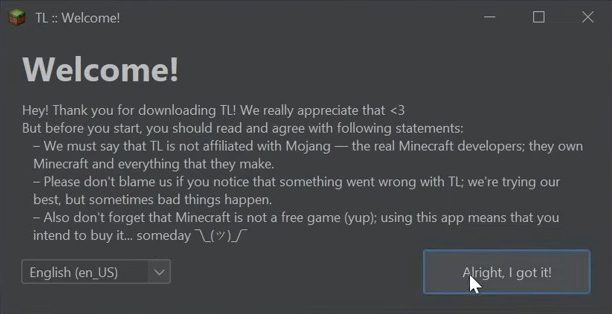
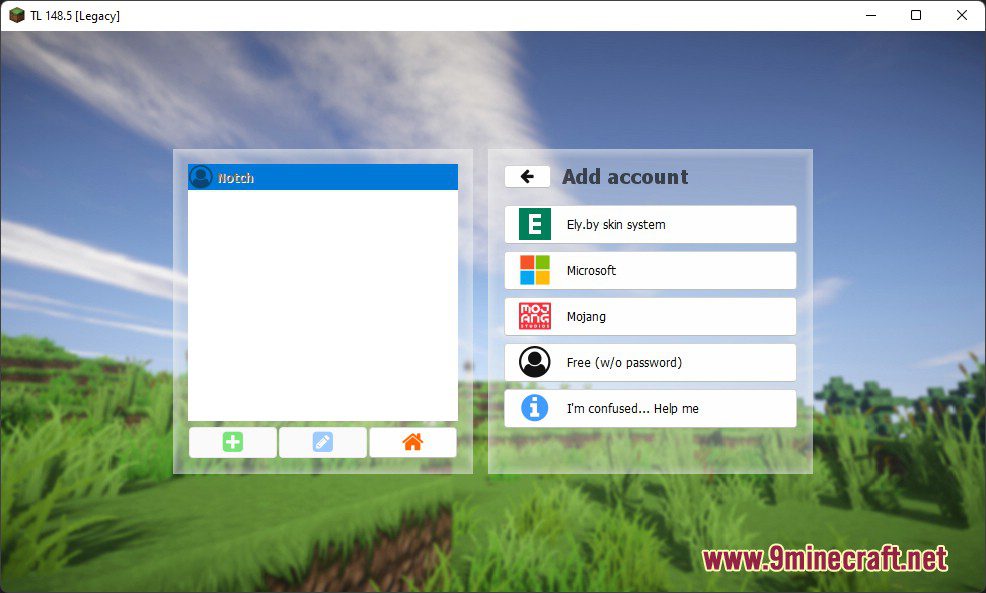
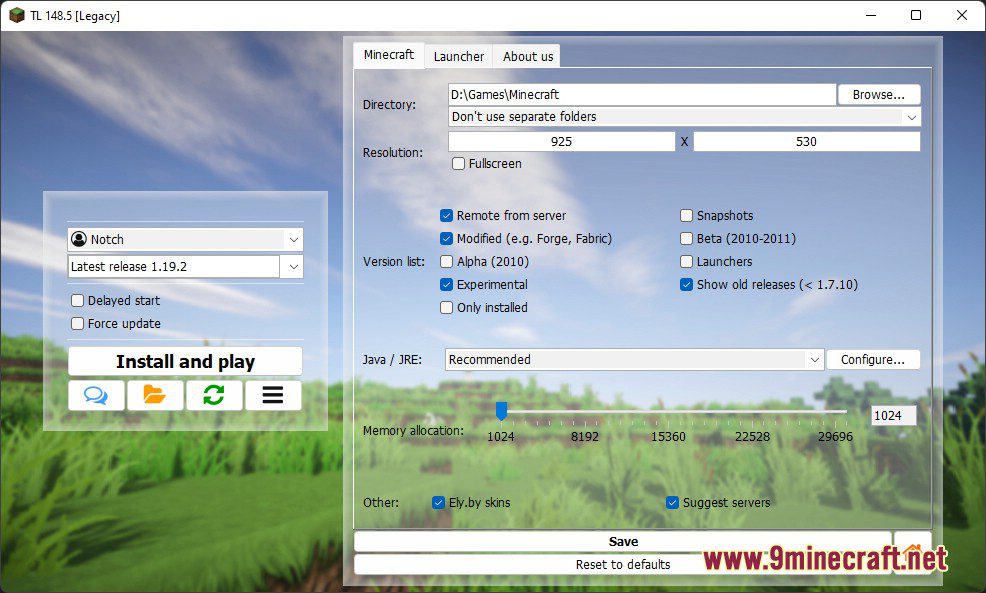
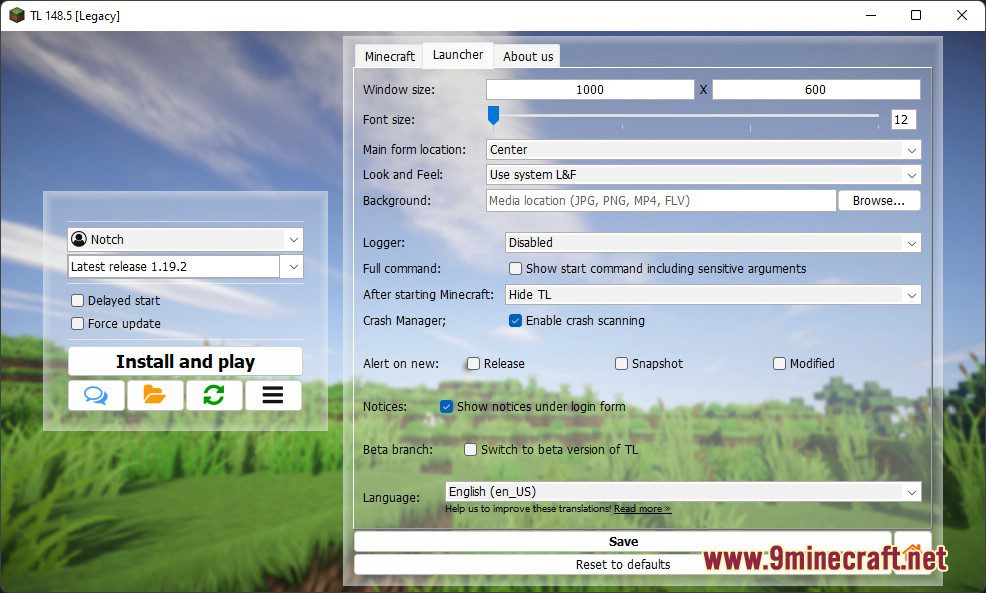
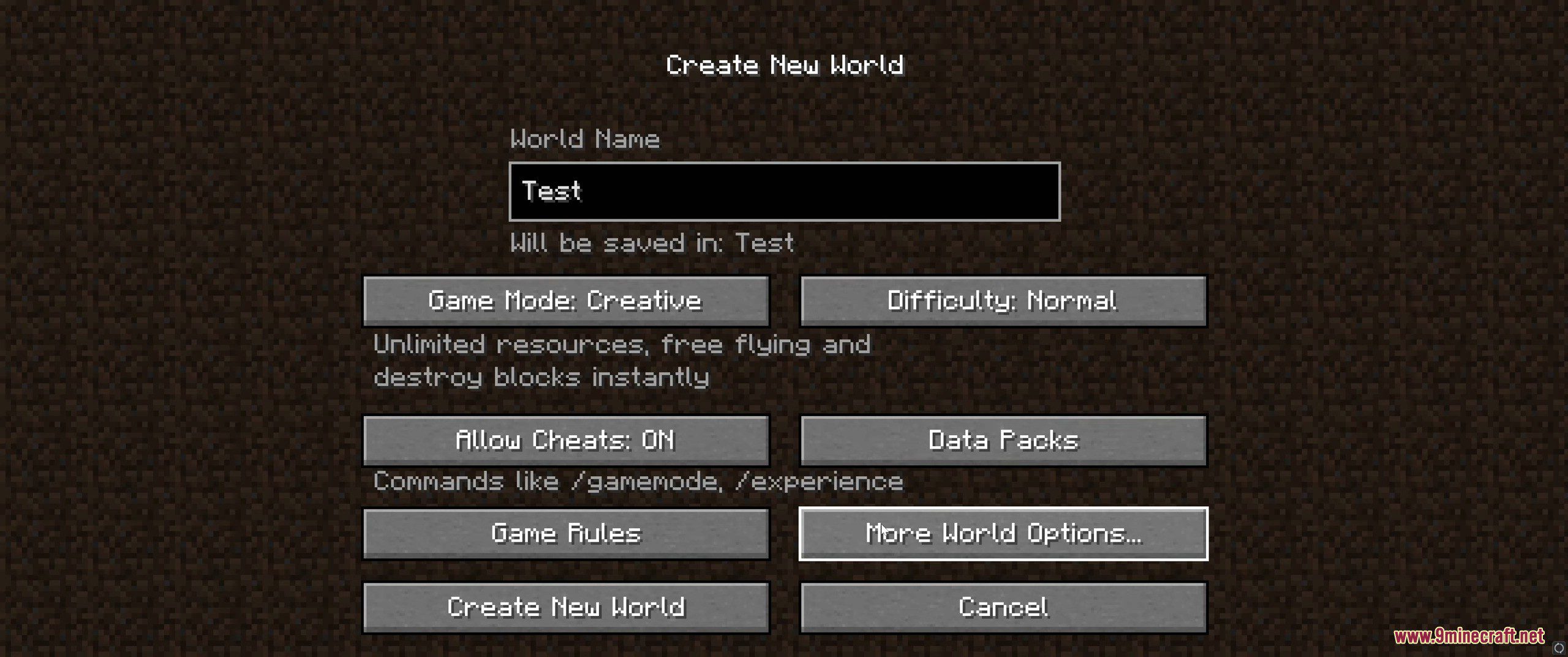
Installing on Windows
- Download the Windows installer (
.exe) below - Run the installer file
- Select an installation folder or keep the default
- Finish installation and launch the launcher
On first launch:
- Select your preferred language
- Log in using:
- Online mode (premium)
- Offline mode (non-premium)
- Select a Minecraft version and press Play
Installing on Linux
DEB Package (Ubuntu / Debian)
- Download the
.debpackage below - Install it using:
sudo dpkg -i legacylauncher.debsudo apt --fix-broken install - Launch Legacy Launcher from the application menu
Installing on macOS
- Download the macOS
.dmgfile below - Open the file and drag Legacy Launcher into Applications
- Launch the app from Launchpad or Applications
If macOS blocks the app:
- Open System Settings → Privacy & Security
- Click Open Anyway
- Launch the app again
Important Notes:
- Allocate at least 2-4 GB RAM for better performance
- Use the Java version provided by the launcher to avoid compatibility issues
TL Legacy Launcher Download Links
Click to rate this post!
[Total: 918 Average: 4.3]

13 Comments
 What do you think?
Your opinion means a lot - we'd love to hear from you.
What do you think?
Your opinion means a lot - we'd love to hear from you.
You May Also Like










bro mi dispiace ma il mio anti virus mi ha detto che non posso aprire questo file
raga io sinceramente non mi fido del bro che ha creato questo programma però lo proverò ma sono sicuro che tlauncher e sicuro
is ur comment real lol?
are we real? ✌
جيد جيد
thank you
FR like im jus tryna know if its dangerous or naa
quindi è safe?
just checked it is not virus birus
hiiii
harika birsey bedavaya virsusuz bir sekilde tum surumu oyunayabiliyoruz puanlamada olsa 1st. olur 5 yildizi 100%100 hakediyorum
yorumum bu kadar
bitti
herkesin kullanmasini tavsiye ederim
thankyuo