


DroidBridge Launcher (26.3, 1.20.1) – Play the Full Java Edition on Mobile
 7,598
7,598
 3
3


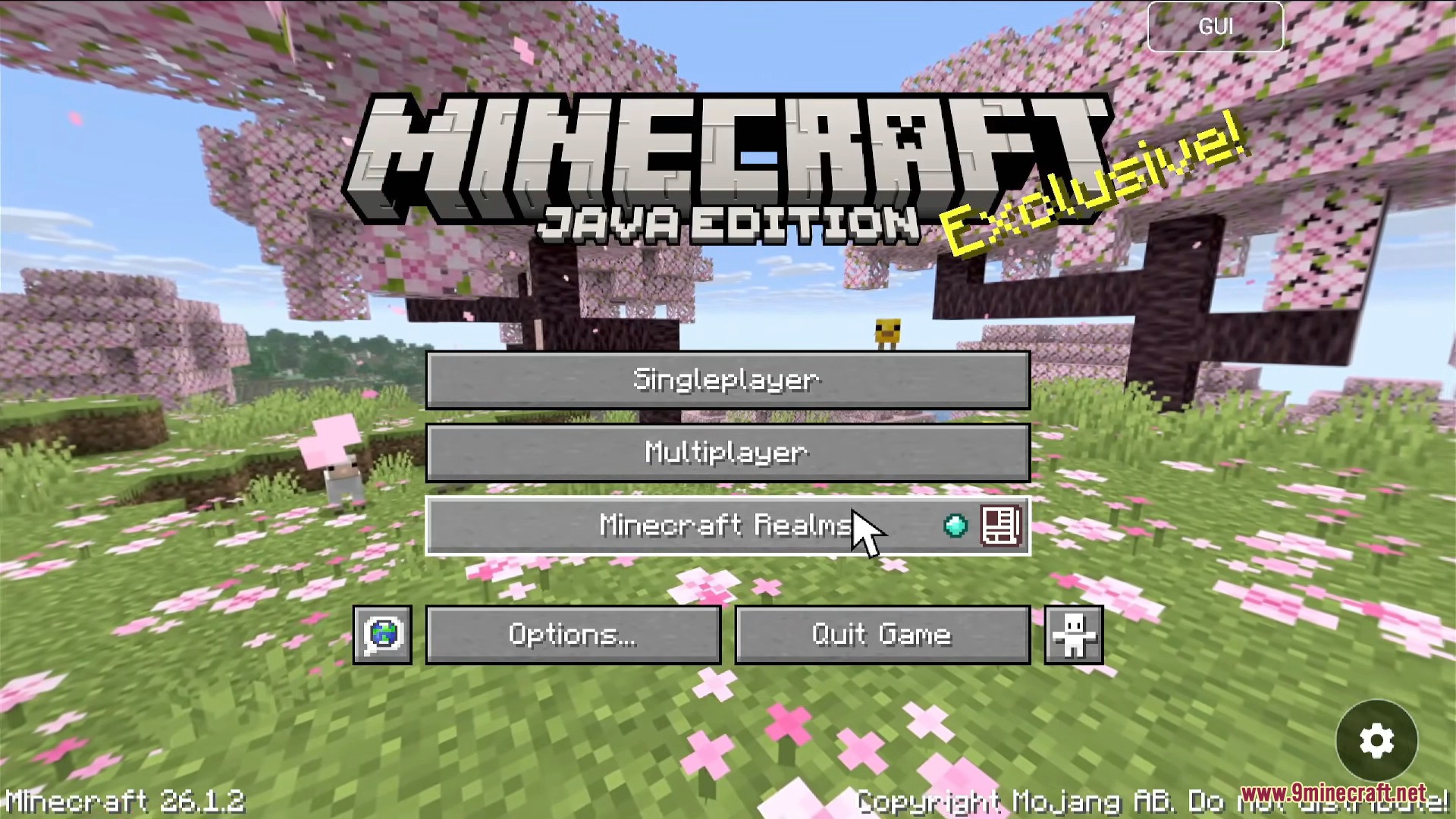
DroidBridge Launcher lets you play the full Minecraft: Java Edition on your Android phone or tablet. This launcher provides a legal way to run the desktop version of the game on mobile, as long as you already own it. You can manage different game versions, add mods, and customize on-screen controls for a better gameplay experience. It requires you to sign in with your official Microsoft account to verify game ownership. This makes it possible to enjoy your favorite Java worlds and servers anywhere you go.
Features:
- Play Java Edition on Android: Run the full desktop version of Minecraft on your mobile device.
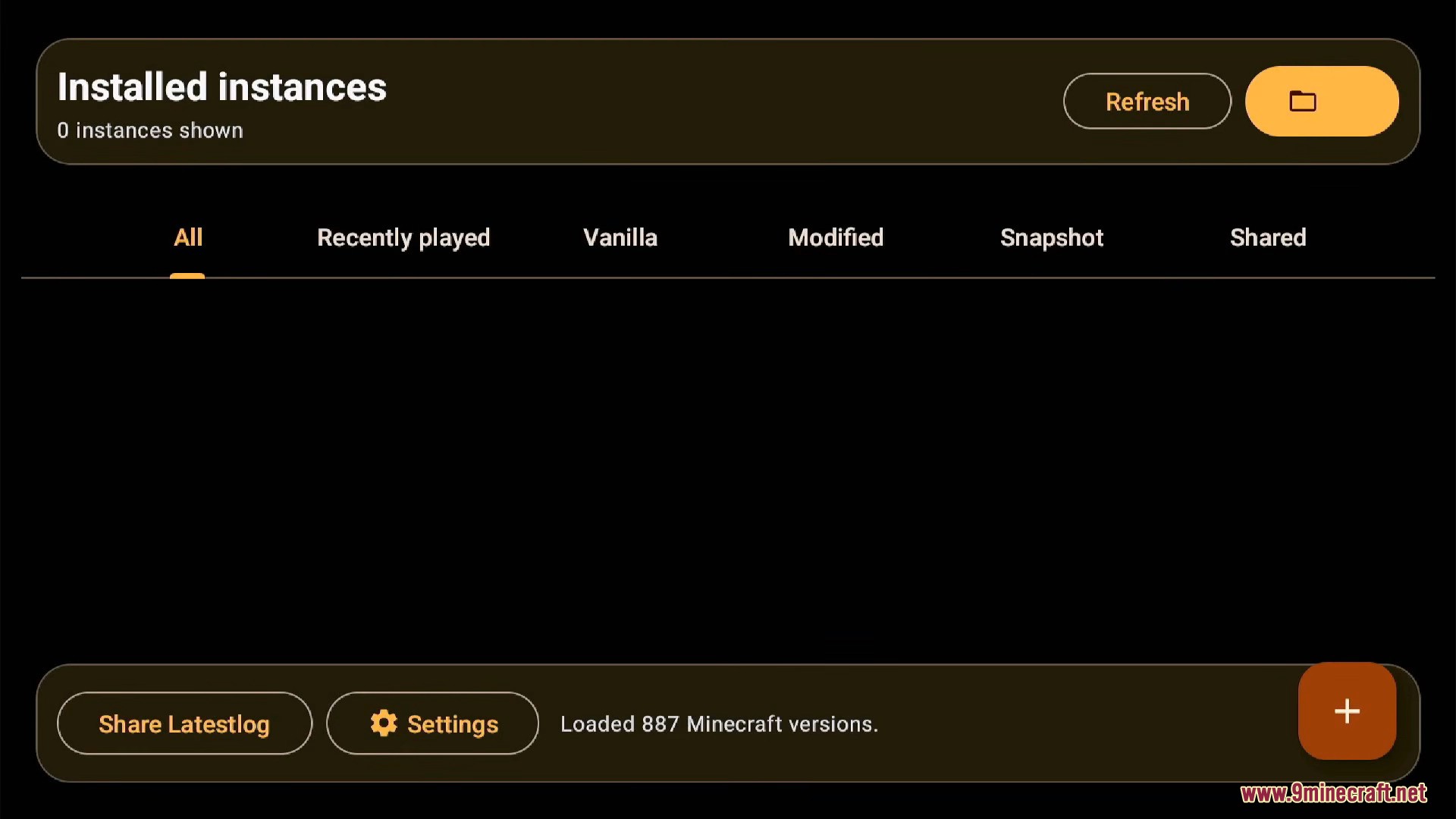
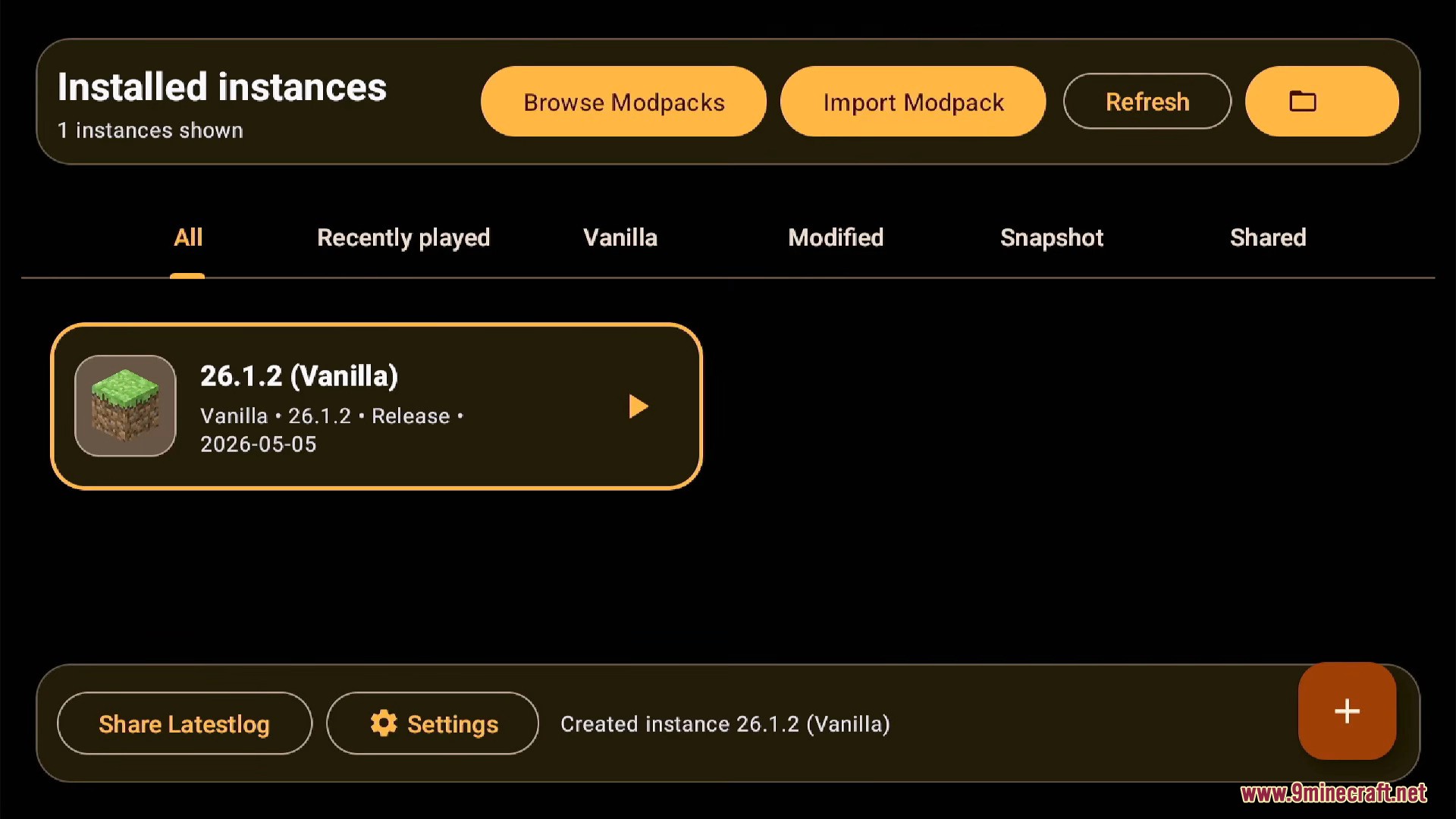
- Instance Management: Create, manage, and switch between different versions of Minecraft.
- Mod Support: Easily install and use mods with support for loaders like Fabric, Forge, and NeoForge.
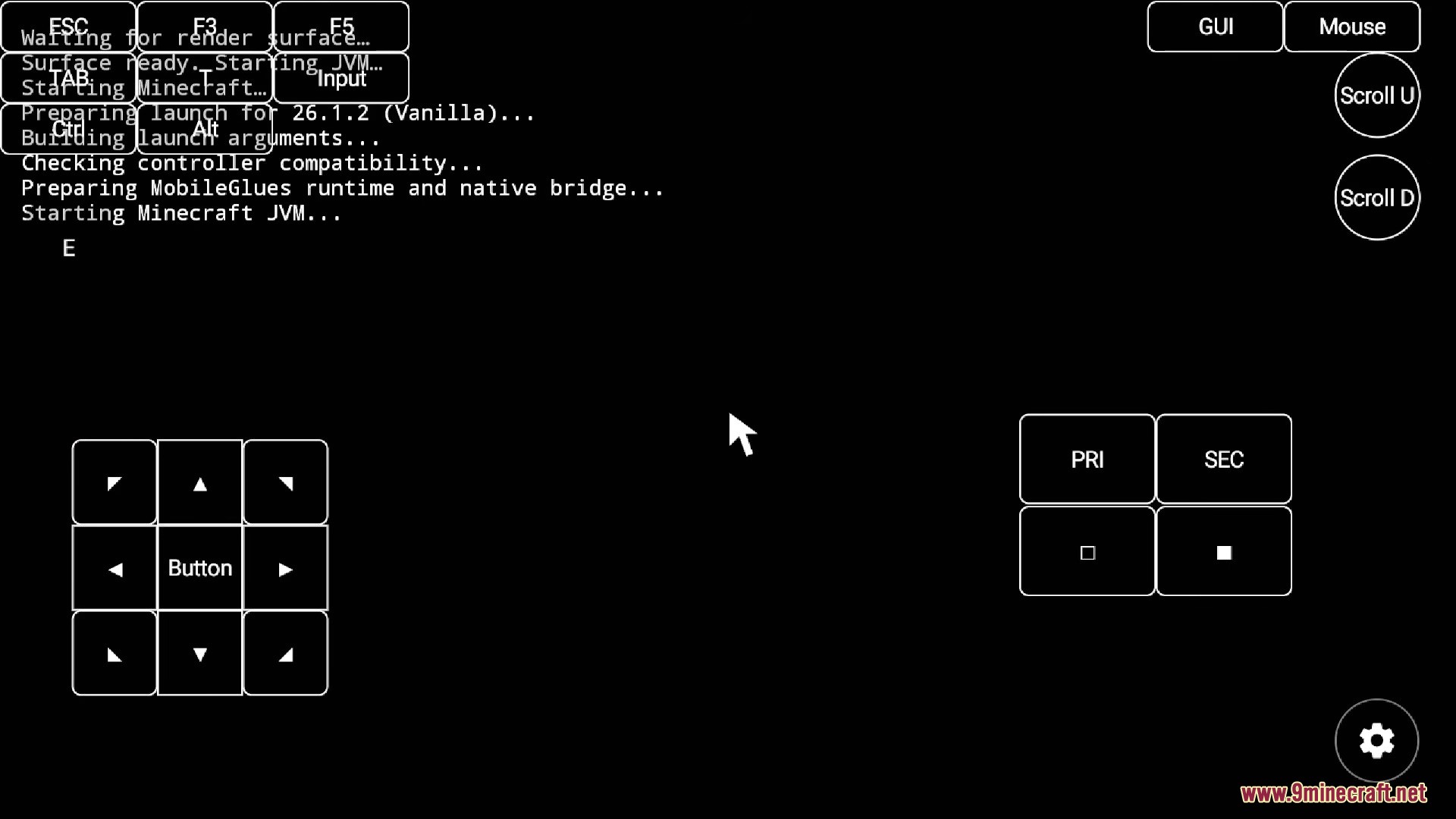
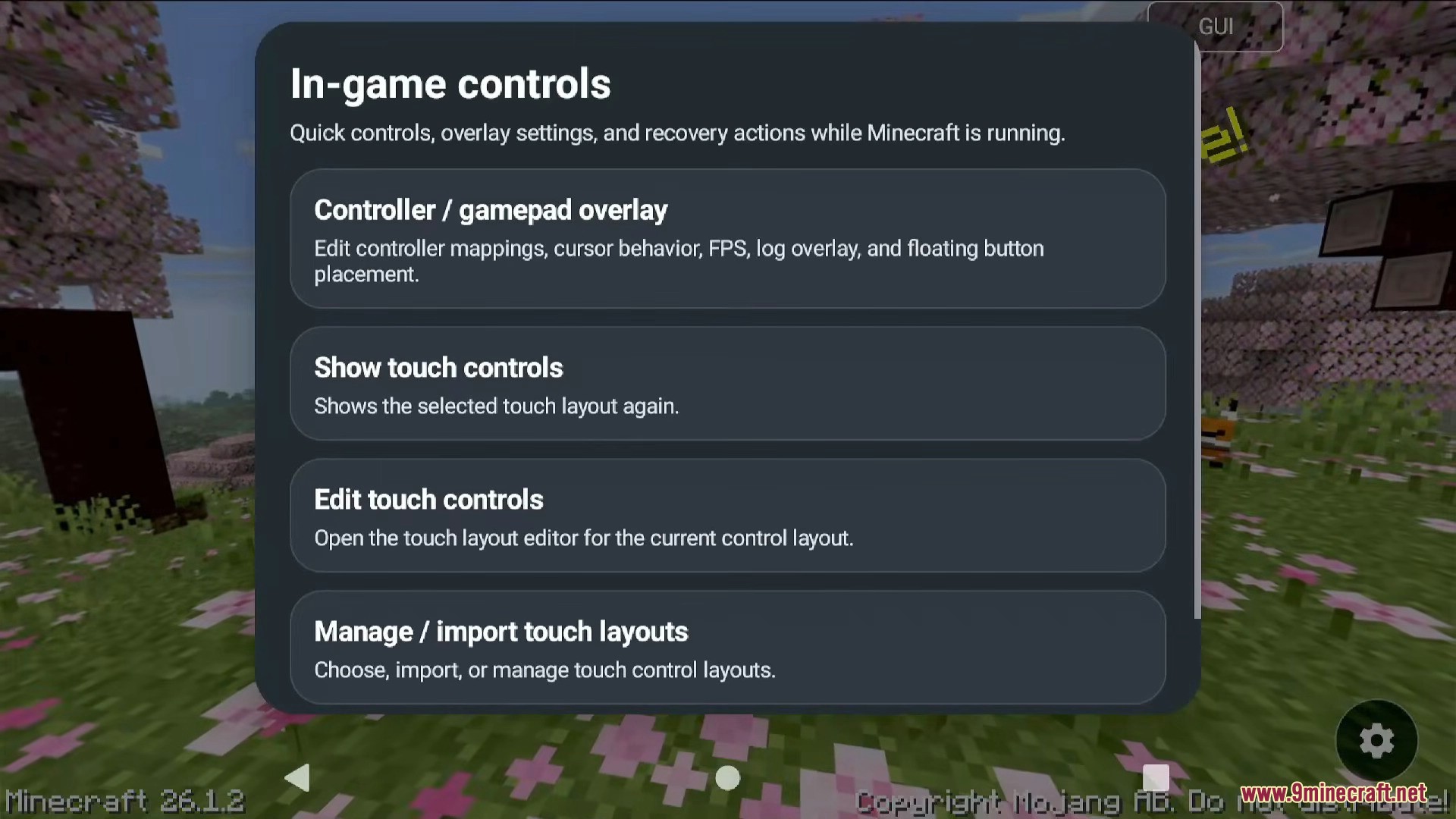
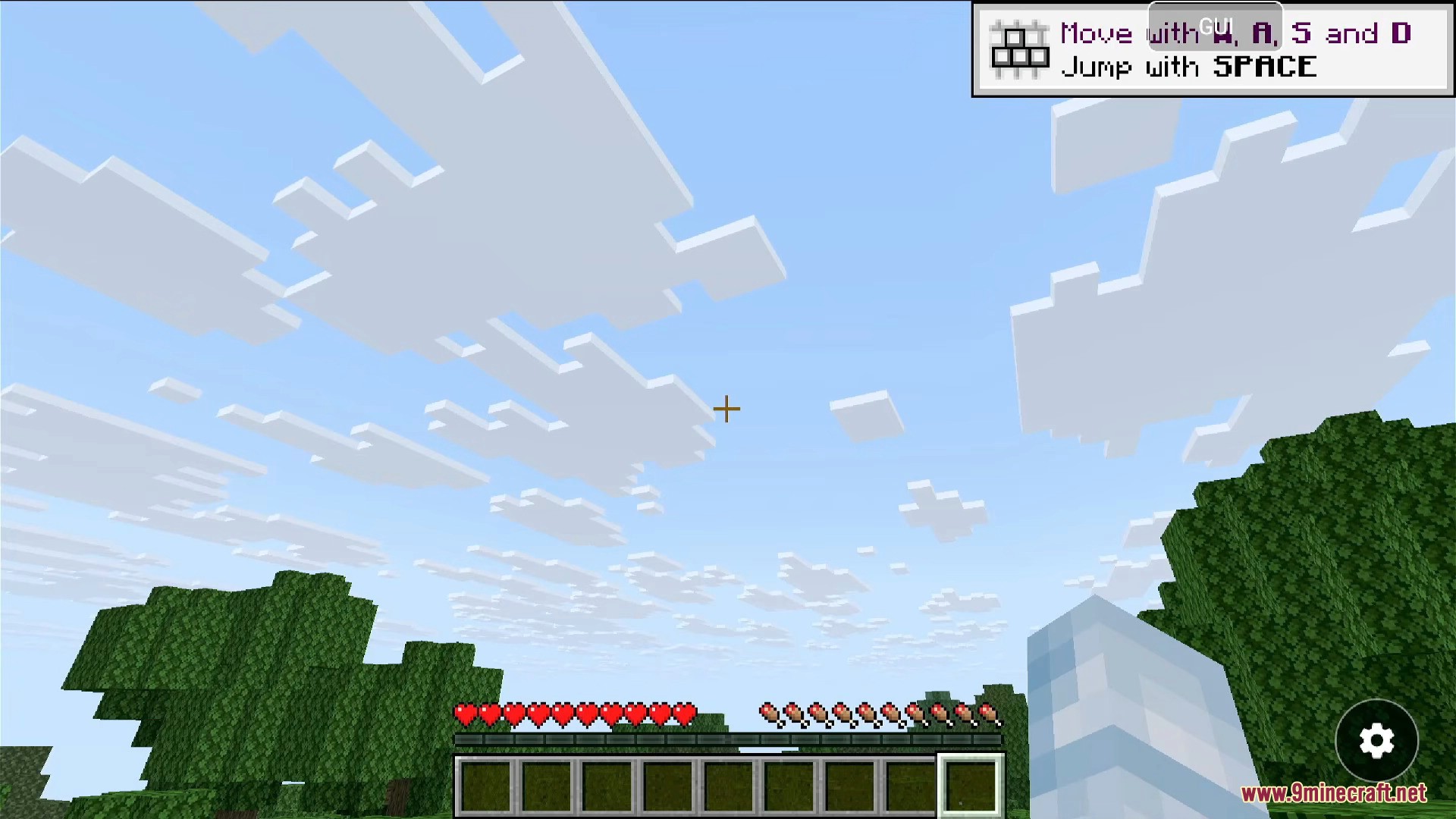
- Custom On-Screen Controls: Comes with a default set of touch controls that you can edit, move, and resize to fit your playstyle.
- Gamepad Support: Connect and play with a physical Bluetooth or USB controller.
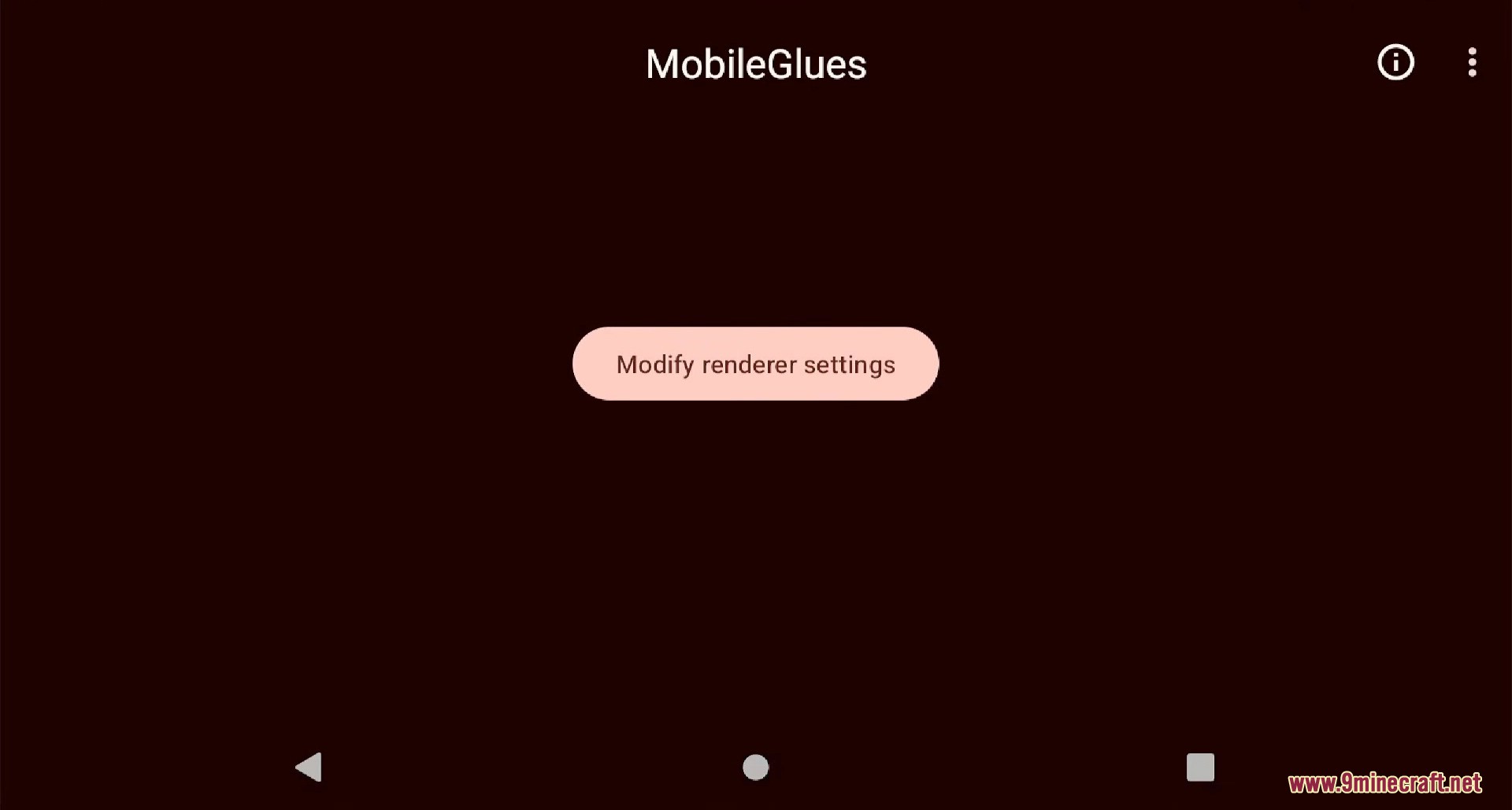
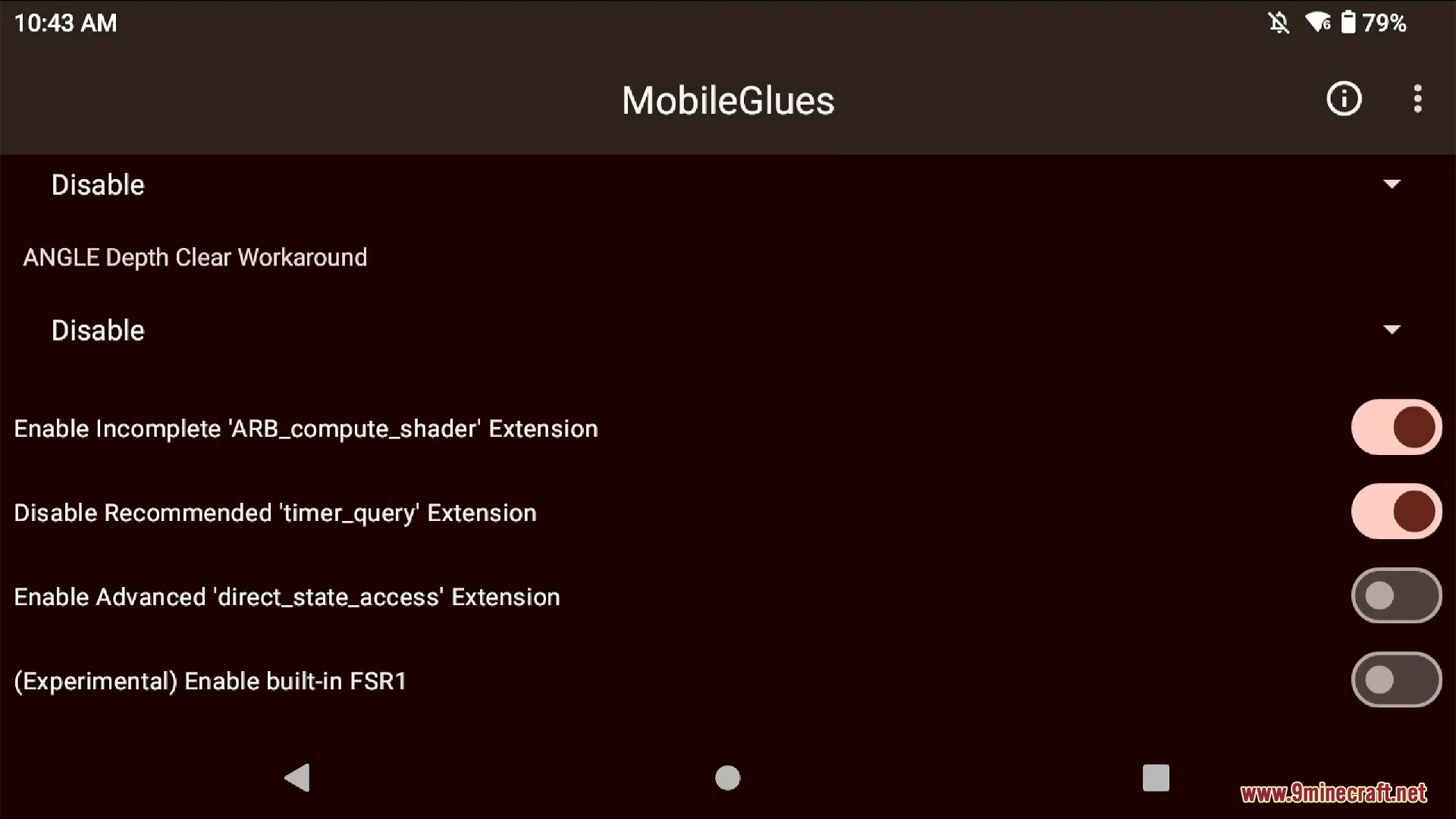
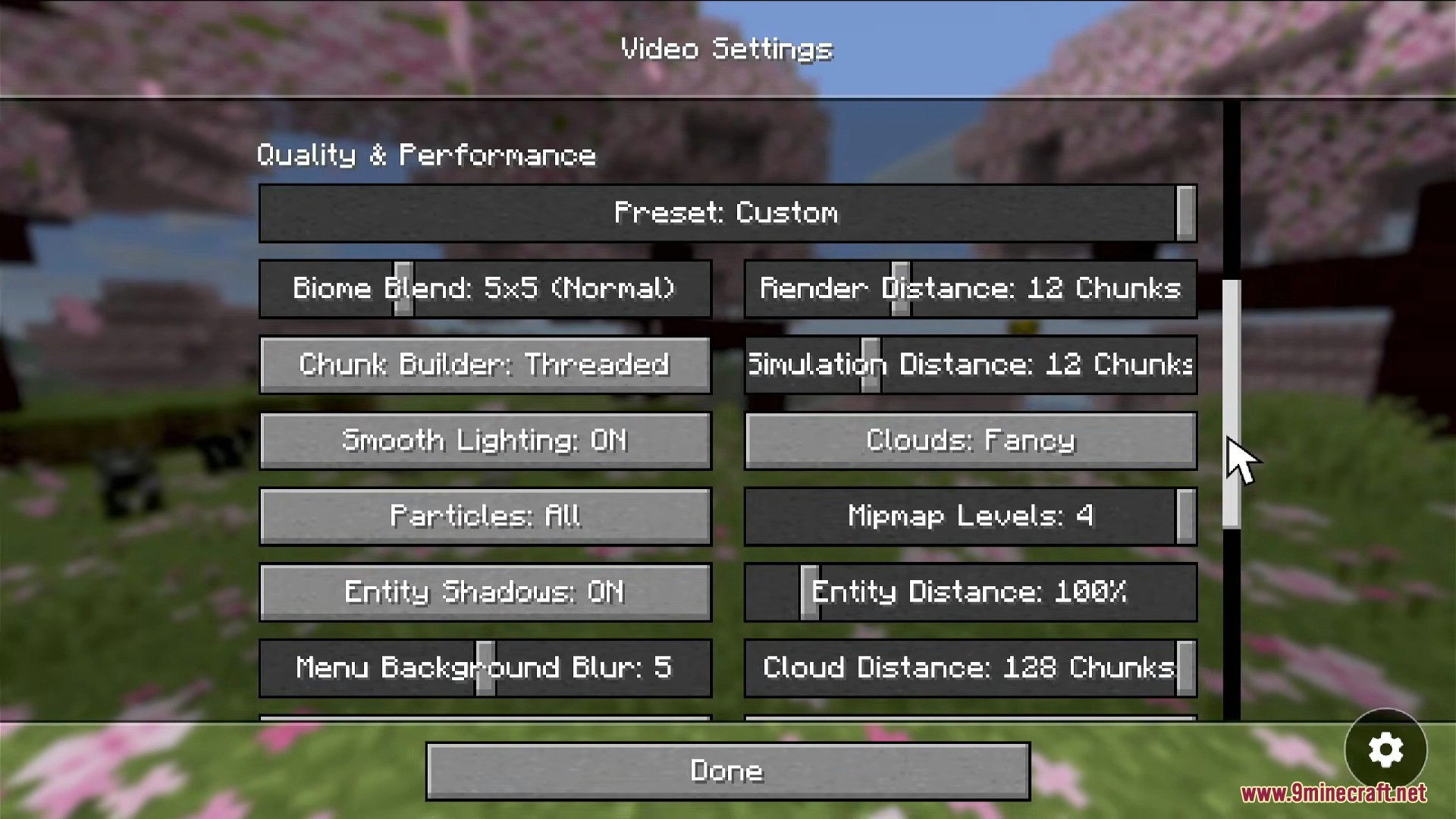
- Renderer Plugins: Supports custom renderers like MobileGlues to improve performance and compatibility, especially for newer Minecraft versions.
- World & Pack Management: Easily import and manage your worlds, resource packs, and shader packs.
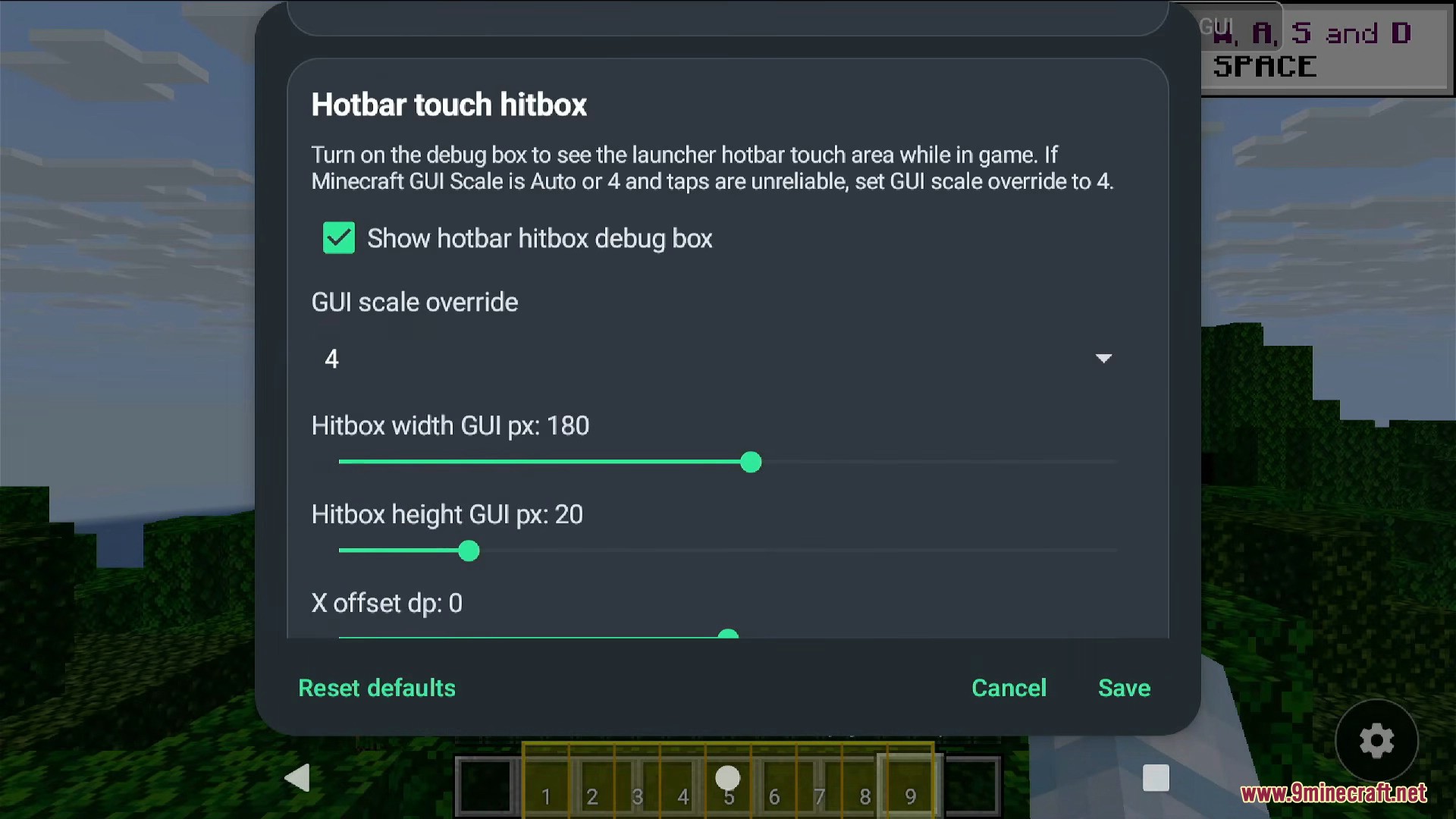
- Hotbar Touch Hitbox: Adjust the touch area for your in-game hotbar to make selecting items easier on different screen sizes.
How to Use:
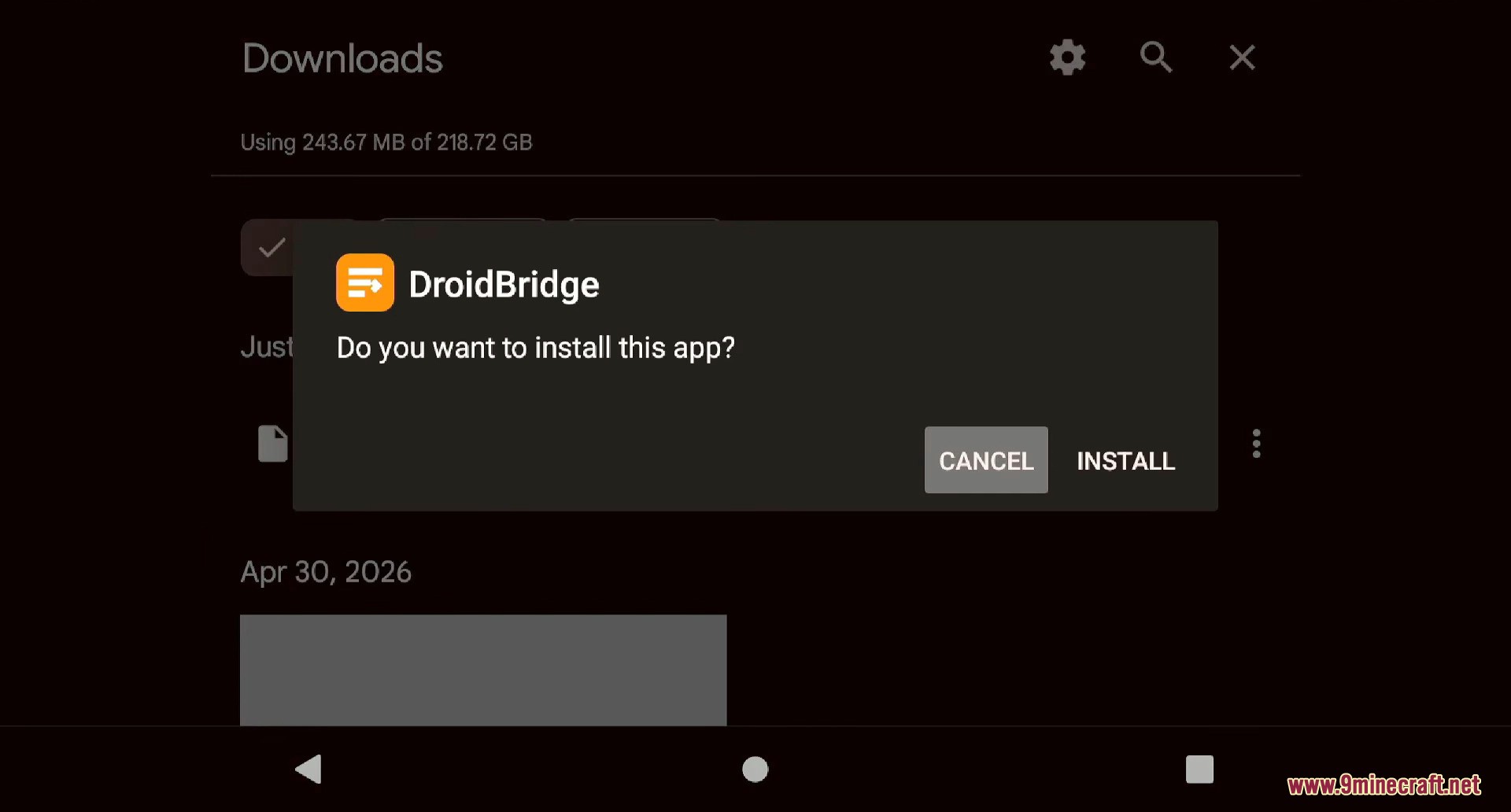
- Download and install the DroidBridge Launcher app on your Android device.
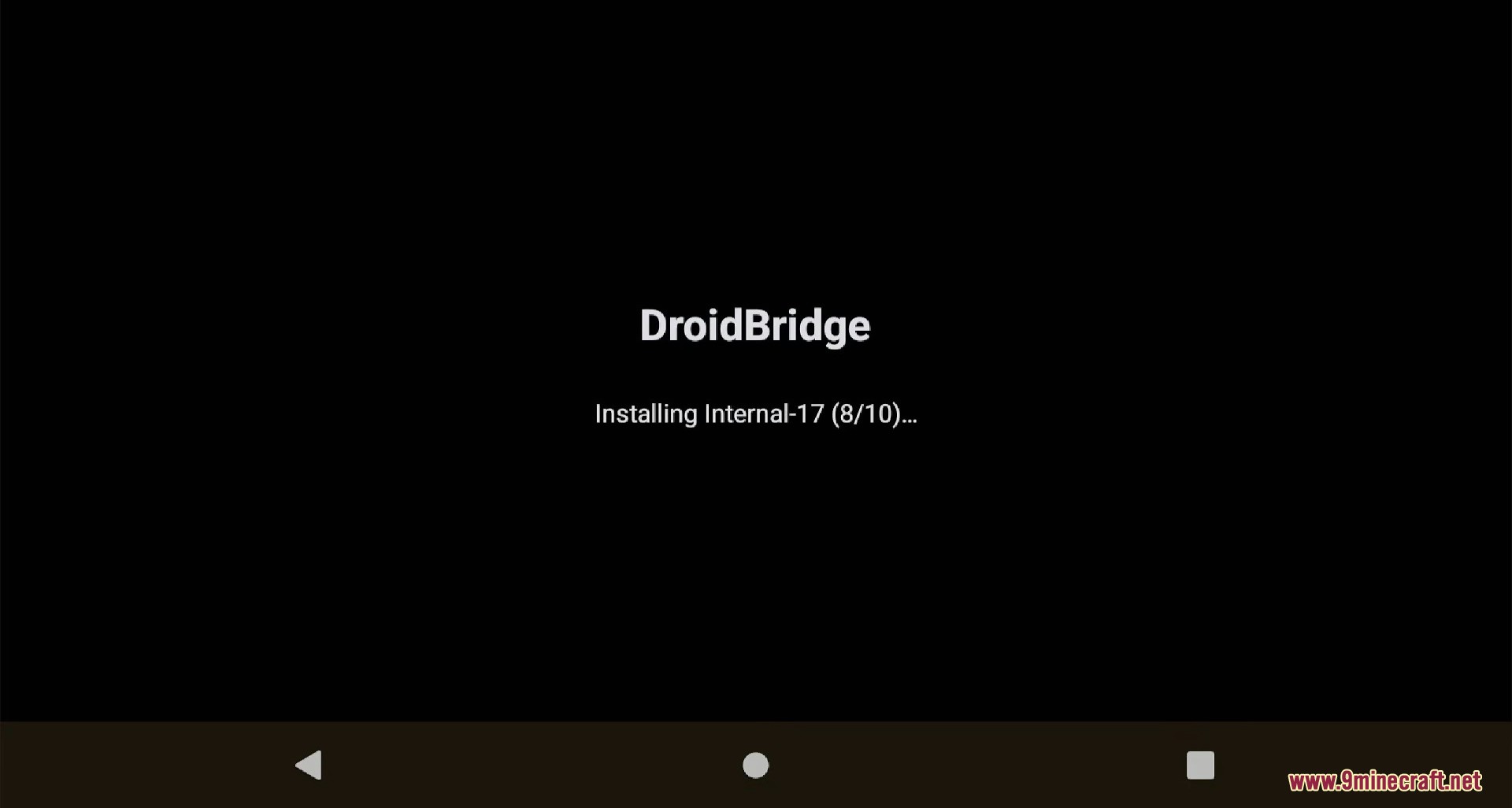
- Open the app and let it finish installing its internal files.
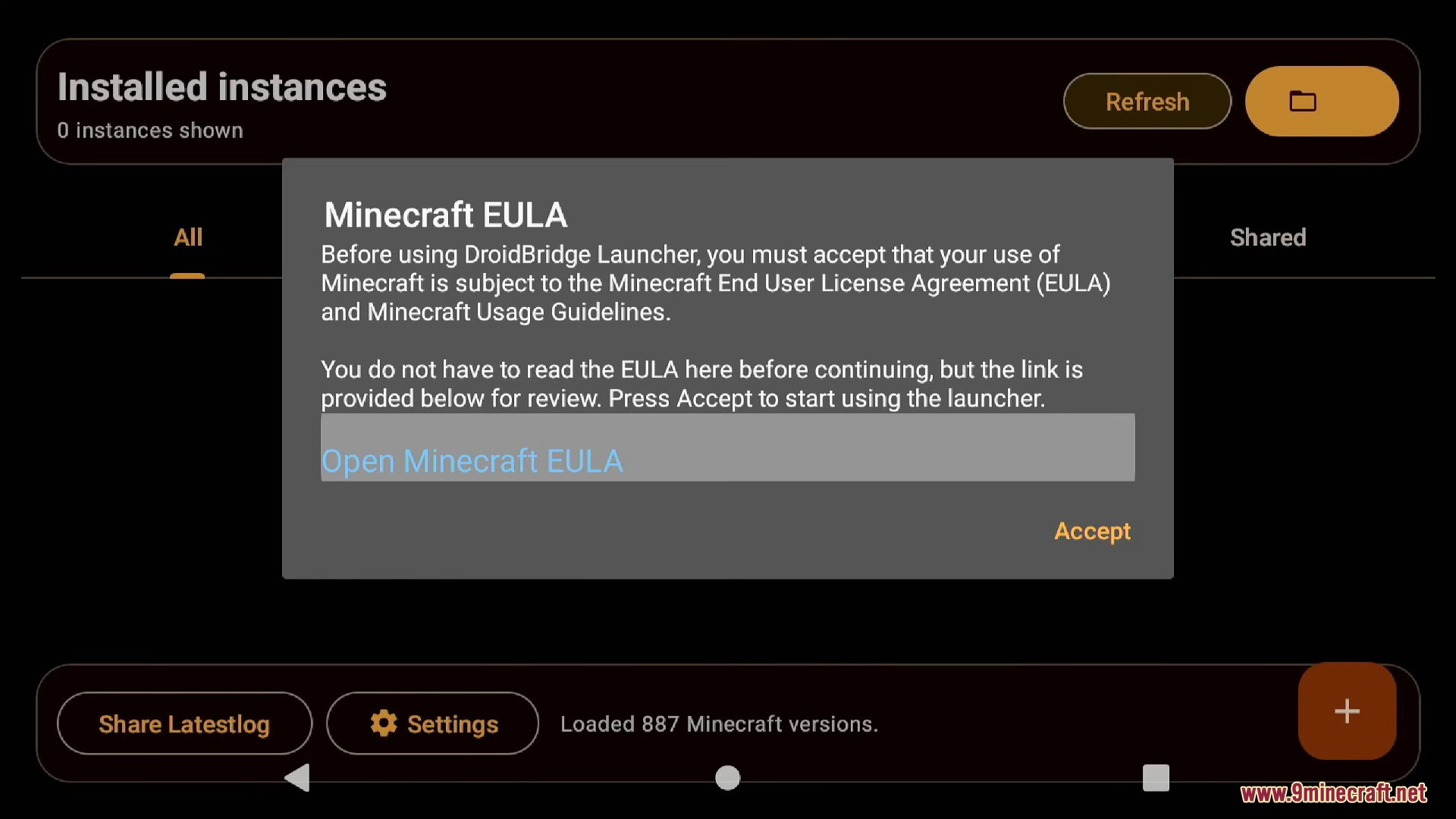
- Accept the Minecraft End-User License Agreement (EULA) when prompted.
- In the settings, go to the ‘Account’ section and sign in with your Microsoft account that owns Minecraft: Java Edition.
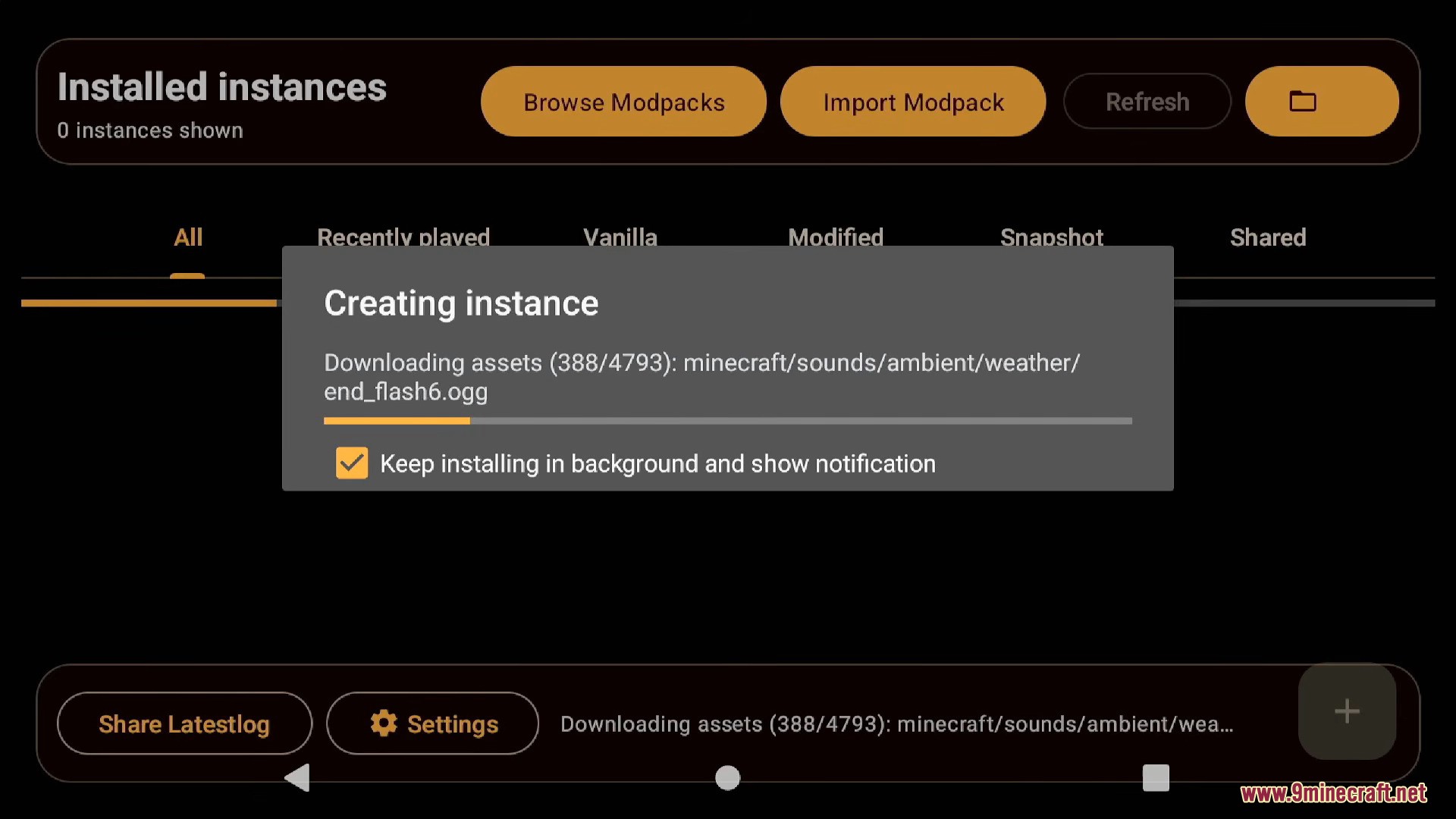
- Return to the main screen and tap the ‘+’ button to create a new instance.
- Select the Minecraft version you want to play. You can also choose a mod loader like Fabric or Forge.
- After the launcher downloads the game files, tap the play button to start Minecraft.
Screenshots:
DroidBridge Launcher Download Links
For Minecraft All Versions
Click to rate this post!
[Total: 58 Average: 3.9]

3 Comments
What do you think?
Your opinion means a lot - we'd love to hear from you.
You May Also Like


Mix
Michael
Keren ko