
Merge Enchantments Mod (26.1.2, 1.20.1) – Forge God Gear with Stacked Powers

 0


Merge Enchantments Mod lets you combine enchantments that normally cannot go together on your gear. You can mix all Protection types on armor, put Infinity and Mending on one bow, or combine Frost Walker with Depth Strider on boots. It also lets you stack weapon upgrades like Sharpness, Smite, Bane of Arthropods, Density, and Breach, and it supports both vanilla and modded enchantments. A simple config file lets you block specific pairs or put any enchantment on any item in the game. This mod runs only on the server side.
Features:
- Lets you combine enchantments at an anvil that normally cannot mix in vanilla Minecraft.
- Supports merging all vanilla enchantments along with enchantments from other mods.
- Includes a config option that lets you put any enchantment on any item, even a grass block or a cake.
- Lets you exclude specific enchantment pairs through a custom blacklist in the config file.
- Runs completely on the server side.
Example Enchantment Combinations:
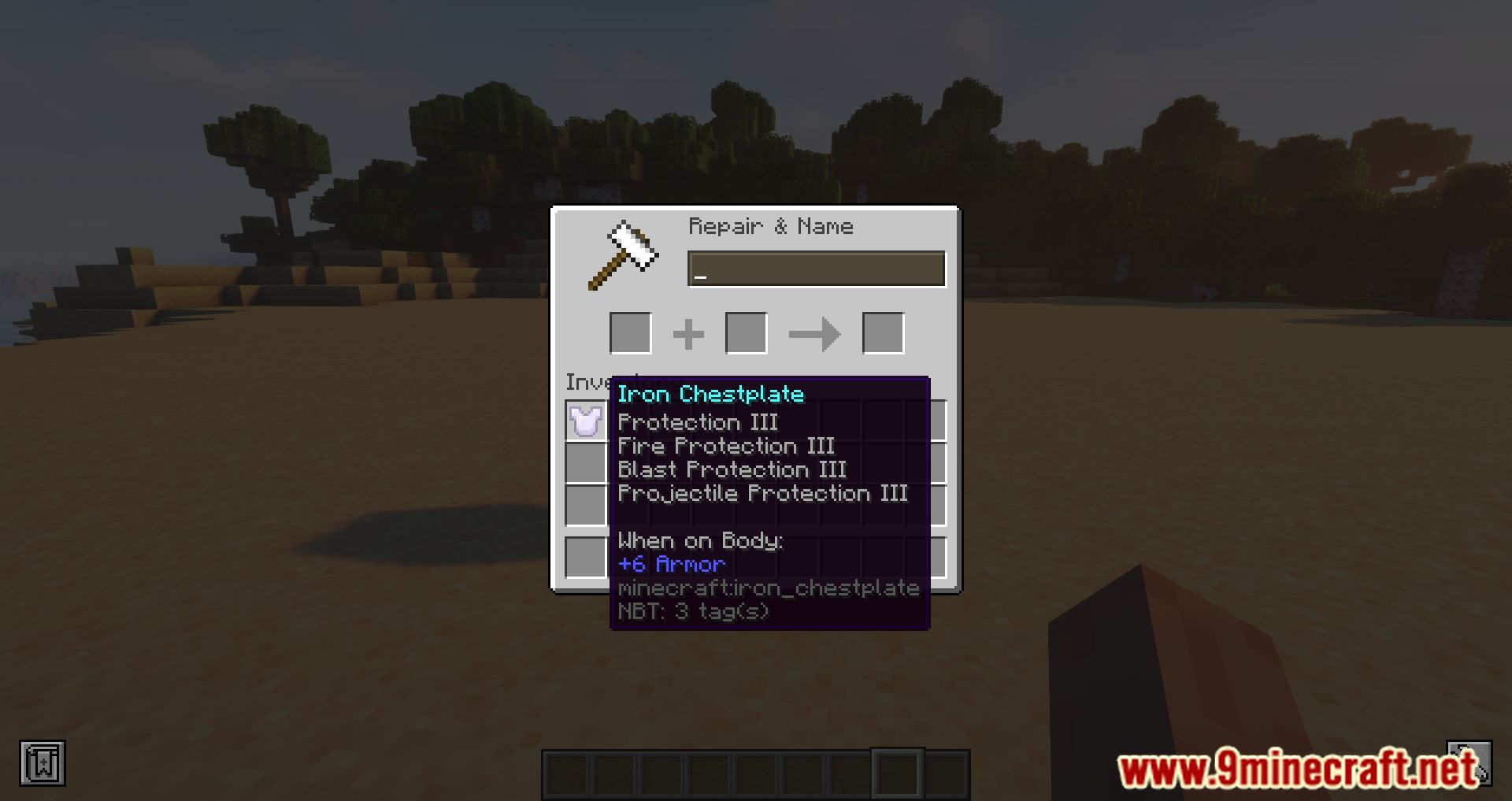
- Combine all Protection types like Fire Protection, Blast Protection, and Projectile Protection on armor pieces.
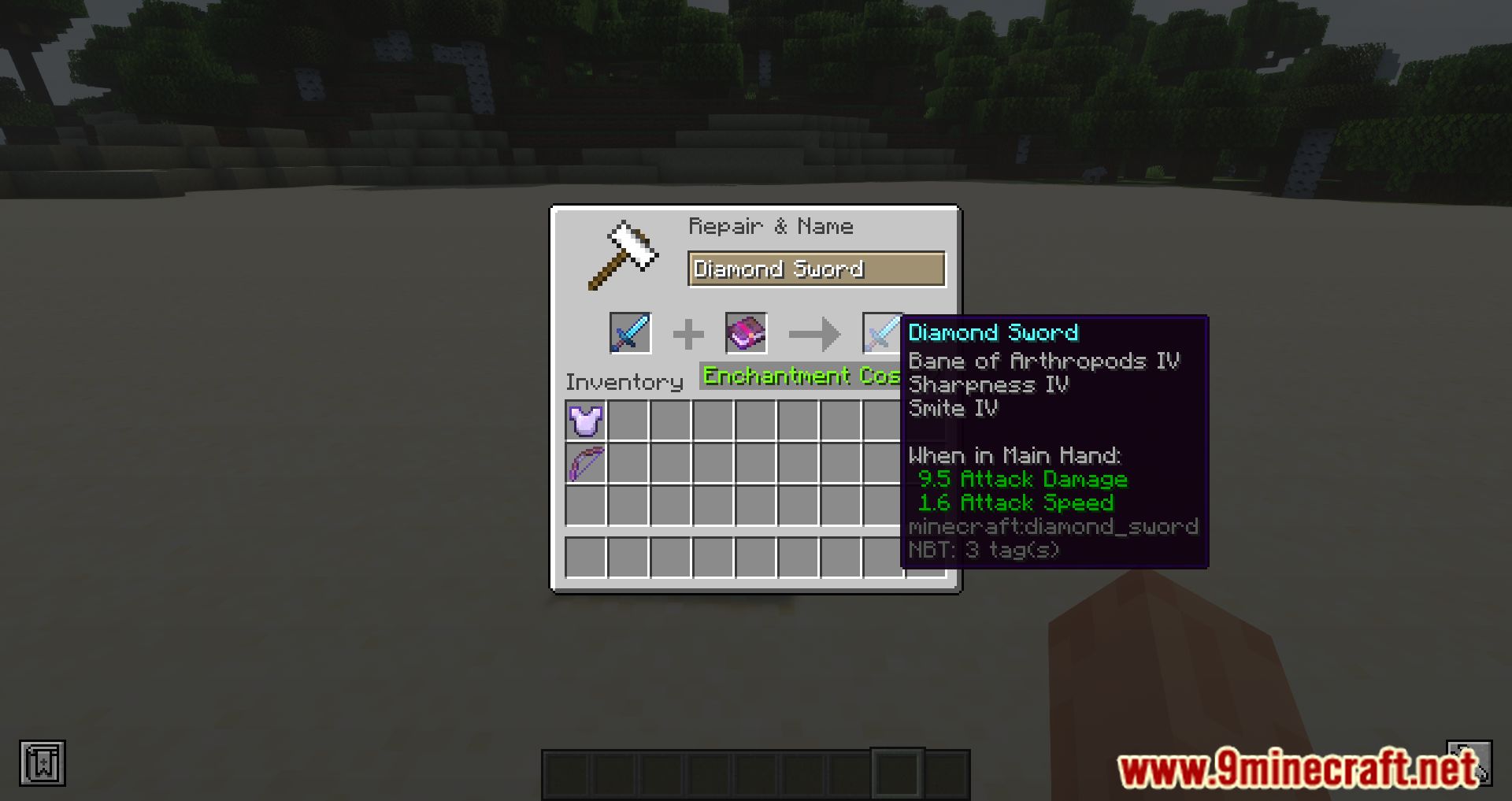
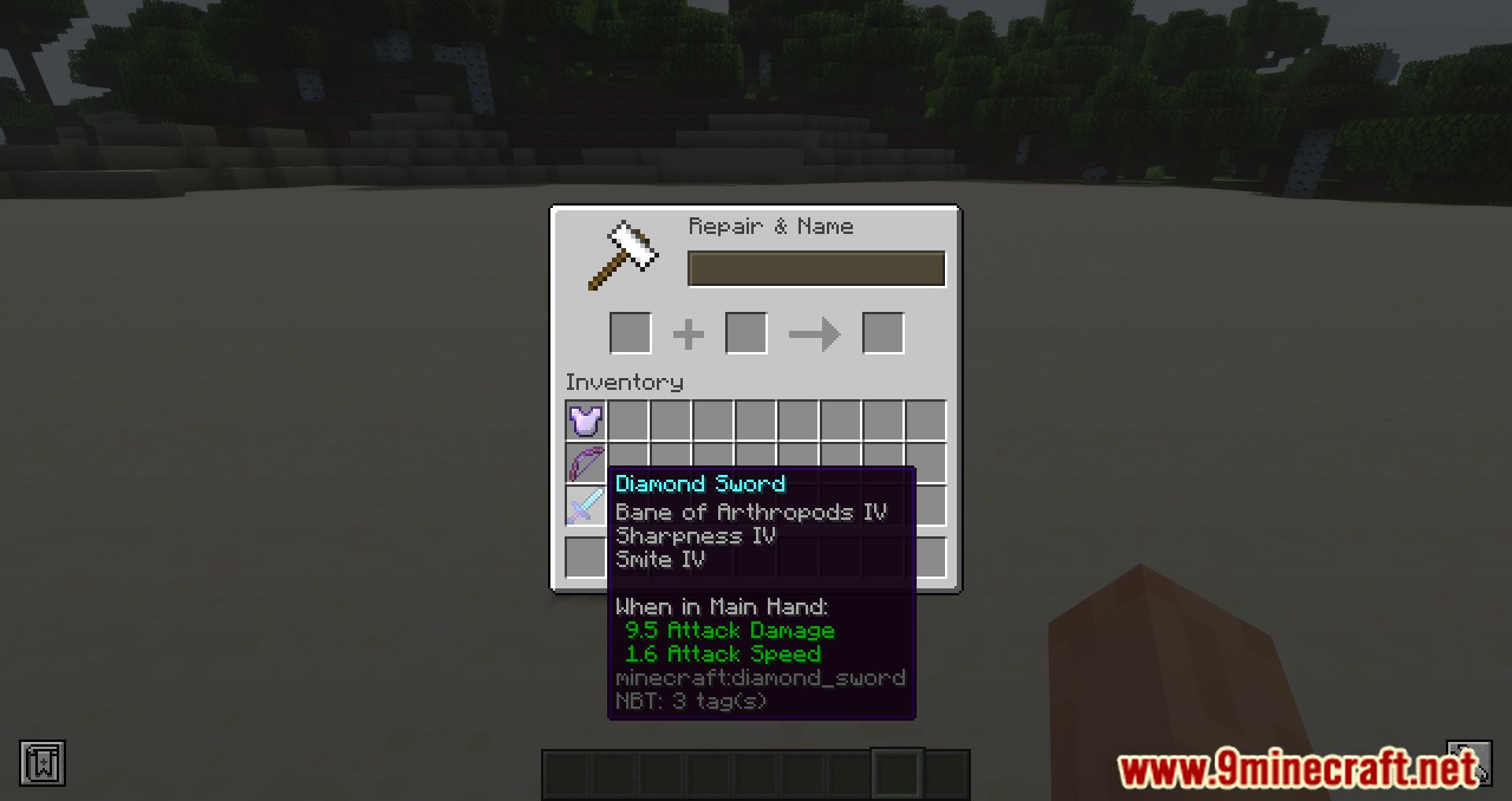
- Stack damage upgrades like Sharpness, Smite, and Bane of Arthropods on a single sword.
- Merge Density, Breach, Smite, and Bane of Arthropods together.
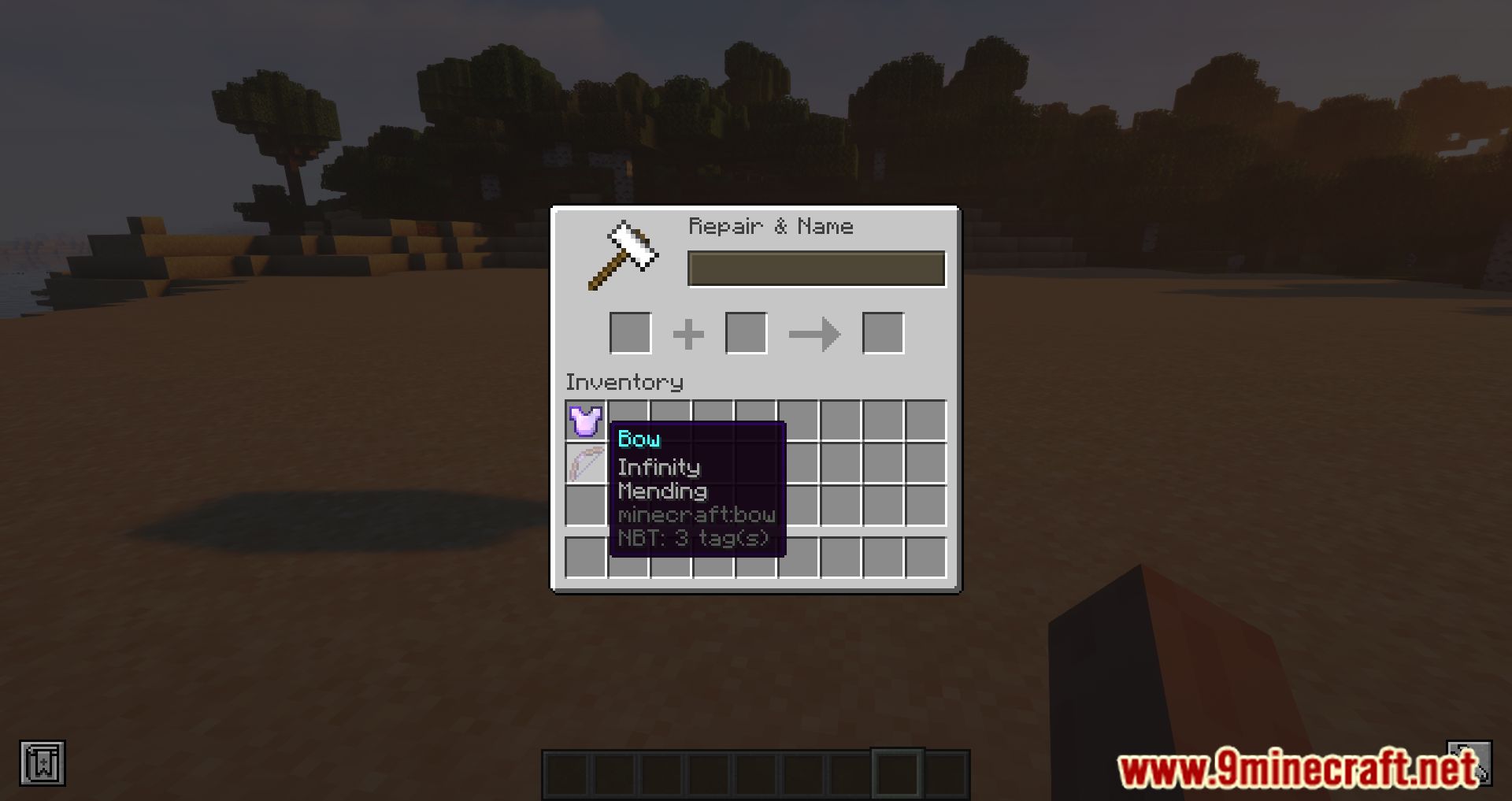
- Put Infinity and Mending together on the same bow.
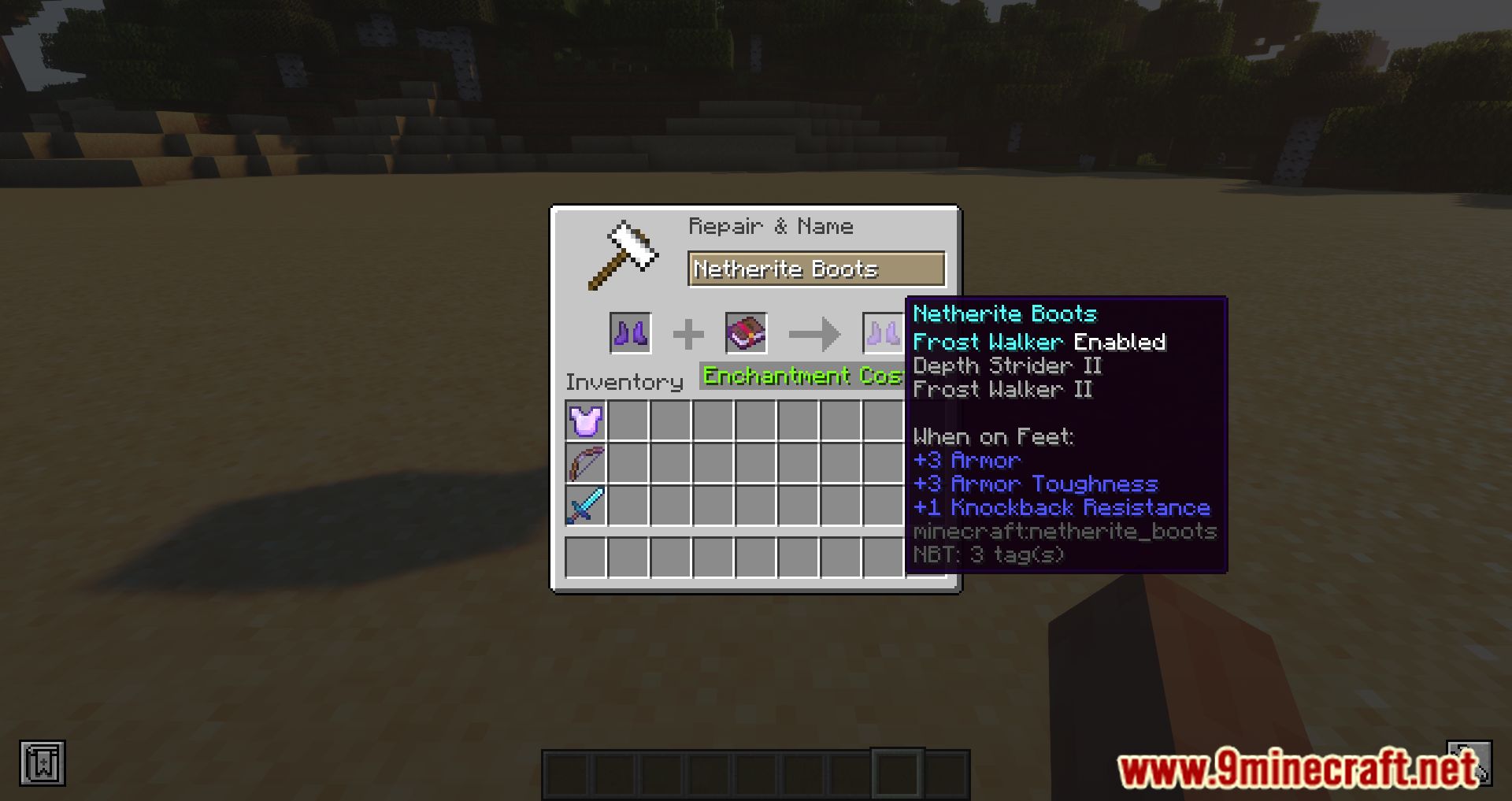
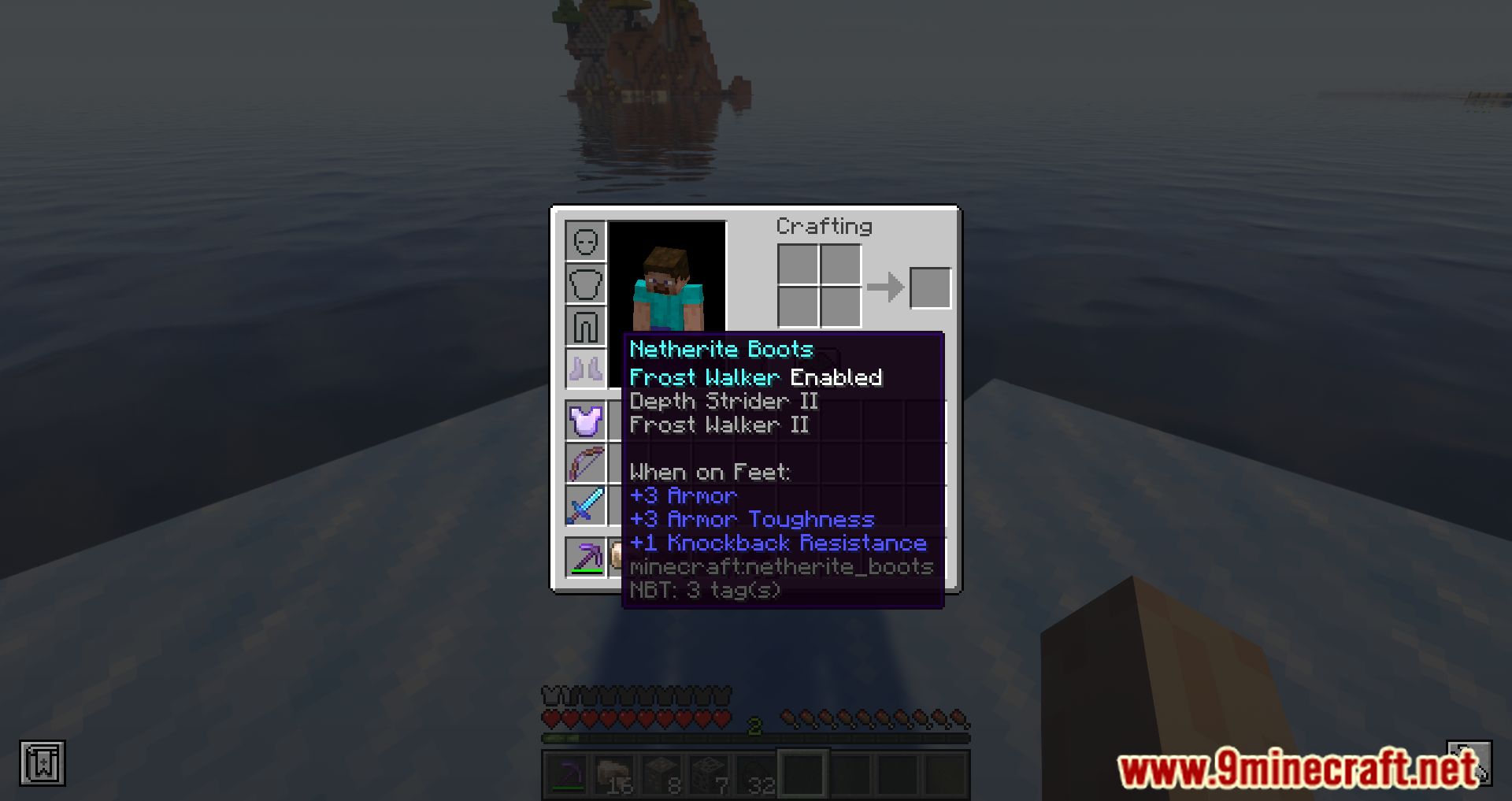
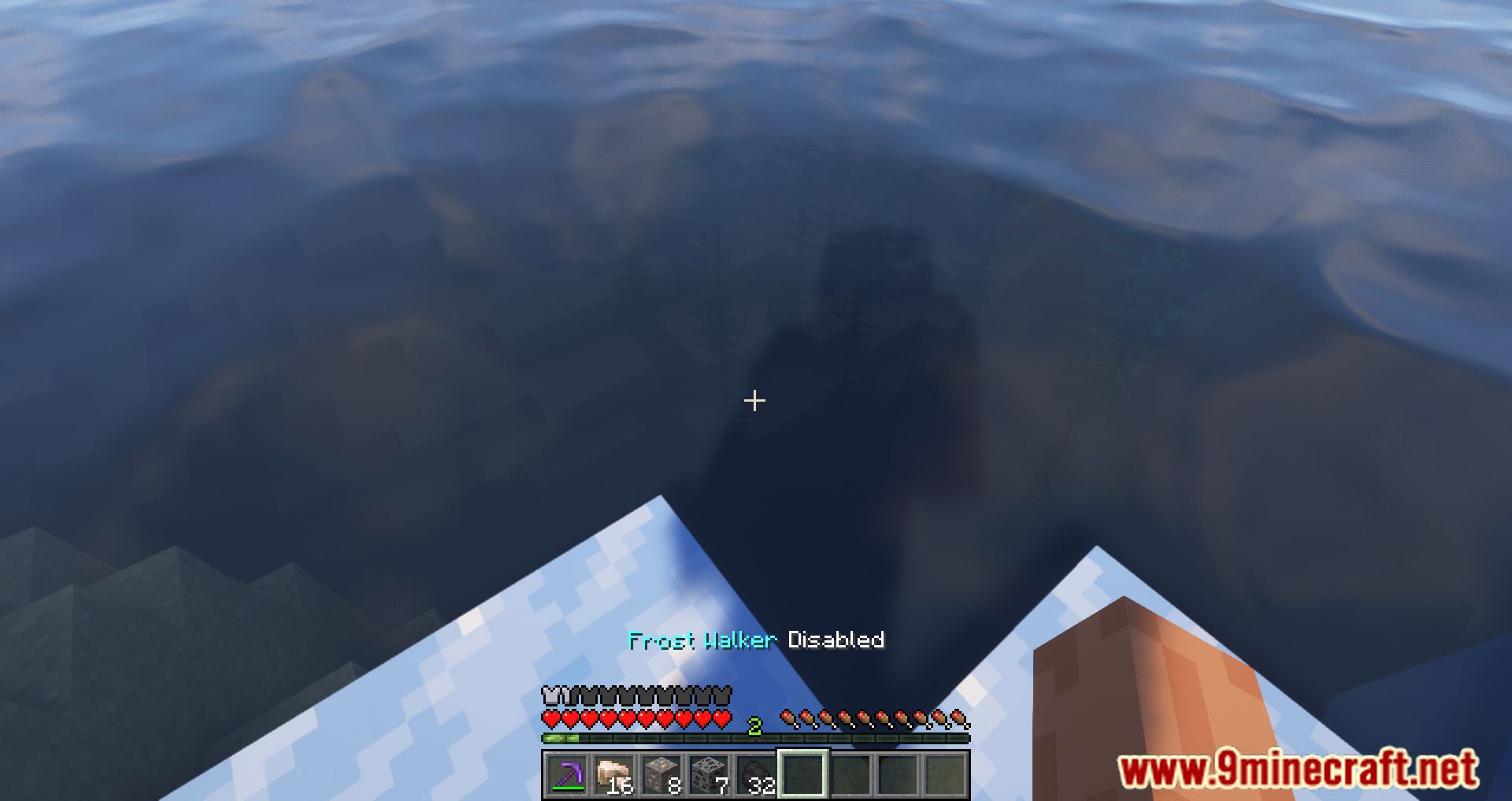
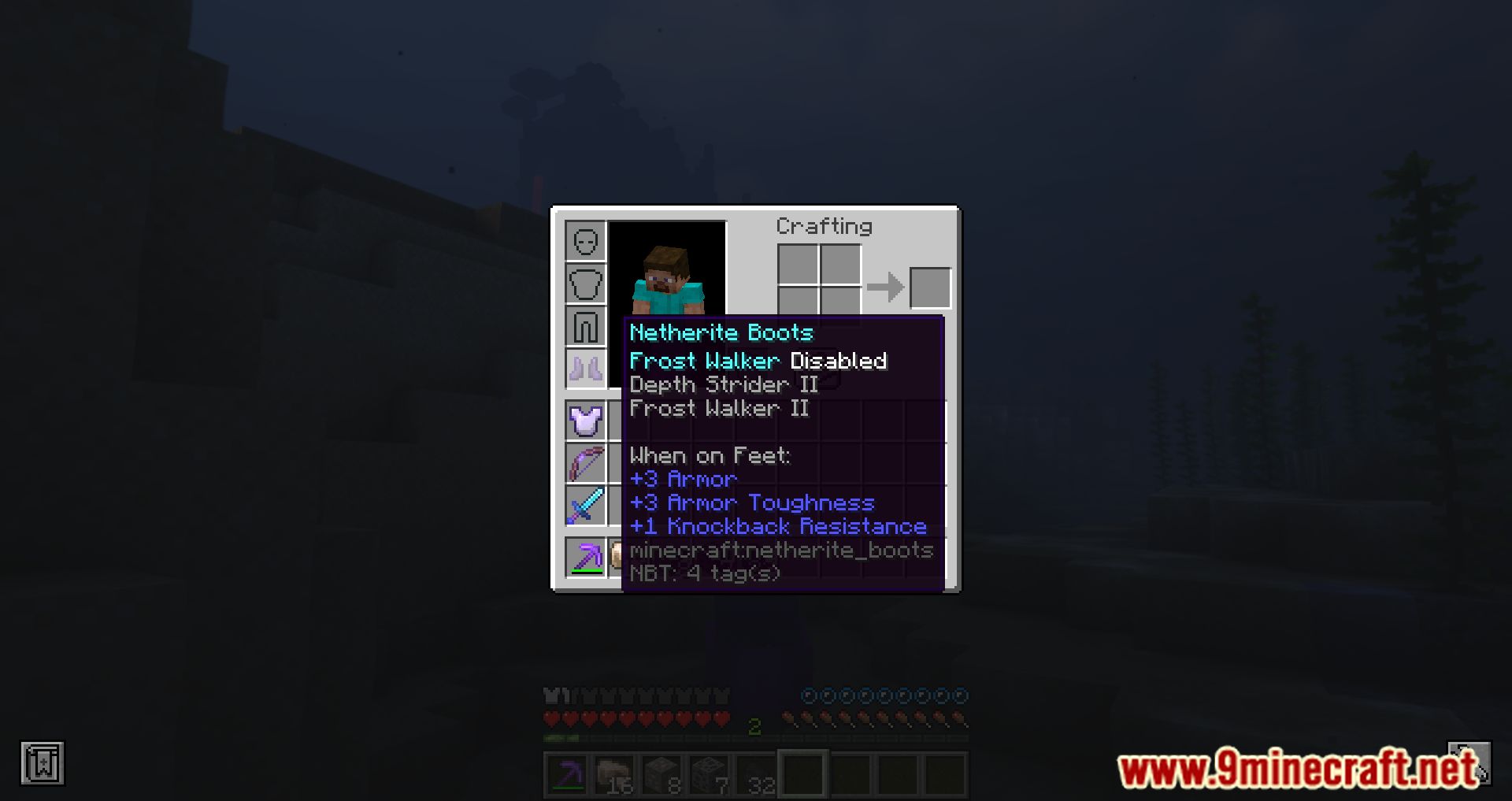
- Pair Frost Walker with Depth Strider on boots.
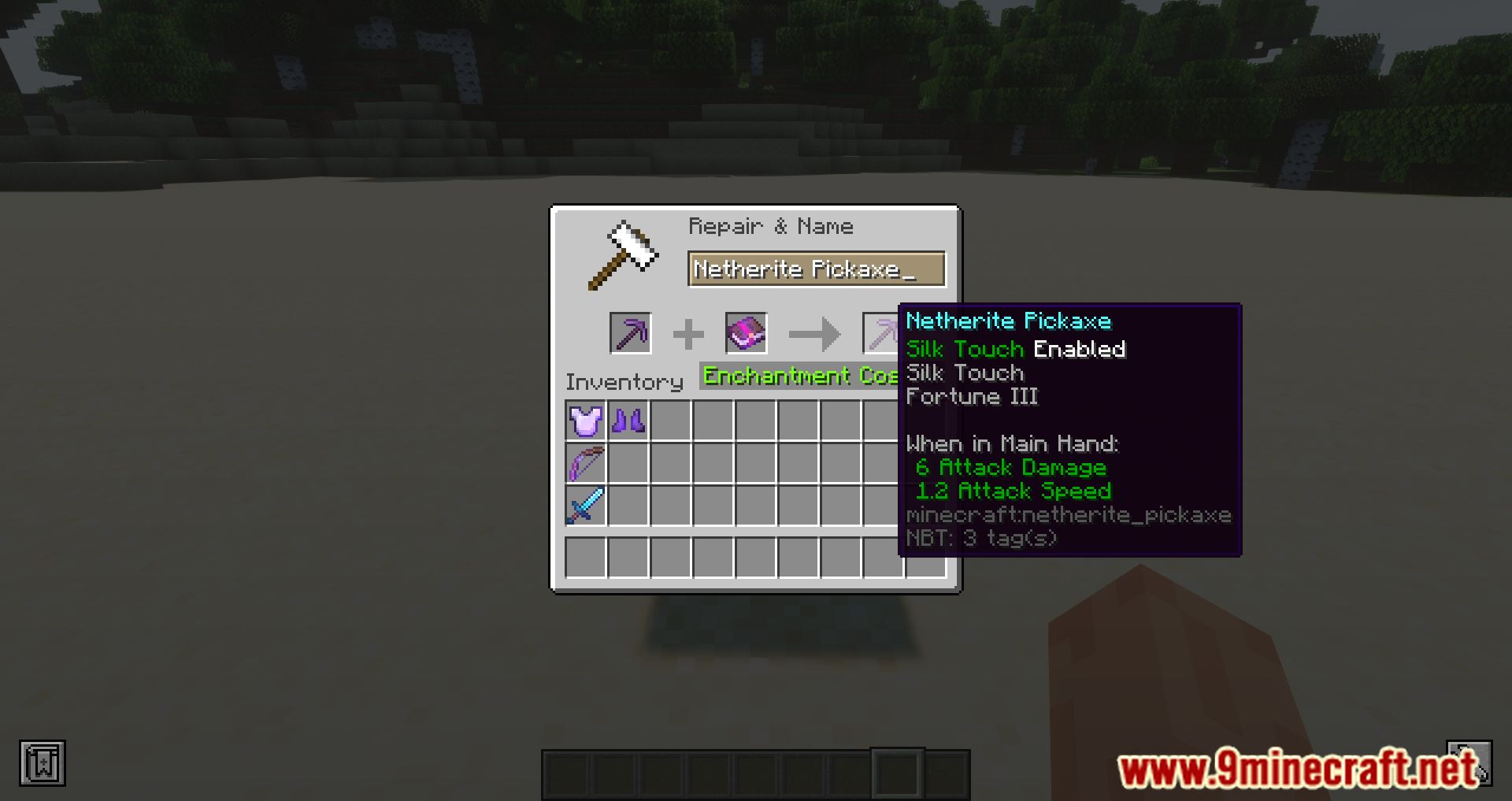
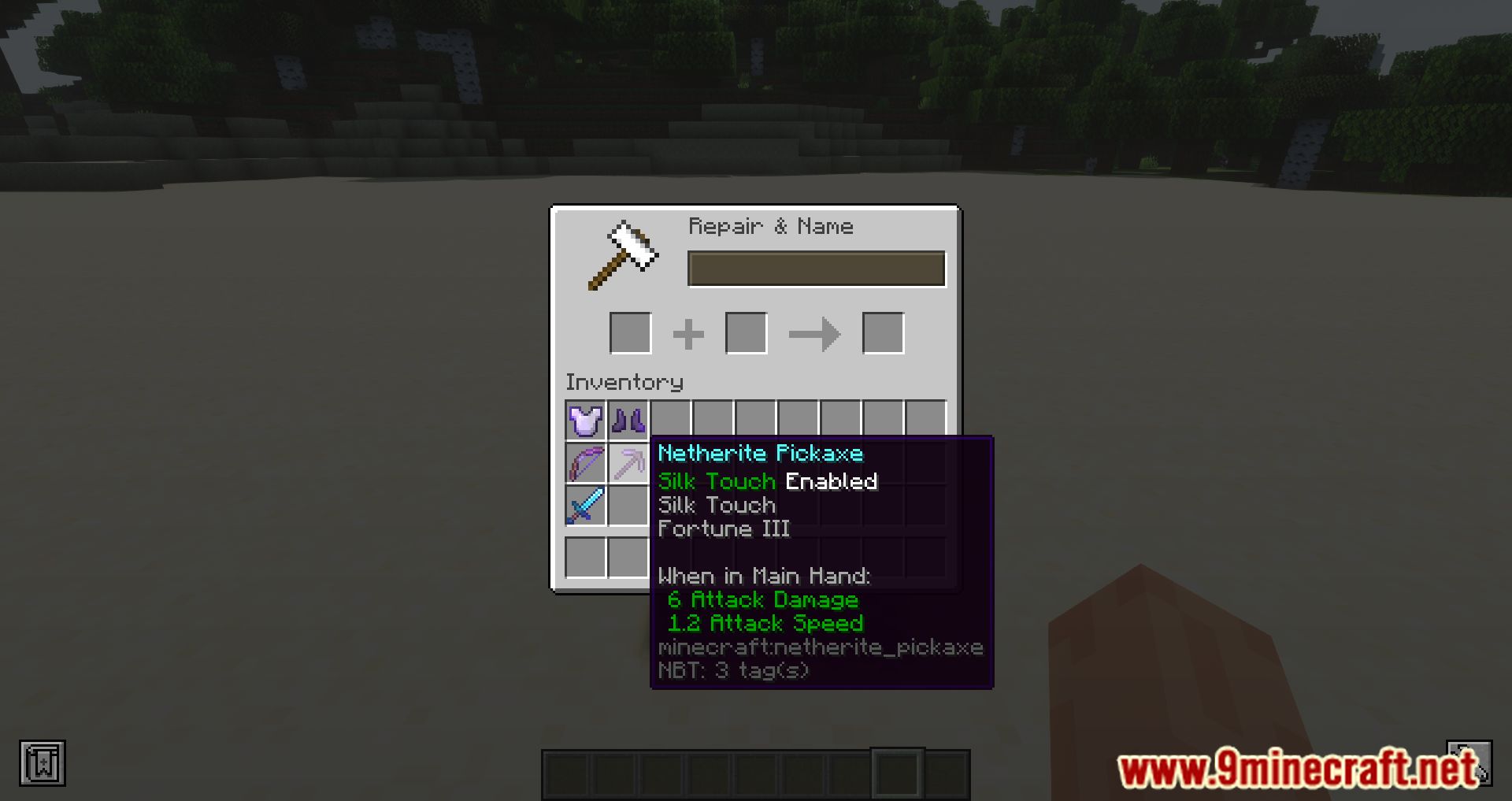
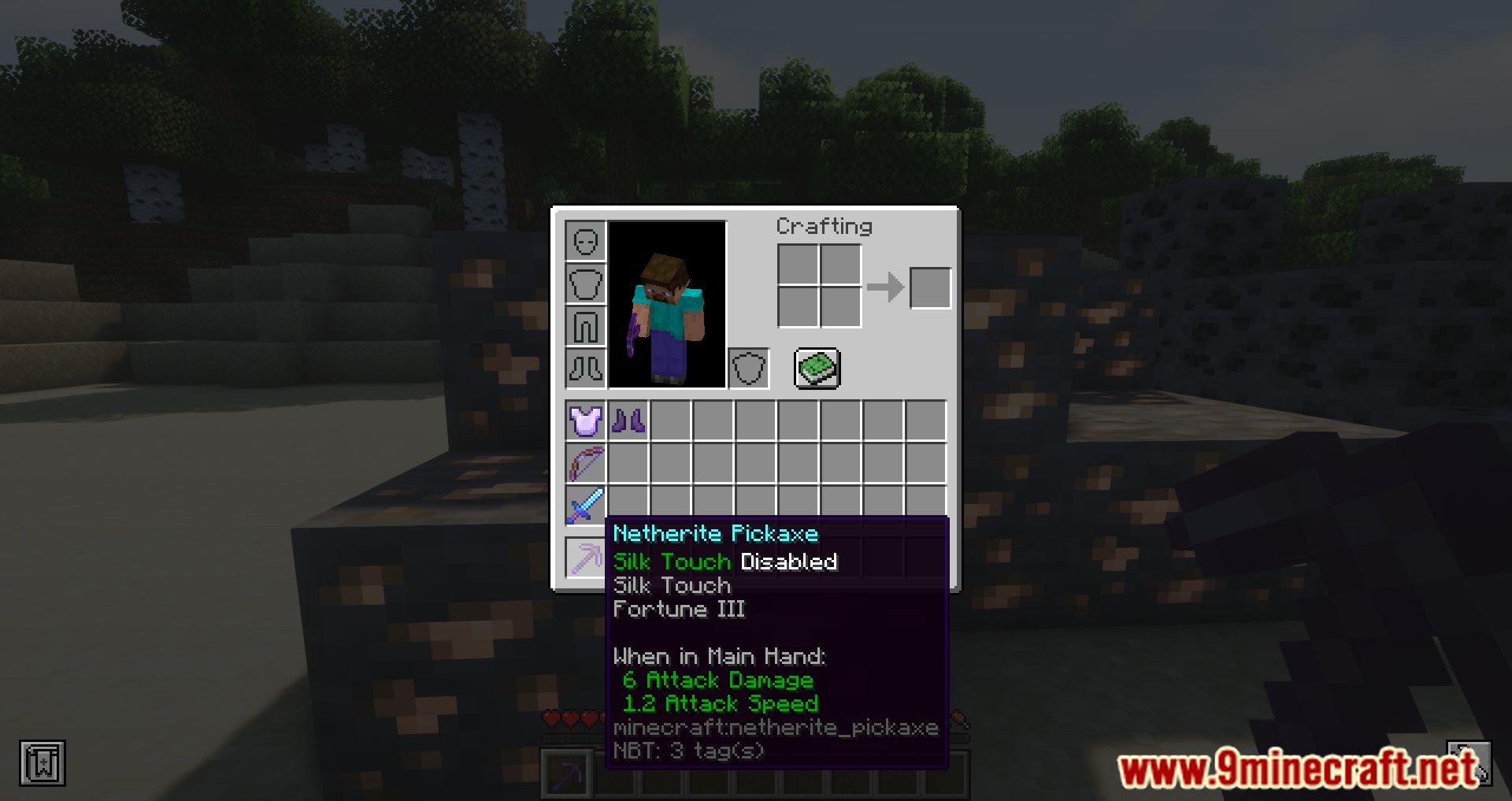
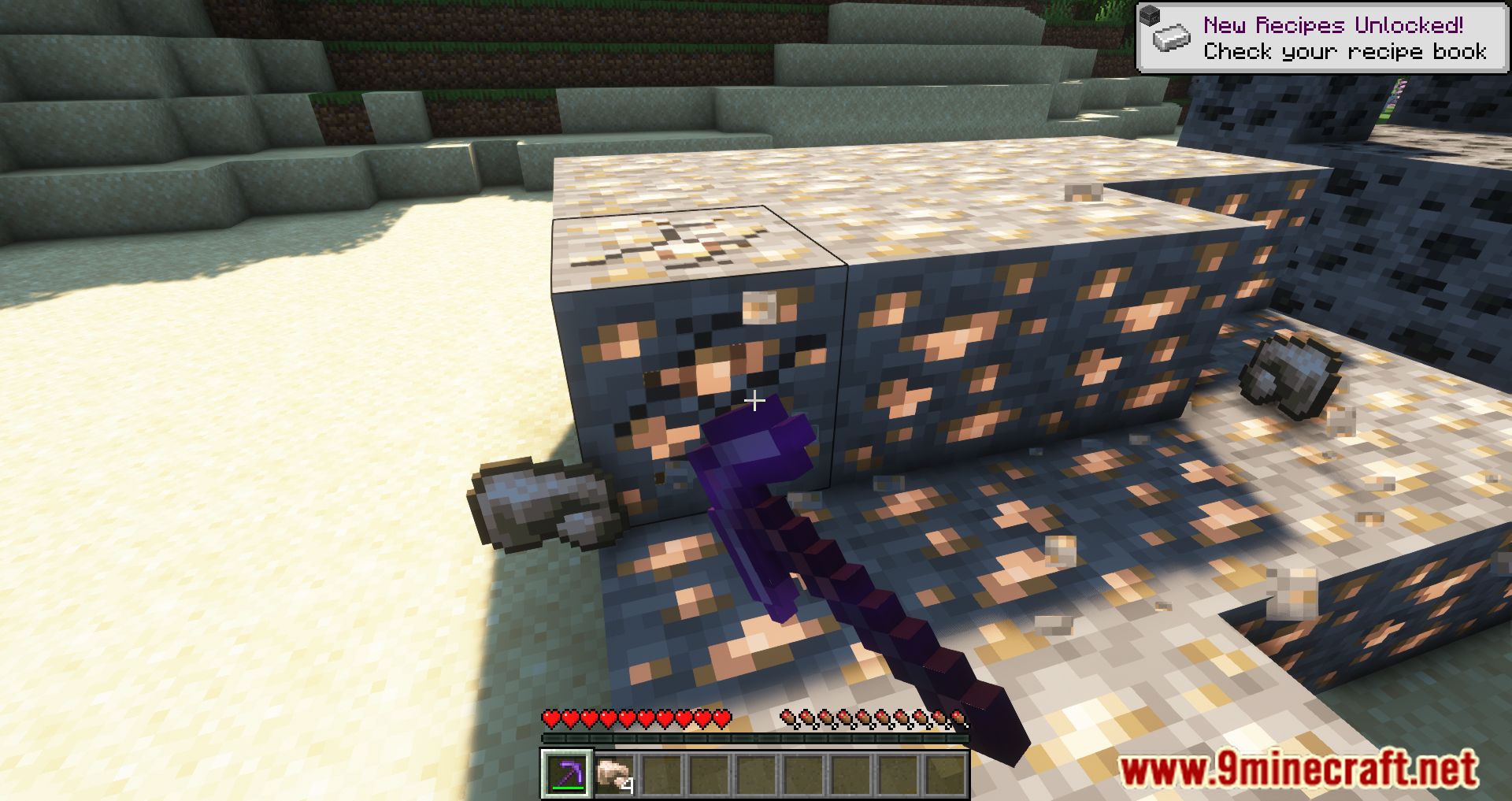
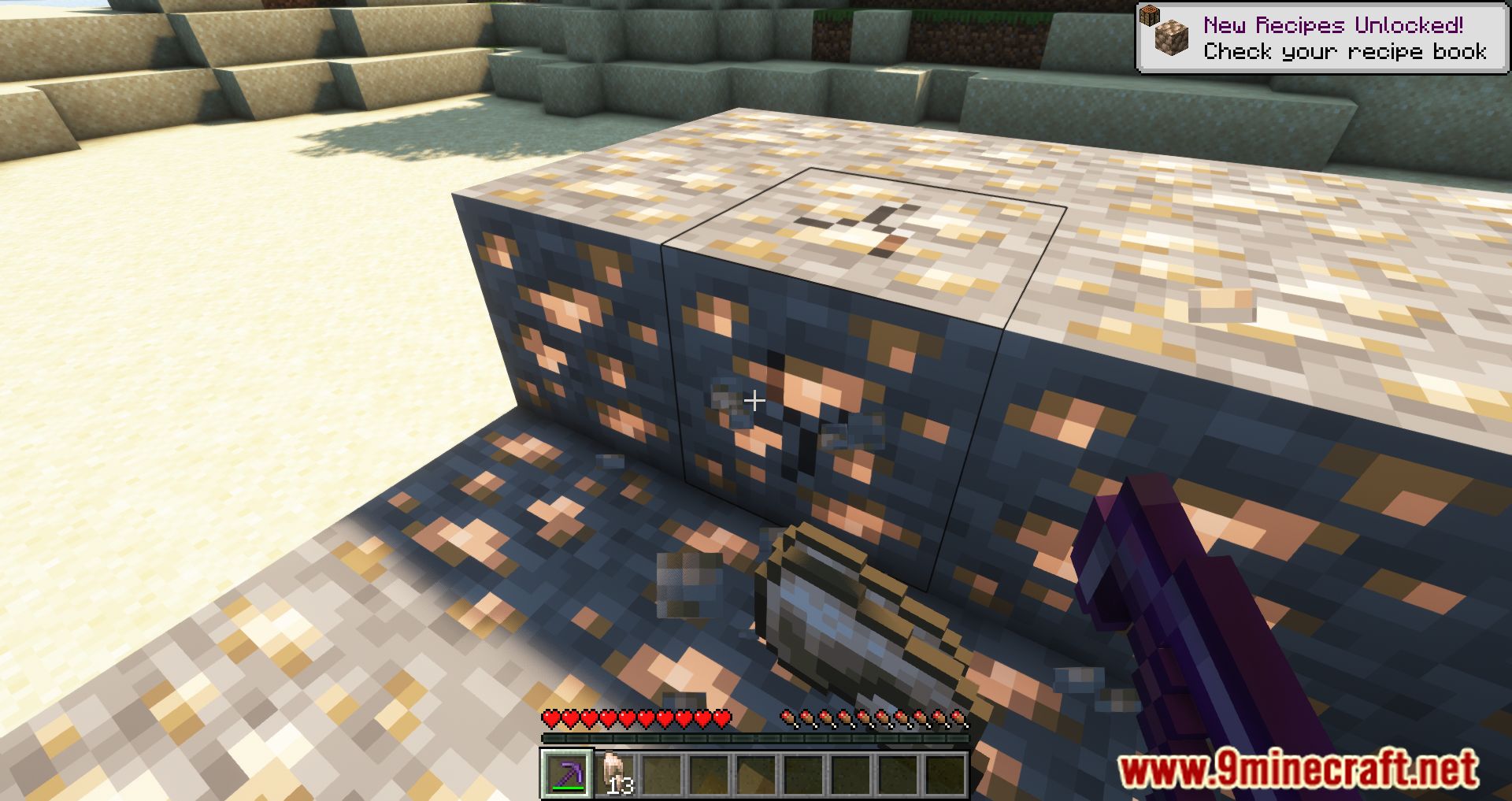
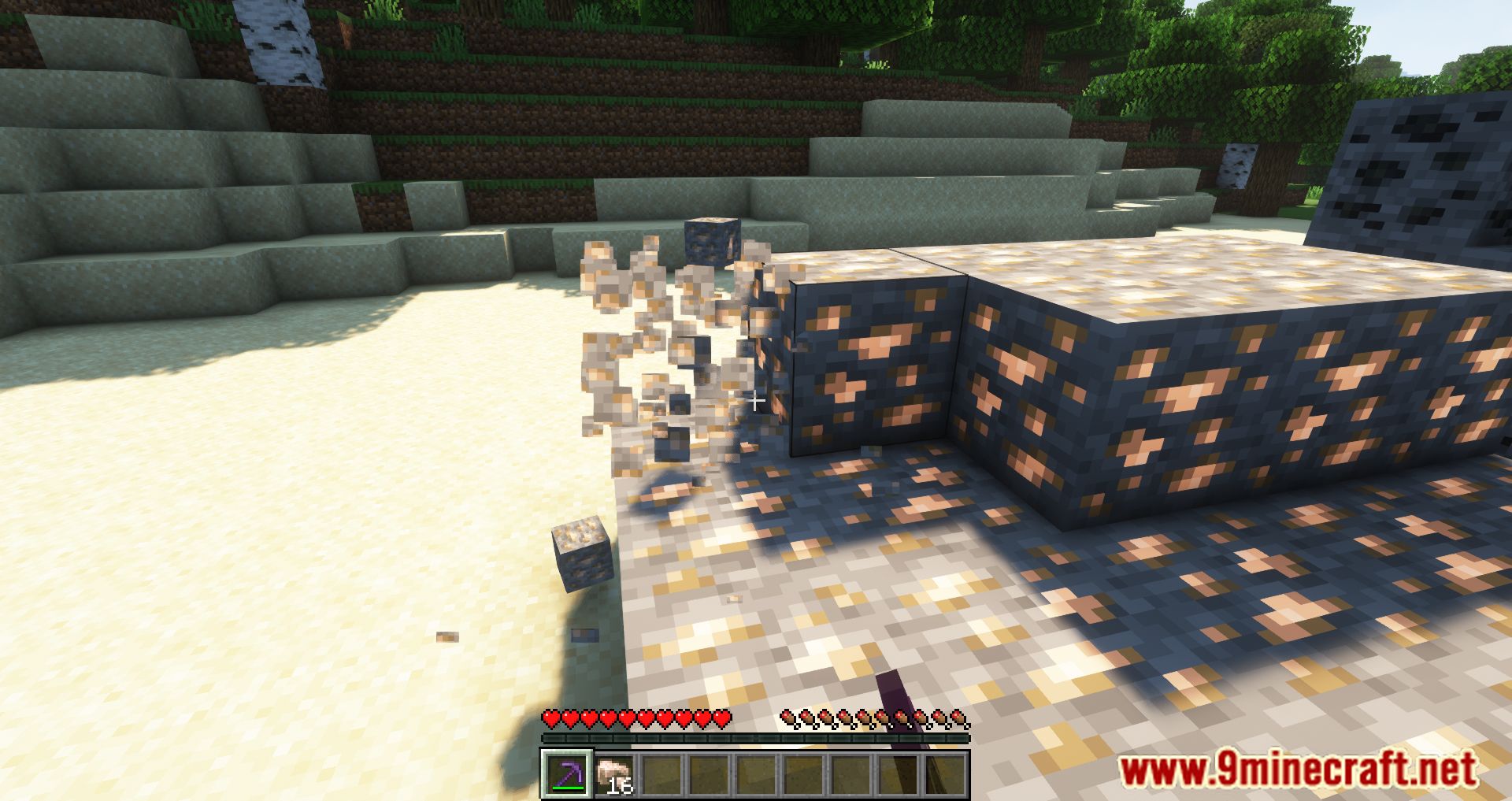
- Combine Silk Touch and Fortune on a pickaxe (pair this mod with Toggle Enchantments to use both together).
- Merge Riptide with Channeling and Loyalty on a trident (pair this mod with Improved Trident Enchantments to use them together).
Configuration:
combineEnchantments: Default isfalse. When set totrue, you can combine all enchantments on any item, such as a grass block or a cake.blackList: Default is[]. Blocks specific enchantment pairs from combining using theEnchantment=Enchantmentformat. This option does not work ifcombineEnchantmentsis set totrue.
You can find the config file at config/merge_enchantments-common.json inside your .minecraft folder. Here is an example that stops Unbreaking and Mending from combining:
{
  "combineEnchantments": false,
  "blackList": [
    "minecraft:unbreaking=minecraft:mending"
  ]
}
How to Use:
- Open an anvil in the game and place your armor, weapon, or tool inside with an enchanted book or another piece of gear to combine enchantments that normally cannot mix.
- Open
config/merge_enchantments-common.jsoninside your.minecraftfolder if you want to customize which enchantments can combine. - Set
combineEnchantmentstotrueif you want to put any enchantment on any item, including blocks or food like a grass block or a cake. - Keep
combineEnchantmentsset tofalseand add pairs in theEnchantment=Enchantmentformat (such asminecraft:unbreaking=minecraft:mending) underblackListto prevent specific combinations. - Pair this mod with Toggle Enchantments to use Silk Touch and Fortune together on a pickaxe, or pair it with Improved Trident Enchantments to combine Riptide with Loyalty and Channeling on a trident.
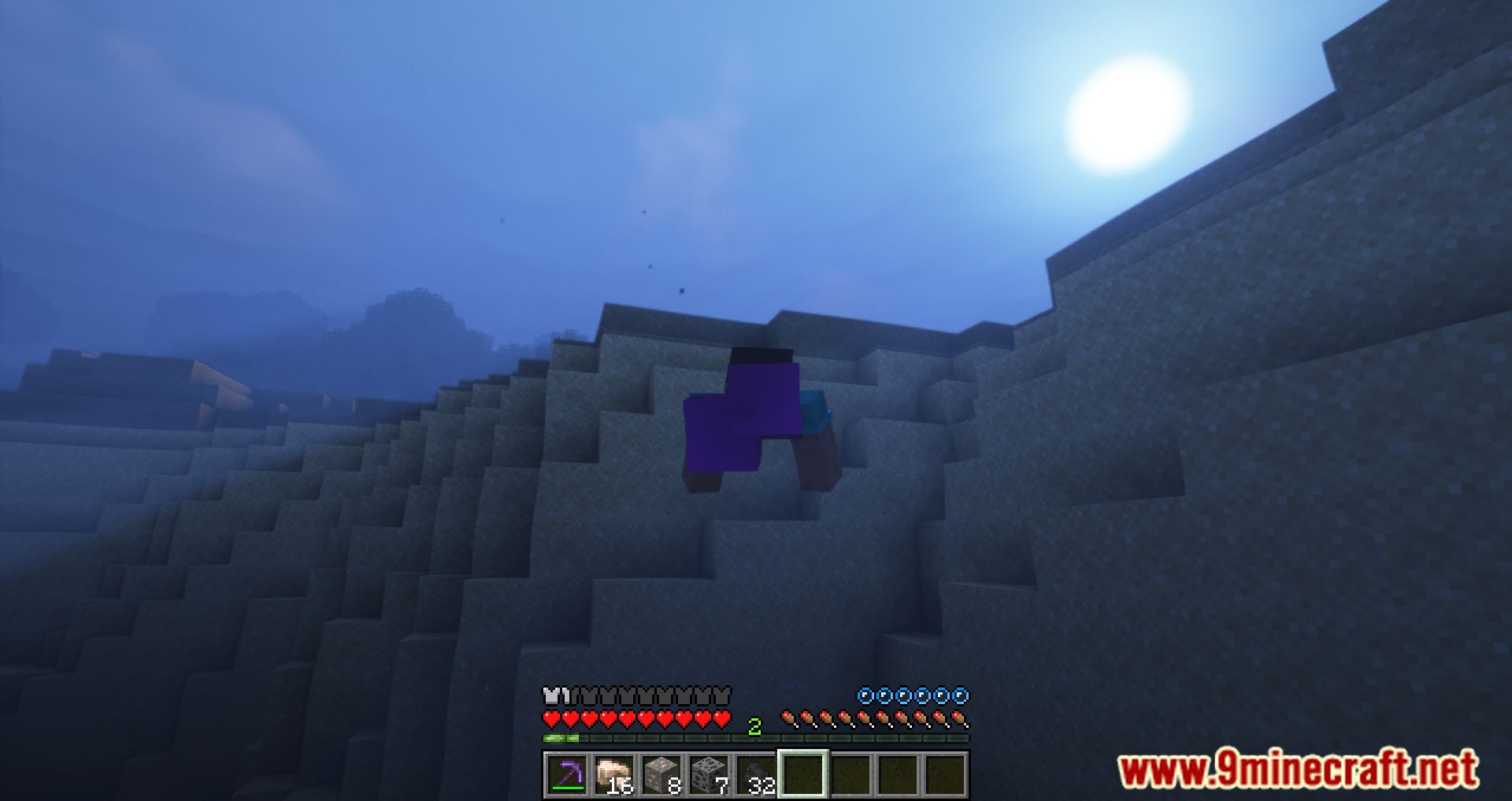
Screenshots:
How to Install:
New to Minecraft? Follow our step-by-step guide to install Mods on your PC.View Guide
Requirements:





Merge Enchantments Mod Download Links
For Minecraft 26.1.2, 26.1.1, 26.1
For Minecraft
1.21.11,
1.21.10,
1.21.9
All Versions Covered
1.21.11
1.21.10
1.21.9
1.21.8
1.21.7
1.21.6
1.21.5
1.21.4
1.21.1
1.21
For Minecraft
1.21.8,
1.21.7,
1.21.6
All Versions Covered
1.21.8
1.21.7
1.21.6
1.21.5
1.21.4
1.21.1
1.21
For Minecraft 1.21.5
For Minecraft 1.21.4
For Minecraft 1.21.3, 1.21.2
For Minecraft 1.20.6
For Minecraft
1.20.4,
1.20.3,
1.20.2
All Versions Covered
1.20.4
1.20.3
1.20.2
1.20.1
1.20
1.19.4
1.19.3
1.19.2
1.19.1
1.19
1.18.2
1.18.1
1.18
For Minecraft 1.19.4
For Minecraft 1.19.3
For Minecraft 1.19.2, 1.19.1, 1.19
For Minecraft 1.17.1
For Minecraft
1.16.5,
1.16,
1.15.2
All Versions Covered
1.16.5
1.16
1.15.2
1.15.1
1.15
1.14.4
1.14.3
1.14.2
1.14.1
1.14
For Minecraft 1.12.2
You May Also Like
Picked for this page
 Mystical Agradditions Mod (26.1.2, 1.20.1) – New Materials for Mystical Agriculture
 Lighting Wand Mod (26.1.2, 1.20.1) – Showing Light Sources
 Stylish Effects Mod (26.3, 1.20.1) – Status Effect Display Overhaul
 Mystical Agriculture Mod (26.1.2, 1.20.1) – Grow Diamonds From a Seed
 Just Enough Resources Mod (26.3, 1.20.1) – JER, Efficient Resource Management
 Isaiah’s Lucky Blocks Mod (26.1.2, 1.20.1) – From Rewards To Risks
 Xaero’s Map Server Utils Mod (26.3, 1.20.1) – Fair-Play Mode Controls
 DarkSpawn Mod (26.3, 1.20.1) – RPG Teleport to Spawn or Lobby
 Combat Edit Mod (26.3, 1.21.1) – The Fast-Paced Fighting You Miss
 Bee Fix Mod (26.1, 1.20.1) – Fixes The Bugs
 Flat Lighting Mod (26.3, 1.20.1) – Removes Shading On All Models
 Skippy Pearls Mod (26.1, 1.20.1) – Fun Water Interactions
Most viewed in Mods over the last 7 days
 Ala Industrial Mod (26.3) – Run Electric Power Grids and Automated Factories
 PleasureCraft Mod (26.3, 1.21.1) – Jenny Mod Remake for Fabric
 Jennycraft Mod (26.3, 1.20.1) – Virtual Girlfriend in Minecraft
 Fapcraft Mod (26.3, 1.12.2) – Comprehensive and Detailed Content
 Jenny Mod (Fapcraft) Official Complete Guide – How to use, Tutorial
 BangCraft Mod (1.20.1) – Jenny, Ellie and Elliot
 Fabric Loader (26.3, 1.20.1) – Fabric Installer for All Minecraft Versions
 The Shooting Star Demo Mod (26.3, 1.20.1) – Vaporize Terrain From Orbit
 Meteor Client Mod (26.3, 1.20.1) – Xray, HUD, Fly
 OptiFine HD (26.3, 1.20.1) – Run Faster, FPS Boost, Shaders Support
 Aristois Client Mod (1.21.4, 1.20.1) – World Class Minecraft Utility
 Prestige Client Mod (1.21.11, 1.21.4) – Powerful Ghost Features for Crystal & Sword PvP
More from Mods
 Not Just Sandwich Mod (26.3, 1.20.1) – Edibles, Sandwiches
 Waddles Mod (26.3, 1.20.1) – Make Icy Biomes Feel Alive
 Artemis’ Thin Logs Mod (26.3, 1.20.1) – Build Custom Trees and Detailed Wood
 Asterion Mod (26.3, 1.20.1) – Survive Ancient Mazes and Slay the Legendary Minotaur
 Passthrough Signs Mod (26.3, 1.20.1) – Right-Click Through Wall Signs
 Packing Tape Mod (26.3, 1.20.1) – Move Chests, Machines
 No XP Anvils Mod (26.3, 1.20.1) – Repair And Enchant Without XP
 Naruto Shippuden Mod (26.3, 1.16.5) – Immerse Yourself in The World of Ninja
 Araxer’s Bestiary Mod (26.3, 1.20.1) – Build an In-Game Encyclopedia of Every Mob
 Villagers Plus Mod (26.3, 1.20.1) – Expanded Villager Types and Villages
 Ore Excavation 9minecraft Mod (26.3) – Mine Ores and Chop Trees in a Single Swing
 Dirigo Mod (26.1.2, 1.21.1) – Walk Across Nether Lava Seas and Automate Animal

This post has no comments yet. Be the first — your comment will appear here.