
Particle Rain Mod (26.3, 1.20.1) – Shelter Inside From Heavy Storms and Fog

 0

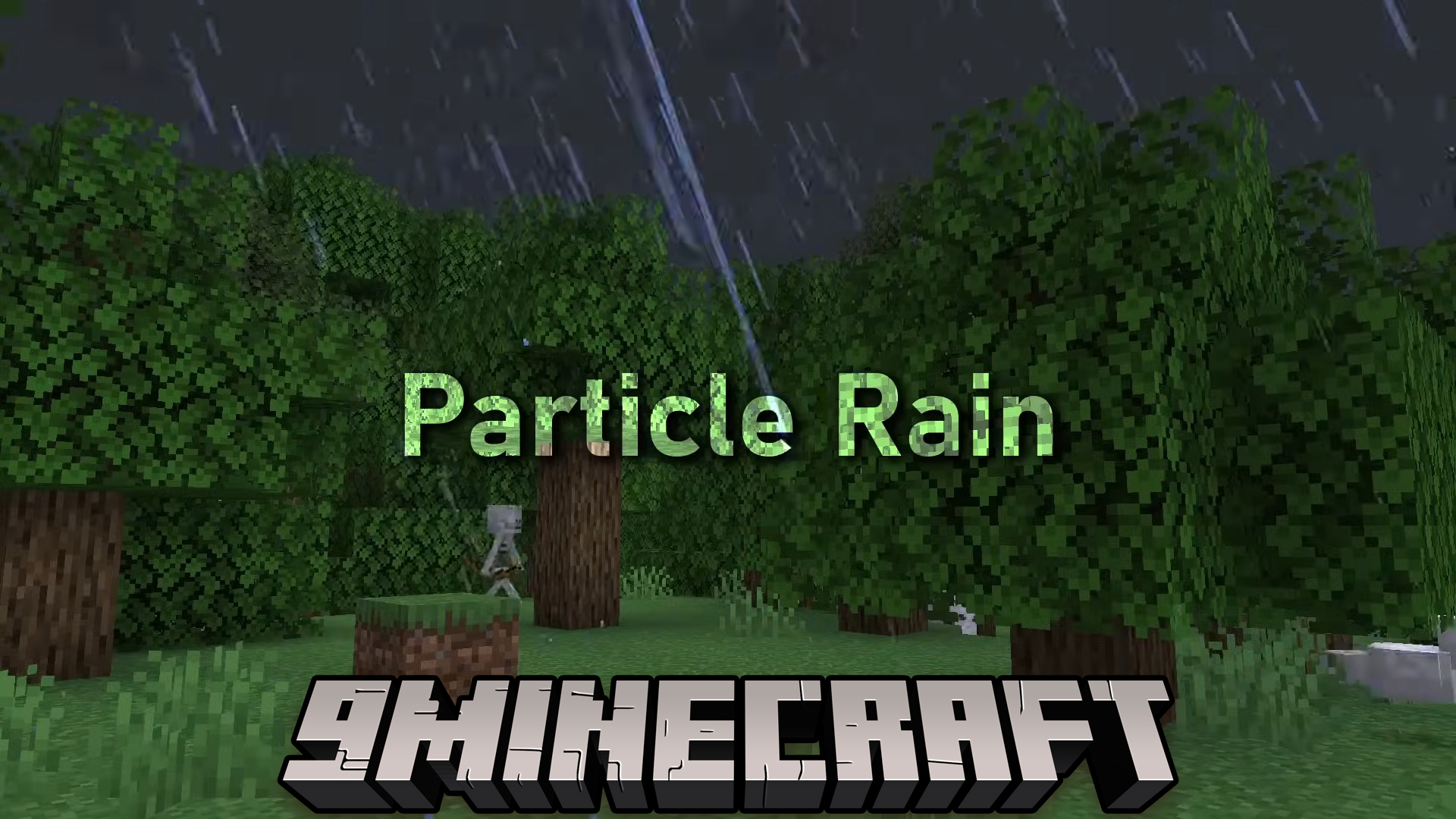
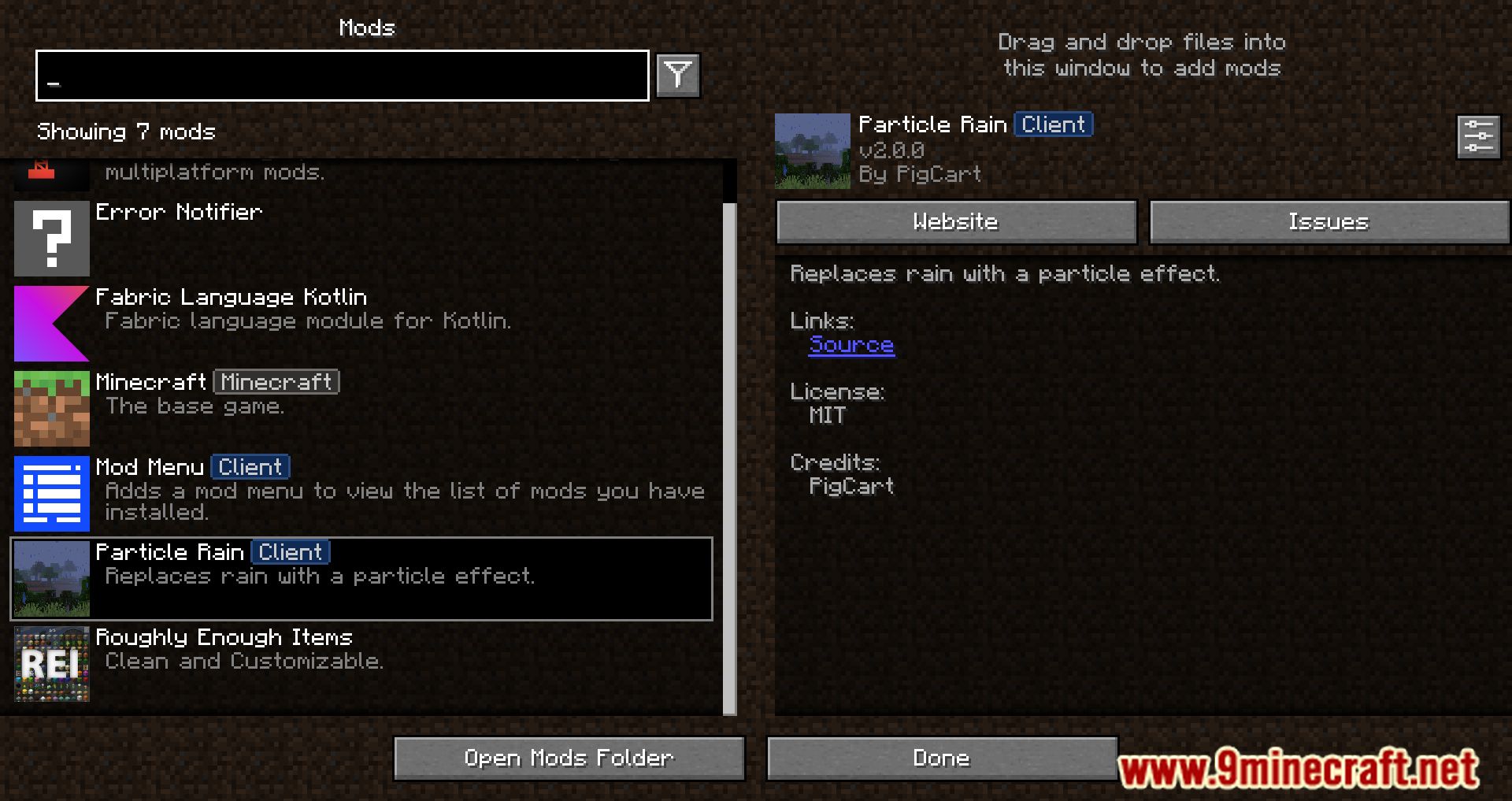
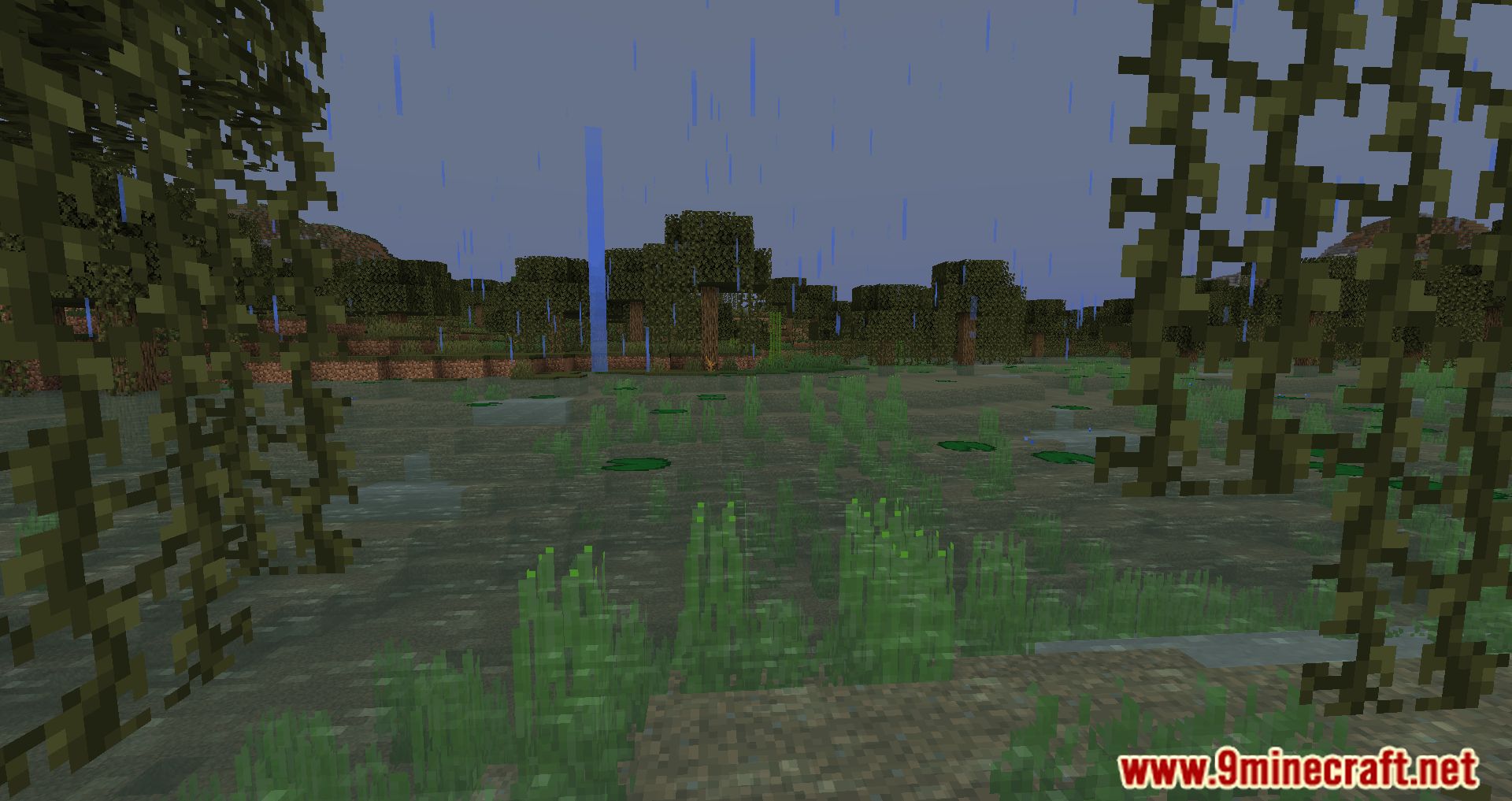
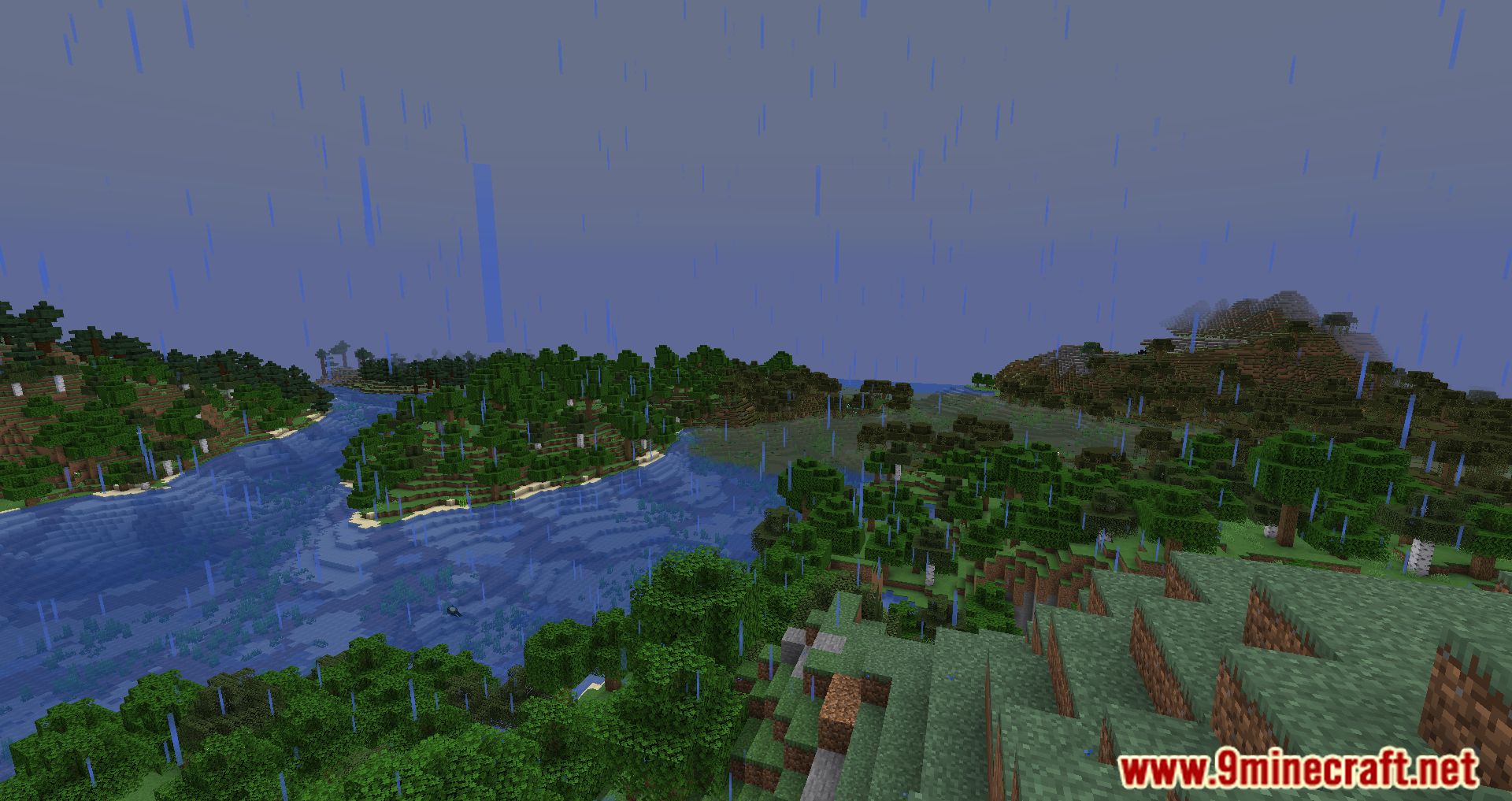
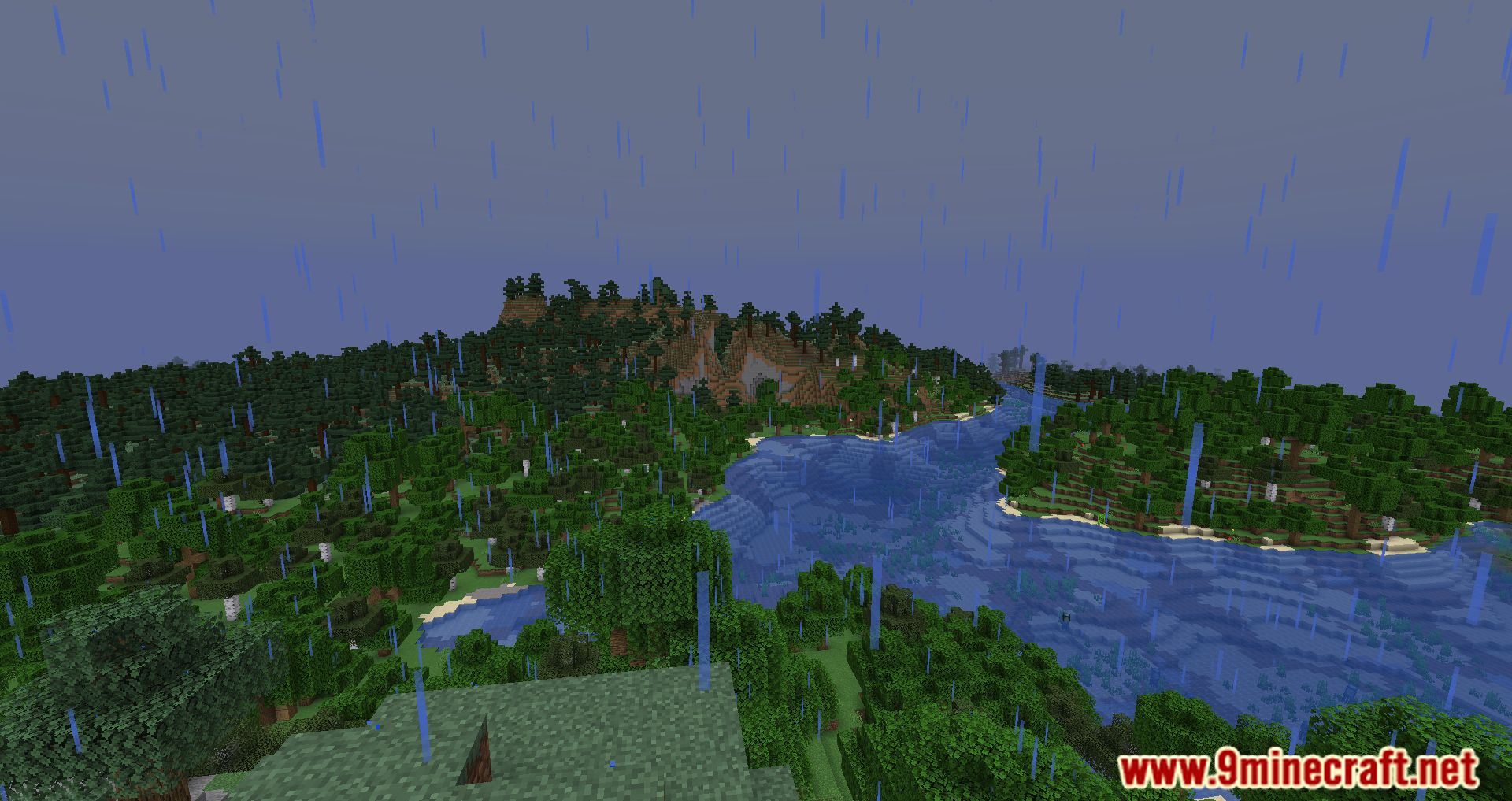
Particle Rain Mod replaces default Minecraft weather with particle effects, wind, fog, and sandstorms. It adds angled rain, gentle snow, dusty sandstorms in dry biomes, fog, water ripples, and water streaks on walls. During storms, stronger wind makes rain and snow look heavier. You can tweak existing effects or make new particle weather for specific blocks and biomes in the built-in config menu. Fabric users need Fabric API to run this mod.
Features:
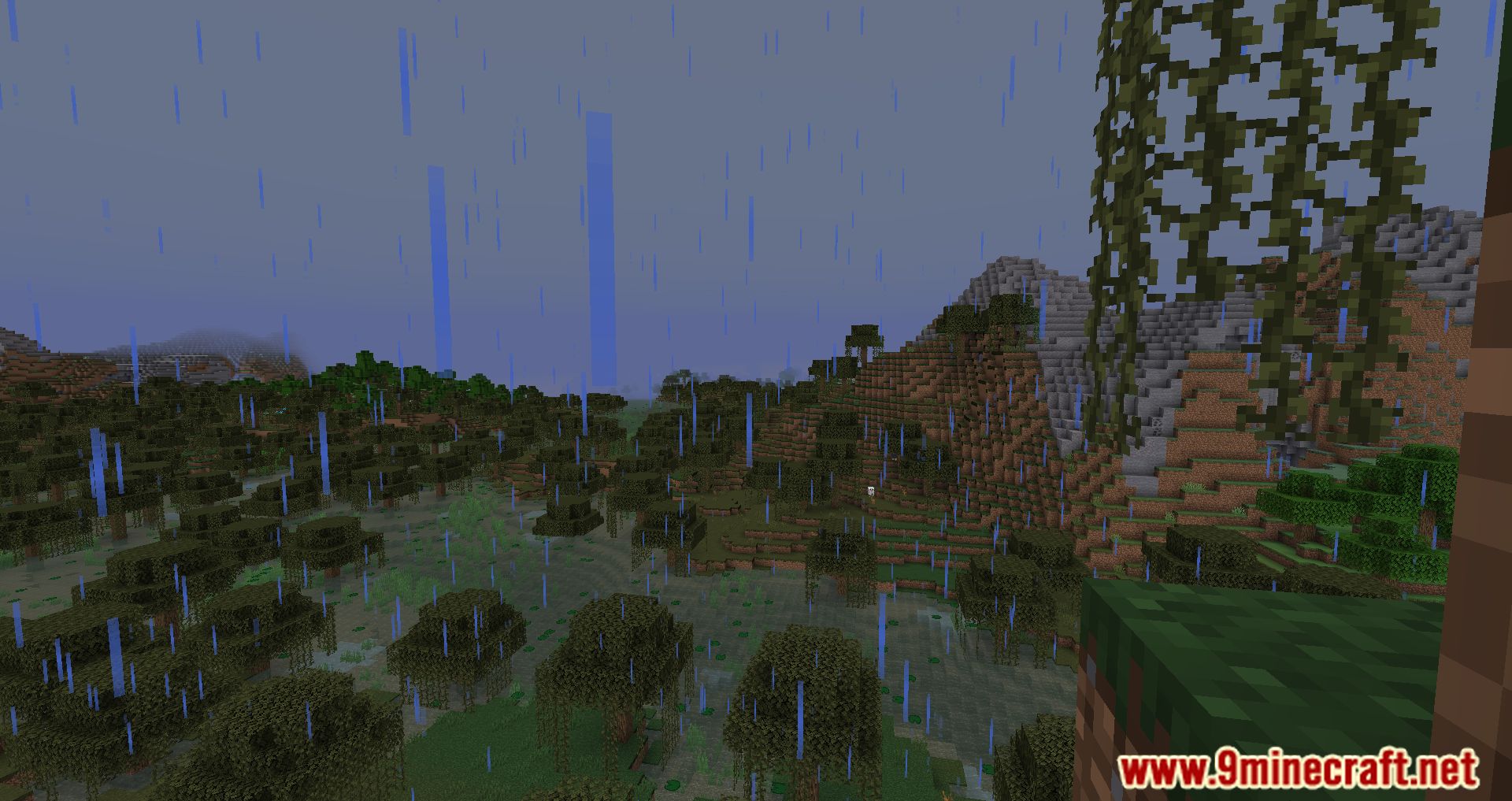
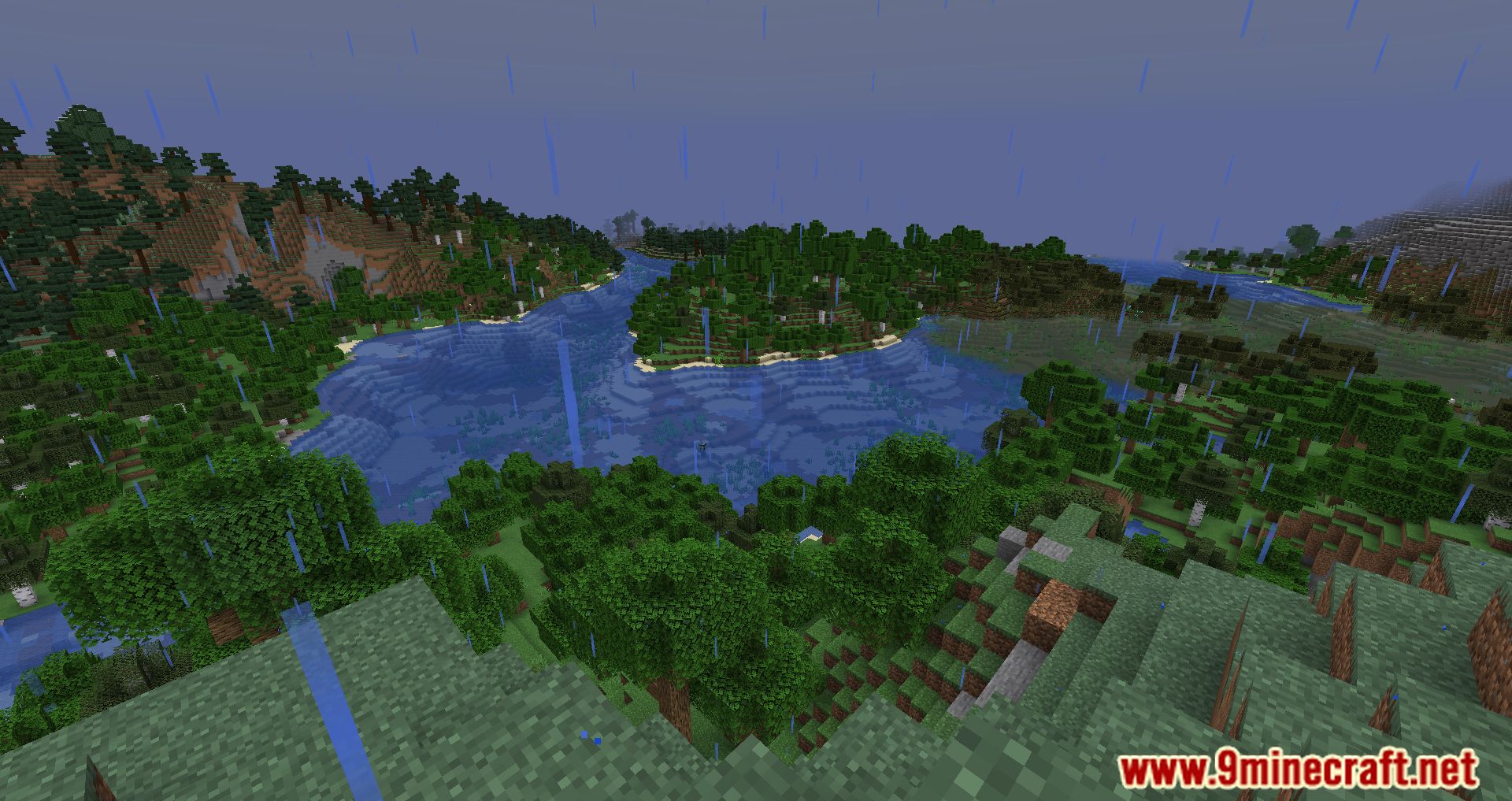
- Rain Particles: Fall at an angle as the wind blows them around, and look thicker with stronger wind during storms.
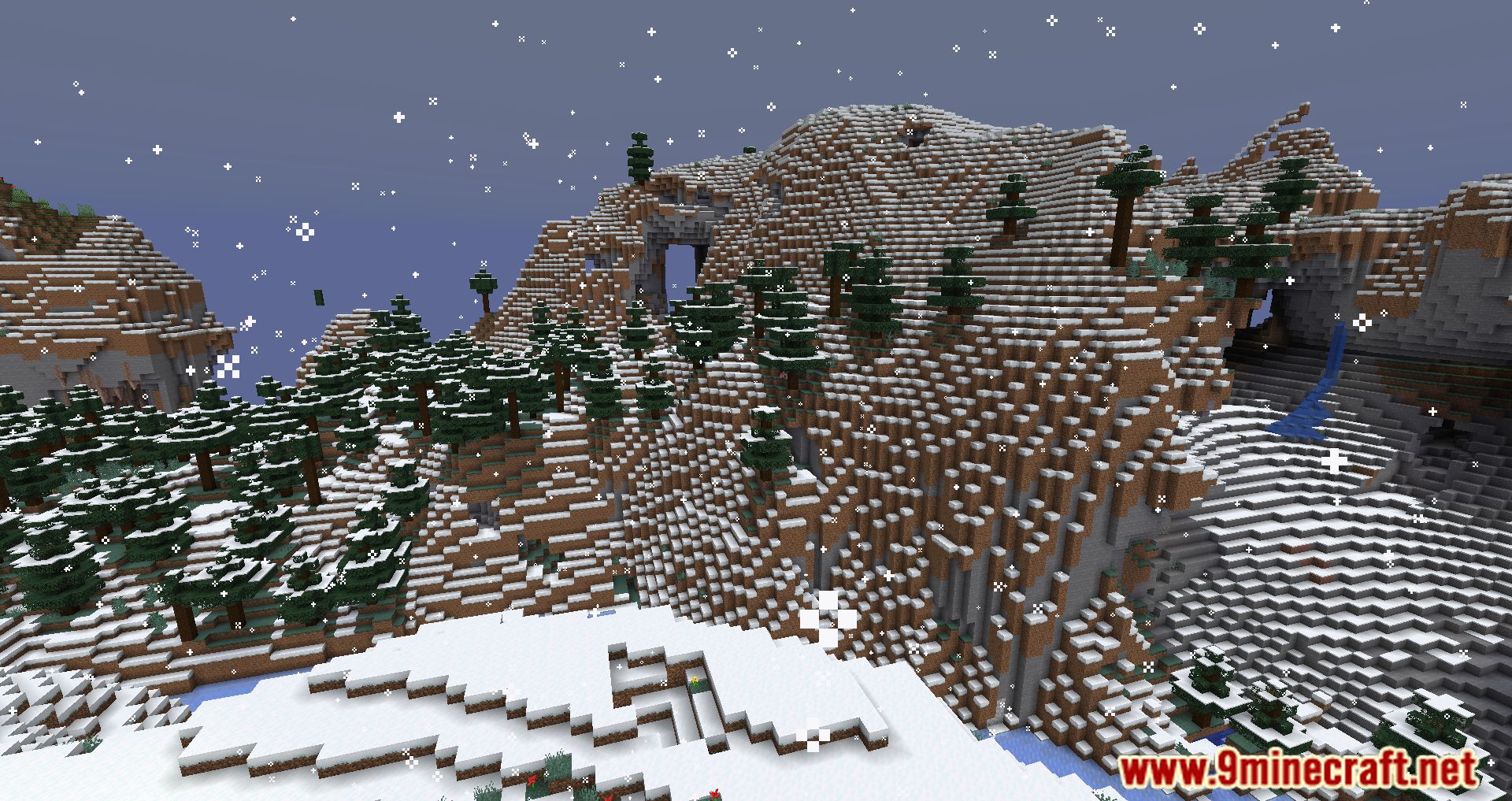
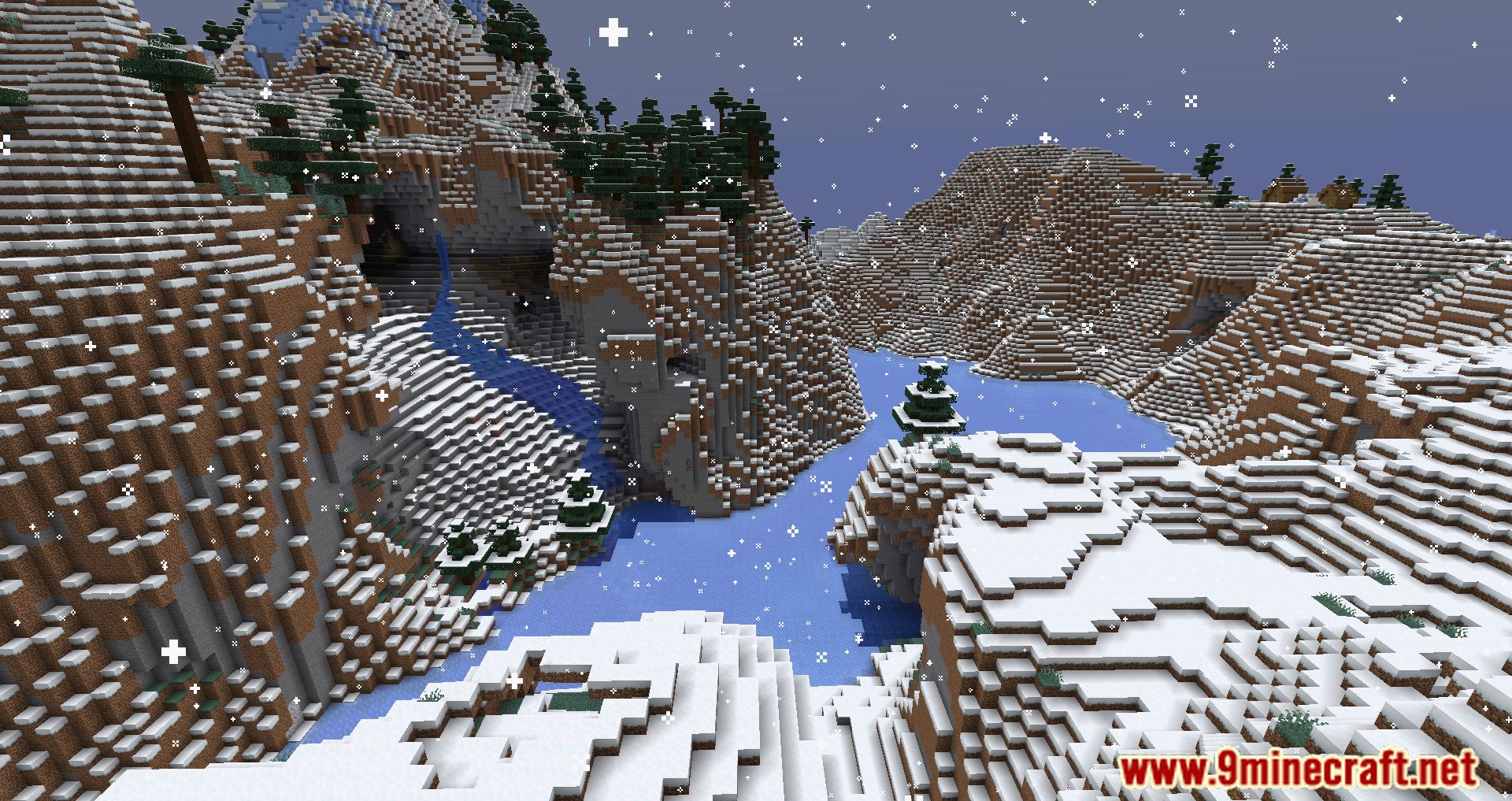
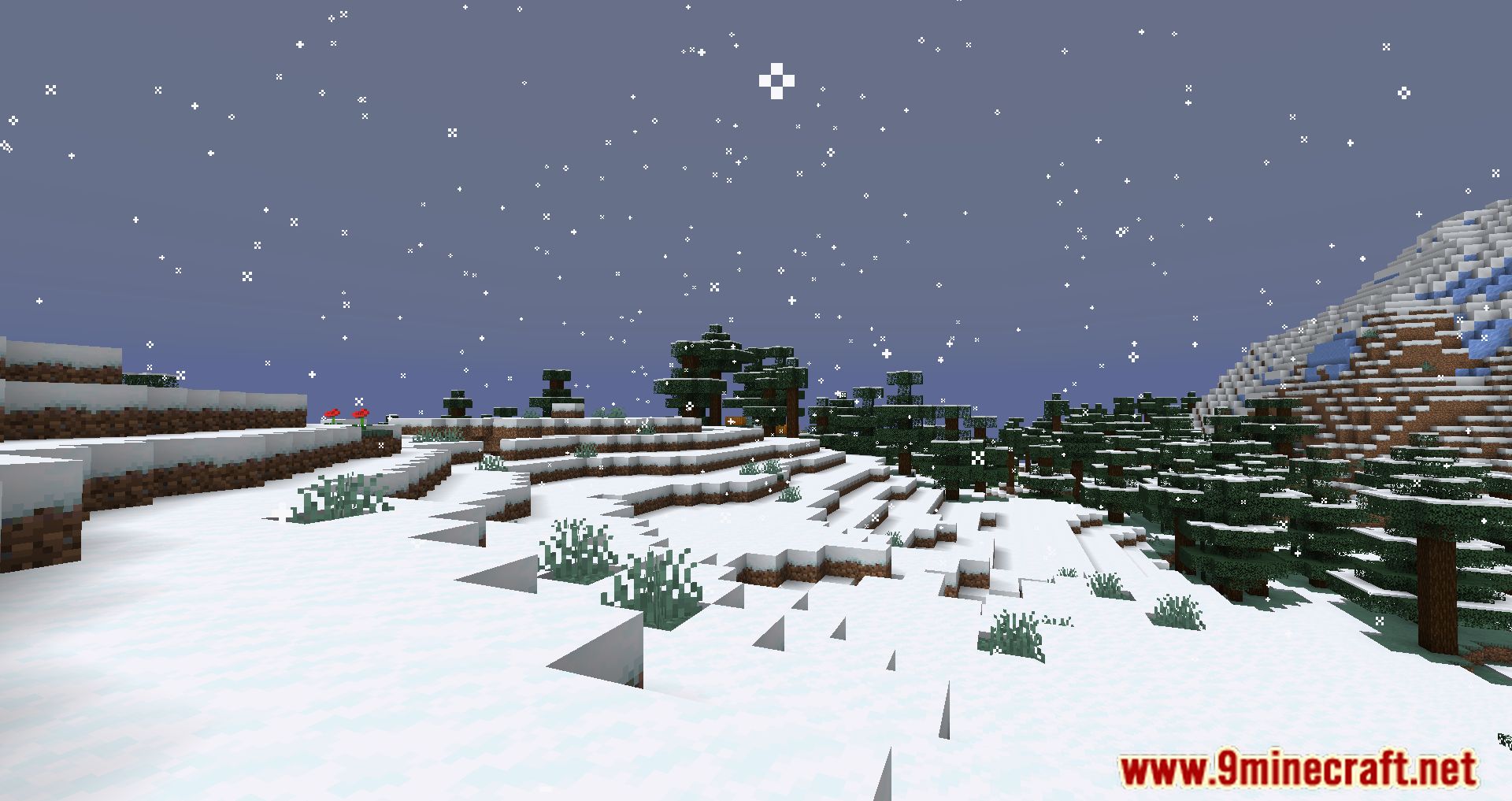
- Snow Particles: Spin slowly as they fall with less clutter than vanilla snow, stay mostly calm in the wind, and switch to a heavy version during storms.
- Sandstorms: Blow dust and shrubs across deserts and other dry biomes, matching the color of the blocks below so biomes from other mods work without extra setup.
- Fog: Shows up in biomes with the
#c:is_spookyor#c:is_wettags and sometimes appears after rain, with both settings easy to change in the config. - Water Ripples: Form when rain lands on water and match the resolution of your resource pack, and you can adjust them in the config.
- Water Streaks: Appear when rain hits hard wall blocks, and can be set in the config to show up on any block you want.
- Lets you edit existing weather effects or create custom particle effects for specific blocks and biomes inside the built-in config menu.
Particle Rain Mod – Video Showcase
Commands:
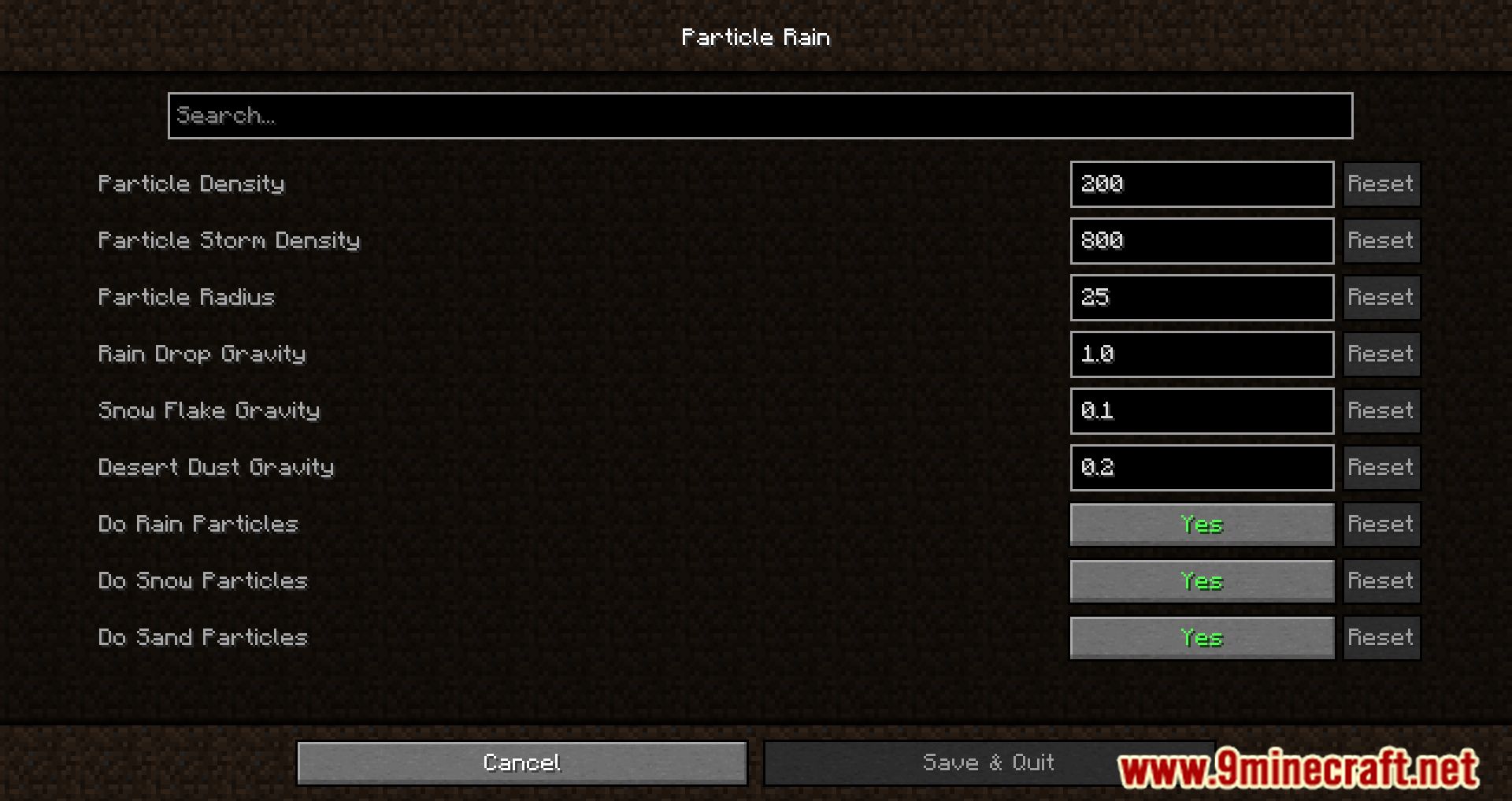
/particlerain: Opens the in-game config menu so you can edit weather settings or create custom particle effects.
How to Use:
- Make sure Fabric API is installed if you play on Fabric so this mod can run.
- Type
/particlerainin chat or open your loader’s mod list menu to launch the in-game config menu. - Adjust options like fog biome tags, after-rain fog, water ripples, and water streak blocks to change how weather looks in your world.
- Create custom particle effects for specific blocks and biomes inside the same menu to add your own weather styles.
Screenshots:
How to Install:
New to Minecraft? Follow our step-by-step guide to install Mods on your PC.View Guide



Particle Rain Mod Download Links
For Minecraft 26.3
For Minecraft 26.2
For Minecraft 26.1.2, 26.1.1, 26.1
For Minecraft 1.21.11
For Minecraft 1.21.10, 1.21.9
For Minecraft 1.21.8, 1.21.7, 1.21.6
For Minecraft 1.21.5
For Minecraft 1.21.4
For Minecraft 1.21.3, 1.21.2
For Minecraft 1.21.1, 1.21
For Minecraft 1.20.6
For Minecraft 1.20.5
For Minecraft 1.20.4
For Minecraft 1.20.2
For Minecraft 1.20.1, 1.20
For Minecraft 1.19.4
For Minecraft 1.19.3
For Minecraft 1.19.2, 1.19.1, 1.19
For Minecraft 1.18.1
For Minecraft 1.17.1
For Minecraft 1.16.5, 1.16.4
Click to rate this post!
[Total: 2 Average: 5]
You May Also Like
Picked for this page
 Falling Leaves Mod (26.3, 1.20.1) – Visually Appealing Addition
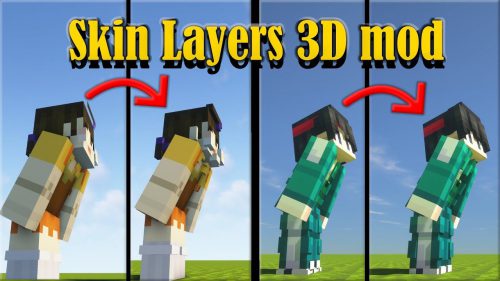 Skin Layers 3D Mod (26.3, 1.20.1) – Render The Player Skin Layer in 3D
 Presence Footsteps Mod (26.3, 1.20.1) – New Walking Sounds
 Tax Free Levels Mod (26.3, 1.20.1) – Make Enchanting & Repairing Gear
 EdivadLib Mod (26.3, 1.20.1) – Library for Edivad99’s Mods
 Paper Books Mod (26.3, 1.20.1) – Simplified Book Recipe
 Ice Prevents Crop Growth Mod (26.3, 1.20.1) – Crop Growth Control
 Stat Tinkerer Mod (26.2, 1.20.1) – Keep Various Stats On Death
 NBT Copy Mod (26.3, 1.20.1) – Adds A Button To Copy NBT Data
 Smelt All Stone Blocks in Blast Furnaces Mod (26.2, 1.20.1) – Smelts All Blocks
 Turtle Charging Station Mod (1.21.11, 1.20.1) – Charge CC turtles using Forge Energy
 Ducky Updater: ReWork Mod (26.3, 1.20.1) – Mod Updates Using Modrinth API
Most viewed in Mods over the last 7 days
 Ala Industrial Mod (26.3) – Run Electric Power Grids and Automated Factories
 PleasureCraft Mod (26.3, 1.21.1) – Jenny Mod Remake for Fabric
 Jennycraft Mod (26.3, 1.20.1) – Virtual Girlfriend in Minecraft
 Fapcraft Mod (26.3, 1.12.2) – Comprehensive and Detailed Content
 Jenny Mod (Fapcraft) Official Complete Guide – How to use, Tutorial
 BangCraft Mod (1.20.1) – Jenny, Ellie and Elliot
 Fabric Loader (26.3, 1.20.1) – Fabric Installer for All Minecraft Versions
 Meteor Client Mod (26.3, 1.20.1) – Xray, HUD, Fly
 The Shooting Star Demo Mod (26.3, 1.20.1) – Vaporize Terrain From Orbit
 OptiFine HD (26.3, 1.20.1) – Run Faster, FPS Boost, Shaders Support
 Aristois Client Mod (1.21.4, 1.20.1) – World Class Minecraft Utility
 Prestige Client Mod (1.21.11, 1.21.4) – Powerful Ghost Features for Crystal & Sword PvP
More from Mods
 Ipla Mod (26.3, 1.20.1) – Showcase Your Favorite Items
 MesdagPortLib Mod (1.20.1) – Run Modern Minecraft Mechanics on Older Versions
 Hellion’s API Mod (1.21.11, 1.21.1) – Play Hellion Series Addons Without Crashes
 Terrestria Mod (26.3, 1.20.1) – Highly Detailed Biomes
 Tre’s Tack Library Mod (1.20.1) – Outfit Your Horses with Fully Detailed Tack
 YDM’s coreX Library Mod (1.20.1) – Loot RPG Gear with Random Names
 Gunpowder Recipe Mod (26.3, 1.20.1) – Gunpowder is Craftable
 Villager Timetable Mod (26.3, 1.20.1) – Master Villager Schedules
 Artemis Laboratory Blocks Mod (26.3, 1.20.1) – Lab Blocks And Dynamic Decorations
 Fabric ORM Jimmer Mod (26.3, 1.20.1) – Prevent Sudden Server Crashes
 Cafe Core Mod (26.2, 1.21.1) – Bypass Anvil Limits and Tame Pets in Seconds
 GTNH’s Forgelin Mod (1.7.10) – Play Kotlin-Powered Mods on Minecraft 1.7.10

This post has no comments yet. Be the first — your comment will appear here.