
EssentialGUI Mod (26.3, 1.20.1) – Track Coordinates and Performance Stats

 0


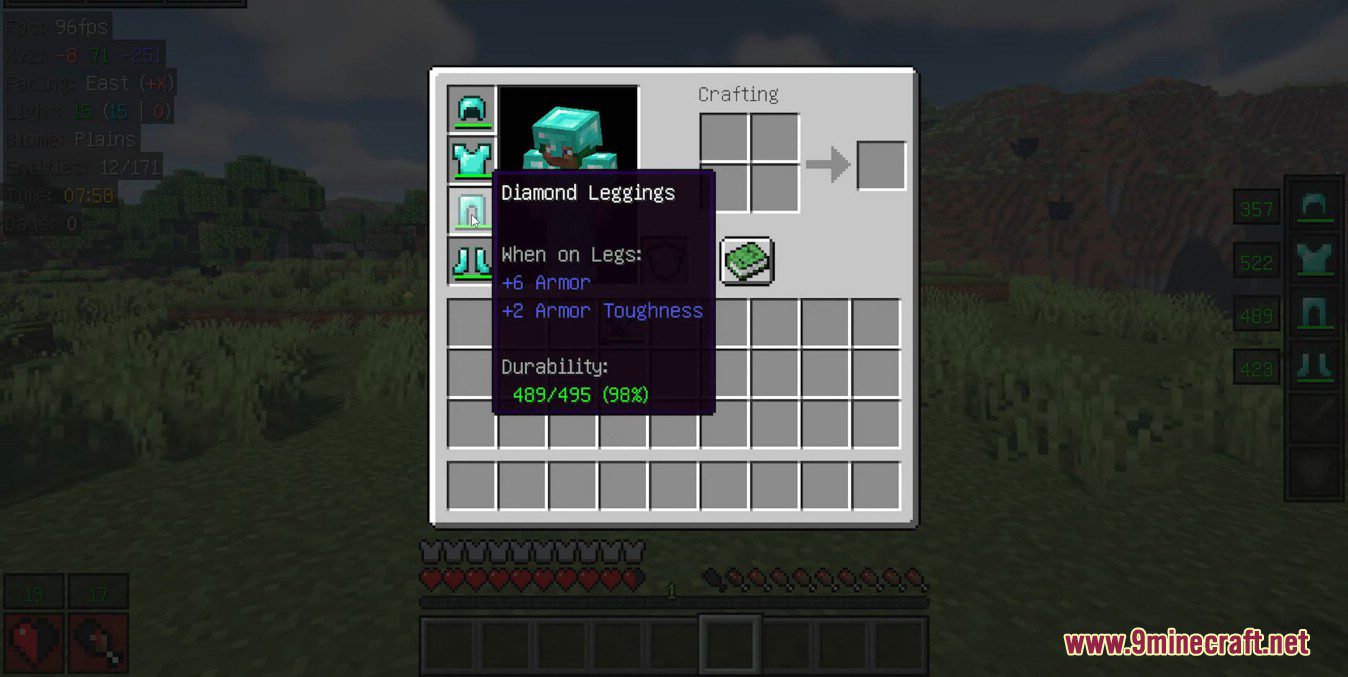
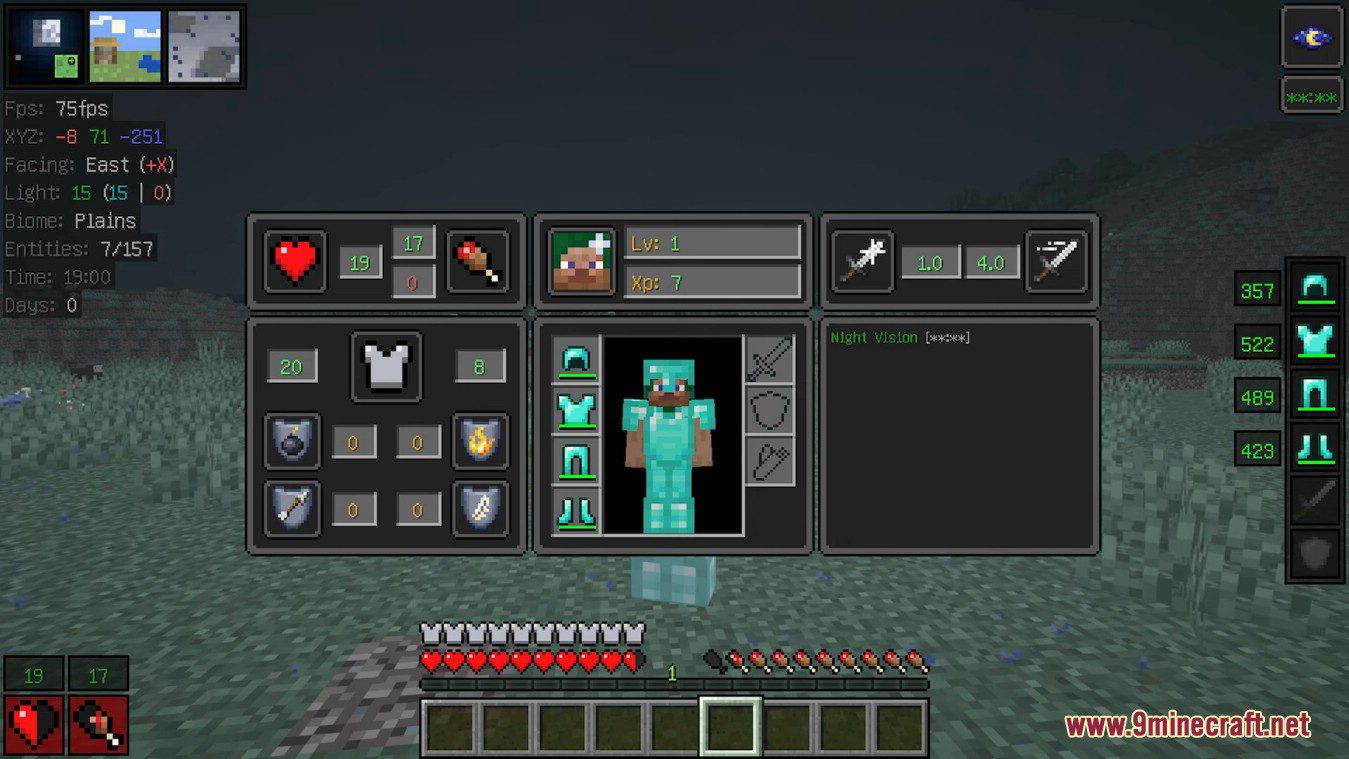
EssentialGUI Mod adds helpful visual stats and quality-of-life interface elements to make survival adventures much easier. It displays detailed client performance data, player coordinates, world info, and on-screen warnings directly on the screen.

Features:
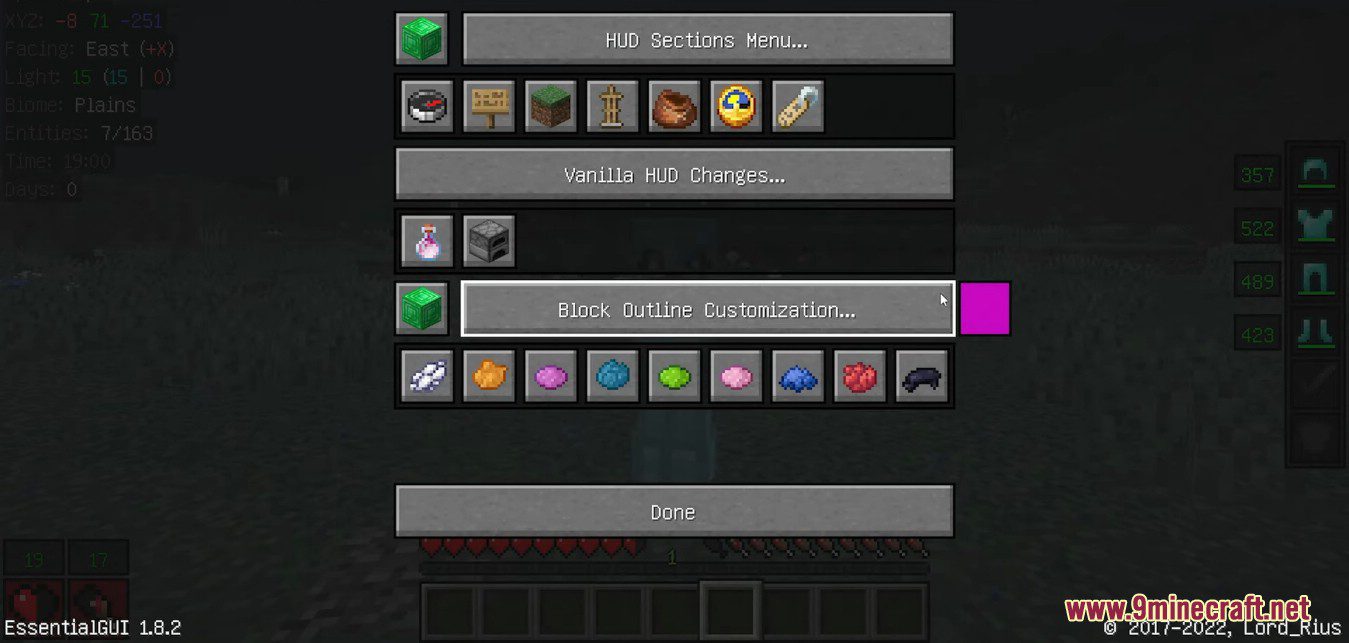
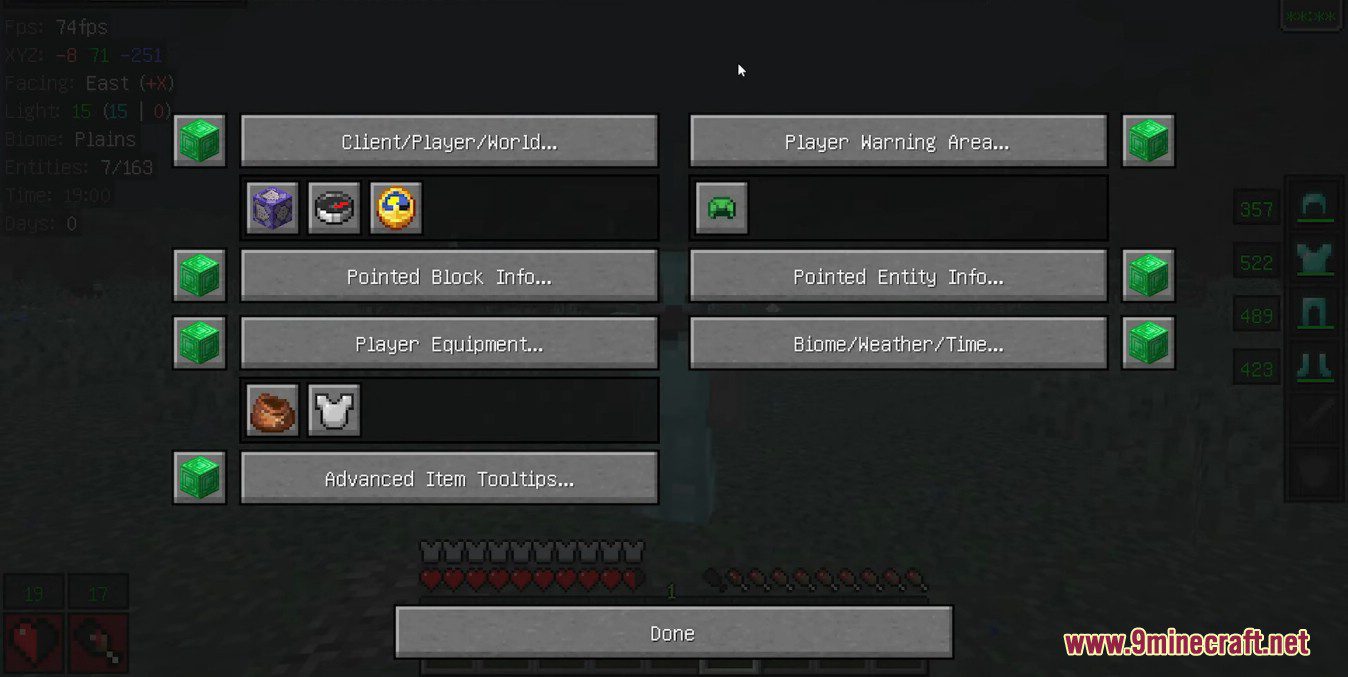
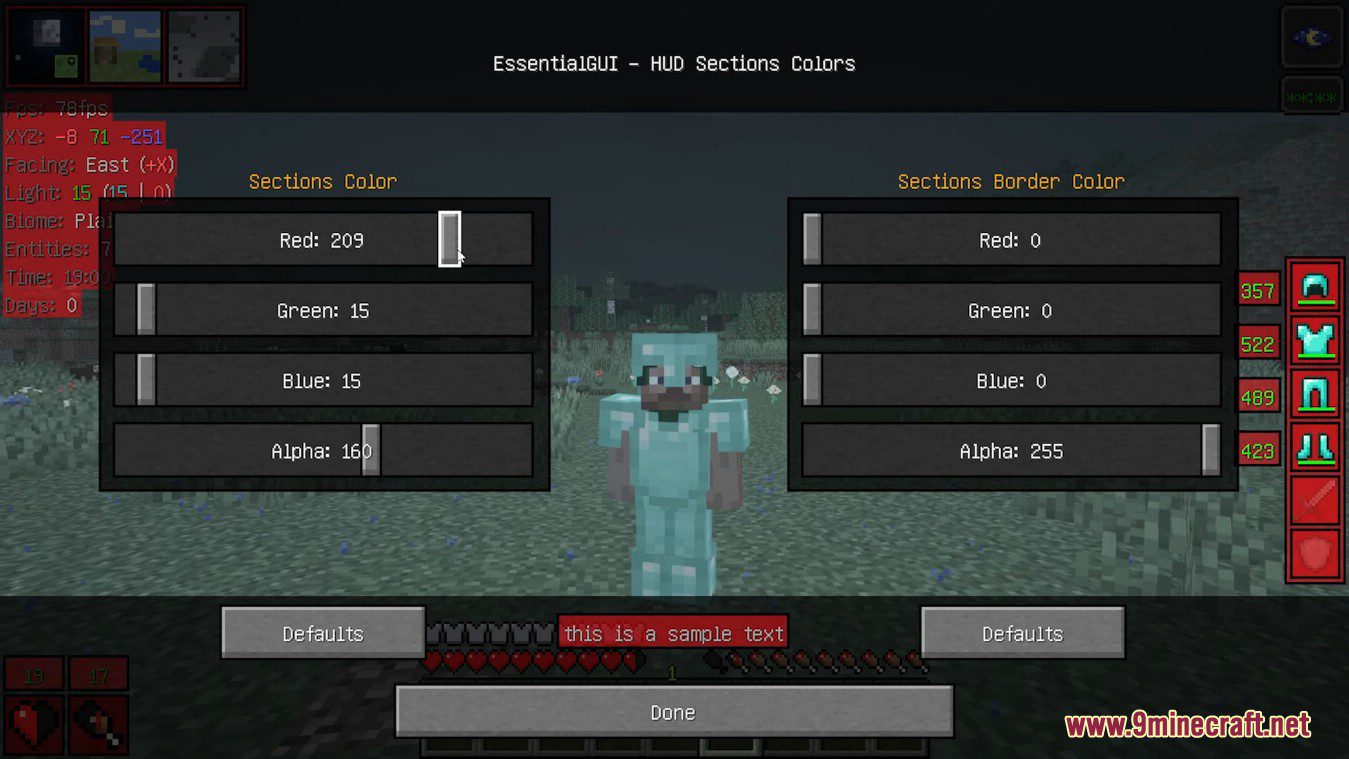
- Press the F12 key in-game to open the main menu and adjust settings.
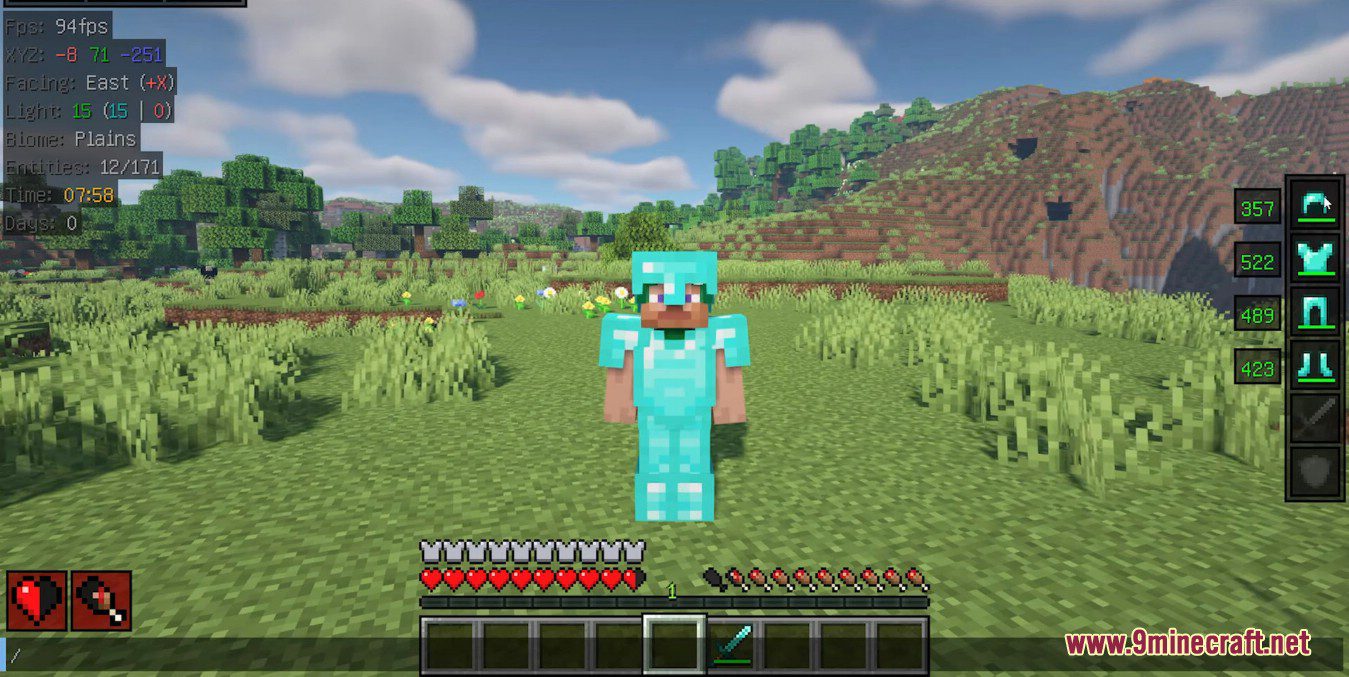
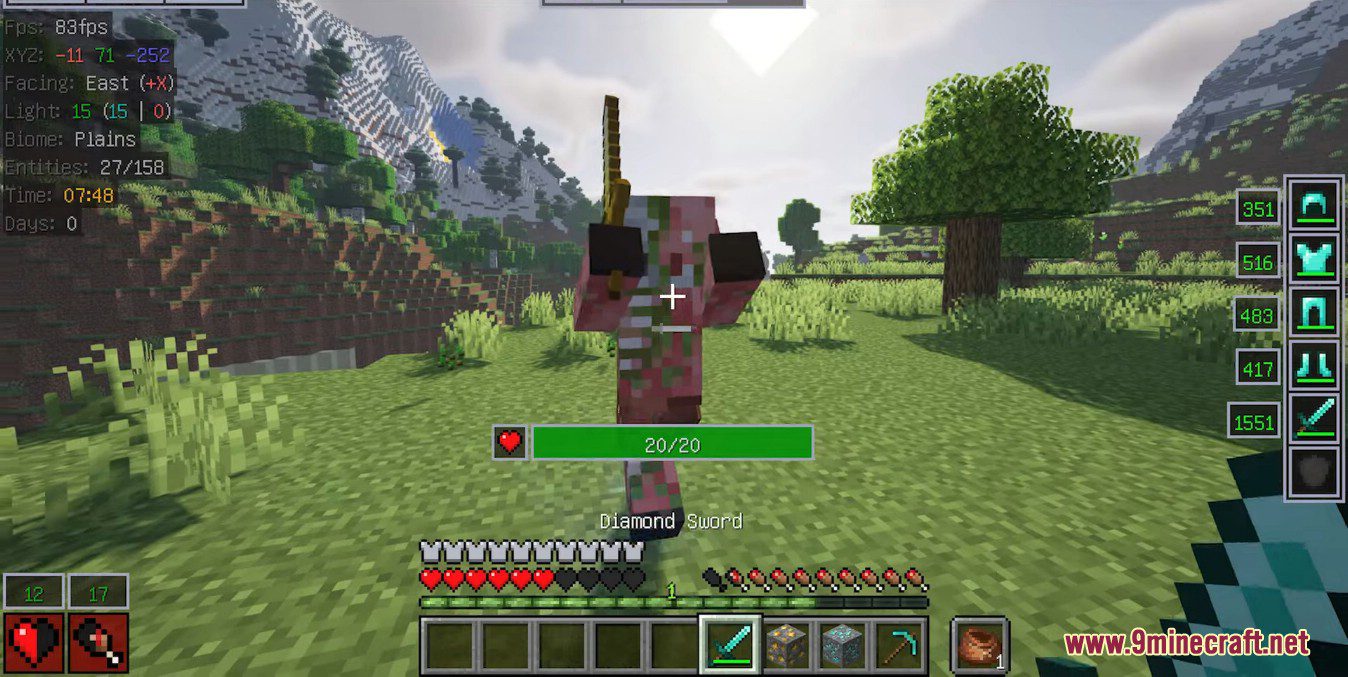
- Displays client performance stats including FPS, CPU load, latency, memory usage, and network packets.
- Shows precise player position details like coordinates, dimensional coordinates, chunk position, facing direction, rotation, block light level, and speed.
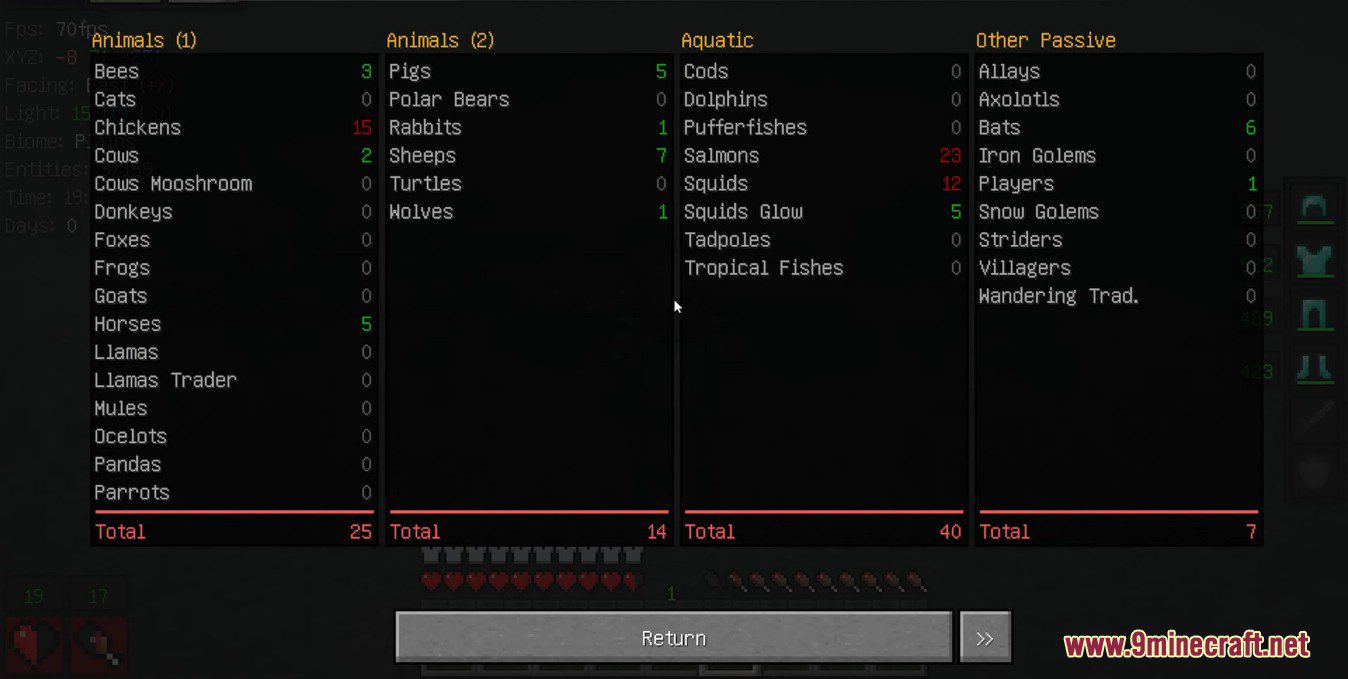
- Provides world information such as current biome name, loaded entities, block entities, world time, and world days.
- Shows on-screen warnings for low health, low hunger, low oxygen, time since last rest, and freezing inside powder snow.
- Displays advanced pointed block information including block name, coordinates, breaking progress, and harvest icons.
- Shows pointed entity information with health bars, equipment, and interactions.
- Includes quick access tools like zoom, night vision, gamma adjustment, and smooth lighting toggles.
How to Use:
- Press the F12 key while playing to open the main menu.
- Press the Z key to zoom in on distant objects.
- Press the F8 key to toggle night vision.
- Press the F9 key to toggle smooth lighting.
- Use the + and – keys to adjust your gamma level.
Screenshots:
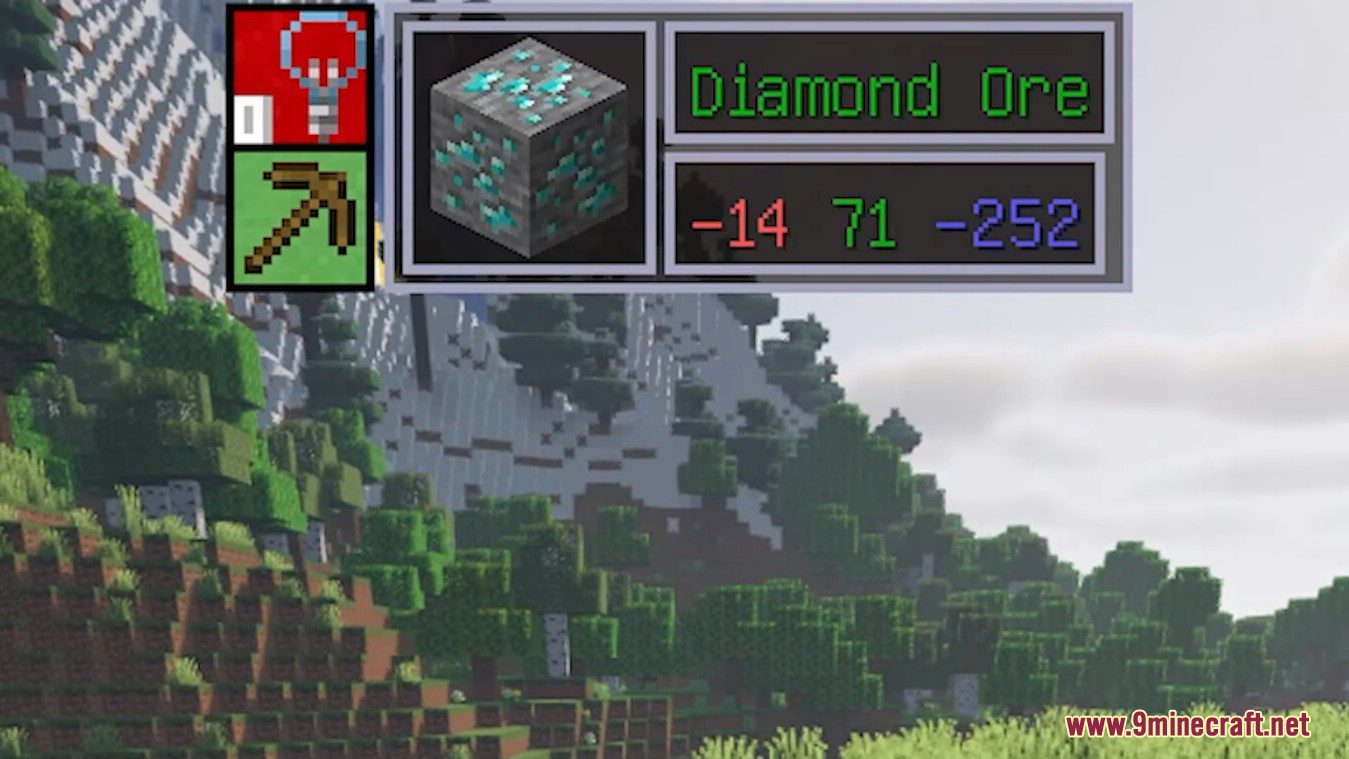

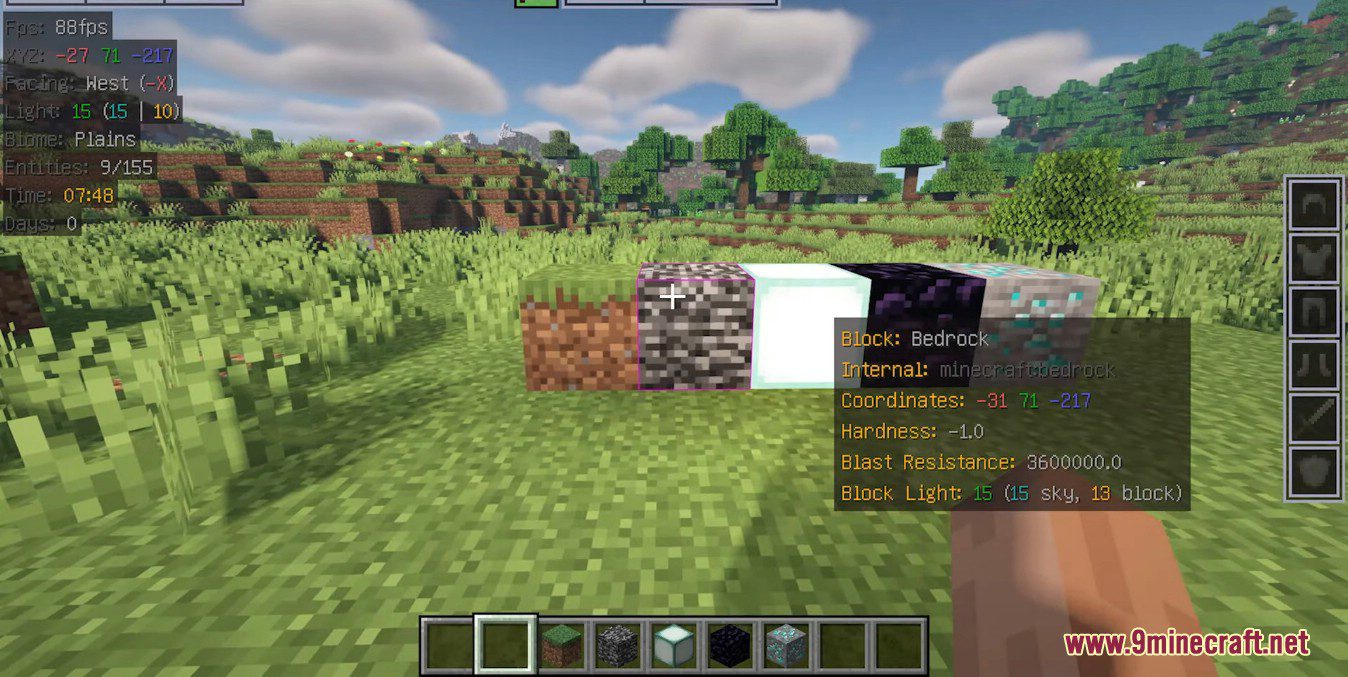
How to Install:
New to Minecraft? Follow our step-by-step guide to install Mods on your PC.View Guide
Requirements:

EssentialGUI Mod Download Links
For Minecraft 26.3
For Minecraft 26.2
For Minecraft 26.1.2, 26.1.1, 26.1
For Minecraft 1.21.11
For Minecraft 1.21.10, 1.21.9
For Minecraft 1.21.8, 1.21.7, 1.21.6
For Minecraft 1.21.5
For Minecraft 1.21.4
For Minecraft 1.21.3, 1.21.2
For Minecraft 1.21.1, 1.21
For Minecraft 1.20.6
For Minecraft 1.20.4, 1.20.3
For Minecraft 1.20.2
For Minecraft 1.20.1
For Minecraft 1.19.4
For Minecraft 1.19.3
For Minecraft 1.19.2, 1.19.1, 1.19
For Minecraft 1.18.2
For Minecraft 1.18.1
For Minecraft 1.17.1
For Minecraft 1.16.5
Click to rate this post!
[Total: 1 Average: 3]
You May Also Like
Picked for this page
 Variants and Ventures Mod (26.3, 1.20.1) – New Dangers in Every Biome
 Polymorph Mod (1.21.11, 1.20.1) – Crafting Modded Items without Conflict
 Paradise Lost Mod (1.21.11, 1.20.1) – A Heavenly Land
 Healing Soup Mod (26.3, 1.20.1) – Soup Heals Health
 No LAN Cheating Mod (26.3, 1.20.1) – Disallow Players From Using Cheats
 Clickable Advancements Mod (26.3, 1.20.1) – Open Advancement from Chat
 EXP Counter Mod (26.3, 1.20.1) – Customizable Information
 Better Conduit Placement Mod (26.3, 1.20.1) – Placing Conduit Prismarine Blocks Easier
 Item Transform Helper Mod (26.3, 1.20.1) – Set Size & Location Of Items
 Cozary Red Panda Mod (1.21.11, 1.20.1) – Adds Adorable Pet Red Pandas
 Enchantable Mace Mod (1.21.11, 1.21) – Allows Sword Enchantments On Maces
 Lexiconfig Mod (1.21.11, 1.20.1) – Simplify Mod Configurations
Most viewed in Mods over the last 7 days
 Ala Industrial Mod (26.3) – Run Electric Power Grids and Automated Factories
 PleasureCraft Mod (26.3, 1.21.1) – Jenny Mod Remake for Fabric
 Jennycraft Mod (26.3, 1.20.1) – Virtual Girlfriend in Minecraft
 Fapcraft Mod (26.3, 1.12.2) – Comprehensive and Detailed Content
 Jenny Mod (Fapcraft) Official Complete Guide – How to use, Tutorial
 BangCraft Mod (1.20.1) – Jenny, Ellie and Elliot
 Fabric Loader (26.3, 1.20.1) – Fabric Installer for All Minecraft Versions
 The Shooting Star Demo Mod (26.3, 1.20.1) – Vaporize Terrain From Orbit
 Meteor Client Mod (26.3, 1.20.1) – Xray, HUD, Fly
 OptiFine HD (26.3, 1.20.1) – Run Faster, FPS Boost, Shaders Support
 Aristois Client Mod (1.21.4, 1.20.1) – World Class Minecraft Utility
 Prestige Client Mod (1.21.11, 1.21.4) – Powerful Ghost Features for Crystal & Sword PvP
More from Mods
 Fast Paintings 9minecraft Mod (26.3, 26.2) – Place Wall Art Exactly Where You Want It
 Bonsai Trees 9minecraft Mod (26.3, 26.2) – Automate Wood Farming in Tiny Pots
 Enhanced Block Entities 9minecraft Mod (26.3) – Build Lag-Free Storage Rooms
 Better Nether 9minecraft Mod (26.3, 26.2) – Survive Forever in the Nether
 BCLib 9minecraft Mod (26.3, 26.2) – Power Custom Nether and End Overhauls
 ForgedLoaderAPI Mod (1.19.2, 1.18.2) – Bring Ported Fabric Creations
 Shield System Mod (1.21.1) – Tank Heavy Monster Hits Without Losing Hearts
 Shin’s Tensura Race Models Mod (1.19.2) – Play As Unique 3D Anime Race
 Offgrid Mod (26.3, 1.20.1) – Furnish Compact Interiors Without Strict Grid
 Tempest Almanac Iron’s Spells ‘n Spellbooks Mod (1.21.1, 1.20.1)
 Chat Guides Mod (26.3, 1.21.11) – Never Memorize Complex Server Commands Again
 TRMT Reimagined the Roads More Travelled Mod (26.3, 1.20.1)

This post has no comments yet. Be the first — your comment will appear here.