
Zergatul’s FreeCam Mod (26.3, 1.20.1) – Inspect Builds From Any Angle

 0


Zergatul’s FreeCam Mod allows you to detach your camera from your player character and explore the world freely.
Features:
- Press F6 to activate FreeCam and fly around independently of your player.
- Move through blocks and terrain without restrictions, similar to spectator mode.
- Use chat commands to check your current settings or view help.
- Change maximum speed, acceleration, and deceleration using chat commands.
- Enable or disable rendering your hands in freecam.
- Use extra keybindings to control your character or lock the camera position.
- Target blocks and entities based on your FreeCam view or your actual player position.
- Create smooth camera paths by adding points with time delays.
- Change the movement mode to a spectator-like style.
Commands:
Note: This mod uses . instead of / as its command prefix. Type every command below in chat starting with ..
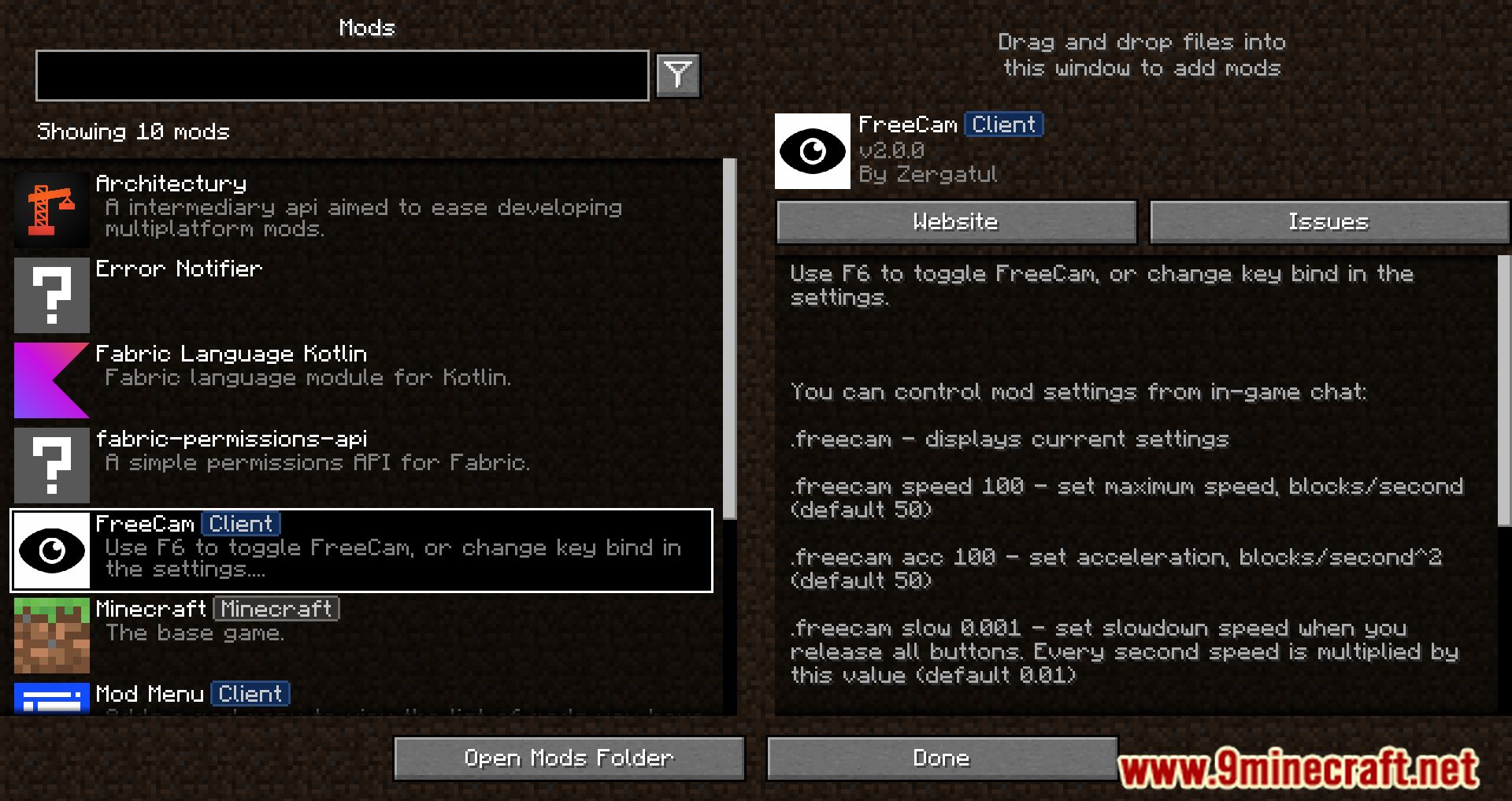
.freecam: see your current settings or open the mod..freecam 1: enter an invalid command to see help..freecam speed <number>: change maximum speed..freecam acc <number>: change acceleration..freecam slow <number>: change deceleration..freecam hands 1: enable rendering hands in freecam..freecam hands 0: disable rendering hands in freecam..freecam ia 0: disable interactions with blocks or entities in freecam..freecam ia 1: enable interactions with blocks or entities in freecam..freecam target 1: use FreeCam position and rotation to calculate targeted blocks or entities..freecam target 0: target the same blocks or entities as in normal mode..freecam path: display path information..freecam path add <number>: add a new point to the path with a delay in milliseconds..freecam path clear: clear path..freecam movement spectator: change movement mode to spectator-like..freecam movement default: revert movement mode back to default.
How to Use:
- Press F6 to toggle FreeCam mode on and off, or change the keybind in the settings.
- Use the Config button on the Mod List screen in Forge to adjust settings.
- Type .freecam in chat to open it or check your current settings.
- Use additional keybindings like Toggle Camera Lock or Toggle Eye Lock while in freecam mode for different viewing angles.
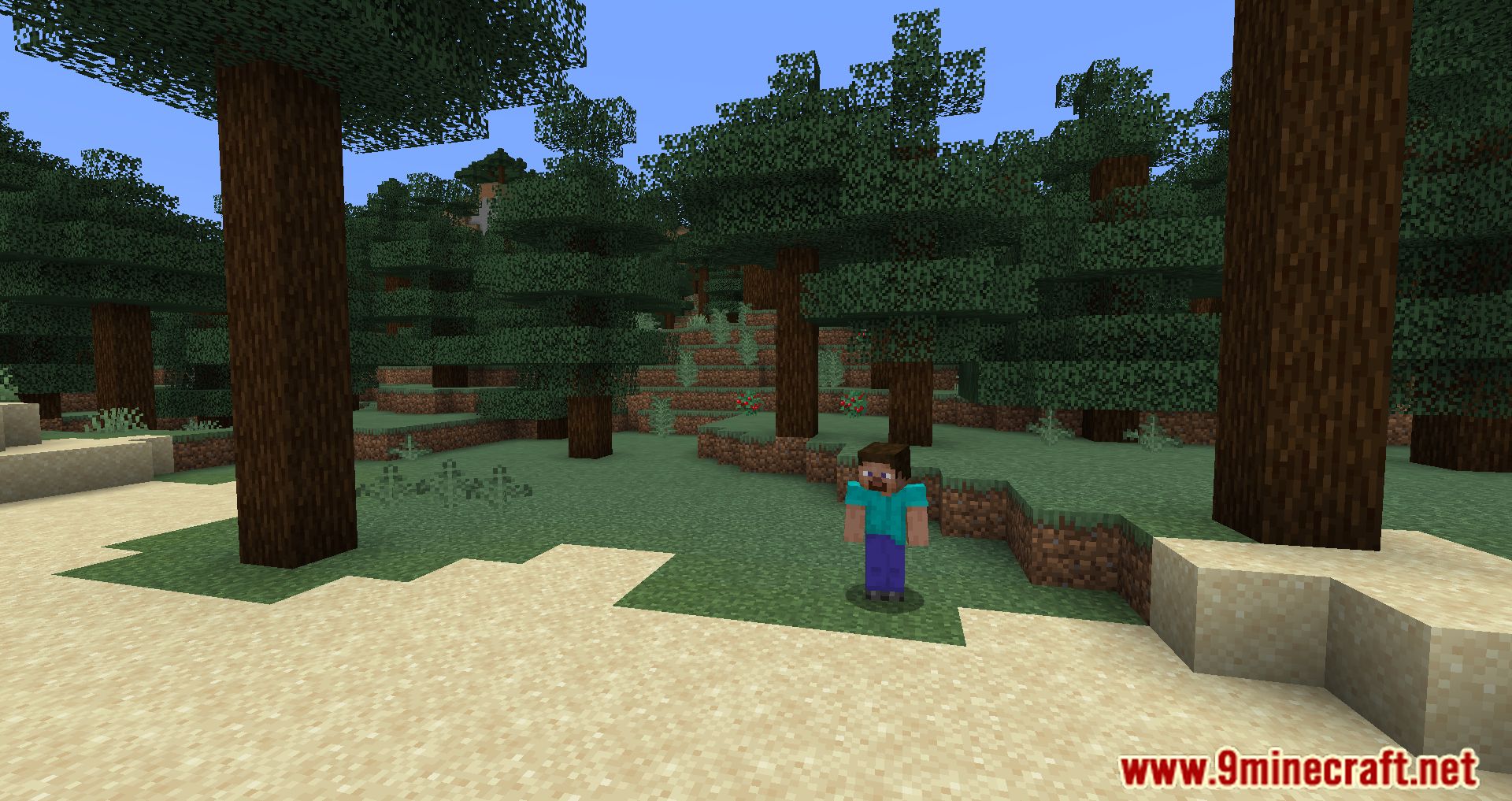
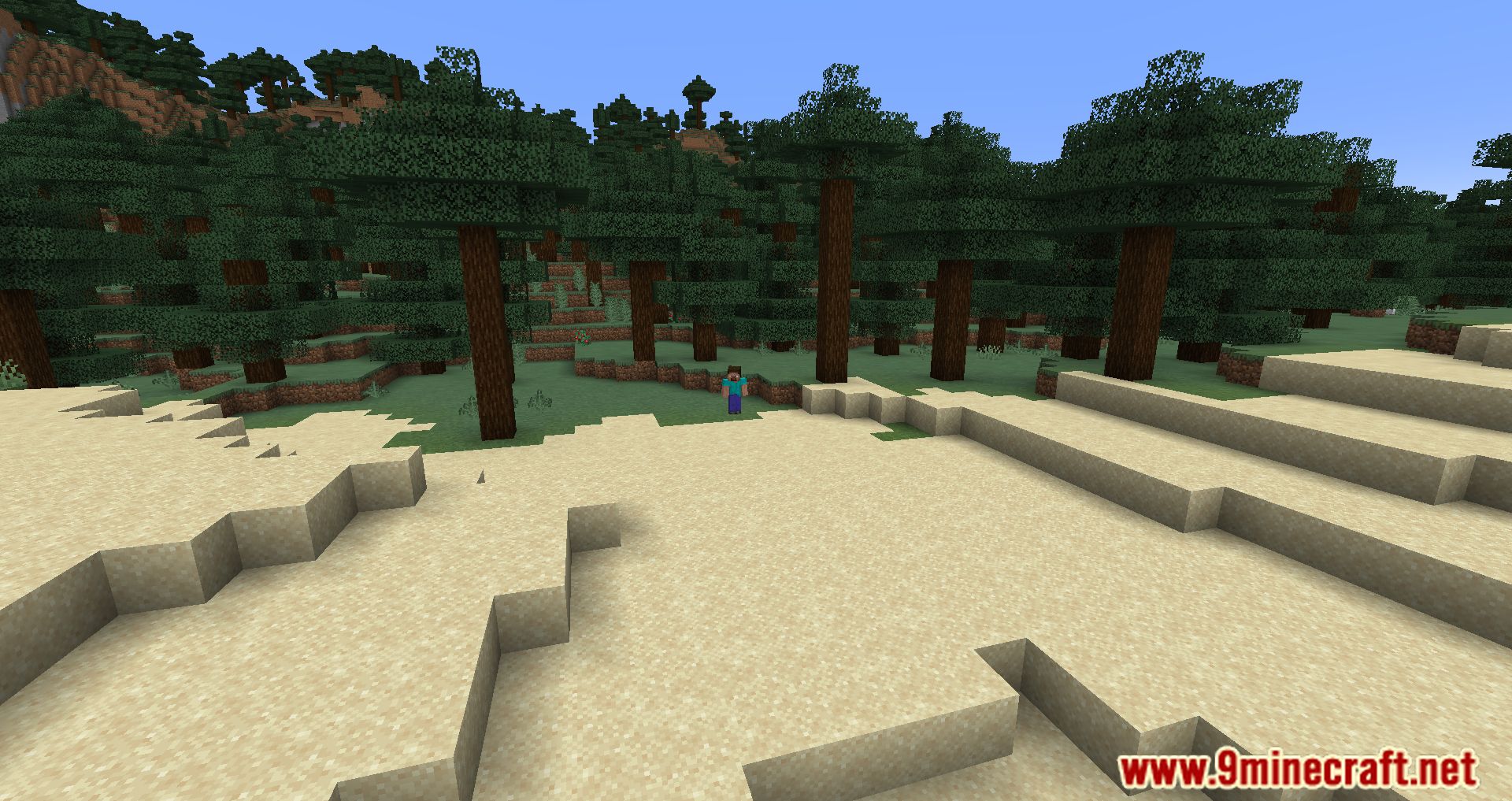
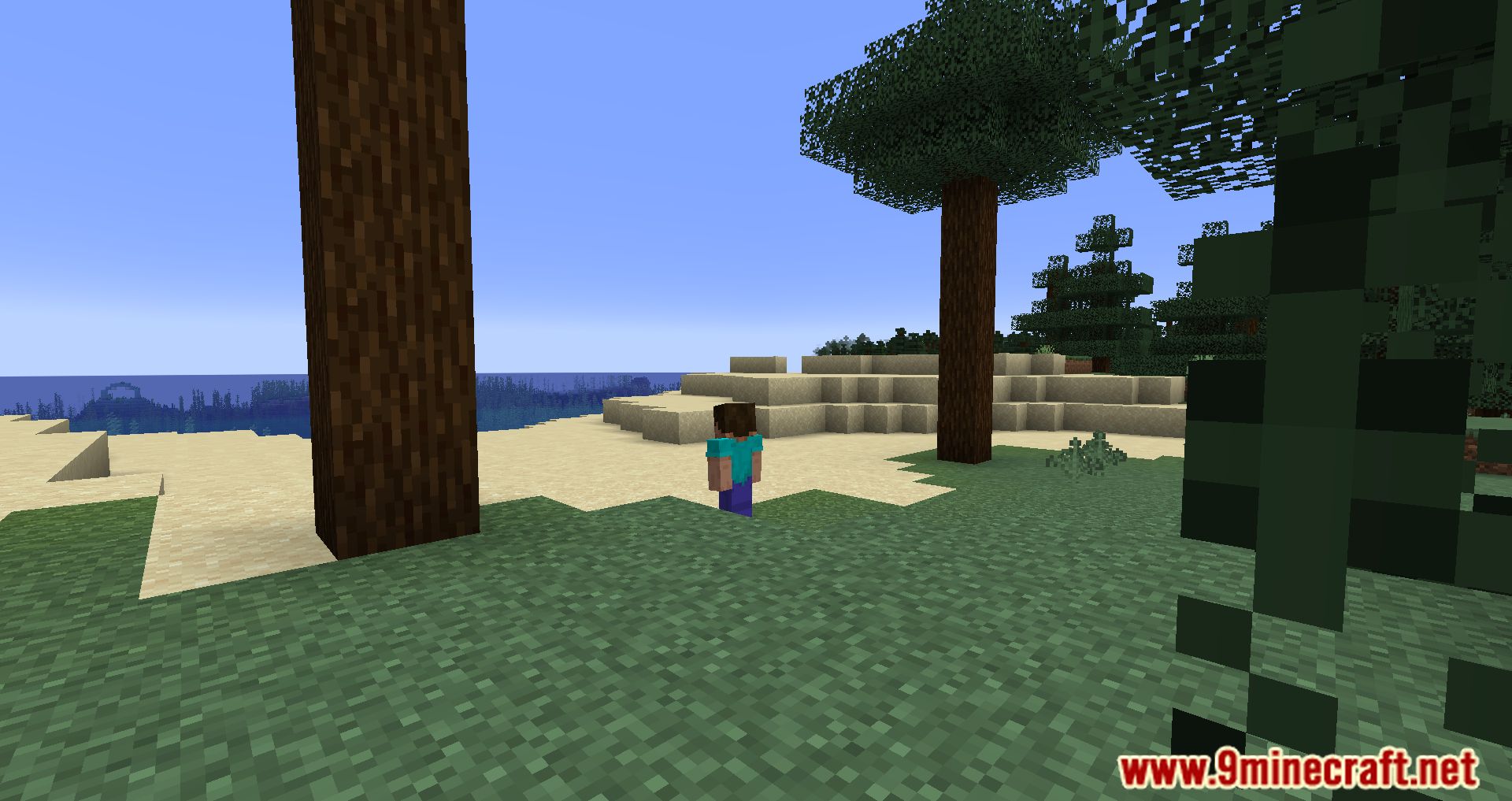
Screenshots:
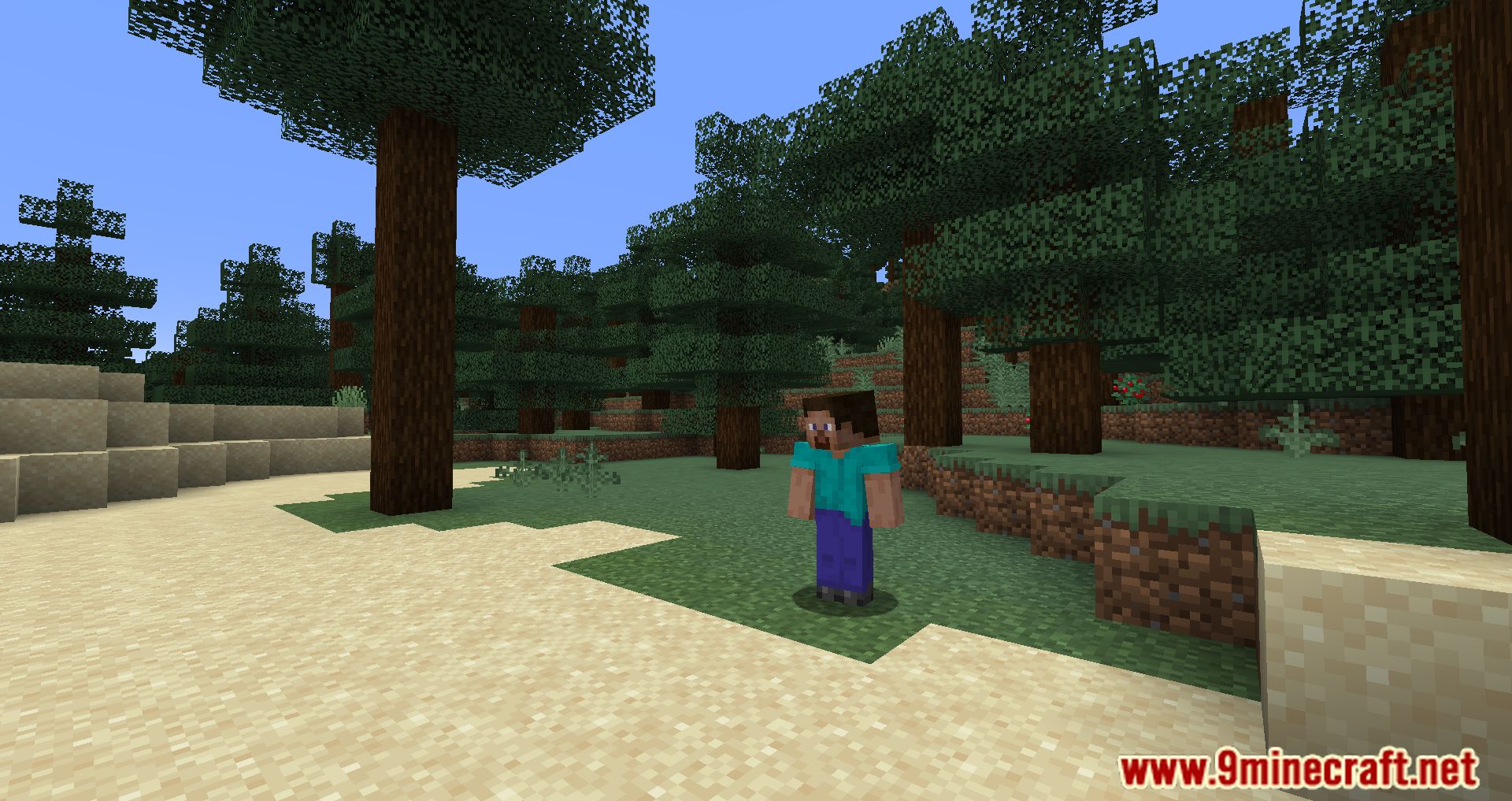
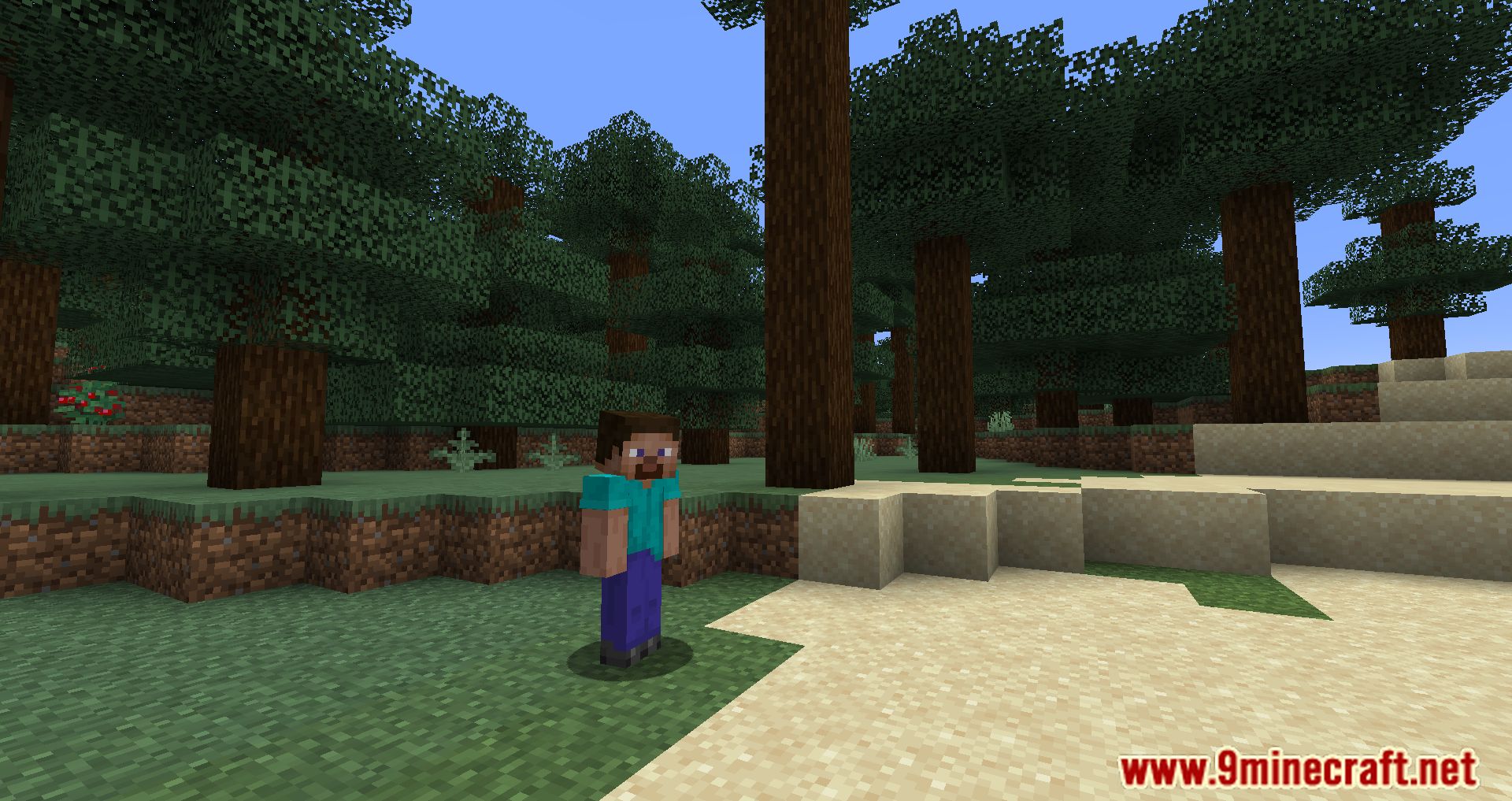
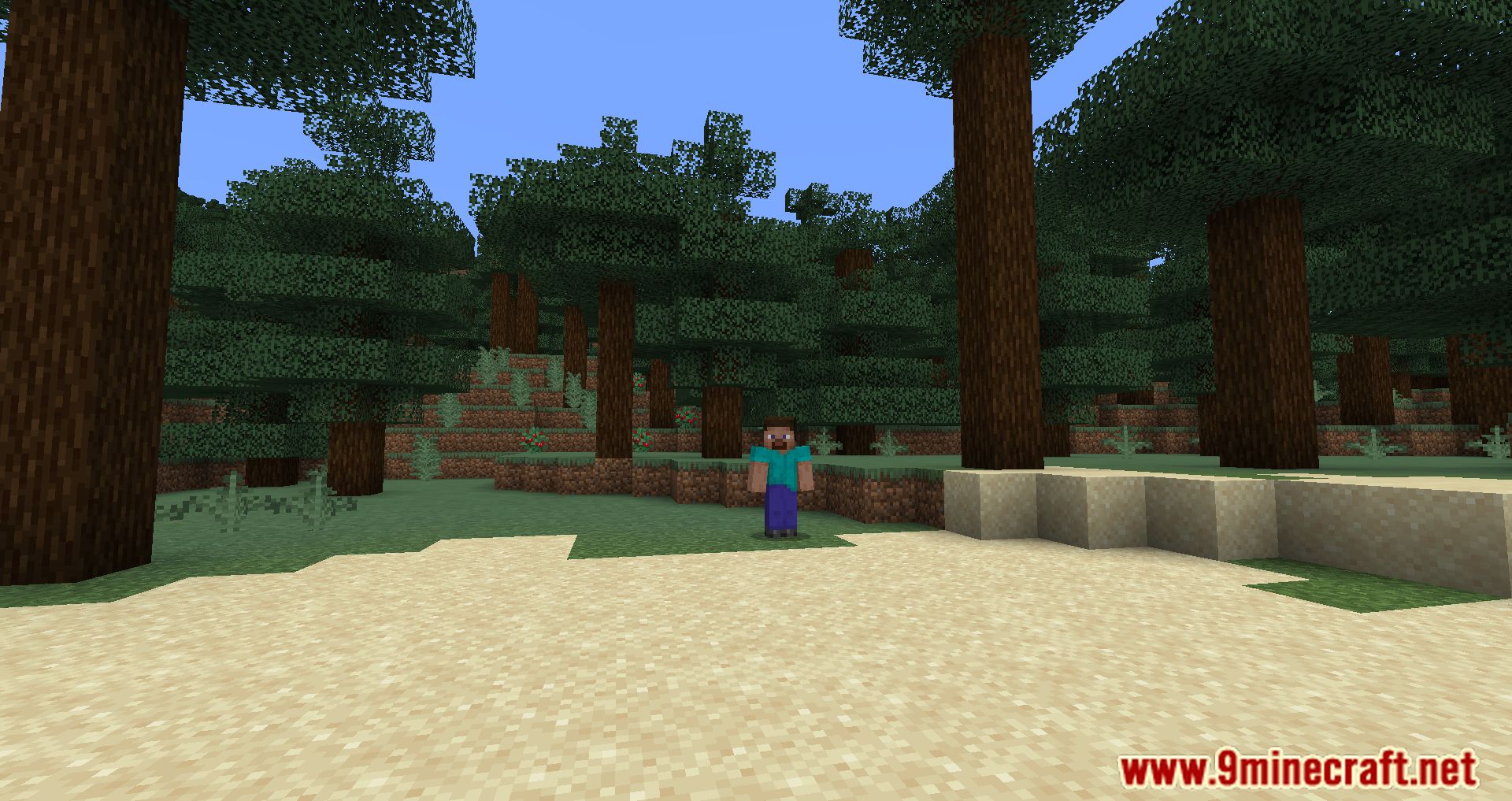
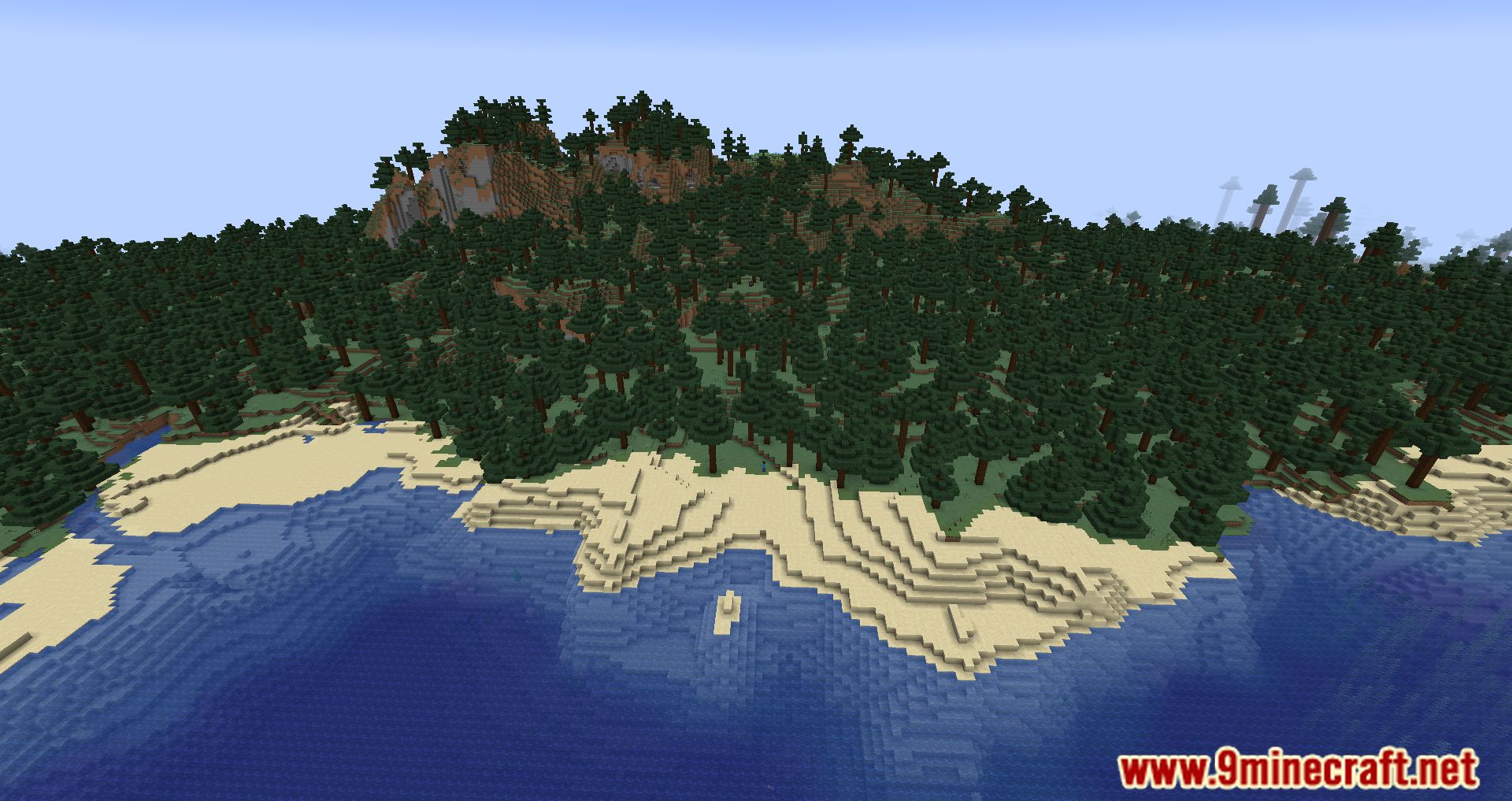
How to Install:
New to Minecraft? Follow our step-by-step guide to install Mods on your PC.View Guide



Zergatul's FreeCam Mod Download Links
For Minecraft 26.3
For Minecraft 26.2
For Minecraft 26.1.2, 26.1.1, 26.1
For Minecraft 1.21.11
For Minecraft 1.21.10, 1.21.9
For Minecraft 1.21.8, 1.21.7, 1.21.6
For Minecraft 1.21.5
For Minecraft 1.21.4
For Minecraft 1.21.3, 1.21.2
For Minecraft 1.21.1, 1.21
For Minecraft 1.20.6
For Minecraft 1.20.4
For Minecraft 1.20.2
For Minecraft 1.20.1, 1.20
For Minecraft 1.19.4
For Minecraft 1.19.3
For Minecraft 1.19.2
For Minecraft 1.19.1
For Minecraft 1.19
For Minecraft 1.18.2
For Minecraft 1.17.1
For Minecraft 1.16.5
For Minecraft 1.12.2
For Minecraft 1.8.9
For Minecraft 1.7.10
Click to rate this post!
[Total: 7 Average: 3.9]
You May Also Like
Picked for this page
 AppleSkin Mod (26.3, 1.20.1) – Food-Related HUD
 GlitchCore (26.3, 1.20.1) – Library for Glitchfiend’s Mods
 Fishing Real Mod (26.1.2, 1.20.1) – Fish Up Real Entities
 Blast Mod (26.3, 1.20.1) – Bombs, Explosion
 Death Finder Mod (26.3, 1.20.1) – Death Messages with Coordinates
 Banner Flags Mod (26.3, 1.20.1) – Customize Your World With Banner Flags
 Advanced Shulkerboxes Mod (26.2, 1.20.1) – Improved Function of Shulker Box
 Growmeal Mod (26.3, 1.20.1) – Speed Up Your Farming
 Cobble Gen Haters Mod (26.2, 1.20.1) – No Cobble/Stone Generation
 Crop Critters Mod (26.2, 1.20.1) – Living Crops Farming Automation
 Charcoal Blocks Mod (26.3, 1.20.1) – Efficient Fuel Without Ever Mining
 Startup Time Mod (26.2, 1.20.1) – Track Load Times
Most viewed in Mods over the last 7 days
 Ala Industrial Mod (26.3) – Run Electric Power Grids and Automated Factories
 PleasureCraft Mod (26.3, 1.21.1) – Jenny Mod Remake for Fabric
 Jennycraft Mod (26.3, 1.20.1) – Virtual Girlfriend in Minecraft
 Fapcraft Mod (26.3, 1.12.2) – Comprehensive and Detailed Content
 Jenny Mod (Fapcraft) Official Complete Guide – How to use, Tutorial
 BangCraft Mod (1.20.1) – Jenny, Ellie and Elliot
 Fabric Loader (26.3, 1.20.1) – Fabric Installer for All Minecraft Versions
 The Shooting Star Demo Mod (26.3, 1.20.1) – Vaporize Terrain From Orbit
 Meteor Client Mod (26.3, 1.20.1) – Xray, HUD, Fly
 OptiFine HD (26.3, 1.20.1) – Run Faster, FPS Boost, Shaders Support
 Aristois Client Mod (1.21.4, 1.20.1) – World Class Minecraft Utility
 Prestige Client Mod (1.21.11, 1.21.4) – Powerful Ghost Features for Crystal & Sword PvP
More from Mods
 The Man from the Shadow Horror Mod (1.20.1) – Fight Hallucinations to Survive
 Shade & Saturation Slider Mod (26.2, 1.21.11) – Make Every Biome Vibrant
 Cataclysm X Yung’s Better Nether Fortresses Compat Mod (1.21.1, 1.20.1)
 Patchouli 9minecraft Mod (26.3) – Read Mod Guides Without Leaving Minecraft
 Paintings ++ 9minecraft Mod (26.3) – Pick the Exact Painting You Want
 owo-lib 9minecraft Mod (26.3) – Run Your Favorite Mods Without Errors
 Moonlight 9minecraft Lib (26.3, 26.2) – Run Complex Mods Without Errors
 Load My Tags 9minecraft Mod (26.3) – Mix Mods Without Breaking Recipes
 Kambrik 9minecraft Mod (26.3) – Run Kotlin Mods Without Game Lag
 Fast Paintings 9minecraft Mod (26.3, 26.2) – Place Wall Art Exactly Where You Want It
 Bonsai Trees 9minecraft Mod (26.3, 26.2) – Automate Wood Farming in Tiny Pots
 Enhanced Block Entities 9minecraft Mod (26.3) – Build Lag-Free Storage Rooms

This post has no comments yet. Be the first — your comment will appear here.