
Paper Doll Mod (26.3, 1.20.1) – Track Outfits on the Move
 10,187
 0

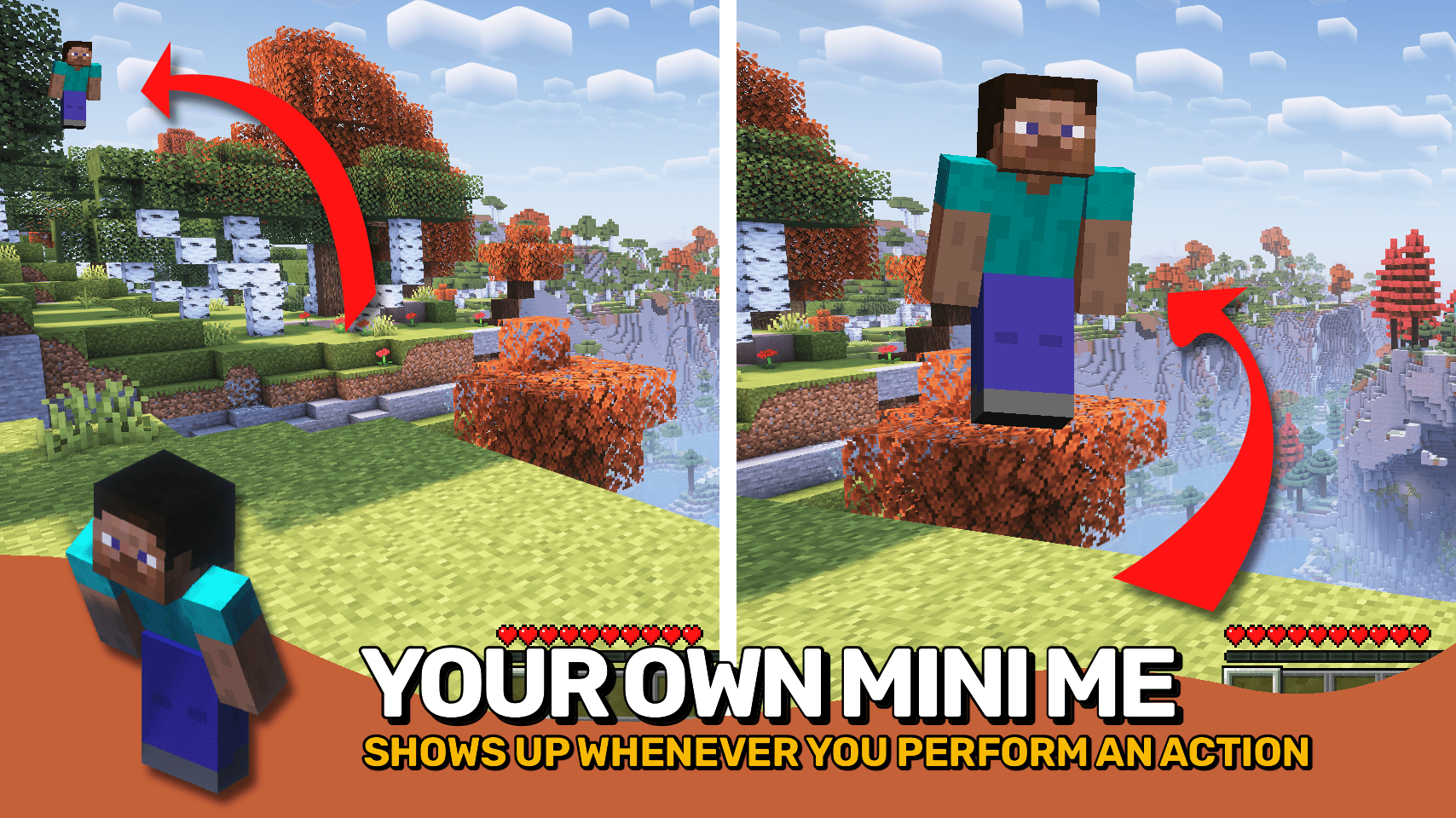
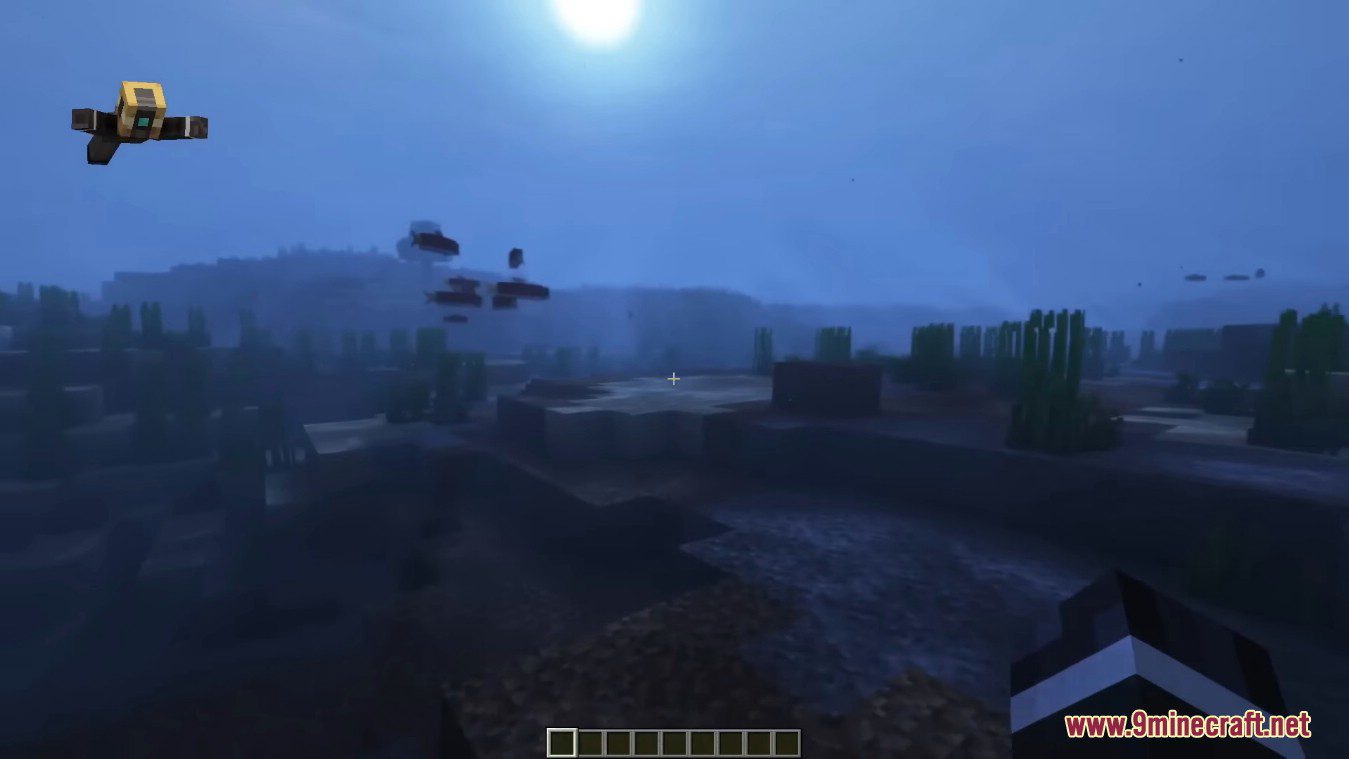
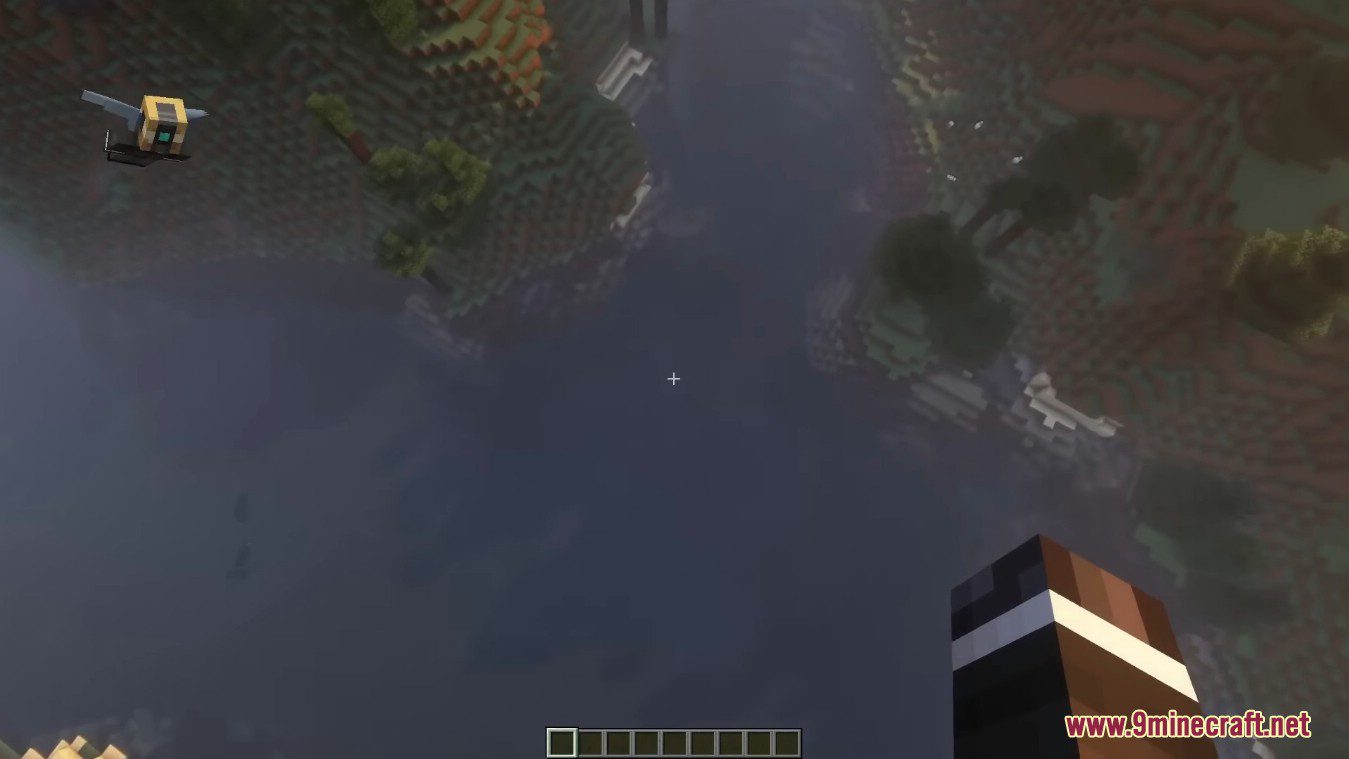
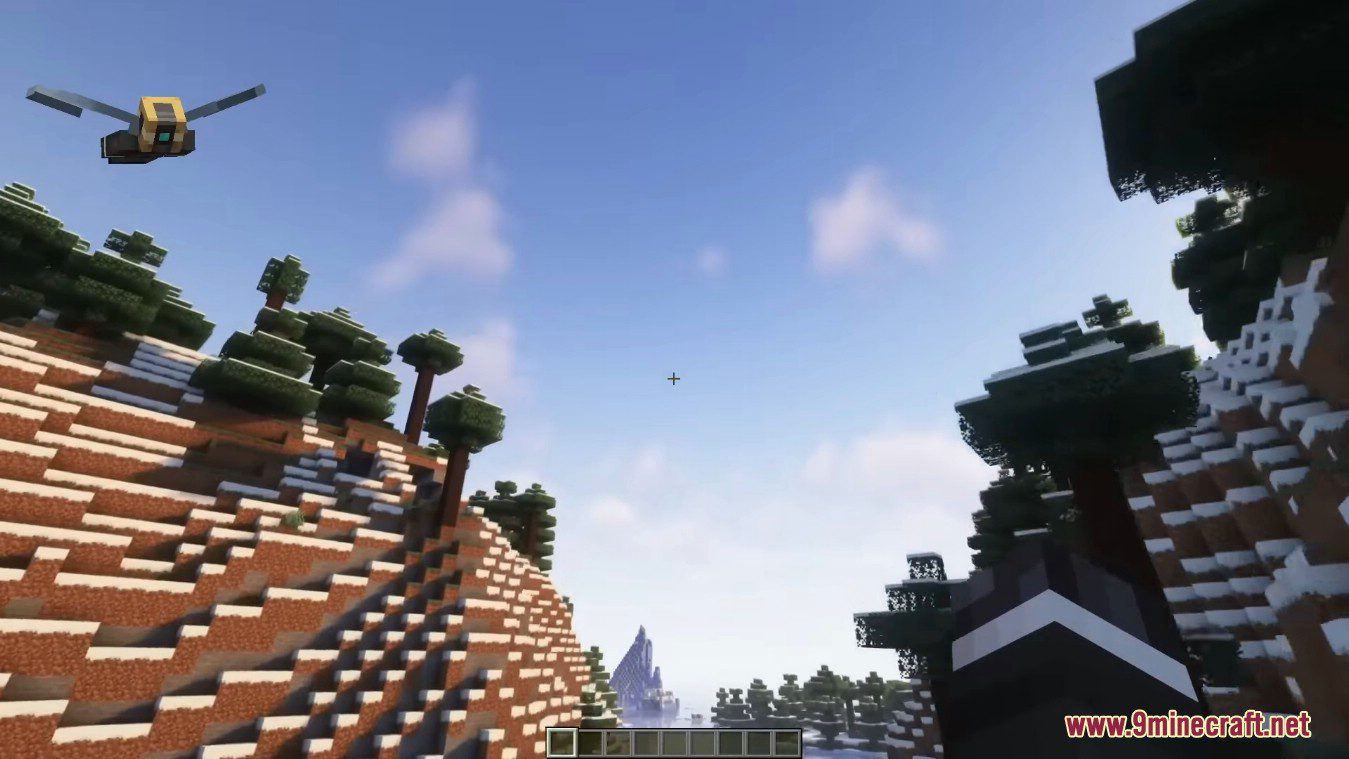
Paper Doll Mod brings the classic Bedrock Edition mini-character display to Minecraft Java Edition. This mod puts a small model of your player right on the screen when you sprint, swim, crouch, crawl, fly, or glide with Elytra. It lets you check your skin, worn armor, and live movement animations at a glance without pausing or opening any menu. You can change the model’s screen position, size, head tracking, display time, and trigger actions to match your HUD. It works on the client side and needs Puzzles Lib on Fabric and NeoForge, along with Fabric API and Forge Config API Port on Fabric.
Features:
- Bedrock-Style HUD Model: Shows a small version of your player right on your screen, starting in the top-left corner just like Bedrock Edition.
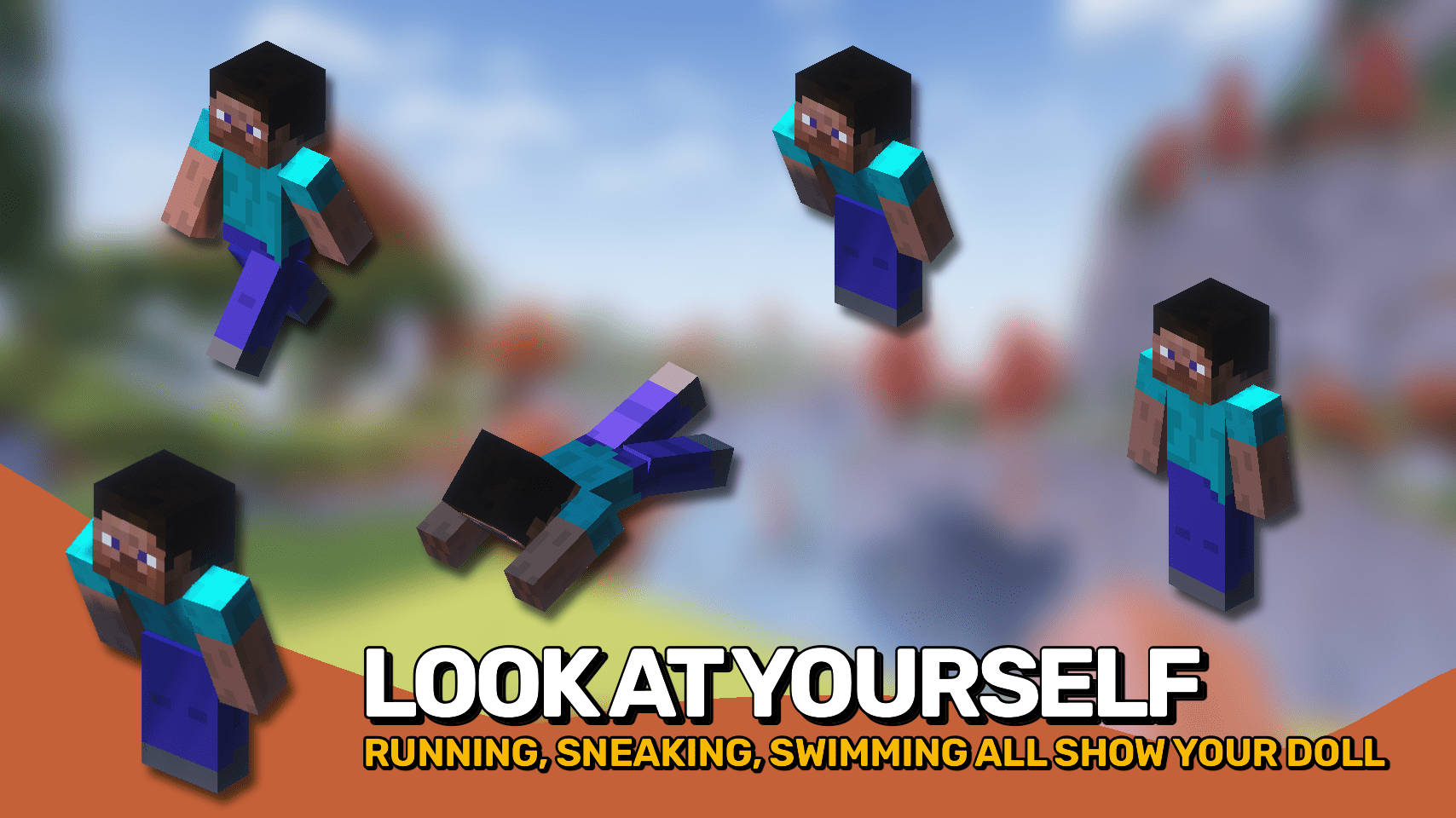
- Action-Based Triggers: Pops up automatically when you sprint, swim, crouch, crawl, walk, fly, or glide with Elytra.
- Live Skin and Armor View: Displays your current skin, worn armor, and real-time limb movements without opening your inventory or menus.
- Custom Screen Placement: Lets you move the display anywhere on your screen using adjustable anchor points and offsets.
- Lets you resize the mini character so it fits your favorite HUD layout.
- Tracks your camera movement so the character’s head follows your yaw, pitch, or both directions.
- Gives you timing controls to keep the display on screen all the time or hide it shortly after an action ends.
- Lets you pick the exact player actions that turn the display on and tweak how it behaves.
How to Use:
- Start sprinting, swimming, crouching, crawling, flying, or gliding with Elytra, and the mini player model pops up in the corner of your screen.
- Glance at the HUD display while moving to check your character’s pose, skin, worn armor, and live animations without opening any menu.
- Open the in-game mod menu (requires Mod Menu on Fabric) to change the display size, screen position, head tracking, timing, and trigger actions right away.
- For manual tweaks, open the config file inside your
.minecraft/configfolder with a text editor to adjust the same settings.
Screenshots:
How to Install:
New to Minecraft? Follow our step-by-step guide to install Mods on your PC.View Guide
Requirements:




Paper Doll Mod Download Links
For Minecraft 26.3
For Minecraft 26.2
For Minecraft 26.1.2, 26.1.1, 26.1
For Minecraft 1.21.11
For Minecraft 1.21.10, 1.21.9
For Minecraft 1.21.8, 1.21.7, 1.21.6
For Minecraft 1.21.5
For Minecraft 1.21.4
For Minecraft 1.21.3, 1.21.2
For Minecraft 1.21.1, 1.21
For Minecraft 1.20.4
For Minecraft 1.20.1, 1.20
For Minecraft 1.19.2
For Minecraft 1.17.1
For Minecraft 1.14.4
You May Also Like
Picked for this page
 Enchanting Infuser Mod (26.3, 1.20.1) – New Enchanting System
 No Recipe Book Mod (26.3, 1.20.1) – Remove the Recipe Button from Inventory
 Healing Soup Mod (26.3, 1.20.1) – Soup Heals Health
 Simple Night Vision Mod (1.21.11, 1.20.1) – Permanent Night Vision for Everyone
 No LAN Cheating Mod (26.3, 1.20.1) – Disallow Players From Using Cheats
 Lenient Creepers Mod (26.3, 1.20.1) – Items Remaining After An Explosion
 Achievements Optimizer Mod (26.1.2, 1.20.1) – Reduces Server Lag
 Nether Coords Mod (26.2, 1.20.1) – Custom Coordinates
 Raised Mod (26.3, 1.20.1) – Fixes Hotbar Selector
 Better Conduit Placement Mod (26.3, 1.20.1) – Placing Conduit Prismarine Blocks Easier
 Item Transform Helper Mod (26.3, 1.20.1) – Set Size & Location Of Items
 Default Server Properties Mod (26.3, 1.20.1) – Preset Rules for Any World
Most viewed in Mods over the last 7 days
 Ala Industrial Mod (26.3) – Run Electric Power Grids and Automated Factories
 PleasureCraft Mod (26.3, 1.21.1) – Jenny Mod Remake for Fabric
 Jennycraft Mod (26.3, 1.20.1) – Virtual Girlfriend in Minecraft
 Fapcraft Mod (26.3, 1.12.2) – Comprehensive and Detailed Content
 Jenny Mod (Fapcraft) Official Complete Guide – How to use, Tutorial
 BangCraft Mod (1.20.1) – Jenny, Ellie and Elliot
 Fabric Loader (26.3, 1.20.1) – Fabric Installer for All Minecraft Versions
 The Shooting Star Demo Mod (26.3, 1.20.1) – Vaporize Terrain From Orbit
 Meteor Client Mod (26.3, 1.20.1) – Xray, HUD, Fly
 OptiFine HD (26.3, 1.20.1) – Run Faster, FPS Boost, Shaders Support
 Aristois Client Mod (1.21.4, 1.20.1) – World Class Minecraft Utility
 Prestige Client Mod (1.21.11, 1.21.4) – Powerful Ghost Features for Crystal & Sword PvP
More from Mods
 Anvil Uses Mod (26.3, 1.20.1) – Track Item Anvil Usage
 Animal Info Mod (26.3, 1.21.11) – Quick Stats For Your Animals
 Timber Tales Dynamic Tree System Mod (26.3, 1.20.1) – Watch Entire Trees Topple
 Gabou’s Libs Mod (26.3, 1.20.1) – Keep Custom Weather and Survival Mods Stable
 /Sit Mod (26.3, 1.21.1) – Make The Player Sit Down
 Arcane Redstone Dial Mod (26.3, 1.20.1) – Trigger Commands and Shortcuts
 The Graveyard Mod (26.3, 1.20.1) – Cemeteries in Minecraft
 Enhanced Overlay Mod (26.3, 1.21.11) – Remove Screen Clutter
 Flint Mod (1.21.11) – Run DiamondFire Community Addons Without Crashing
 Not Just Sandwich Mod (26.3, 1.20.1) – Edibles, Sandwiches
 Waddles Mod (26.3, 1.20.1) – Make Icy Biomes Feel Alive
 Artemis’ Thin Logs Mod (26.3, 1.20.1) – Build Custom Trees and Detailed Wood

This post has no comments yet. Be the first — your comment will appear here.