
Dynamic Music Mod (1.18.1, 1.16.5) – Soundtracks That Change As You Explore

 0


Dynamic Music Mod adds adaptive music cues and seven new songs to your Minecraft world. It plays matching tracks for daytime, nighttime, caves, cold biomes, and hot biomes. This mod also brings three boss tracks to the Ender Dragon fight and four songs for Creative mode in The End. As midnight gets closer, songs can slow down and drop in pitch, and your ambience mood builds up faster near mineshafts. You can turn any cue on or off or tweak its settings to match how you play. It runs on the client side, so you can use it on multiplayer servers even if the server does not have it.
Features:
- Adaptive Music Cues: Plays matching background music based on the time of day and where you are, with separate cues for daytime, nighttime, caves, cold biomes, and hot biomes.
- The End Music: Adds three boss tracks to the Ender Dragon fight and four extra tracks when you are in Creative mode in The End.
- Slower Midnight Music: Slows songs down and lowers their pitch as the clock gets closer to midnight (18000 ticks), picking random values that can drop as low as half the normal speed and pitch.
- Raises your ambience mood value faster when you are inside, around, or near a mineshaft.
- Lets you turn every feature on or off and adjust individual settings through Mod Menu or the config file.
- Runs on the client side, so it works on multiplayer servers even when the server does not have it.
- Pairs well with the Music Duration Reducer mod.
- Includes seven tracks under the Attribution 3.0 Unported (CC BY 3.0) license, so you can play them in videos without claims and remix or adapt them with credit.
Boss Music Tracks (Ender Dragon Fight):
- Granted to End
- Boats and Butterflies
- Eccedentesiast
Creative End Music Tracks:
- Borat
- Balloon
- Ethereal Ereria
- Edreit
Configuration:
dynamicmusic.json: Main config file inside your Minecraft config folder. Open it in a text editor to turn features on or off and change individual music settings.
How to Use:
In-Game with Mod Menu:
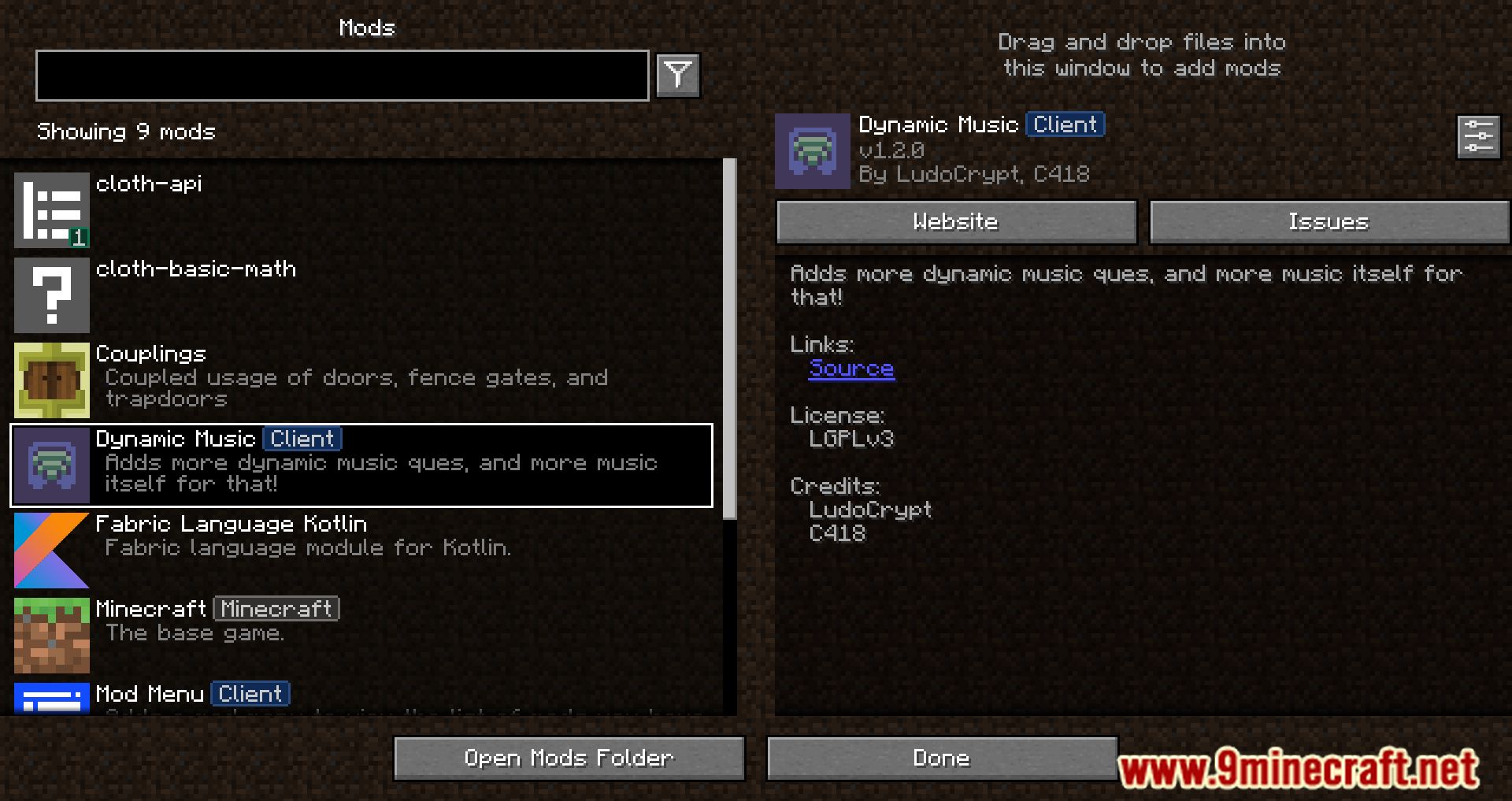
- Click the Mods button on the main menu to open your mod list.
- Find and click Dynamic Music in the list to open its page.
- Click the config button in the top-right corner to open the settings menu.
- Turn features on or off and change individual values to control how music plays.
Editing the Config File:
- Open your Minecraft folder and go into the
configfolder. - Find
dynamicmusic.jsonand open it with any text editor. - Change the values to turn cues on or off or adjust settings, then save the file.
If You Do Not Hear New Music:
- Check the Mods menu in Forge or Mod Menu in Fabric to make sure the mod is active.
- Turn your Master Volume down to 0 and back up to trigger the music, because turning only Music Volume to 0 and back will not start the tracks.
Screenshots:




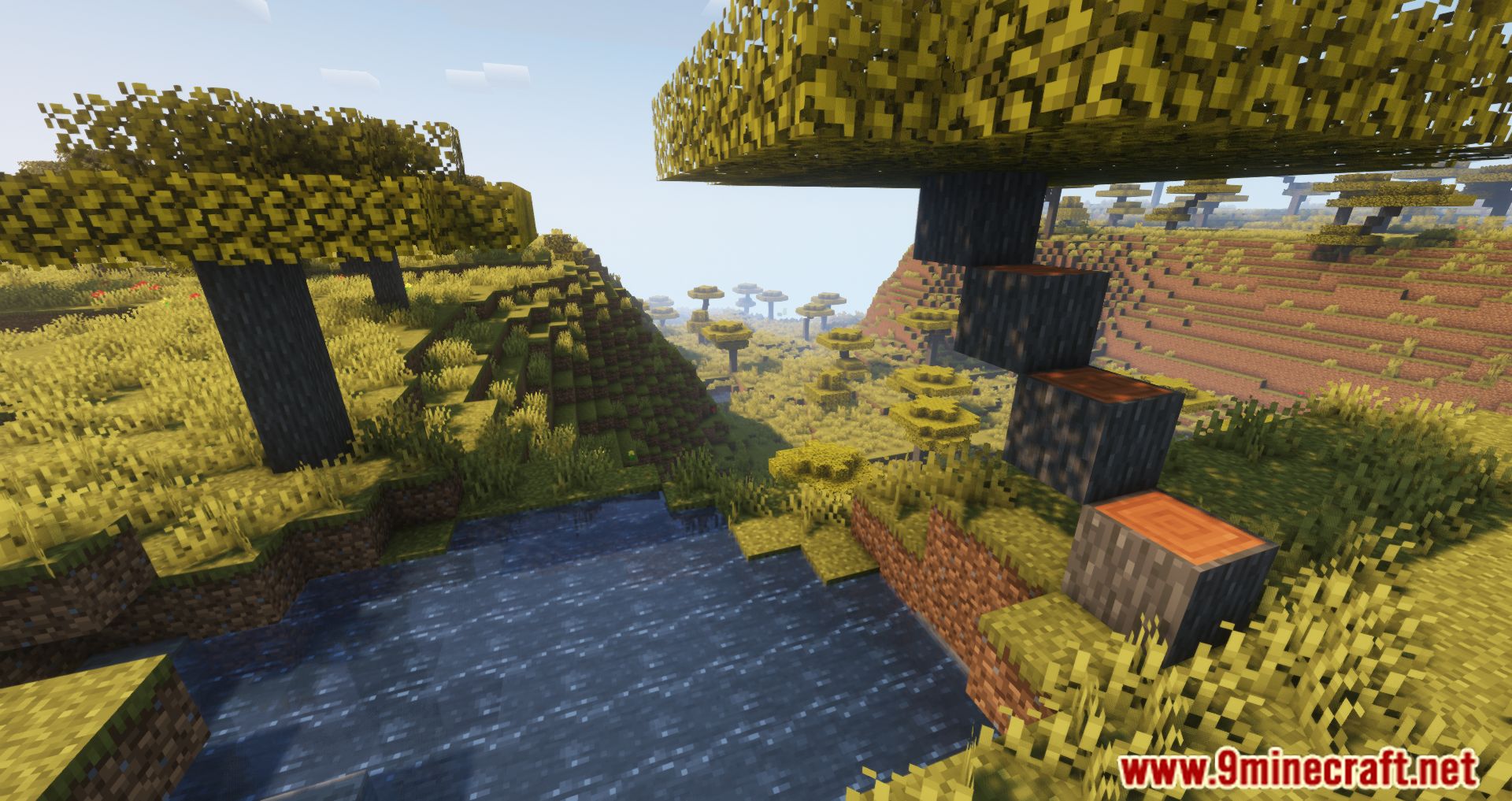
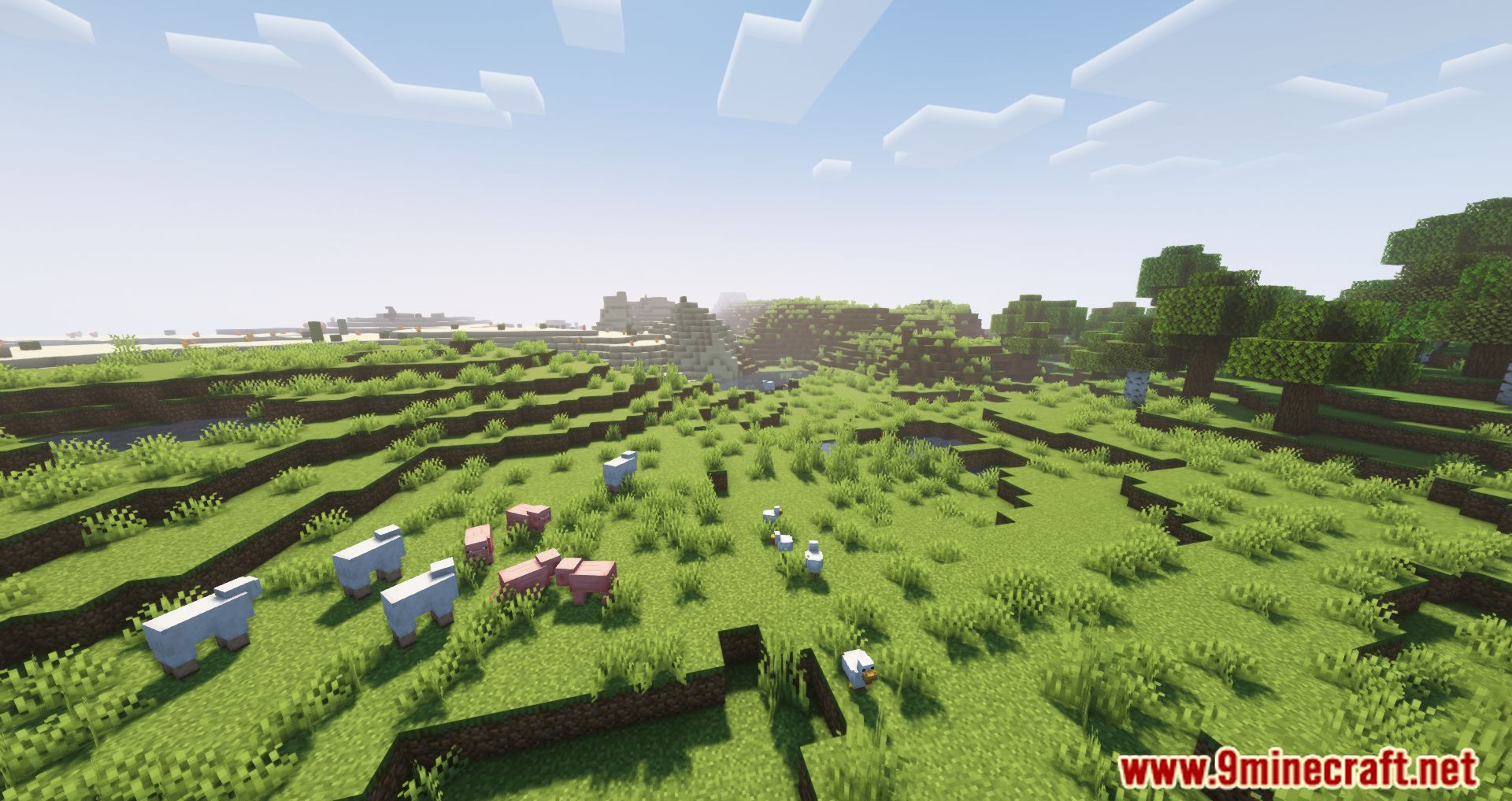

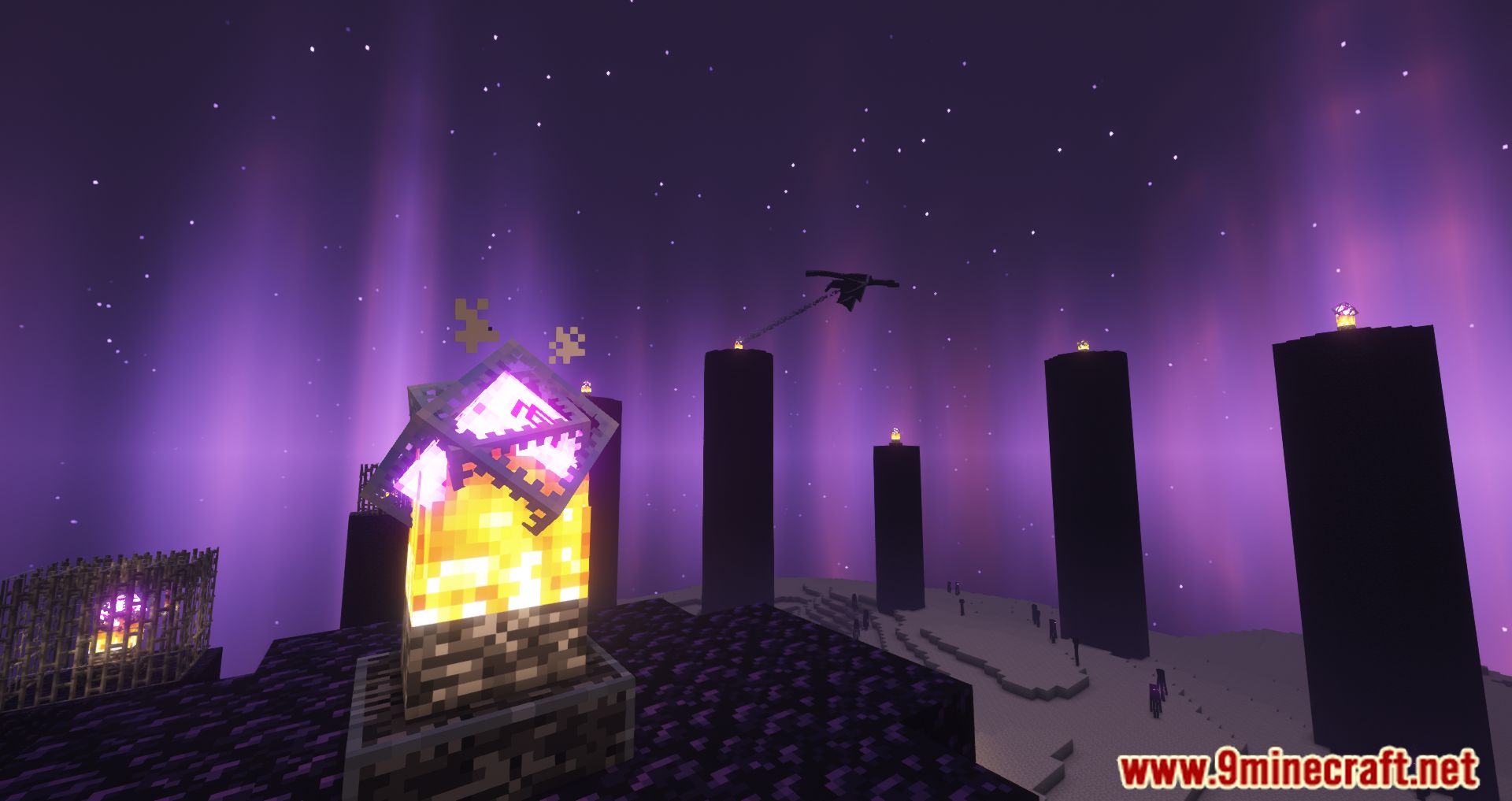

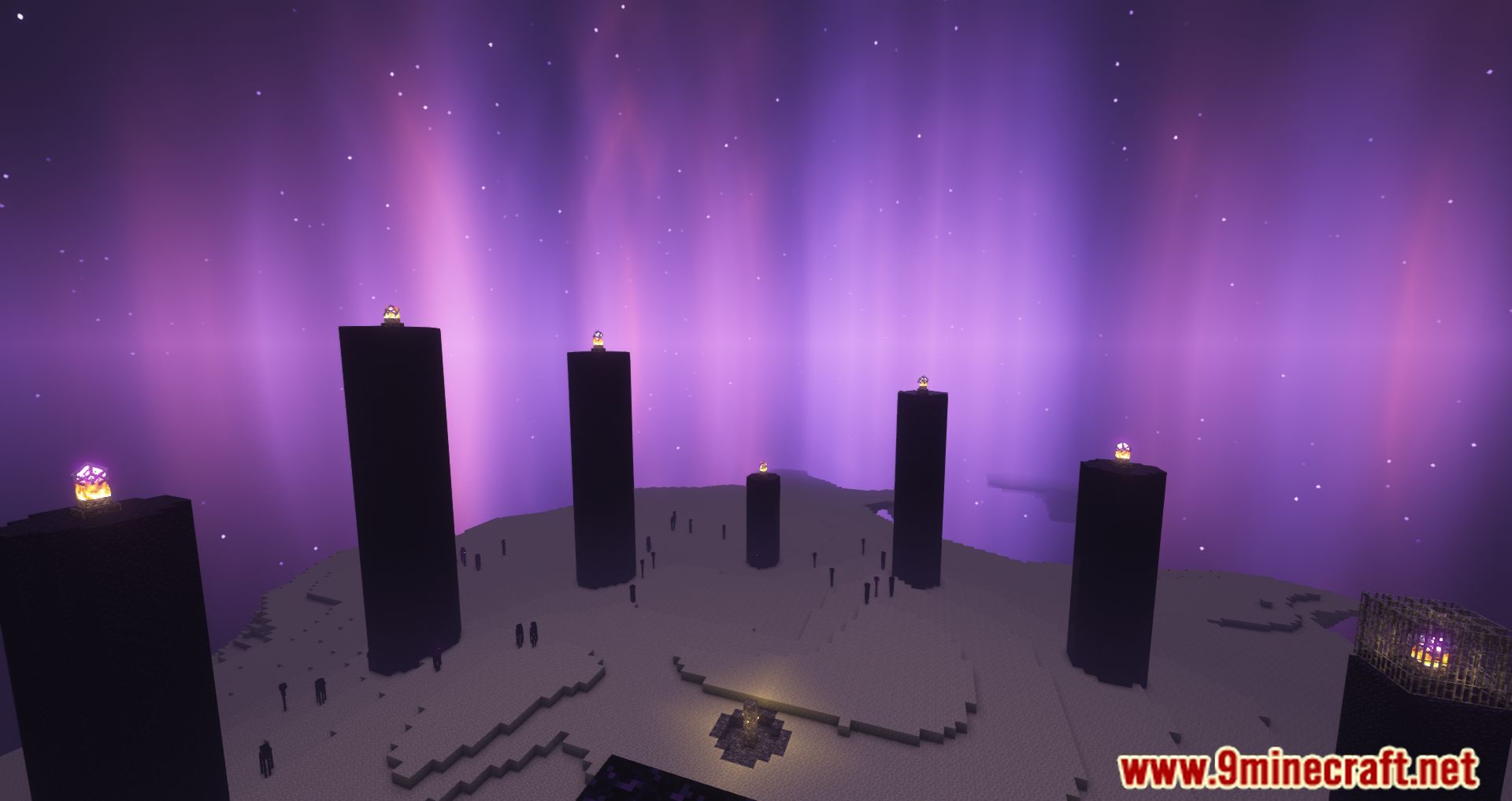
How to Install:
New to Minecraft? Follow our step-by-step guide to install Mods on your PC.View Guide
Dynamic Music Mod Download Links
For Minecraft 1.18.1
Fabric version: Download from Server 1 – Download from Server 2
Forge version: Download from Server 1 – Download from Server 2
For Minecraft 1.17.1
Fabric version: Download from Server 1 – Download from Server 2
For Minecraft 1.16.5
Fabric version: Download from Server 1 – Download from Server 2
Forge version: Download from Server 1 – Download from Server 2
Which launcher do you primarily use to manage and run your modded Minecraft instances?
8 responses · See the full results →
You May Also Like
Picked for this page
 Traveler’s Backpack Mod (26.3, 1.20.1) – A Mobile Base on Your Back
 Chunk Loaders Mod (26.3, 1.20.1) – Keep Everything Running Even When You’re Away
 FurniCraft Mod (1.21.11, 1.20.1) – Unique Furniture Without Resource Packs
 O-Peepo Health Indicator Mod (26.1, 1.21.1) – Player Health Display
 Powershot Mod (1.20.1) – Charging up a Ranged Attack
 Crate Delight Mod (26.3, 1.20.1) – Functional Crates and Bags
 The Speedrunner Mod (26.3, 1.20.1) – Speedrun-Focused Gameplay Overhaul
 Illager Expansion Recrafted Mod (26.3, 1.21.1) – Expands Illager Content
 Doctor Who: Weeping Angels Mod (1.21.11, 1.20.1) – Do Not Blink
 Server Side Vein Mine Mod (1.21.11, 1.20.1) – Multiplayer Vein Mining Without Client Mods
 Insane’s Survival Overhaul Mod (1.21.1, 1.20.1) – A Survival Experience
 Turtle Armor Mod (26.3, 1.20.1) – Rule the Seas Like a Turtle
Most viewed in Mods over the last 7 days
 Ala Industrial Mod (26.3) – Run Electric Power Grids and Automated Factories
 PleasureCraft Mod (26.3, 1.21.1) – Jenny Mod Remake for Fabric
 Jennycraft Mod (26.3, 1.20.1) – Virtual Girlfriend in Minecraft
 Fapcraft Mod (26.3, 1.12.2) – Comprehensive and Detailed Content
 Jenny Mod (Fapcraft) Official Complete Guide – How to use, Tutorial
 BangCraft Mod (1.20.1) – Jenny, Ellie and Elliot
 Fabric Loader (26.3, 1.20.1) – Fabric Installer for All Minecraft Versions
 The Shooting Star Demo Mod (26.3, 1.20.1) – Vaporize Terrain From Orbit
 Meteor Client Mod (26.3, 1.20.1) – Xray, HUD, Fly
 OptiFine HD (26.3, 1.20.1) – Run Faster, FPS Boost, Shaders Support
 Aristois Client Mod (1.21.4, 1.20.1) – World Class Minecraft Utility
 Prestige Client Mod (1.21.11, 1.21.4) – Powerful Ghost Features for Crystal & Sword PvP
More from Mods
 Soulscraft Tarnished Legacy Mod (1.21.1) – Hunt Relics to Forge Dark Fantasy
 Fetzi’s Displays Mod (26.1.2, 1.20.1) – Turn Rare Gear and Weapons
 Primal Plushies Paleo Pals Mod (1.21.1, 1.20.1) – Decorate Your Base
 Ipla Mod (26.3, 1.20.1) – Showcase Your Favorite Items
 MesdagPortLib Mod (1.20.1) – Run Modern Minecraft Mechanics on Older Versions
 Hellion’s API Mod (1.21.11, 1.21.1) – Play Hellion Series Addons Without Crashes
 Terrestria Mod (26.3, 1.20.1) – Highly Detailed Biomes
 Tre’s Tack Library Mod (1.20.1) – Outfit Your Horses with Fully Detailed Tack
 YDM’s coreX Library Mod (1.20.1) – Loot RPG Gear with Random Names
 Gunpowder Recipe Mod (26.3, 1.20.1) – Gunpowder is Craftable
 Villager Timetable Mod (26.3, 1.20.1) – Master Villager Schedules
 Artemis Laboratory Blocks Mod (26.3, 1.20.1) – Lab Blocks And Dynamic Decorations

This post has no comments yet. Be the first — your comment will appear here.