
Day Counter Mod (1.21.1, 1.20.1) – Track Daily Milestones in Your World
 18,853
 0


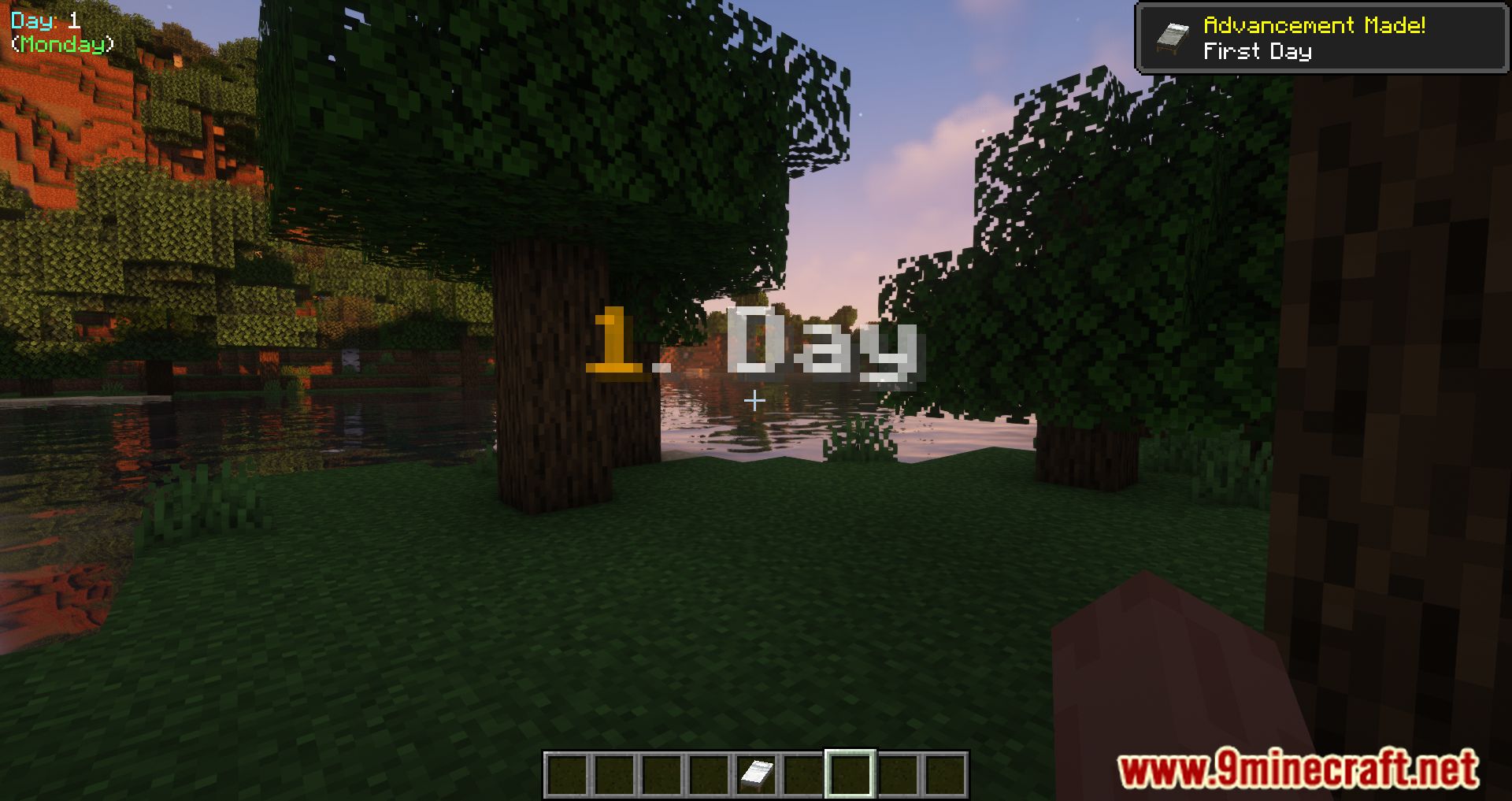
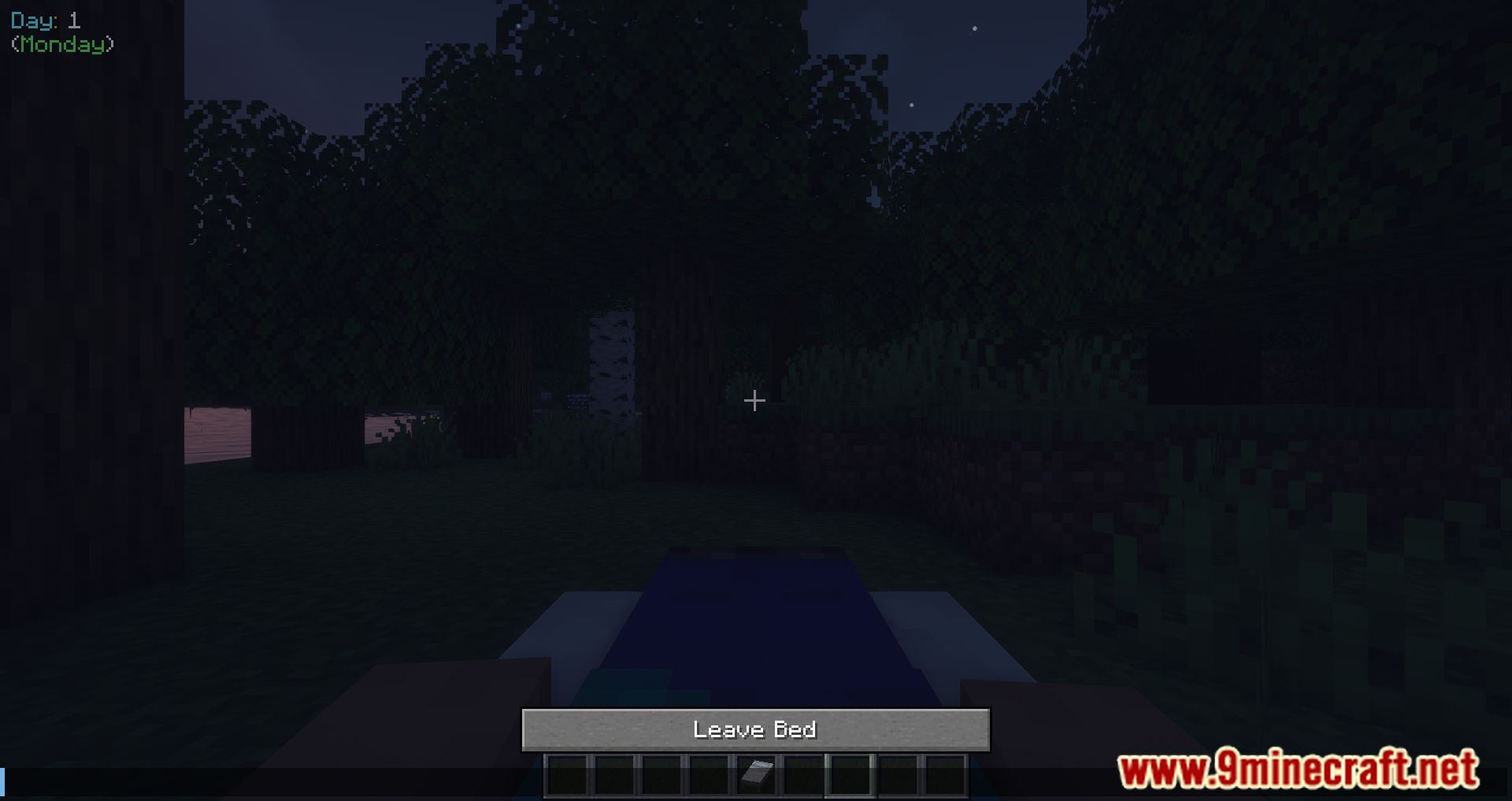
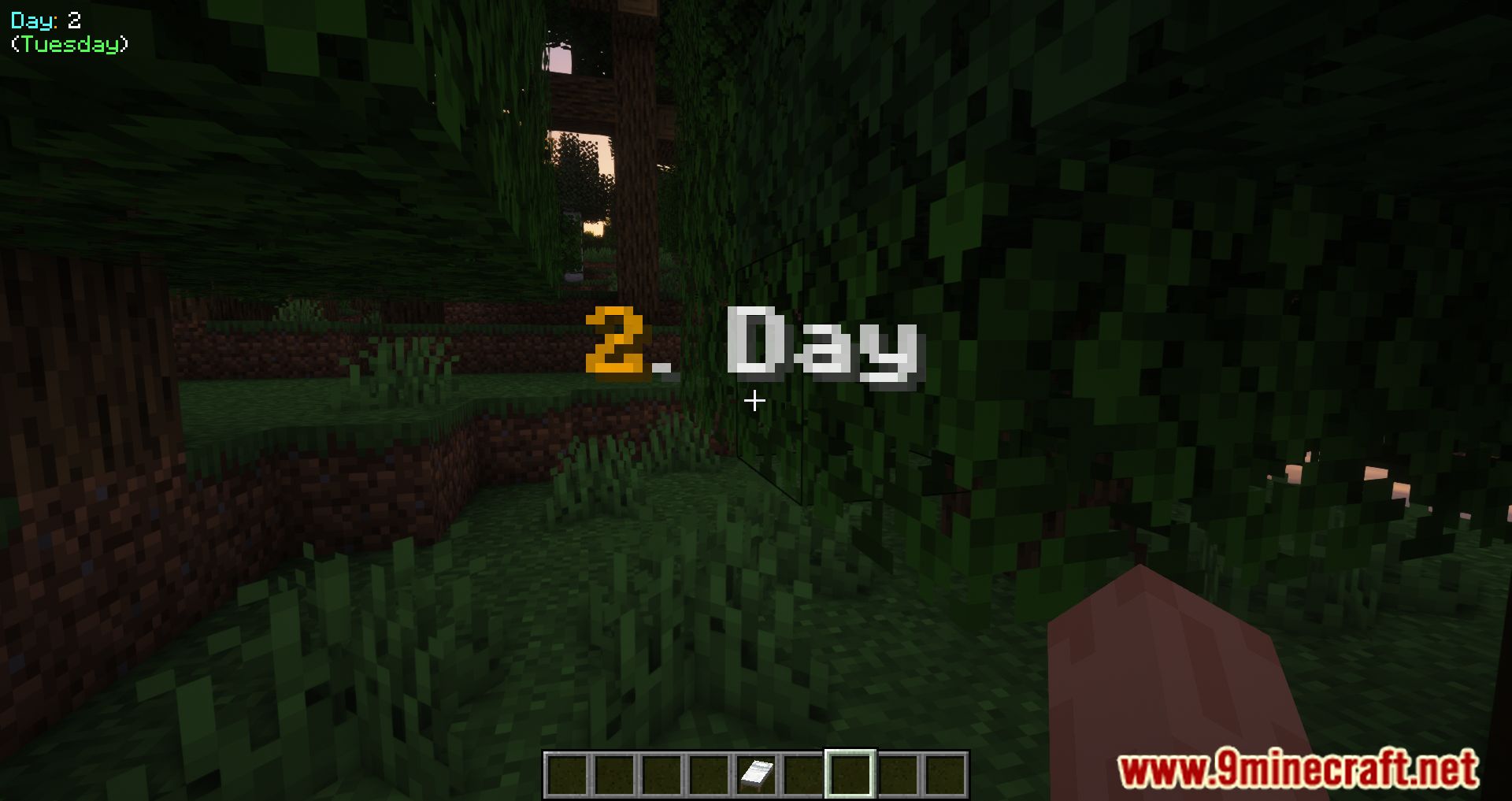
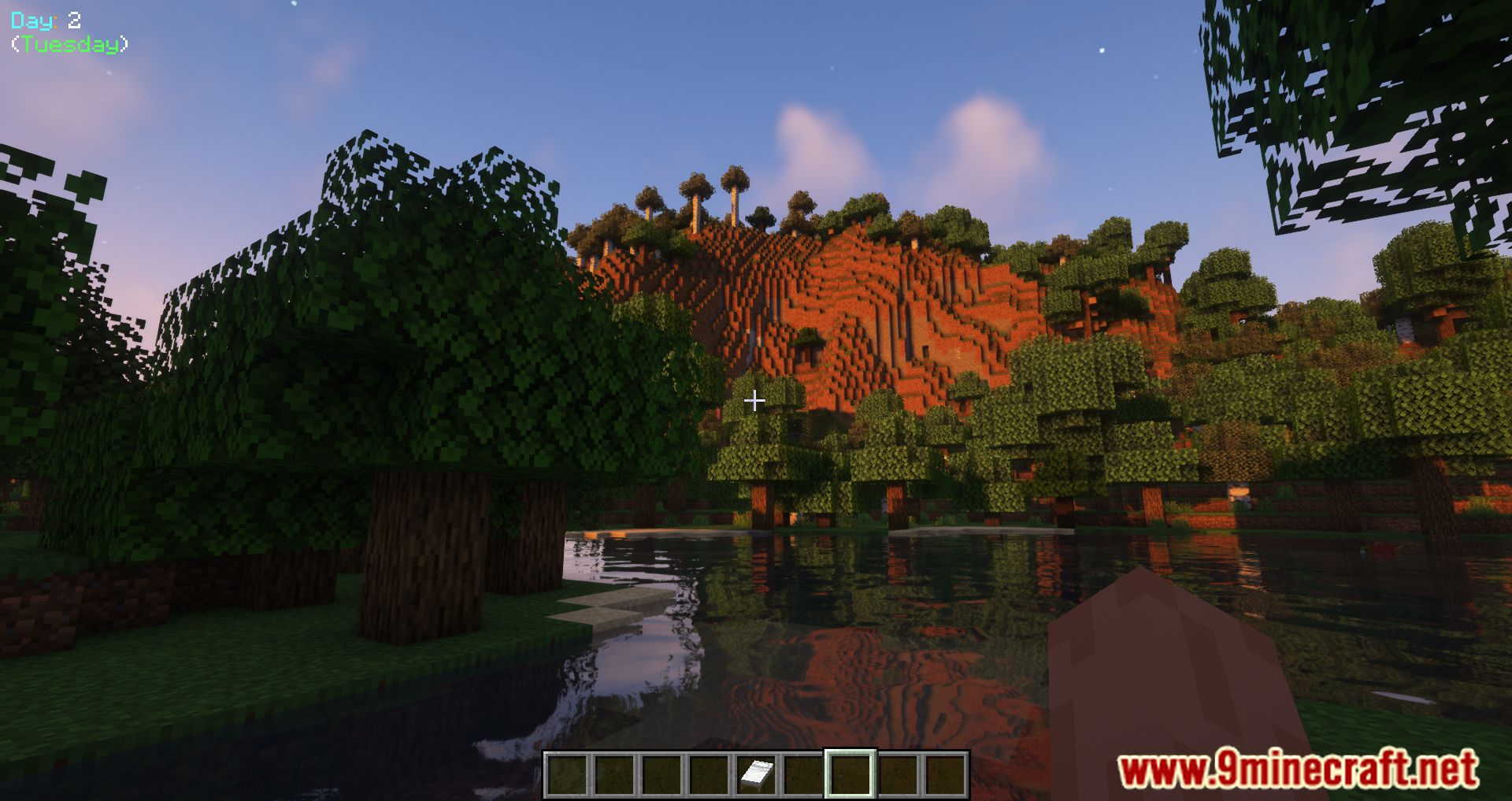
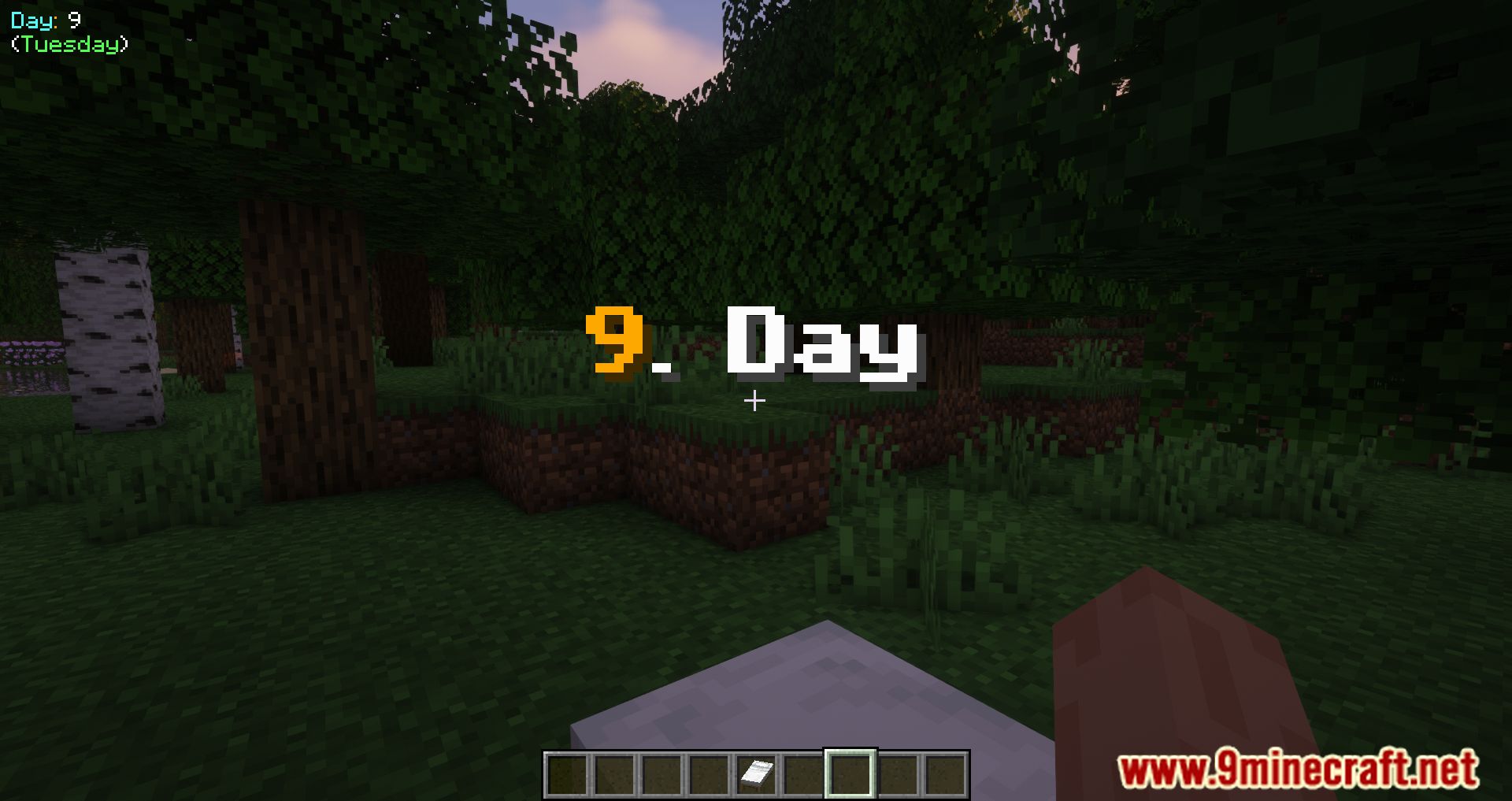
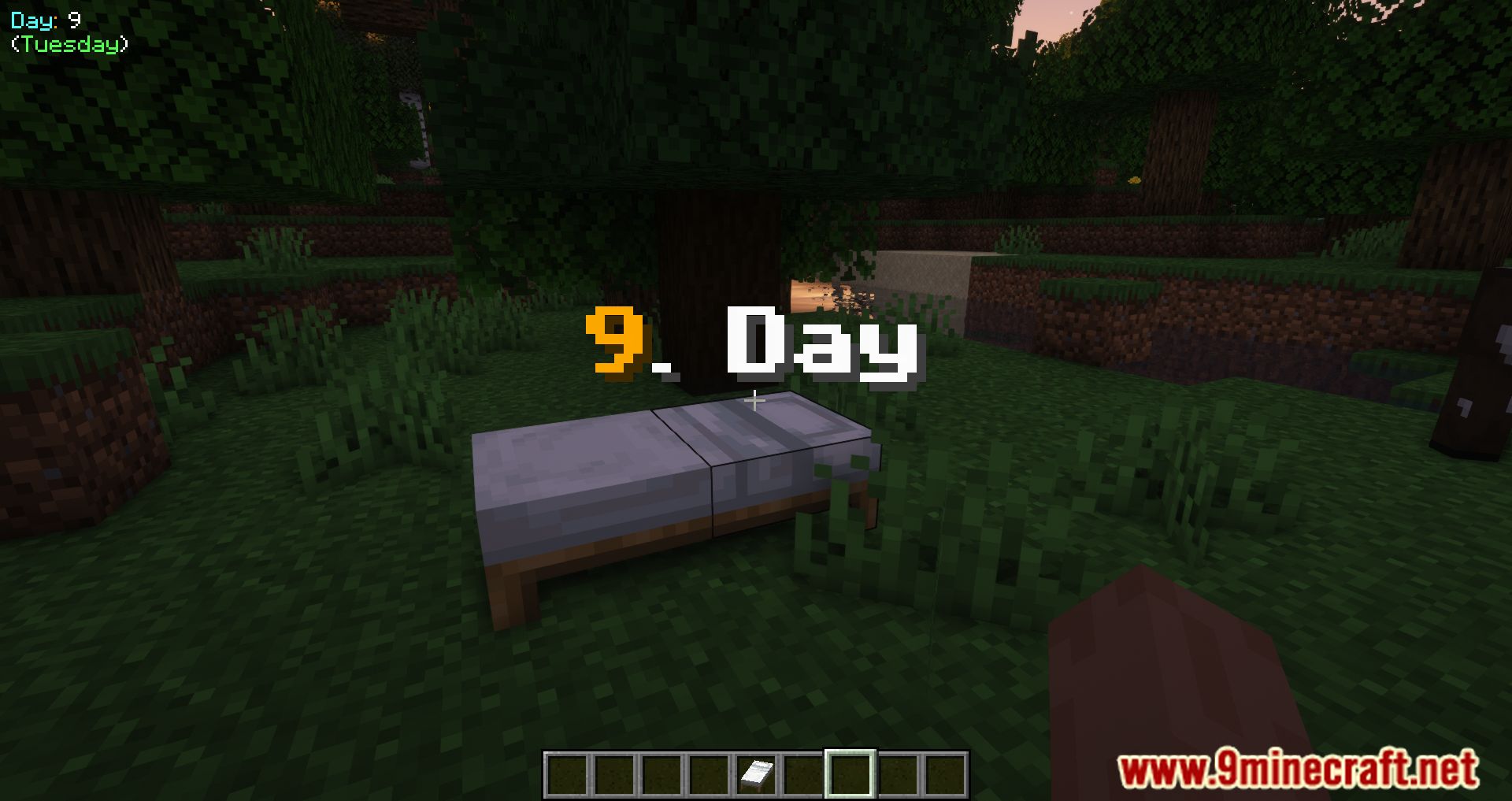
Day Counter Mod tracks every day that passes in your Minecraft world and makes each new day feel alive. It adds a calendar block, a calendar item, a date system, weekdays, sounds, and day-based rewards. When a new day starts, the mod shows messages as titles, subtitles, chat alerts, action bar text, or on-screen overlays. This mod works for both solo worlds and multiplayer servers, with separate counts for server days and player days. It also pairs with the Hud Texts mod for screen overlays and gives you commands and config options to customize how time works.

Features:
- Counts every new day automatically as time passes in your world.
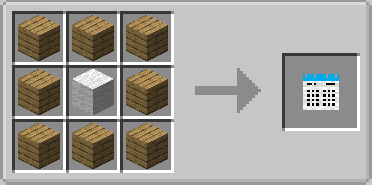
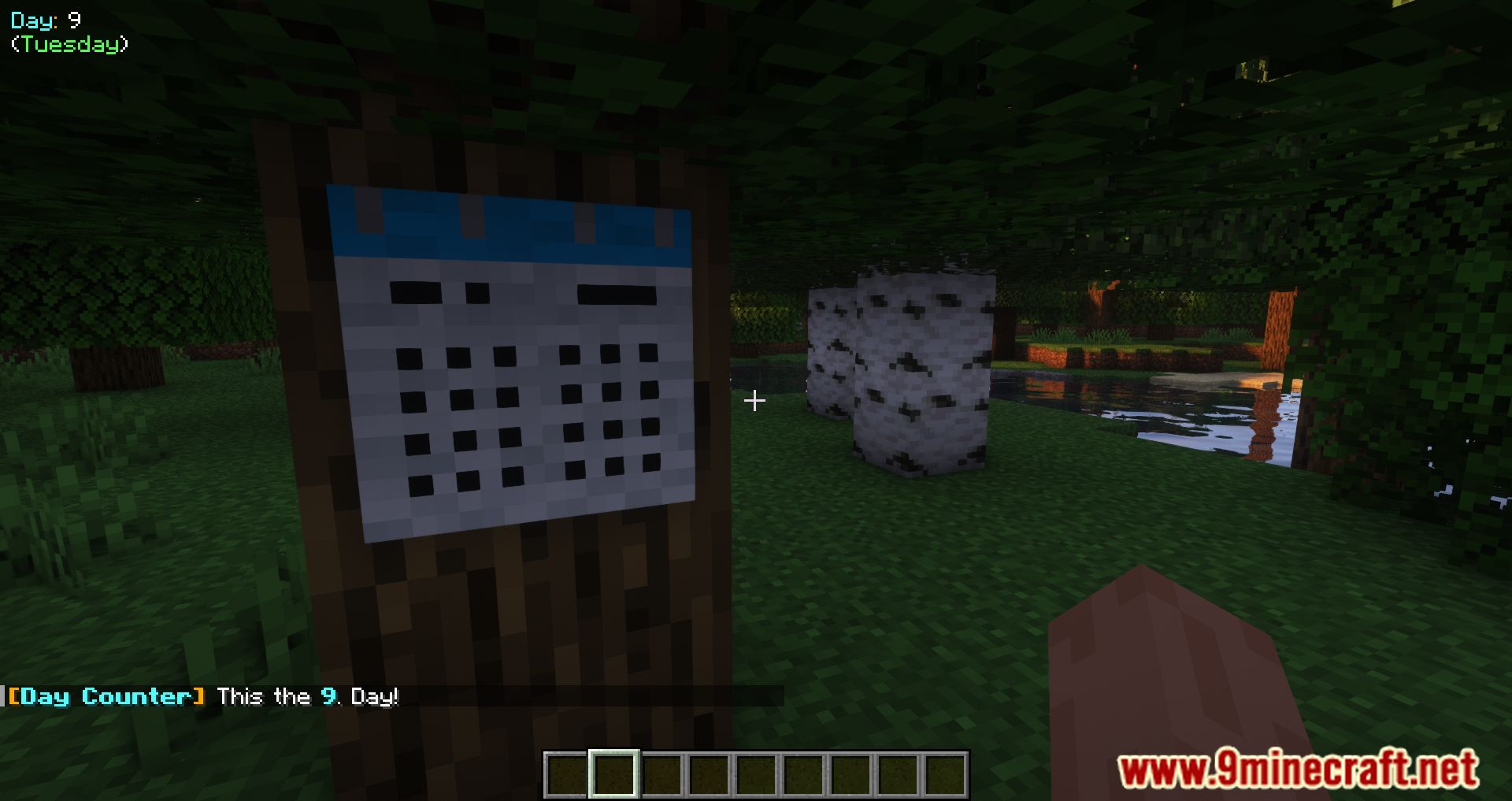
- Adds a calendar block you can place in your world and a calendar item you can carry, crafted from eight oak planks and white wool.
- Displays extra calendar information inside the item’s lore.
- Includes a full date system and weekdays to track how long you survive.
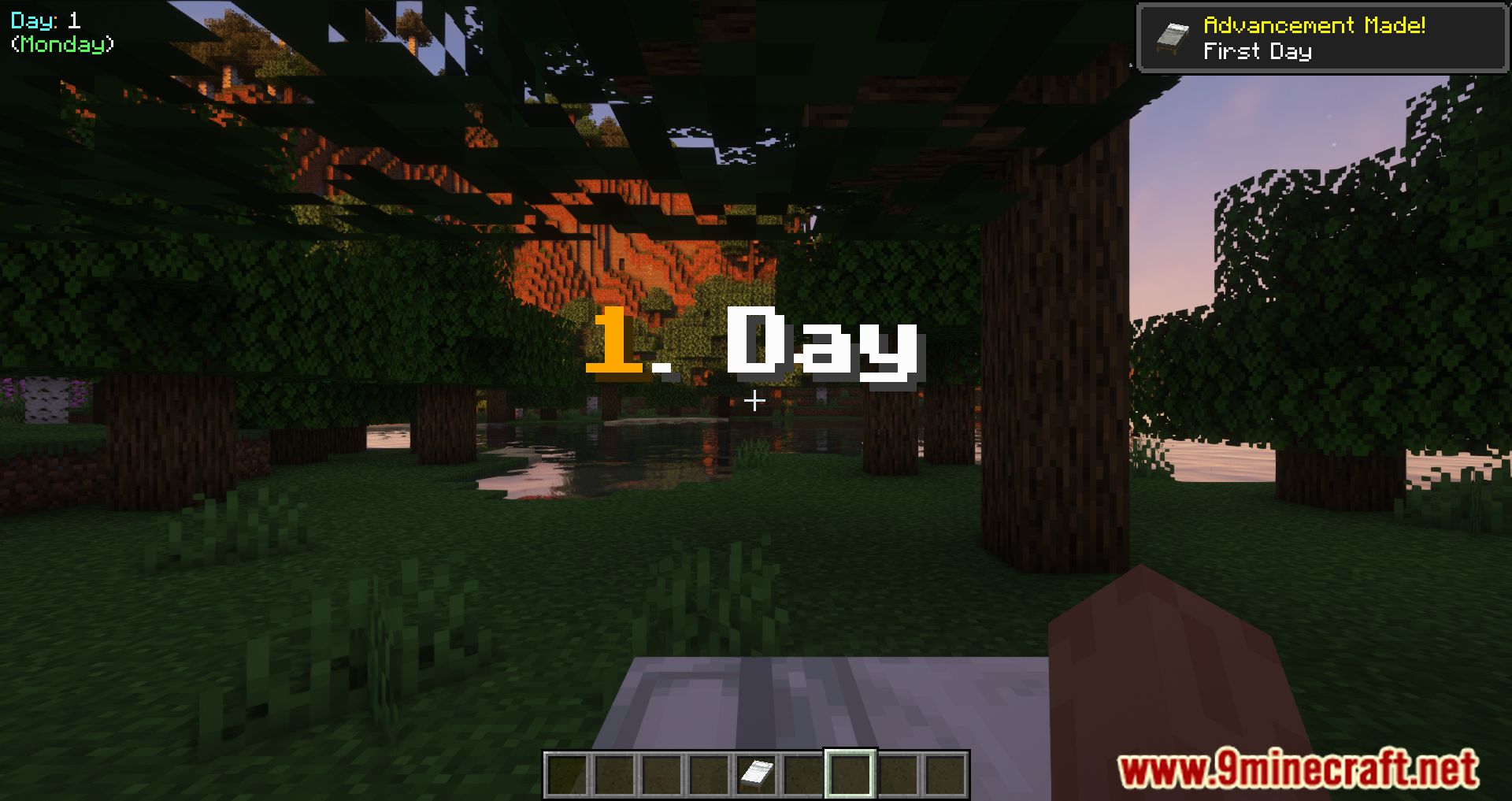
- Shows new day alerts through titles, subtitles, chat messages, and action bar text.
- Plays a sound effect whenever a new day begins.
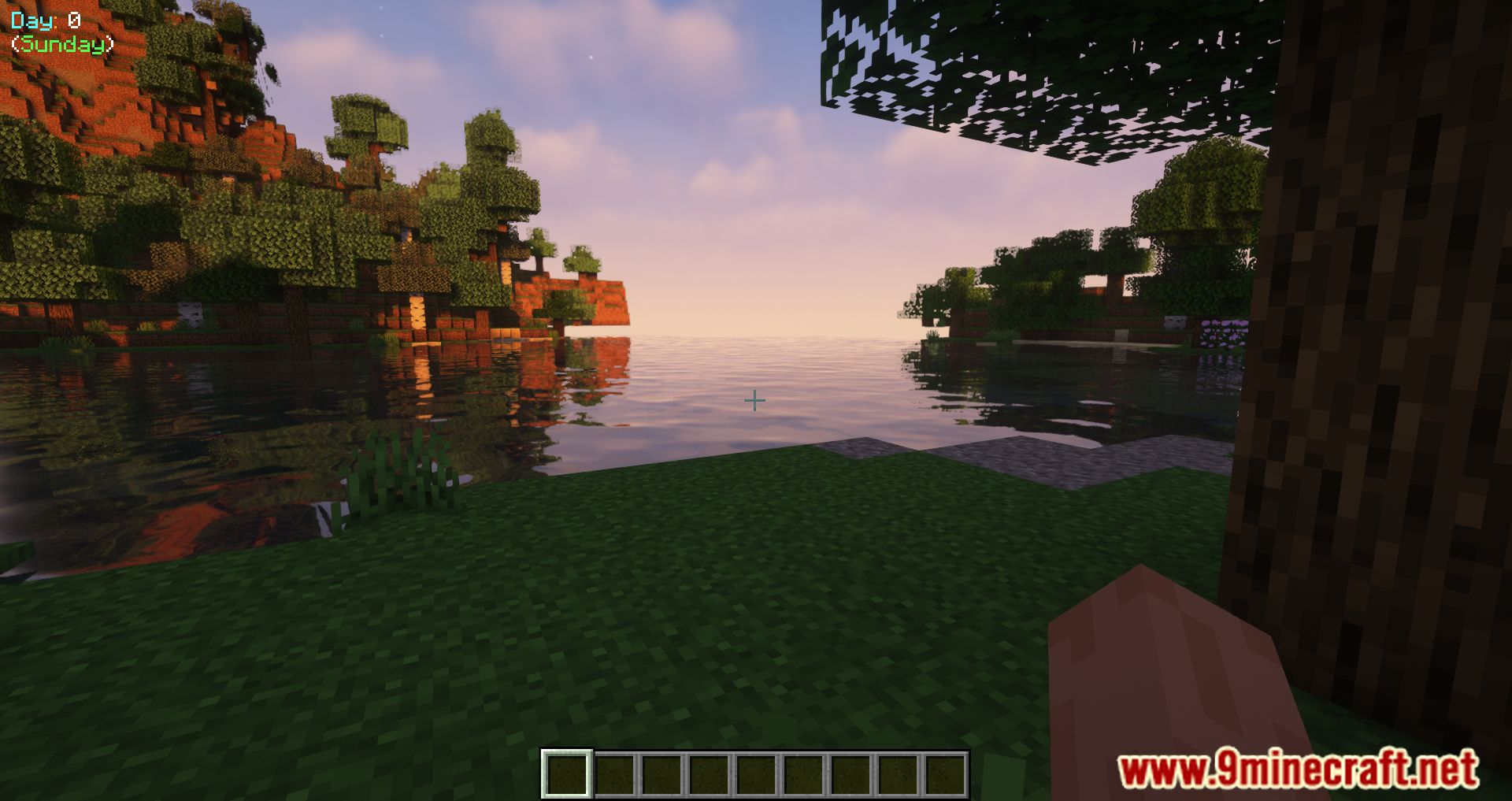
- Provides an on-screen UI overlay for your current day count along with text variables for the Hud Texts mod.
- Tracks server days and individual player days separately for solo worlds and multiplayer servers.
- Triggers configurable events and gives rewards when you reach specific days.
- Lets you customize settings in the config file and manage day counts using built-in chat commands.
Commands:
/daycounter add <type> <player> <amount>: Adds a chosen number of days to a player or server day count./daycounter set <type> <player>: Sets the day count for a player or the server./daycounter reset <type> <player>: Resets a player or server day count./daycounter help: Shows the help message in chat./daycounter reload: Reloads the mod’s config file.
How to Use:
- Load the Hud Texts mod alongside Day Counter Mod so on-screen UI overlays and text variables work properly.
- Craft a calendar using eight oak planks and white wool, then carry the calendar item or place the calendar block in your world to check the time.
- Play normally as days pass; the mod automatically counts each day, plays a sound, and shows new day messages on your screen or in chat.
- Type
/daycounter add <type> <player> <amount>,/daycounter set <type> <player>, or/daycounter reset <type> <player>in chat to change player or server day counts. - Edit the config file to adjust display options, events, or day rewards, then run
/daycounter reloadin chat to apply your changes, or use/daycounter helpto view the command list.
Crafting Recipes:
Screenshots:
How to Install:
New to Minecraft? Follow our step-by-step guide to install Mods on your PC.View Guide
Day Counter Mod Download Links
For Minecraft 1.21.1, 1.21
NeoForge Version: Download from Server 1 – Download from Server 2
For Minecraft 1.20.6
NeoForge Version: Download from Server 1
For Minecraft 1.20.4
NeoForge Version: Download from Server 1
For Minecraft 1.20.1, 1.20
Forge Version: Download from Server 1 – Download from Server 2
For Minecraft 1.19.4
Forge Version: Download from Server 1 – Download from Server 2
For Minecraft 1.19.2
Forge Version: Download from Server 1 – Download from Server 2
For Minecraft 1.18.2
Forge Version: Download from Server 1 – Download from Server 2
For Minecraft 1.17.1
Forge Version: Download from Server 1 – Download from Server 2
For Minecraft 1.16.5
Forge Version: Download from Server 1 – Download from Server 2
What is your biggest frustration when playing with mods?
22 responses · See the full results →
You May Also Like
Picked for this page
 Double Doors Mod (26.3, 1.20.1) – Doors will Now Open and Close Together
 Croptopia Mod (26.2, 1.20.1) – New Crops, Seeds, Foods
 Macro Keybinds Mod (26.3, 1.20.1) – Macro Creation, Keybind Execution
 Hunter’s Return Mod (26.3, 1.20.1) – Meet the Boomerang Illager
 Immersive Vehicles Official Content Pack Mod (1.21.1, 1.20.1)
 TAB Mod (1.21.11, 1.20.1) – An All-In-One Solution That Works
 Dimensional Doors Mod (1.21.1, 1.20.1) – Create Your Own Dimension
 NoWheel Mod (26.3, 1.20.1) – Hotbar Scroll Disable
 Text Placeholder API Mod (26.3, 1.20.1) – Simplify Text and Placeholder Handling
 Servux Mod (26.3, 1.20.1) – Essential Server-Side Support
 Cobblemon: PlayerXP Mod (1.21.11, 1.20.1) – Earn EXP from Winning Pokémon battles
 Piglin Names Mod (26.3, 1.20.1) – Piglins Are Now Named
Most viewed in Mods over the last 7 days
 Ala Industrial Mod (26.3) – Run Electric Power Grids and Automated Factories
 PleasureCraft Mod (26.3, 1.21.1) – Jenny Mod Remake for Fabric
 Jennycraft Mod (26.3, 1.20.1) – Virtual Girlfriend in Minecraft
 Fapcraft Mod (26.3, 1.12.2) – Comprehensive and Detailed Content
 Jenny Mod (Fapcraft) Official Complete Guide – How to use, Tutorial
 BangCraft Mod (1.20.1) – Jenny, Ellie and Elliot
 Fabric Loader (26.3, 1.20.1) – Fabric Installer for All Minecraft Versions
 Meteor Client Mod (26.3, 1.20.1) – Xray, HUD, Fly
 The Shooting Star Demo Mod (26.3, 1.20.1) – Vaporize Terrain From Orbit
 OptiFine HD (26.3, 1.20.1) – Run Faster, FPS Boost, Shaders Support
 Aristois Client Mod (1.21.4, 1.20.1) – World Class Minecraft Utility
 SchnurriTV Mod (1.12.2) – Characters and Features
More from Mods
 Huge Structure Blocks Mod (26.3, 1.20.1) – Pushing Limits With Huge Structure Blocks Mod
 Rctapi Fix Mod (1.21.1) – Fight Cobblemon Trainers Without Any Server Crashes
 Better Title Screen Mod (26.3, 1.20.1) – Adding Custom Text Messages
 Log Cleaner Mod (26.3, 1.20.1) – Cleans Old and Unused Log Files
 Brick Variety Mod (26.3, 1.20.1) – More Brick Variants
 Fast Xp Mod (26.3, 1.21.1) – Faster XP Bottle Usage
 Cherry Villages Mot’s Structures Mod (26.3, 1.21.11) – Find Fresh Settlements
 XinexLib Mod (1.21.1) – Keep Your Ultreon Studios Mods Running
 Libvulpes – Fixed Mod (1.12.2) – Launch Rockets with Fewer Bugs
 Freelook Perspective Mod (26.3, 1.21.1) – Watch Your Back While Sprinting
 FAUNA Engine Mod (1.21.1, 1.20.1) – Powering Legendary Dragons
 Avali Nexus Mod (26.3) – Settle Frozen Frontiers with High-Tech Bird Tribes

This post has no comments yet. Be the first — your comment will appear here.